



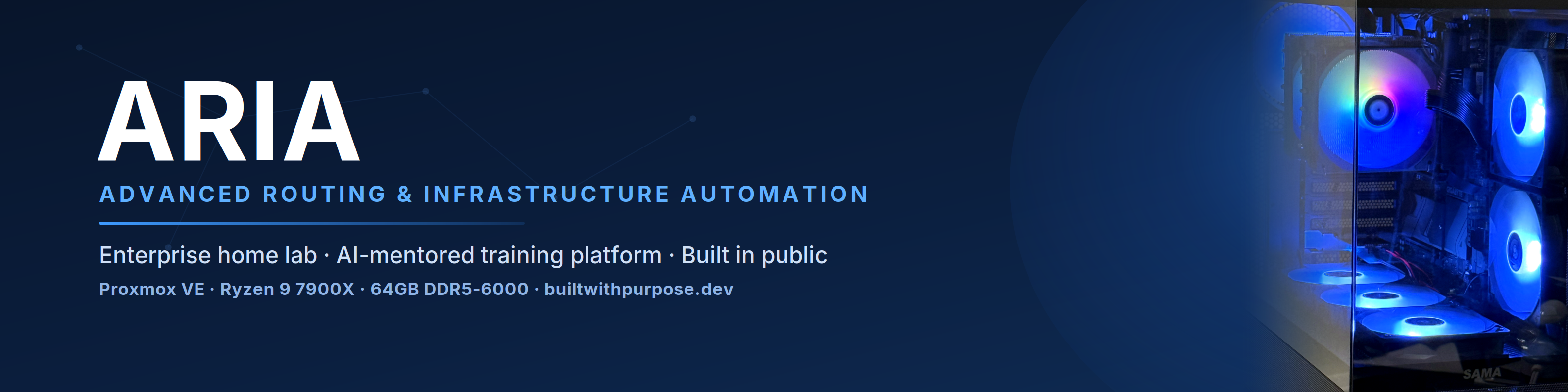

Enterprise IT training built for the real world.
Students don't just study IT — they practice working like IT employees.
🌐 Website · Vision · Career Ops Mode · Shift Mode · Training Domains


ARIA is a career-long IT training and practice platform for aspiring, transitioning, and working technology professionals.
It is not a course library. It is not a chatbot. It is not a collection of isolated labs.
ARIA is a guided workplace simulation where students practice how to read tickets, prioritize work, investigate systems, collect evidence, document findings, and grow through progressive responsibility — before they ever touch a real production environment.
The differentiator is enterprise realism. Students don't click through lessons — they enter a simulated IT workplace and receive work.
When a student logs in, they don't see a lesson list. They see a queue:
Good morning.

Four tickets came in overnight.
Which one would you like to tackle first?

[ 1 ]  #314  —  User cannot access training workstation       ● Medium
[ 2 ]  #315  —  Name resolution appears to be failing         ● Medium
[ 3 ]  #316  —  Linux endpoint health check requested         ○ Low
[ 4 ]  #317  —  New training asset needs inventory review     ○ Low

Select a ticket to begin your shift.

›  _
The student chooses a ticket, investigates within their permitted level, collects evidence, consults the ARIA Mentor when stuck, and submits the work for instructor review.
That moment — choosing which ticket to tackle first — changes the learning experience. The student is no longer consuming information. They are practicing responsibility.
| # | Pillar | What It Means |
|---|---|---|
| 01 | Hands-On Enterprise Simulation | Students work tickets, follow procedures, gather evidence, and document outcomes inside workflows modeled after real IT operations |
| 02 | AI-Guided Mentorship | The ARIA Mentor acts like a senior teammate — not an answer machine. It asks questions, not just gives answers |
| 03 | Progressive Career Practice | Students move through levels of responsibility. No one gets assigned senior infrastructure work without preparation |
| 04 | Evidence-Based Learning | Students learn to document proof, not assumptions. "I fixed it" is not an answer. Evidence is |
| 05 | Instructor-Governed Safety | The instructor controls progression, high-risk work, and outside labs — mirroring how real IT teams operate |
ARIA organizes practice into nine domains that reflect real IT work. A single ticket may touch several at once.
| Domain | Area | Focus |
|---|---|---|
| 01 | Help Desk & Ticketing | Triage, documentation, escalation, professional communication |
| 02 | Identity & Access Management | Account review, login triage, group membership, lockout workflows |
| 03 | Windows Endpoint Support | Endpoint identity, network config, policy validation, health checks |
| 04 | Linux & Systems Administration | User identity, service status, disk/memory awareness, log review |
| 05 | Networking & Infrastructure | IP concepts, DNS troubleshooting, DHCP review, VLAN awareness |
| 06 | Security & SOC Readiness | Alert triage, incident notes, escalation reasoning, safe investigation |
| 07 | Automation & Documentation | Runbooks, checklists, repeatable evidence collection, change summaries |
| 08 | Asset Management & Operations | Inventory, classification, lifecycle tracking, onboarding documentation |
| 09 | Outside Lab Practice | Vendor labs, certification sandboxes, disposable environments |
Students cannot skip levels by default. Promotion requires completed tickets, evidence quality, documentation quality, safe behavior, and instructor approval.
| Level | Tier | What Students Practice |
|---|---|---|
| L1 / L2 | Junior IT Operations | Safe triage and evidence collection. Prove what you observed before recommending action |
| L3 / L4 | Intermediate Infrastructure Ops | Controlled remediation. Stronger pre-check, post-check, and rollback awareness |
| L5+ | Senior Operations / Engineering | Root cause analysis, change planning, runbooks, post-incident review, mentoring others |
The same topic appears at every level — with different expectations.
Junior: Can the endpoint resolve names?
Intermediate: Why is the endpoint receiving the wrong network settings?
Senior: Is this a design or architecture issue that affects multiple teams?
The AI Mentor inside ARIA is designed to act like a senior teammate, not an answer machine.
Instead of handing students the solution, it asks:
What system is affected?
What did the user report?
Can you prove the endpoint is online?
What evidence do you have?
What does the evidence show?
What does it not yet prove?
What would you check next?
The goal is to build judgment, not dependency.
- Aspiring IT professionals entering the field
- Career transitioners preparing for help desk or support roles
- Learners moving from certification study into practice
- Working professionals refreshing or expanding skills
- Instructors who want realistic, structured practice environments
This repository is the public documentation home for ARIA. It contains the learning model, training philosophy, and sanitized examples. It does not contain application code, private infrastructure, credentials, or real student data.
| Document | Description |
|---|---|
| ARIA Vision | Mission, core idea, five pillars, and long-term direction |
| Career Operations Mode | The progressive workplace simulation and student experience |
| Shift Mode | The daily ticket queue — how students choose, investigate, and submit work |
| Training Domains Overview | All nine practice areas and how they connect |
| Public / Private Boundaries | What belongs here and what stays in the private codebase |

|
Julius Moore Founder & Platform Architect — ARIA Training Labs ARIA was built from a single observation: the gap between certification study and actual IT work is too wide. The best way to close it is to make students practice like they're already on the job. ariatraininglabs.com |
No private infrastructure details, credentials, internal addresses, source code, or real student records are published here.
See docs/governance/public-private-boundaries.md for the full governance standard.