Procedurally generate aesthetic placeholder images in Python.
This is intended to be used with an Image field in Django, but can easily be repurposed.
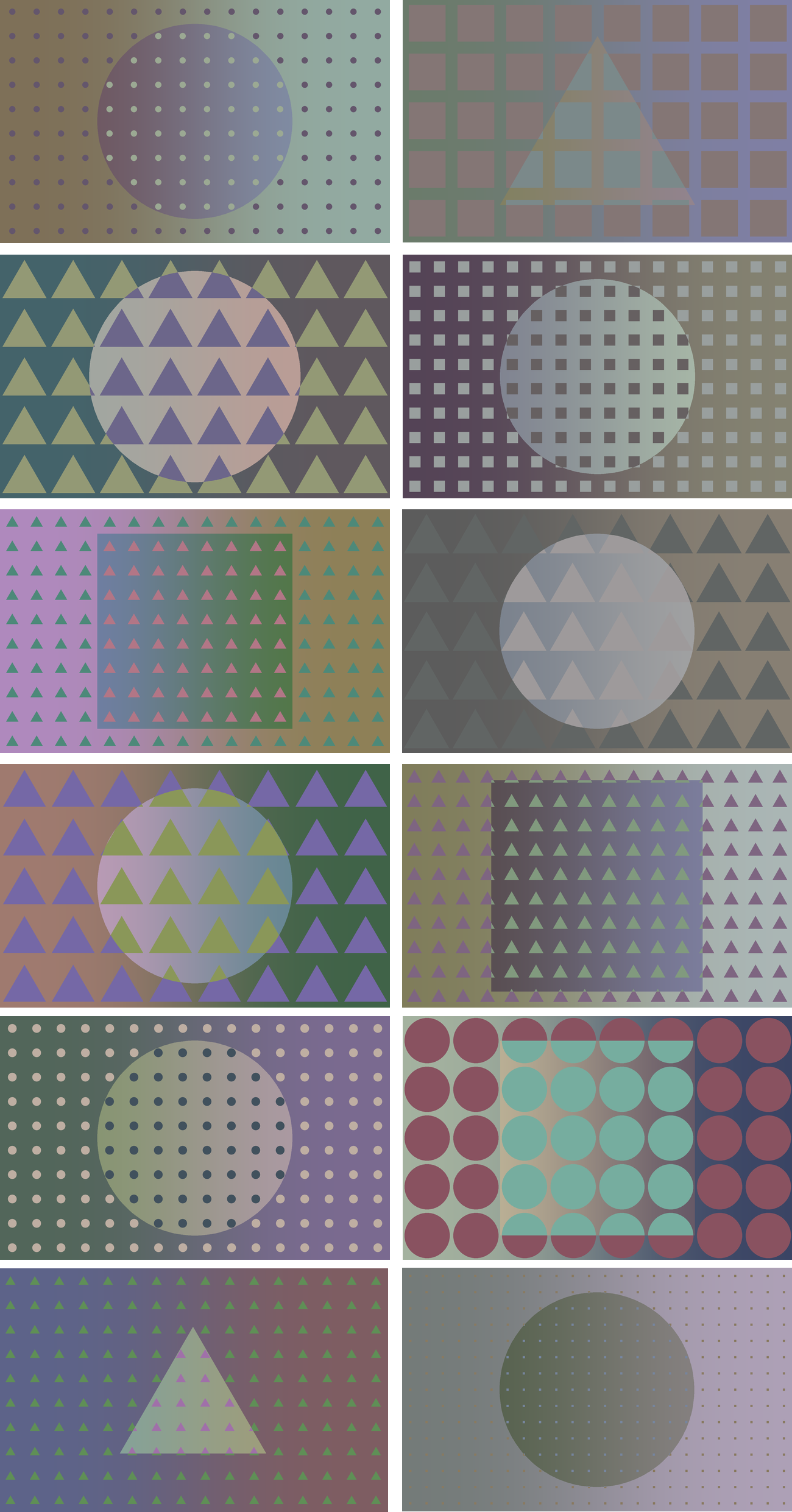
git clone git@github.com:danyalette/vaporimage.git
cd vaporimage
If applicable, activate your project's virtualenv: source path_to_venv/bin/activate
pip install .
In your Django project,
from vaporimage import createImage

myInstance = MyModel(name="My New Instance", thumbnail=createImage("name_of_image", 640, 400))
myInstance.save()
You may want to override your model's save method, in order to generate a placeholder image if there currently is none:
from django.db import models
from vaporimage import createImage

class MyModel(models.Model):
    def save(self, *args, **kwargs):
        if not getattr(self, 'thumbnail'):
            self.thumbnail = createImage(getattr(self, 'name'), 640, 400)
        super(MyModel, self).save(*args, **kwargs)
Note that the grid size is optimized for a width/height ratio of 1.6.