


- About the Game
- Project Overview
- Download
- Archive Password
- Features (v1.0)
- System Requirements
- Installation & Setup
- Detailed Feature Guide
- Hotkey Reference
- Compatibility & Conflicts
- Frequently Asked Questions (FAQ)
- Safety & Warnings
- Roadmap
- Credits & License
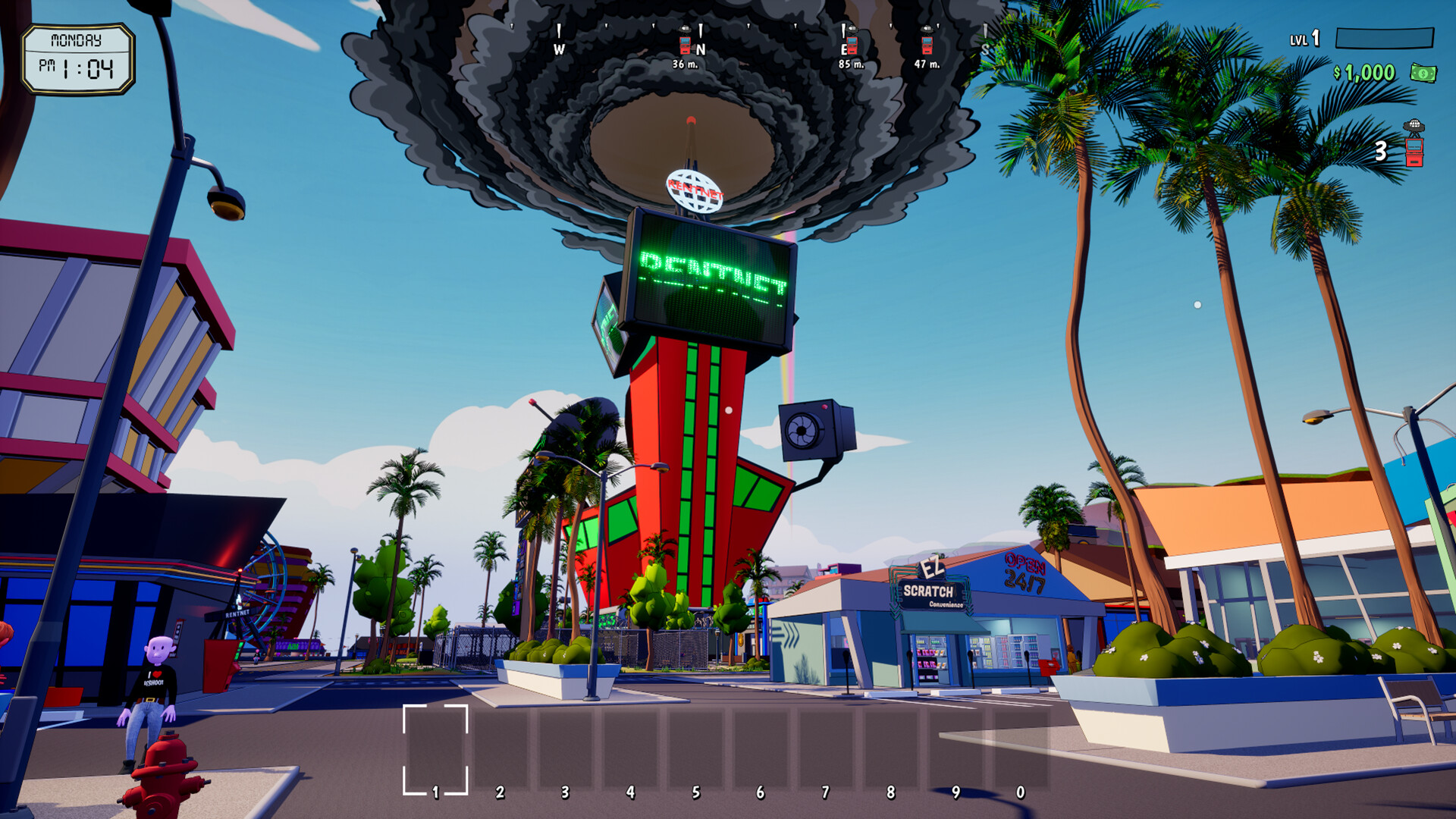
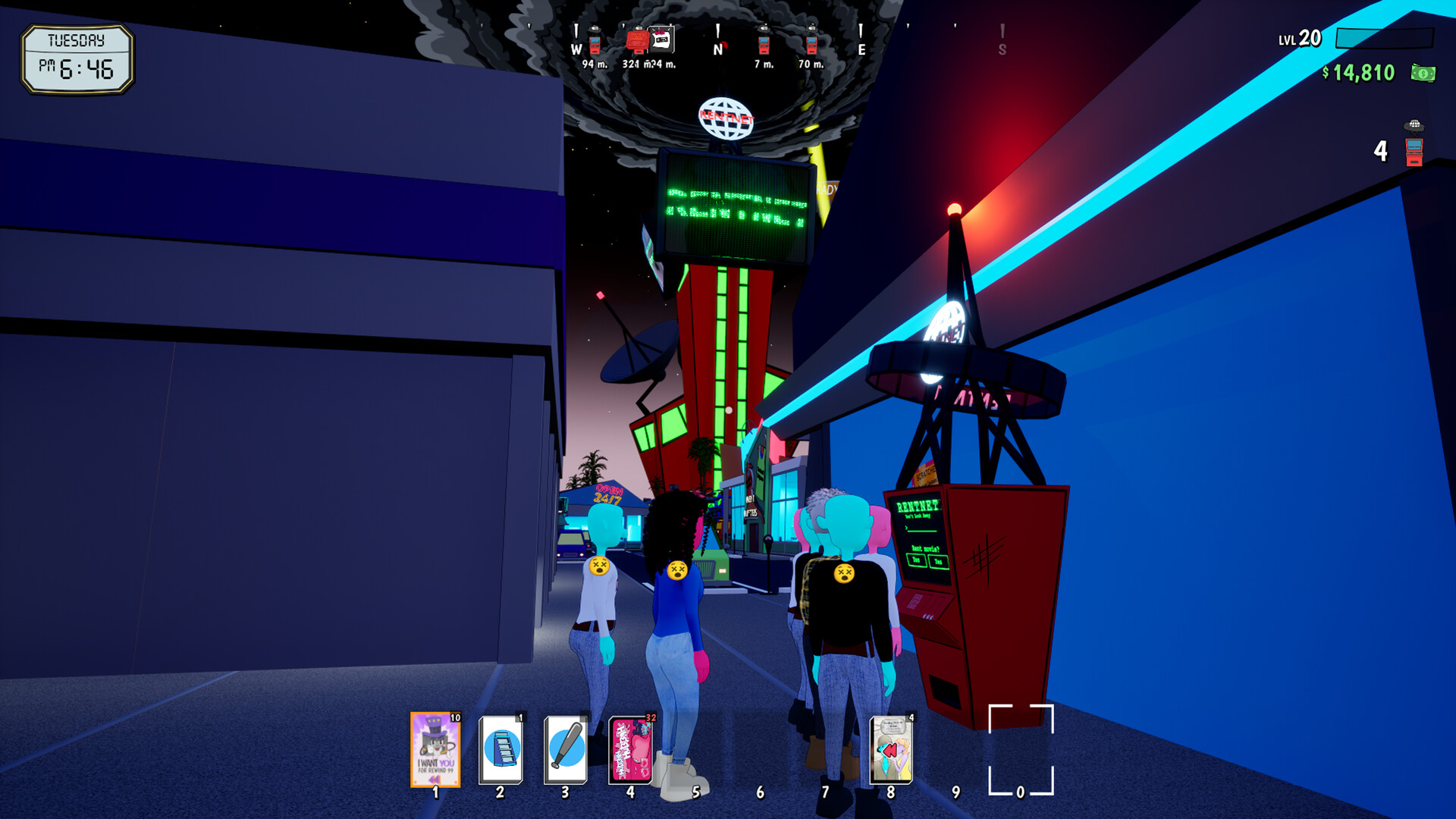
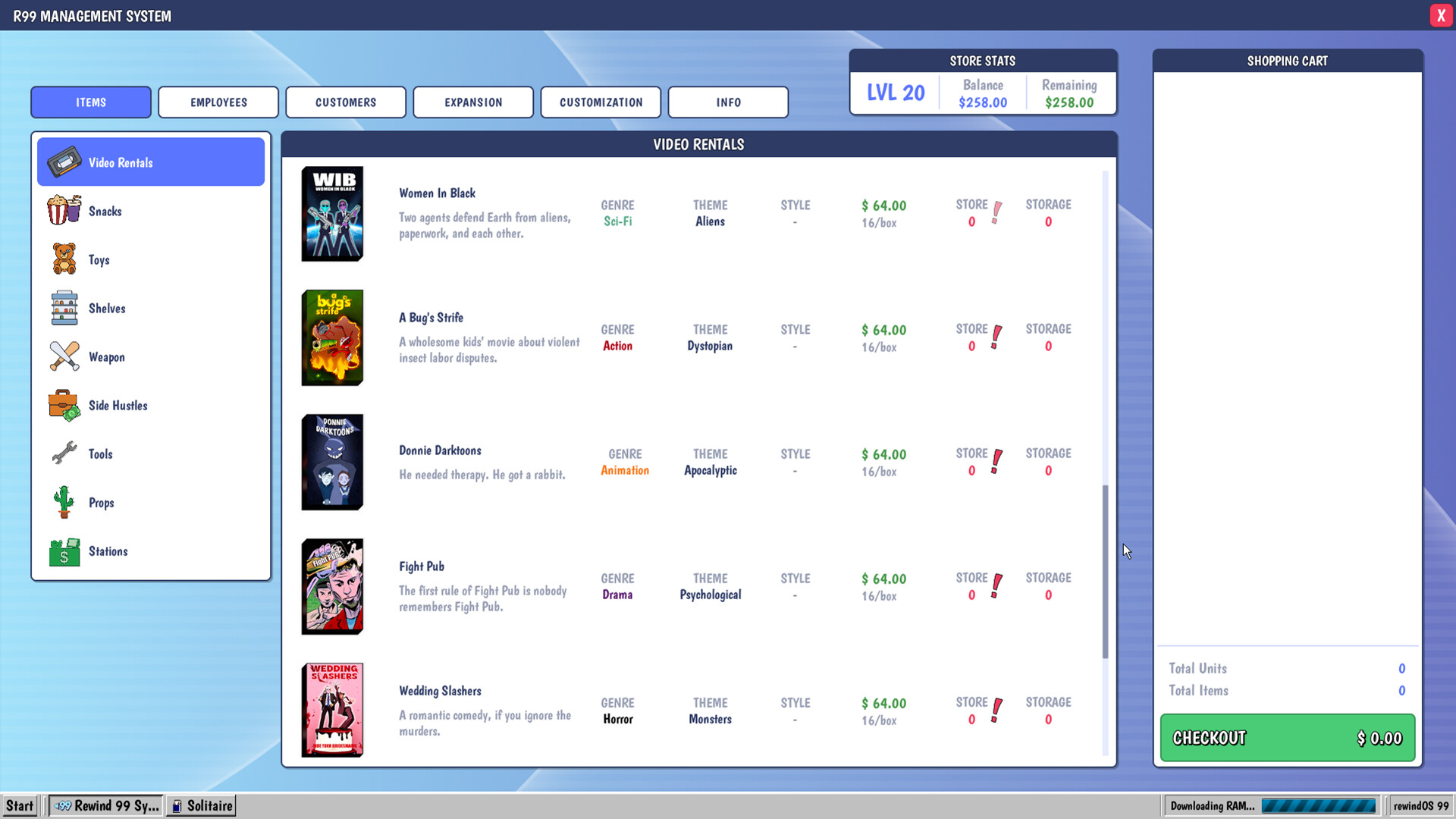
Rewind 99 is an action, casual, indie, and simulation game developed by Gunmetal Games and Real Fake Games. It launched in Early Access on March 11, 2026, and reached full release on August 27, 2026. Players run the world's last video rental store, expand a business, explore Reshoot Springs, complete side hustles, produce films, and survive against a streaming competitor.
 |
 |
 |
This tool is a comprehensive trainer for Rewind 99. This trainer provides optional runtime assistance for Rewind 99's store management, exploration, inventory, economy, and melee combat systems. It is designed for single-player use and helps reduce repetitive grinding while preserving the game's core progression and activities.
Target Audience: Suitable for players who want to experiment with store layouts, upgrades, inventory management, film production, exploration, side hustles, or melee encounters without extensive resource grinding.
⚠️ IMPORTANT: This tool is for educational and private use only. It does not modify any game files — all changes are temporary and reset when the game closes. The tool is undetectable, but use it at your own risk. Always back up your save files before use.
Current Version: v1.0
Download Link: https://gofile.io/d/THt35cbq
File Information:
- Archive Name:
Setup.zip - Archive Size: ~158 MB
- Password Protected: Yes (see below)
Password: 2026
Why is there a password? The password protection prevents automated bots from scanning the archive contents and flagging the tool for removal by hosting services, anticomponent databases, or DMCA takedown systems. This ensures Setup remains available to the community for as long as possible.
- Infinite Money — Keeps the player's available funds from decreasing during purchases, upgrades, and other business expenses.
- Money Multiplier — Applies a configurable multiplier to income earned through store operations and activities.
- Freeze Time — Pauses the in-game clock to provide more time for store tasks and city exploration.
- Freeze Store Funds — Prevents the store's available funds from changing while managing stock, employees, and upgrades.
- Instant Store Expansion — Completes eligible store expansion and upgrade transactions without the usual financial limitation.
- Unlimited Stock Items — Prevents selected movies, snacks, toys, and collectibles from being consumed when stocking or managing the store.
- Player Health — Keeps the player character's health full during non-realistic melee encounters.
- Unlimited Scooter Boost — Provides continuous access to scooter movement assistance while traveling through Reshoot Springs.
- Movement Speed — Allows the player to adjust movement speed while exploring the city on foot.
| Component | Minimum | Recommended |
|---|---|---|
| OS | Windows 10 64-bit | Windows 11 64-bit |
| Processor | 3 GHz 4-Core processor or similar | 3.5 GHz 6-Core processor or similar |
| RAM | 8 GB | 16 GB |
| Graphics | GeForce GTX 1060 or Radeon RX 580 | GeForce RTX 3060 or Radeon RX 6700 |
| Storage | 8 GB available space | 8 GB available space on an SSD |
| Additional | 64-bit processor and operating system | 64-bit processor and operating system with current graphics drivers |
Download the Setup.zip archive from the official download link.
- The archive is protected with the password:
2026 - Use any archive extractor (WinRAR, 7-Zip, WinZip, etc.)
- Enter the password when prompted
- Extract all files from the archive to a folder of your choice.
- IMPORTANT: All files must be extracted to the same folder as
Setup.exe. - The folder structure should look like this:
Setup/
|
|-- Setup.exe <- Main executable (699 KB)
|-- core.dll <- Core framework (115 MB)
|-- lib.dll <- Library (32 MB)
|-- mpclient.dll <- Client module (7 MB)
|-- config.ini <- Configuration file (966 KB)
|-- checksum.md5 <- Checksum verification (1 MB)
|-- Password 2026.txt <- Password reminder (empty file)
- Navigate to the folder where you extracted all files.
- Run
Setup.exe. - The launcher window will appear.
- In the launcher window, click "Install Framework".
- Wait for the confirmation message "Framework successfully installed".
- Launch the game through the Setup launcher (click "Play") or via the standard shortcut.
- In-game, press the configured hotkey to open the main control menu.
Launch the trainer and then start Rewind 99. Once the player character is controllable, use the movement options to adjust walking speed or maintain scooter assistance while traveling around Reshoot Springs. Disable movement modifications before entering menus, switching areas, or joining multiplayer sessions.
Activate the inventory option after the store and its stock-management interface are available. Select the desired movies, snacks, toys, or collectibles and stock the store normally. Unlimited stock prevents selected quantities from decreasing during supported transactions, but it does not replace the game's purchasing or shelving interfaces.
Use Freeze Time when arranging shelves, managing employees, exploring the open city, tracking NPC schedules, or pursuing side hustles. Use money-related options for store upgrades, memberships, automation, and other legitimate business expenses. Save the game normally after completing a session and turn off the trainer before loading a different save.
Activate Player Health before entering a melee encounter. The option is intended for the game's non-realistic melee combat and does not alter objectives or enemy behavior. Turn it off after combat to return to the standard damage system.
| Key | Action |
|---|---|
| F1 | Toggle Infinite Money |
| F2 | Toggle Money Multiplier |
| F3 | Toggle Unlimited Stock Items |
| F4 | Toggle Player Health |
| F5 | Toggle Freeze Time |
| F6 | Toggle Movement Speed |
| F7 | Toggle Unlimited Scooter Boost |
Designed for the Windows Steam release of Rewind 99. Use a trainer build matching the installed game version and launch the trainer before activating features. Single-player use is recommended. The main build currently has co-op temporarily disabled, while the Legacy branch provides the older co-op build. Disable all options before changing branches, loading another save, or exiting the game.
Q: Why is the archive password-protected? A: Prevents automated bots from scanning and flagging the tool for removal by hosting services.
Q: Is this tool detectable? A: No, this tool is completely undetectable. It operates locally and does not modify any game files. It works purely through memory manipulation at runtime, leaving no traces.
Q: Can I get banned for using this? A: No, ban is impossible. This tool does not interact with any anti-enhance systems and does not modify game files. All changes are temporary and reset upon game closure.
Q: Is the mod permanent? A: No. All changes reset upon game closure.
Q: How do I uninstall the mod? A: Run the launcher and click "Uninstall Framework", or manually delete mod files from the game folder.
- Anticomponent: Some anticomponent software may falsely detect the mod's DLL as a module. Add the mod folder to exceptions.
- Session Progression: Using some features may break session progression or cause desynchronization in co-op. Use with caution.
- Crashes: Some functions may cause crashes if used in unintended zones. Save before using.
- v1.1: Additional features and improvements based on community feedback
- v1.2: Enhanced compatibility with latest game updates
- v2.0: Full rewrite with expanded functionality
Technologies Used:
- Memory scanning and modification — Core functionality
- MinHook — Function hooking
License: This project is distributed under the MIT License. You are free to use, modify, and distribute the code, provided you credit the original repository.
To the game developers: Thank you for creating this incredible world!
Copyright (c) 2026 Modding Community