Repository navigation
Home
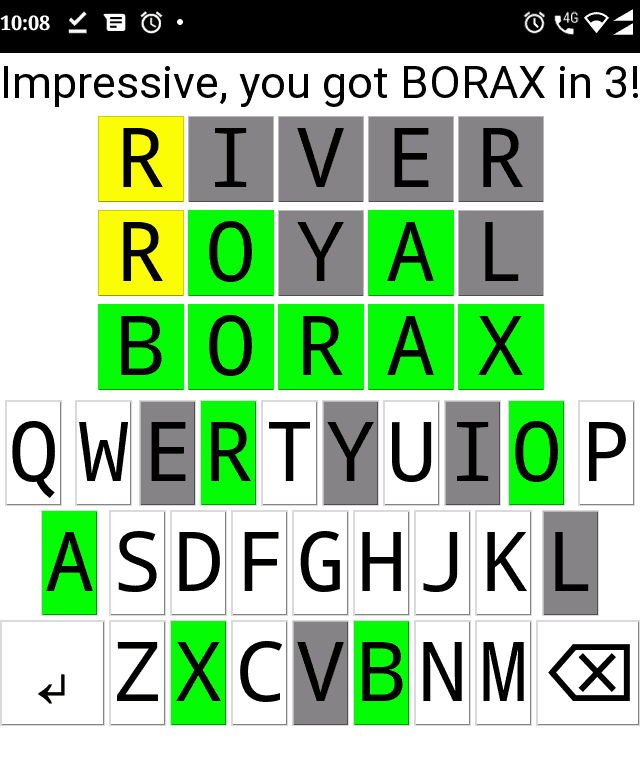
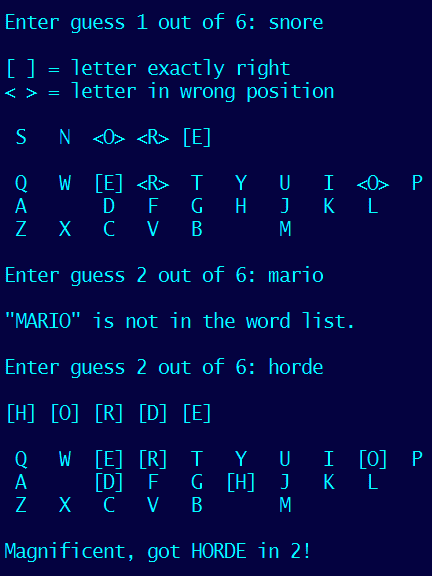
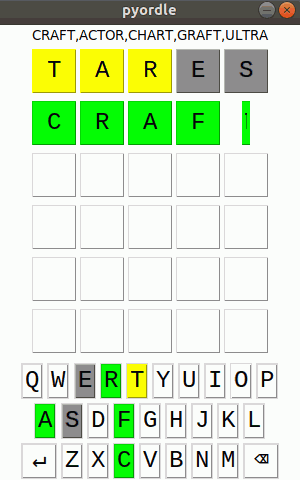
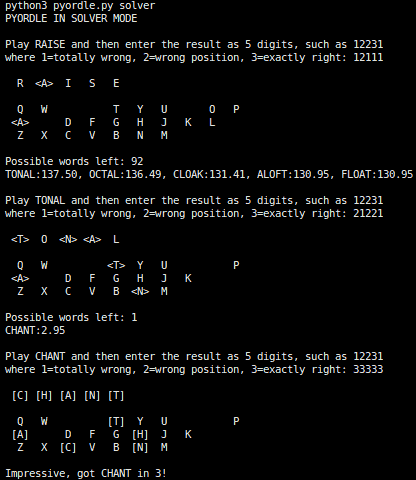
Pyordle is a Python 3 implementation of a popular online word game in 2022. It is for teaching Python basics and is thus not of professional code quality. The basic version is text-only; optional enhancements include a graphical user interface, and a solver to automatically solve similar puzzles or give hints to the player.
- Sample code with GUI and solver, hint and demo modes
- Sample implementation with solver, hint and demo modes as a single file on online-python
- Original
- Hello Wordl
- Online: online-python – must open pyordle_answers.txt and pyordle_valid.txt as tabs, no tkinter
- Online: onlinegdb – must open pyordle_answers.txt and pyordle_valid.txt as tabs, broken tkinter
- Windows: single-file Python interpreter – no tkinter
- Android: Pydroid 3 – cannot call with command-line arguments, contains ads
- about me
- about this course
- tell us your
- name
- programming experience
- what you hope to get from this course
- about Python
- Python 2 vs 3 (print, input, strings, /, names of things etc)
- set up Python
- simple variables
- naming conventions
- int
- float
- bool
- strings
- multiline strings
- extracting characters
- lower, upper
- operators
- precedence
- /
- shortcut operators (e.g. +=)
- input vs raw_input
- .format vs %
- multiline commands (\)
- multicommand lines (;)
- comments
- indentation
- functions
- default parameters
- return
- global
Exercise 1: Have a go at exercise 1 in the sidebar!
- list
- tuple
- set
- dict
- list comprehension
- len
- range
- join
- extracting elements
- reversing a list
- reading files
- writing files
Exercise 2: Read word lists into sets
- if, elif, else
- while
-
for
- enumerate
- items, keys, values
- break
- continue
Exercise 3: Input valid guesses
- command-line parameters
- Web access
Exercise 4: Think up an algorithm to evaluate players' guesses
- sorted
- lambda
Exercise 5: Display the results and end-game messages
- object-oriented (class)
- exceptions
- multithreading
- regular expressions
- specific applications
- advanced games (Pygame, PyOpenGL)
- numerical computing and statistics (numpy, scipy)
- imaging (PIL, OpenCV)
- machine learning (PyTorch, TensorFlow)