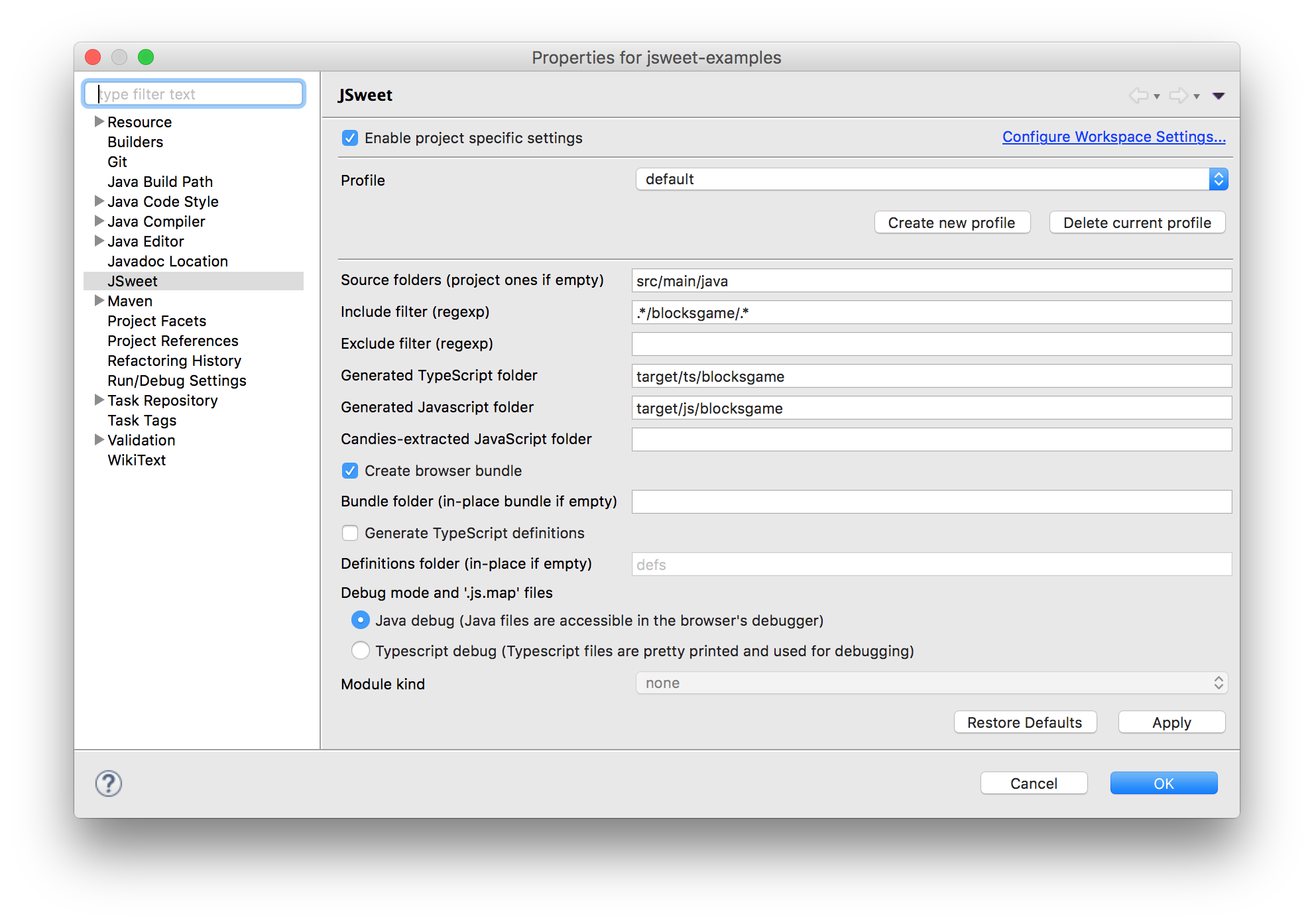
Eclipse plugin for the JSweet transpiler Installation Under Eclipse, go to: Help > Install New Software. Press the "Add..." button to add the JSweet.org update site. Update site URL: http://eclipse-update-site.jsweet.org Follow the installation instructions (keep the default options) and restart Eclipse when prompted. How to start from the quick start project Clone the jsweet-quickstart project from Github and import it to your workspace. Right click on your newly added project: Properties > JSweet > Enable project specific settings. Set the generated JavaScript folder to target/js. Right click on your newly added project: Configure > Enable JSweet builder. Clean the project: the target/js should be populated. Right-click on webapp/index.html and choose Open with > System editor. If successful, your browser should popup an alert.