

Micro app for automatically deploying to Amazon S3 on a BitBucket commit.
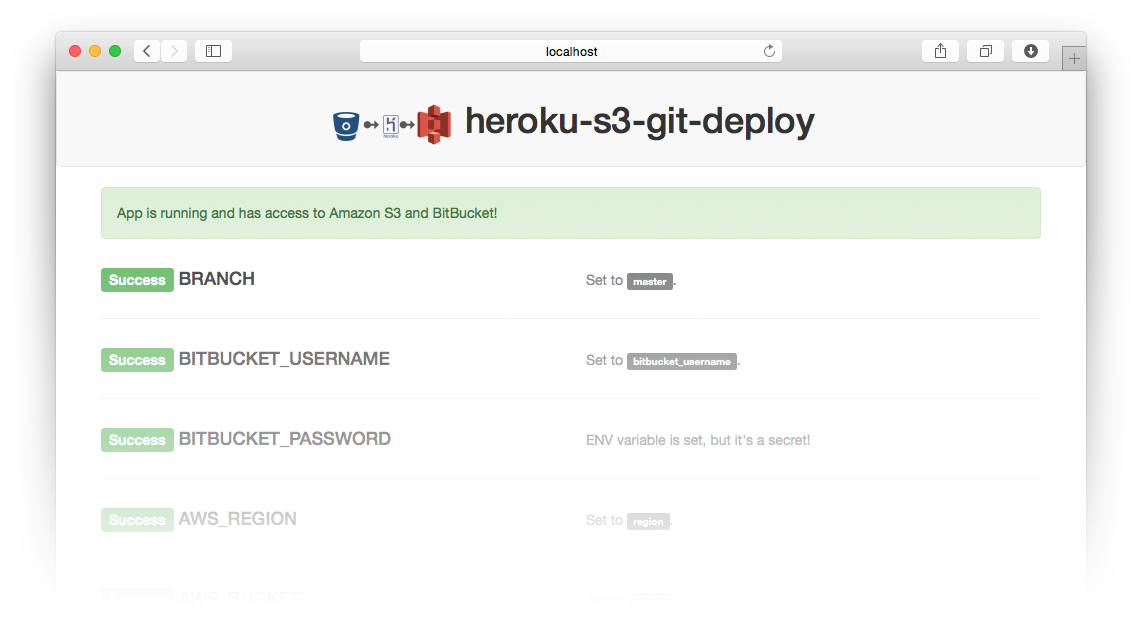
First just deploy a free instance of the app on heroku using the button then just follow the steps below.

- You will need
AWS_ACCESS_KEY_ID,AWS_SECRET_ACCESS_KEY,AWS_REGIONandAWS_BUCKETfor your Amazon S3 account. - Create an API Key in Bitbucket for your team and use your team name as the
usernameand the API Key as yourpasswordin the next step. - Set
BITBUCKET_USERNAMEandBITBUCKET_PASSWORDENV variables to match with theusernameandpasswordabove. - Add a
POSThook in Bitbucket that points to the/commit-hookend-point for your instance of this app. For example:https://<BITBUCKET_USERNAME>:<BITBUCKET_PASSWORD>@<YOUR_APP_NAME_ON_HEROKU>.herokuapp.com/commit-hook
- Now whenever code is pushed to the
masterbranch, it will all be copied and deployed to Amazon S3.
Server runs on port 8000 by default, but will use the port set
on the environment variable PORT if set.
- Run
npm installfor the initial setup. - Run
npm startto start the server.
To execute all the tests, just run:
npm test
To run all tests and watch for changes to re-run tests:
npm run watch