How to configure your PCF control ?
For the example here, I will show how to configure the Quick Edit Form control.
-
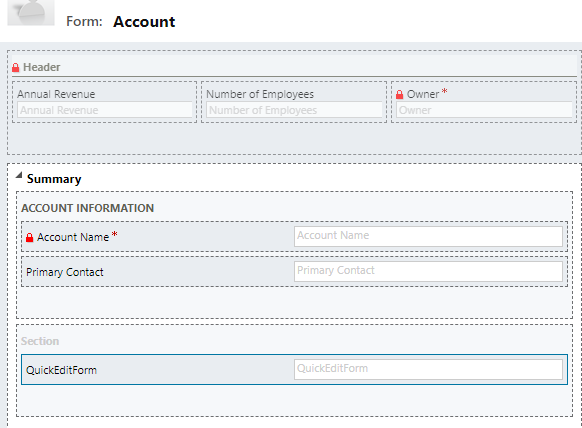
Open the solution containing the form to attach the control to, and open that form :
-
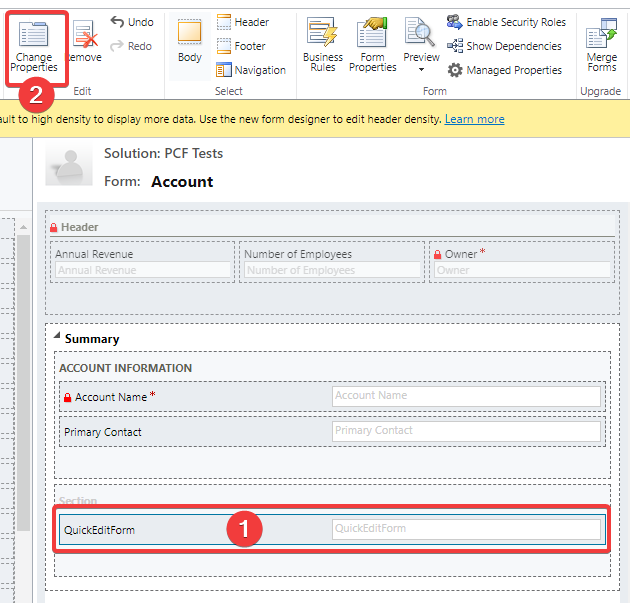
Add the field to attach the control to and select "Change Properties"
-
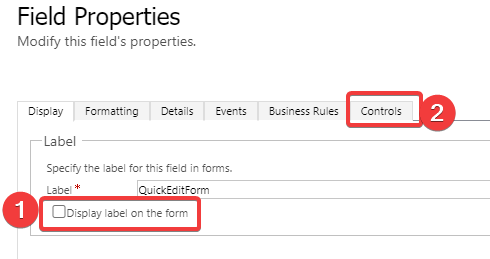
On the change Properties window, for that control, untick the "Display label on form" and go to the "Controls" tab
-
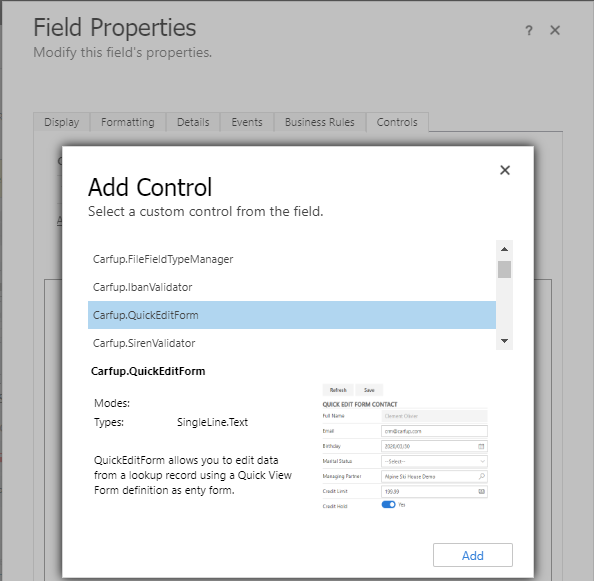
On the control tab, select "Add control" link and find the control your are looking for:
-
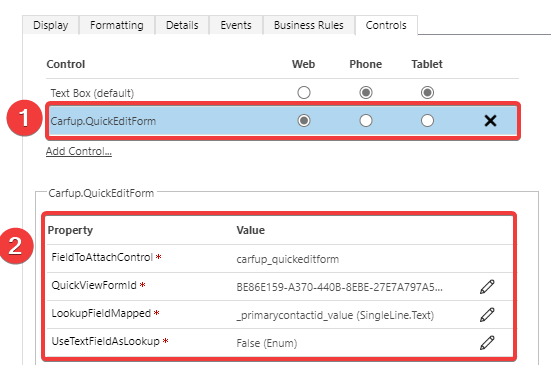
Almost done, configure the necessary parameters in order to have a working control : (the details of the parameters can be found here
-
Now you can save, publish and jump to your form (UCI interface) and enjoy the PCF control !