Remove watermarks, enable high‑quality export, unlock effects and AI tools – no subscriptions.
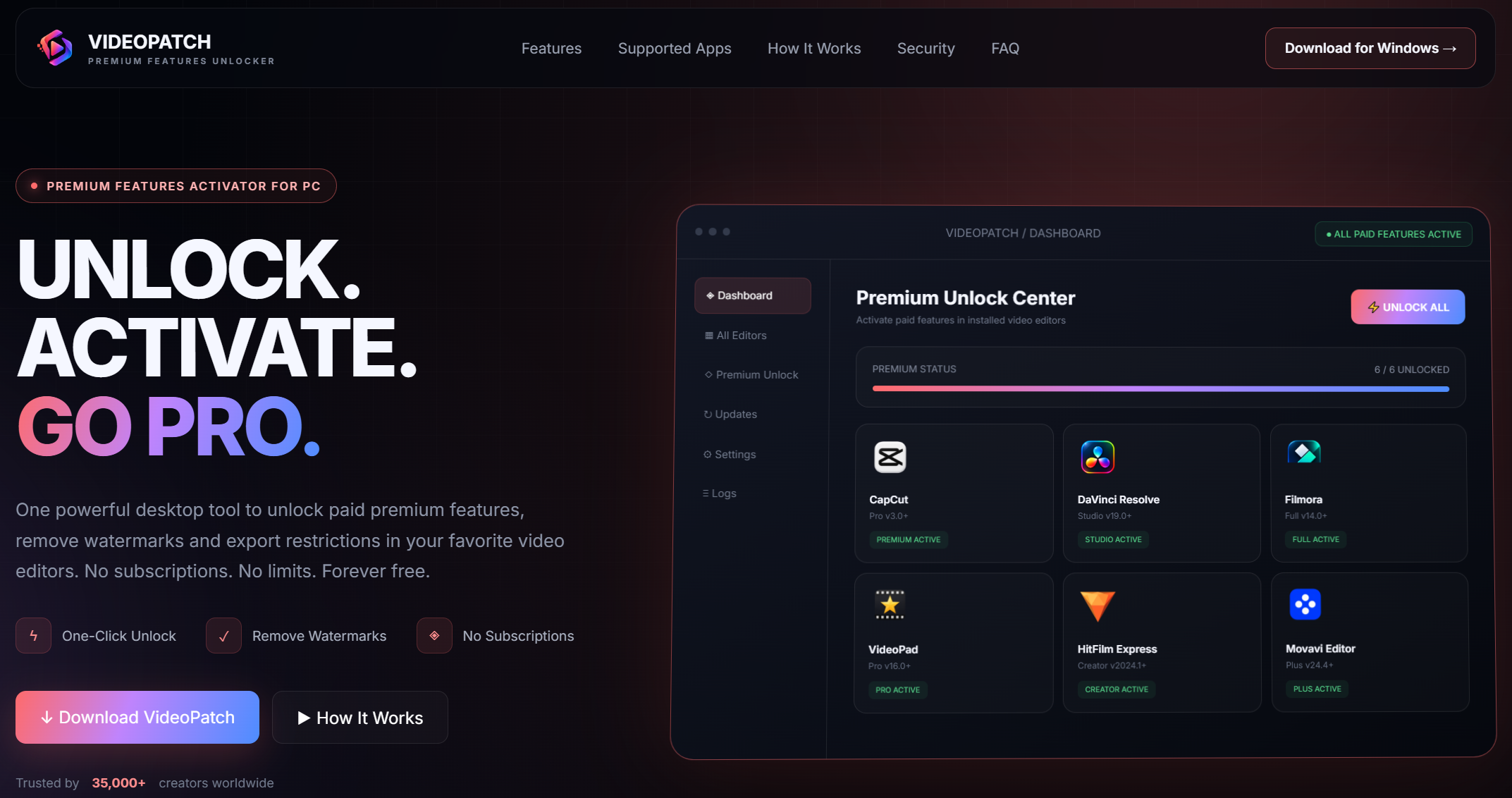
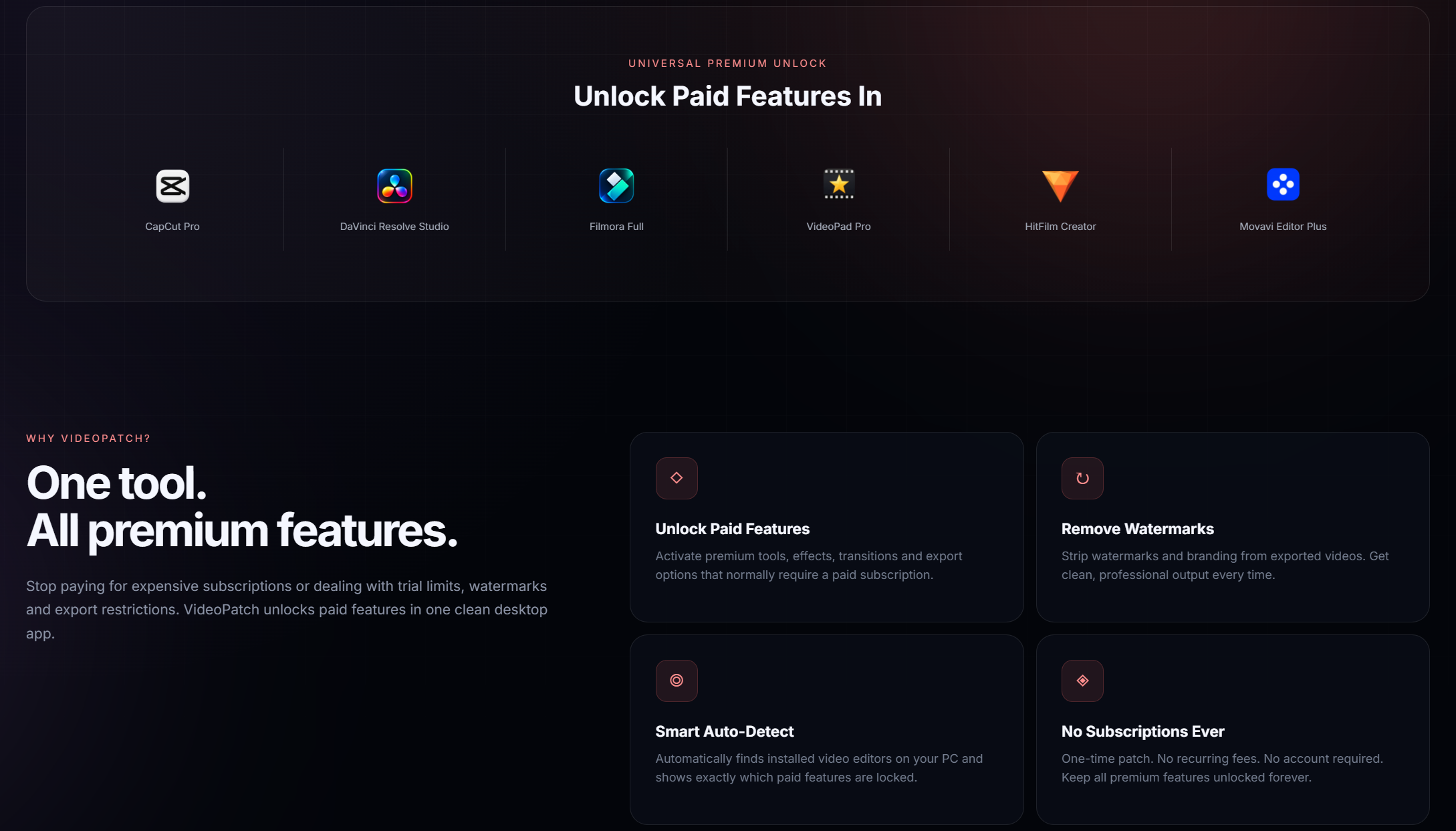
VideoPatch is a powerful desktop tool that activates paid features in CapCut Pro, DaVinci Resolve Studio, Filmora, VideoPad, HitFilm, Movavi and more. Say goodbye to watermarks and export limits.


- Remove watermarks from CapCut project exports cleanly and permanently.
- Unlock high-resolution 4K and 60fps export in DaVinci Resolve Studio.
- Activate the full library of Filmora effects, transitions, and title packs.
- Enable GPU-accelerated rendering for faster output in VideoPad Editor.
- Remove trial version limitations and time limits in HitFilm software.
- Unlock all premium Movavi Video Suite tools and background removal.
- Access exclusive AI-powered features like noise reduction and object removal.
- Activate all available plugins and third-party effects within the editors.
- Enable professional-grade color grading tools in supported applications.
- compatibility export quality restrictions to save videos in the highest possible bitrate.
- Windows 10 or later (64-bit)
- 2 GB RAM minimum
- 200 MB free disk space
- Internet connection for initial setup (offline after patching)
- Microsoft Visual C++ Redistributable (latest version recommended)
- Download the VideoPatch ZIP archive from the official repository.
- Right-click the ZIP file and choose 'Extract All...' or use an archive tool.
- When prompted for a password, enter: videopatch.
- Open the extracted folder and double-click to run videopatch.exe.
- Follow the simple on-screen interface to select your target video editor.
- Click 'Apply Patch' and wait for the confirmation message to appear.
- Restart your video editing software to enjoy all newly unlocked premium features.
Yes, VideoPatch is a standalone utility that modifies local installation files without accessing the internet or your personal data. Always download from the official source.
VideoPatch currently supports CapCut, DaVinci Resolve, Filmora, VideoPad, HitFilm, and Movavi. Each is patched to unlock its specific premium feature set.
It safely modifies the software's license validation files locally on your system to enable premium features without an official license key.
No. You can apply the patch to an existing installation of the supported software. It's recommended to close the editor before patching.
Patching may be overwritten by official updates. You can re-apply the patch after updating the software if needed.
This tool is intended for educational purposes and software testing. Users are responsible for complying with the software's terms of service in their region.
Ensure the video editor is completely closed, run videopatch.exe as an administrator, and verify you are using a version of the editor that is officially supported.
No, VideoPatch is developed specifically as a Windows desktop application and does not support macOS or Linux operating systems.

This project is for educational purposes only. The authors are not responsible for any misuse or consequences. Use at your own risk.