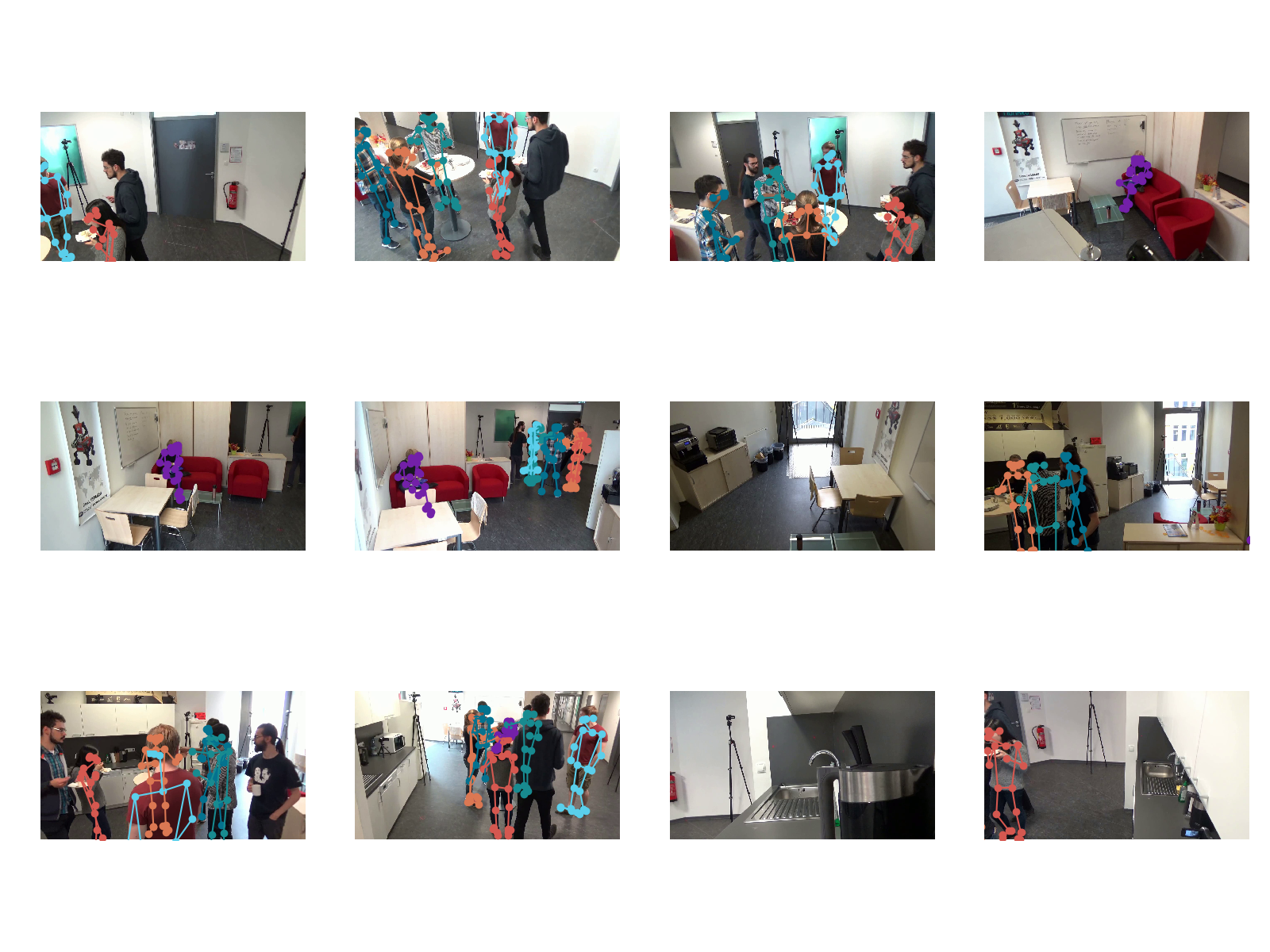
Folder content
The tracks3d folder contains all found 3D tracks, which are stored as trackX.json. A track represents a "single" human track and is structured as follows:
{
    "J": 24,  /* number of joints of the skeleton */
    "frames": [1, 2, 3, 4, ... ],  /* list of frames where the track is active (ORDERED) */
    "poses": [ [[x,y,z], [x,y,z], .... ]] /* 3D poses (ORDERED) */
}
Both the frames and the poses list are ordered and correspond to each other 1-to-1 ( poses[i] corresponds to frame frames[i]). A human 3D pose is a list of J items with either a 3D point or null. If the python library json is used to load the file, null will translate to the python type None.
The videos folder is made up of subfolders for each camera which adhere to the following string structure:
"camera%02d" % cidwhere cid is the camera id starting at 0. The video frames are stored for each camera separately and adhere to the following structure:
"frame%09d.png" % framewhere frame represents the current frame.
The cameras folder contains the intrinsic and extrinsic camera parameters for each camera. The folder structure is organized in similar fashion to videos where we handle each camera using the following naming conventions: for the camera parameters:
"camera%02d.json" % cidwhere the camera is structured as follows:
[ {
    "K": [3x3],  /* K camera matrix */
    "rvec": [3x1],
    "tvec": [3x1],
    "distCoef": [5x1],
    "w": 1280,
    "h": 720,
    "start_frame": x,
    "end_frame": y}
}, ...]
The camera parameters where obtained by calibration using OpenCV.