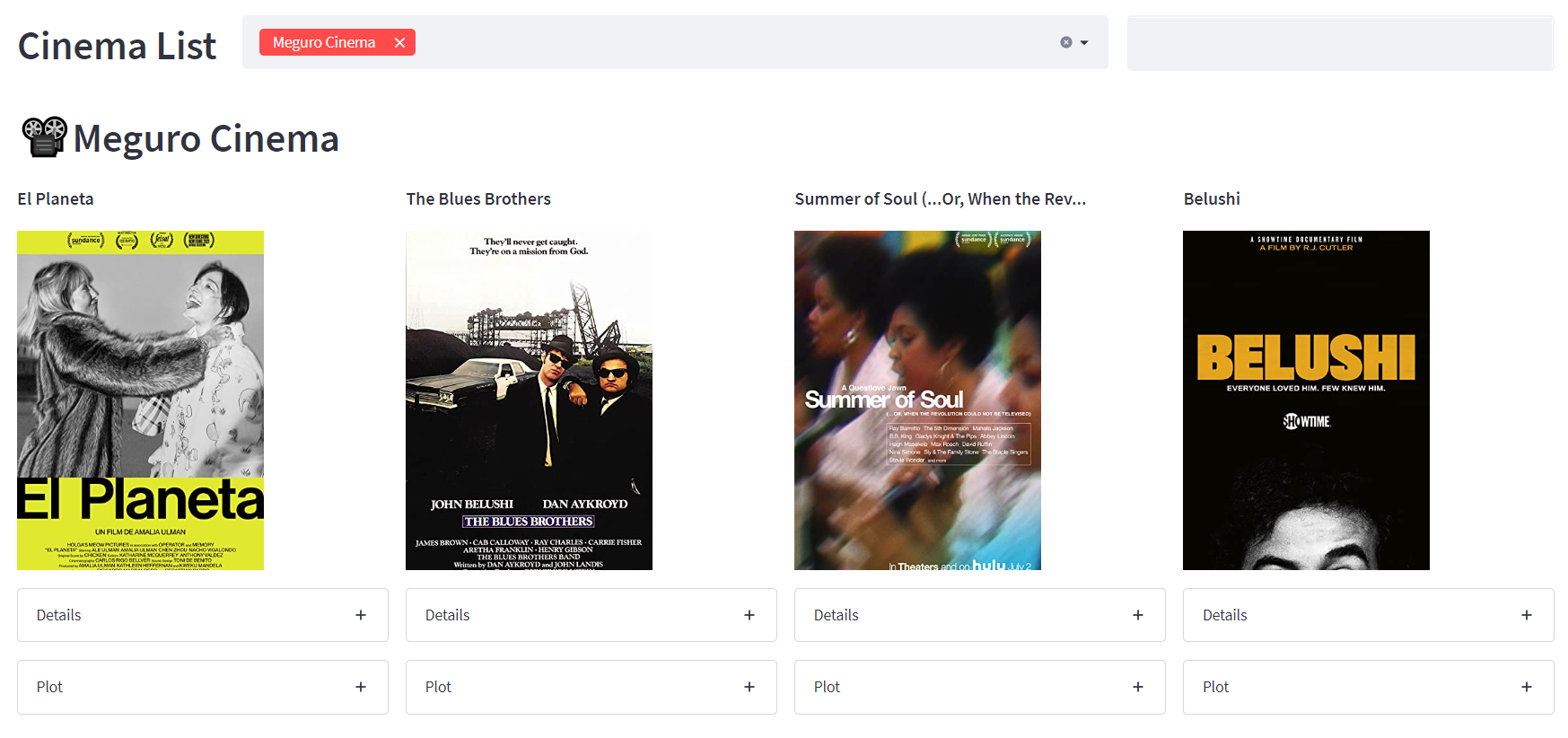
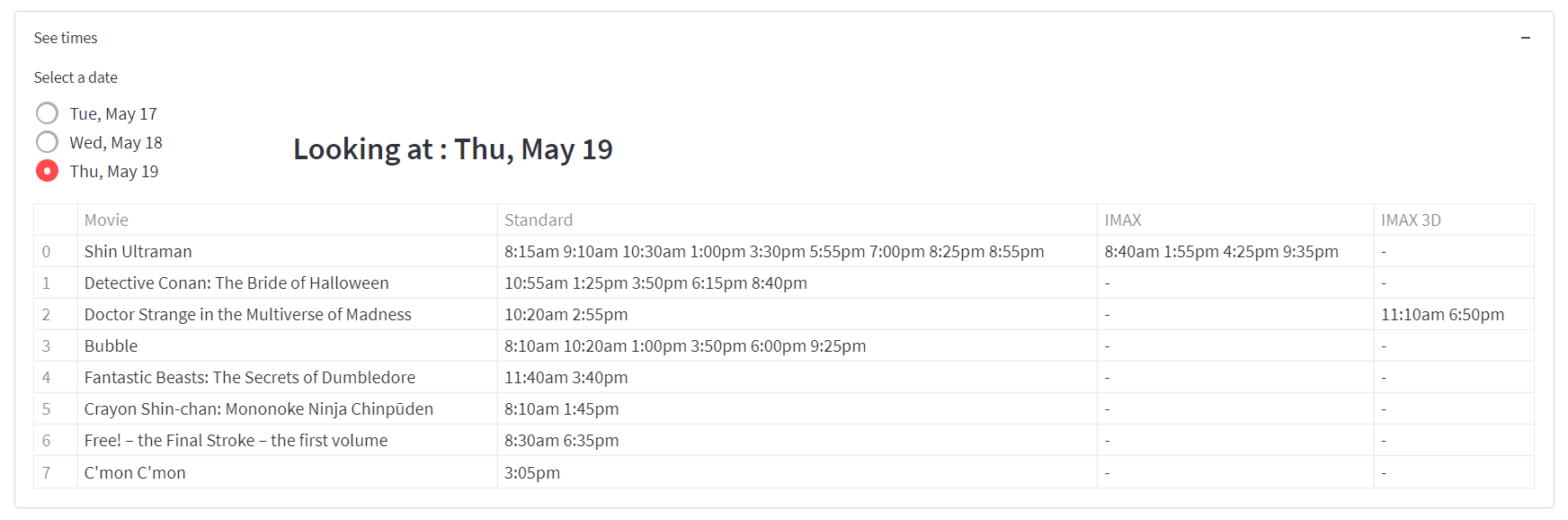
Using web scraping and calling API's to source data for all my nearby cinemas and display it in one place with Streamlit and Heroku.
🎞️ Called API's using the requests package, handling response errors and sending dynamic queries
📽️ Scraped html code using the BeautifulSoup package. Had to use various BSoup methods to work around messily structured websites
🎬 Used RegEx with English and Japanese text
📹 Gained valuable experience about the importance of data architecture and creating a data pipeline
🎦 Used a wide range of Streamlit features to create a clear and robust frontend that was hosted on Heroku
🎥 Streamlined code to minimize number of http requests and improve runtime
📸 Maintained a structured repo, refactoring code into importable packages to keep app file tidy
I've been a keen cinema-goer for a long time, but since I came to Japan my options for foreign movies at the cinema have been more limited. But sometimes there are some non-blockbuster movies that make it through to Japan, either at mainstream cinemas or independent cinemas.
My previous tactic was going to the website of each nearby cinema I knew about and checking their showtimes, which took some time. So I decided a good way to practice my data sourcing skills would be to write code that would collect all this information in one place for me!
I implemented 3 cinemas into the app so far. Plus a feature where you can add your own cinema if Google can find showtimes for it.
Data Sources:
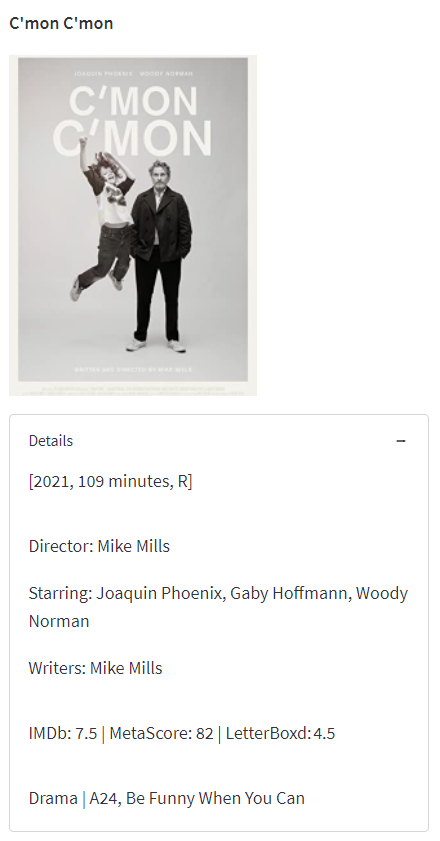
- Images and details are collected from imdb-api
- Google showtimes info is collected from serp-api
- Meguro Cinema info is scraped from okura-movie.co.jp