Making using zola that bit easier. This is a plugin to help with zola workflows
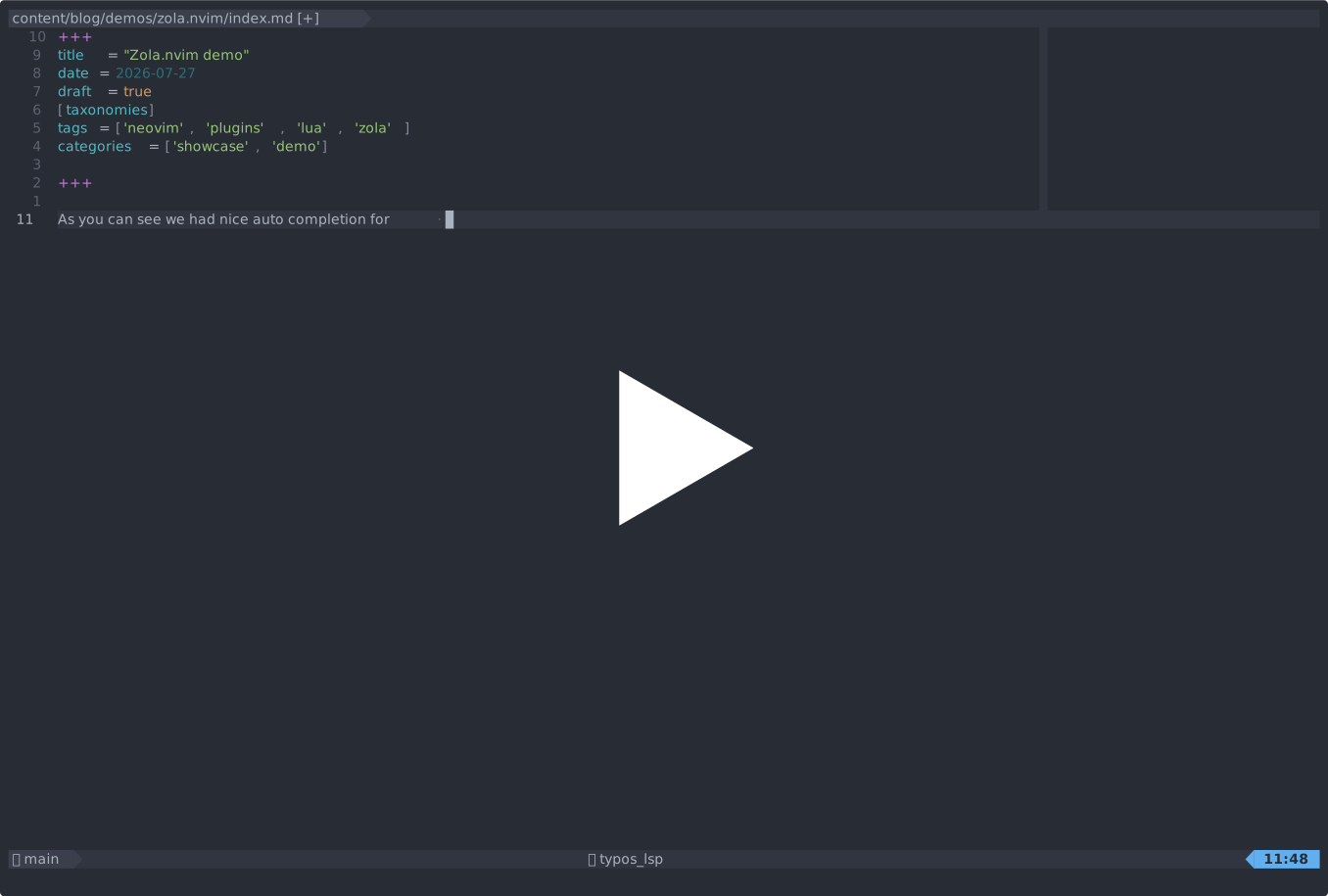
- lua function to create and open new pages/sections so you can start writing immediately
- a
blink.cmpsource to provide autocomplet for the following things:- internal links (using zola's
@link syntax) - shortcodes when inside a
{{ }} - taxonomies when on a line of the form
name = [.*wherenameis the name of a taxonomy as defined in yourconfig.tomlorzola.toml(requiredrgto be installed on your system)
- internal links (using zola's
This plugin requires plenary to function. I recommend pinning to the latest release tag, e.g. using
lazy.nvim:
{
    'aslowwriter/zola.nvim',
    dependencies = {
        'nvim-lua/plenary.nvim',
        -- optional but recommended
        'saghen/blink.cmp'
    }
}
zola.nvim accepts the following configuration:
M.config = {
    draft_by_default = false, -- if true newly created pages and sections are marked as drafts
    page_is_dir = false, -- if true pages are located at `slug/index.md` instead of `slug.md`
}
if you want to make use of the blink.cmp integraion you'll have to add it to that config as well:
return {
  'saghen/blink.cmp',
  opts = {
    sources = {
      default = { 'zola_content_path', 'zola_shortcodes', 'zola_taxonomies' }, -- <-- add the appropriate ones here so they load
      providers = {
        zola_content_path = { module = 'zola.sources.content_paths'} -- <-- add this one for @ completion
        zola_shortcodes = { module = 'zola.sources.shortcodes'} -- <-- add this one for {{ }} completion
        zola_taxonomies = { module = 'zola.sources.taxonomies'} -- <-- add this one for taxonomy completion
      },
    },
  },
}
If it is correctly configured it will be enabled any time you open a markdown file in a project with a content folder
and completion will trigger when you type (@ or {{.
Note that for taxonomies, completion will only trigger if the line starts with name = [.* so if you for example define
it like this:
tags [
    "tutorial",
    "nvim"
]
then completion will not trigger. This is to not cause performance problems when not in a taxonomy
The main entrypoint of this plugin is the create lua function and you can call it like so:
require('zola').create {
    slug = 'blog/writing-an-nvim-plugin', -- where to place the new page/section
    kind = 'page', -- options are either `page` or `section`
    draft = true, -- whether to make the new page/section as draft, if not specified will default to the plugin config value
    page_is_dir = false, -- if true pages are located at `slug/index.md` instead of `slug.md`
    taxonomies = { -- these will be added to the new page/section
        tags = { 'lua', 'nvim' }, -- can specify multiple ones
        category = 'tutorial', -- or just one
    },
}
If provided they will override anything listed in the plugin config.
There is also a create_interactive version that will use vim.ui.input to prompt you for a slug and will pass any
of the other options onto the main create . It also accepts a prefix option in case you want to by default create
it in a certain place.
by default the plugin doesn't add any keybindings but using create_interactive you can easily create ones in a flexible way.
for example here is how I have them configured:
  keys = {
    {
      '<leader>zs',

      function()
        require('zola').create_interactive {
          kind = 'section',
          prefix = 'blog',
        }
      end,
      desc = 'Create a new blog section',
    },
    {
      '<leader>zp',
      function()
        require('zola').create_interactive {
          kind = 'page',
          prefix = 'blog',
        }
      end,

      desc = 'Create a new blog post',
    },
  },
The project is currently more or less "done," which means that it does all the things that I wanted to do (and could achieve in a reasnoably maintainable way). This means it may not see reagular updates, but that does not mean that it is "dead." For the time being I'll still be here to provide bugfixes and feature requests (should they arise)
Making issues and feature requests is still very much encouraged.
If you want to work on a feature, or otherwise verify that the code still works, the easiesst way to do that is by simply
running make test in the root of the project. This will download all the necessary dependencies for you
(mini.test, plenary.nvim and blink.cmp) and run the tests. There is a somewhat small but reasonable test suite
under the test directory
For the sake of transparency, I'll mention that the first version of this plugin was more or less vibe coded in the early
days of AI assisted coding as an experiment. I've kind of hated that version ever since, so I've decided to rewrite everything
from scratch from the v0.1.0 tag onward. So in case you care about that thing, anything later than that tag should be safe.
In terms of using AI to submit code yourself, I cannot stop you from doing so, but I would encourage you to consider the environmental impacts before doing so. Regardless of what you chose you are responsible for the code you submit no matter how it was written, so if you choose to contribute, you should be able to answer relevant review questions about what it is what it does and why it was made the way that it was.