The persistent workflow orchestrator for AI-native development.


A terminal multiplexer built for developers who orchestrate 5–10 sessions per project across AI assistants, build watchers, webhook tunnels, and SSH connections. Unlike tmux, Quil understands projects and typed panes: it persists your entire workspace across reboots, auto-resumes AI conversations by session id, and lets your AI assistant drive your terminal over MCP.
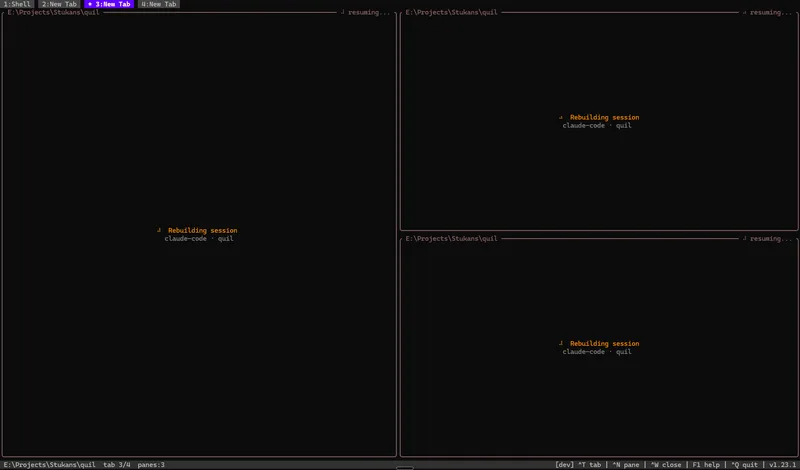
Type quil after a reboot — every tab, pane, working directory, layout split, and AI conversation is right where you left it.
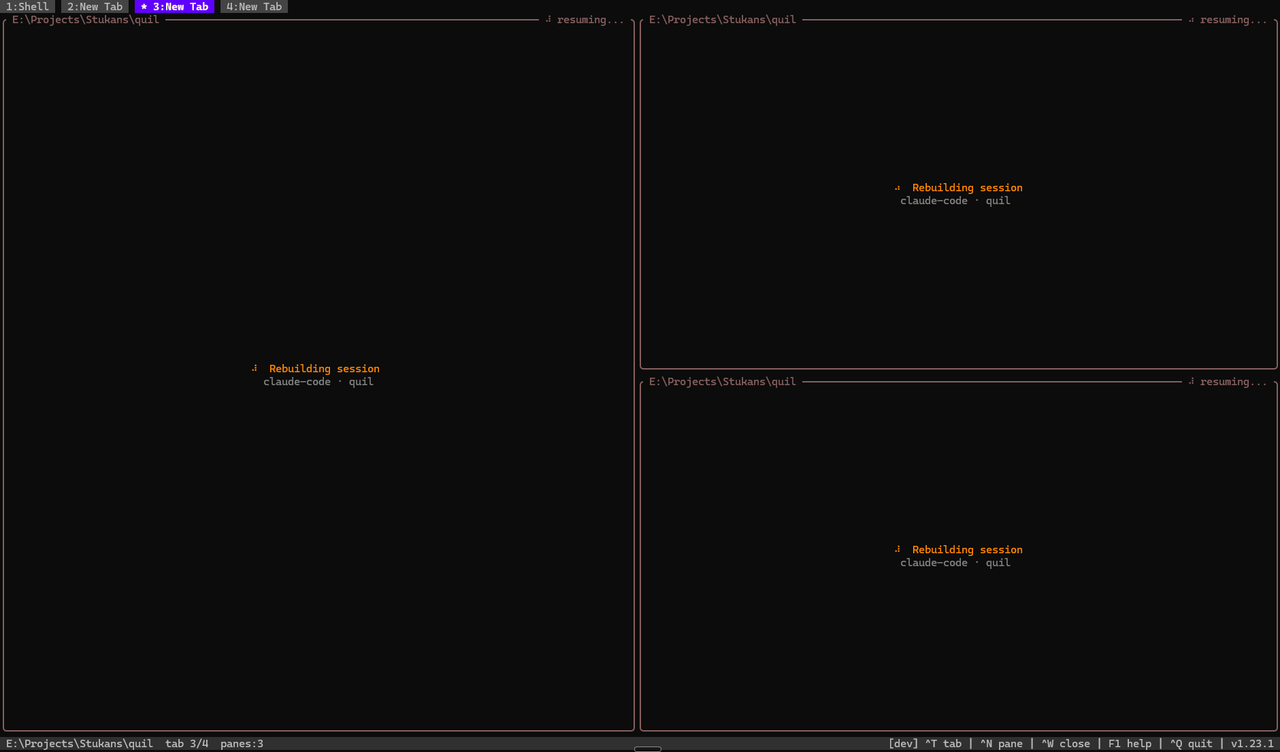
| Survives a full reboot | AI drives your terminal |
|---|---|
 |
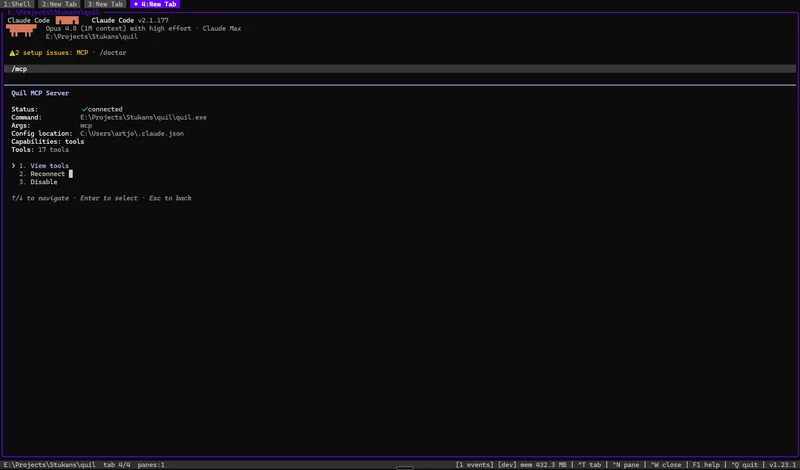 |
| Panes, working dirs, and AI sessions snap back in ~30s. | Expose Quil over MCP — agents list panes, read output, send keys. |
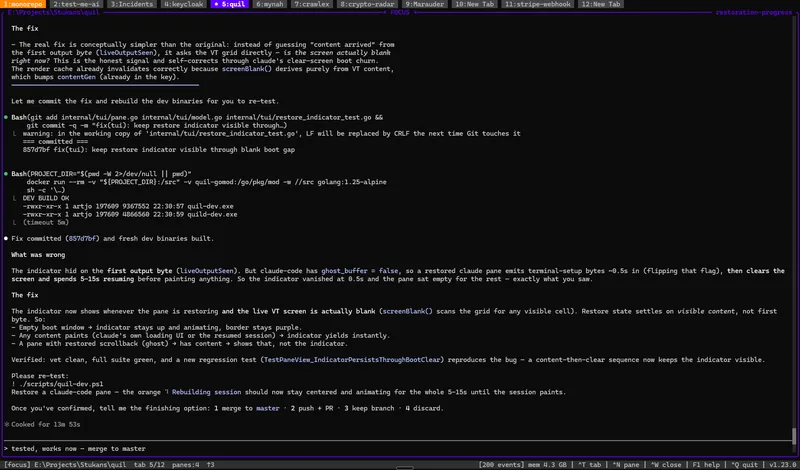
| Many projects, one window | Typed panes |
 |
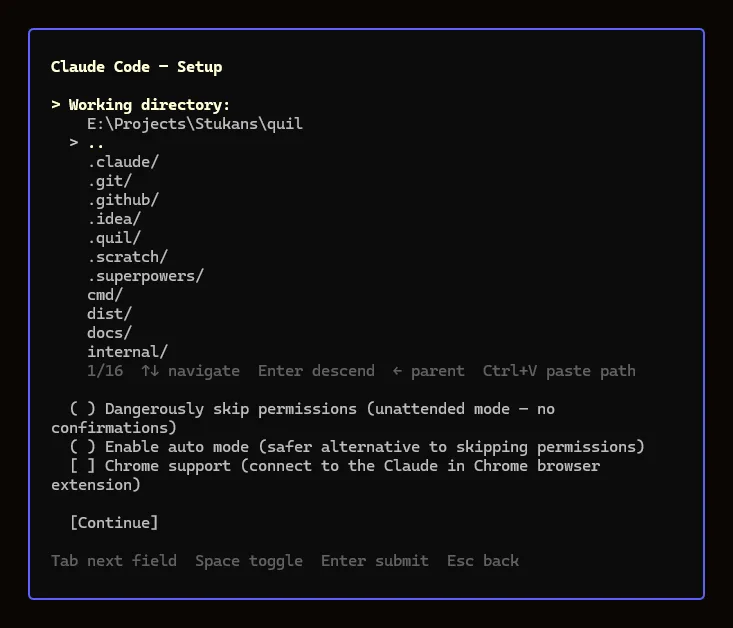 |
| Focus mode + a dozen project tabs. | Per-type setup: dir browser, resume strategy, permission toggles. |
Linux / macOS — one-line install (detects OS+arch, verifies SHA-256):
curl -sSfL https://raw.githubusercontent.com/artyomsv/quil/master/scripts/install.sh | shWindows — download quil-windows-amd64.zip from Releases, extract anywhere on PATH.
Go users:
go install github.com/artyomsv/quil/cmd/quil@latest
go install github.com/artyomsv/quil/cmd/quild@latest
Full install options + build-from-source — see docs/installation.md.
quil # launches the TUI, auto-starts the daemonFive keys to remember:
| Key | Action |
|---|---|
F1 |
Menu — Settings, Plugins, Memory, log viewers |
Ctrl+N |
New typed pane (Claude Code, OpenCode, shell, …) |
Ctrl+T |
New tab |
Ctrl+W |
Close active pane |
Ctrl+Q |
Quit (workspace persists) |
That's enough to start. See docs/quick-start.md for the first-launch walkthrough and docs/keybindings.md for the full keymap.
If anything ever hangs: quil restart recovers the daemon (escalating stop → fresh start → tabs restored from the last snapshot), and Alt+R restarts a single stuck pane in place with its AI session resumed.
Add this to your AI client's MCP config (Claude Desktop, Claude Code, Cursor, VS Code Copilot):
{
  "mcpServers": {
    "quil": {
      "command": "quil",
      "args": ["mcp"]
    }
  }
}
Restart the client. The AI can now list_panes, read_pane_output, send_to_pane, watch_notifications, screenshot_pane, and 12 more tools. Read the build pane and react to errors without copy-paste.
Full guide: docs/mcp.md.
Typed panes ship for the tools developers run all day. Each opens from Ctrl+N; the ones that wrap an external binary appear only when that binary is on PATH (greyed with an install link otherwise).
| Integration | What it is |
|---|---|
| Terminal | Your system shell (bash/zsh/PowerShell/fish) with live working-directory tracking. |
| Claude Code | AI coding session that resumes the exact conversation by session id across reboots. |
| OpenCode | AI coding session (opencode) with the same per-pane session resume. |
| lazygit | Git TUI (lazygit) for the repo near the pane — also a per-tab Alt+G overlay. |
| k9s | Kubernetes cluster TUI (k9s) with a context picker sourced from your kubeconfig. |
| lazysql | Database TUI (lazysql) for MySQL, PostgreSQL, SQLite, and MSSQL. |
| SSH | Persistent SSH session that re-runs the same command (host, port, forwards) on restart. |
| Stripe CLI | stripe listen webhook tunnel that restores its forward URL and surfaces the signing secret. |
Define your own pane types in TOML — see the plugin reference.
| Topic | Doc |
|---|---|
| Installation | installation.md |
| First launch | quick-start.md |
| All features | features.md |
| Keybindings | keybindings.md |
| Configuration | configuration.md |
| MCP (AI integration) | mcp.md |
| Custom plugins | plugin-reference.md |
| Troubleshooting | troubleshooting.md |
| Architecture (24 ADRs) | architecture.md |
| Roadmap | roadmap.md |
The full doc index lives at docs/README.md.
See CONTRIBUTING.md for branch / commit conventions and the development workflow. Bug reports and PRs welcome.
MIT — Copyright (c) 2026 Artjoms Stukans
The Windows build bundles Microsoft's MIT-licensed OpenConsole (OpenConsole.exe + conpty.dll) to host terminal panes correctly on Windows 10. See THIRD_PARTY_LICENSES.md for full third-party attribution.