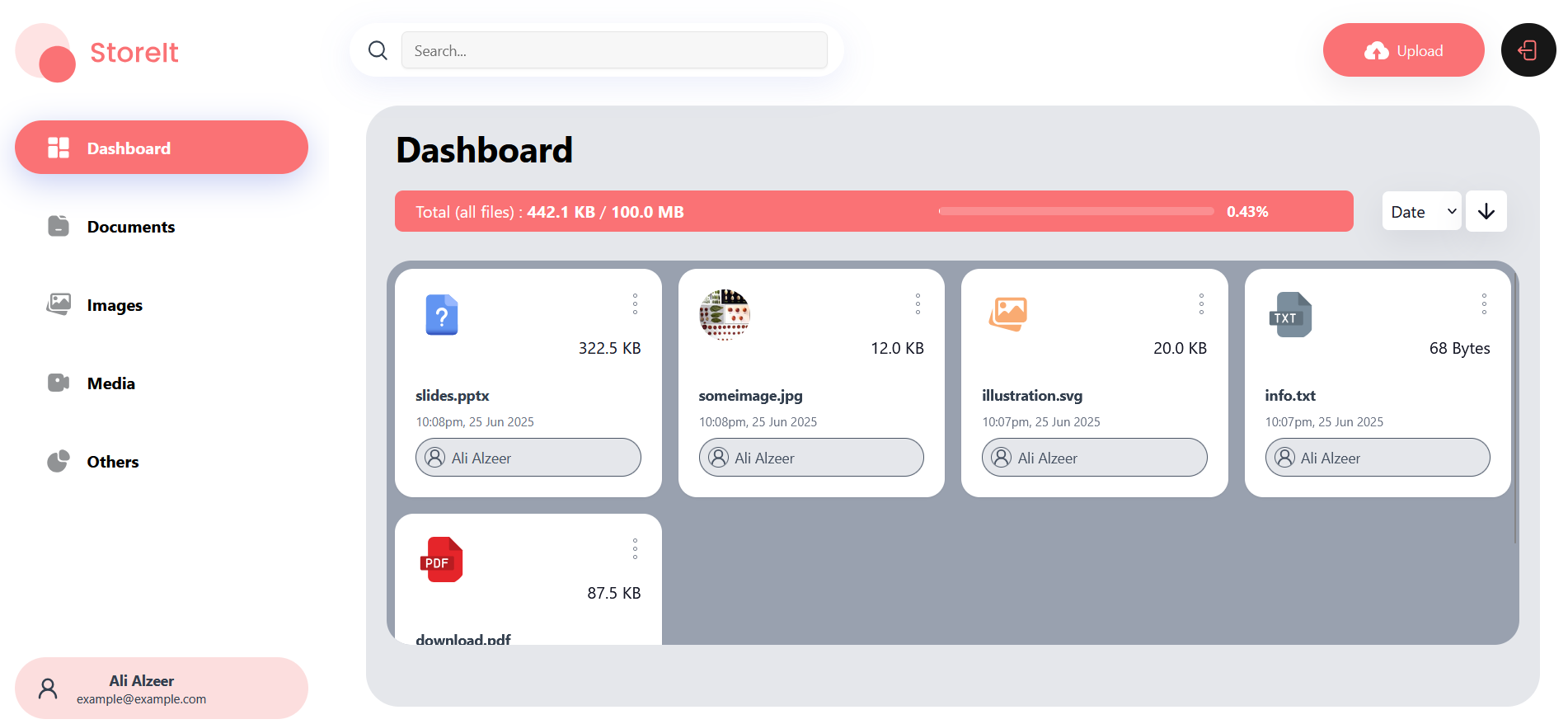
Online storage with full CRUD operations for files and users management, including file sharing functionality between users, with a beautiful UI that makes it easy for users to navigate through files, upload new ones, share them and other functionalities that every online storage has.
- User authentication using JWT
- Users capabilities to manage their own files
- Files searching and sorting
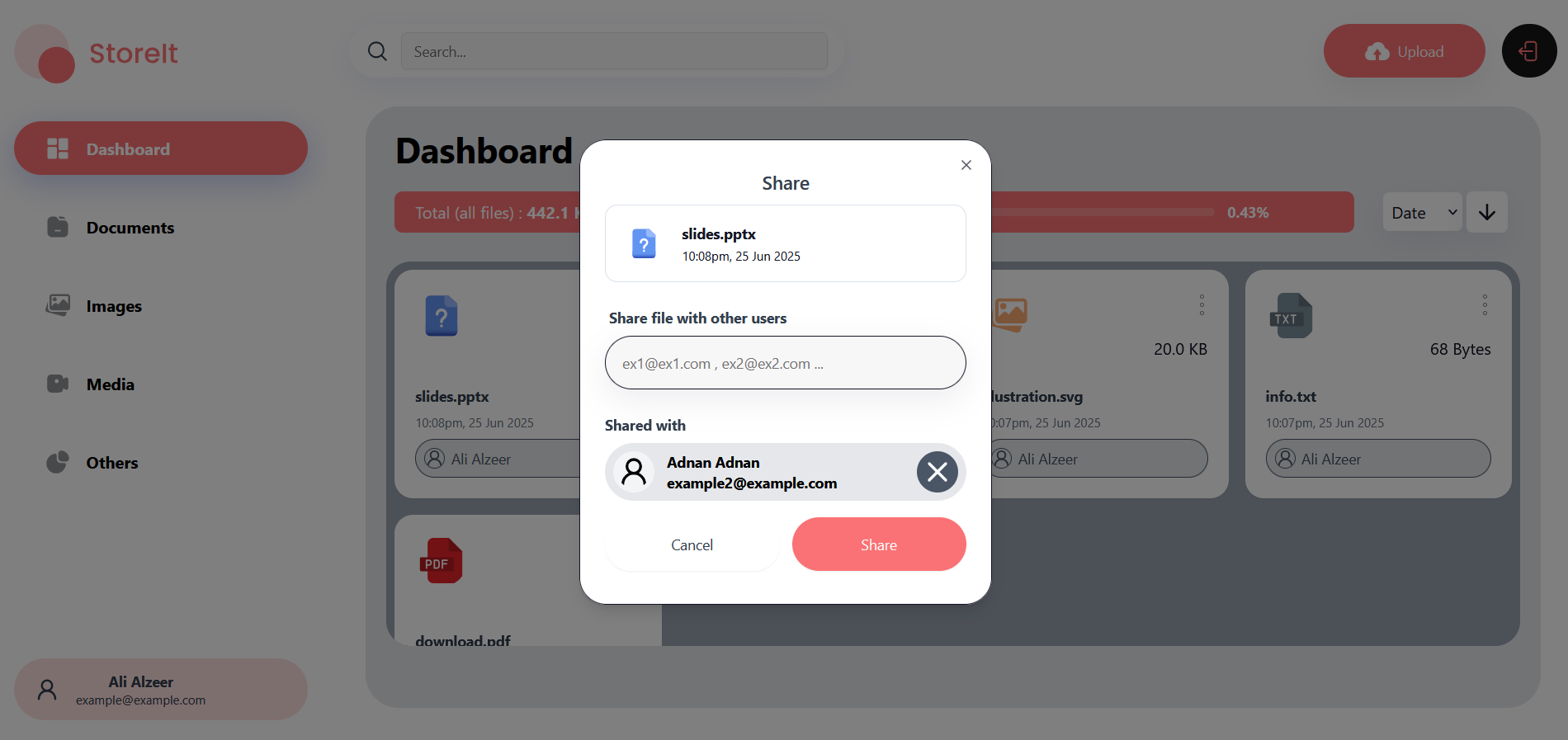
- Files sharing functionality
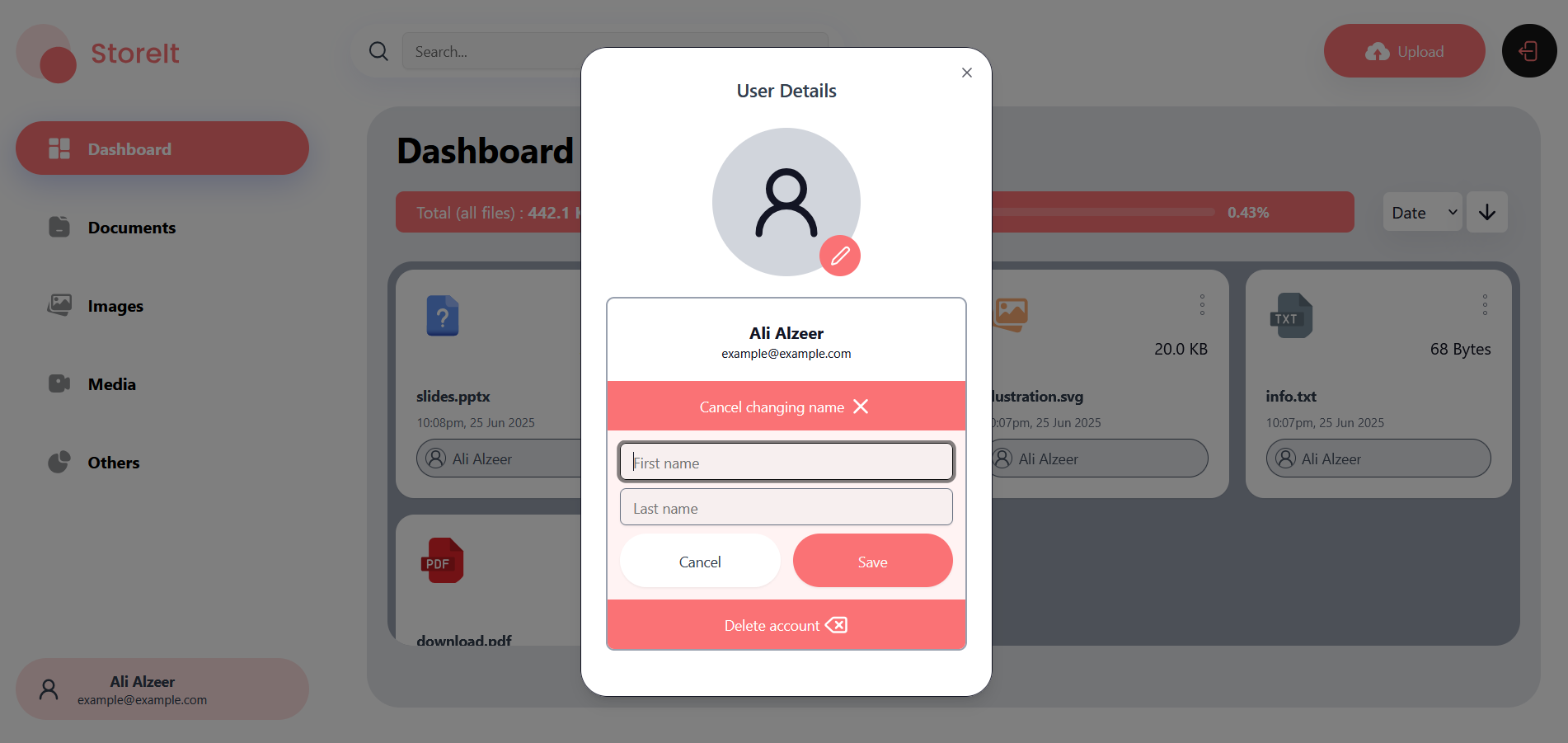
- User profile management
Main page
Sign-in / sign-up

Sharing functionality
User details
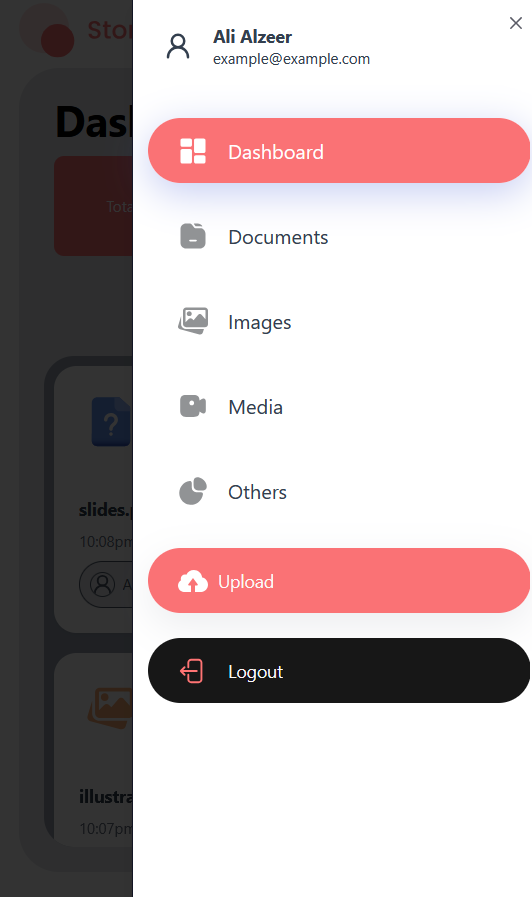
Responsive design
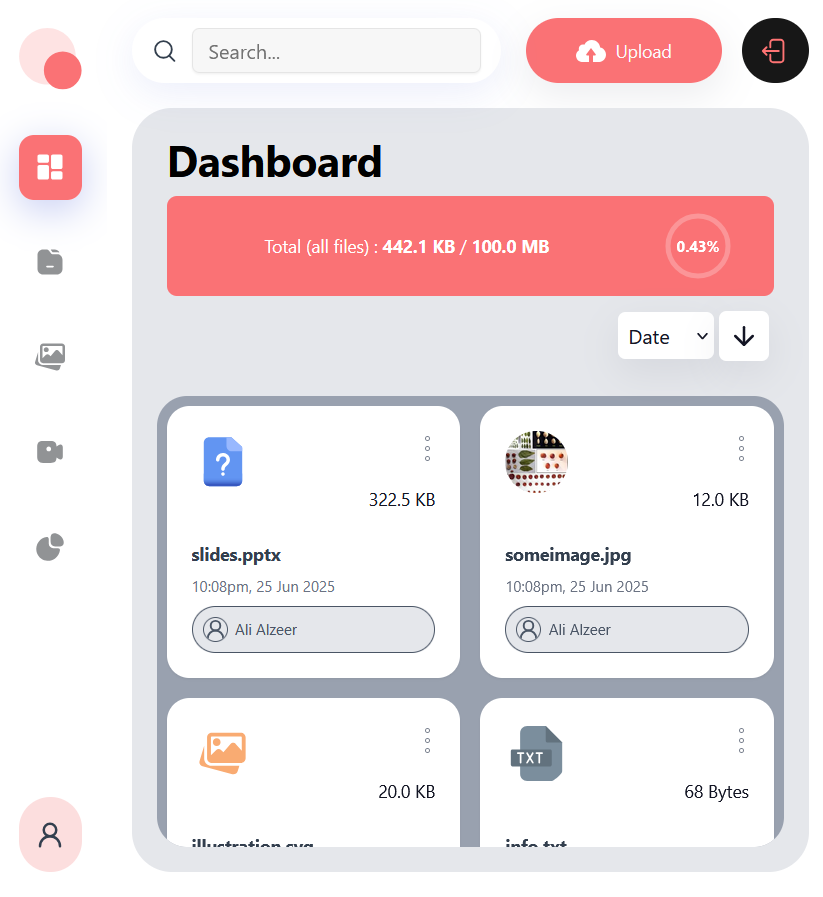
Responsive design (mobile)
- Next.js
- ASP.NET Core
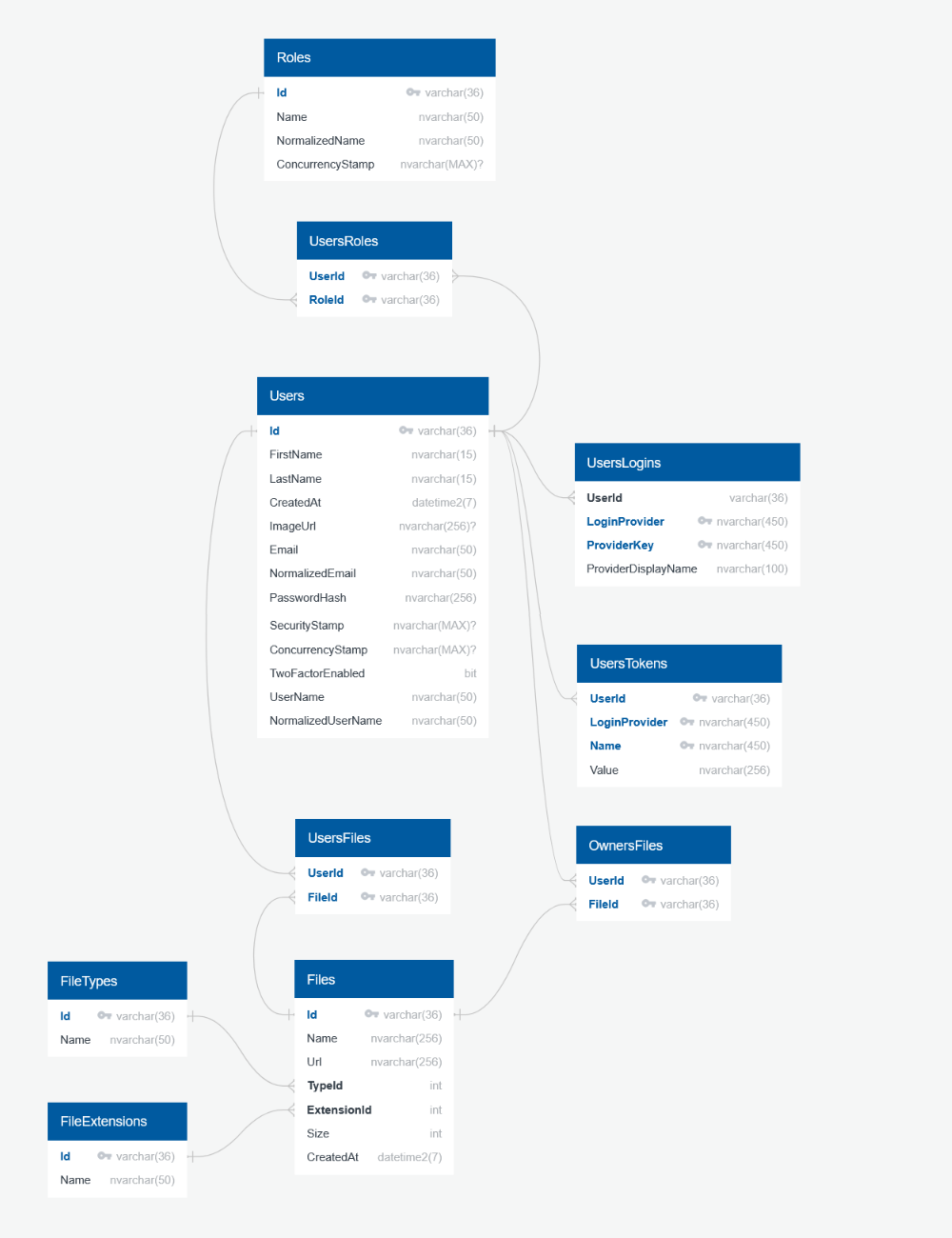
- SQL Server
To get a local copy up and running follow these simple steps.
- Next.js 15
- .NET 9
- Microsoft SQL Server
- Cloudinary account
- Clone the repo
git clone https://github.com/ali-alzeer/store-it.git- Import the database file from the folder "storeitdatabase"
- Configure connection string in "appsettings.json" file
    "ConnectionStrings": {
      "Default" : "YOUR_CONNECTION_STRING"
}- Configure JWT settings in "appsettings.json" file
    "Jwt": {
        "Key": "YOUR_JWT_KEY",
        "Issuer": "YOUR_JWT_ISSUER",
        "ExpiresInDays" : 15
}- Configure Cloudinary settings in "appsettings.json" file
    "Cloudinary": {
        "CloudName": "YOUR_CLOUDINARY_CLOUDNAME",
        "ApiKey": "YOUR_CLOUDINARY_API_KEY",
        "ApiSecret": "YOUR_CLOUDINARY_API_SECRET"
}- Change path to the back-end folder
cd storeitbackend- Install dependencies
dotnet restore- Start Running
dotnet run- Create ".env.local" file and configure your BASEURL in it
NEXT_PUBLIC_BACKEND_BASEURL = "YOUR_BACKEND_BASEURL"
- Change path to the front-end folder
cd storeitfrontend- Install dependencies
npm install- Start Running
npm run dev