It is a full-stack E-Commerce web application built with Angular for front-end, ASP.NET Core web API for back-end and SQL Server for the database. It has a simple and user-friendly UI where users can view products, search for a product, add a product to cart, rate products, publish comments on them and manage their profiles on the app.
- User authentication using JWT
- Users capabilities to manage their own profiles
- Products searching, filtering
- Cart management (adding to cart, removing, calculating total ...)
- Products rating functionality
- Products commenting functionality
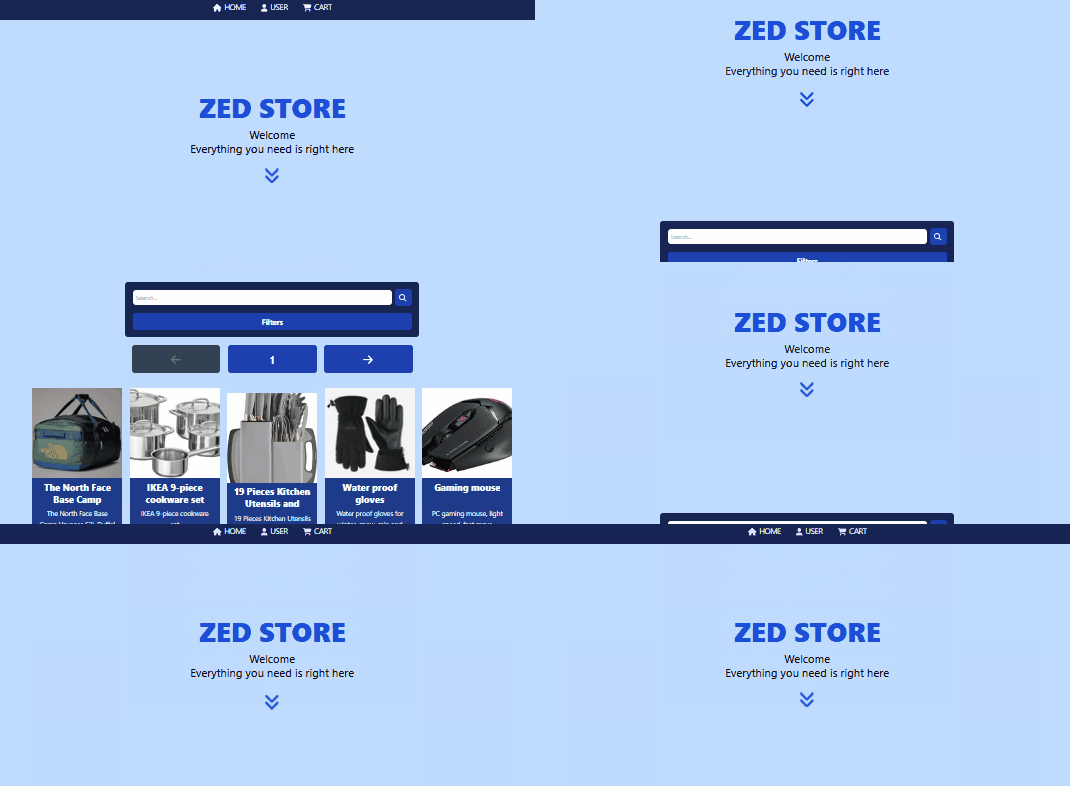
- Angular
- ASP.NET Core
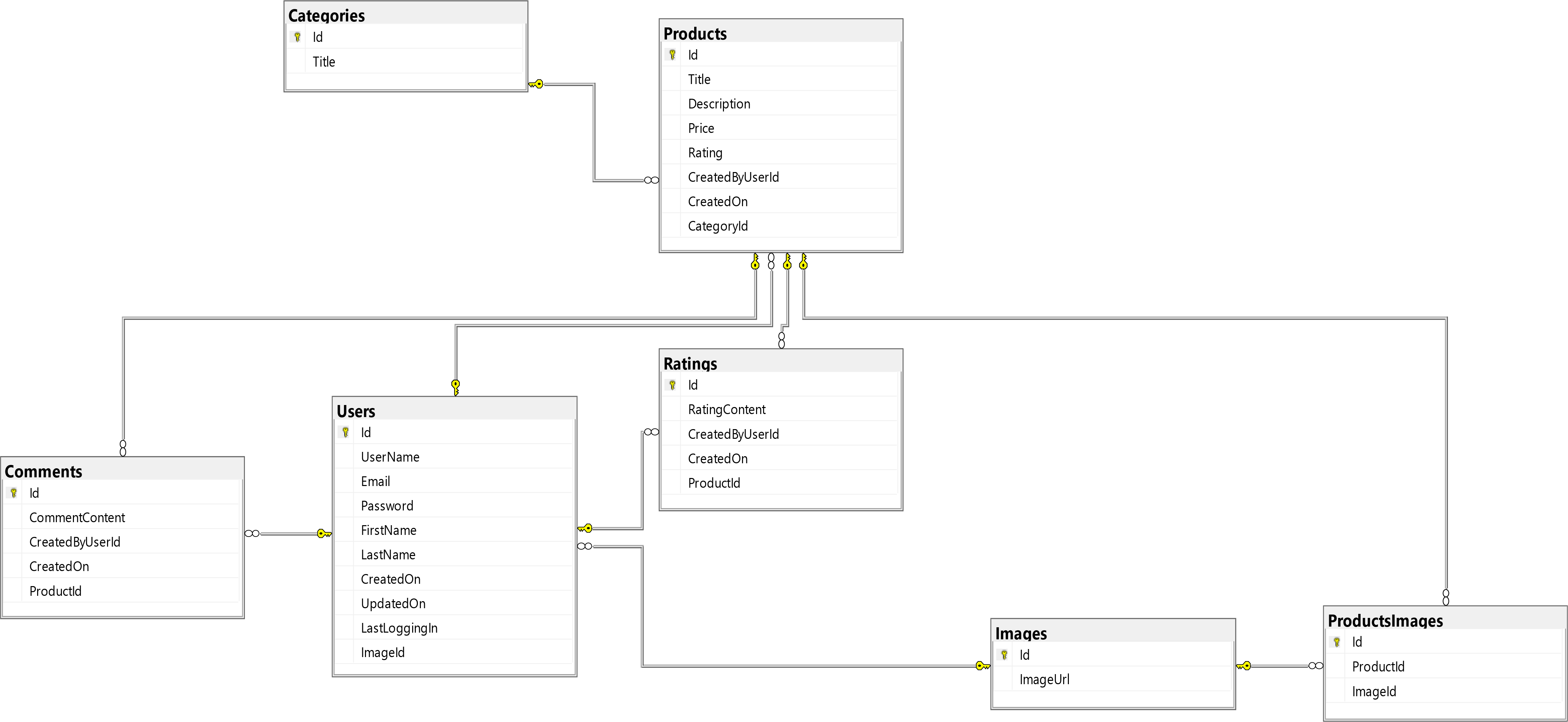
- SQL Server
To get a local copy up and running follow these simple steps.
- Angular 18 or above
- .NET 8 or above
- Microsoft SQL Server
- Cloudinary account
- Clone the repo
git clone https://github.com/ali-alzeer/zedstore.git- Import the database file from the folder "ecommerce.database"
- Configure connection string in "Settings.cs" file
    public static string GetConnectionString(){
        return "YOUR_CONNECTION_STRING"
}- Configure JWT settings in "appsettings.json" file
    "Jwt": {
        "Key": "YOUR_JWT_KEY",
        "Issuer": "YOUR_JWT_ISSUER",
        "Audience": "YOUR_JWT_AUDIENCE",
        "Subject": "YOUR_JWT_SUBJECT"
}- Configure Cloudinary settings in "appsettings.json" file
    "Cloudinary": {
        "CloudName": "YOUR_CLOUDINARY_CLOUDNAME",
        "ApiKey": "YOUR_CLOUDINARY_API_KEY",
        "ApiSecret": "YOUR_CLOUDINARY_API_SECRET"
}- Change path to the back-end folder
cd ecommerce.server- Install dependencies
dotnet restore- Start Running
dotnet run- Configure BASEURL in "environment.ts" file
export const BASEURL: string = "YOUR_BACKEND_BASEURL";- Change path to the front-end folder
cd ecommerce.client- Install dependencies
npm install- Start Running
ng serve