



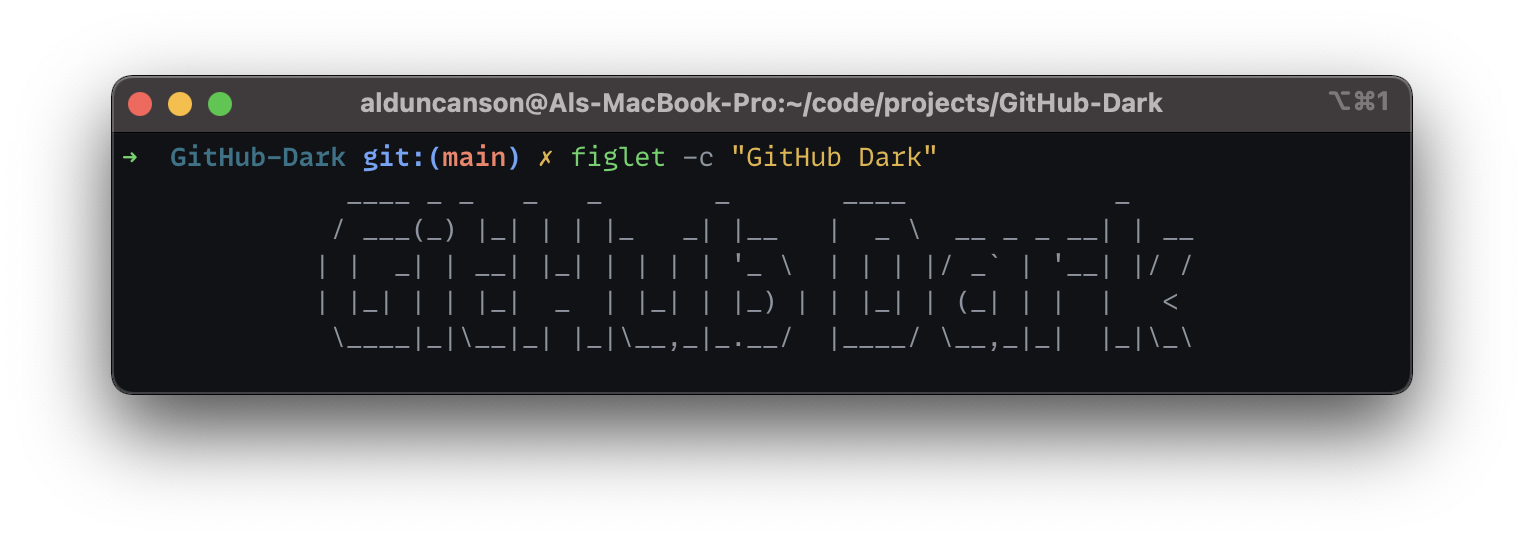
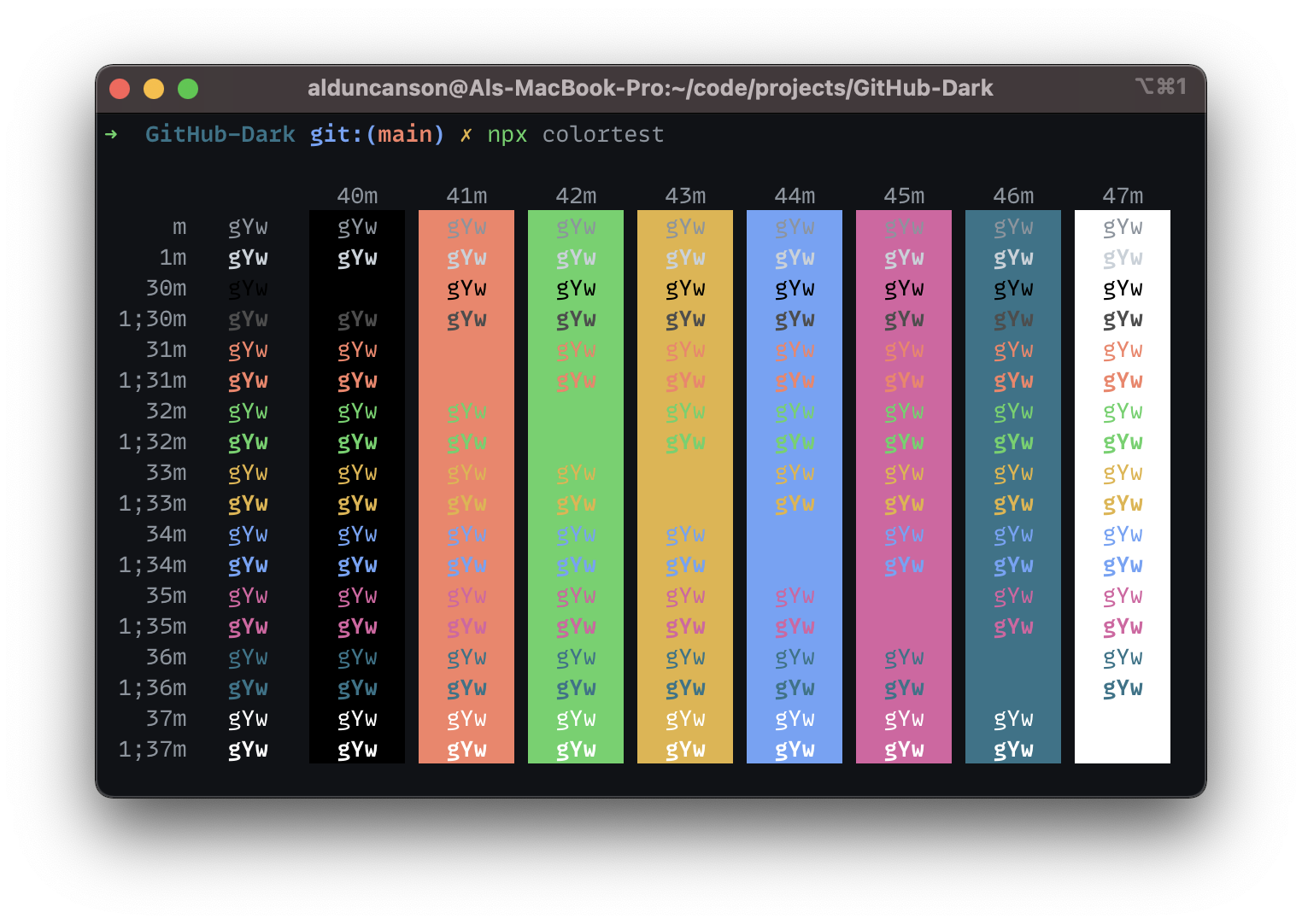
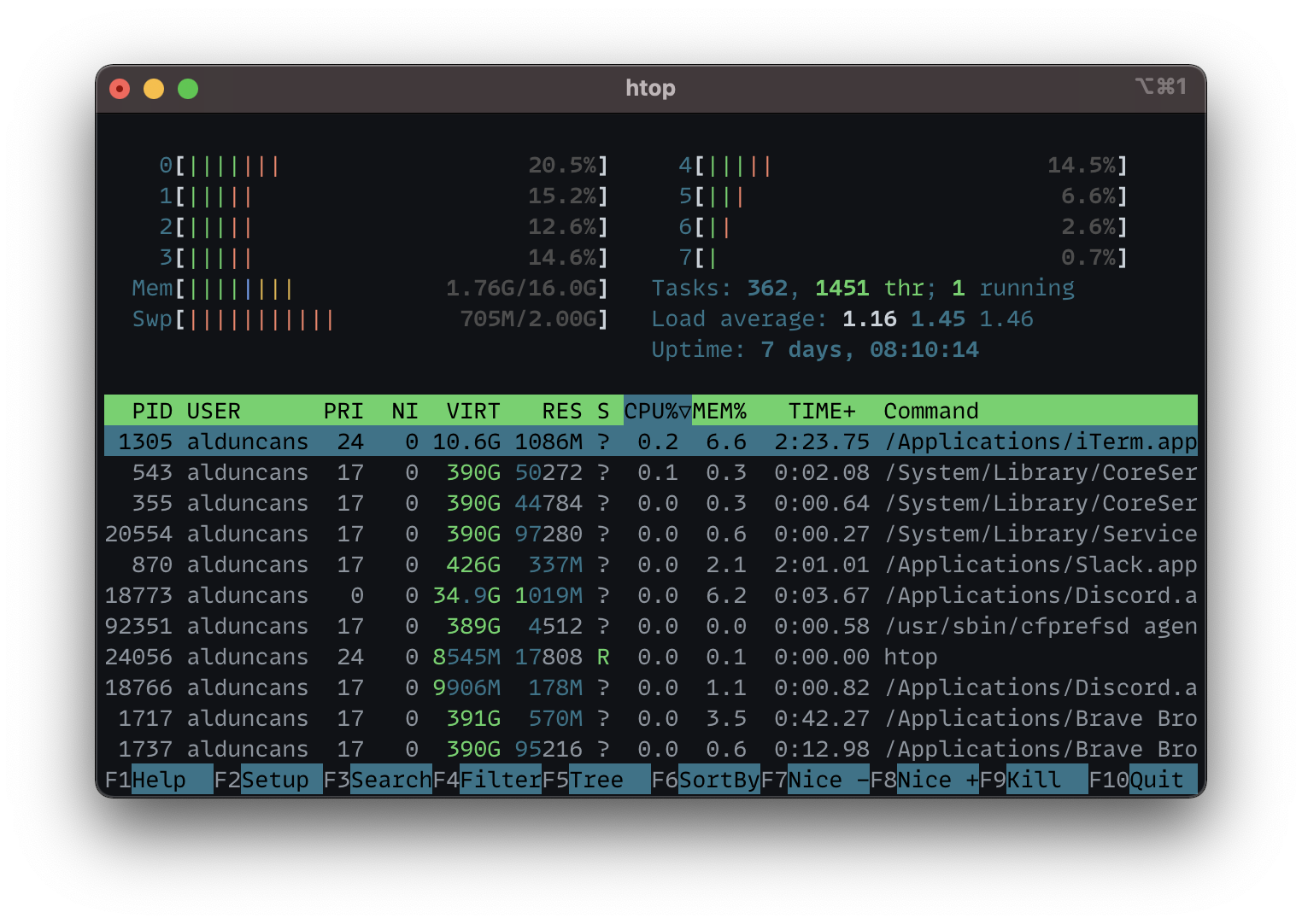
a color scheme for iTerm2, based on GitHub's dark theme
- Right-click and save the file
GitHub Dark.itermcolors - Click the downloaded file, and you should see a message similar to
The color scheme was imported and added to presets.
- Right-click and save the file
GitHub Dark.itermcolors - Open iTerm2 and open
Preferences - Click the
Profilestab, then theColorstab - Select the
Color Presets...dropdown and clickimport..., then select theGitHub Dark.itermcolorsfile
- Open iTerm2 and open
Preferences - Click the
Profilestab, then theColorstab - Select the
Color Presets..., then select theGitHub Dark.itermcolorsfile
- Shell: Zsh
- Zsh Theme: awesomepanda
- Font: MonoLisa
