
A sleek and modern calculator web app built with React.
View Demo • Description • Features • Technologies Used • Getting Started • Usage • Contributing •
You can view the live demo of the Calculator here.
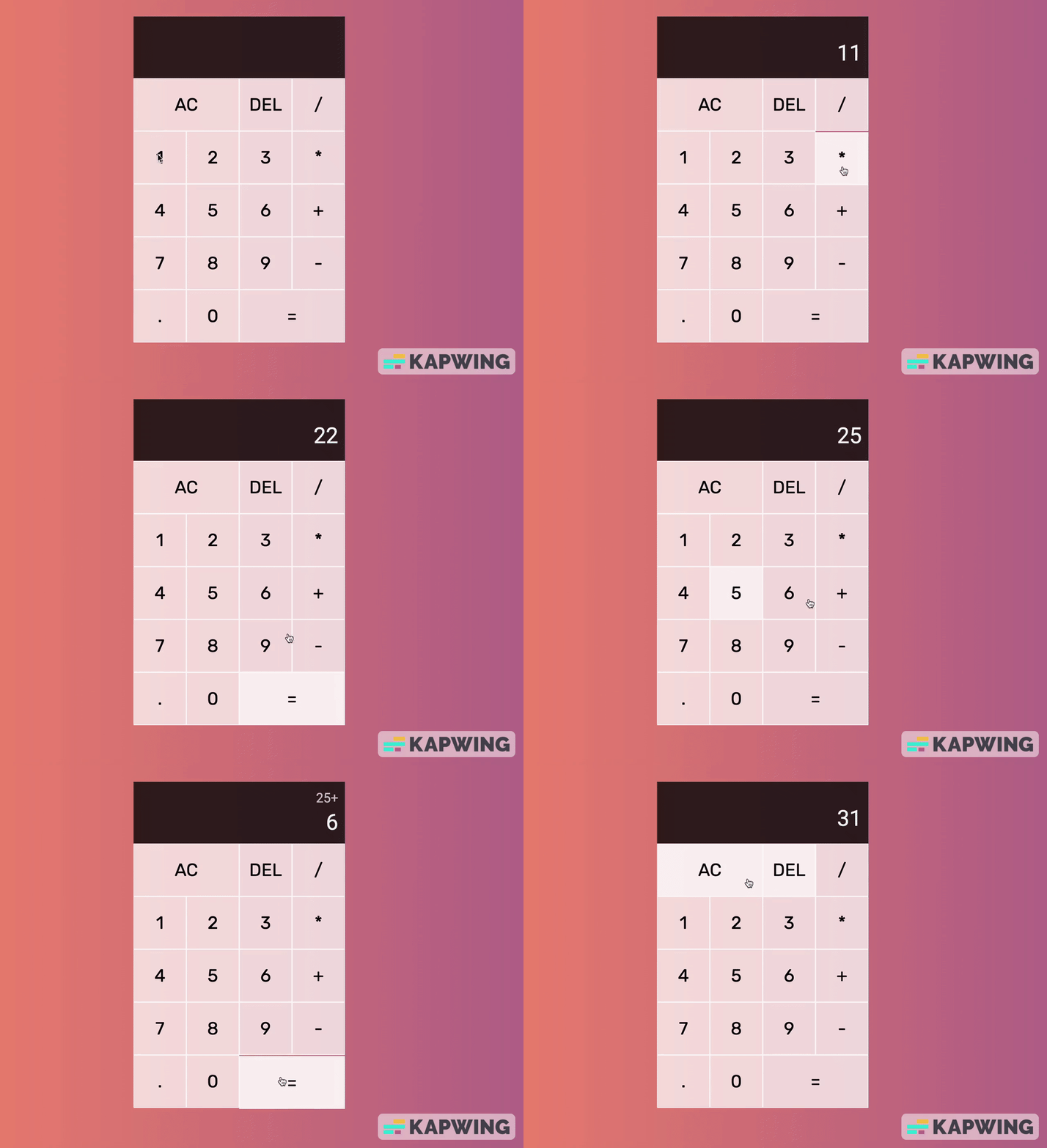
This web application is a modern and responsive calculator built with React. It provides a clean and intuitive user interface for performing basic arithmetic calculations.
- Responsive Design: Works seamlessly on both desktop and mobile devices.
- Real-time Calculation: See the result as you type.
- History: View a history of your calculations.
- Memory Functions: Store and retrieve values from memory.
- React: Used to build the user interface and manage state.
useReducer: Employed for efficient state management.- Component Composition: Organizes UI components efficiently.
- Event Handling: Manages user interactions for calculations.
To run this project locally or make changes, follow these steps:
-
Clone this repository to your local machine:
-
Open the project folder in your code editor.
-
Install the project dependencies:
npm install
-
Start the development server:
npm start
-
Open your web browser and visit http://localhost:3000 to use the calculator.
- Basic Calculations: Enter numbers and perform calculations using the calculator buttons.
- Memory Functions: Use memory buttons to store and retrieve values.
- View History: Check your calculation history on the right sidebar.
- Responsive Design: Works seamlessly on all screen sizes.
Feel free to modify the code or make improvements as needed.
If you'd like to contribute to this project, please follow these guidelines:
-
Fork the repository.
-
Create a new branch for your feature or bug fix:
git checkout -b feature-name
-
Make your changes and commit them:
git commit -m "Add your message here"
-
Push to your fork:
git push origin feature-name
-
Create a pull request to the original repository.