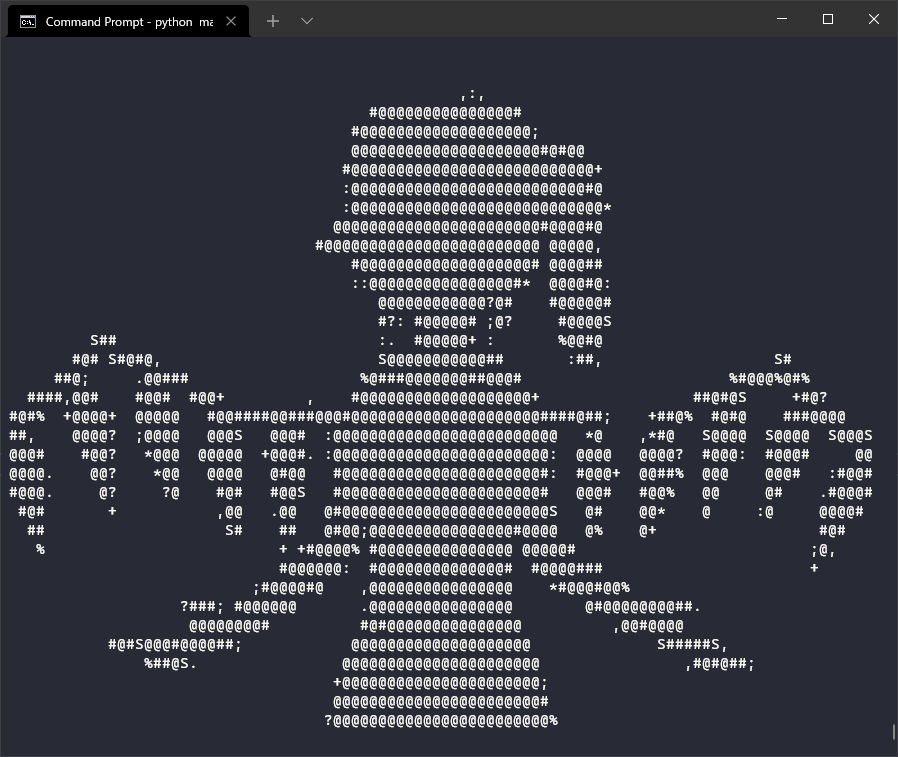
Play an ASCII version of Bad Apple (or any YouTube video) in the new Windows Terminal using Python
python -m venv venvvenv\Scripts\activate.batpi# install -r requirementspython main.py| Name | Name | Last commit date | ||
|---|---|---|---|---|
Play an ASCII version of Bad Apple (or any YouTube video) in the new Windows Terminal using Python
python -m venv venvvenv\Scripts\activate.batpi# install -r requirementspython main.py