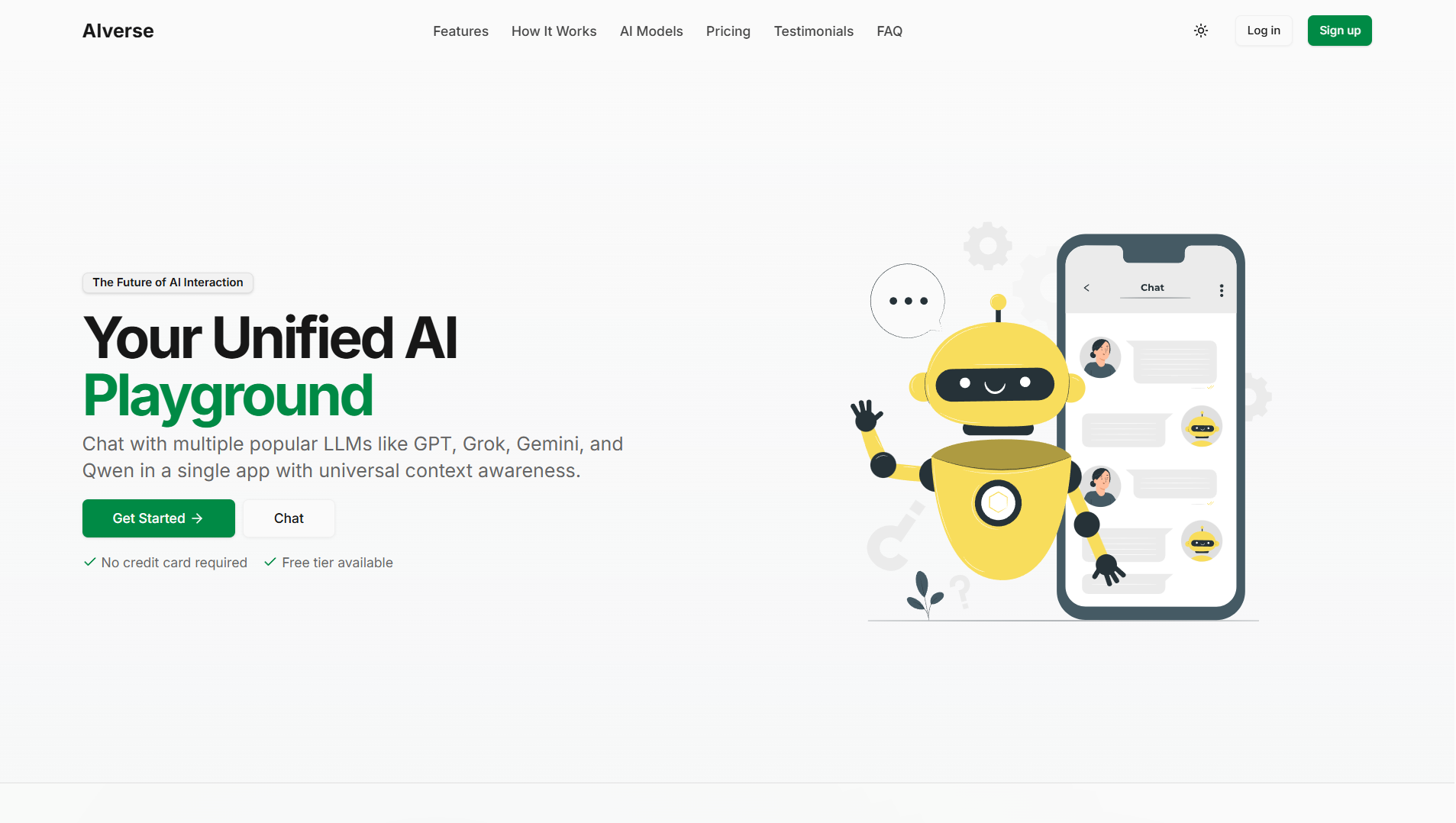
A modern, feature-rich AI development and experimentation platform built with Next.js 15+.


AIVerse is a comprehensive platform for AI model interaction and experimentation. It provides a modern interface for working with various AI models, managing conversations, and exploring AI capabilities.
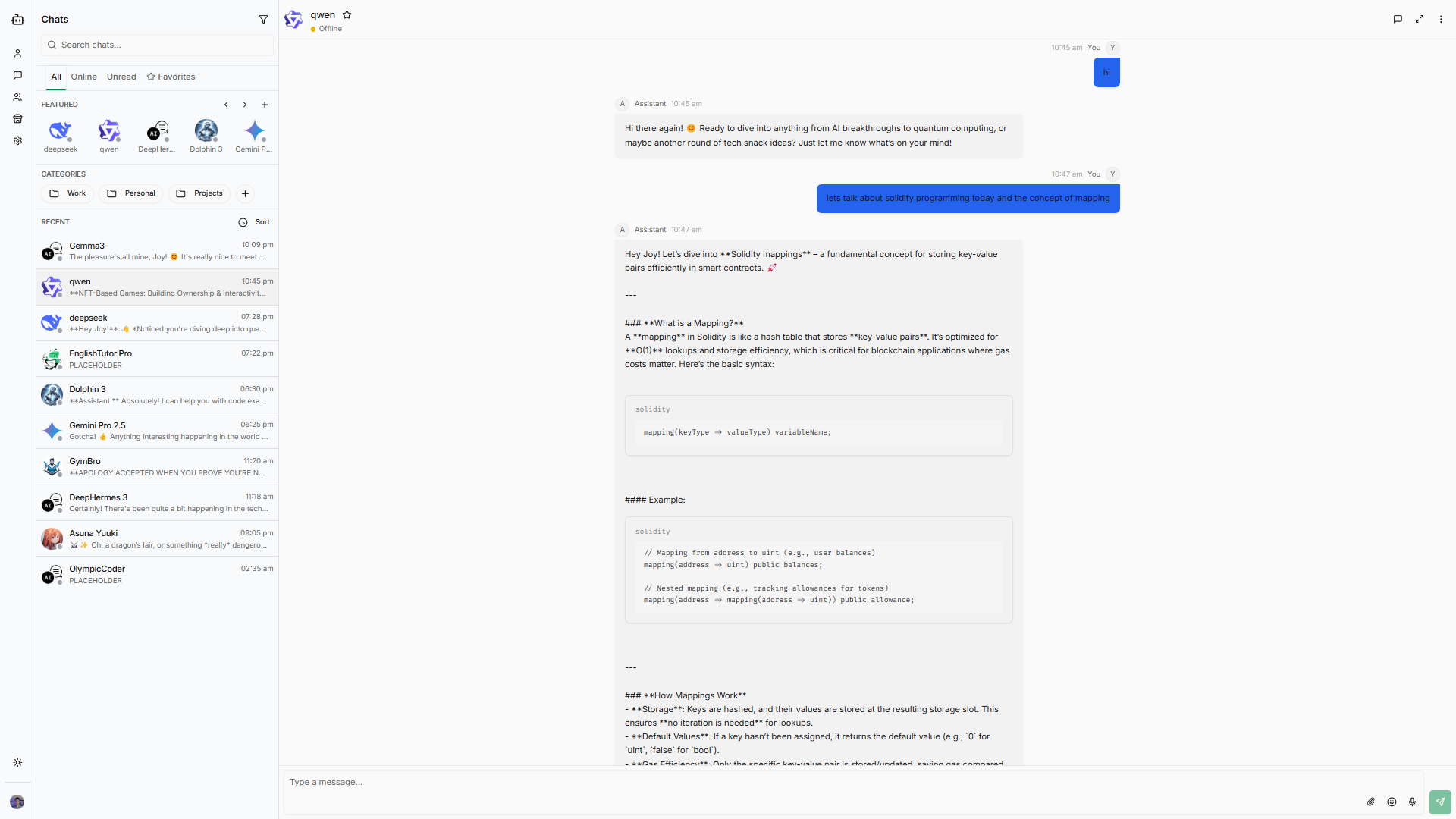
- Modern and responsive UI built with Tailwind CSS and Radix UI
- Firebase integration for authentication and data storage
- Theme switching with dark mode support
- Mobile-friendly and responsive design
- Built on Next.js 15+ for optimal performance
- 3D capabilities with Three.js and React Three Fiber
- Data visualization with Recharts
- Real-time updates and interactions
- Secure authentication and authorization
- Markdown support with syntax highlighting
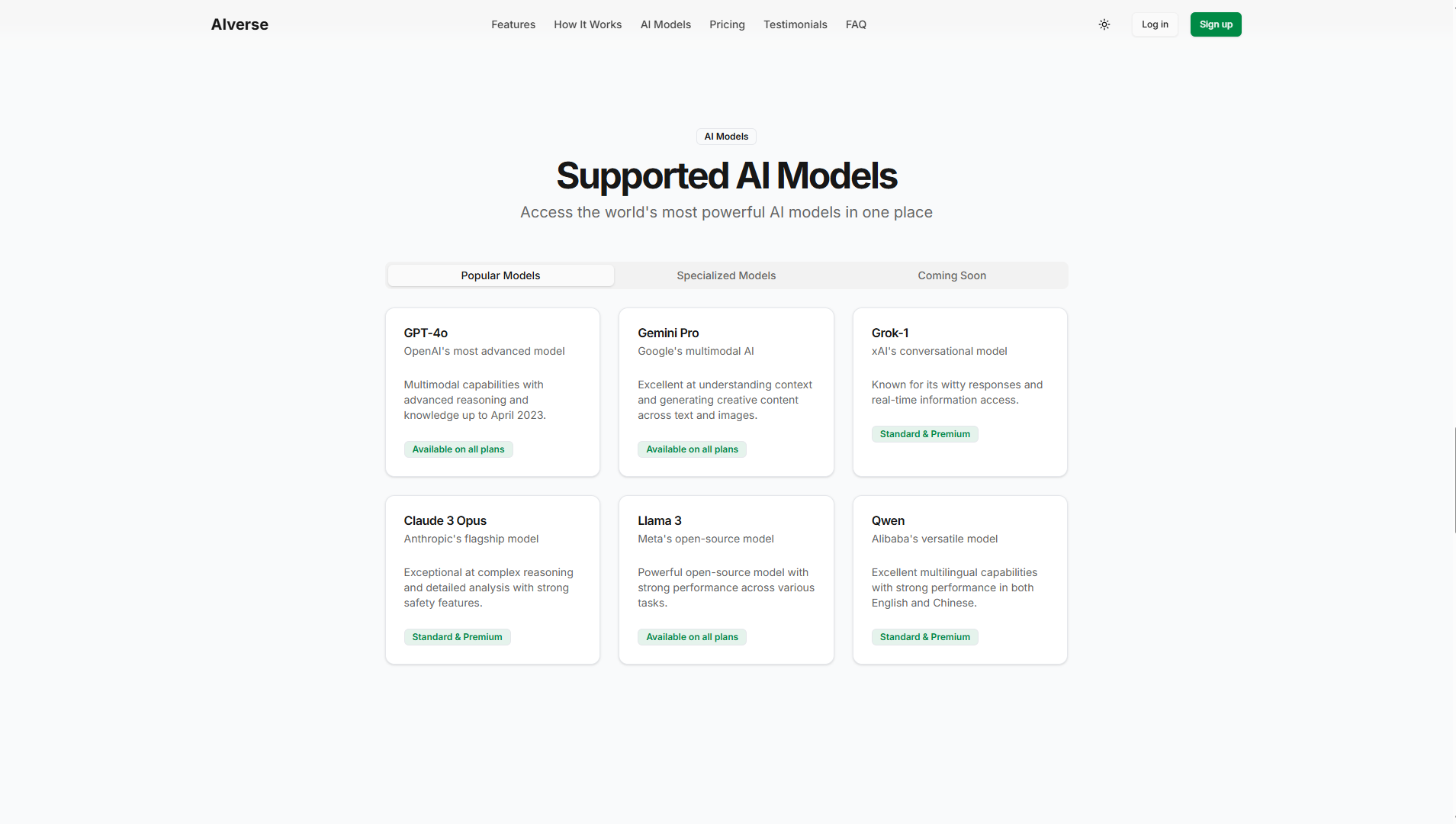
Explore a diverse ecosystem of AI models and persona-based bots in our discovery page. Users can:
- Browse through various LLM-powered AI assistants
- Discover specialized persona-based bots for different use cases
- Create custom AI personas with simple prompts
- Share your created bots with the community
- Filter and search bots based on capabilities and use cases
- Node.js 18+ (LTS recommended)
- Yarn or npm package manager
- Git
- Clone the repositories
# Frontend
git clone https://github.com/yourusername/aiverse.git
# Backend
git clone https://github.com/XyonX/aiverse-backend.git- Install dependencies
# Frontend
cd aiverse
yarn install

# Backend
cd aiverse-backend
yarn install- Set up environment variables
cp .env.example .env.localConfigure your .env.local with the following variables:
# Firebase Configuration
NEXT_PUBLIC_FIREBASE_API_KEY=your_firebase_api_key
NEXT_PUBLIC_FIREBASE_AUTH_DOMAIN=your_firebase_auth_domain
NEXT_PUBLIC_FIREBASE_PROJECT_ID=your_firebase_project_id
NEXT_PUBLIC_FIREBASE_STORAGE_BUCKET=your_firebase_storage_bucket
NEXT_PUBLIC_FIREBASE_MESSAGING_SENDER_ID=your_messaging_sender_id
NEXT_PUBLIC_FIREBASE_APP_ID=your_firebase_app_id

# API Configuration
NEXT_PUBLIC_API_URL=http://localhost:3001 # Backend API URL
NEXT_PUBLIC_WS_URL=ws://localhost:3001 # WebSocket URL

# Authentication
NEXTAUTH_URL=http://localhost:3000
NEXTAUTH_SECRET=your_nextauth_secret

# Optional: Analytics
NEXT_PUBLIC_GA_TRACKING_ID=your_ga_tracking_id-
Firebase Configuration:
- Create a new project in Firebase Console
- Go to Project Settings > General
- Scroll down to "Your apps" and create a new web app
- Copy the configuration values from the provided config object
-
NextAuth Setup:
- Generate a secure random string for NEXTAUTH_SECRET
- You can use:
openssl rand -base64 32
Make sure to replace all placeholder values with your actual credentials. Never commit your .env files to version control.
- Start the development server
# Frontend
yarn dev

# Backend
yarn start- Open http://localhost:3000 with your browser to see the result.
aiverse/
├── app/           # Next.js app directory
├── components/    # Reusable UI components
├── context/      # React context providers
├── hooks/        # Custom React hooks
├── lib/          # Utility functions and configurations
├── models/       # Data models and types
├── public/       # Static assets
└── utils/        # Helper functions
- Next.js - The React framework for production
- React - A JavaScript library for building user interfaces
- Tailwind CSS - A utility-first CSS framework
- Firebase - Backend and authentication
- Radix UI - Unstyled, accessible components
- Three.js - 3D graphics library
- Framer Motion - Animation library
- React Hook Form - Form handling
Contributions are what make the open source community such an amazing place to learn, inspire, and create. Any contributions you make are greatly appreciated.
- Fork the Project
- Create your Feature Branch (
git checkout -b feature/AmazingFeature) - Commit your Changes (
git commit -m 'Add some AmazingFeature') - Push to the Branch (
git push origin feature/AmazingFeature) - Open a Pull Request
Please make sure to update tests as appropriate and adhere to the existing coding style.
- AIVerse Backend - Backend API and services
This project is licensed under the MIT License - see the LICENSE file for details.
- Next.js team for the amazing framework
- Vercel for the hosting platform
- Radix UI for accessible component primitives
- All our contributors and supporters