Home

This menu can be accessed with the command /trigger tschipcraft.menu or /function #tschipcraft:menu.
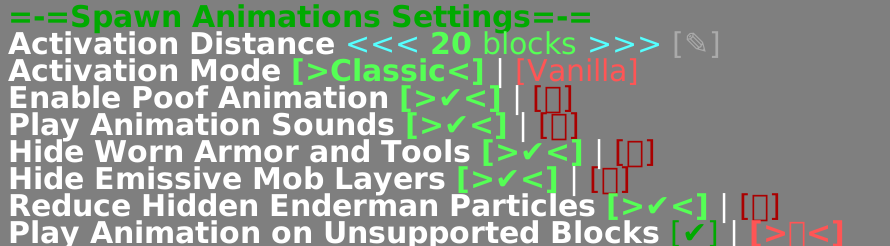
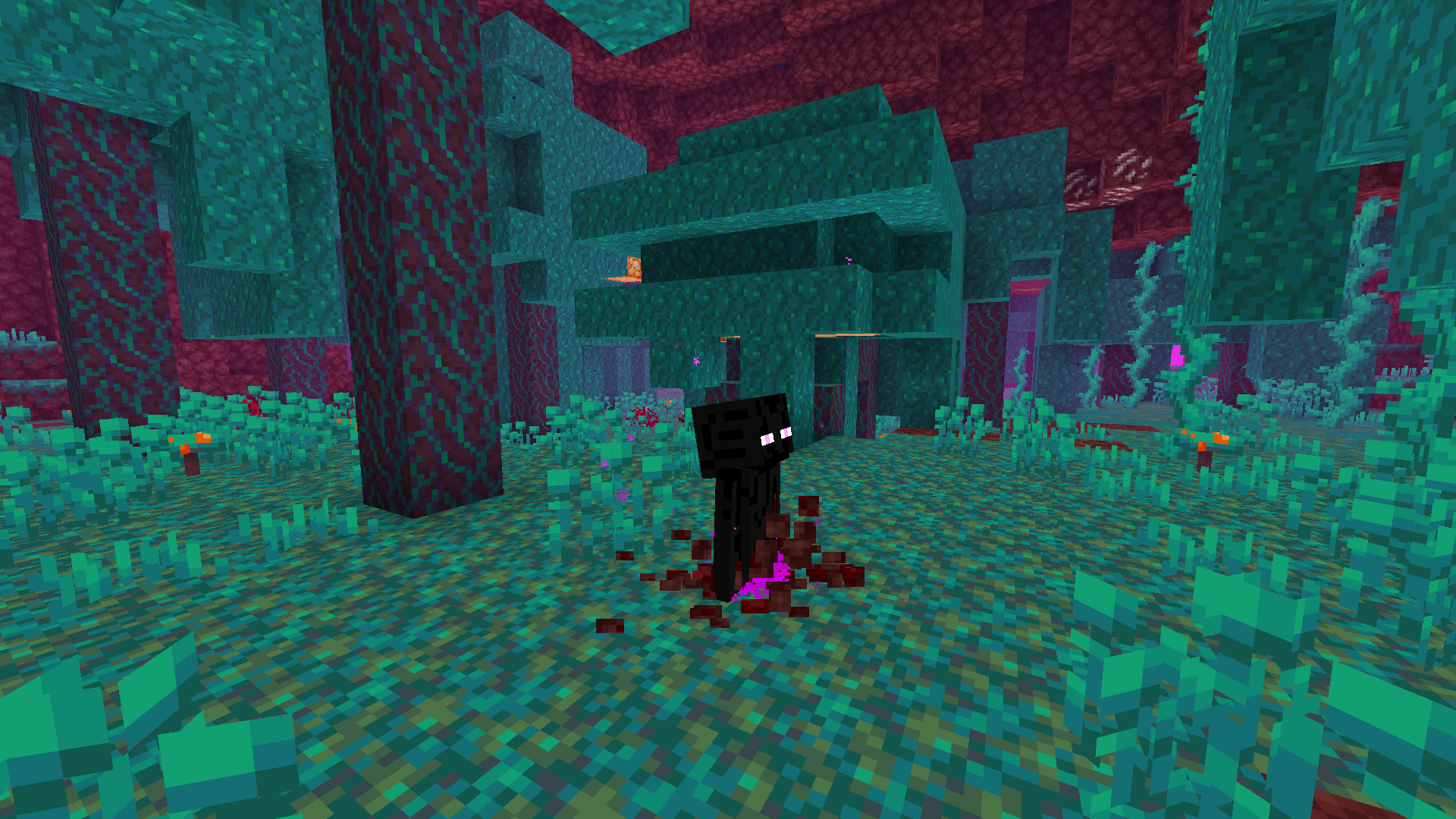
This menu can be accessed with the command /function spawnanimations:settings or via the menu mentioned above in game.
| Setting | Default | Description & Notes |
|---|---|---|
| Activation Distance | 20 blocks |
Mobs closer to the player than this value will play the animation. |
| Activation Mode | Classic |
Defines how mobs behave outside activation range: • Classic: Hidden until a player comes into range. • Vanilla: Spawn normally without an animation. When using this option, it is recommended to set the Activation Distance to at least 25 blocks to see the dig-up animation for naturally spawned mobs (see issue #46). |
| Enable Poof Animation | YES |
If enabled, certain mobs, or mobs without a block to dig up from, play the poof animation instead. |
| Play Animation Sounds | YES |
If enabled, sounds will be played during the animation. |
| Hide Worn Armor and Tools | YES |
If enabled, worn armor and tools are stored in the body, feet, or in some versions, leggings slot of a hidden entity. |
| Hide Emissive Mob Layers | YES |
If enabled, emissive layers of some mobs (e.g., Endermen, Spiders, and Cave Spiders), or with Pehkui all mobs, will be hidden by shrinking them. Requires Pehkui for Minecraft 1.20.4 and below. |
| Reduce Hidden Enderman Particles | YES |
If enabled, the number of particles emitted by hidden Endermen will be reduced by shrinking their hitbox scale. Only applicable when Pehkui is installed. |
| Play Block Break Animation on Unsupported Blocks |
NO due to issue #16
|
If enabled, the block breaking animation plays on blocks not explicitly supported by Spawn Animations. |
This data pack features a version checker which notifies you, if you are playing with an (to the data pack) unknown version. If the data pack works fine on a newer Minecraft version, and I'm just too lazy to update it in time, you can turn the notification off with the command /scoreboard players set $global tvc_ignore 1.
This data pack implements the Smithed and essential MC Datapacks Discord Server Conventions to ensure data pack compatibility.
If you still however encounter an issue, feel free to open one here in GitHub.