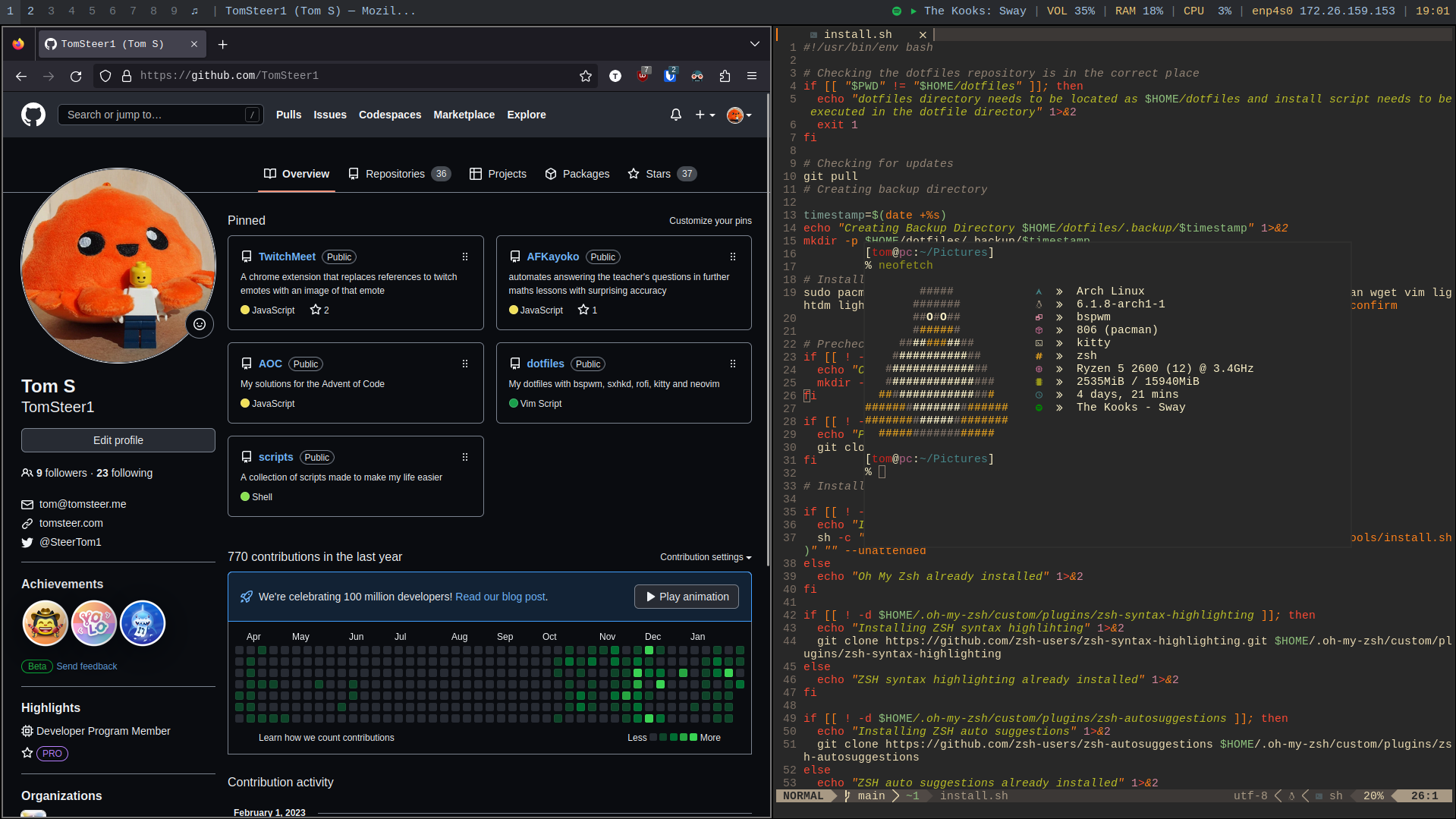
- Install arch fresh with the xorg profile and a hostname of either (zenbook,pc,virtual)
- You can modify the polybar config file to your own hostname if you wish
- Run
curl https://raw.githubusercontent.com/TomSteer1/scripts/main/completeInstall | sh - The script will prompt for sudo to install packages and enable services
- The script can be inspected here : https://github.com/TomSteer1/scripts/blob/main/completeInstall
- This install script is automatically run : https://github.com/TomSteer1/dotfiles/blob/main/install.sh
- LightDM will start and you will be prompted for your credentials
To install just the dotfiles (not recommended)
- Clone repo
git clone https://github.com/TomSteer1/dotfilesin the home directory - Run
./install.shin the dotfile directory
For some features to work you need to run some commands manually
- To enable vim plugins enter vim, ignore the errors and run
:PlugInstall - For clipboard and screenshot support you need to enable the aur or manually install the packages.
Install yay withcurl https://raw.githubusercontent.com/TomSteer1/scripts/main/installYay | sh - Followed by
yay -Sy escrotum-git neovim-gtkthen follow the prompts
You can create a config file called .config in the $HOME/dotfiles directory to change the parameters of some scripts
The possible values are:
# Monitor Hot Swapping (set to the IDs of your monitors)
# Save a configuration with autorandr --save <name>
# To reload manually use autorandr --change
# But the scripts should automatically do this
INTERNAL_MONITOR=""
EXTERNAL_MONITOR=""