


A self-hosted web interface for batch image resizing and format conversion, powered by ImageMagick.
This application has been coded with the help of AI and is designed for local or trusted-network use only. It has no built-in authentication. Exposing it to the public internet without an additional access-control layer (reverse proxy with auth, VPN, etc.) is done at your own risk.
- Single and batch processing — handle one image or hundreds at once
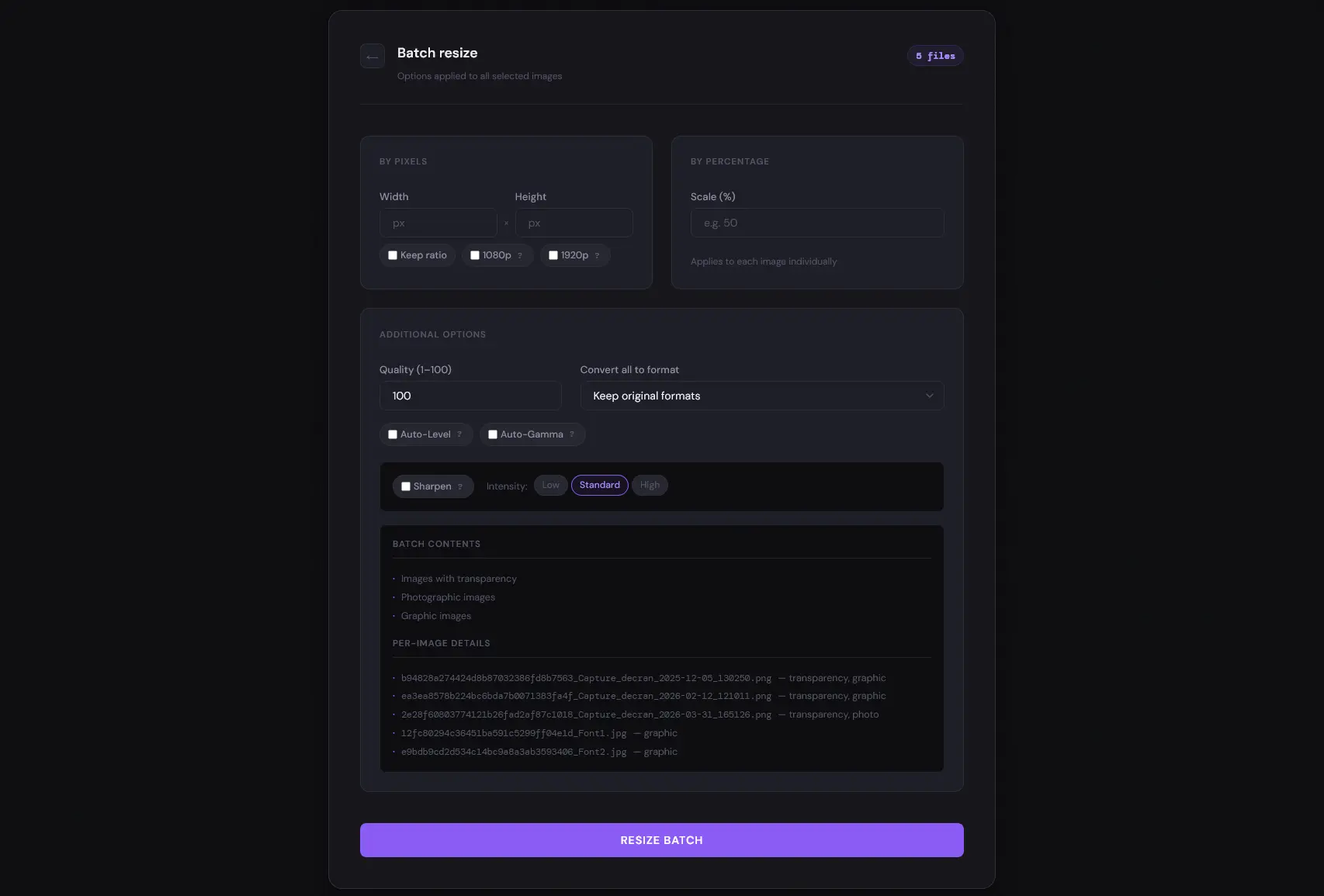
- Flexible resizing — by exact dimensions, percentage, or one-click presets (1080p / 1920p) with optional aspect-ratio lock
- Wide format support
- Common: JPG, PNG, GIF, BMP, TIFF, WEBP
- RAW: ARW, CR2, CR3, NEF, RAF, RW2, DNG
- Modern: AVIF, HEIC, JXL
- Animation: GIF, WEBP, APNG
- Vector / document: SVG, PDF, EPS (requires
potrace)
- Image enhancement — auto-level, auto-gamma, and three-level unsharp masking (low / standard / high)
- Smart format recommendations — context-aware suggestions based on image type and transparency
- URL import — fetch and process an image directly from a URL
- Real-time progress — per-file status streamed via Server-Sent Events (SSE) during batch jobs
- Automatic ZIP export — processed batch files packaged and ready to download
- Automatic cleanup — uploaded and output files purged after 48 hours
| Limit | Value |
|---|---|
| Total request size | 2 GB |
| Per-file maximum | 200 MB |
| Maximum image dimension | 10 000 px per side |
| Concurrent ImageMagick workers | 4 (semaphore-controlled) |
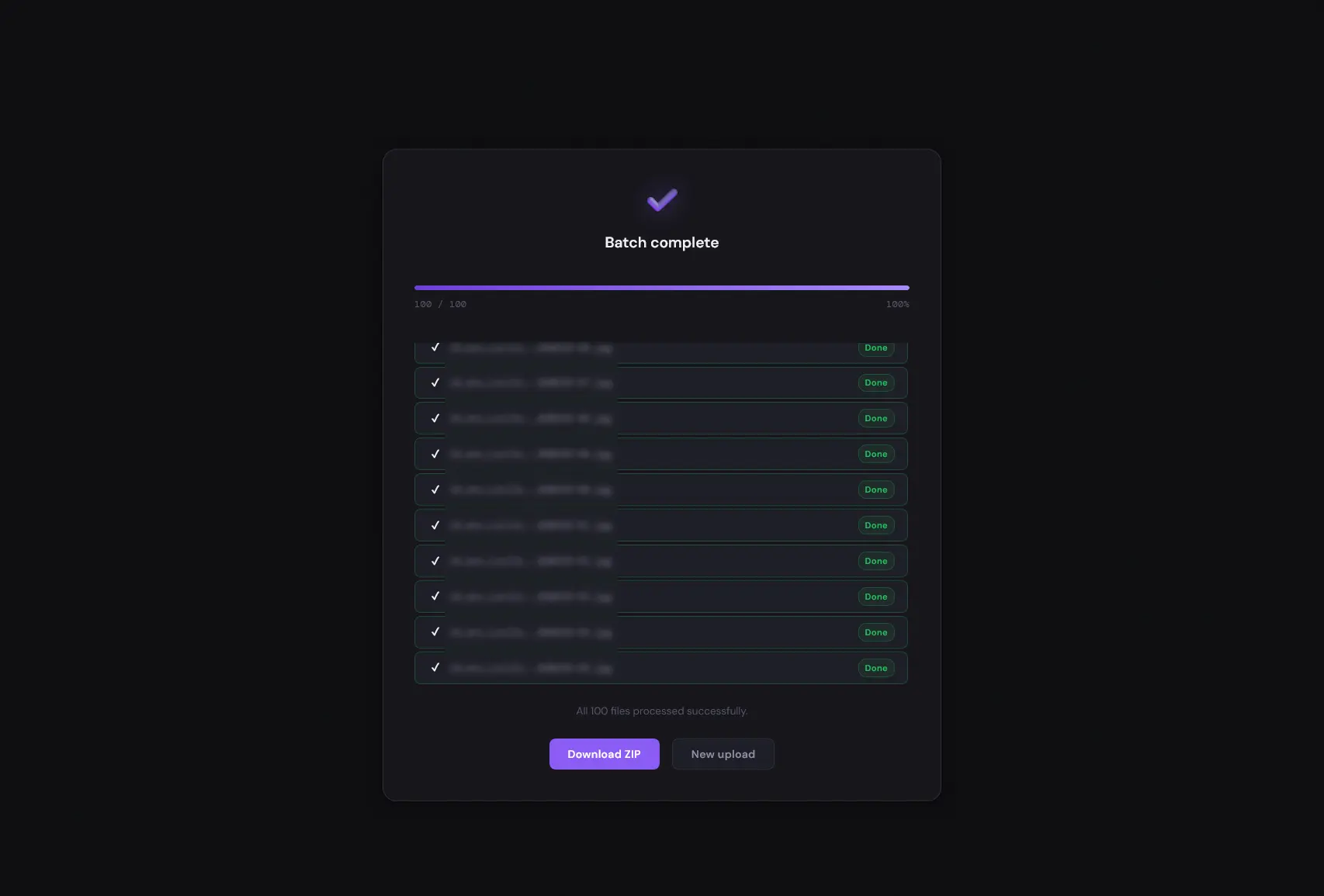
Batch uploads are processed asynchronously — the browser redirects to a live progress page immediately after the transfer completes. Each file shows its own status (queued / processing / done / error) via SSE. A ZIP archive is created automatically once all files finish.
| Dependency | Version | Notes |
|---|---|---|
| Python | 3.9+ | |
| ImageMagick | 7.1.2-18+ | Add to PATH on Windows; install libmagickwand-dev on Linux |
| ExifTool | any | Required for RAW metadata |
| potrace | any | Required for vector output (SVG, EPS, PDF) |
| Docker | any | Recommended deployment method |
Option 1 — Docker Compose
Create a docker-compose.yml:
services:
  imaguick:
    stdin_open: true
    tty: true
    volumes:
      - ./uploads:/app/uploads
      - ./output:/app/output
    ports:
      - 5000:5000
    image: tiritibambix/imaguick:latest
    environment:
      - FLASK_SECRET_KEY=${FLASK_SECRET_KEY:-change-me-in-production}
    healthcheck:
      test: ["CMD", "python", "-c", "import urllib.request; urllib.request.urlopen('http://localhost:5000/health', timeout=5)"]
      interval: 30s
      timeout: 10s
      retries: 3
      start_period: 60s
networks: {}
Then run:
docker compose up -dOption 2 — docker run
docker run -it --rm \
    -v $(pwd)/uploads:/app/uploads \
    -v $(pwd)/output:/app/output \
    -e FLASK_SECRET_KEY=change-me-in-production \
    -p 5000:5000 \
    tiritibambix/imaguick:latest
Option 3 — build from source
git clone https://github.com/tiritibambix/ImaGUIck.git
cd ImaGUIck
docker build -t imaguick .
docker run -it --rm \
    -v $(pwd)/uploads:/app/uploads \
    -v $(pwd)/output:/app/output \
    -p 5000:5000 \
imaguickgit clone https://github.com/tiritibambix/ImaGUIck.git
cd ImaGUIck
mkdir -p uploads output
pip install -r requirements.txtVerify dependencies:
magick -version    # ImageMagick 7.1.2-18 or newer
exiftool -ver
potrace --version  # required for SVG/EPS/PDF output
Start the server:
python app.pyThe application is available at http://localhost:5000.
Note: The local installation runs a cleanup task that removes files older than 48 hours. Trigger it manually with
python cleanup.py --now.
- Open
http://localhost:5000in your browser. - Select your import method:
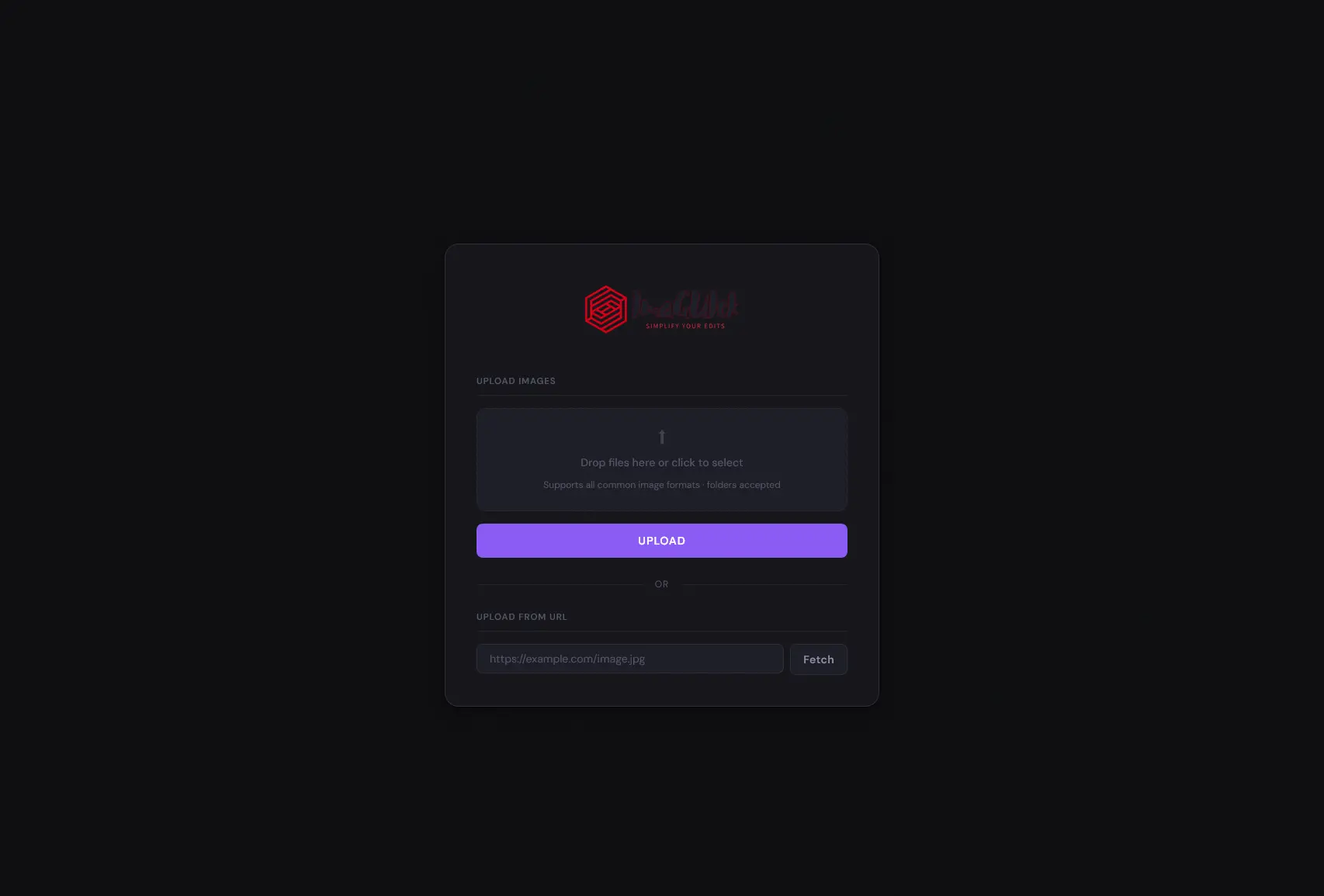
- Upload — drag-and-drop or file picker (single file or batch, folders accepted)
- URL — paste a direct image URL
- Configure processing options:
- Output format
- Resize mode (dimensions, percentage, or preset)
- Enhancement options (auto-level, auto-gamma, sharpening level)
- Submit — for batches, a live progress page tracks each file in real time.
- Download the result or ZIP archive when processing completes.
| Method | Command |
|---|---|
| Automatic (every 12 h, files > 48 h) | Runs via cron inside the container |
| Manual — files older than 48 h | docker exec <container> /app/cleanup.sh |
| Manual — all files immediately | docker exec <container> /app/cleanup.sh --all |
| Layer | Technology |
|---|---|
| Backend | Flask (Python 3.9+), Gunicorn (gthread, 4 workers × 8 threads) |
| Image processing | ImageMagick 7.1.2-18, ExifTool, Pillow, potrace |
| Async pipeline | ThreadPoolExecutor + BoundedSemaphore(4) — no external queue required |
| Progress streaming | Server-Sent Events (SSE) via /job/<id>/status |
| Frontend | Vanilla HTML / CSS / JavaScript (dark theme, DM Sans + DM Mono) |
| Container | Docker (multi-arch: amd64 + arm64) |
imaguick/
├── Dockerfile                  # Multi-arch container build
├── docker-compose.yml          # Compose deployment example
├── start.sh                    # Container entrypoint (cron + Gunicorn)
├── app.py                      # Flask application — routes and processing logic
├── cleanup.py                  # File cleanup script (stdout logging, Docker-compatible)
├── cleanup.sh                  # Manual cleanup helper
├── requirements.txt            # Python dependencies
├── templates/
│   ├── base.html               # Shared layout and design system (CSS variables, components)
│   ├── index.html              # Upload page
│   ├── resize.html             # Single-image options
│   ├── resize_batch.html       # Batch options
│   ├── progress.html           # Real-time batch progress (SSE)
│   └── result.html             # Success / error feedback
└── static/                     # Fonts, images, favicon
Browser                     Flask (Gunicorn)              ThreadPoolExecutor
  │                               │                              │
  ├─ POST /upload ──────────────> │                              │
  │                               │  save files, create job      │
  │ <─ {redirect: /progress} ─── │  submit tasks ─────────────> │
  │                               │                              │ acquire semaphore (max 4)
  ├─ GET /job/<id>/status (SSE) > │                              │ run ImageMagick
  │ <─ {file, status, pct} ────── │ <── update job dict ──────── │ release semaphore
  │ <─ {complete, zip} ─────────  │                              │
  ├─ GET /download_batch/<zip> ─> │                              │
- All filenames sanitised with
werkzeug.utils.secure_filenameat route entry - Path traversal prevented by
secure_path()— confines all file access touploads/andoutput/ - Output formats validated against an explicit allowlist (
ALLOWED_OUTPUT_FORMATS) - Sharpen level validated against
ALLOWED_SHARPEN_LEVELS - Vector output formats checked for
potraceavailability before building the ImageMagick command - SSRF prevented by
is_safe_url()— DNS resolution + rejection of private/loopback/link-local IPs - GitHub Actions workflows use minimal
permissions: contents: readand SHA-pinned actions
- Supported formats — edit
get_available_formats()inapp.py - Processing options — extend
build_imagemagick_command()inapp.py - Secret key — set the
FLASK_SECRET_KEYenvironment variable (required in production)
- Fork the repository
- Create a feature branch:
git checkout -b feature/my-feature - Commit your changes:
git commit -m 'Add my feature' - Push:
git push origin feature/my-feature - Open a pull request
This project is licensed under the GNU General Public License v3.0 — see the LICENSE file for details.
ImageMagick is licensed separately — see the ImageMagick license.
Made with ❤️ in Python