



Introducing Looting like you've never seen it before! Have you ever felt that Minecraft didn't have enough tools and weapons to make you happy? Are you dissatisfied with the low amount of character each tool has? Ever wanted your tools to get better as you use them? Yes?!? Well then this is the mod for you!
Random Loot was rewritten from the ground up with the goals of creating an easier to maintain code-base with an expandable modifier system. This branch targets Minecraft 26.1 on NeoForge.
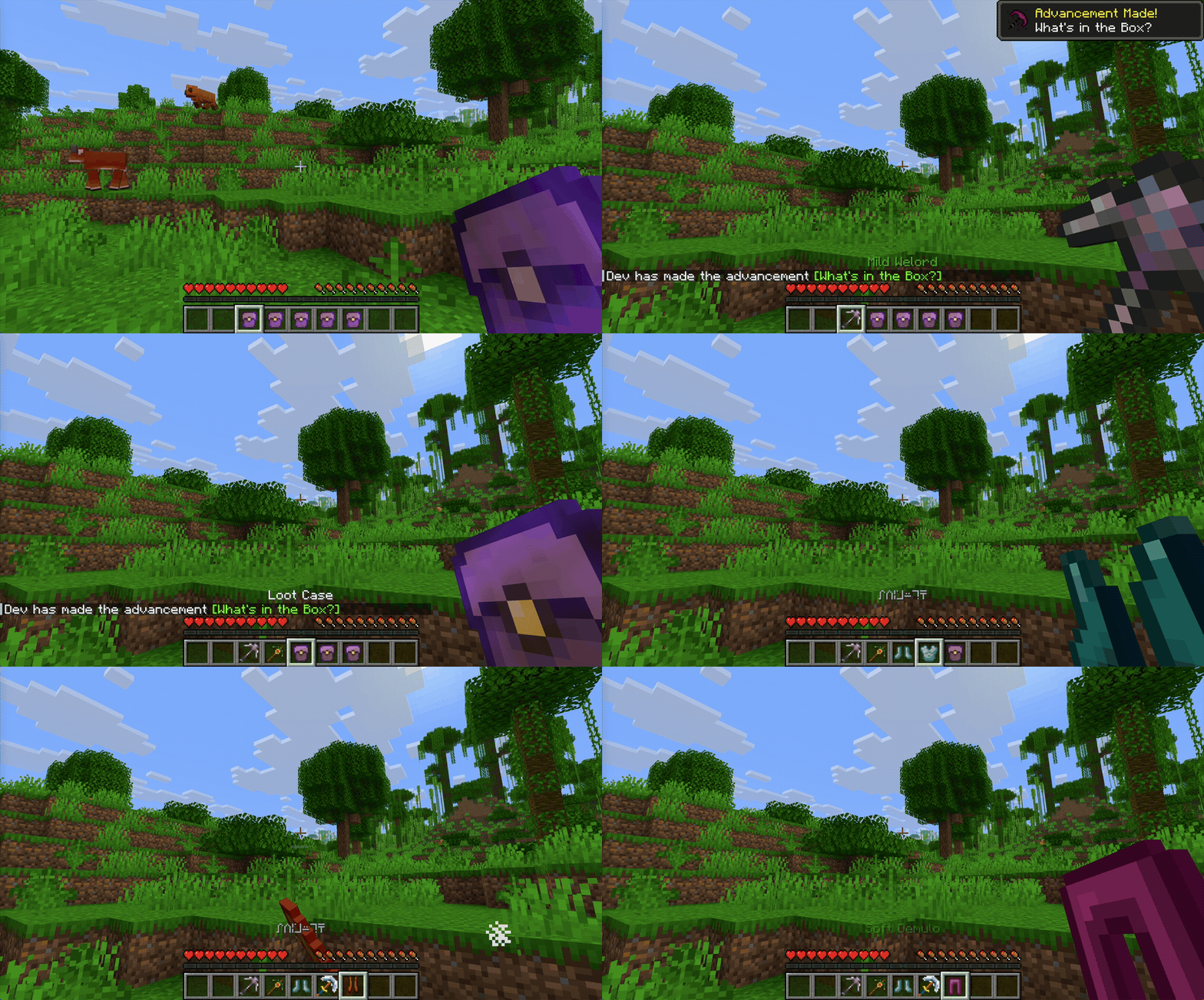
This mod is built around the Loot Case, which opens into a Random Tool or a piece of Random Armor. You'll never see them called that in game since every item is randomly generated and uniquely named.
You can find cases in any chest that generated in a structure of some kind (ex: dungeons, mineshafts, buried treasure). By default there is a 25% chance that a structure chest contains a case (configurable, see the Configuration Guide). Right-clicking with this case generates a new tool or armor piece and removes the case from your inventory.
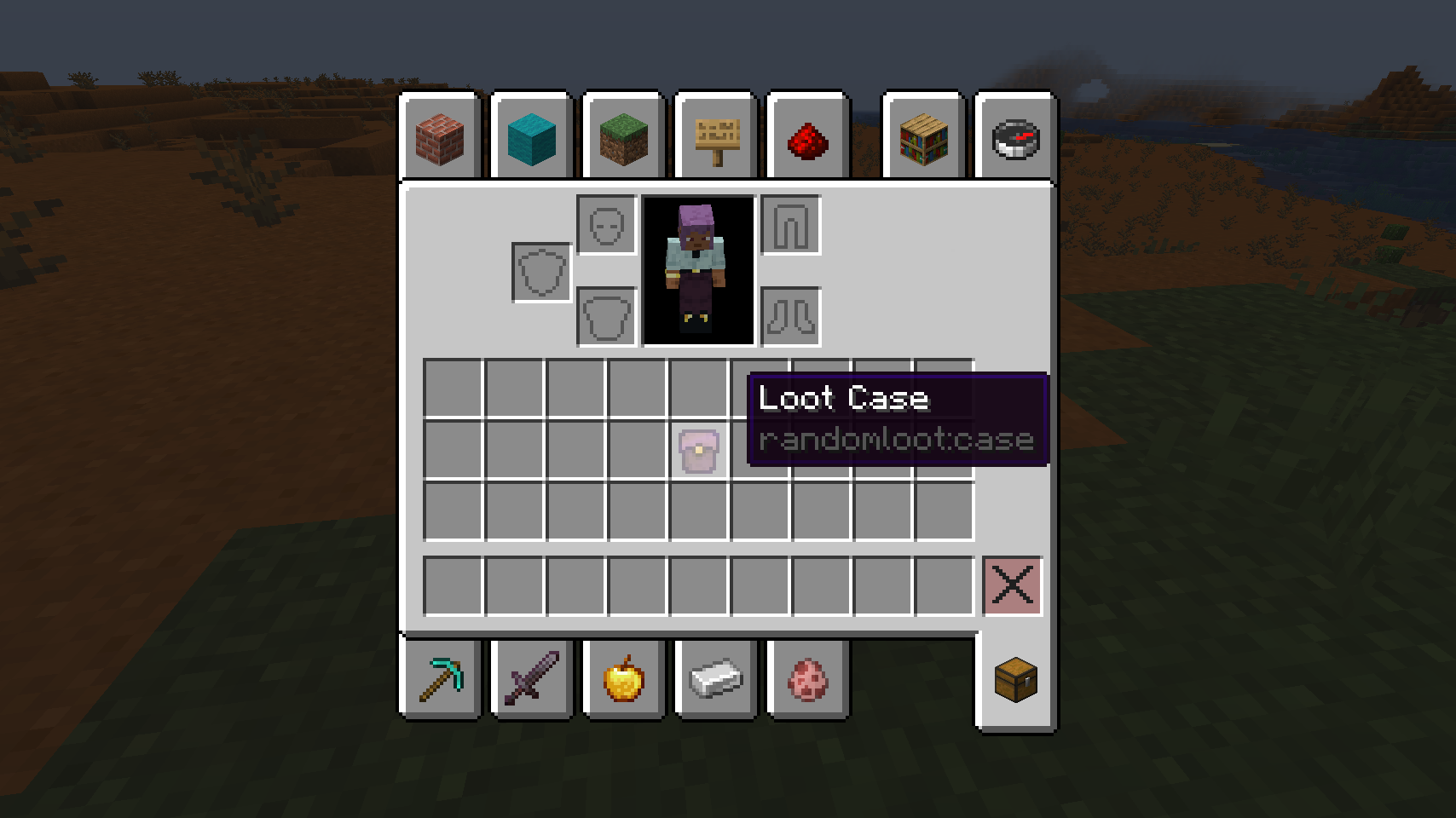
Random Tools look like a variety of tool types and can be one of: pickaxes, shovels, axes, swords. These tools all generate with random traits. For every tool you generate by opening a case, the tool you generate will come with better stats and more traits.
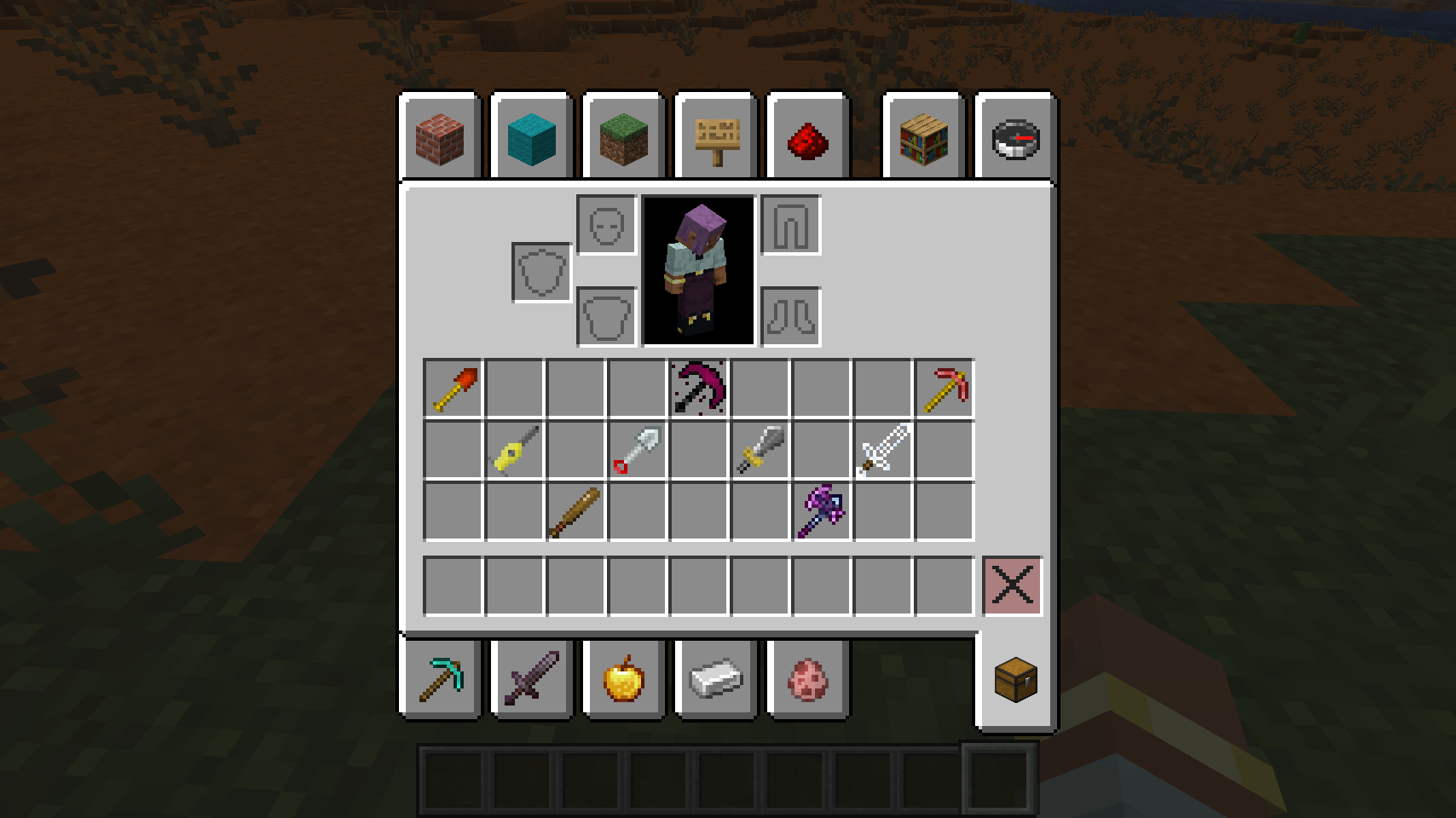
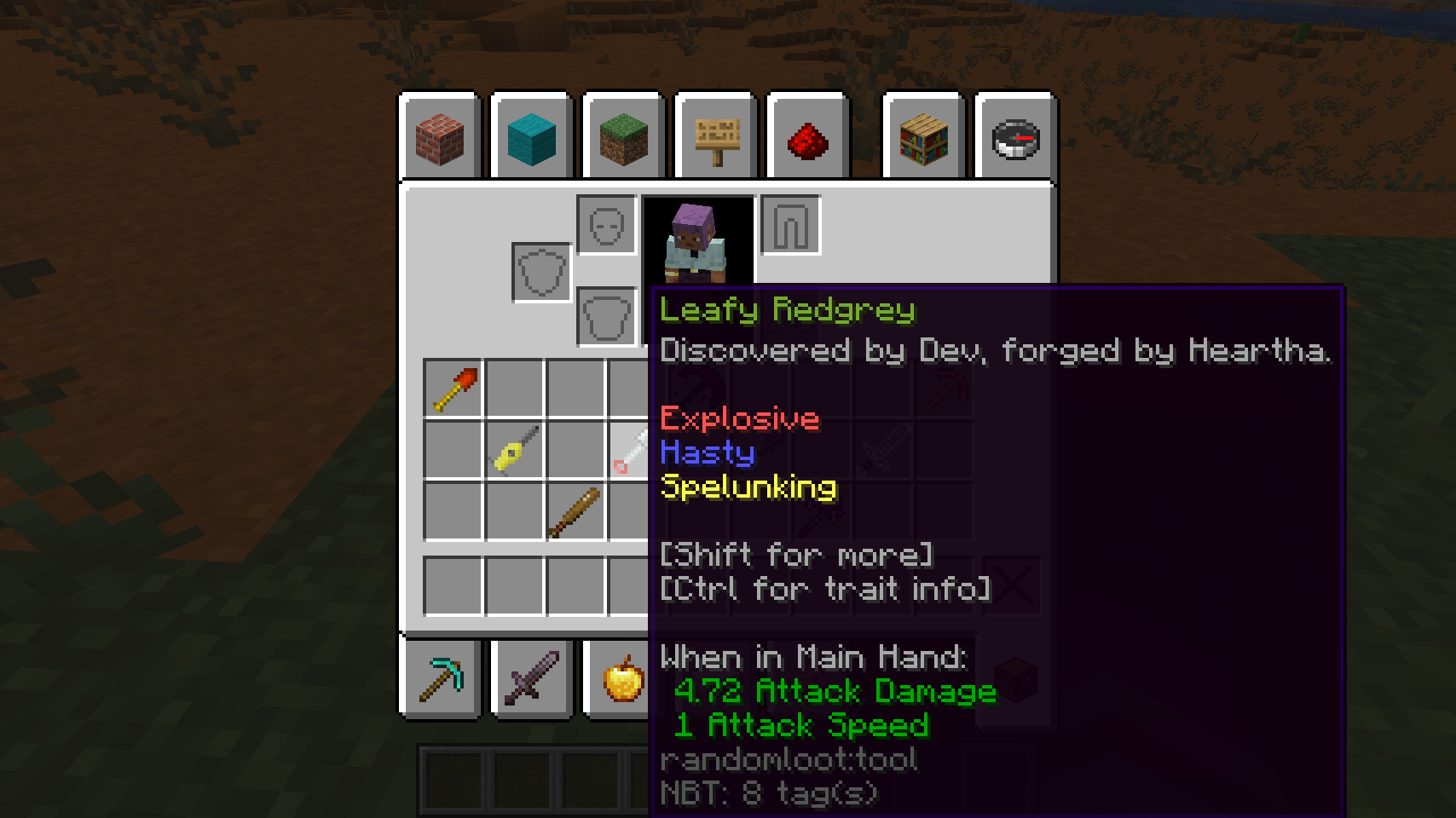
Holding Shift while hovering over tools will give you an expanded view on details about the tool and current status of traits.
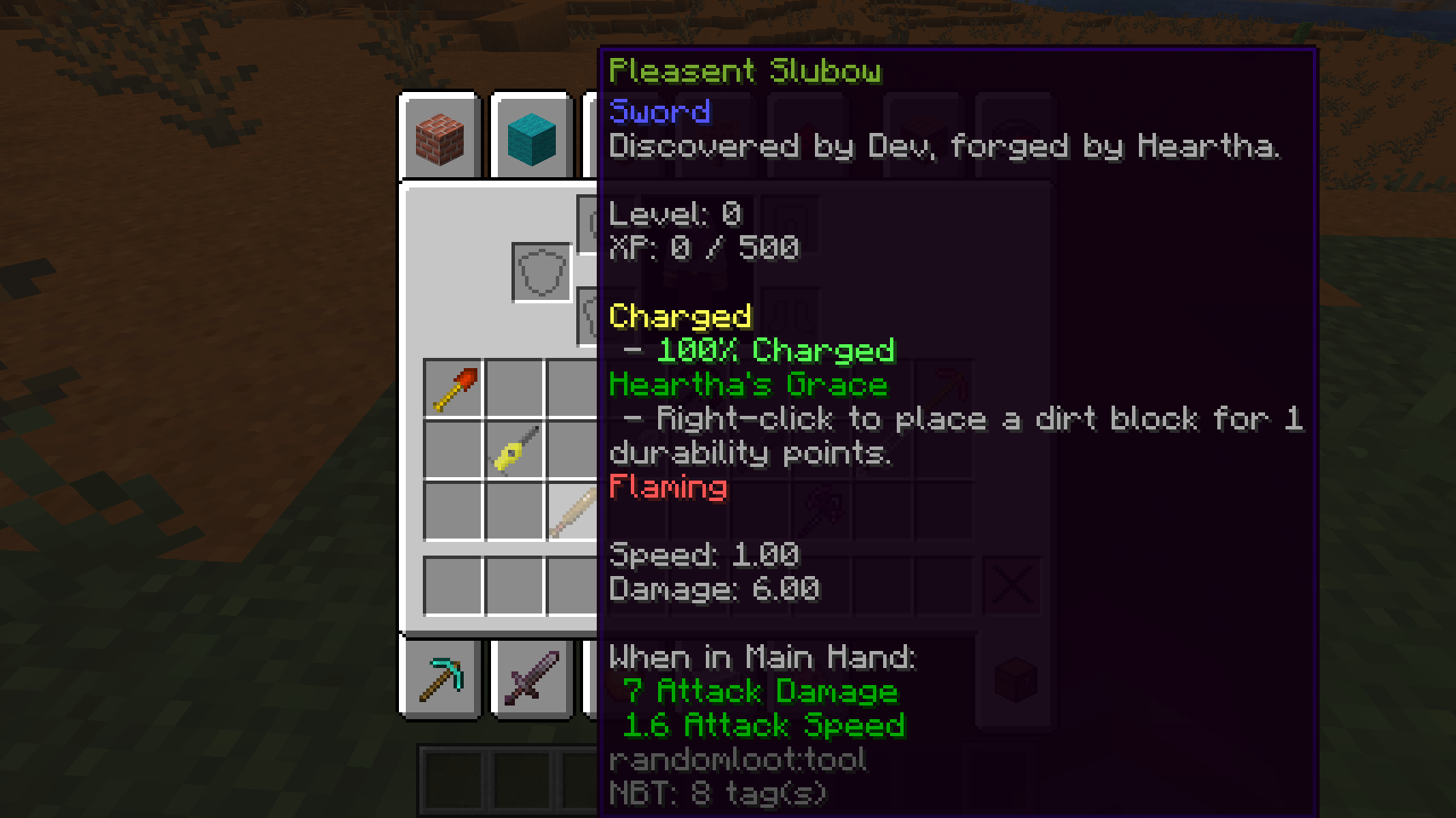
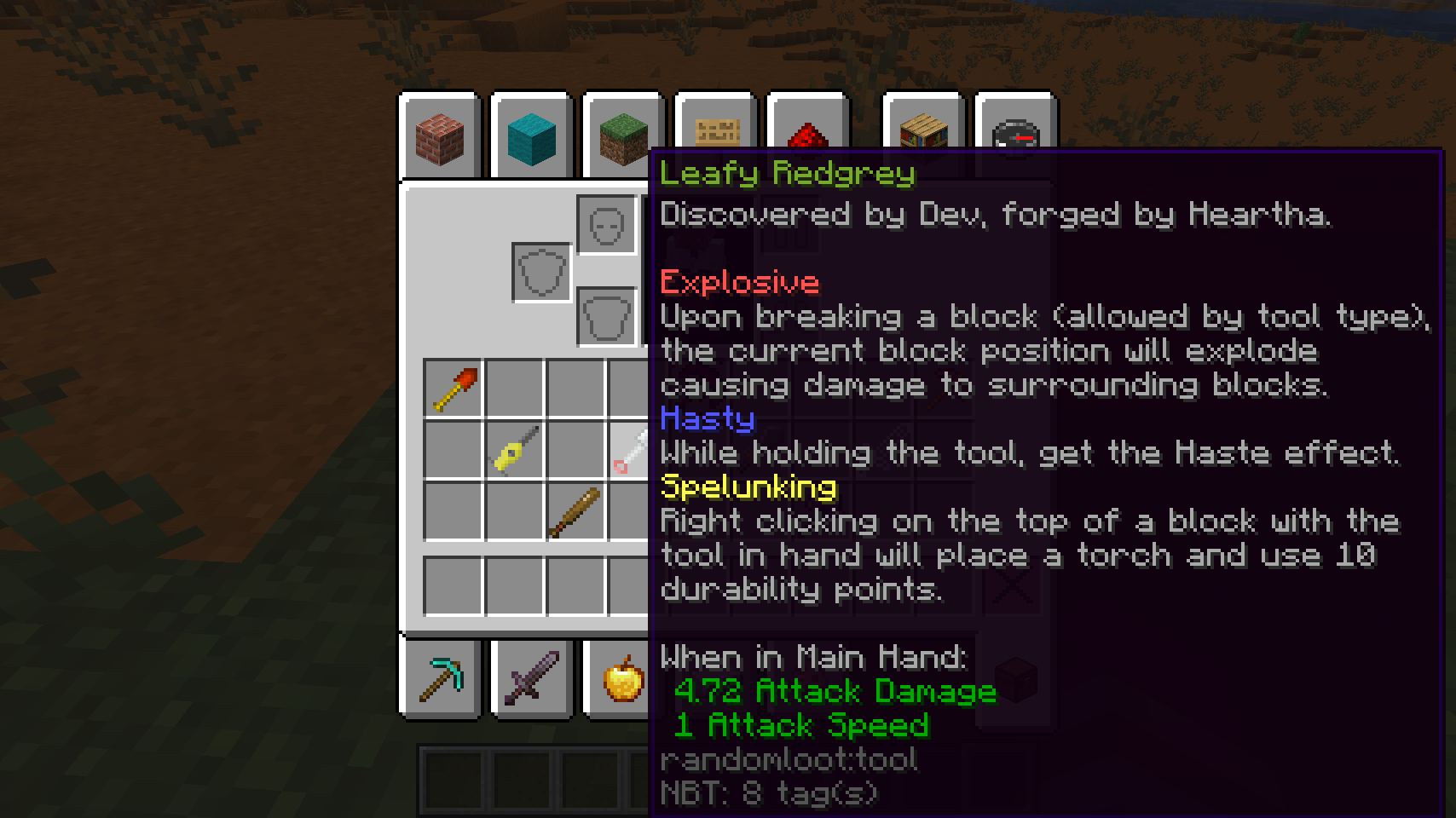
Holding Control (command on a mac) while hovering over tools will give you a description of every trait currently applied to the tool.
Loot Cases can also contain Random Armor — helmets, chestplates, leggings, and boots. By default a case has a 15% chance to hold an armor piece instead of a tool (configurable). Armor generates with its own pool of traits and follows the same progression, naming, and tooltip rules as tools.
Both tools and armor are enchantable and can be repaired in an anvil with a configurable repair material (default: diamond) — see the Loot & Crafting guide for details.
For a complete list of modifiers check out the modifier list.
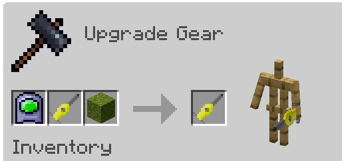
Trait Addition/Subtraction Templates are items that allow you to add and remove traits from your tools. To do this, place either an addition template or subtraction template inside a Smithing Table, to add or remove a trait. Then place in your tool and the corresponding item listed in the Modifiers list. Then You can preview what will happen to your tool.
You can find Trait Addition Templates in dungeon chests similarly to loot cases (15% chance by default). To get Subtraction Templates, right click with an addition template in your hand. They can be swapped back and forth as many times as you'd like but once you use them they're gone.
In this example, we're adding Living to the tool using an addition template.
Don't want a tool or armor piece you generated? Smelt it in a furnace to salvage it into Random Essence. Combining a Random Tool or Random Armor with Random Essence in a crafting grid changes the item's texture — each additional Essence cycles one texture further, so you can re-style your gear without losing any traits, levels, or stats. You can also craft 9 Random Essence into a brand new Loot Case, so even bad rolls eventually pay off.
You can place cases in dispensers to be opened automatically. Dispensed gear rolls at a fraction of the goodness of the most progressed online player (75% by default, configurable via dispenserGoodness), and records the dispenser's real biome and dimension just like a player opening the case there. Opening cases with a dispenser does not advance anyone's progression, so it can't be used to farm better loot.
Operators (permission level 2, the same as /give) get a /randomloot command tree for spawning and editing gear directly:
| Command | What it does |
|---|---|
/randomloot give <type> |
Spawns a fresh, trait-less tool or armor piece of the given type (pickaxe, shovel, axe, sword, helmet, chestplate, leggings, boots) into your inventory at base stats. |
/randomloot trait add <trait> |
Adds a trait to the gear in your main hand, or levels it up if the gear already has it. The same rules as smithing apply (piece type, biome restrictions, trait compatibility), and tab-completion only offers traits your held item can actually take. |
/randomloot trait remove <trait> |
Removes a trait from the gear in your main hand. Tab-completion lists the traits currently on the item. |
/randomloot xp <amount> |
Adds XP to the gear in your main hand, leveling it up along the way. |
- Modifier List - All available modifiers and recipes
- Biome-Specific Traits - Traits tied to specific biomes
- Configuration Guide - Server/modpack configuration options
- Tool Progression - Leveling, stats, and advancement
- Name Generation - How tool names are created
- Loot & Crafting - Where to find items and crafting guide
The jump from 1.12 to 1.16 was one of the biggest changes to Forge & the Minecraft codebase making a complete rewrite of the mod very welcome. However, the 1.16 to 1.20 was again, a massive change and I was overall dissatisfied with the 1.16 version of the mods codebase and sloppy planning. As such, 1.20 was a complete rewrite of Random Loot to make the mod feel more cohesive and less janky. That rewrite is the codebase that lives on today, now running on NeoForge for modern Minecraft versions.
Check the GitHub releases for the changelog of each version.
Thank you to Sprucefence, Xiruen, Victorium and Zorbyn for donating tool textures.