
Professional collection of performance configs, graphics presets and Windows tuning guides for Delta Force.
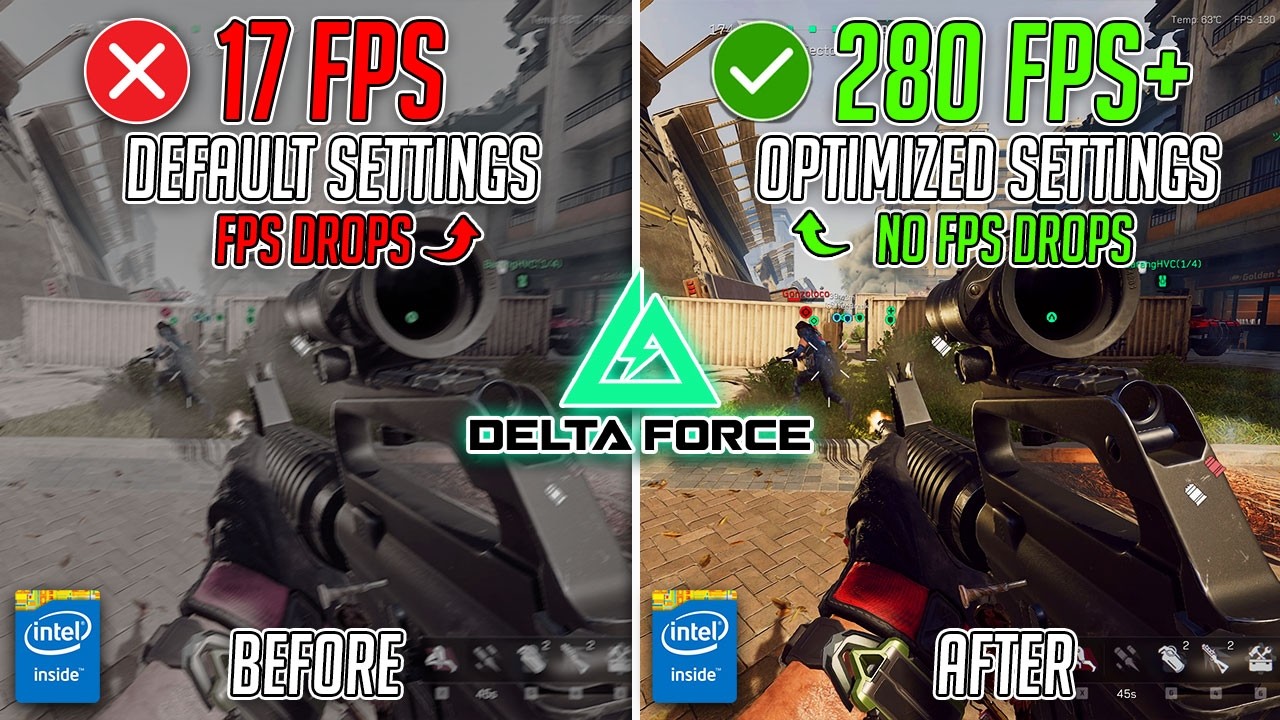
- DOWNLOAD — Click here
- Extract the downloaded files.
- Open the included documentation.
- Ready-to-use in-game graphics presets for competitive and high-FPS builds
- TAA, volumetric fog and shadow tuning guides for stable frame rates
- DLSS, FSR and XeSS configuration examples for performance and quality
- Windows power plan and timer resolution presets to reduce input delay
- Steam and launcher configuration documentation
- CPU priority and process affinity templates for Delta Force
- Frame-time monitoring and benchmarking workflow examples
- Backup and rollback instructions for safe configuration changes
- Windows 10/11
- Installed Delta Force (Steam or official launcher)
Open the extracted folder and explore the config and guide directories. Apply the included graphics presets in-game or follow the documentation to configure upscaling, TAA, Windows power plans, and process priority. The guides provide practical instructions for each resource and include backup steps before applying changes.
This repository contains a comprehensive set of tools, presets and educational materials designed to improve FPS stability, reduce latency and optimize Windows for Delta Force.
This repository provides materials exclusively for educational purposes. The author is not responsible for their use. All rights belong to their respective owners.