This setup is currently a work in progress and is subject to constant changes.
A comfy setup built on niri, managed by chezmoi. Featuring
- Coherent & dynamic theming using
matugen - Keyboard-driven workflow that does not sacrifice on mouse-only actions
- Modular & extensible configuration
Install chezmoi and proceed to install the setup using the following commands
  chezmoi init SatanAlphabet
  chezmoi apply
This will additionally run a script to install necessary packages on your first time running chezmoi apply.
Caution
The install script only supports Arch-based distros.
Important
Zen requires changing toolkit.legacyUserProfileCustomizations.stylesheets in about:config to true for theming changes to apply.
| Type | Software Used |
|---|---|
| Compositor | niri |
| Status bar | waybar |
| Launcher | Rofi |
| Notification daemon | SwayNC |
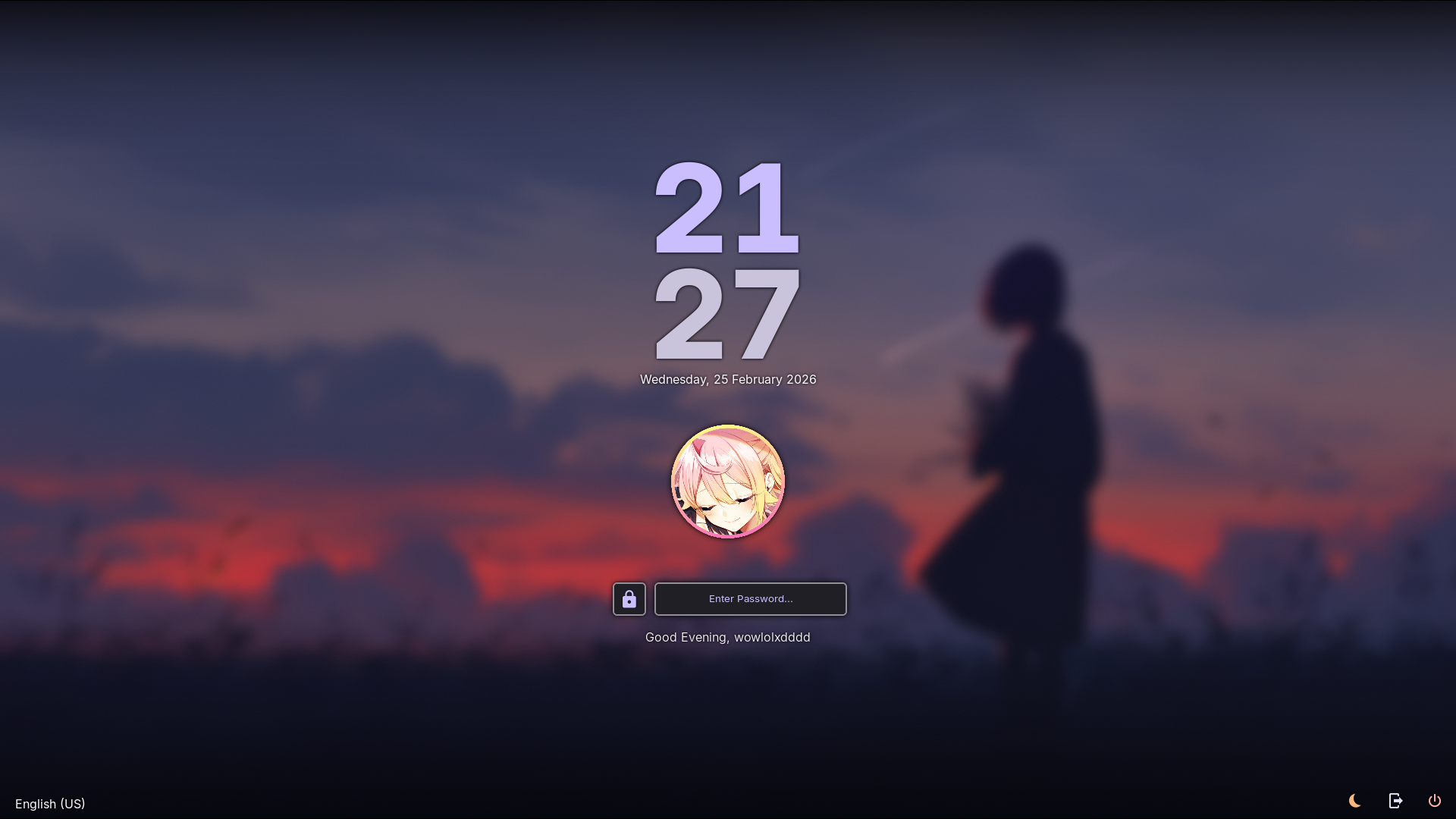
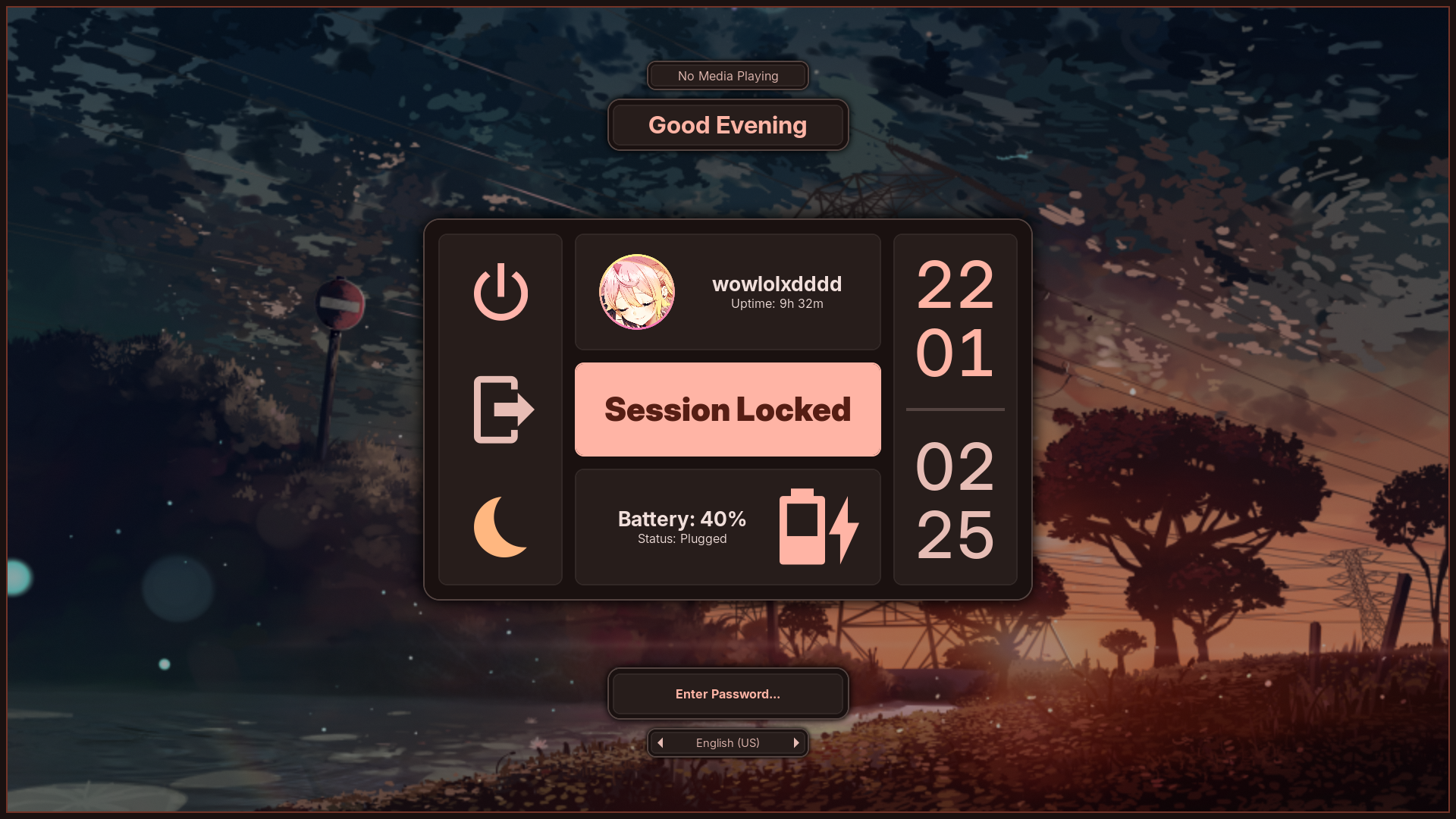
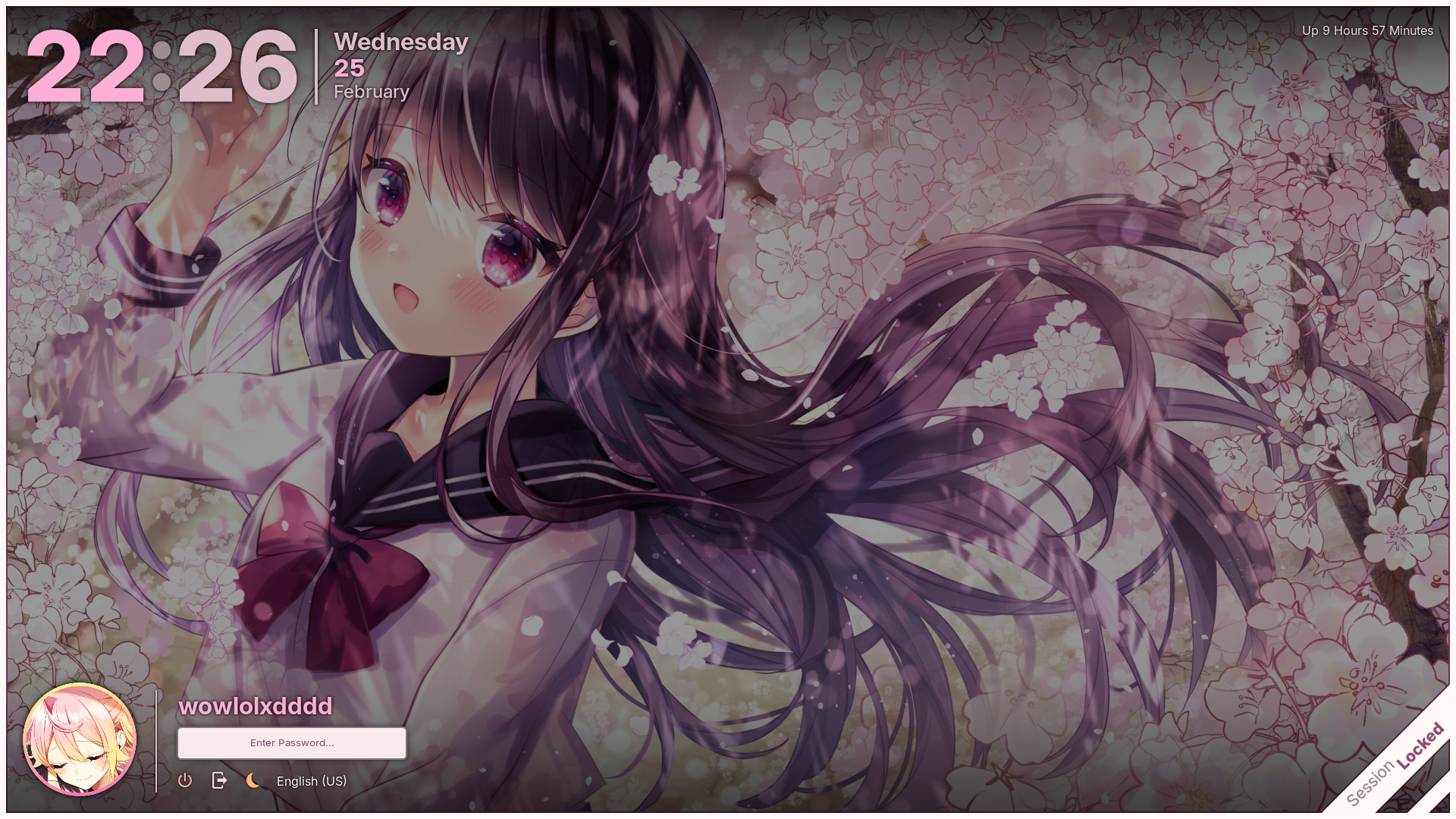
| Lock screen | Hyprlock |
| Wallpaper management | Waypaper |
| Color generation | Matugen |
| Text editor | Neovim / VSCodium |
| Shell | zsh |
| File picker | Dolphin / Yazi |
| Web browser | Zen Browser |
| Desktop | |
|---|---|
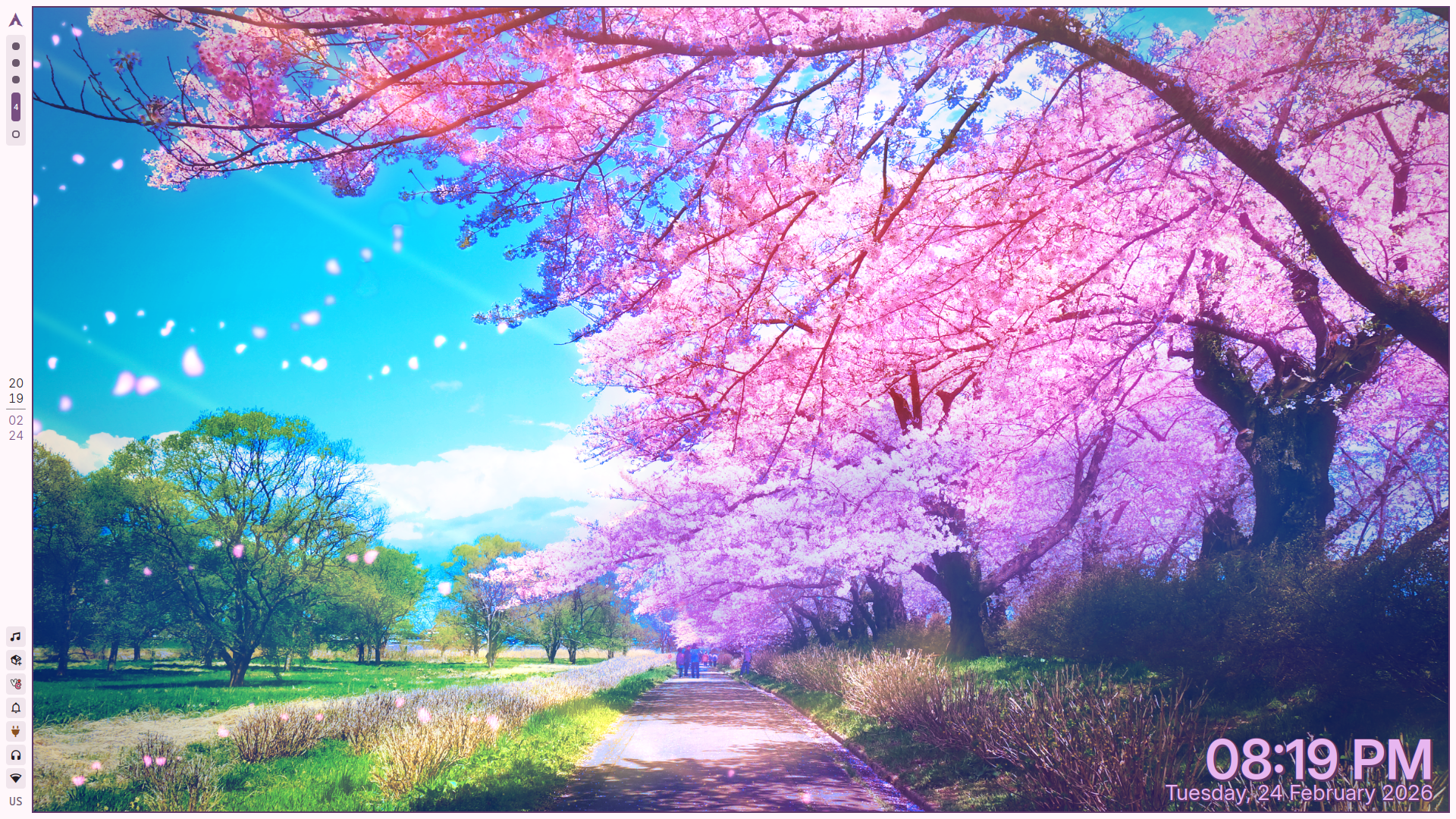 |
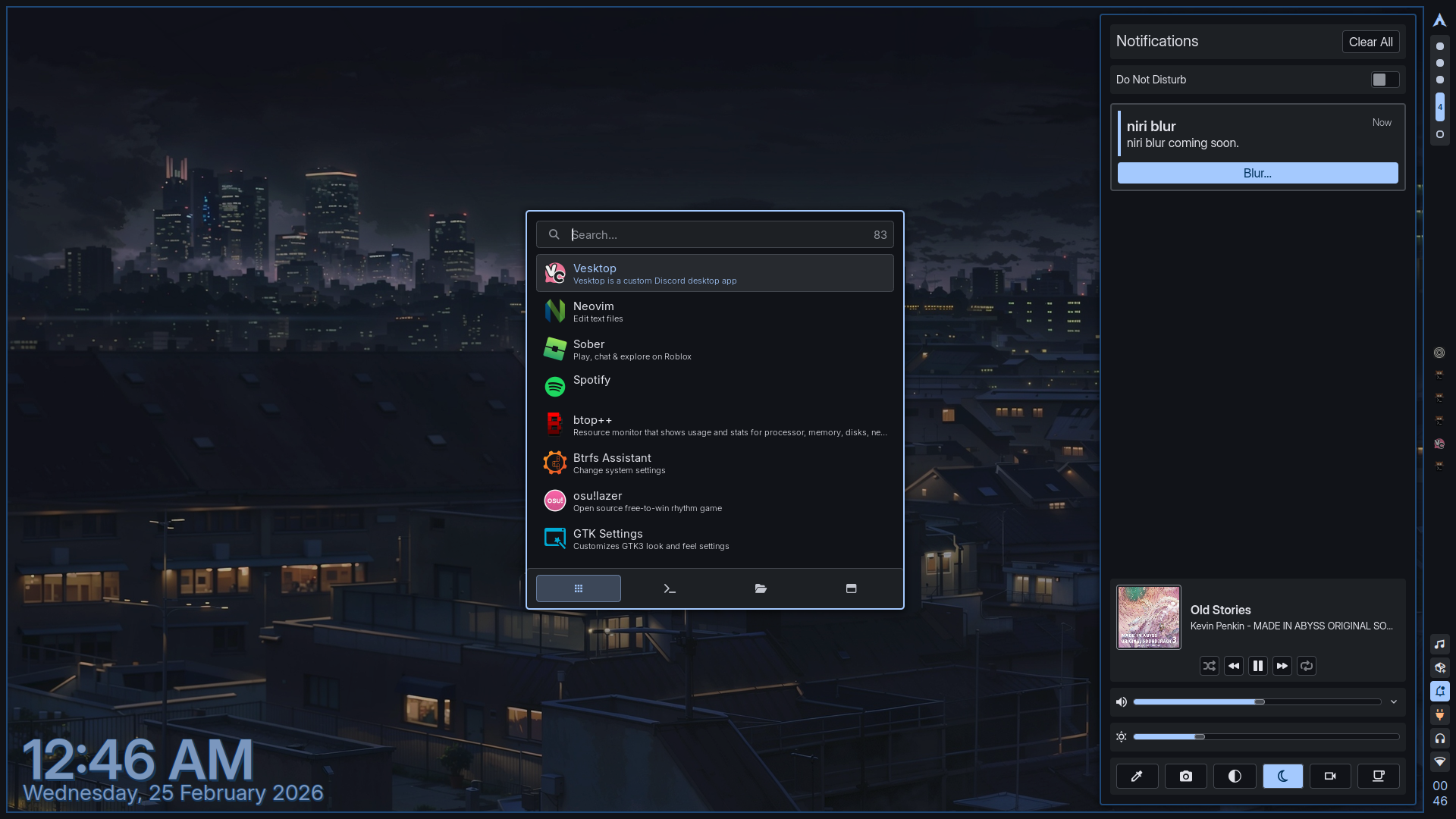 |
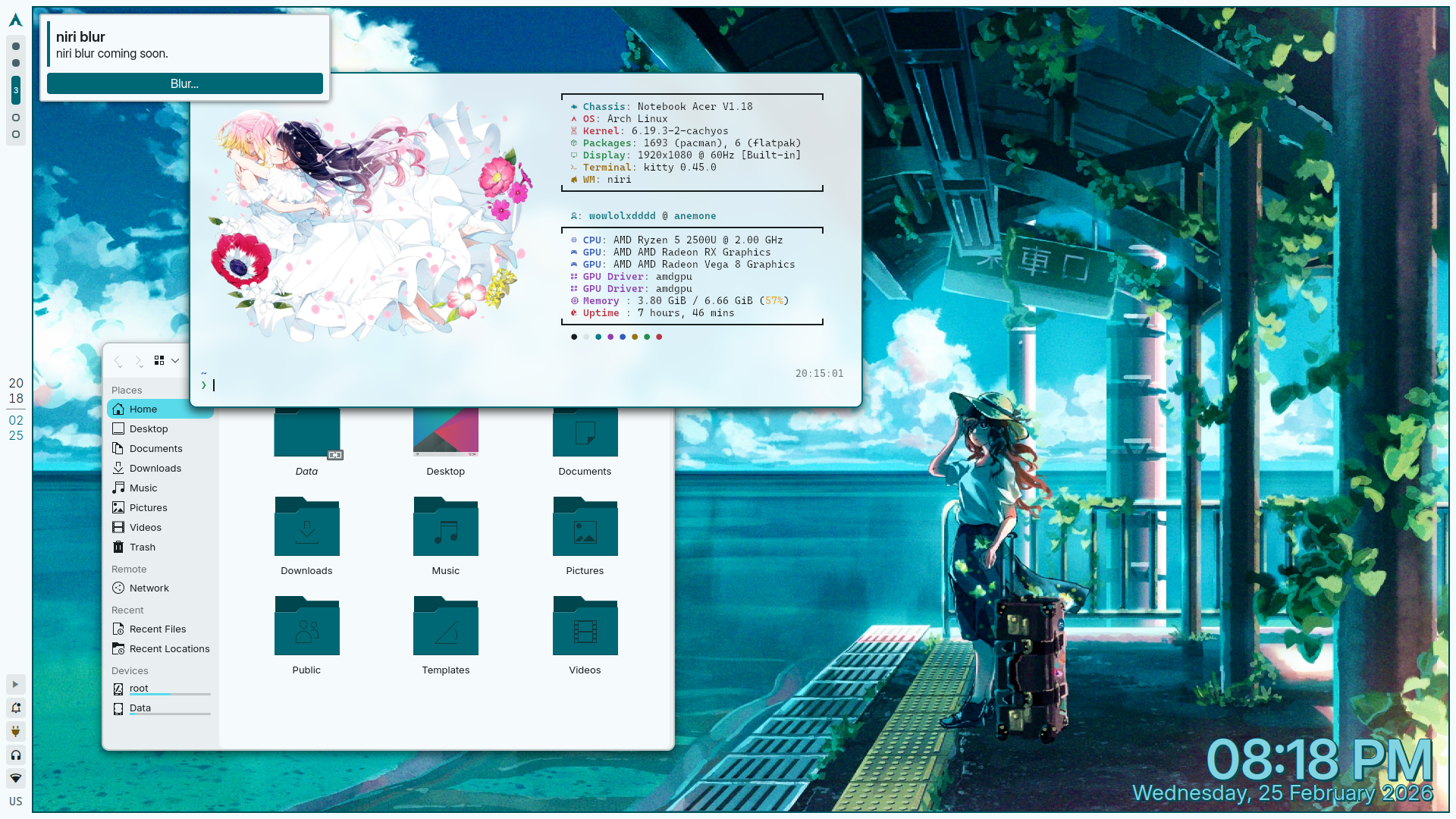 |
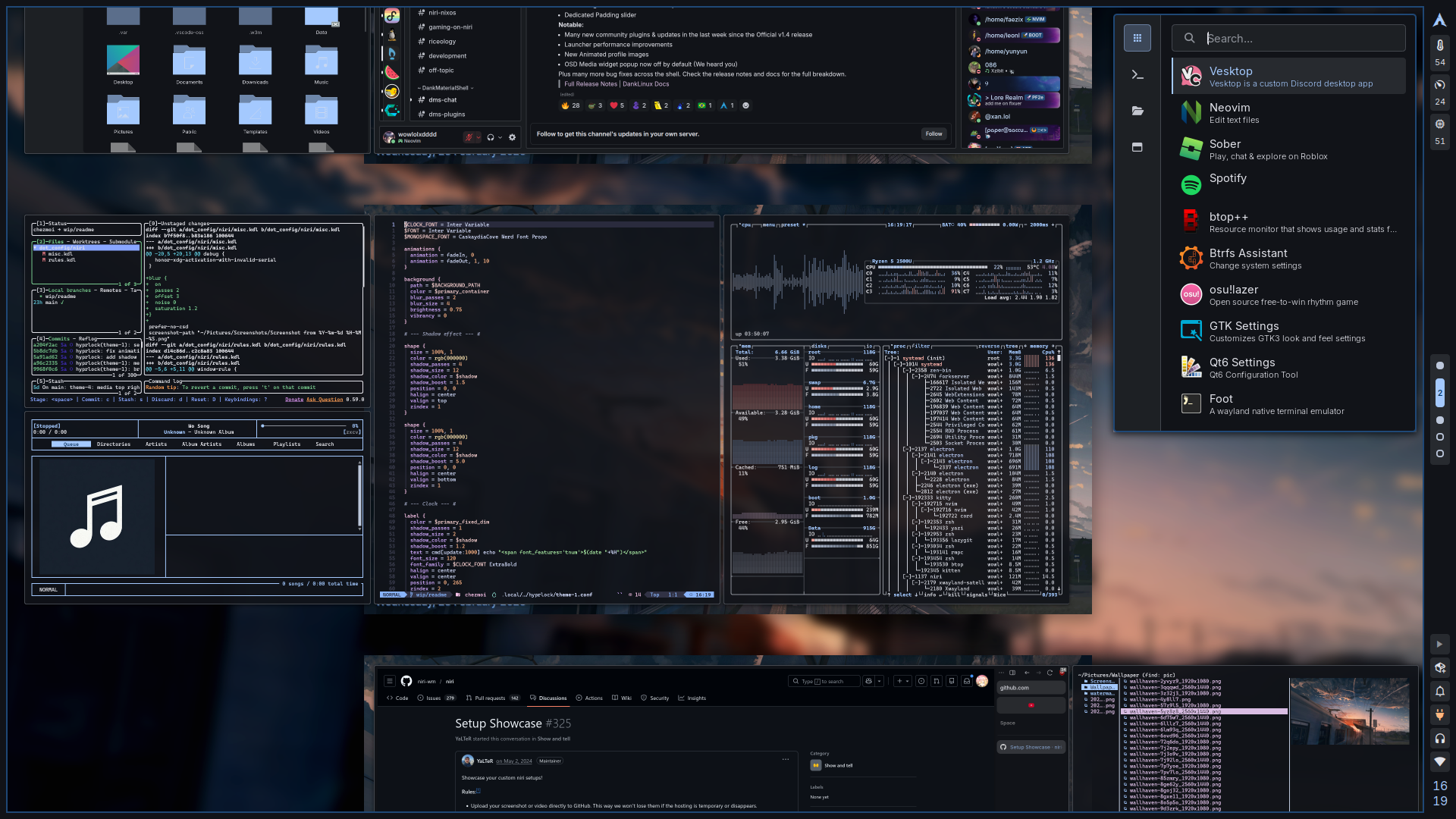 |
| Hyprlock | ||
|---|---|---|
 |
 |
 |
Special thanks to adi1090x and HyDE for some of the assets used in this setup.