

Unowhy Tools provides a powerful suite of administrative tools to take full control of your device :
- Manage the "HiSqool Manager" service (start/stop/enable/disable).
- Remove the local "ENT" account.
- Restore the "Shell" registry value to
explorer.exe. - Uninstall "HiSqool" and delete associated services and folders.
- Clean up system folders (
TO_INSTALL,RIDF,OEM,ENT). - Rename your PC effortlessly.
- View detailed system information.
- Assign your account (including Azure AD) as a local admin.
- Unjoin your PC from Azure AD.
- Create new local user accounts.
- Manage the built-in
.\adminlocal account.
- Backup and restore drivers (via PowerShell or DISM).
- Enable, disable, or repair WinRE (Windows Recovery Environment).
- Enable Windows Hello Enterprise.
- Fix BootIM (Blue Menu).
- Remove the "IgnoreAllFailures" policy from Boot Configuration Data (BCD).
- Enable Task Manager and account lockout policies.
- Sync Wi-Fi settings with your device’s serial number.
- Control camera and microphone directly from the system tray.
- Monitor system performance and battery status.
- Manage camera privacy settings.
- Enable Windows verbose boot status.
- Uninstall and block Microsoft Edge reinstallation.
- Enable/disable Windows Defender.
- Download driver backups from the cloud.
- Flash, backup, and customize your BIOS.
- Customize the Windows boot screen (via HackBGRT).
- Remove the "RIDF" Root CA.
- Unlock BIOS with the built-in Unowhy Tools BIOS Unlocker.
- Launch CMD, Task Manager, Registry Editor, and Group Policy Editor from the system tray.
- Control Windows power mode from the tray.
- Open tools like Rufus, MAS, and CRU.
- Install Microsoft 365 (Office).
- Access the HiSqool Manager panel and logs.
✨ New features added regularly !
(Administrator privileges required)
winget install "Unowhy Tools"- Download the latest release from the Releases Page.
- Run
Unowhy Tools xx.xx Setup.exe. - Launch Unowhy Tools and start exploring !
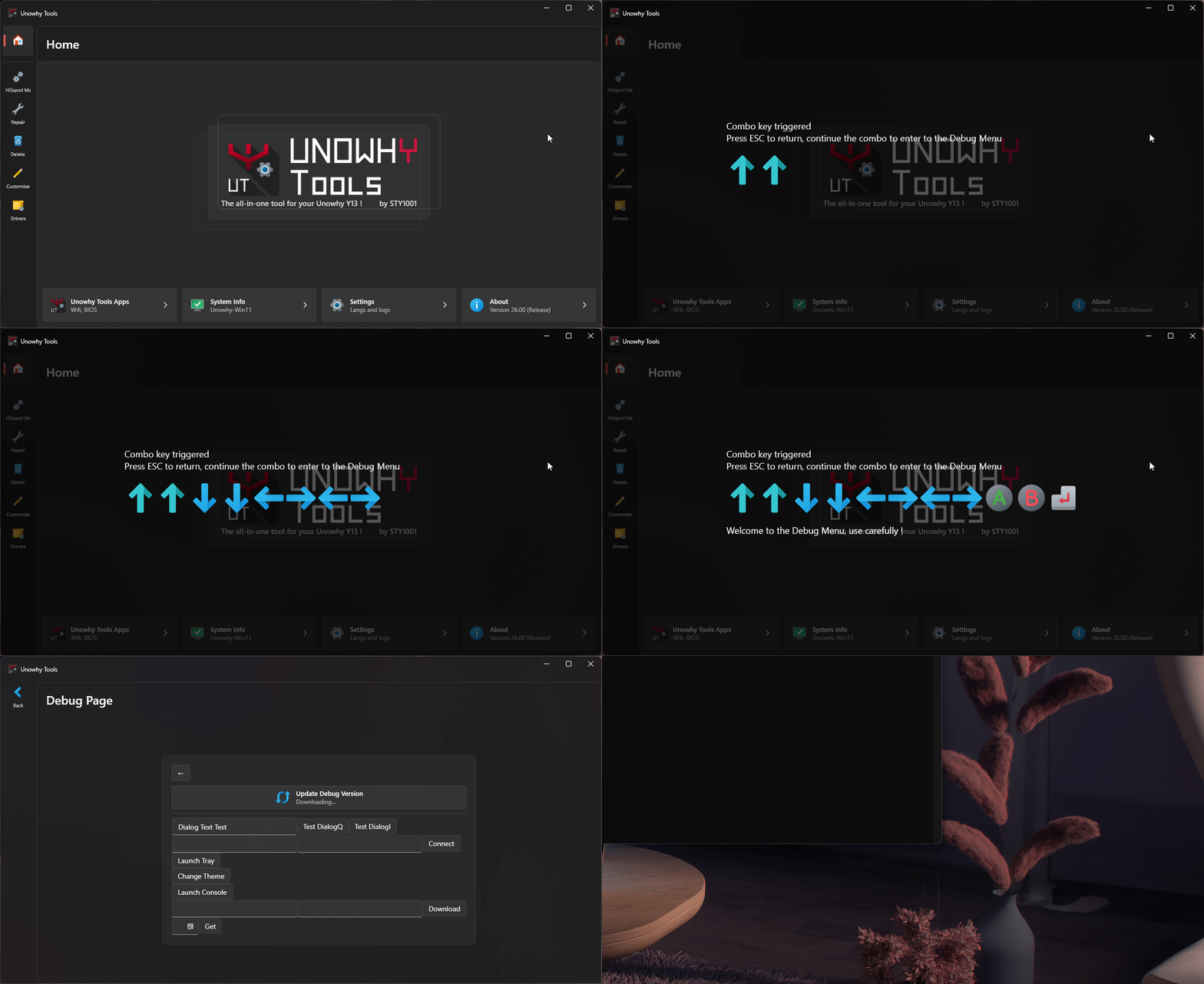
To switch to the Debug version :
- Open the Debug menu with the key sequence :
Ctrl + U,Ctrl + T,↑,↑,↓,↓,←,→,←,→,A,B,Enter. - Select "Update to Debug Version" and wait for the process to complete.
See how Unowhy Tools has evolved across versions :
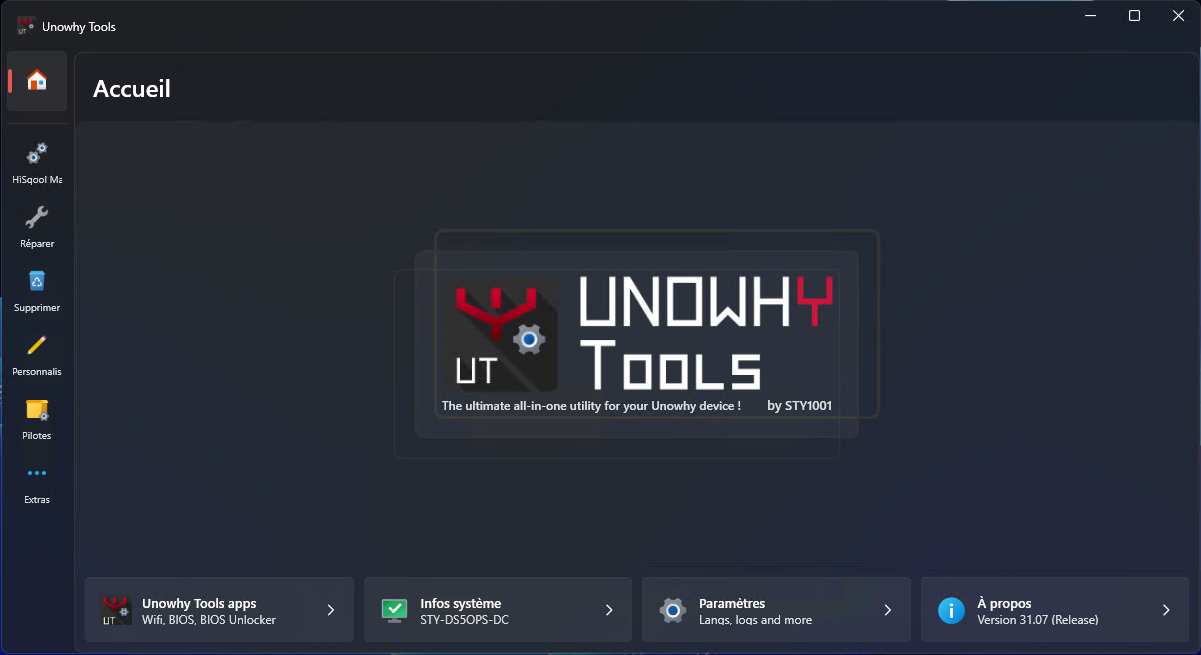
Show History
- 31.06 –
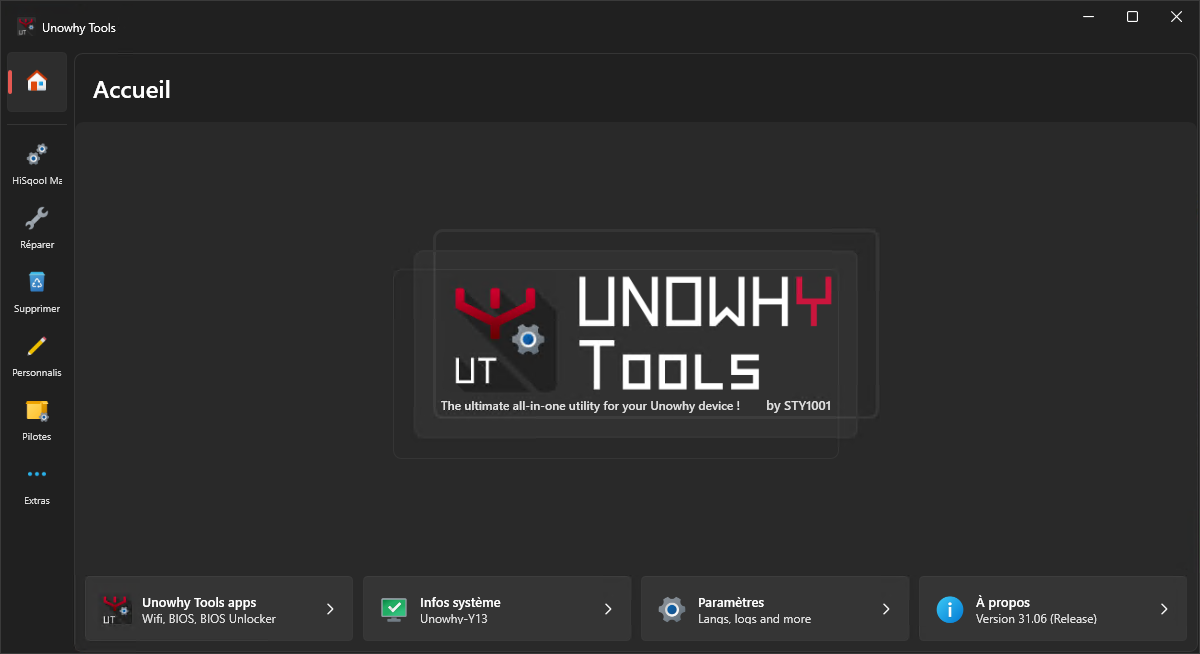
- 31.05 –
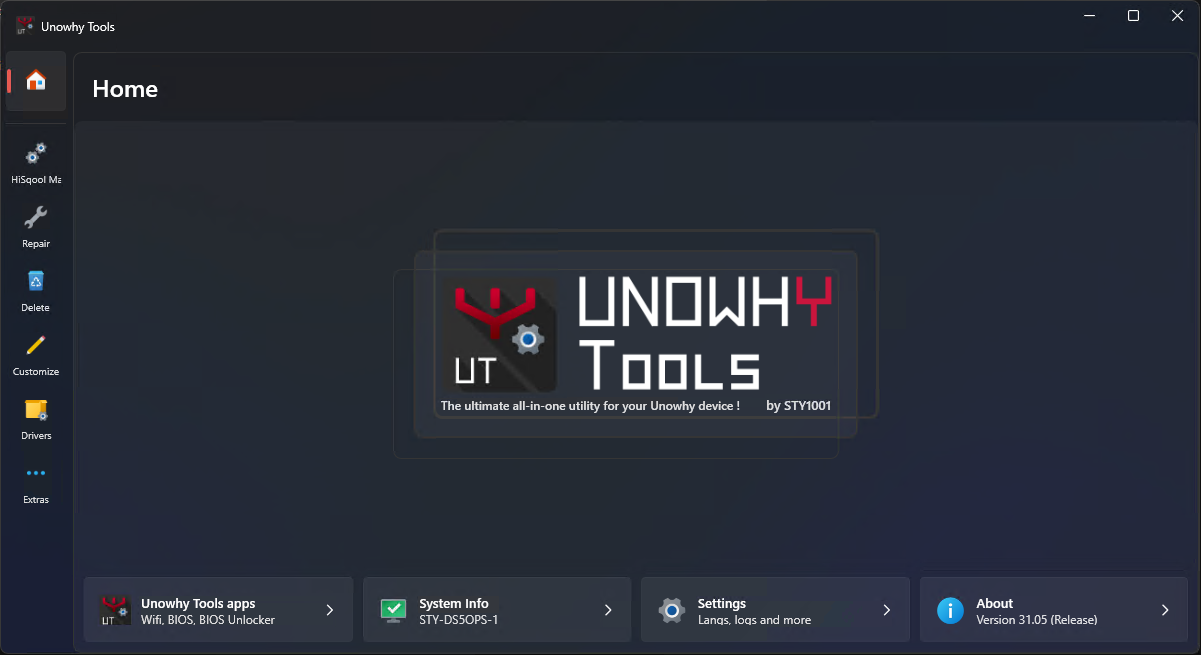
- 31.04 –
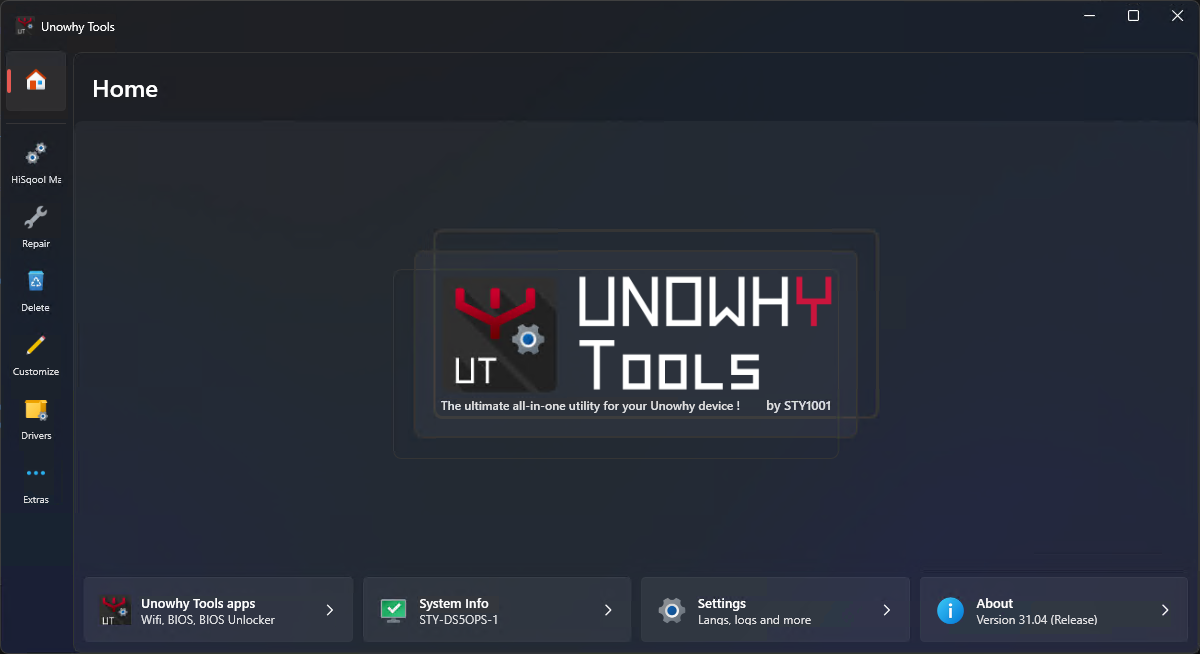
- 31.03 –
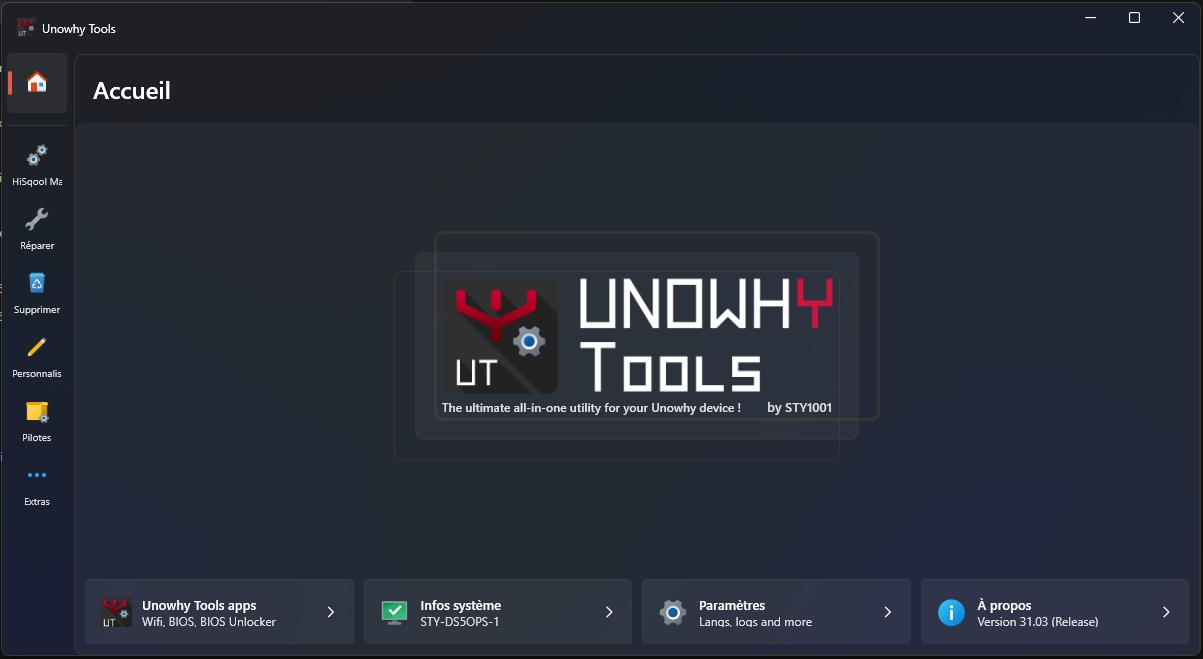
- 31.02 –
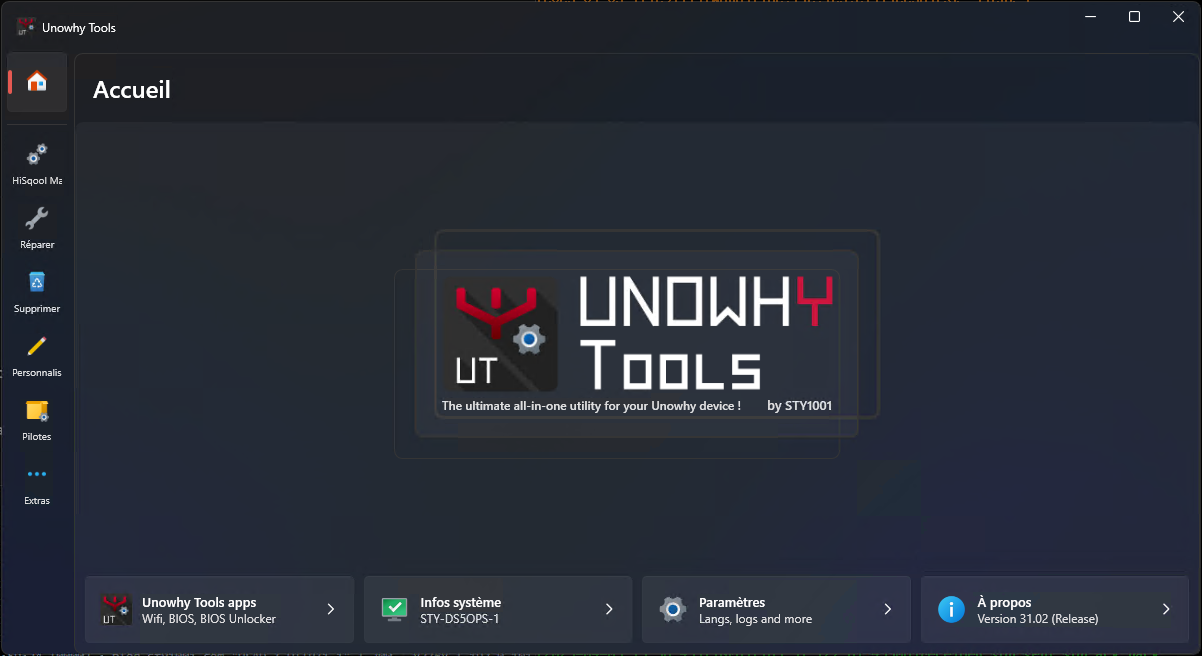
- 31.01 –
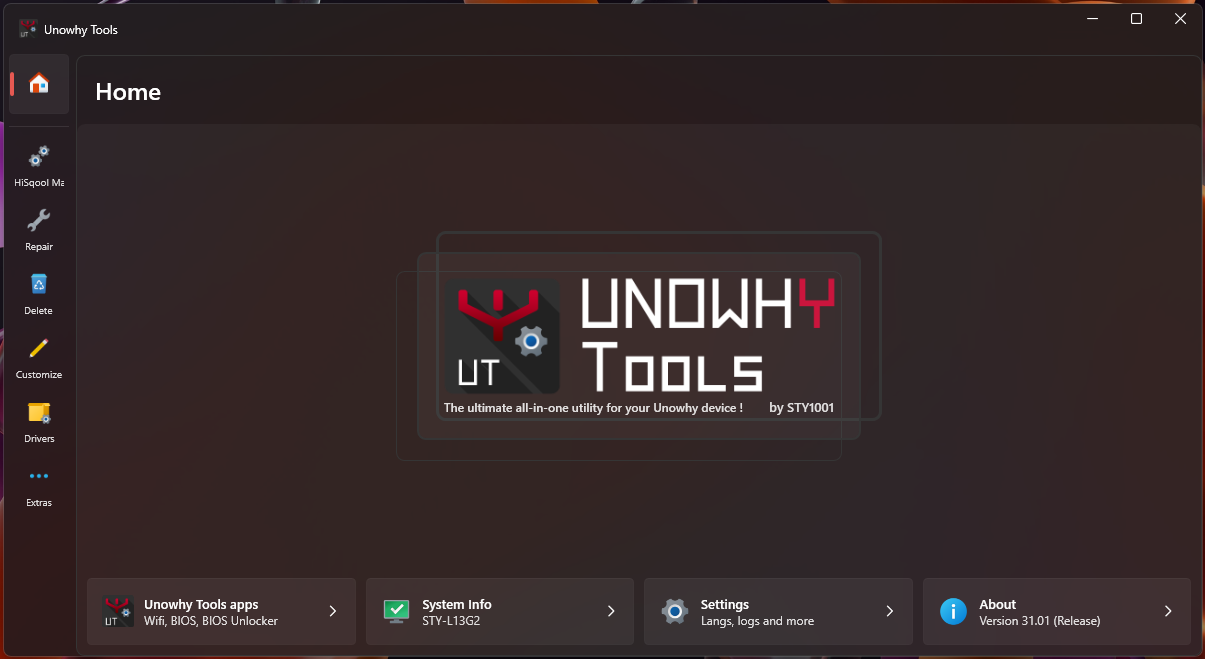
- 31.00 –
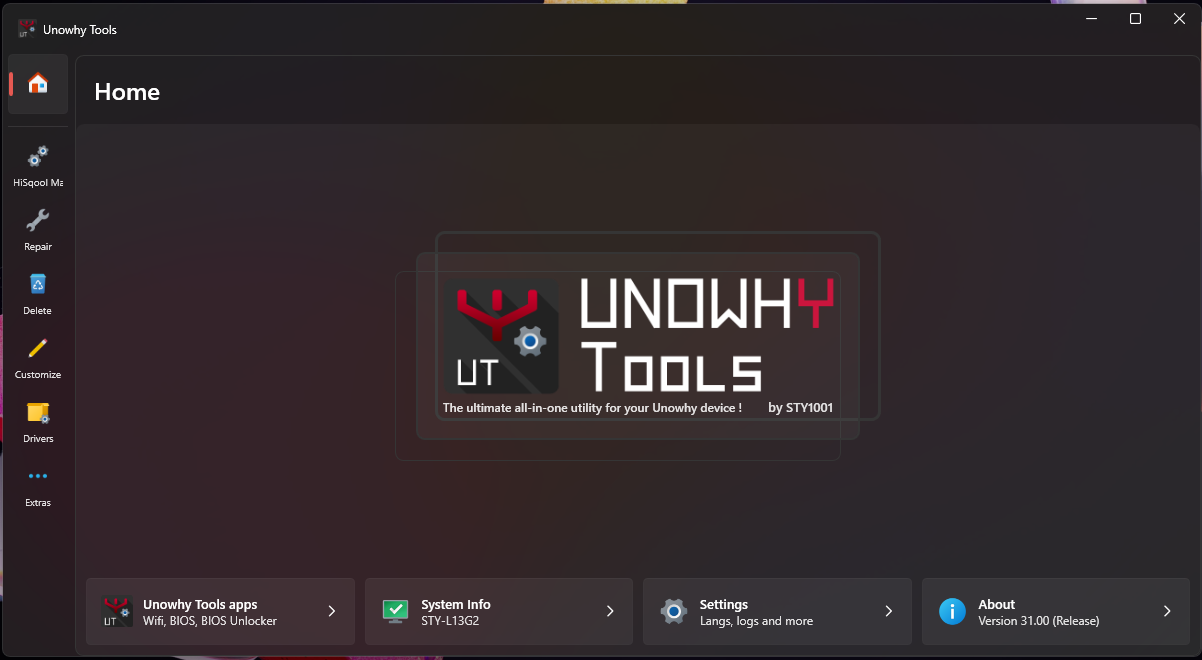
- 30.02 –
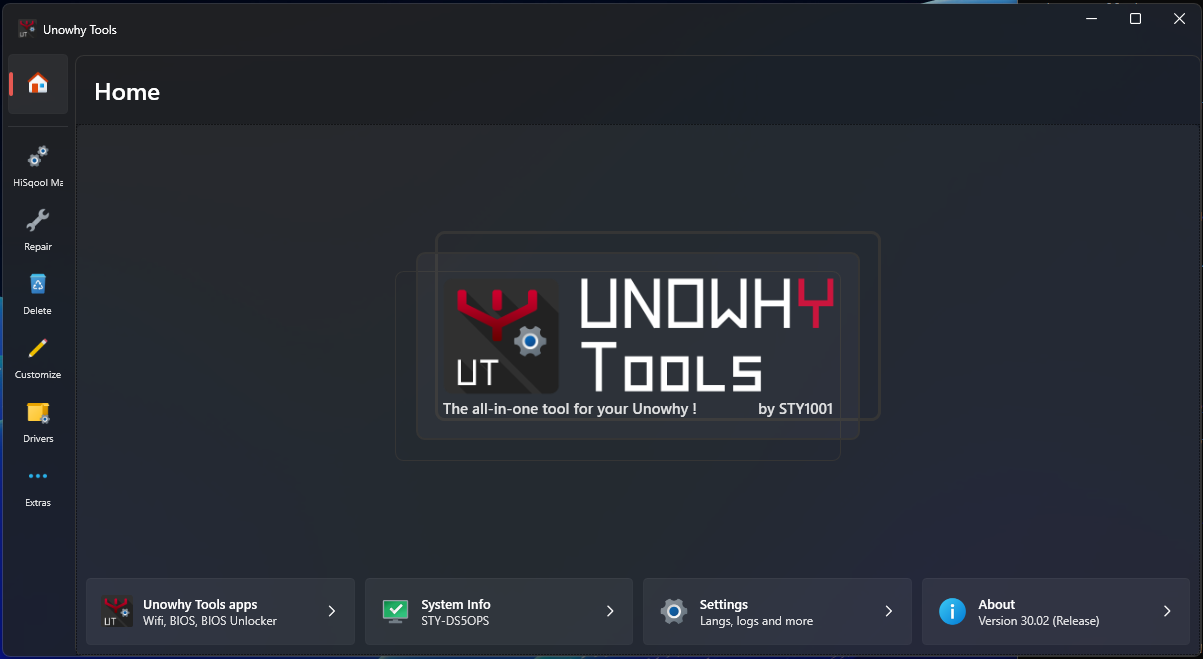
- 30.01 –
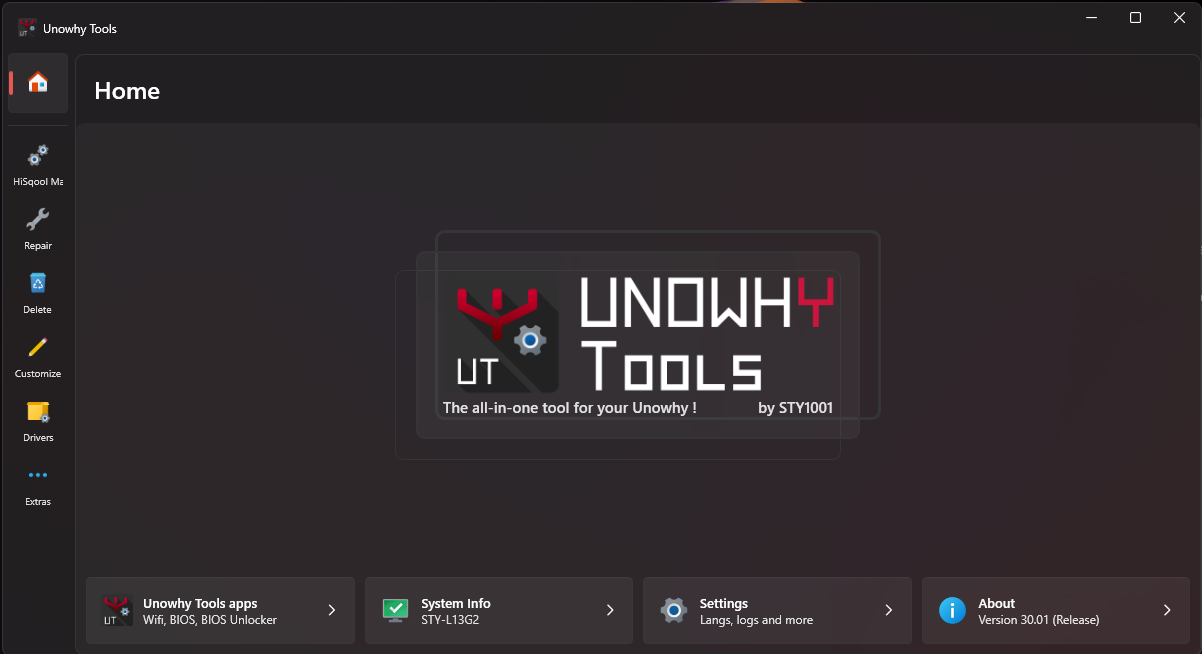
- 30.00 –
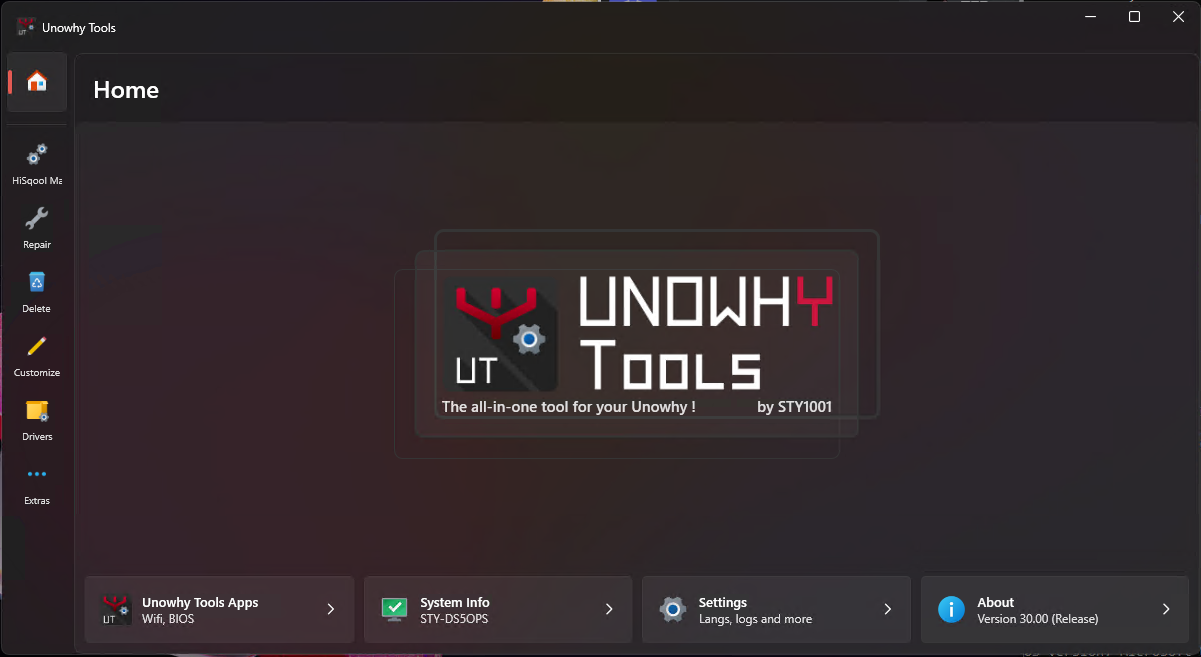
- 29.00 –
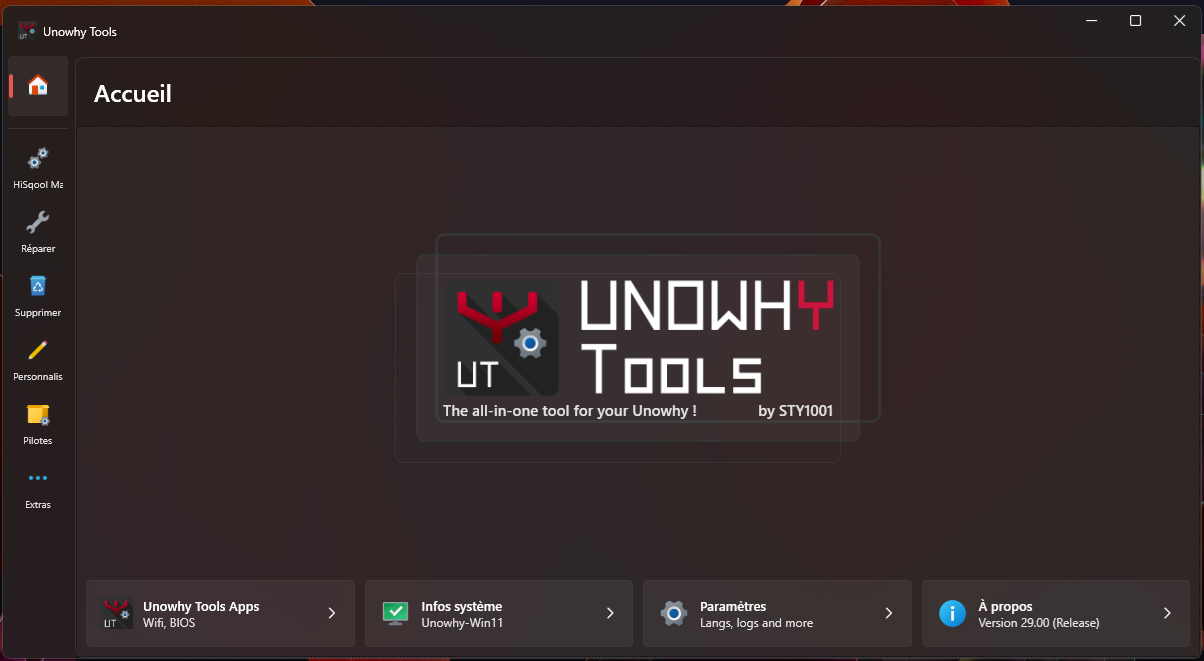
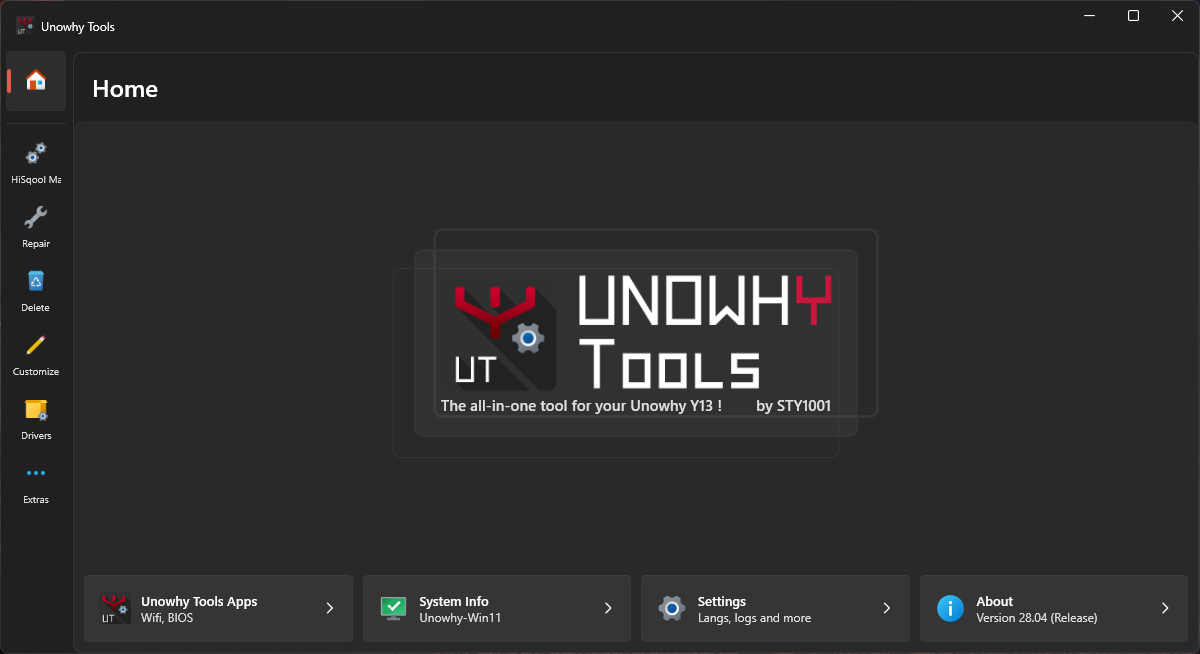
- 28.04 –
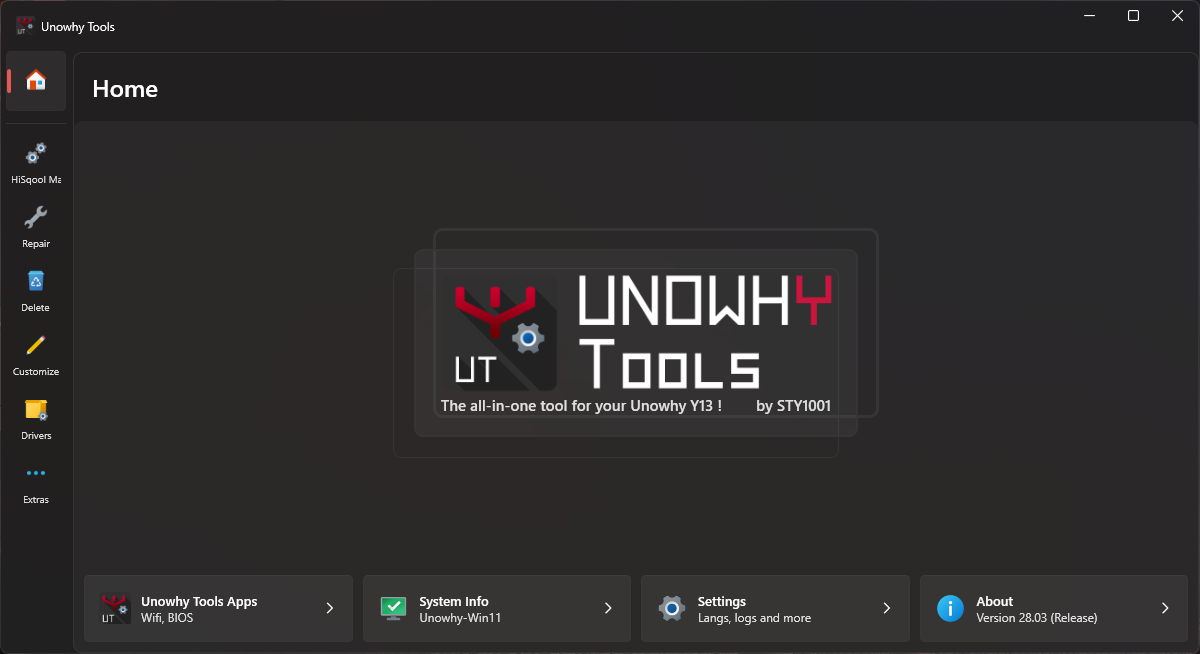
- 28.03 –
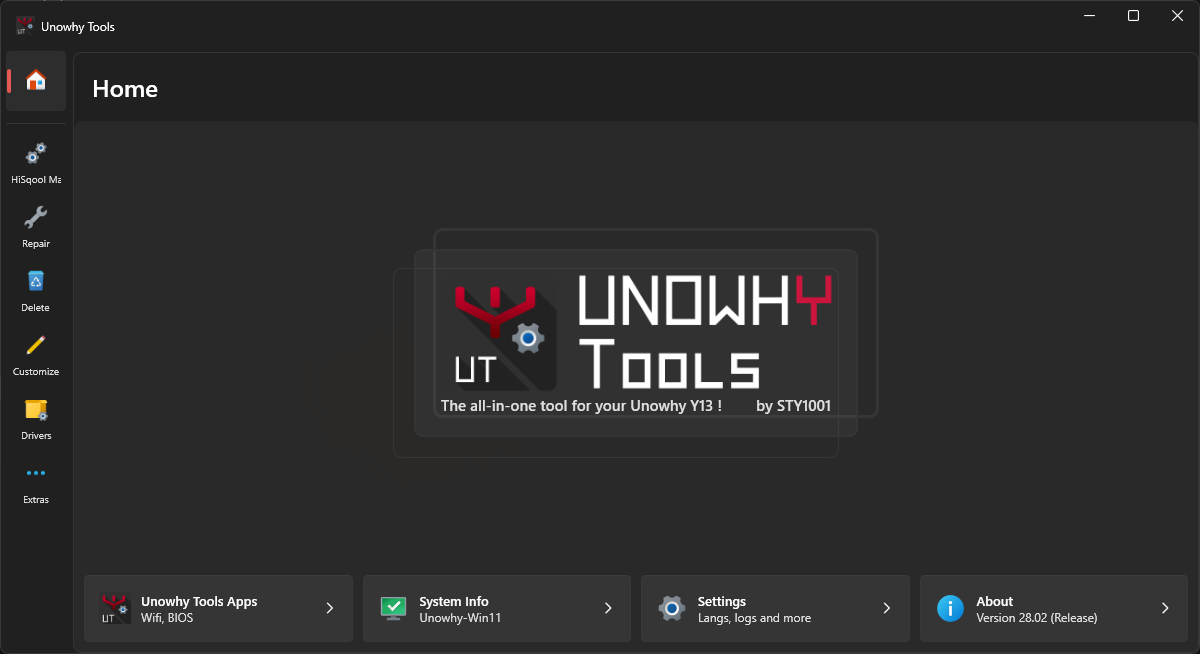
- 28.02 –
- 28.01 –
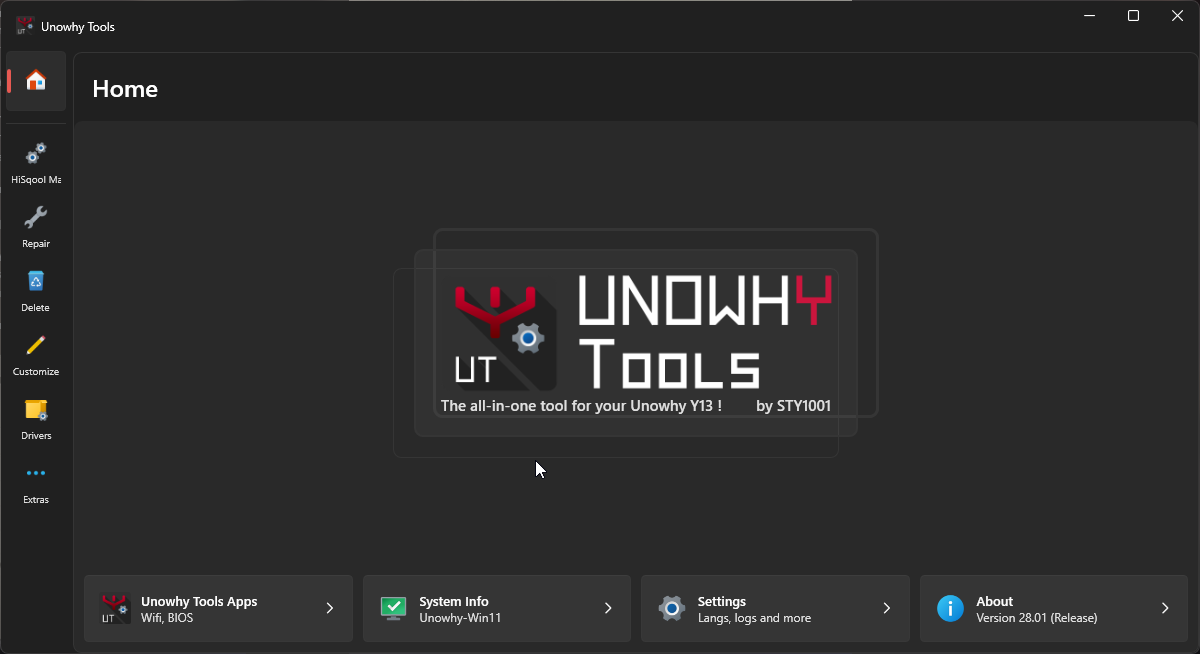
- 28.00 –
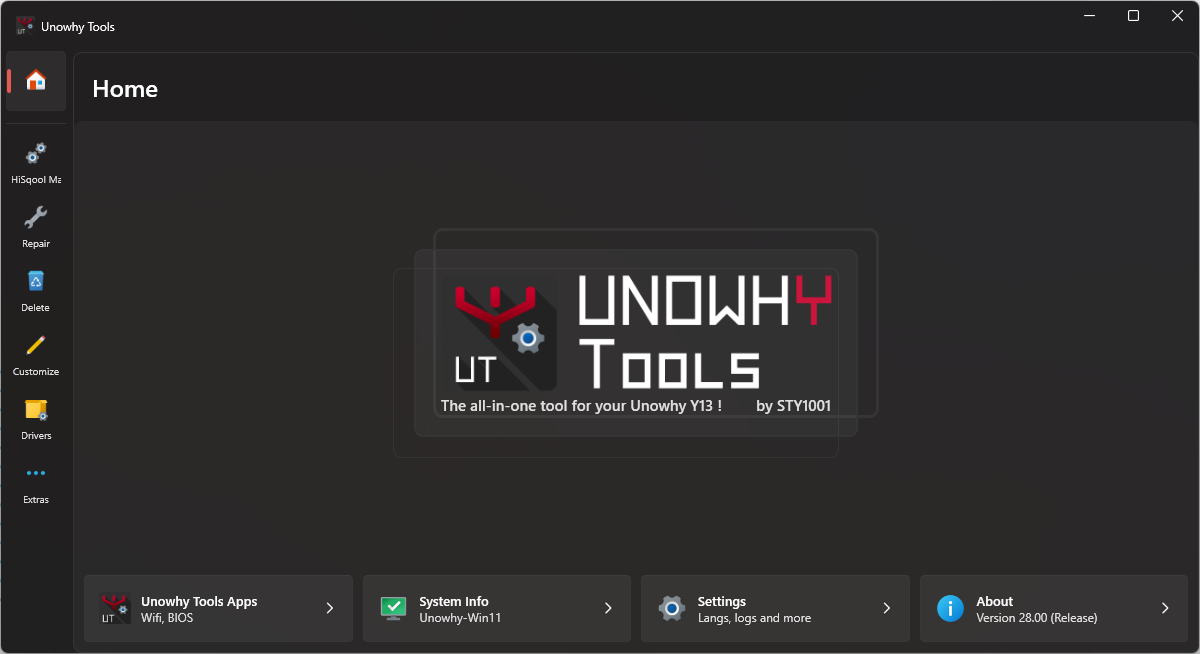
- 27.01 –
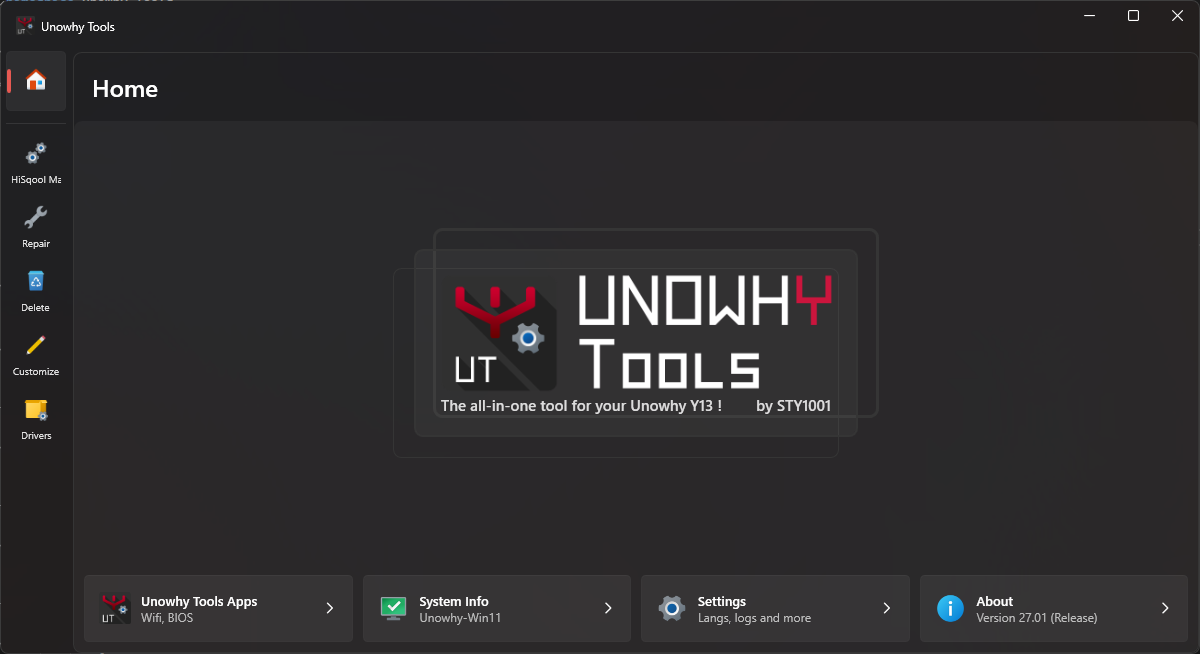
- 27.00 –
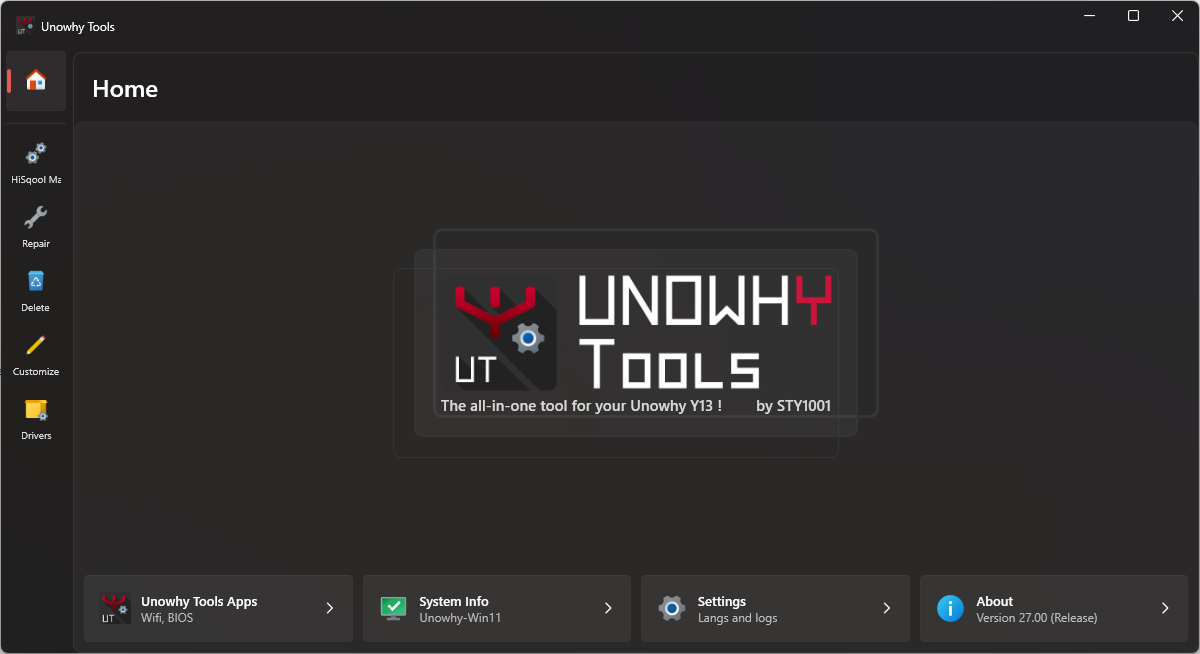
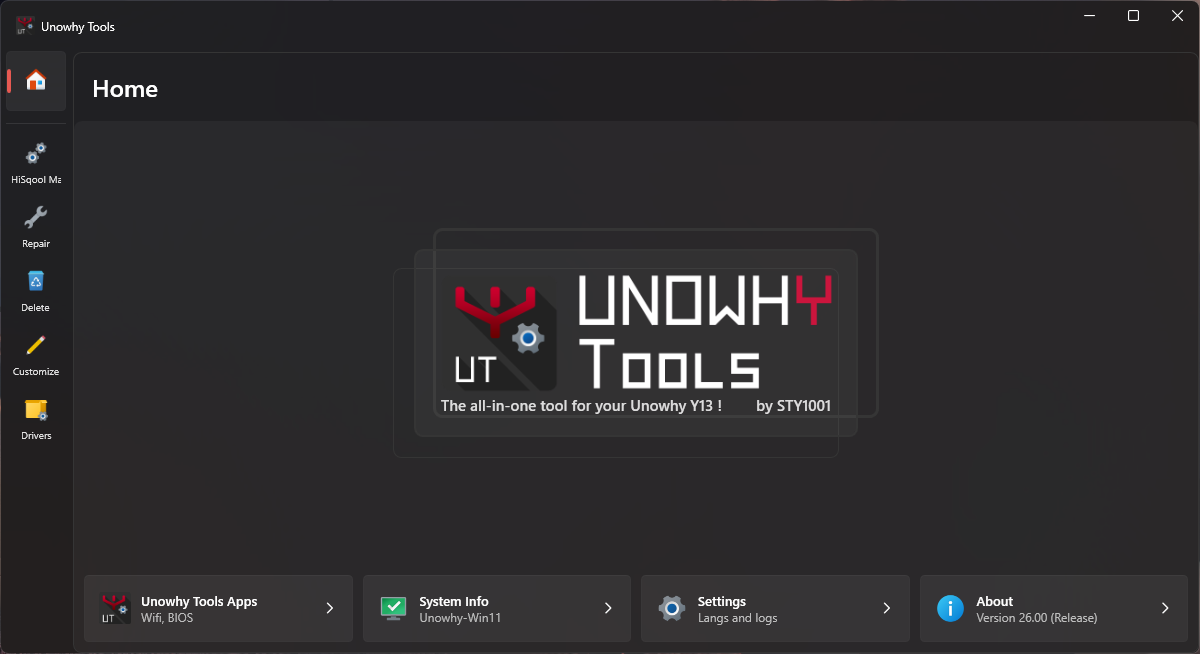
- 26.00 –
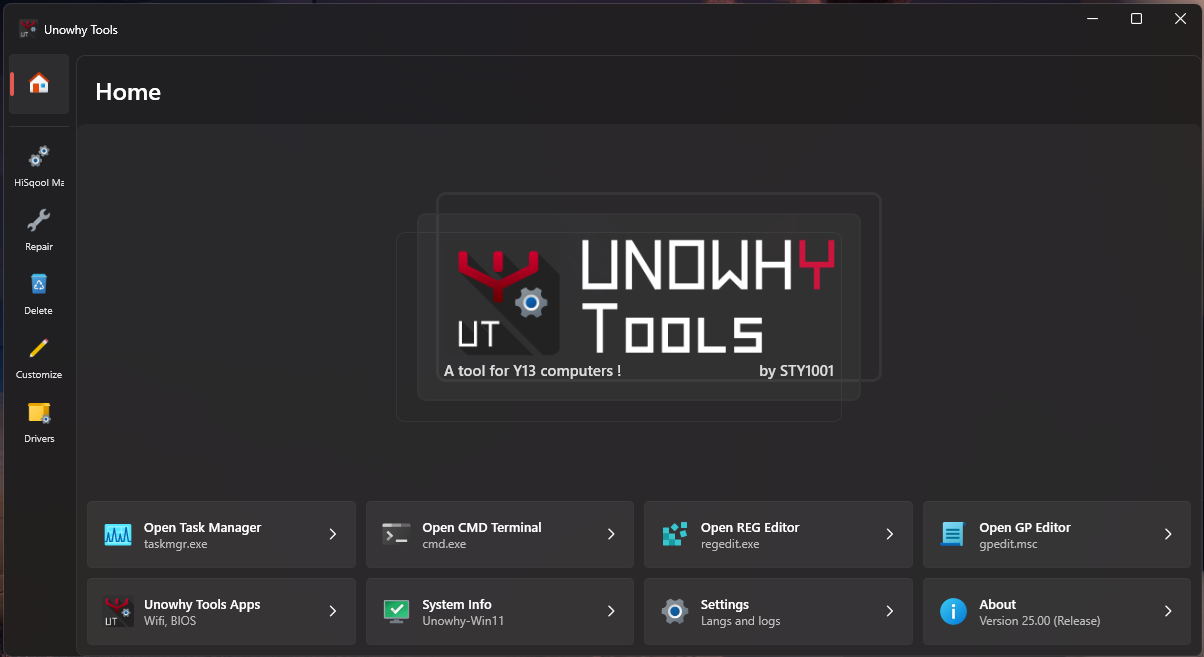
- 25.00 –
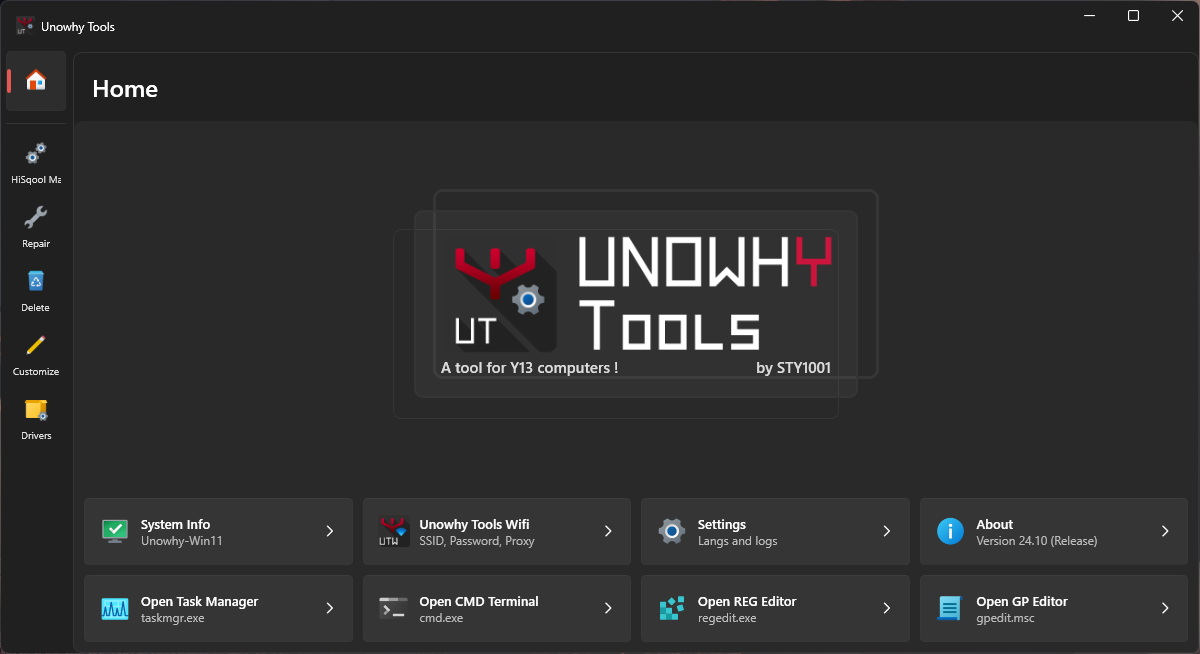
- 24.10 –
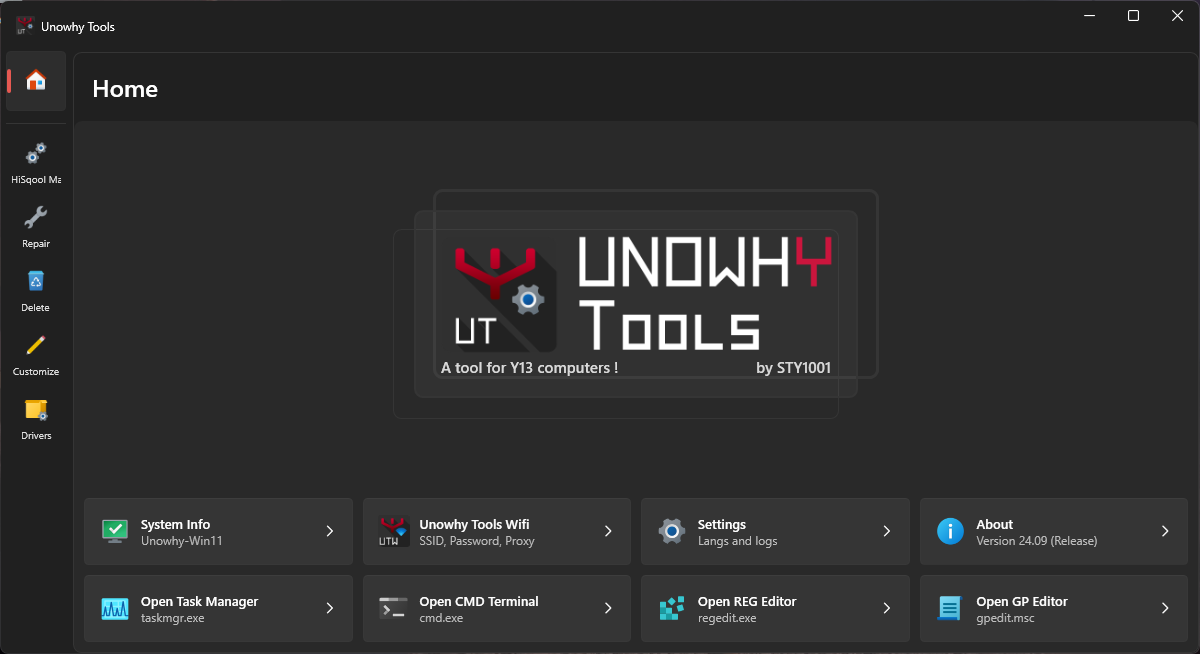
- 24.09 –
- 24.08 –
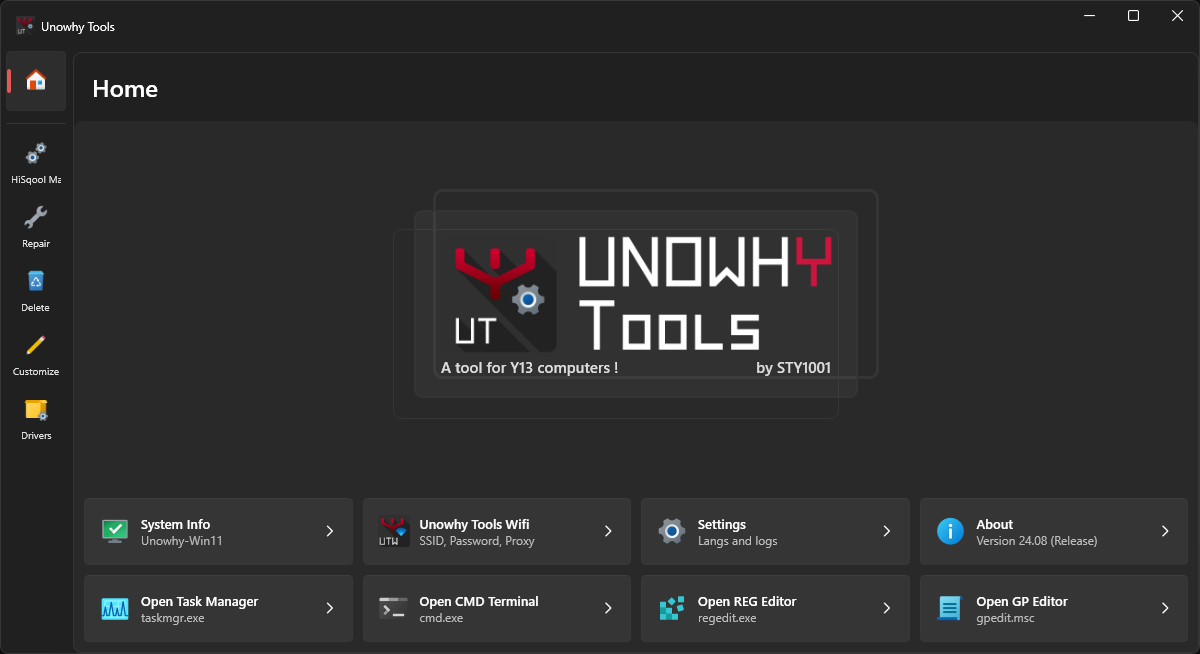
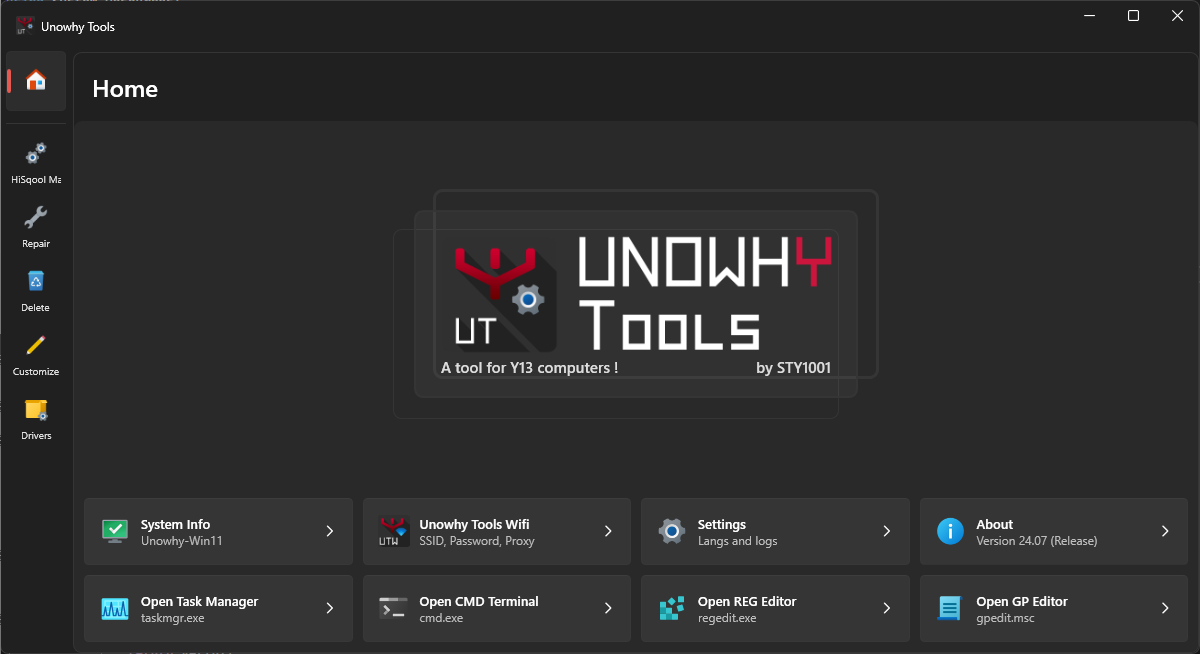
- 24.07 –
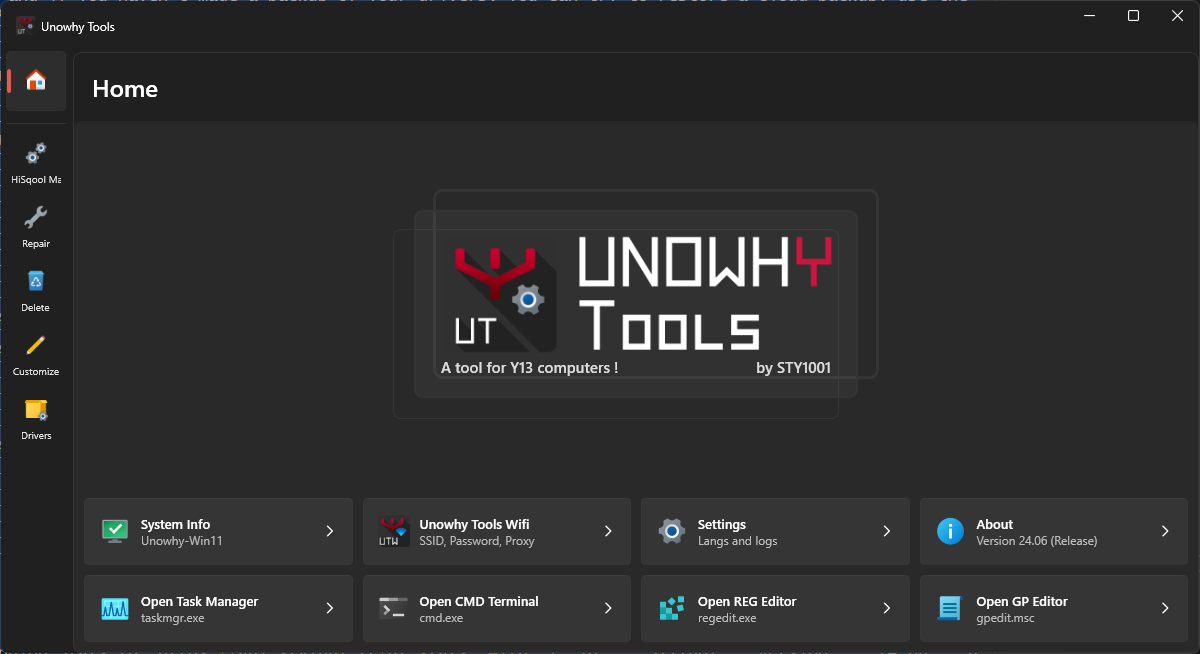
- 24.06 –
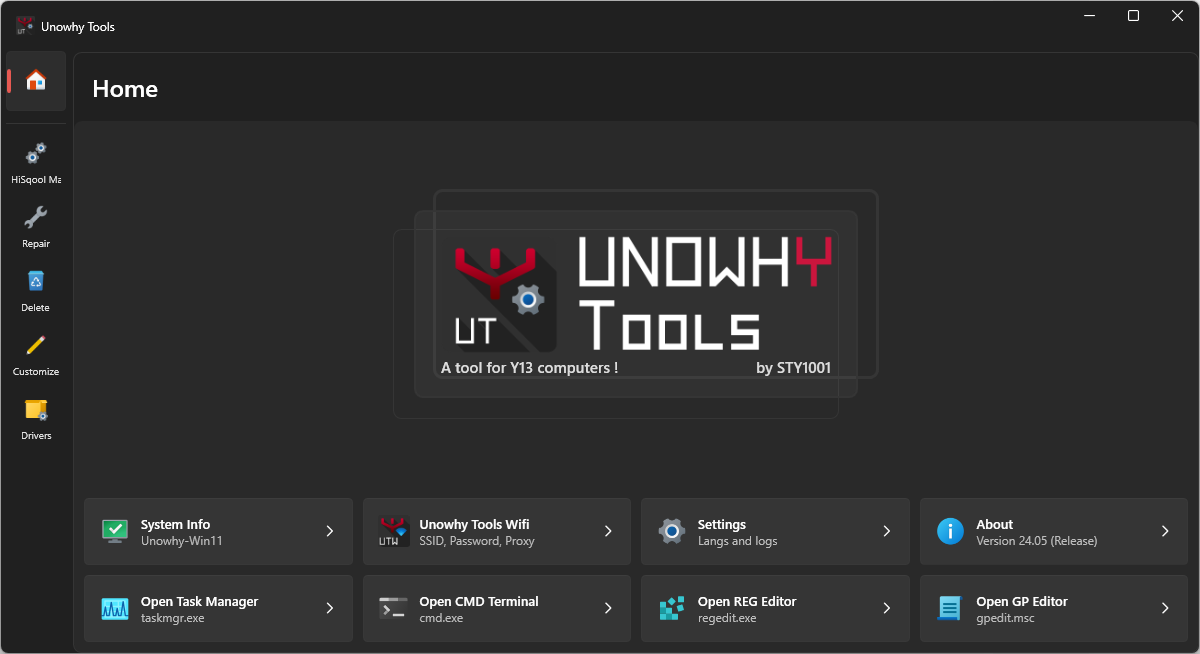
- 24.05 –
- 24.04 –
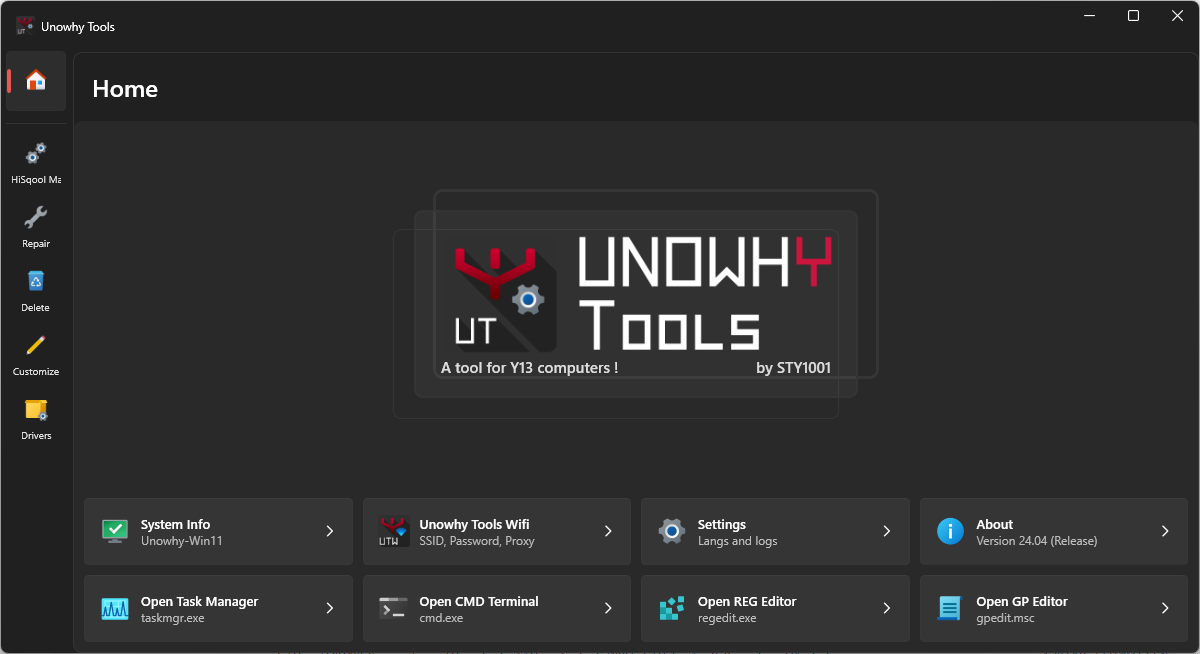
- 24.03 –
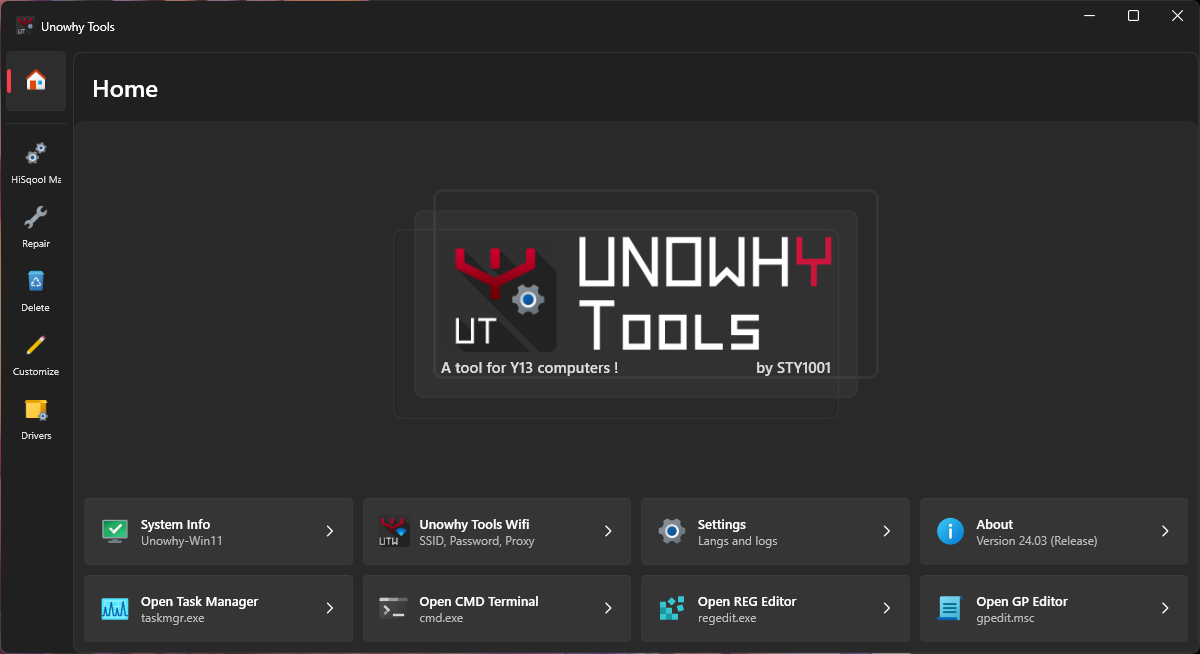
- 24.02 –
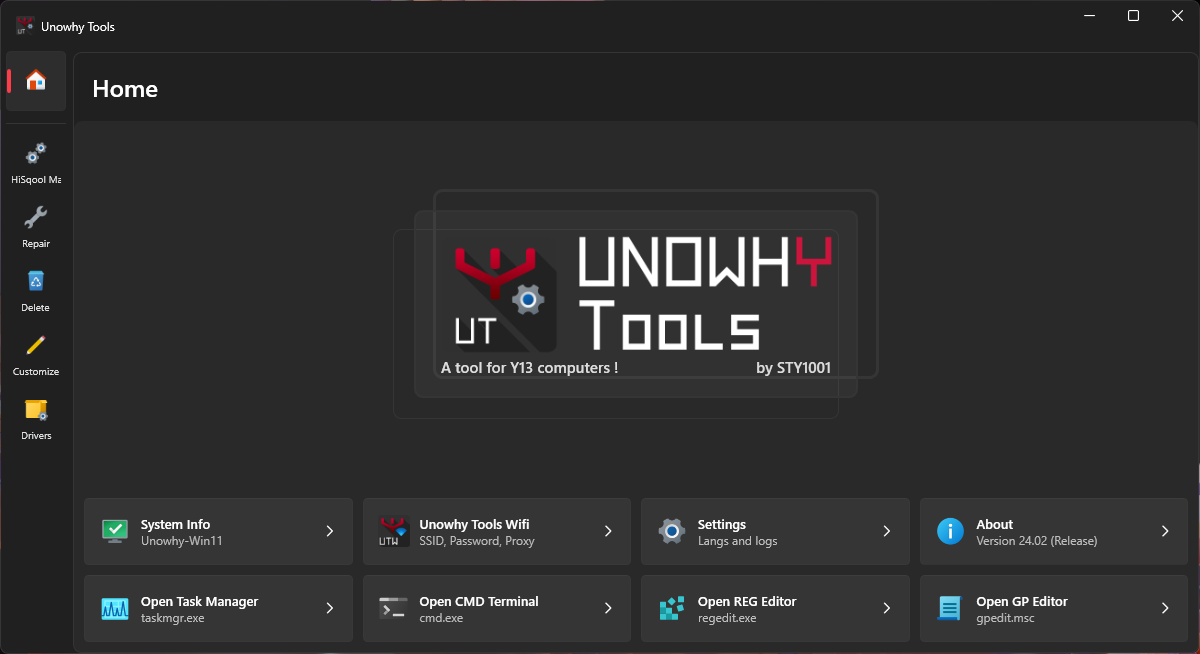
- 24.01 –
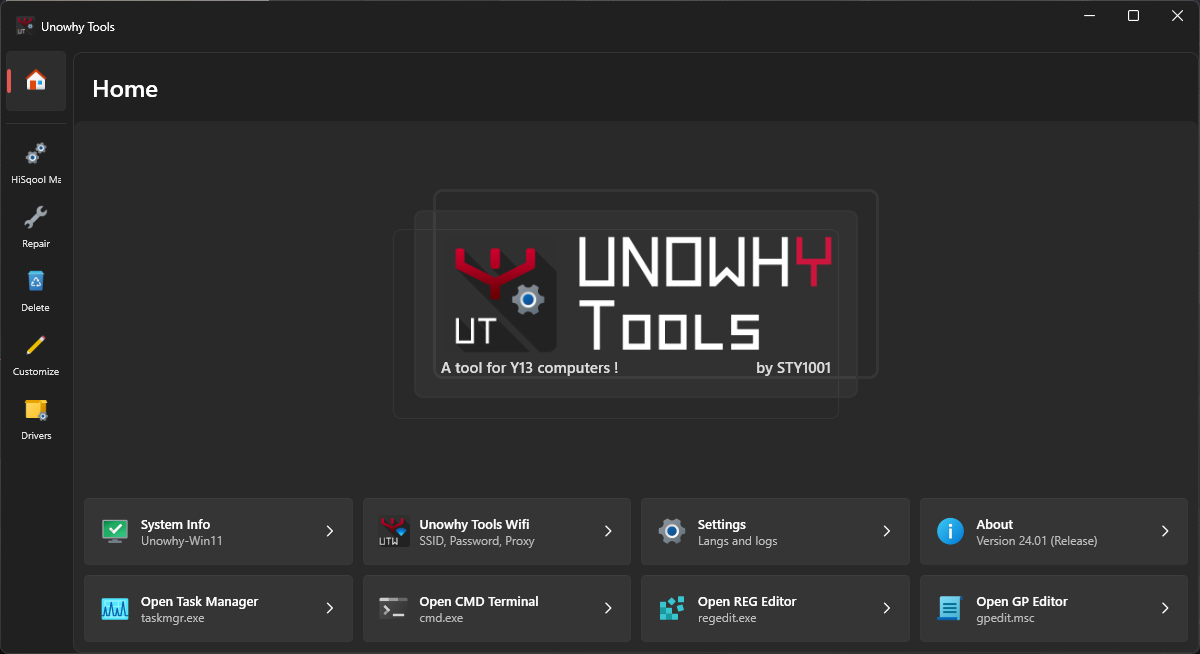
- 24.00 –
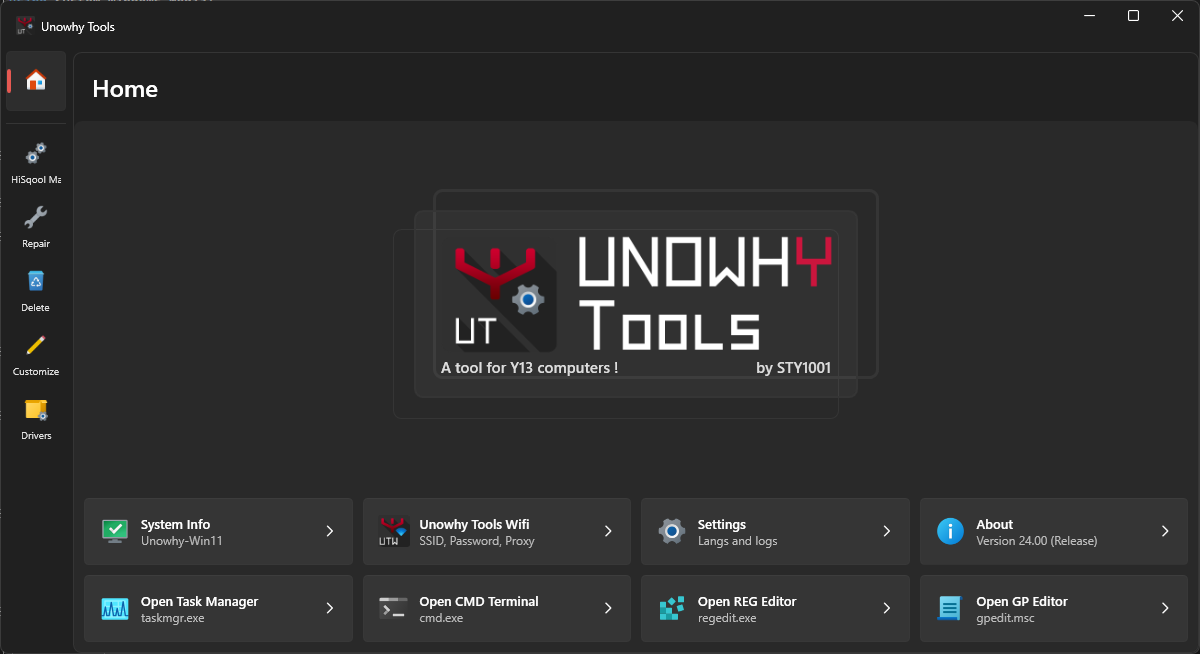
- 23.02 –
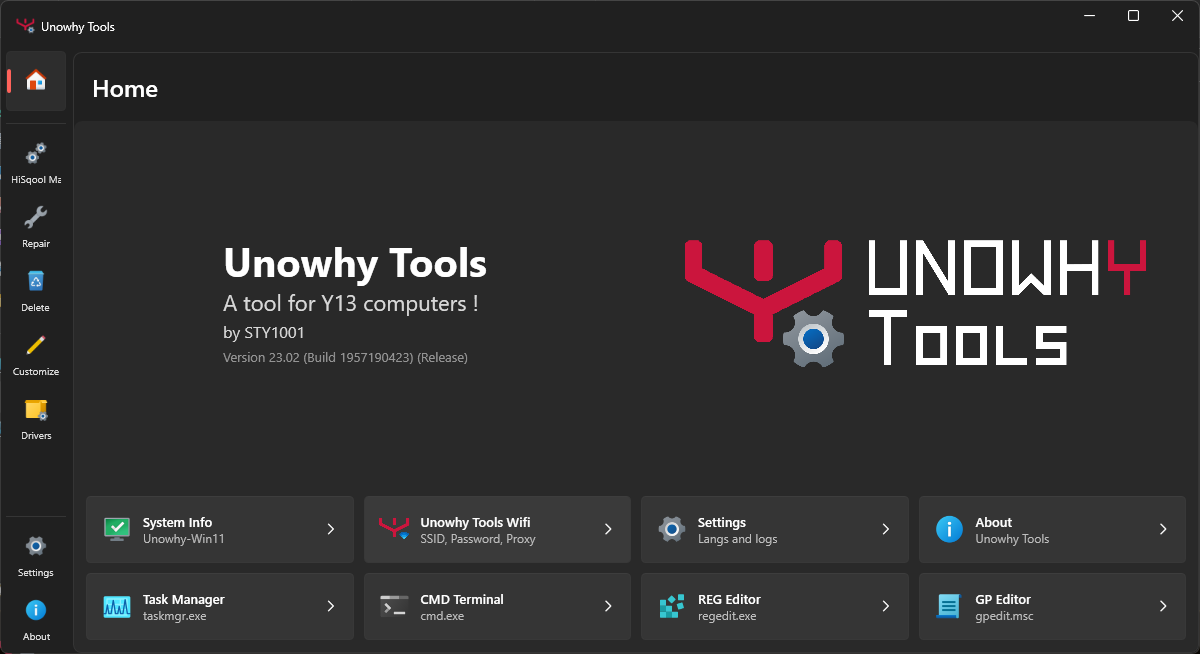
- 23.01 –
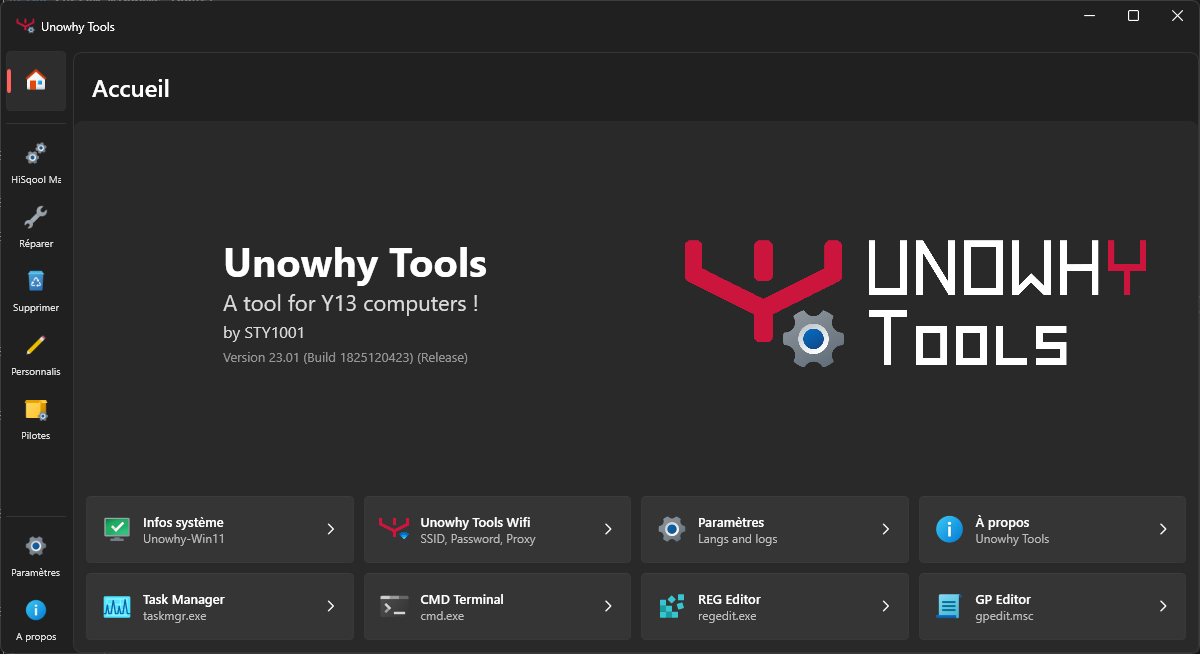
- 23.00 –
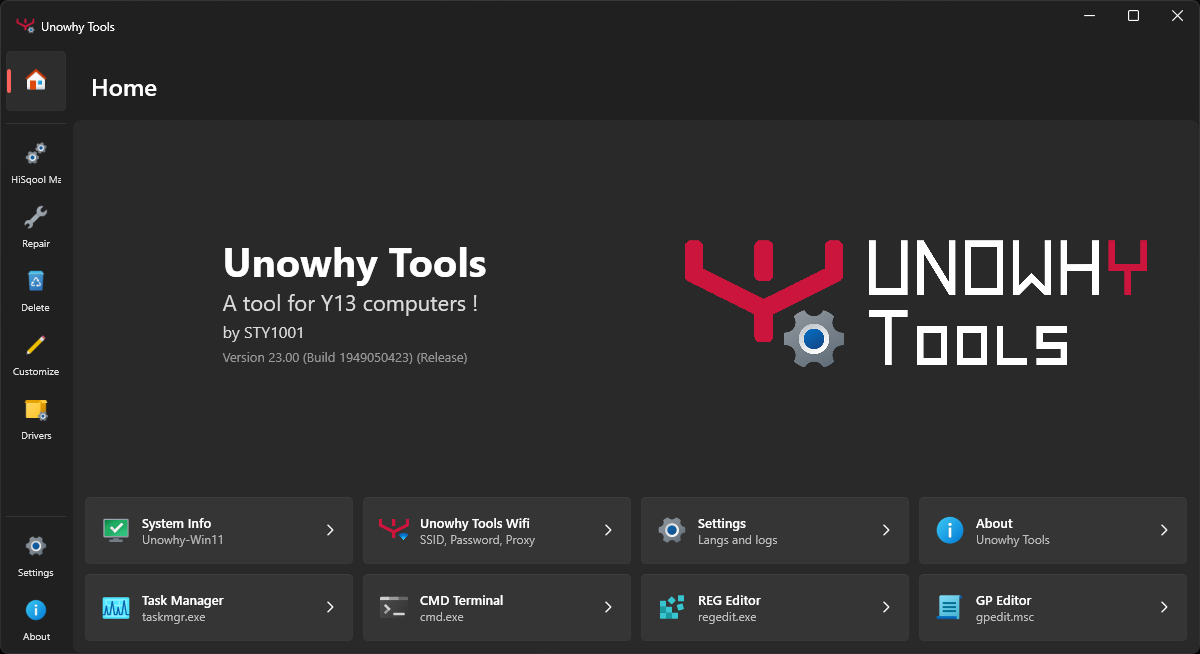
- 22.00 –
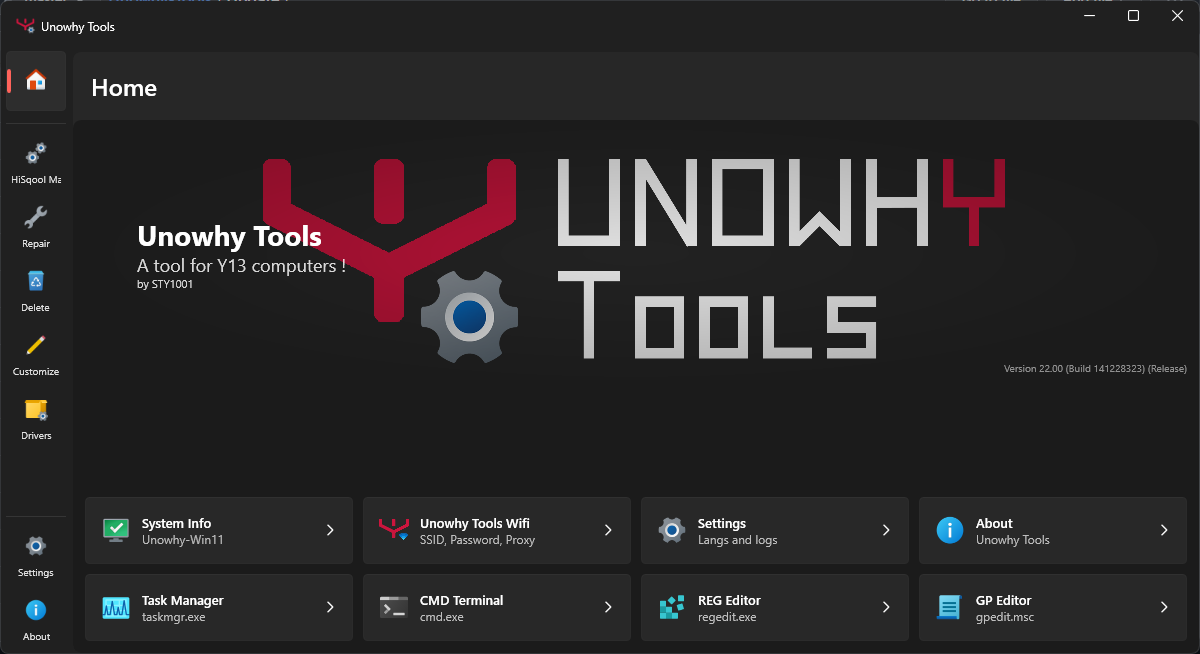
- 21.02 –
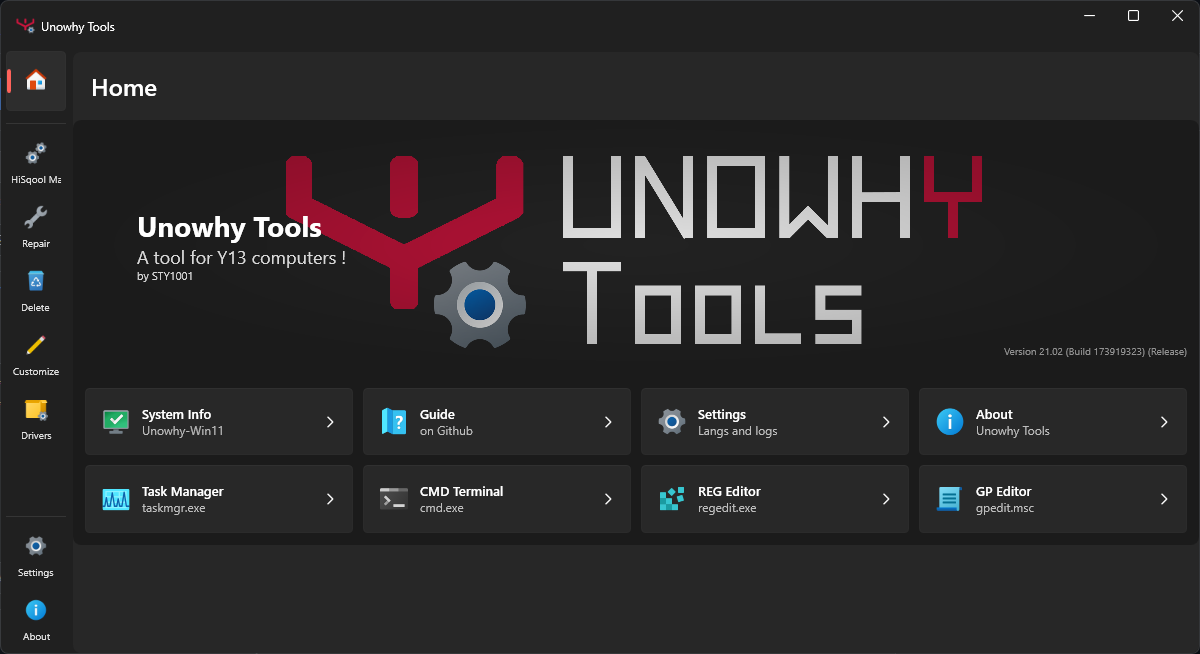
- 21.01 –
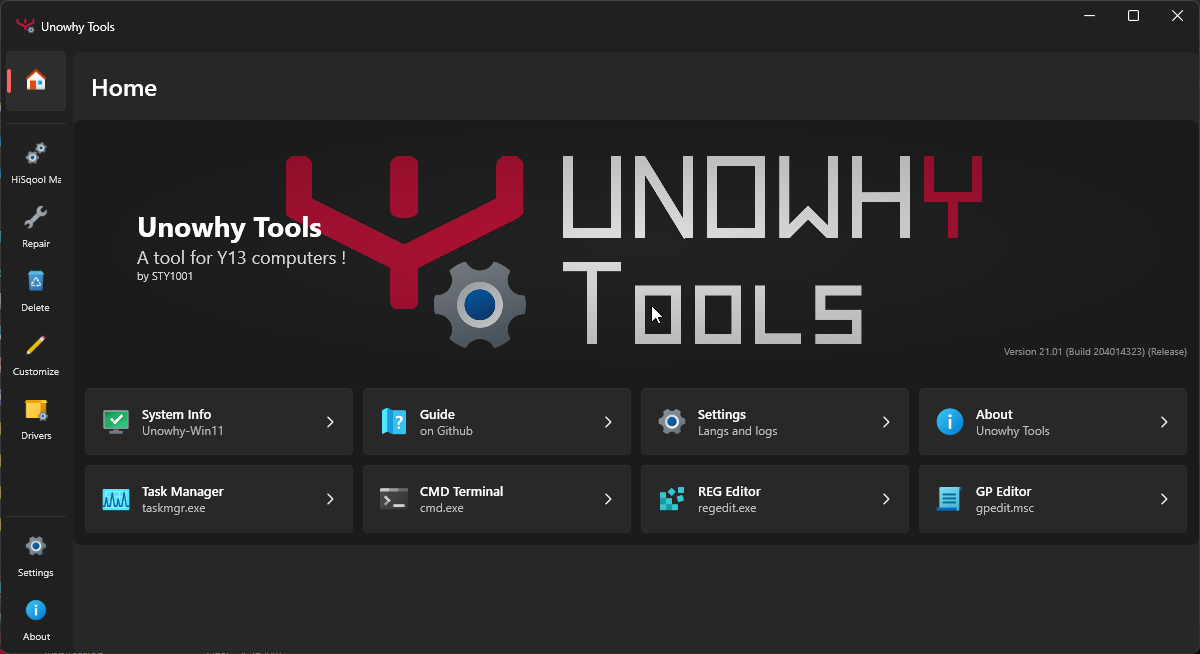
- 21.00 –
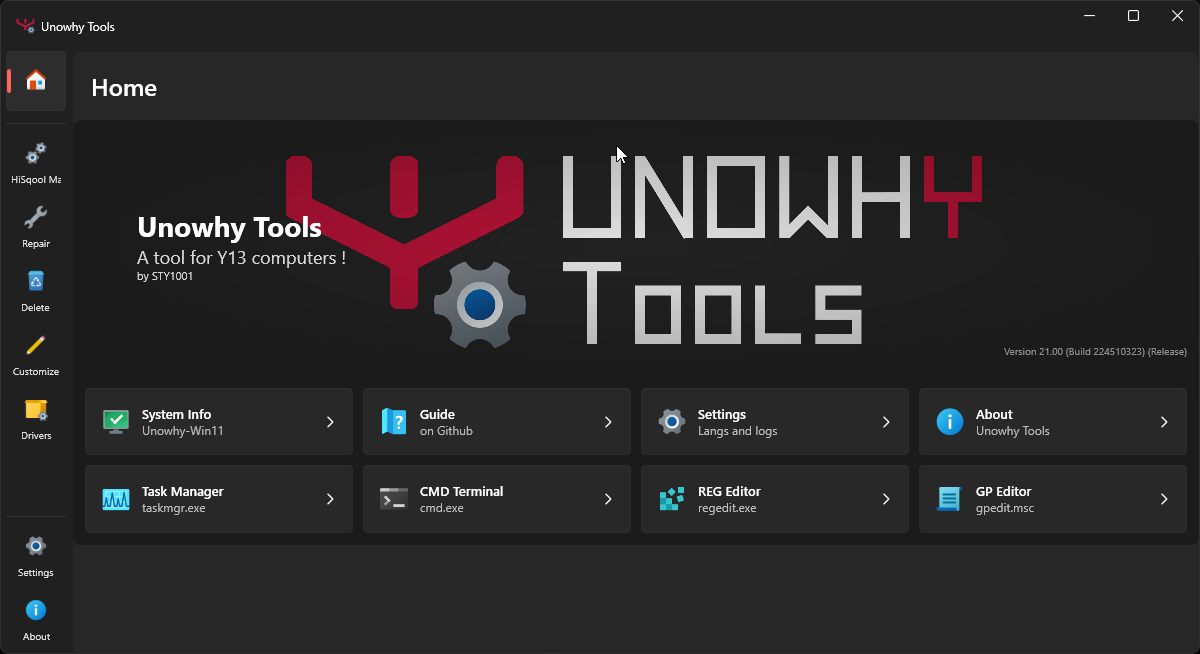
- 20.03 –
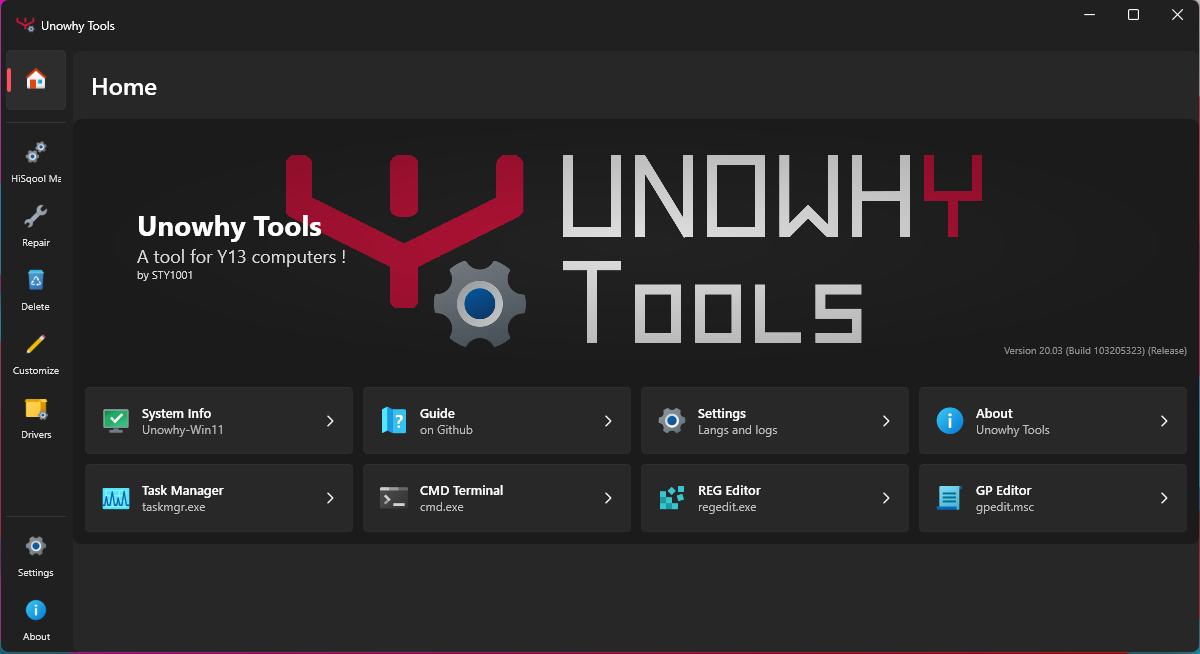
- 20.02 –
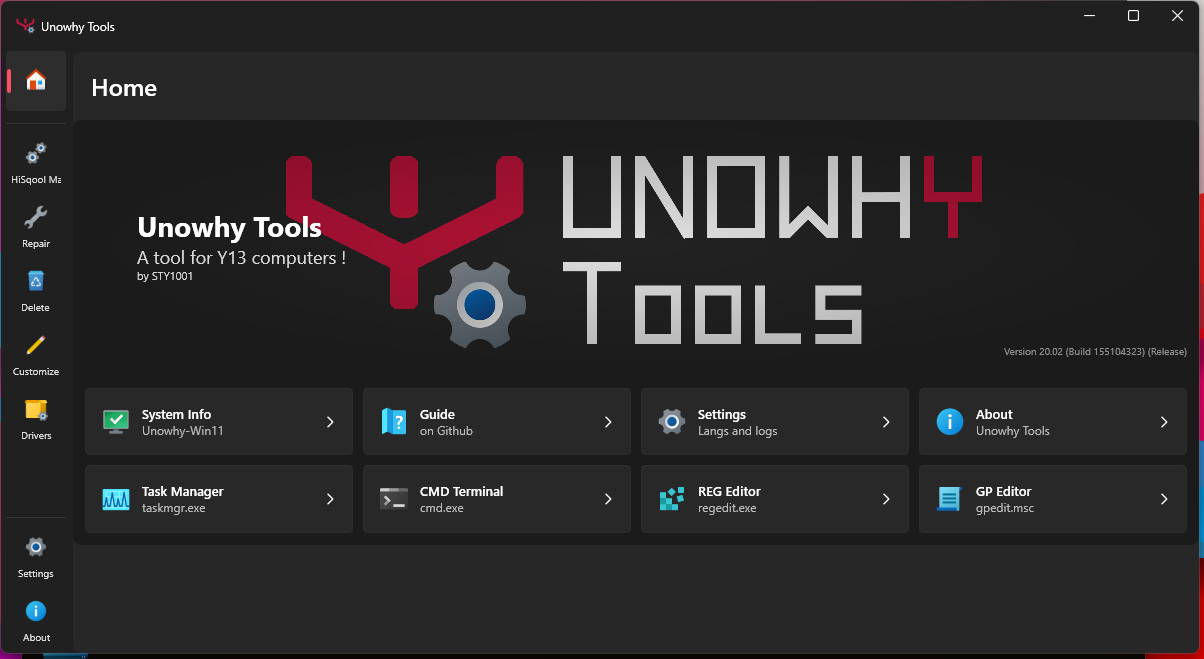
- 20.01 –
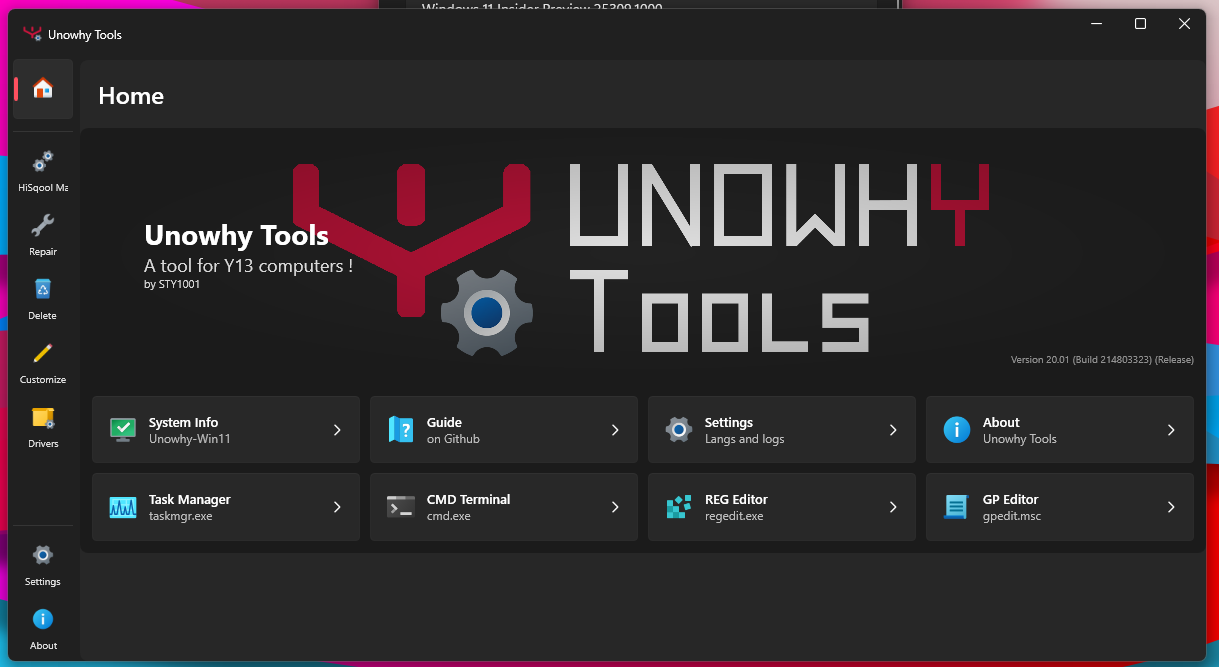
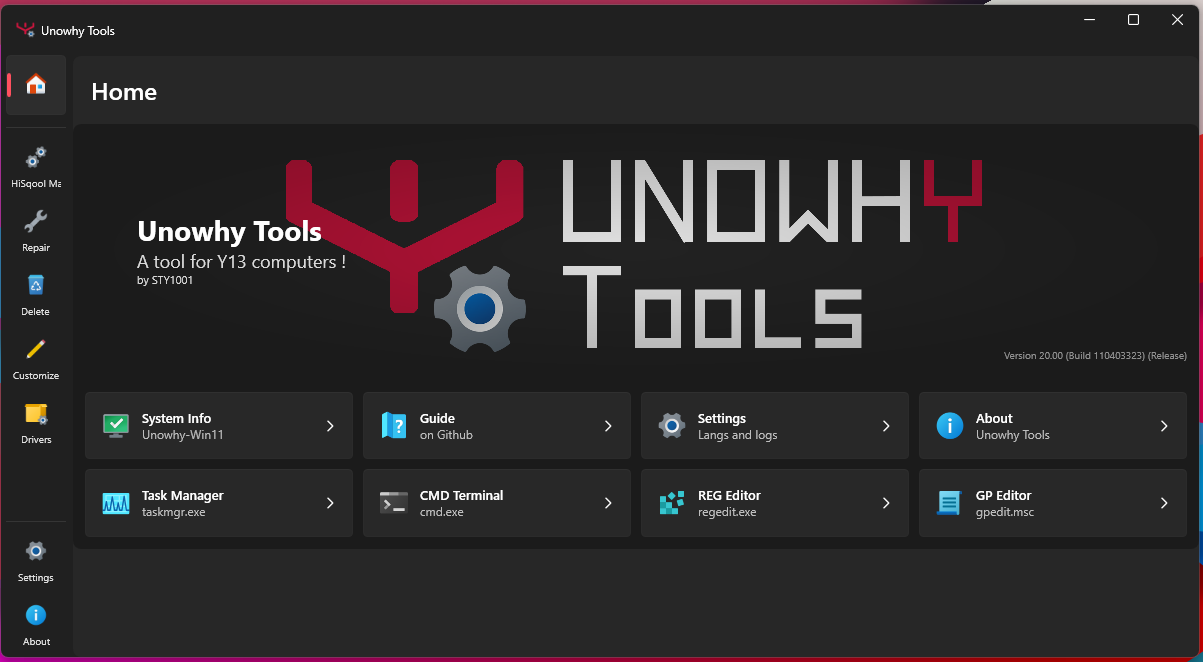
- 20.00 –


💡 Developed by STY1001. 🌟 Star the project if you like it !