This is a fork of darthcloud/BlueRetro,
created specifically to make the Nintendo Switch 2 / NSO GameCube controller work
properly on a GameCube. Upstream added Switch 2 support in v25.10-beta and was
archived by its author shortly after, leaving several defects in that path unfixed.
This fork continues from e1a9831 (upstream's final commit).
Everything else in BlueRetro is untouched. If you are not using a Switch 2 family controller, upstream and this fork behave identically, with one deliberate exception noted below for GameCube builds.
| Fix | Problem it solves |
|---|---|
| Correlate SW2 SPI read responses to their request | The Switch 2 init state machine consumed whichever READ_SPI ack arrived next without checking it answered the request just made. A single duplicated or reordered ack shifted every later read by one state, storing the controller's ASCII serial number as its long-term key. That controller then failed encryption on every reconnect. This was the root cause of "only one NSO GameCube pad works". |
| Clear LE LTK when a link drops before HID init | The stale-key recovery only ran on an explicit ENCRYPT_CHANGE failure. A controller that simply stops responding produces a supervision timeout instead, so a corrupt key was never purged and permanently locked that pad out — recoverable only by wiping the filesystem. |
| Do not accept-list filter the passive LE scan | Once any device connected, LE scanning dropped to accept-list-only, hiding every not-yet-paired controller. BR/EDR pads reconnect via page scan, but BLE has no equivalent, so in practice the adapter was capped at a single BLE controller. |
| Fix heap overflow in debug trace block splitting | bt_mon_tx() clipped its copy length at the 4 KB block boundary but then passed the unclipped length to a bare memcpy, overrunning the allocation. Debug-trace mode only. |
| Melee-safe combo defaults on GameCube builds | Super Smash Bros. Melee resets a match on L+R+A+Start, which is bit-for-bit upstream's power-off combo — so every match reset also told the adapter to cut power. |
All fixes were verified against ESP-IDF v5.5.0 in upstream's own CI container, with the QEMU pytest suite passing (92 tests) and zero compiler warnings on the GameCube, QEMU and N64 targets.
Upstream notice — this repository has been archived and is no longer under active development or maintenance.
After 6 years working on BlueRetro, the time has come for me to move on
and focus on my family and my real job.

The code remains available as-is for reference, learning, and community use,
but no new features, bug fixes, or pull requests will be accepted.

Thank you to everyone who contributed, tested, reported issues,
or supported the project over the years.
Your involvement made BlueRetro what it is today.

If you are looking to build upon this work, please feel free to
fork the repository in accordance with the license.

Thank you,
Jacques Gagnon

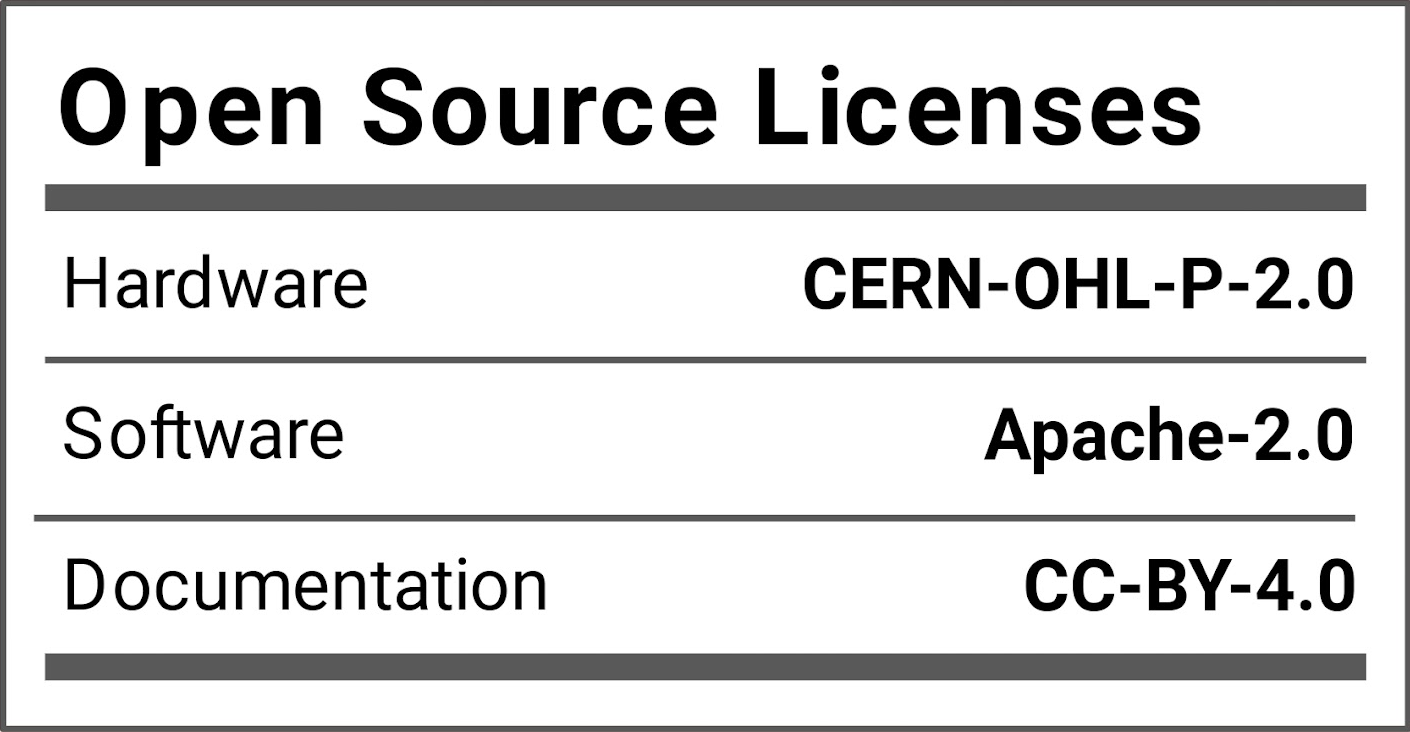
BlueRetro is a multiplayer Bluetooth controllers adapter for various retro game consoles & computers. Lost or broken controllers? Reproduction too expensive? Need those rare and obscure accessories? Just use the Bluetooth devices you already got! The project is open source hardware & software under the CERN-OHL-P-2.0 & Apache-2.0 licenses respectively. It's built for the popular ESP32 chip. Wii, Switch, PS3, PS4, PS5, Xbox One, Xbox Series X|S & generic HID Bluetooth (BR/EDR & LE) devices are supported. Parallel 1P (Computers, NeoGeo, Supergun, JAMMA, Handheld, etc), Parallel 2P (Atari 2600/7800, Master System, Computers, etc), NES, PCE / TG16, Mega Drive / Genesis, SNES, CD-i, 3DO, Jaguar, Saturn, PSX, PC-FX, JVS (Arcade), Virtual Boy, N64, Dreamcast, PS2, GameCube & Wii extension are supported with simultaneous 4+ players using a single adapter.
Super Smash Bros. Melee resets a match on L + R + A + Start, which is exactly
upstream's SYS_POWER_OFF combo, so every match reset also tells the adapter to cut
power. GameCube builds therefore base the combos on PAD_MQ rather than PAD_MM
(Start), and swap reset and power off onto A and B:
| Combo | Action |
|---|---|
| L + R + Capture + A | System reset |
| L + R + Capture + B | System power off |
| L + R + Capture + X | Bluetooth pairing toggle |
| L + R + Capture + Y + D-pad Up | Factory reset |
| L + R + Capture + Y + D-pad Down | Deep sleep |
PAD_MQ is the Capture button on a Switch 2 GameCube pad, the Capture button on a
Switch Pro pad, and the touchpad click on a DS4/DualSense. Controllers with no
PAD_MQ — notably the Wii U Pro and PS3 pads — cannot satisfy the combo base and
lose every combo on a GameCube build. Remap COMBO BASE 3 to another button in the
web config to restore them. Non-GameCube builds keep the upstream defaults.
Buying BlueRetro adapters from these makers helps support the continued development of the BlueRetro firmware!
Thanks to all sponsors!
- BlueRetro PS1/2 Receiver by mi213: 3D printed case & PCB for building DIY PS1/2 dongle.
https://github.com/Micha213/BlueRetro-PS1-2-Receiver - N64 BlueRetro Mount by reventlow64: 3d printed mount for ESP32-DevkitC for N64.
https://www.prusaprinters.org/prints/90275-nintendo-64-blueretro-bluetooth-receiver-mount - BlueRetro Adapter Case by Sigismond0: 3d printed case for ESP32-DevkitC.
https://www.prusaprinters.org/prints/116729-blueretro-bluetooth-controller-adapter-case - BlueRetro AIO by pmgducati: BlueRetro Through-hole base and cable PCBs.
https://github.com/pmgducati/Blue-Retro-AIO-Units - BlueRetro HW2 internal guides by Nostalgic Indulgences: Internal install guides
https://github.com/nostalgic-indulgences/BlueRetro_Internal_Installation - BlueRetro latency test by GamingNJncos: Documentation on how to run BlueRetro latency test
https://github.com/GamingNJncos/BLE-3D-Saturn-Public/tree/main/BlueRetro_Latency_Testing - BR4N64 by TharathielCB: Internal BlueRetro Flex-PCB for Nintendo 64
https://github.com/TharathielCB/BR4N64 - BlueMemCard by ChrispyNugget: Replacement PCB for PSX memory card that incorporates PicoMemcard and BlueRetro support
https://github.com/ChrispyNugget/BlueMemCard - BlueRetro HW2 QSB for GameCube by Arthrimus: Internal Blueretro PCB with CurrentTrigger for GameCube
https://github.com/Arthrimus/BlueRetro-HW2-GameCube