





A time display app for nerds and amateur astronomers.
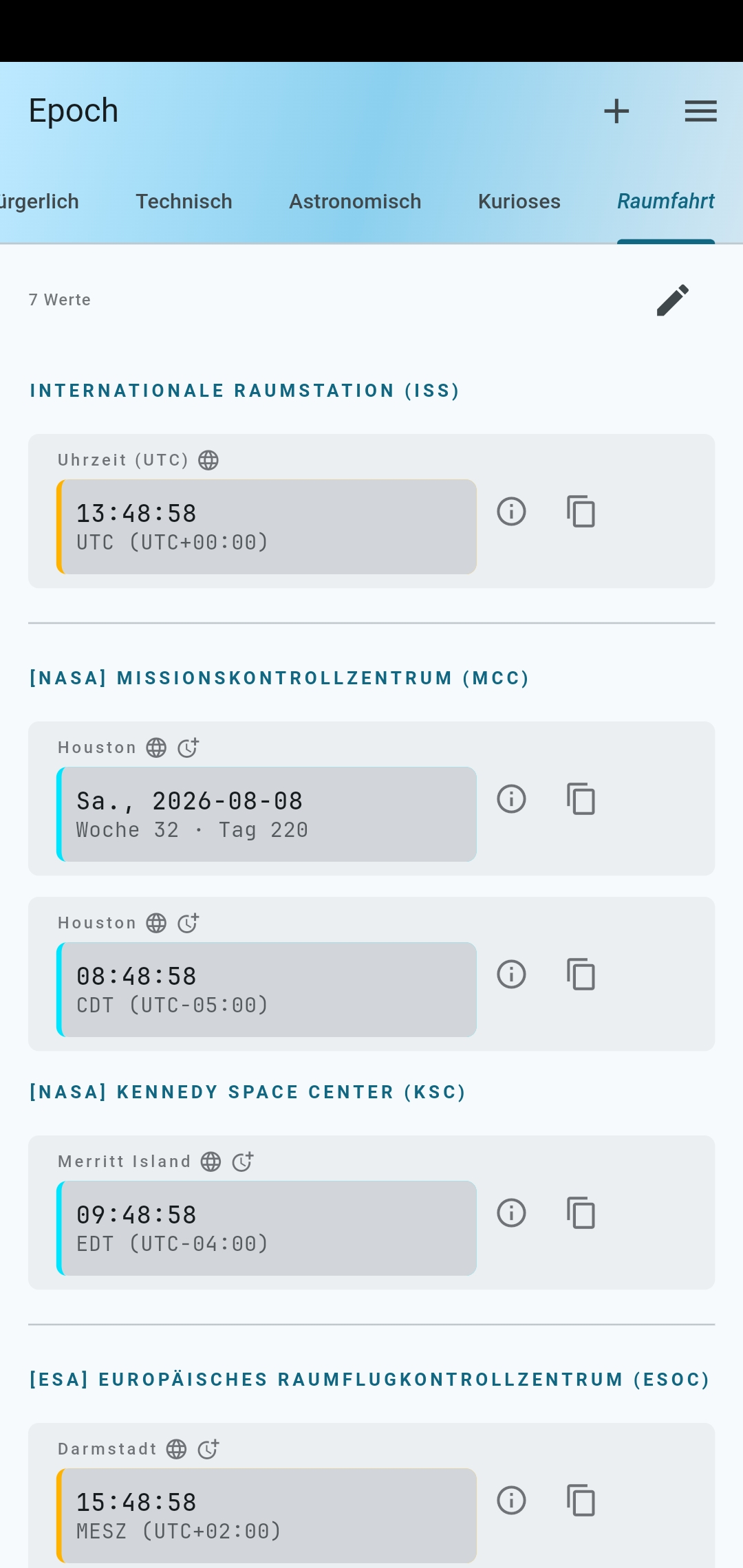
Epoch displays the current moment across a wide range of civil, technical, and astronomical time systems — all in one place, updating every second.
The name is borrowed from the technical term for a reference point in time (as in Unix epoch or astronomical epoch). The letters also happen to spell out Elegant presentation of chronometers — though the word came first.
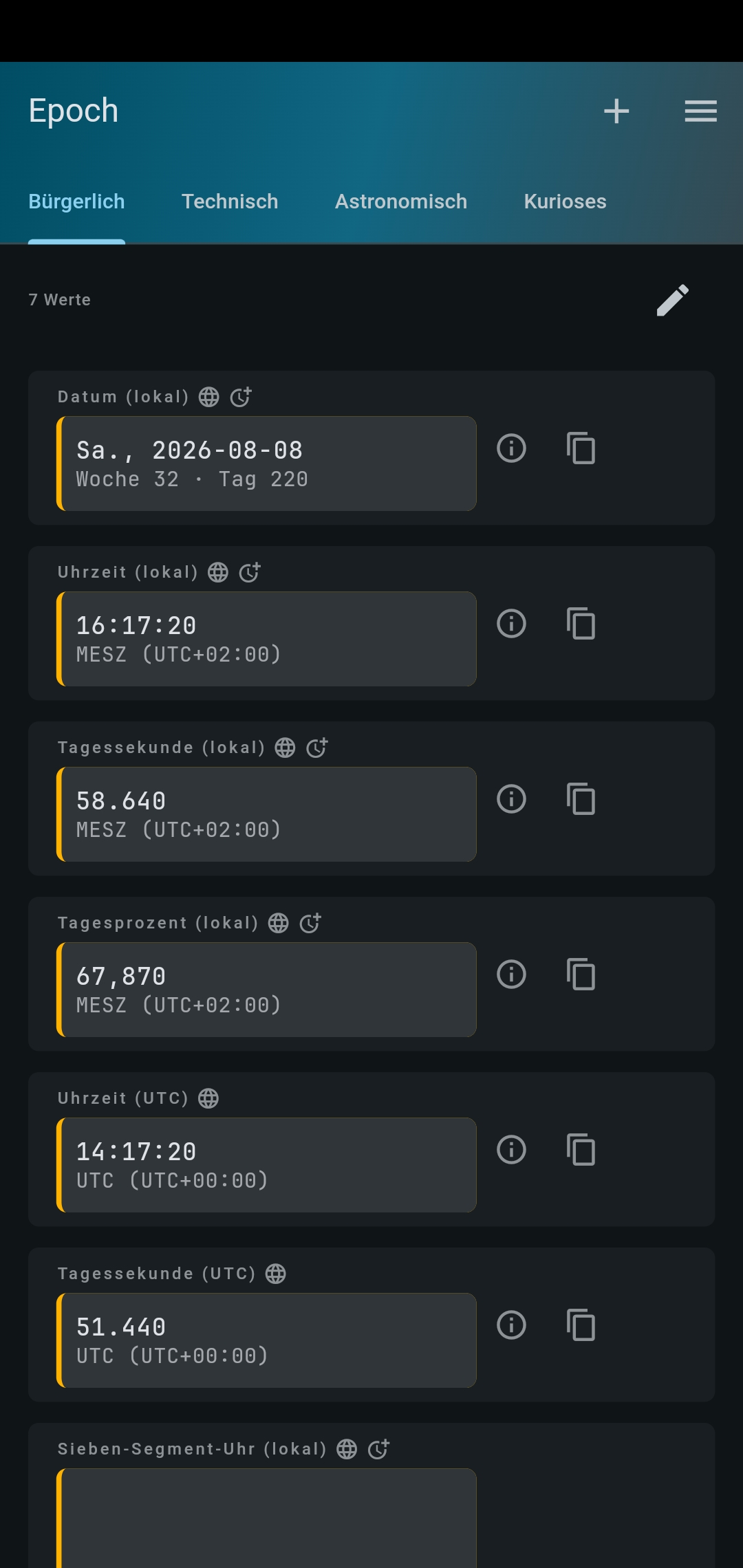
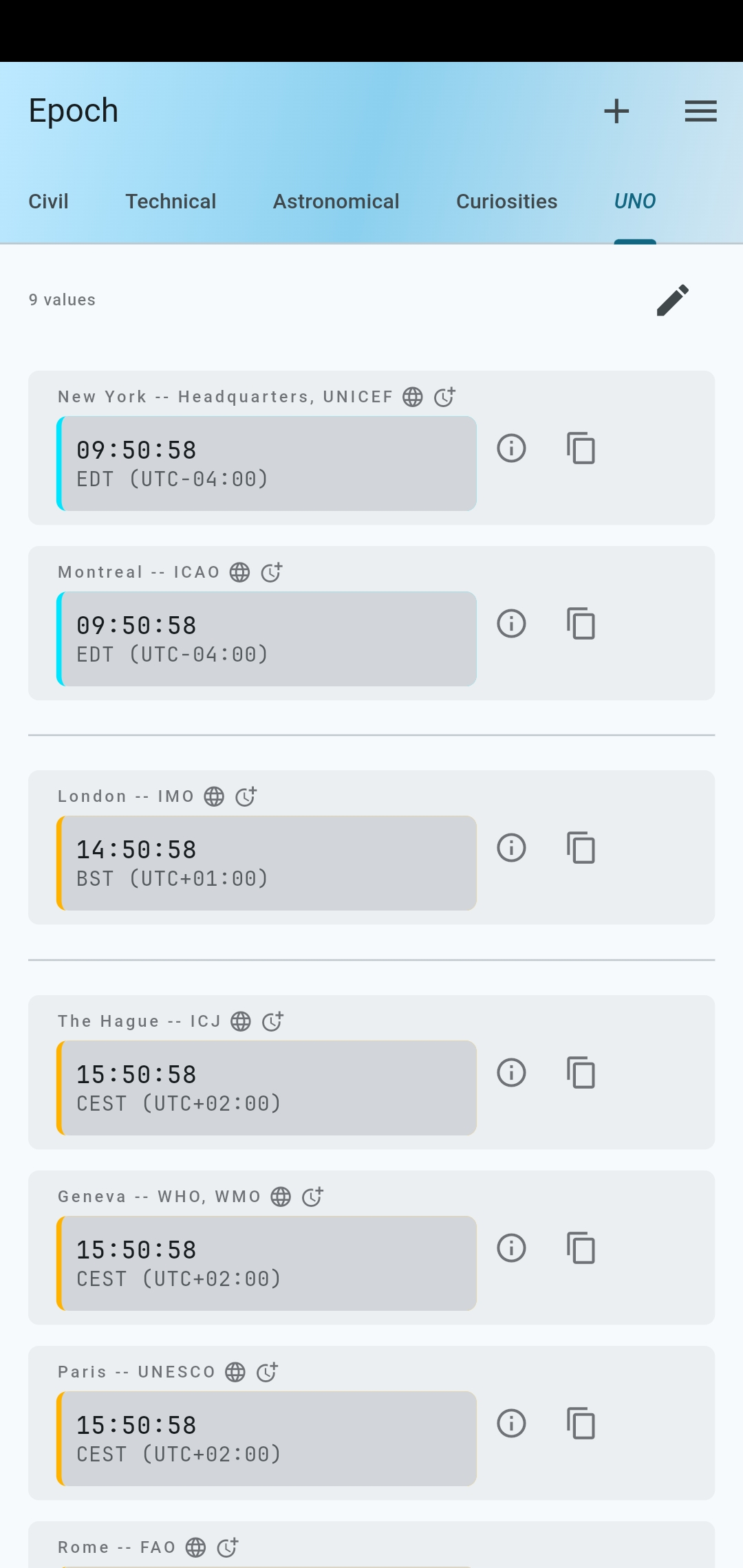
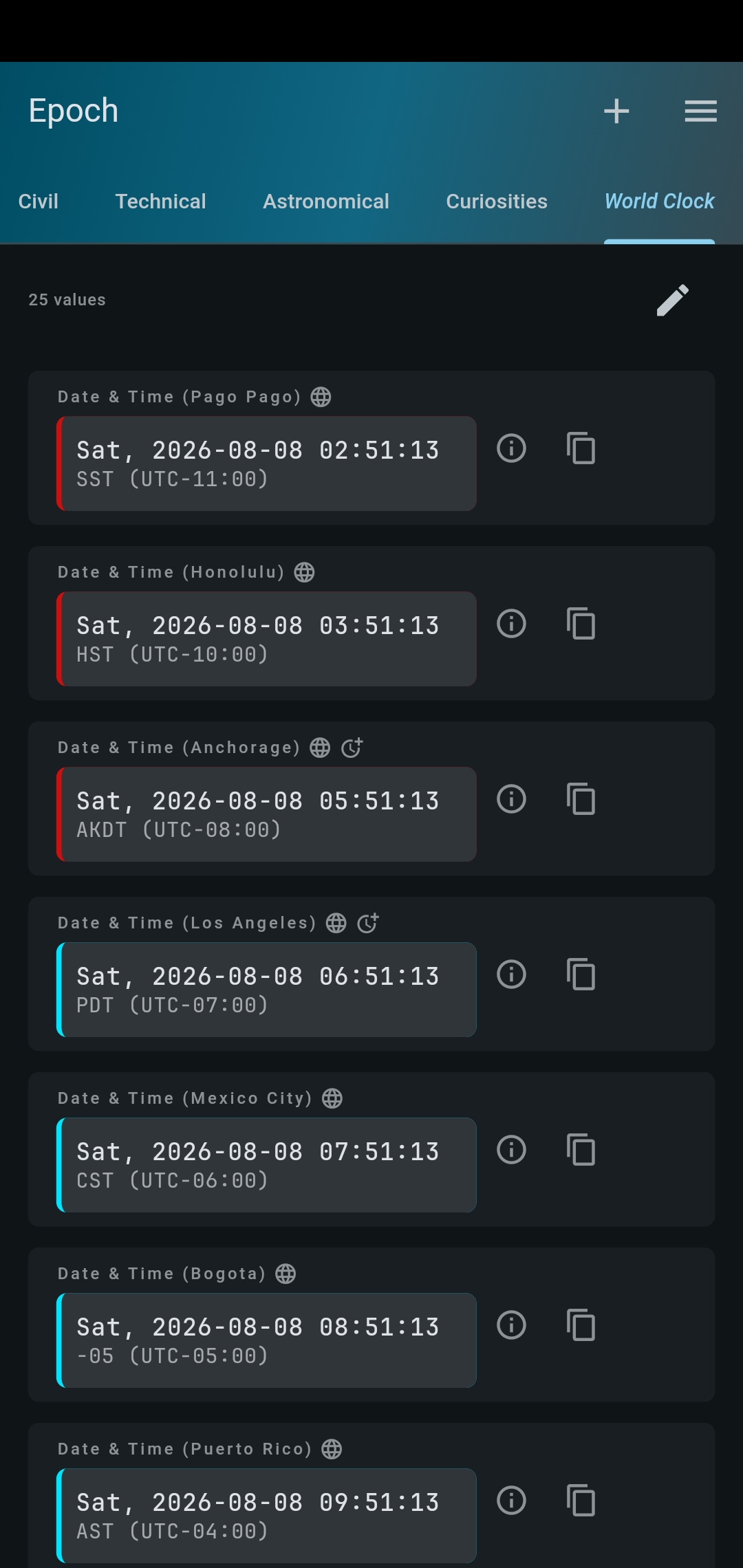
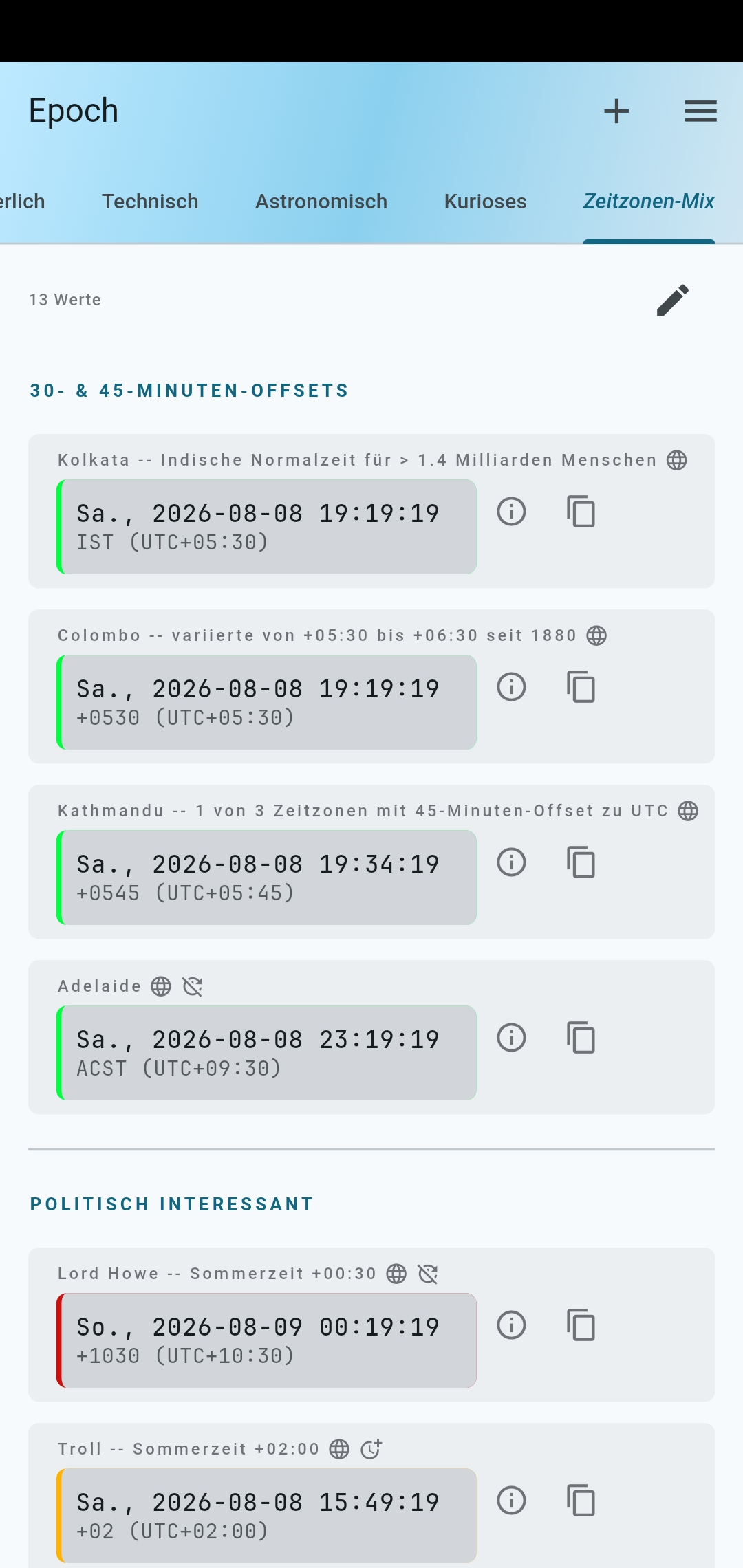
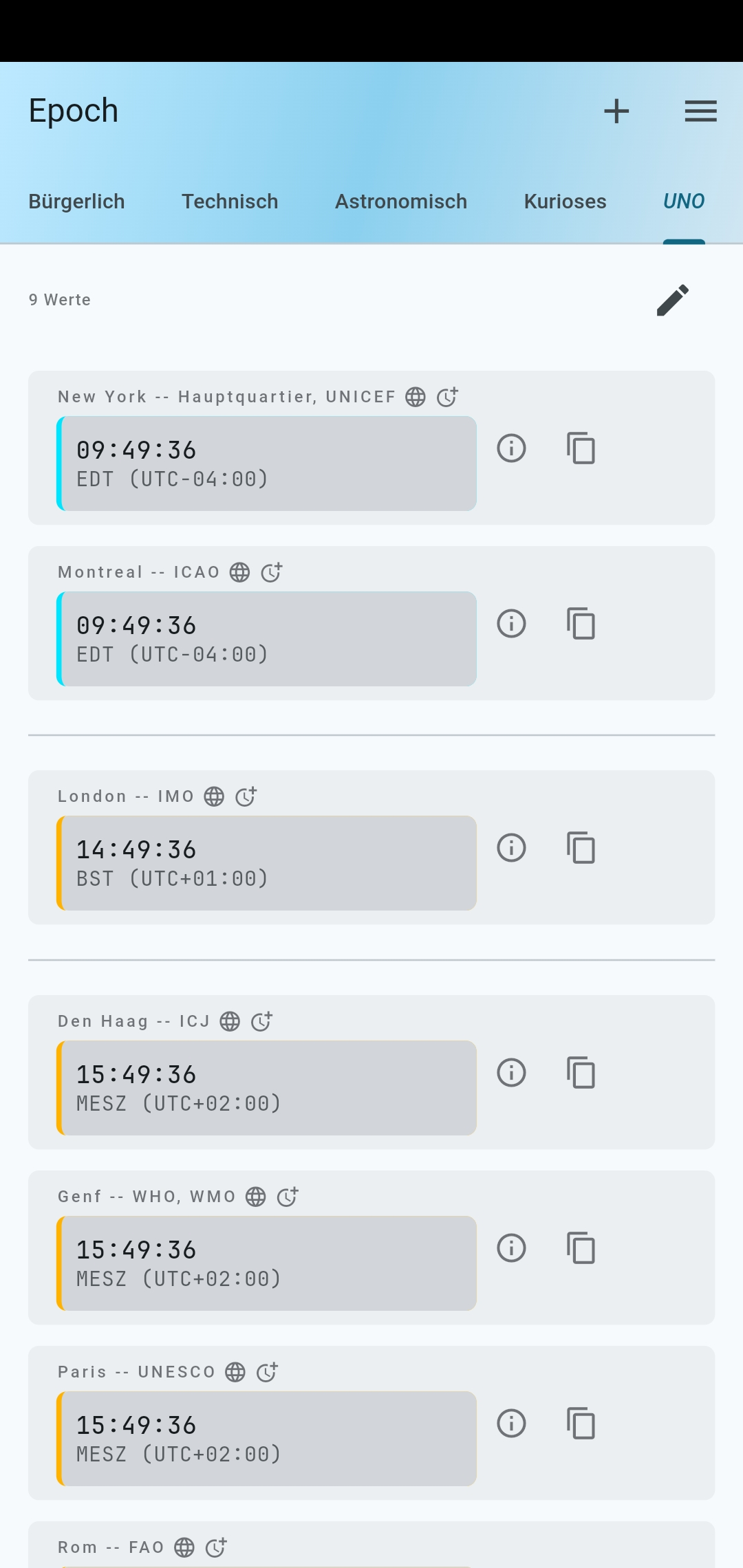
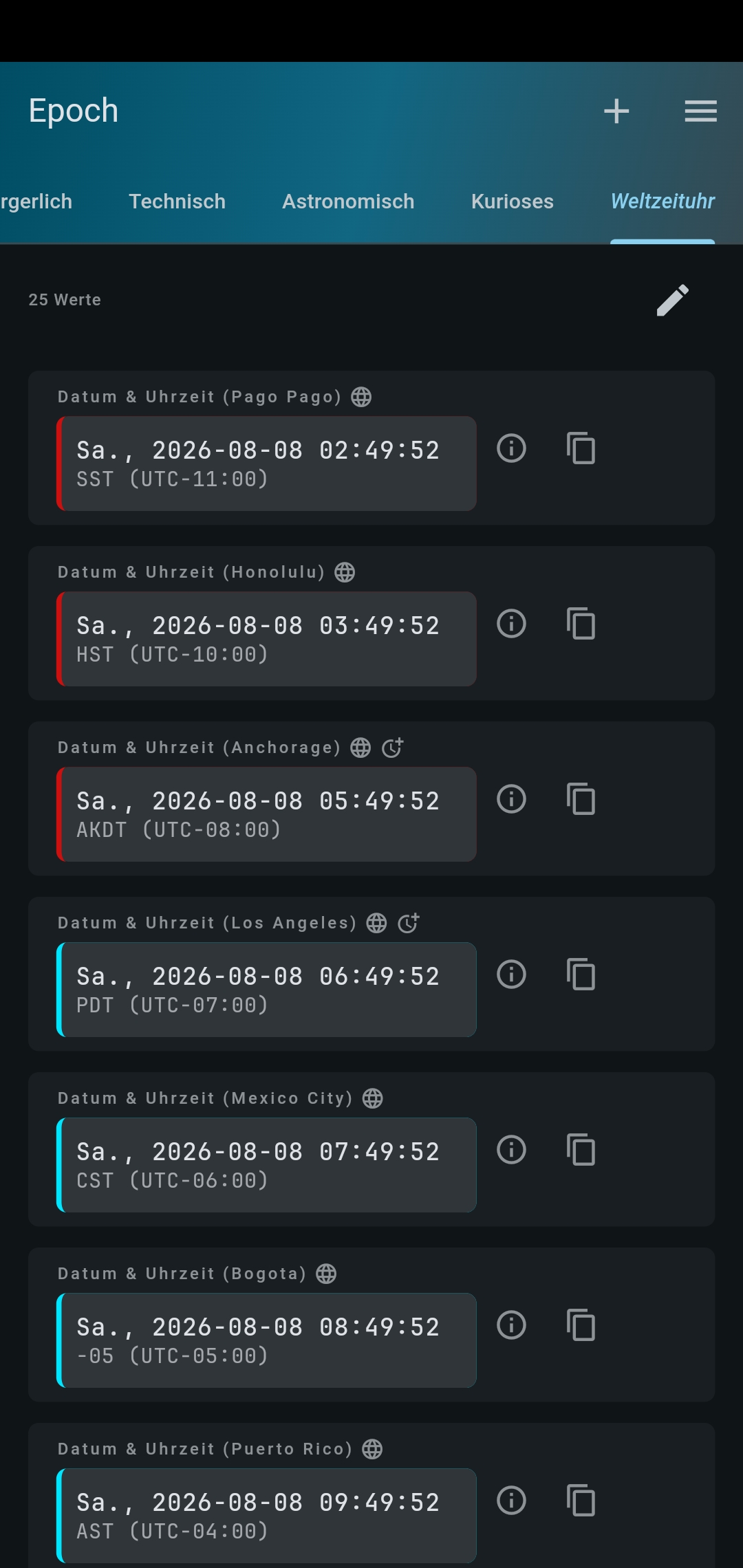
- Civil – date, time, day second, day percent for any timezone
- Technical – Unix time, TAI, GPS time
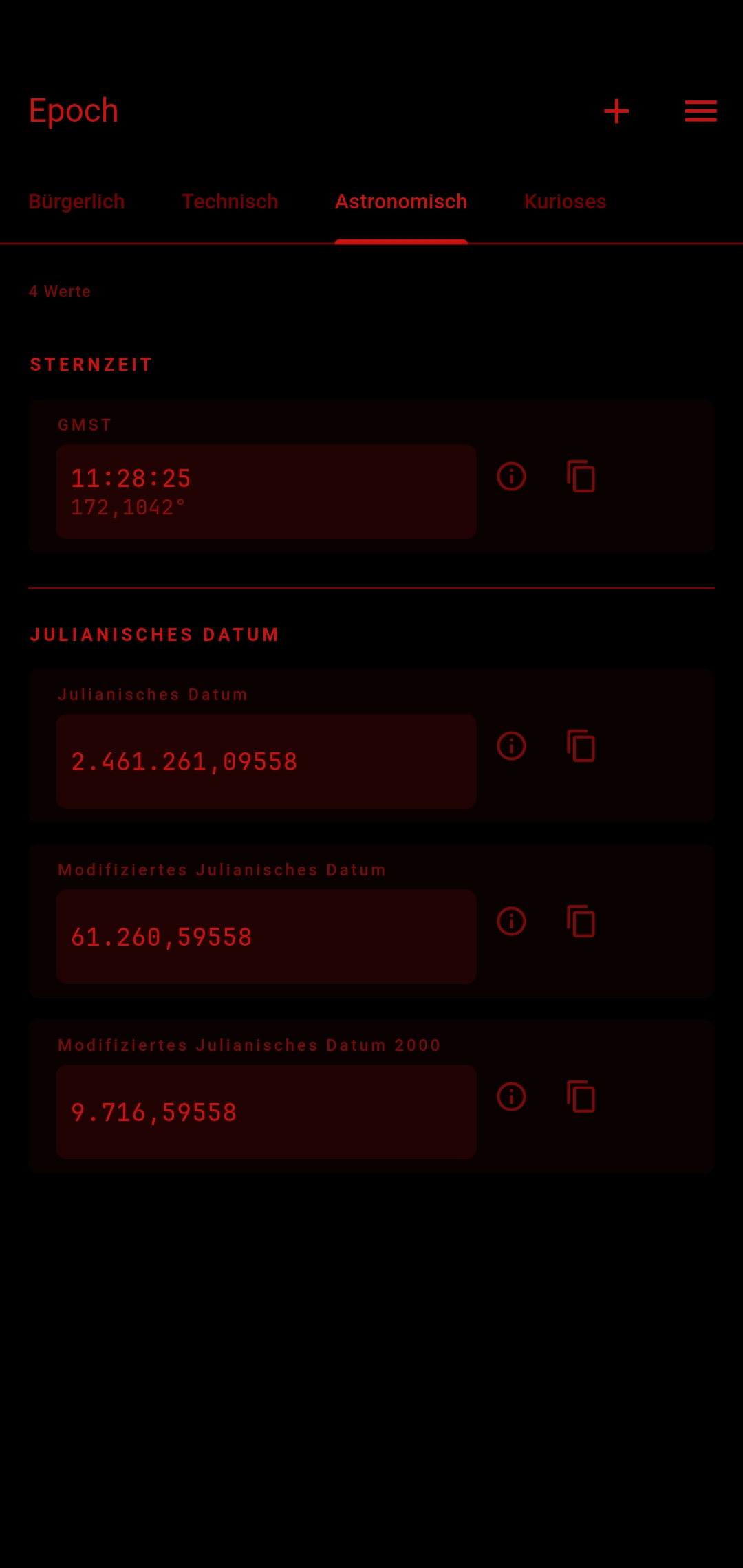
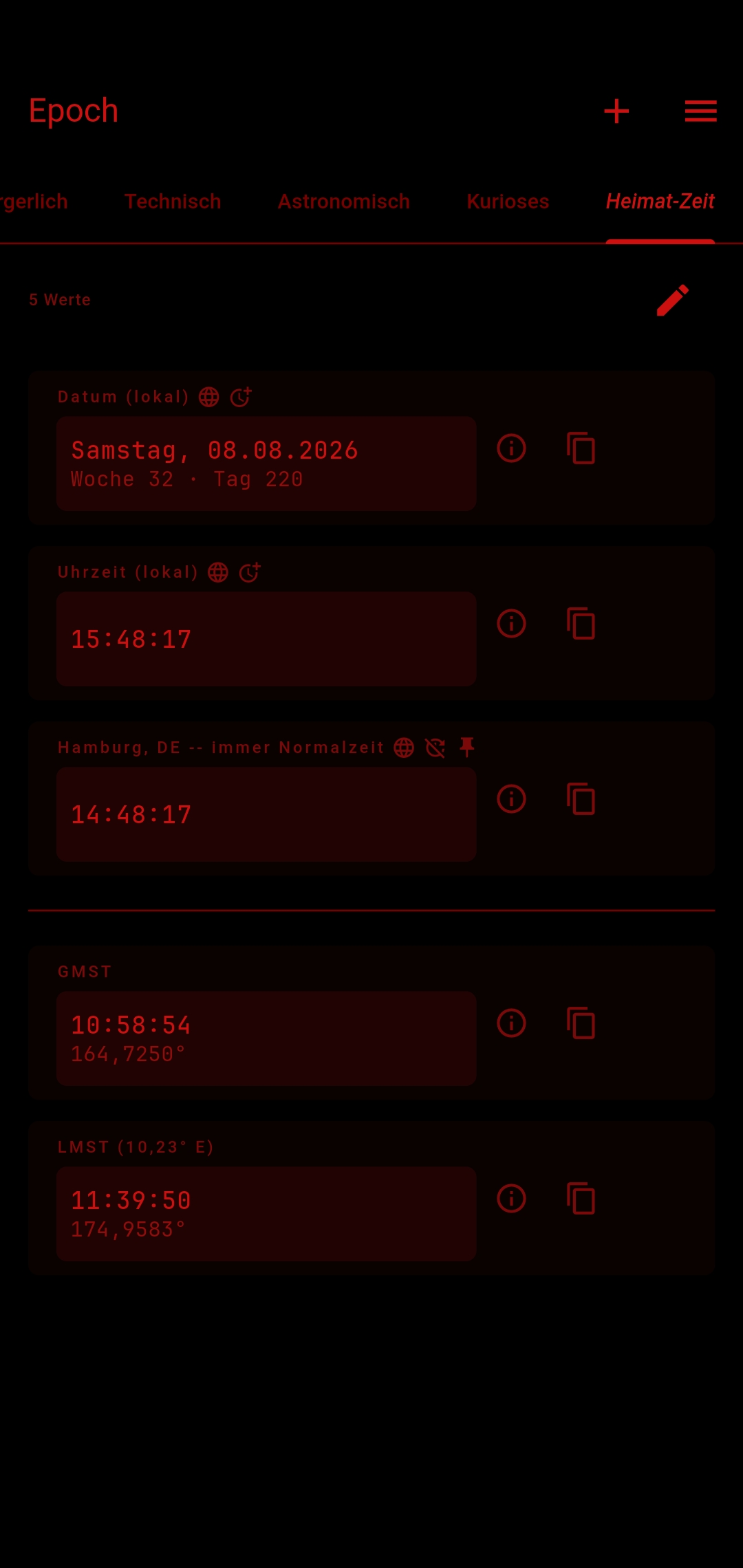
- Astronomical – GMST, LMST, Julian Date, Modified Julian Date (MJD), MJD2000
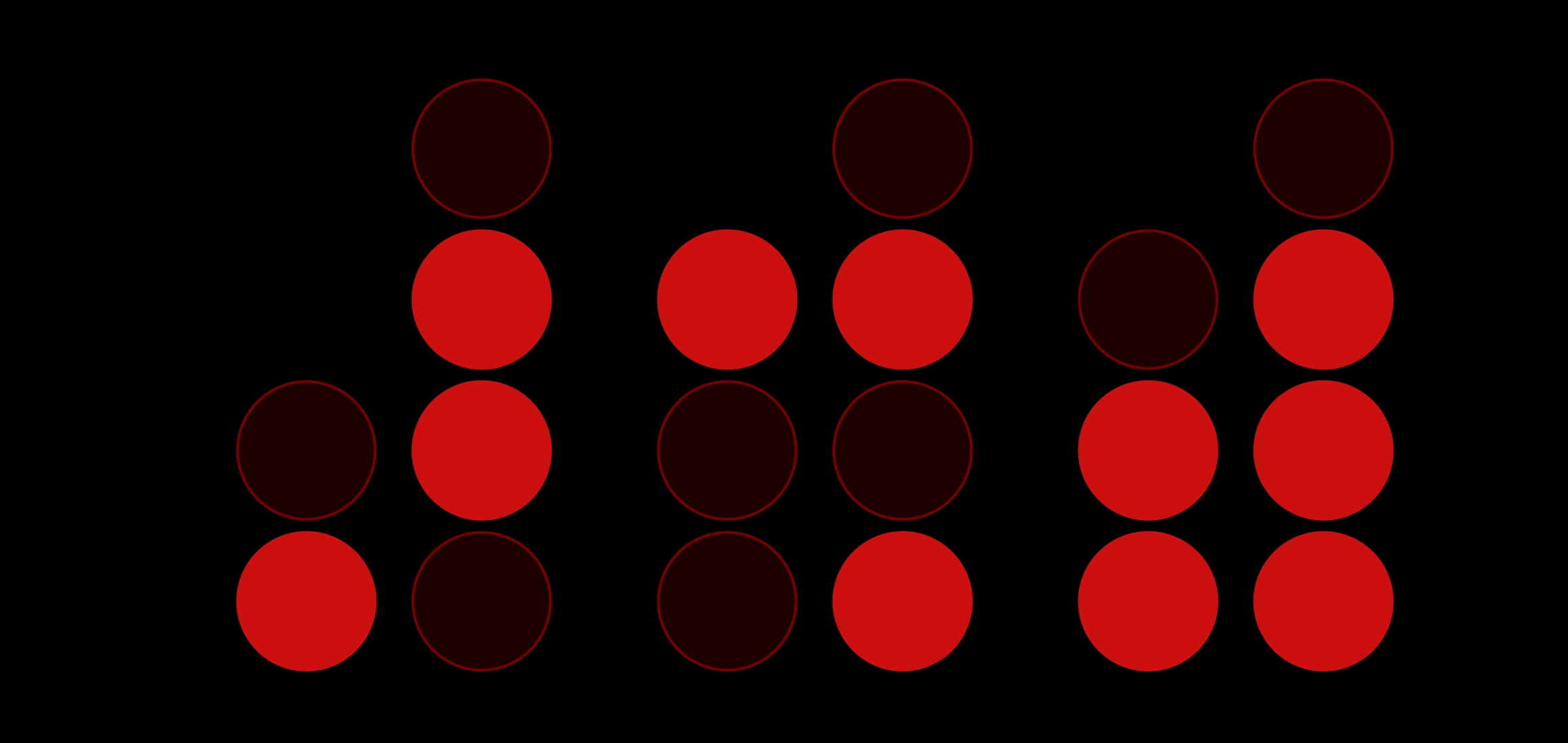
- Curiosities – Swatch Internet Time, seven-segment and binary clocks, Doomsday Clock
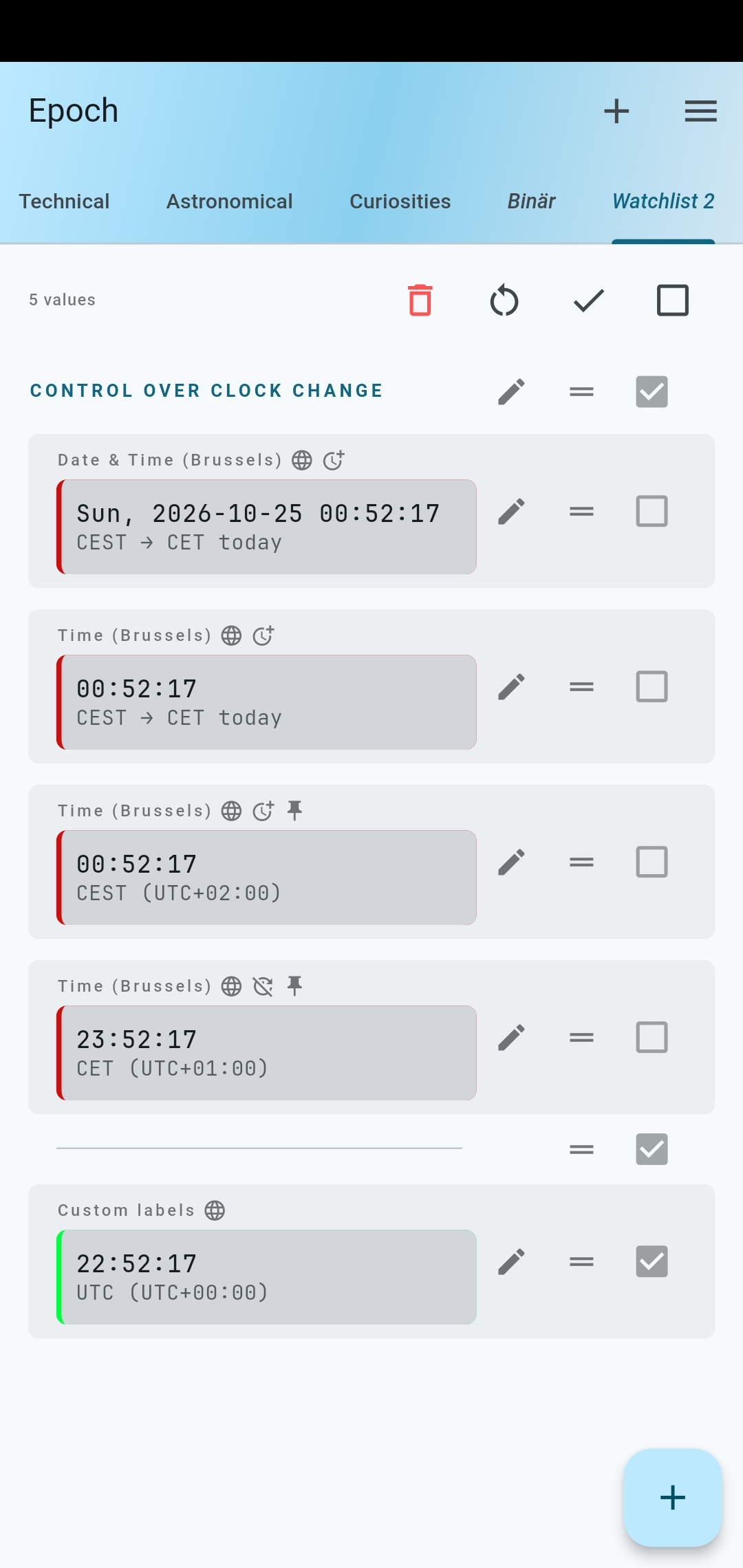
- Fully customizable tabs (Watchlist) — any values from any category, in any order, plus custom tab labels
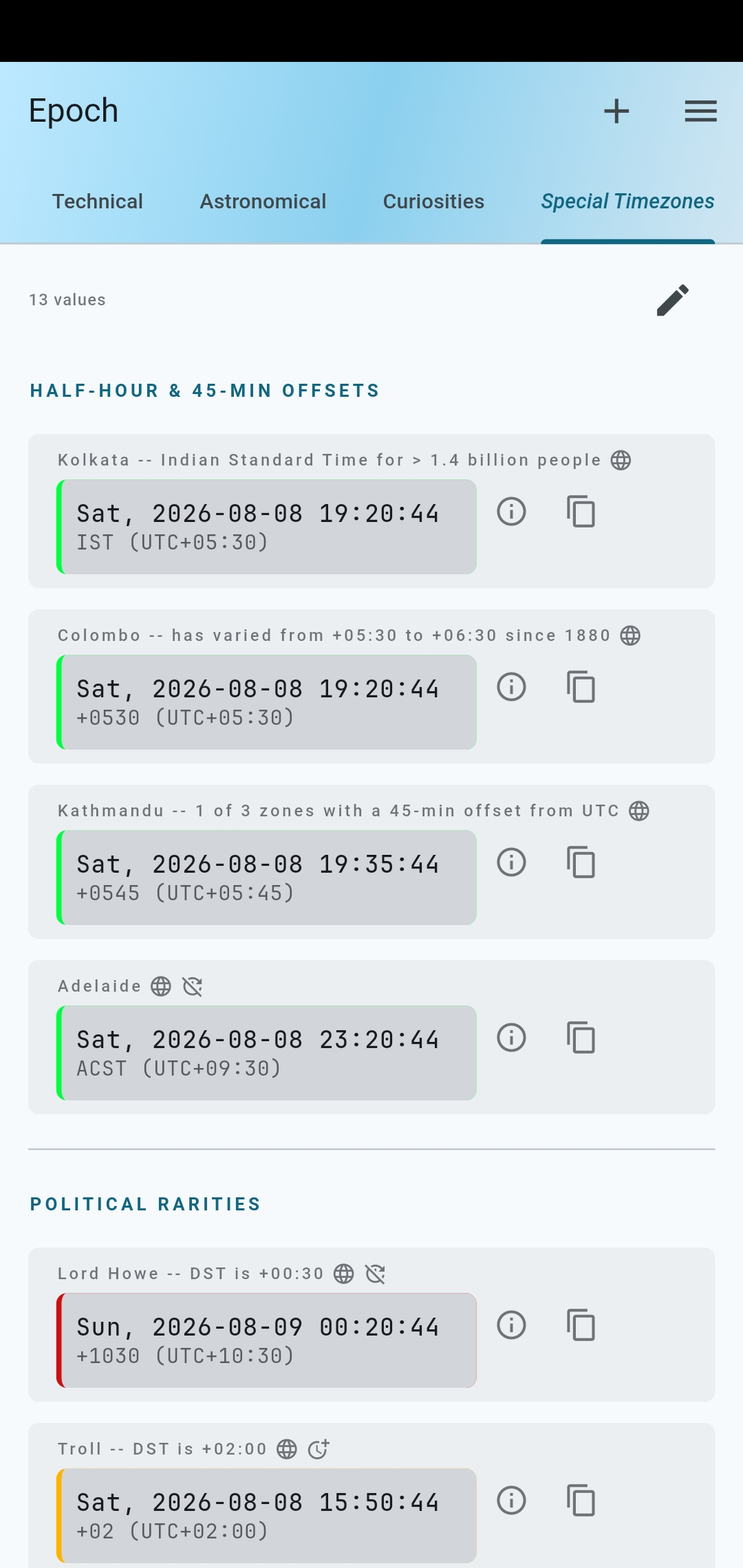
- Civil tab configurable with any timezone worldwide
- Flexible timezone search (city, country, timezone name or abbreviation, UTC offset)
- Optionally force standard or summer time for zoned time values all year round
- 7-day advance clock change notice, display upcoming clock changes in the next few years
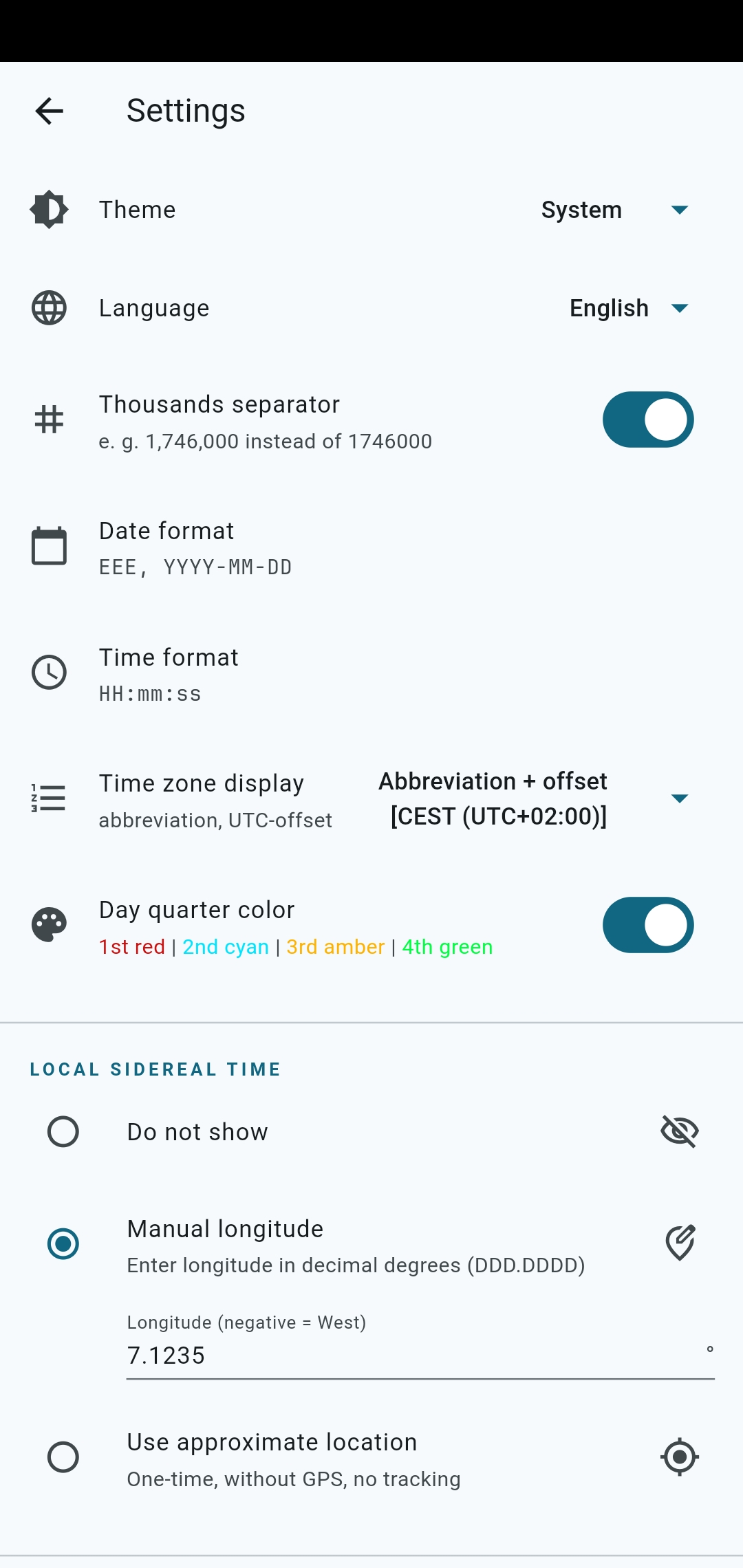
- Customizable date and time formats, 12/24-hour format toggle
- Timezone details (abbreviation and UTC offset) configurable
- Expanded date toggle
- Thousands separator toggle
- Day quarter color toggle
- Drag-and-drop reordering, swipe to remove
- Custom labels for individual values
- Custom section headers and dividers
- Copy any value to clipboard with one tap
- Night mode with red-on-black display — preserves dark adaptation for stargazing
- Light, dark, and system themes
- Full-screen toggle (double-tap on the app's name in the top-left corner)
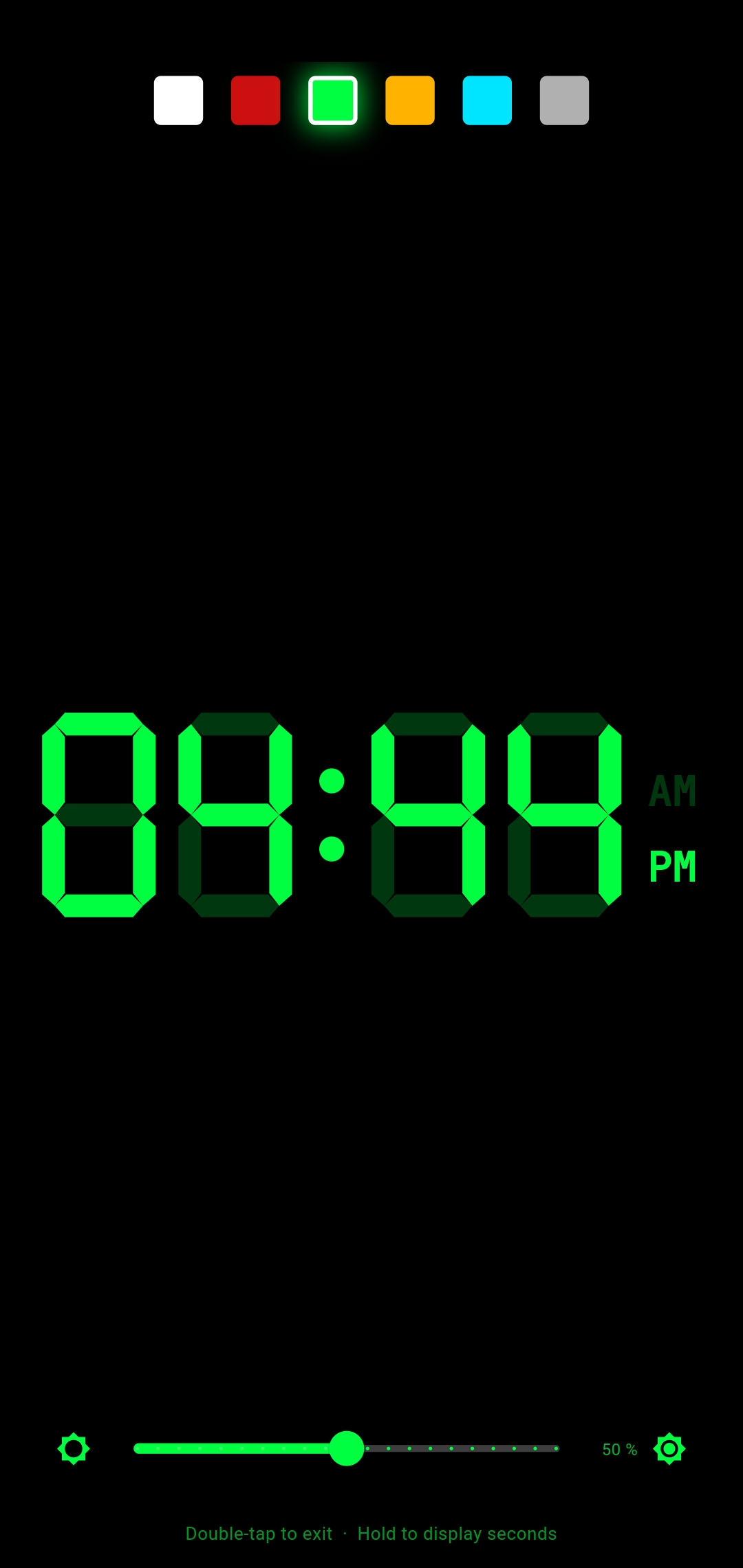
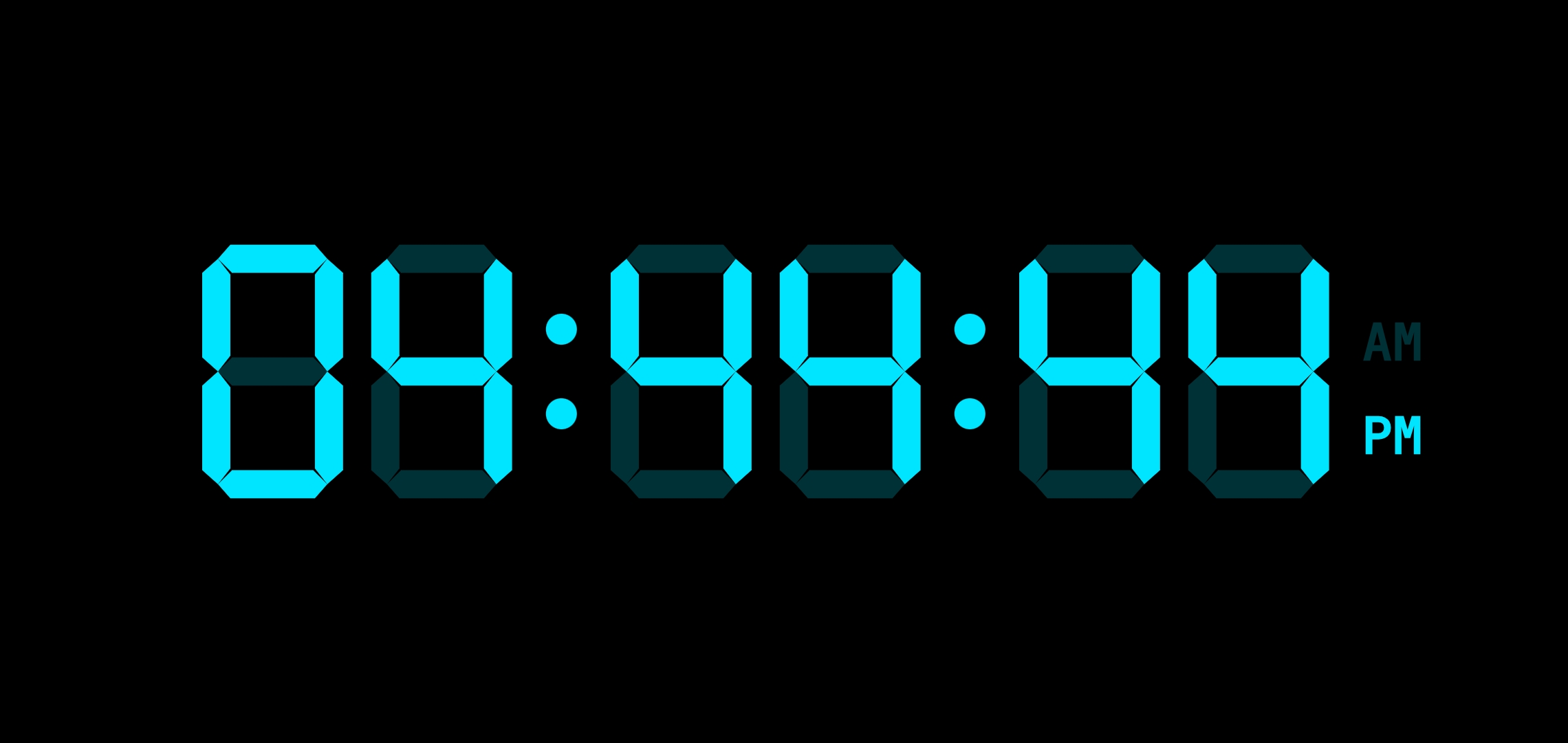
- Focus mode: double-tap any value for full-screen, always-on display; adjustable brightness and color
- Export, import, and reset all preferences (cross-platform, with automatic backup on reset)
- Available in English and German
- Android widgets planned
- Not yet: conversions between time systems
- No ads. No notifications. No tracking. No analytics. No network requests.
- All settings stored locally on your device
- No permissions required -- for LMST, you can specify longitude manually, or temporarily grant ACCESS_COARSE_LOCATION permission (one-time setup step)
Most clock apps show you one or two time formats. Epoch shows you 19 different time values simultaneously, lets you pick exactly which ones you care about, and explains what each one means.
Epoch is for you if you...
- are curious about different time systems in use around the world
- want to compare local times across many timezones at a glance (e. g. friends/colleagues abroad)
- enjoy unusual time representations like Swatch Internet Time, day seconds, or binary clocks
- do amateur astronomy and want a single app for sidereal time, LMST, and Julian Date — without blue light ruining your dark adaptation
- keep an eye on the Doomsday Clock
- just want to know what Unix time it is right now
Epoch is built around flexibility: rather than making choices for you, it gives you the building blocks to assemble exactly the time display you need — and nothing you don't.
Tip
Check out the example_configs folder with (partly) localized pre-made configurations
that you might like to fine-tune for your needs.
It also has a config manual for reference, as well as screenshots (see next section).
Android screenshots are in fastlane/metadata/android/{en-US,de-DE}/images/phoneScreenshots/.
There are slight differences between the two sets to highlight different aspects and details.
Click to expand (English)
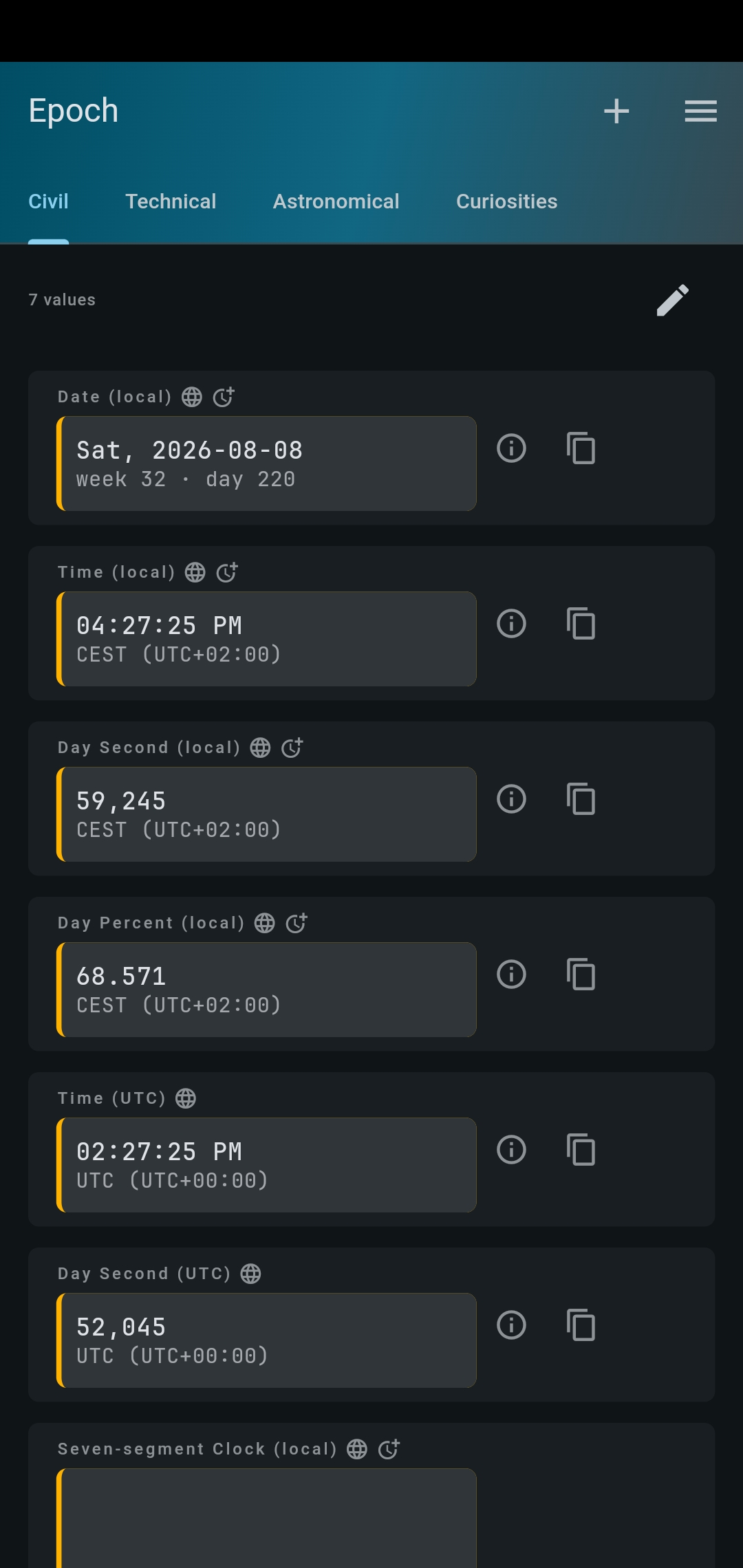
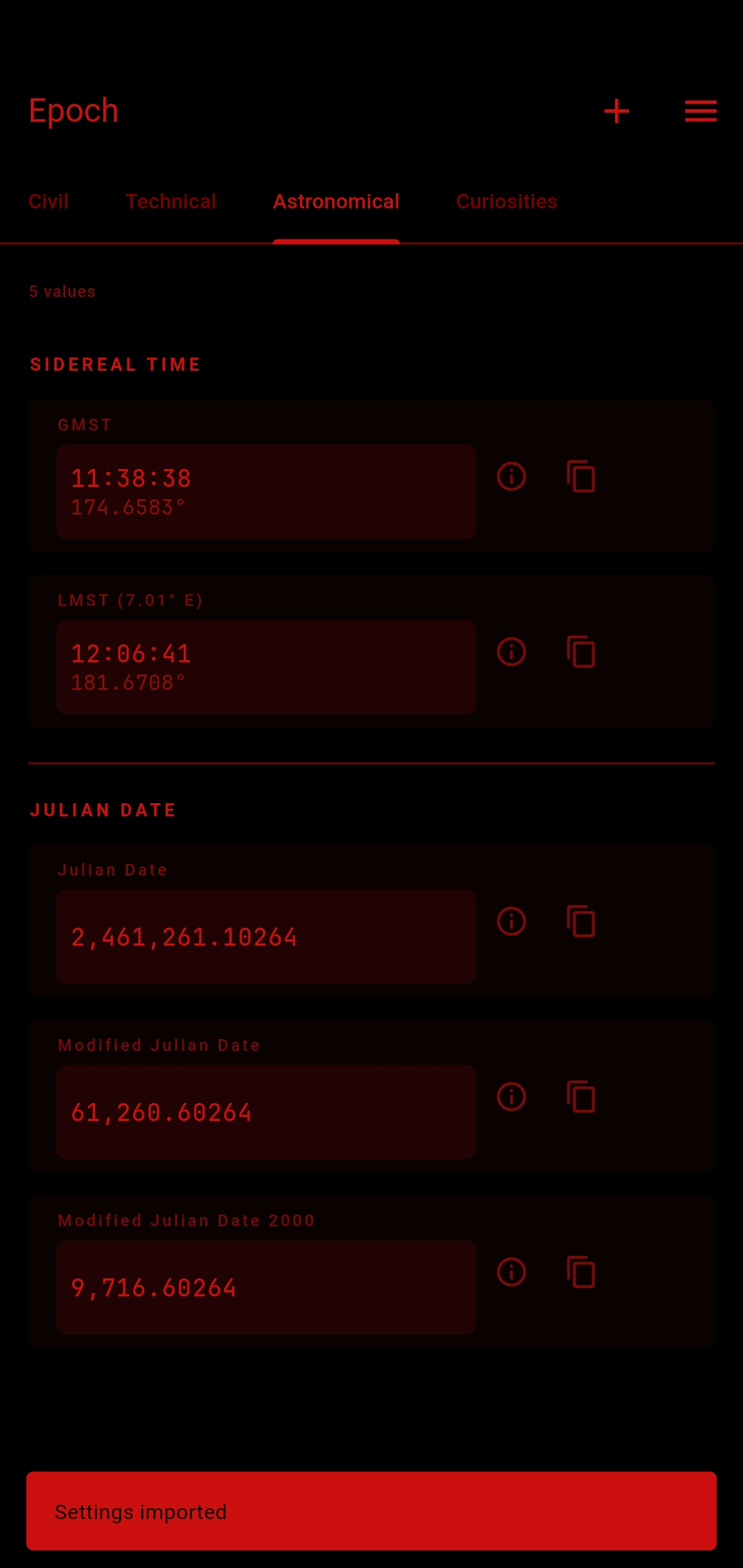
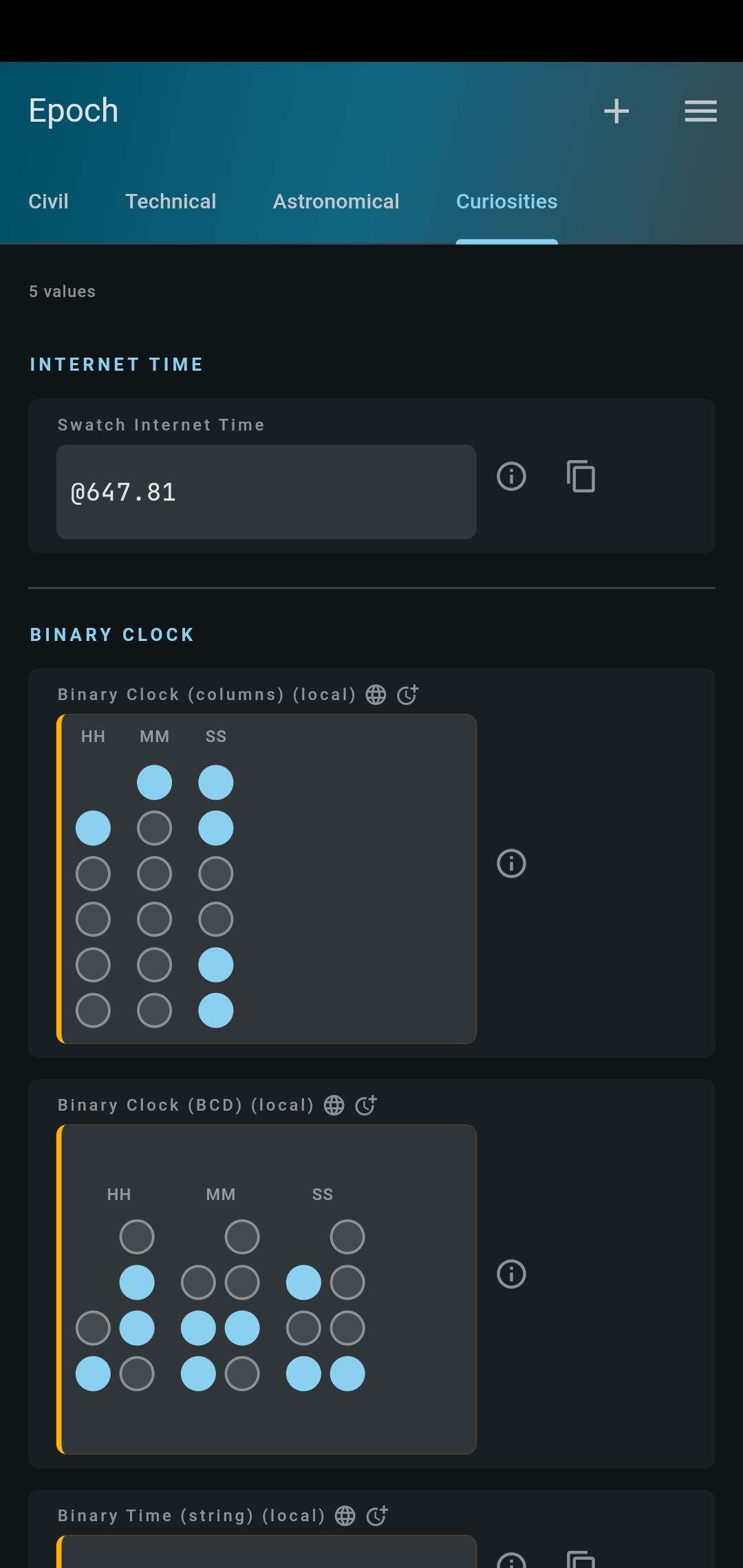
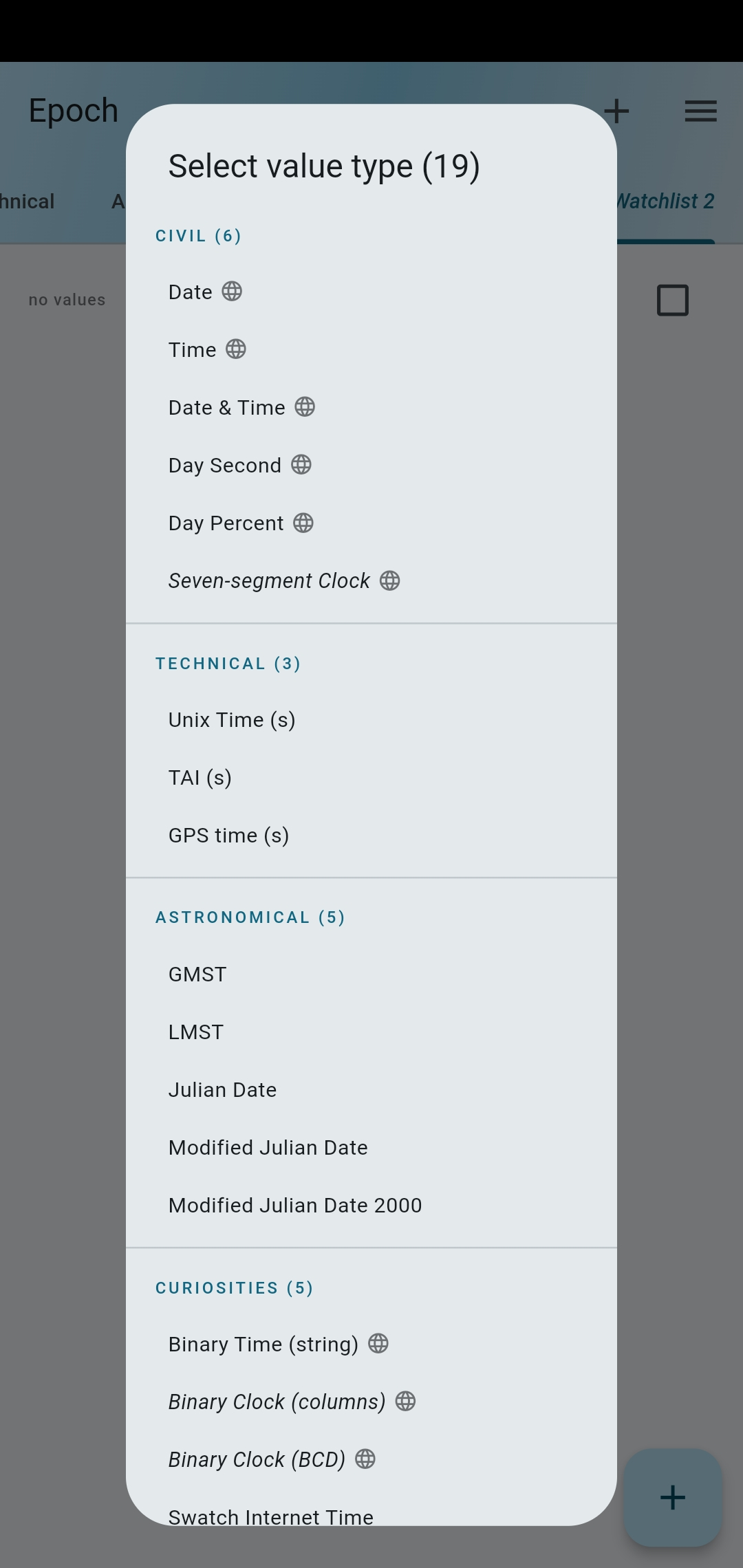
Click to expand (German)
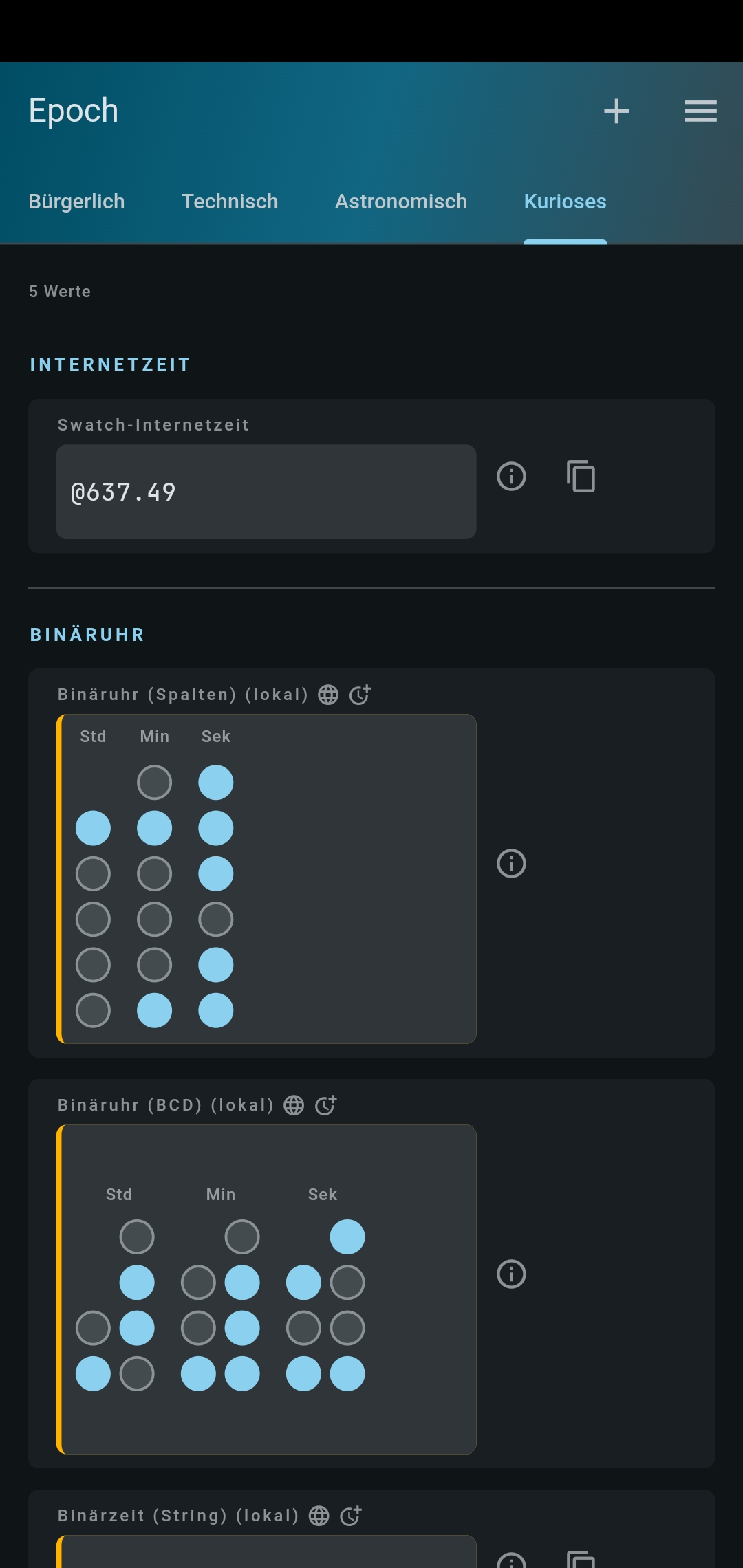
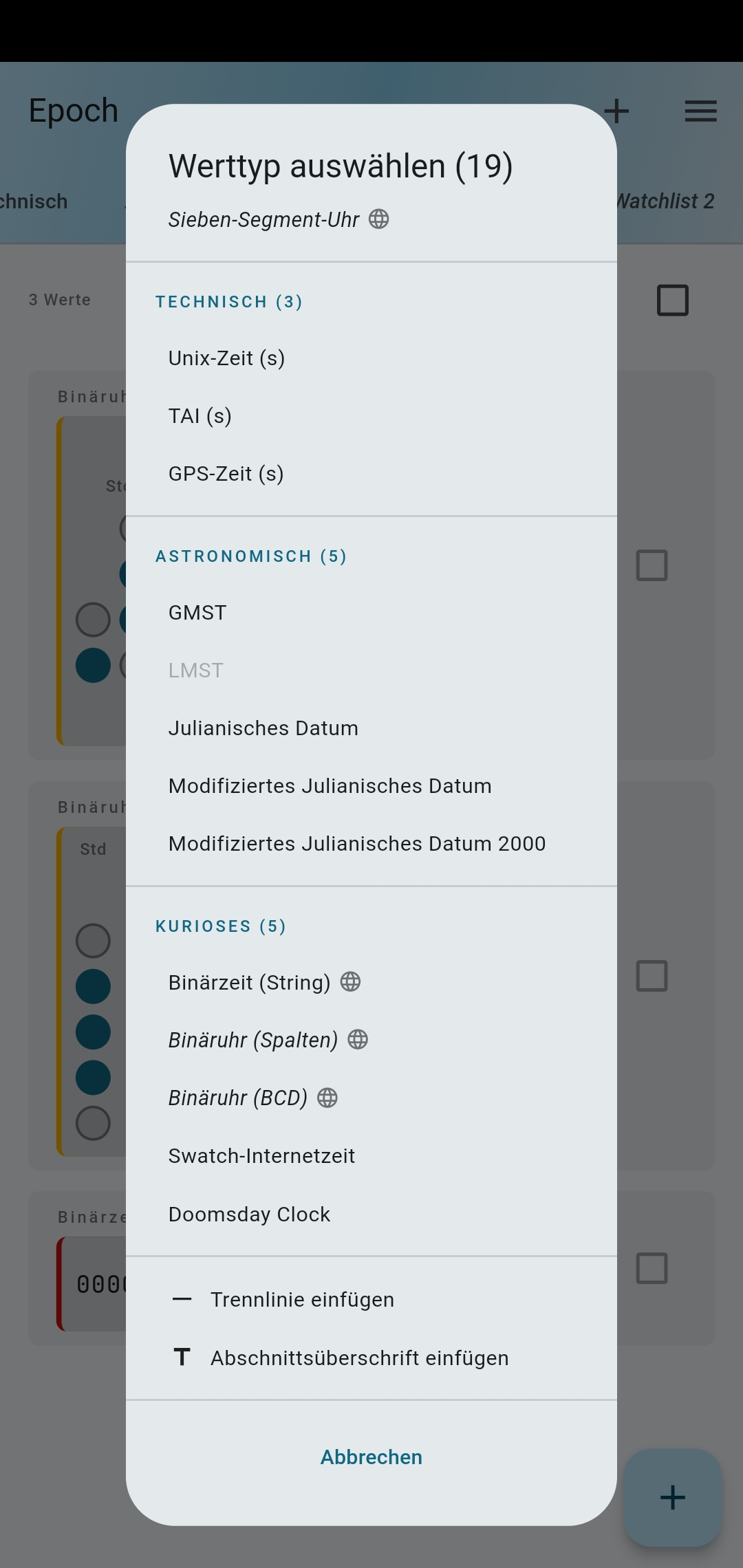
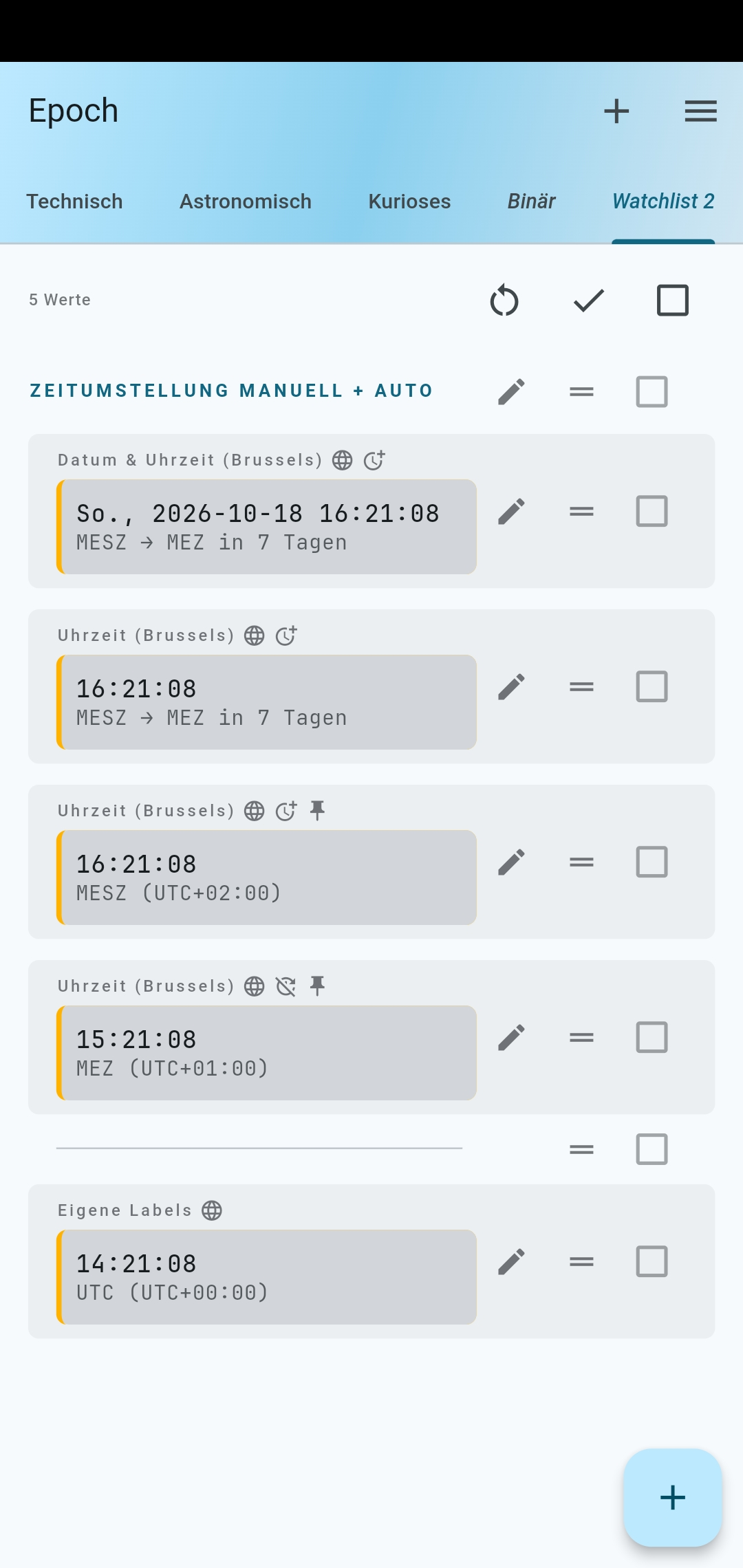
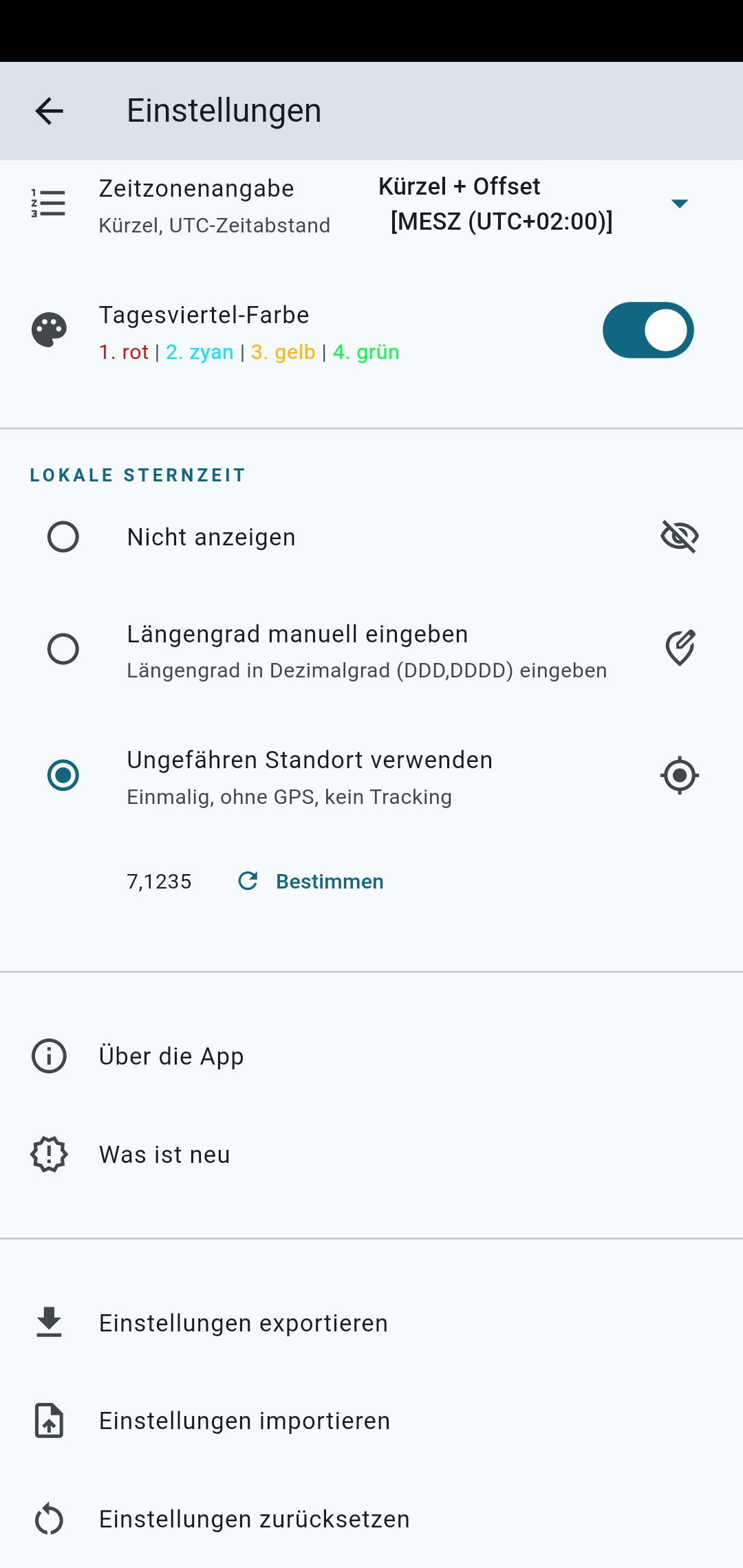
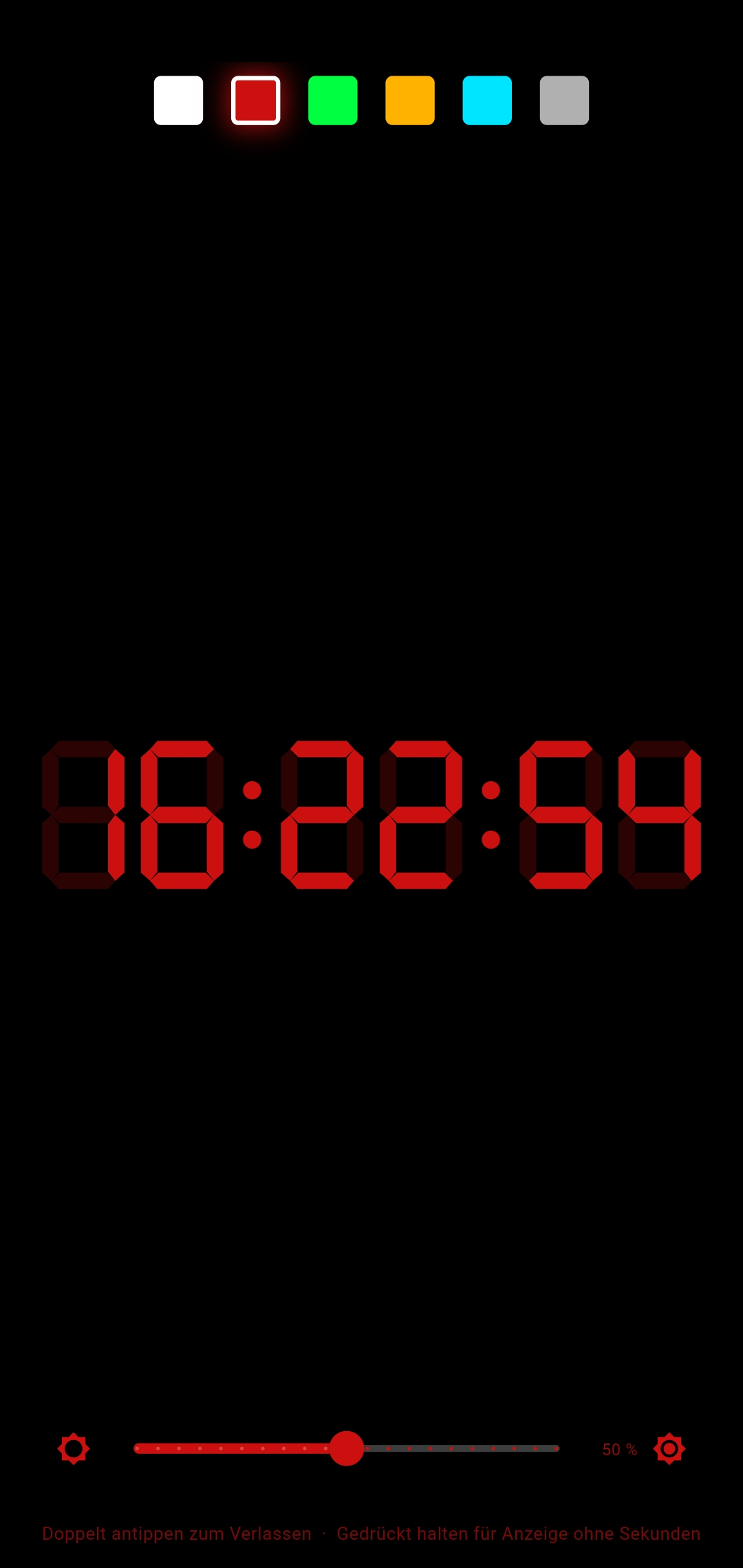
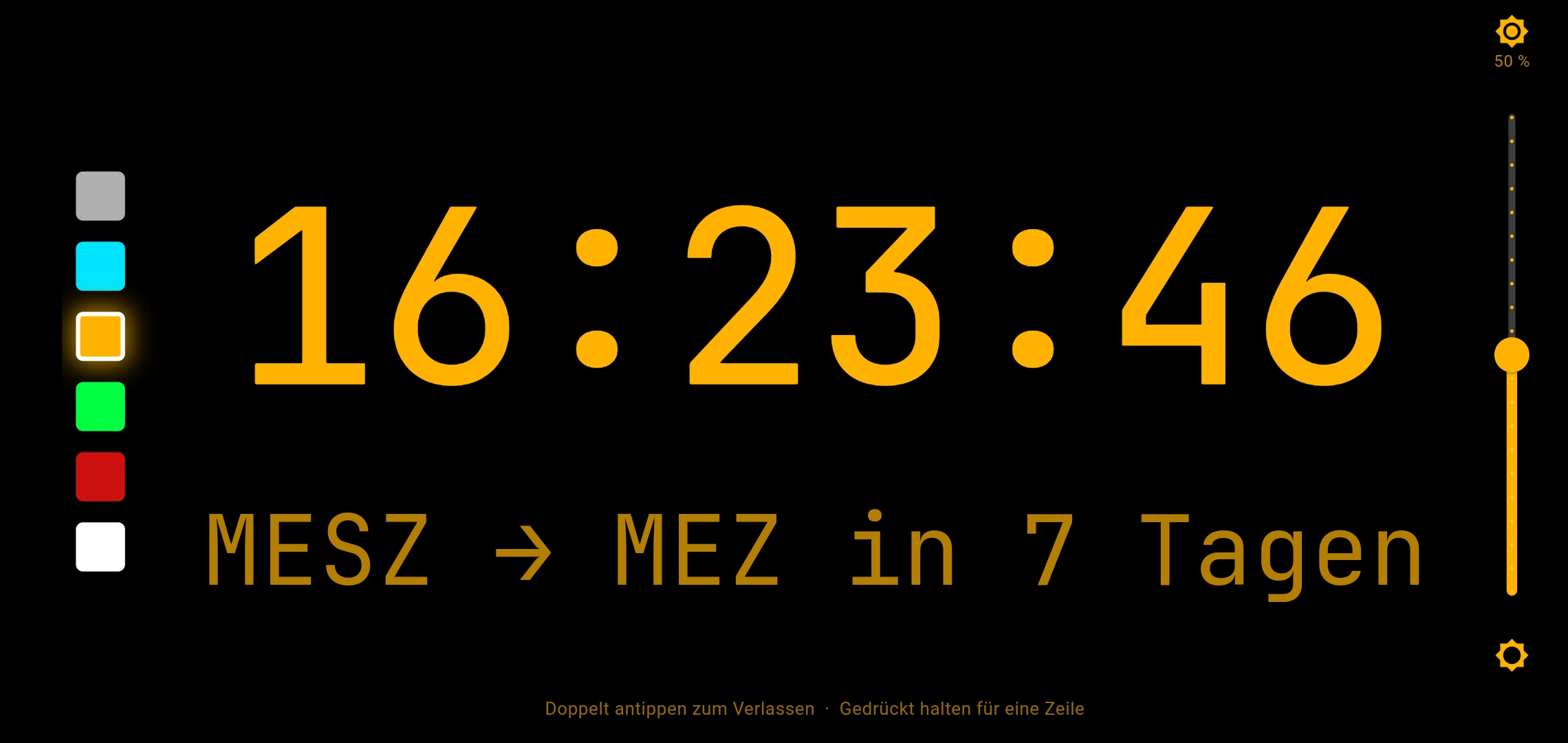
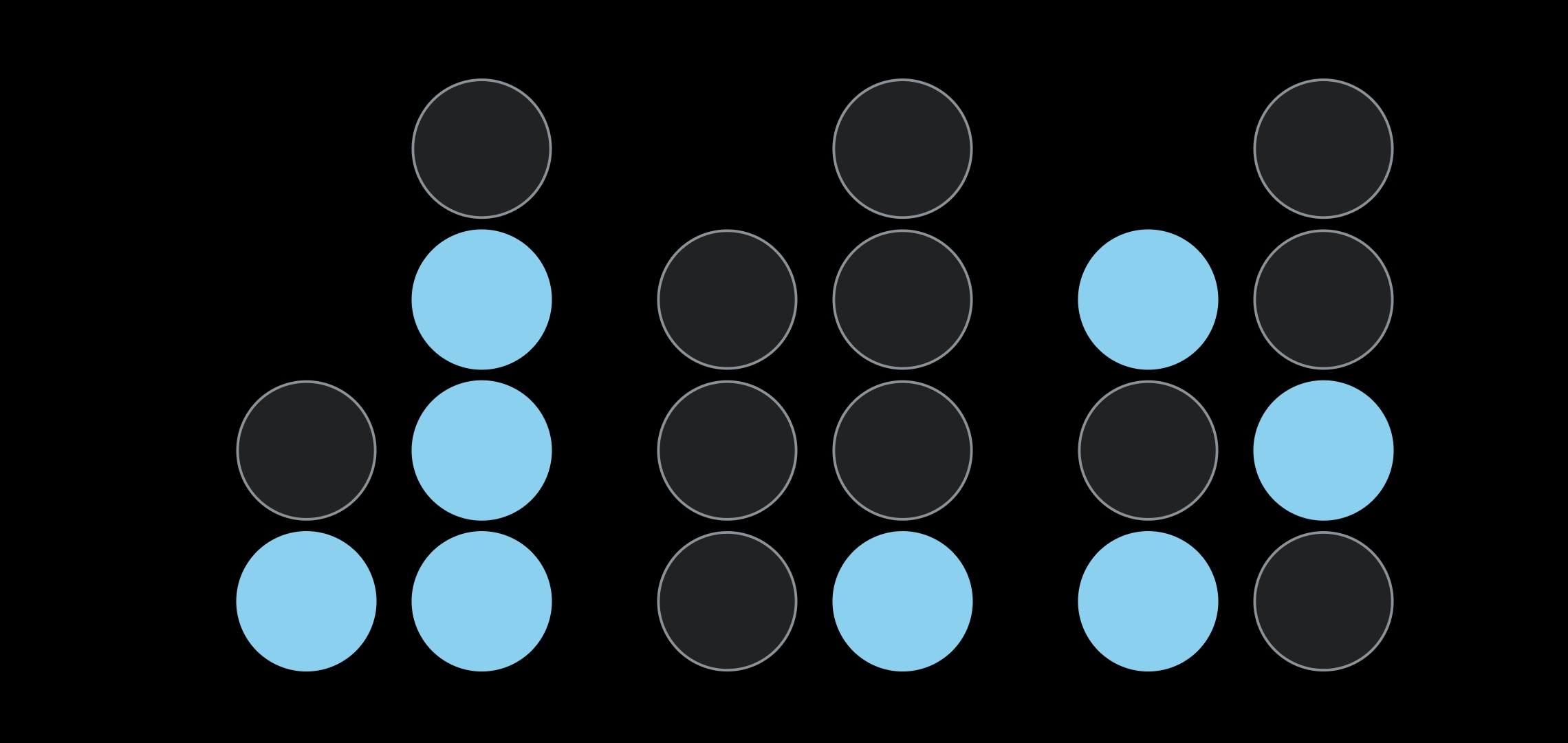
Additional screenshots in example_configs/{de-DE,en-US}/screenshots/:
Click to expand (English)
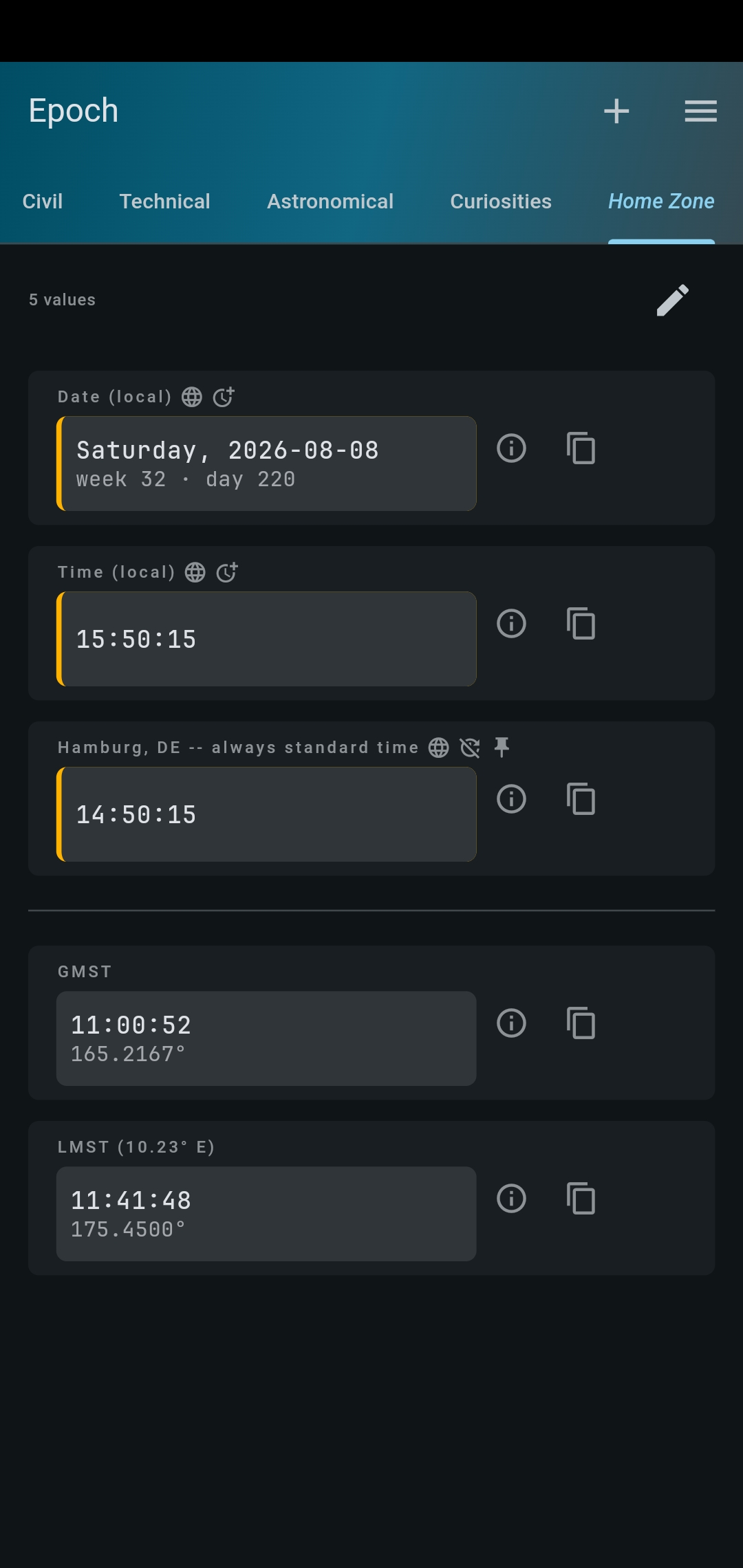
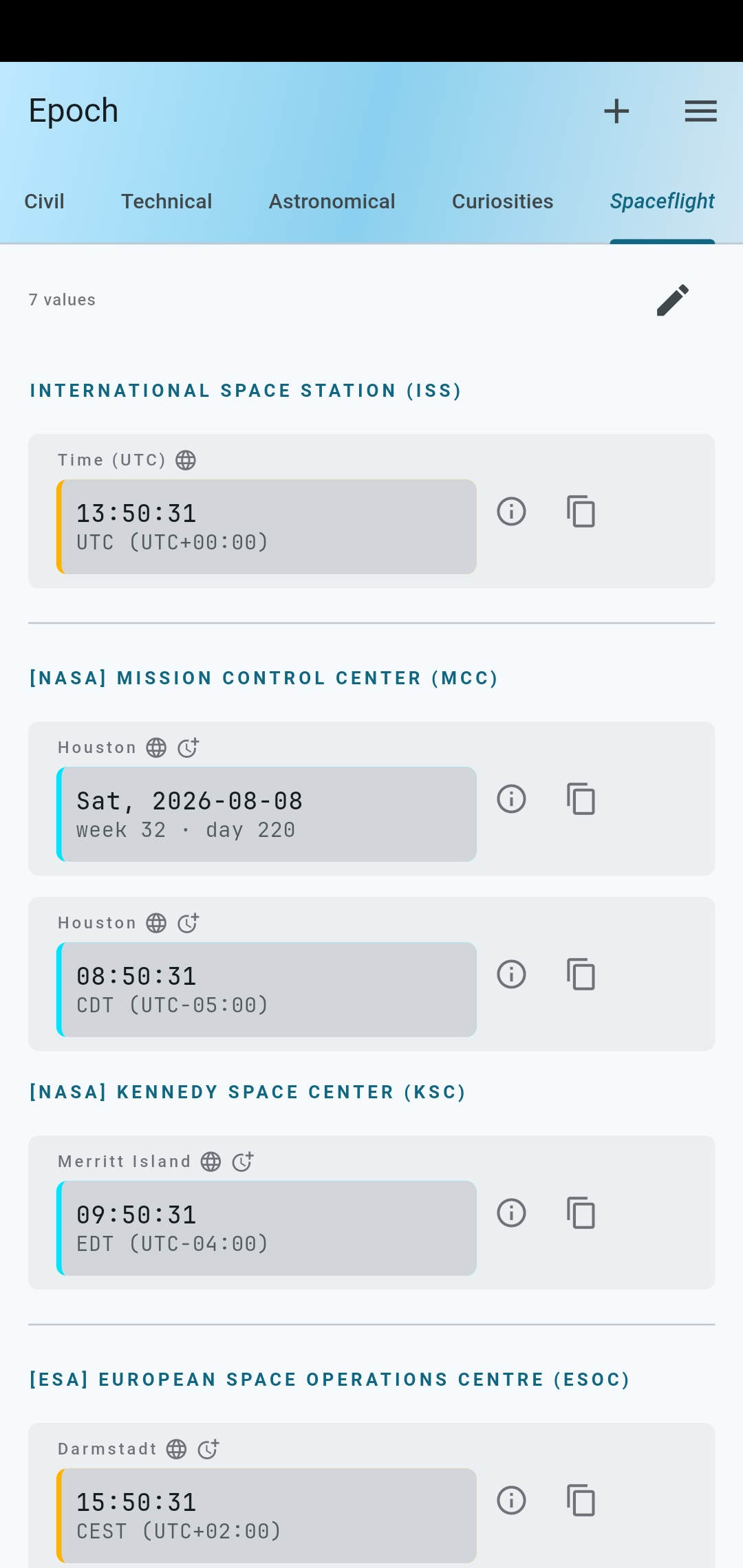
Click to expand (German)
| Platform | Status | Distribution |
|---|---|---|
| Android | ✅ Supported | F-Droid · GitHub Releases |
| Linux | ✅ Supported | GitHub Releases |
| Web | ✅ Supported | GitHub Pages (possibly newer than latest release) |
| iOS | ❌ Not supported | |
| macOS | ❌ Not supported | |
| Windows | ❌ Not supported |

Note
Epoch uses the timezone package,
which bundles the IANA Time Zone Database.
The timezone package may not have the latest available IANA database, and politically motivated
changes may not yet be reflected.
For most use cases, this makes no difference.
However, if you'd like to build Epoch yourself with an up-to-date IANA db, check out the script
update_timezone_to_latest_iana_db.sh in the repo's root.
It's a wrapper around the tool/refresh.sh script provided by the timezone package.
Current (2026-08) versions:
Build and run the Linux app from source (requires Flutter):
git clone https://github.com/RealNoitasinagro/epoch.git
cd epoch

flutter build linux --release
flutter run -d linux
Alternatively the web app:
flutter build web --release
flutter run -d chrome
OR
flutter build web --release
cd build/web
python -m http.server 8000
You can then open http://0.0.0.0:8000/ or http://127.0.0.1:8000/ with a browser.
Found a bug or have a feature request? Open an issue — feedback is welcome.

GPL-3.0-or-later © 2026 RealEarthling