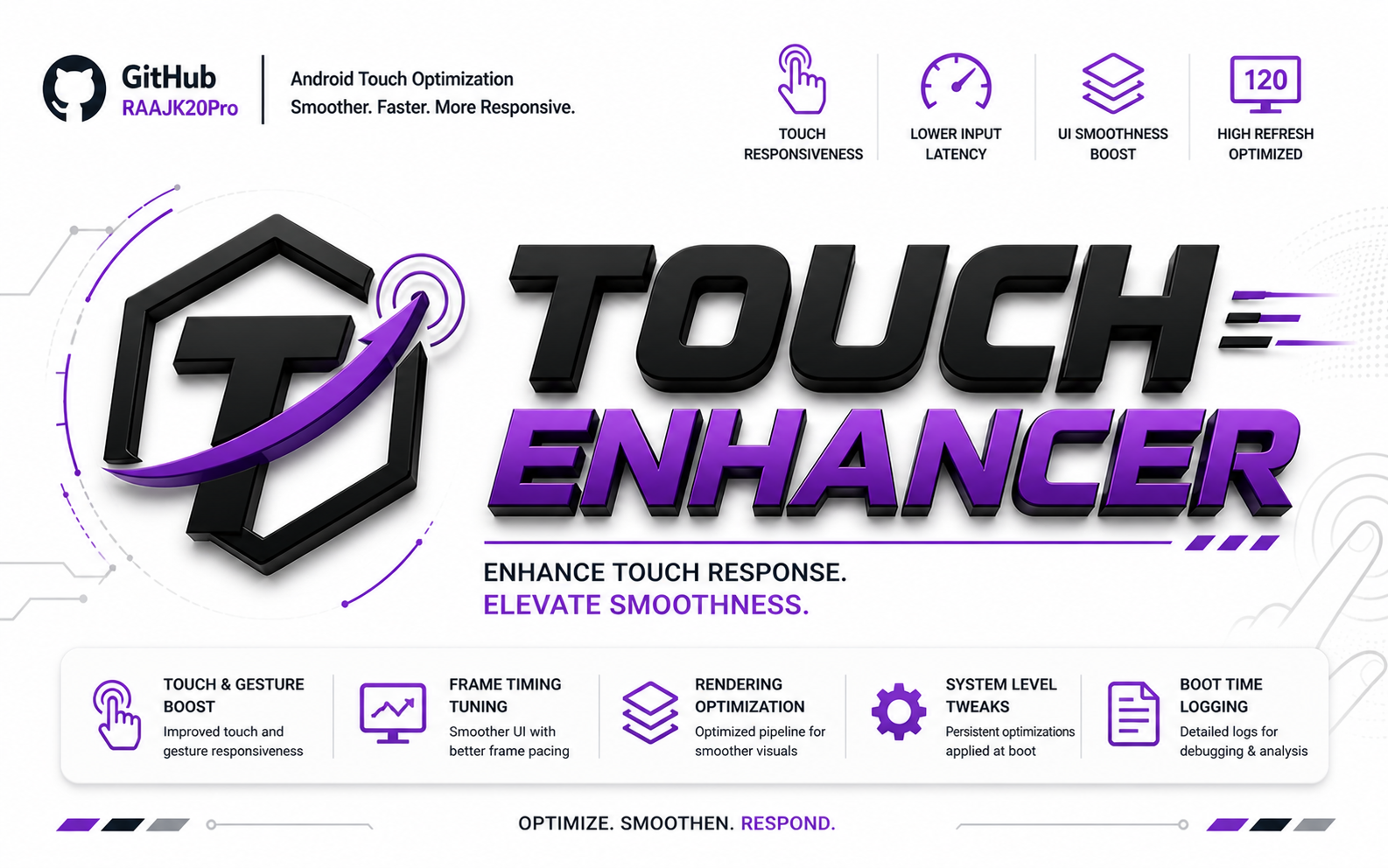
System-Level Tuning for Touch Responsiveness and UI Smoothness


TouchEnhancer applies system-level tuning to improve touch responsiveness, reduce input latency, and maintain smoother UI behavior during daily use and high refresh rate scenarios.
Stock configurations prioritize balance. TouchEnhancer focuses on improving input response and UI consistency.
Improved Responsiveness— Enhances touch and gesture handlingReduced Input Delay— Helps lower perceived touch latencyUI Smoothing— Maintains more consistent frame timingRendering Optimization— Adjusts display pipeline behaviorPersistent Tweaks— Applies optimizations at boot
- Download the latest
.zipfrom Releases - Open Magisk or KernelSU
- Go to Modules → Install from Storage
- Select the zip file and reboot
- Magisk
- KernelSU
Q: Does it improve gaming performance?
A: It focuses on input responsiveness and UI behavior, which may indirectly improve the gaming experience.
Q: Will it affect battery?
A: It aims to remain balanced; impact may vary by device and usage.
Q: Can I use it with other tweak modules?
A: Not recommended — similar tweaks may conflict.