
A sleek, deep-sea oceanic dark theme for Acode editor featuring abyssal navy tones and vibrant bioluminescent cyan accents.



Note
I BUILD THIS PLUGIN FOR MY PERSONAL USE AND EVERYONE IS ABLE TO USE THIS IF THEY WANT AND TRUST YOU ARE ABLE TO REVIEW AND BUILD YOUR OWN AHEAD ON THIS CODE.
- 🌊 Abyssal Navy Palette – Deep midnight blue tones designed to minimize eye strain during long night coding sessions.
- ⚡ Bioluminescent Highlights – Crisp electric cyan accents for active tabs, cursor focus, icons, and interactive elements.
- 📐 Clean Visual Hierarchy – High-contrast distinctions between the file explorer sidebar, active editor buffer, and popup modals.
- 🪶 Native Integration – Built directly on the native Acode
ThemeBuilderAPI for instant rendering and lightweight performance.
Click Here to View Screenshots
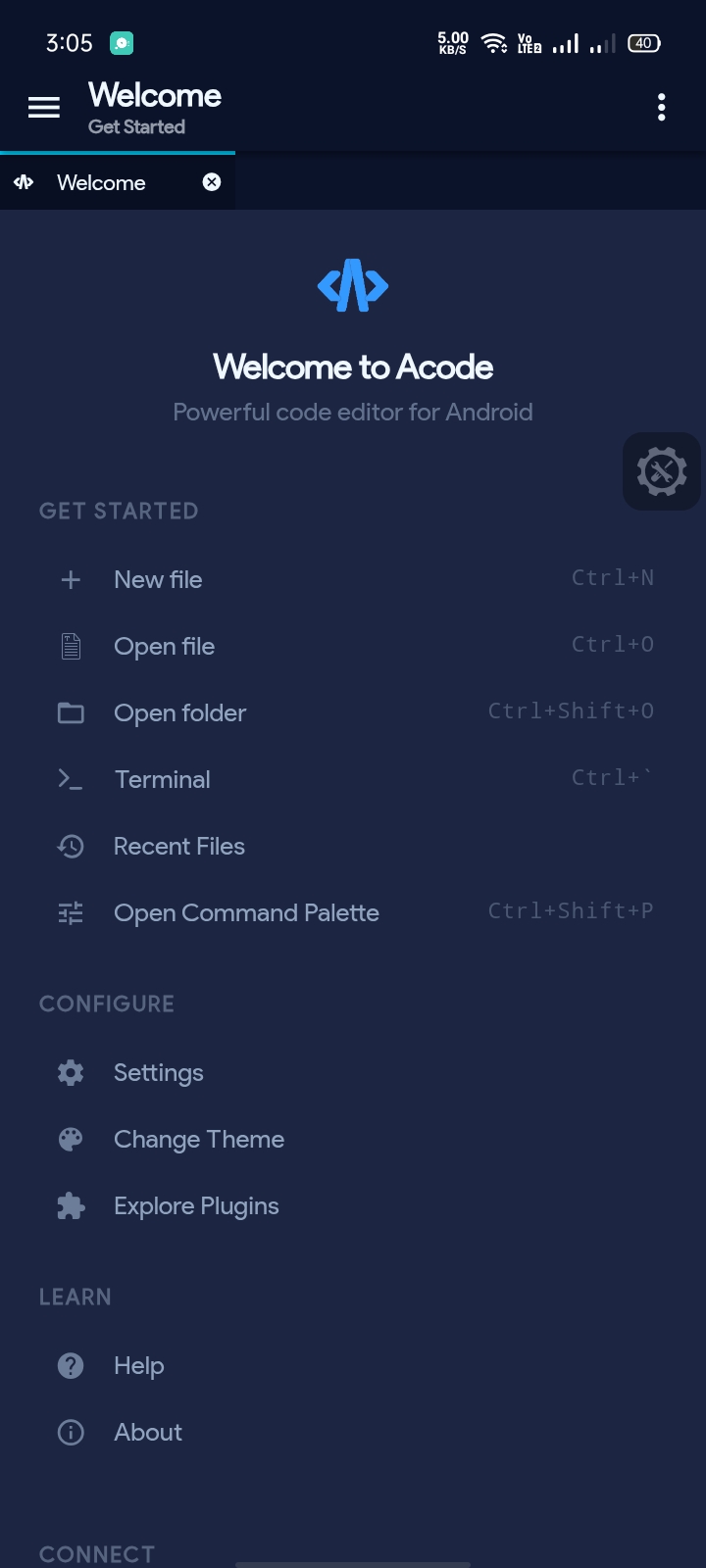
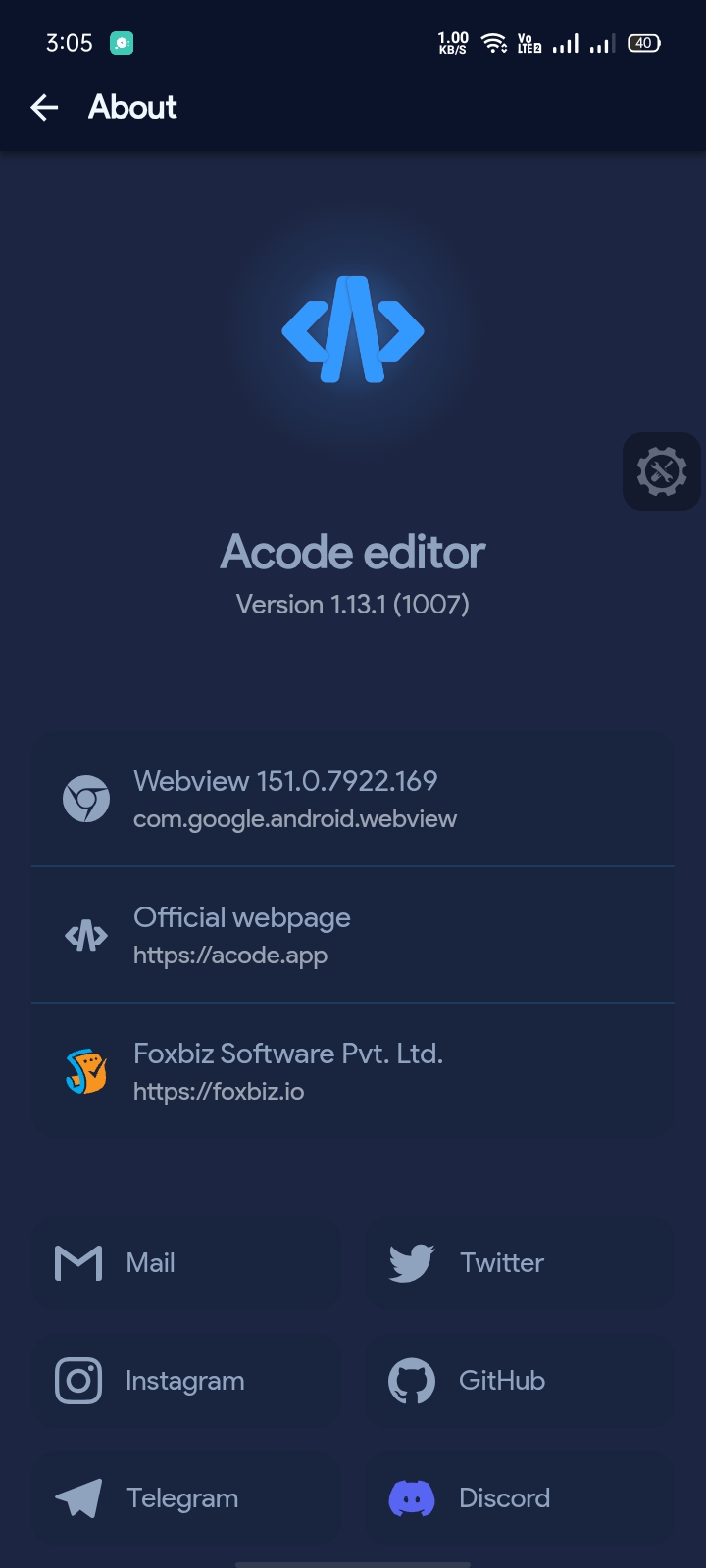
- Open Acode.
- Navigate to Settings (⚙️) > Plugins.
- Search for Ocean Dark.
- Tap Install.
- Open Acode Settings (⚙️).
- Tap on Theme.
- Select Ocean Dark from the list of installed themes.
- The new color scheme will apply immediately across the editor and UI panels.
Found a bug or have a suggestion for improving the color scheme?
Please open an issue on the repository and include:
- Plugin version (
v1.0.0) - Acode version / build code
- Android version
- Screenshots showing the visual bug / layout
Contributions and color refinements are welcome!
- Fork the repository: Pro-Bandey/Ocean-Dark
- Create a feature branch (
git checkout -b feature/color-tweak). - Make and test your changes using the
npm run devpreview suite. - Commit and submit a Pull Request.
- Acode Team – For the versatile mobile editor and
ThemeBuilderengine. - Pro Bandey – Theme author and maintainer.
Licensed under the Apache 2.0 License.