




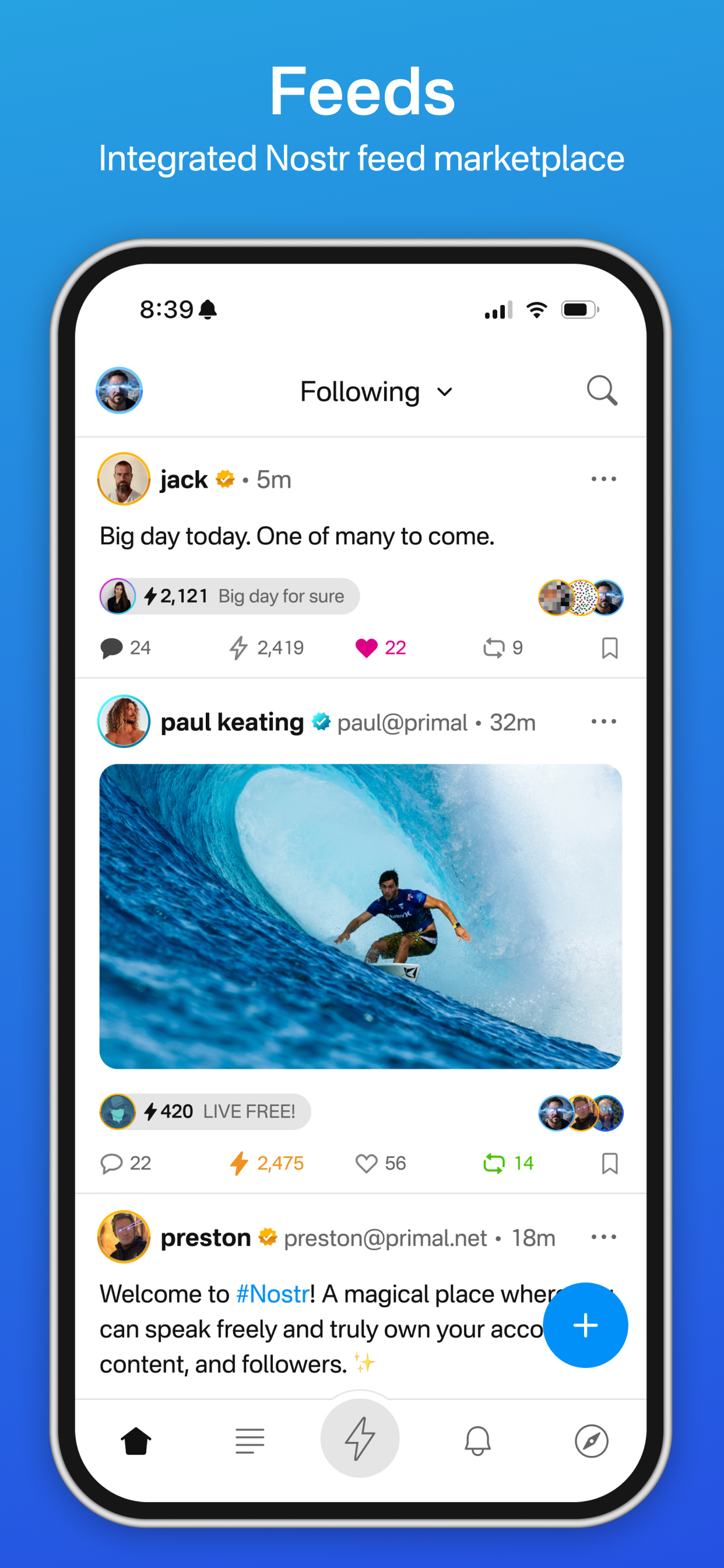
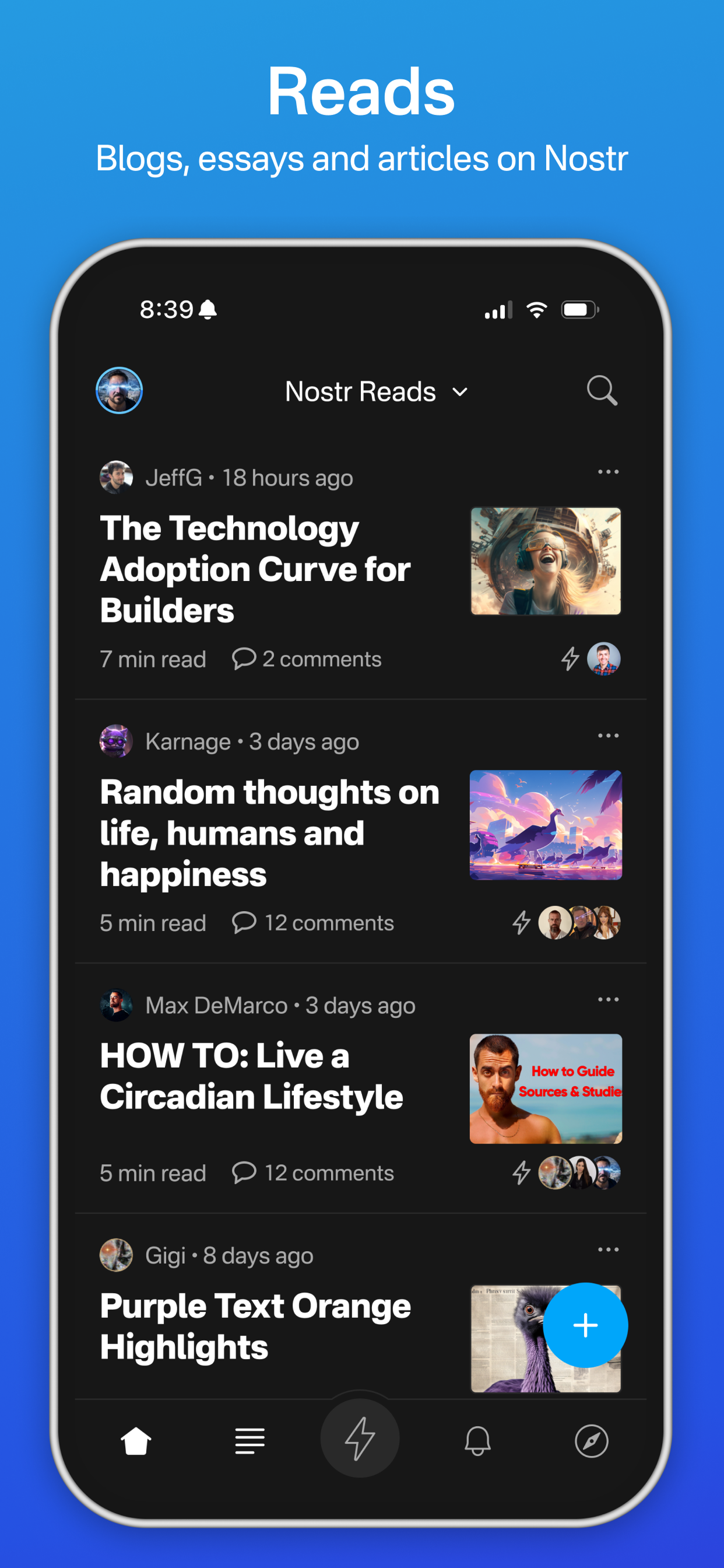
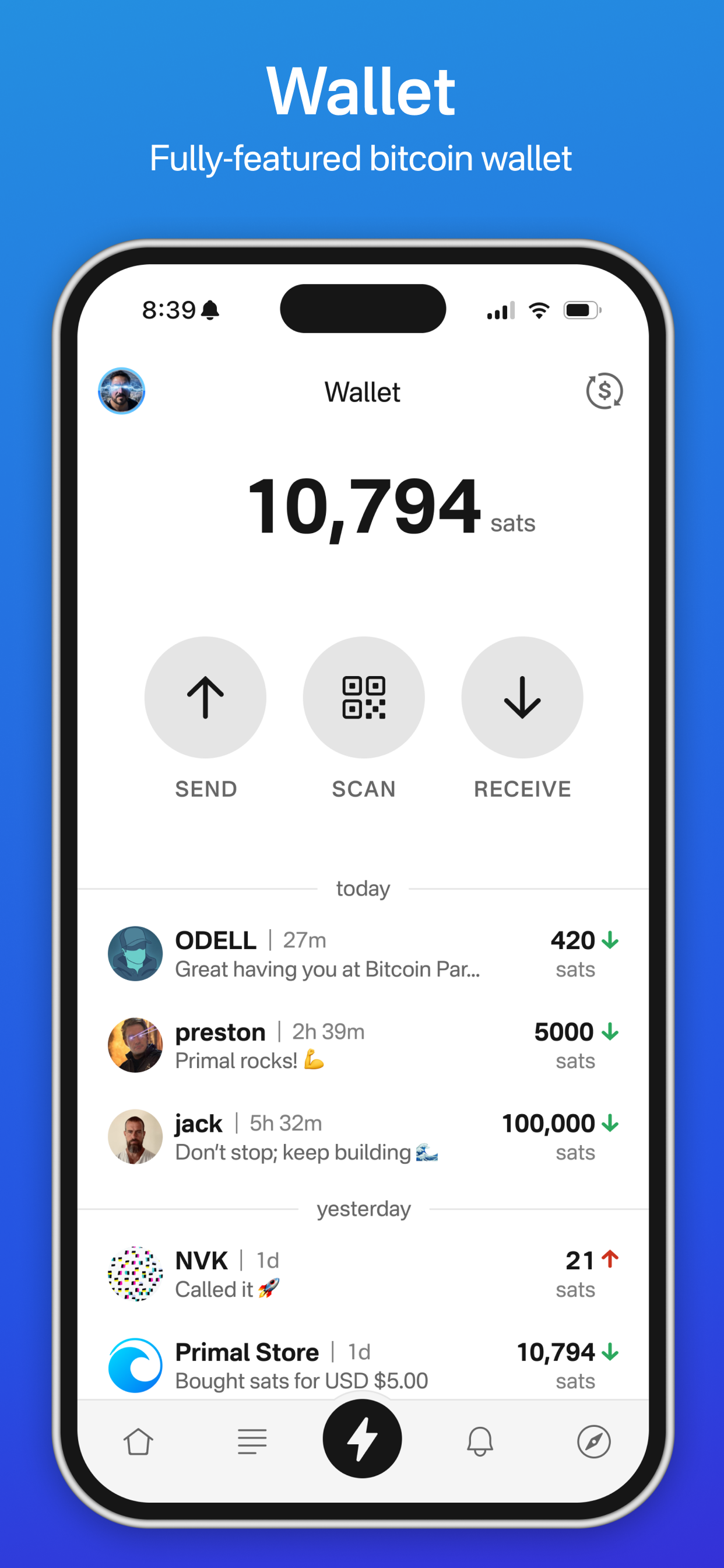
A Nostr social client with a built-in Bitcoin Lightning wallet. Featuring easy onboarding, a fast & snappy
UI, long-form Reads, custom feeds, advanced search, and zaps.
Explore Primal »
Get it on Google Play
·
Report Bug
·
Request Feature
Table of Contents
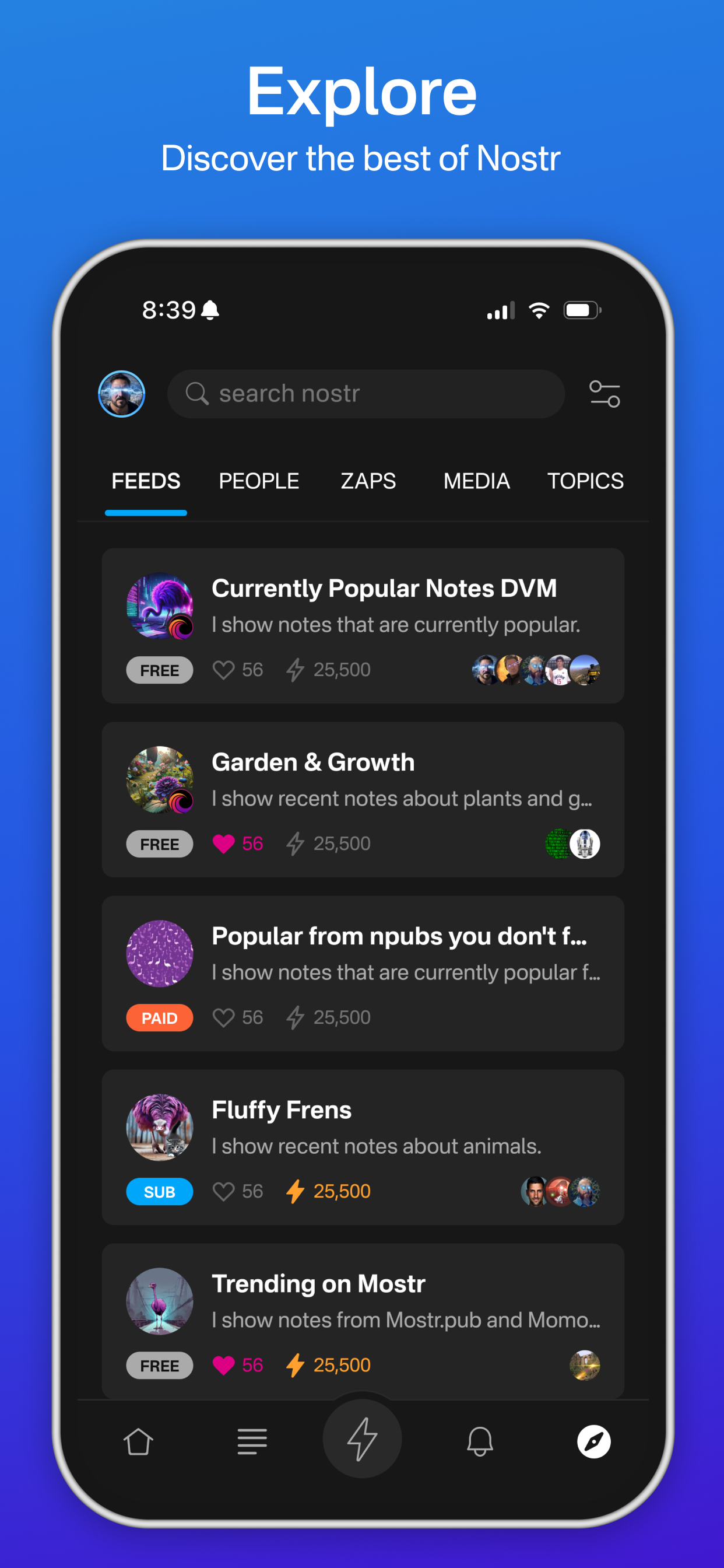



Multi-module app built with Kotlin Multiplatform, Jetpack Compose, Room (SQLCipher), and Hilt, following an MVI + Clean Architecture approach.
This project requires the following pre-requisites:
- Java 21;
- Android SDK (compileSdk 36);
- Android Studio (latest stable, AGP 8.13+, Kotlin 2.2.x);
- Android 8.0+ (API 26) device or emulator;
The app ships in two product flavors (aosp and google), each with debug, altRelease, and playRelease
build types — giving variants such as aospDebug, aospAltRelease, and googlePlayRelease.
To build debug builds no extra configuration is required, just execute ./gradlew :app:assembleAospDebug
(or :app:assembleGoogleDebug) or run in Android Studio.
To build release builds you will need to create config.properties file in the project root directory.
Following properties in config.properties are MANDATORY for any release build:
localStorage.keyAlias={KeystoreAliasForEncryption}If you want to build the release build with your own certificate you can use googlePlayRelease or aospAltRelease
build variant which will read the certificate details from following properties in config.properties:
{signingConfigName}.storeFile={PathToYourCertificate}
{signingConfigName}.storePassword={CertificatePassword}
{signingConfigName}.keyAlias={YourAlias}
{signingConfigName}.keyPassword={AliasPassword}
{signingConfigName} should be replaced with playStore or alternative.
Attach your device to the computer or start your emulator and install debug or release build as described below.
To install debug build execute ./gradlew :app:installAospDebug or run a debug build variant in Android Studio.
Please note that debug builds do not use encryption when storing sensitive information and that the performance is
significantly slower compared to release builds.
To install release build execute ./gradlew installAospAltRelease or ./gradlew installGooglePlayRelease, or
run in AndroidStudio. Please note that googlePlayRelease and aospAltRelease build variants require
config.properties configured with mandatory properties. If no certificate properties are provided it fallbacks
to debug certificate.
The app is still under the development and changes are frequent. Breaking changes can and will happen in the future.
Read more about contributions in CONTRIBUTING.md.
Distributed under the MIT License. See LICENSE for more information.
For help with Primal:
- 🌐 Website — primal.net
- ✉️ Email — support@primal.net
- 🐛 Report a bug — GitHub Issues
- 💡 Request a feature — GitHub Issues
Developed by Appollo41, a software development studio.
- Quartz — Nostr event & NIP-04/NIP-44 crypto
- Breez SDK — Spark self-custodial Lightning wallet
- NostrPostr
- Acinq