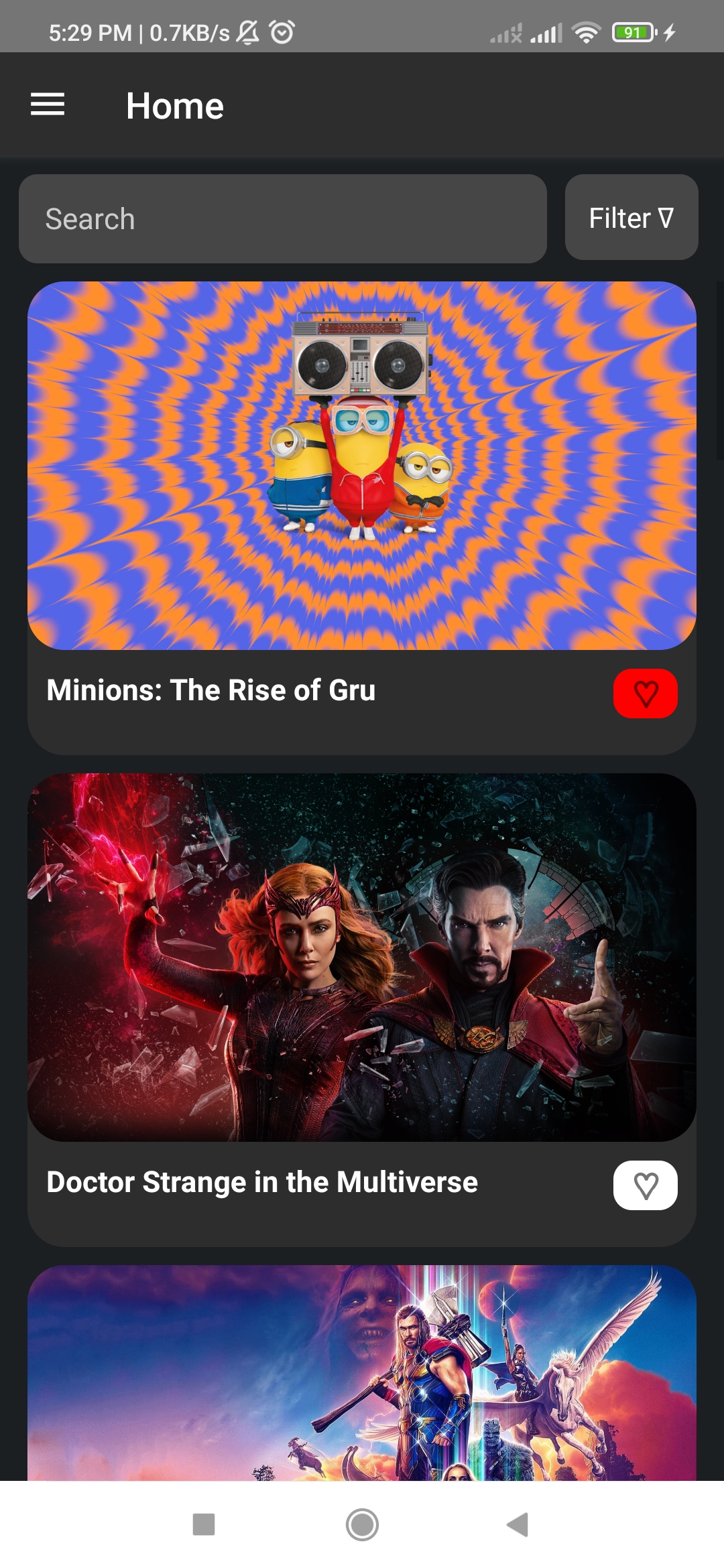
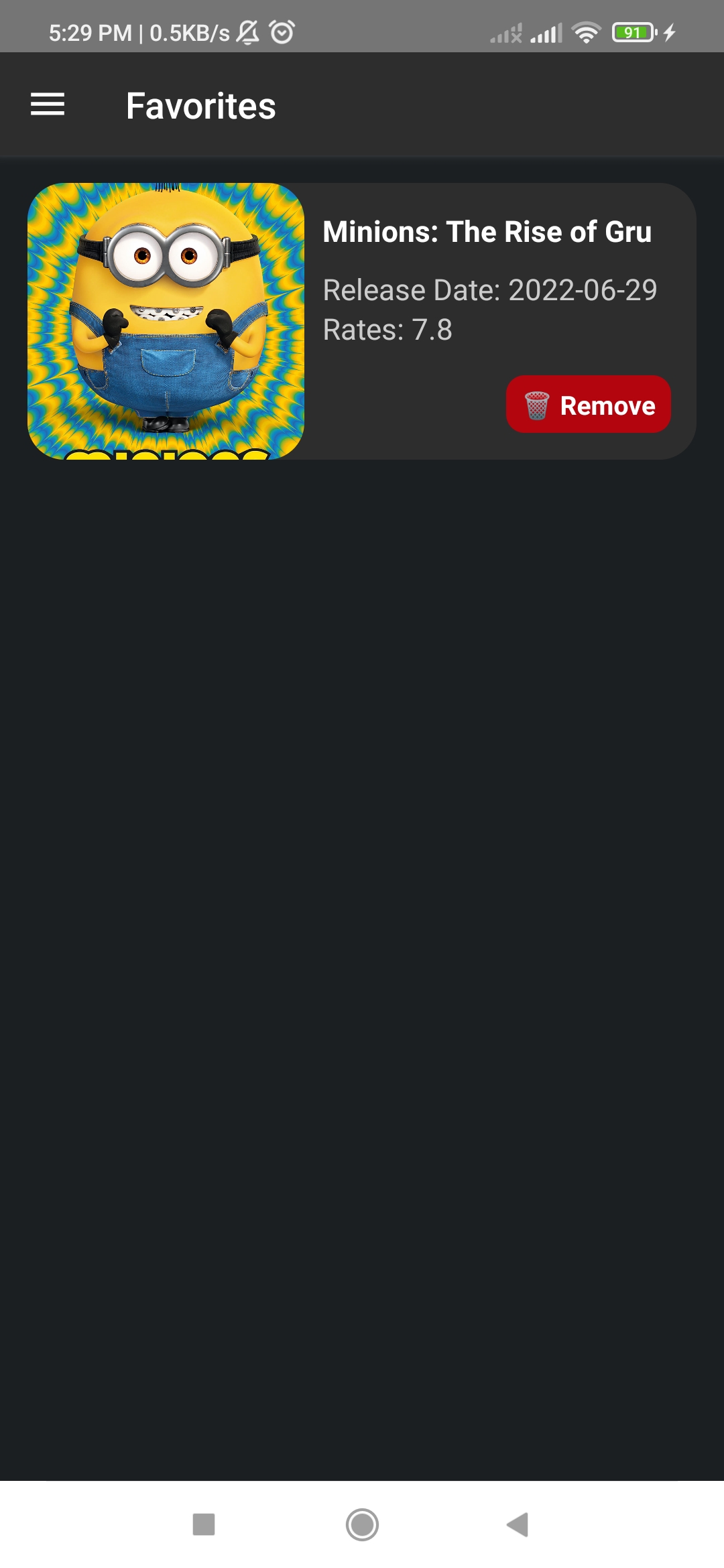
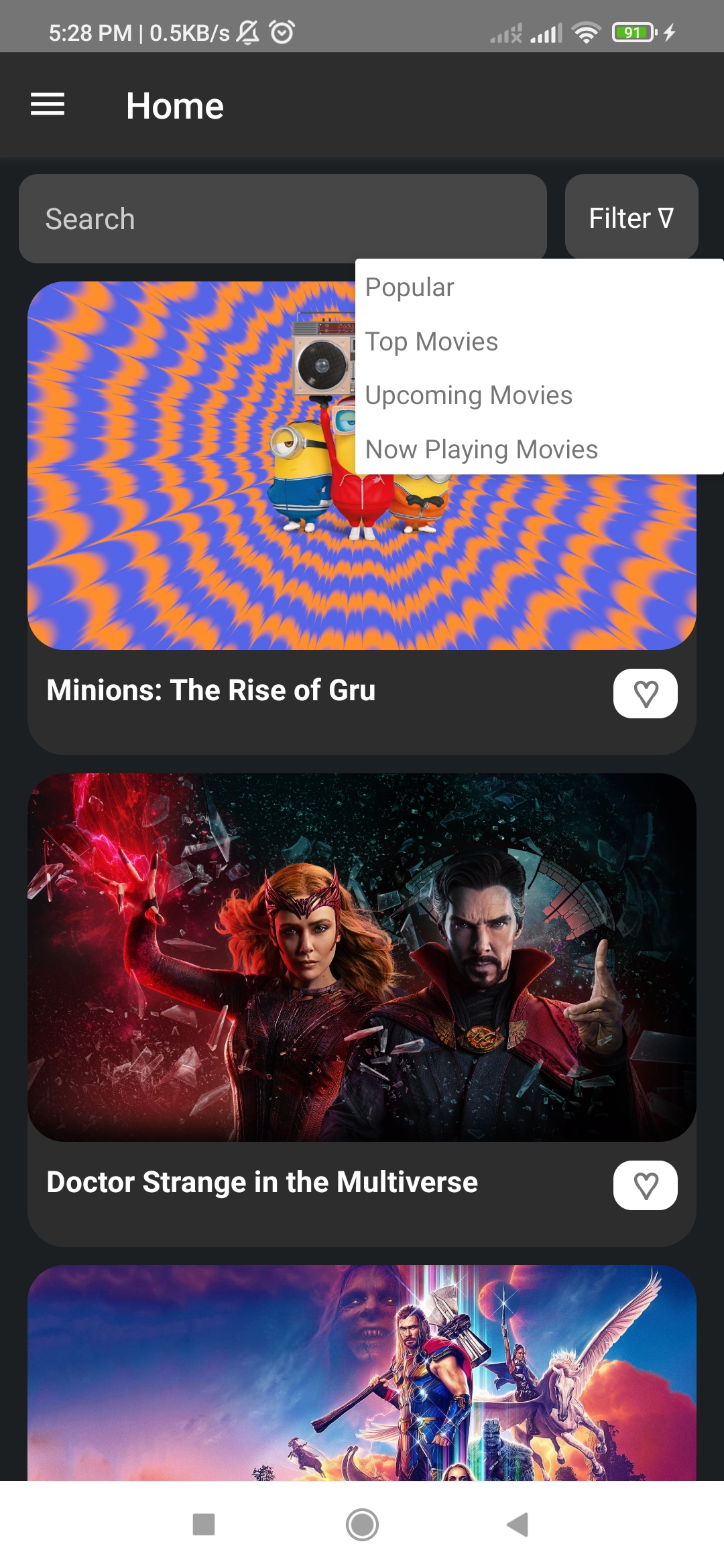
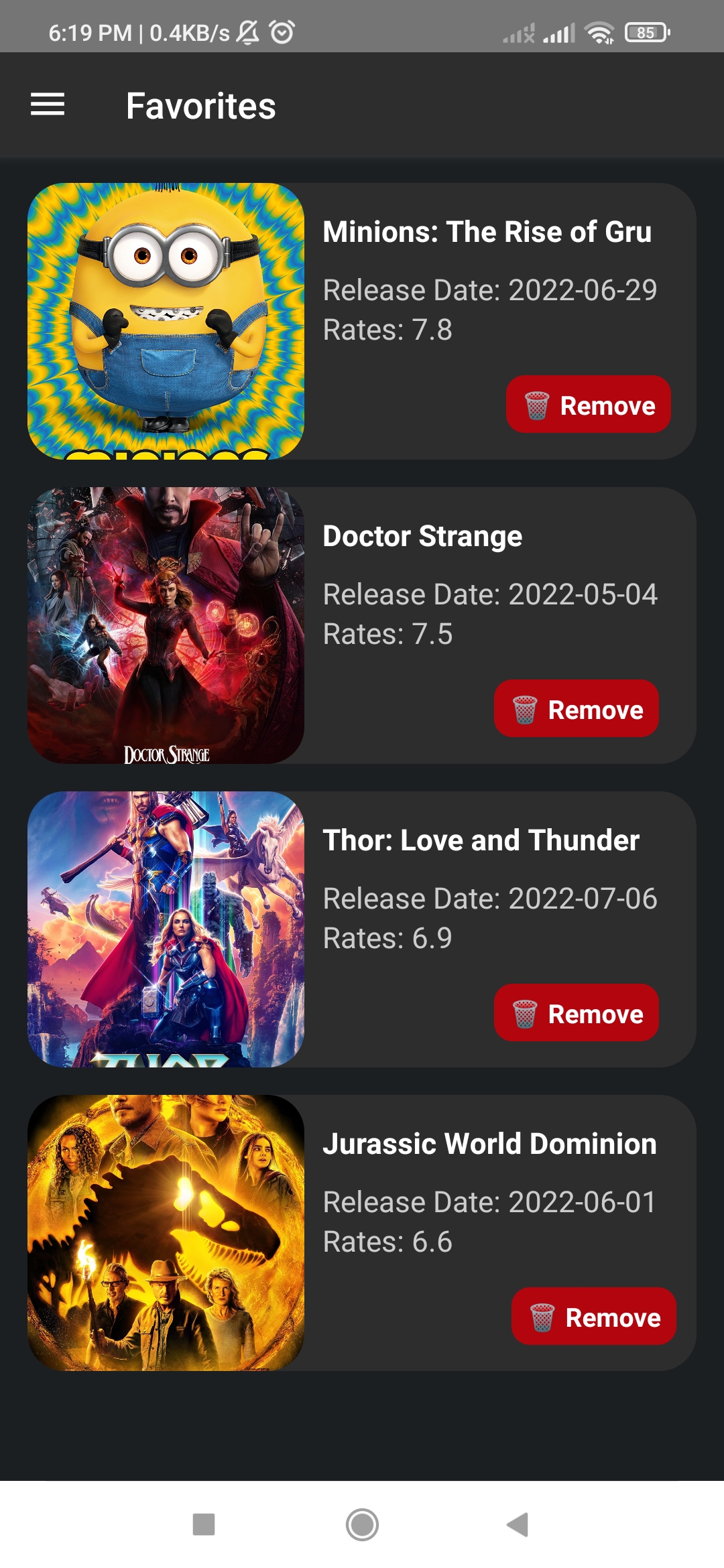
The main objective of this applicaion is to allow users to know top movies, now playing, popular and upcoming movies and make favorite list for lovely movies with the help of the TMDB API that provides details about movies. It was designed and constructed using React Native.
-
1- What Are The Required Packages and How to Install Them
-
2- What Are the Main Components In The App
-
3- How To Run The App
-
the required packages for Drawer:
npm install @react-navigation/native
npm install @react-navigation/drawer
Installing dependencies into a bare React Native project
npm install react-native-screens react-native-safe-area-context npm install react-native-reanimated npm install react-native-gesture-handle -
ReactQuery for API calls and state management.
Hooks for fetching, caching and updating asynchronous data in ReactI can't install React Query from here, So I used It From npm
npm install react-query -
for store data in the LocalStorage:
npm install @react-native-async-storage/async-storageIt Is An asynchronous, unencrypted, persistent, key-value storage system for React Native.
-
the AppComponents Contains 1 Component
1- NavigationContainer to link the top-level navigator to the app environment ->
and it contains The QueryClientProvider component to connect and provide a QueryClient that can be used to interact with the cache and it is wrapping MAIN that has 2 components (HomeScreen and FavoriteScreen). -
the HomeScreen Contains 3 Components
1- SearchBar
2- FilterOptions "PopUp Menu"
3- FlatList with MovieItem Data -
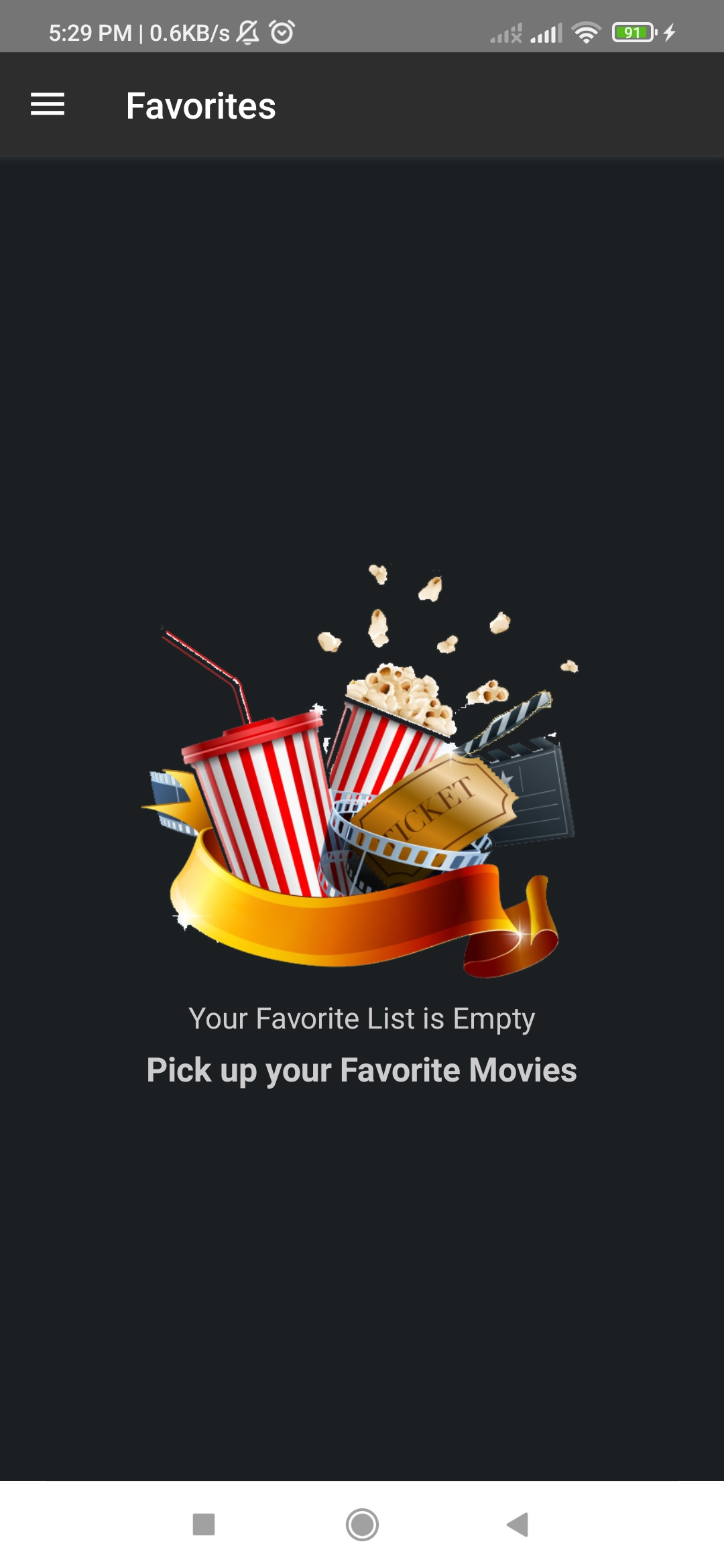
the FavoriteScreen Contains 1 Component
1- FlatList with FavoriteItem Data if we have a FavoriteList else EmptyList Component
npm install-
Run on Android
npx react-native run-android -
Run on IOS
npx react-native run-ios
-
Congratulations, the appliction should be running perfectly
Screenrecorder-2022-07-13-16-48-21-818.0.mp4