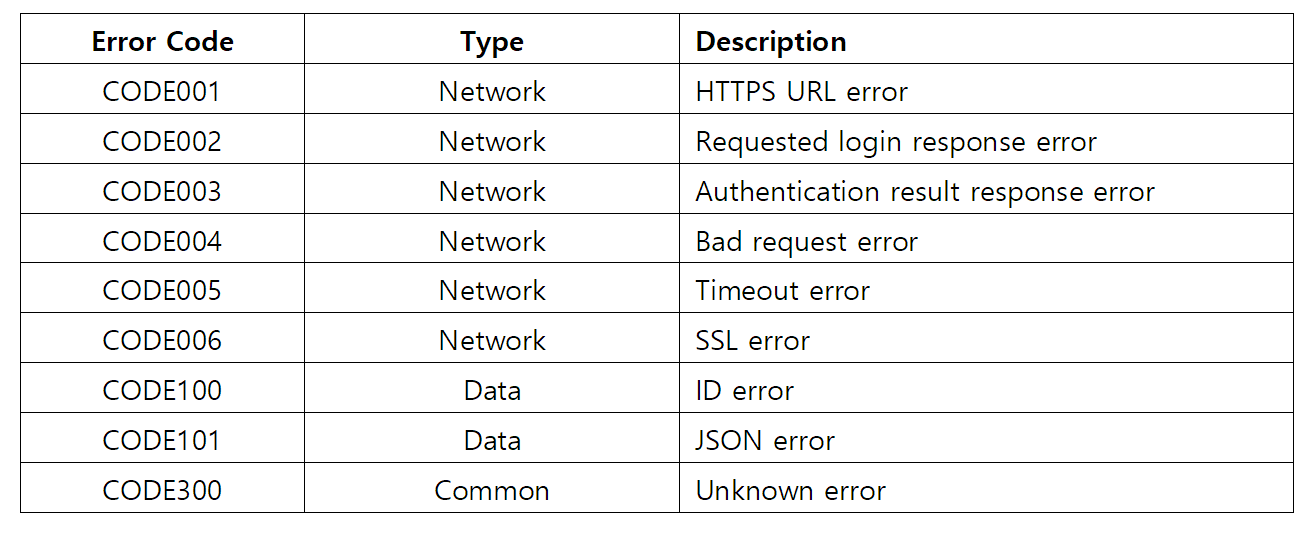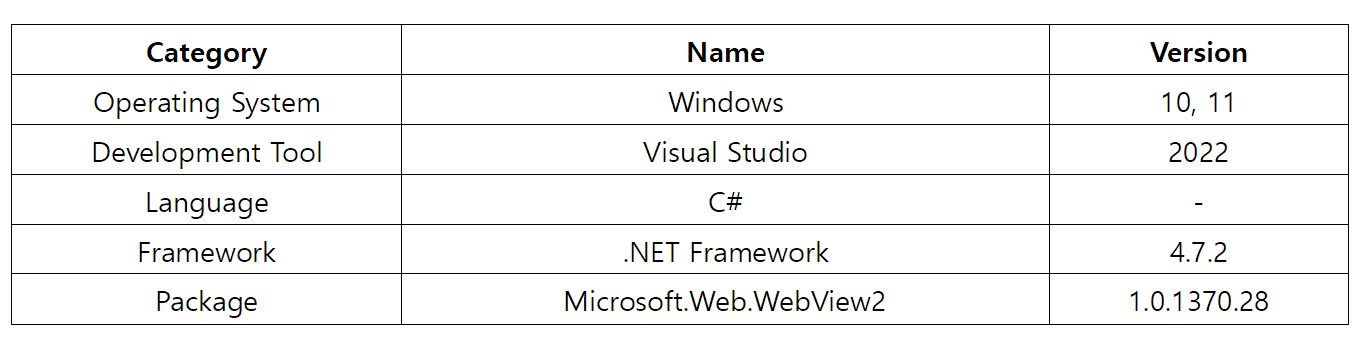
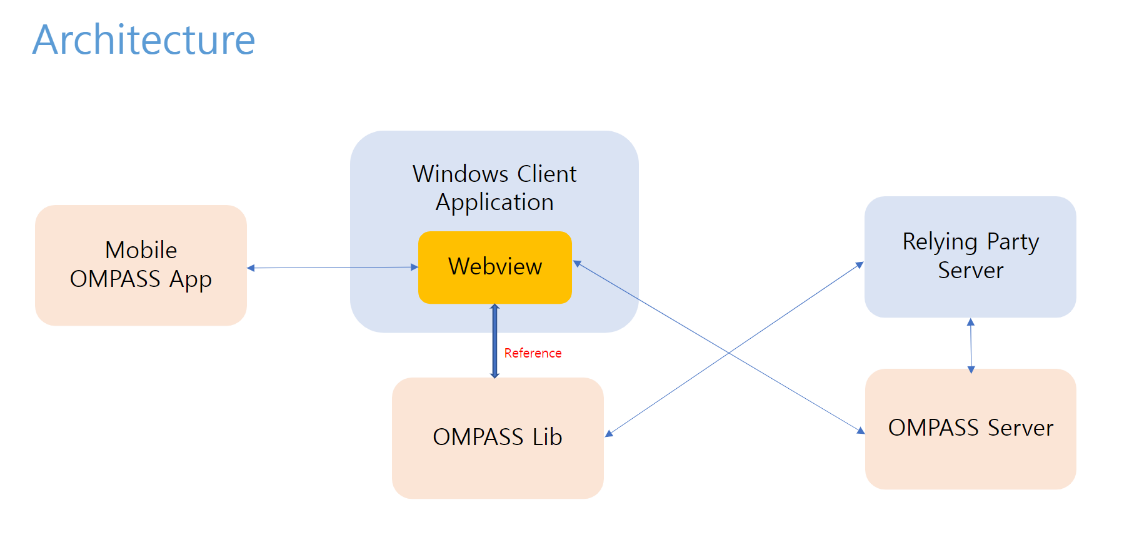


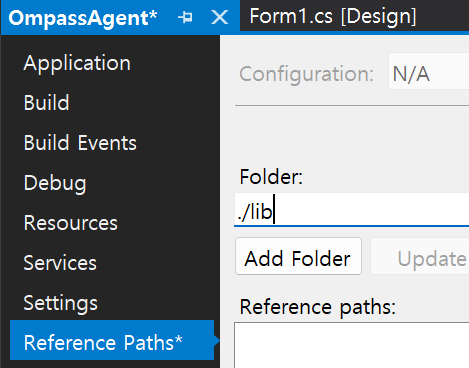
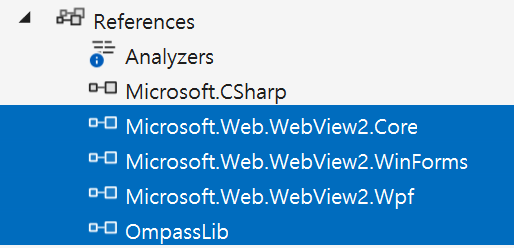
- Add OmpassLib Path ( ./lib )
- Project Property -> Reference Paths -> Folder (./lib) -> Add Folder
- add from Lib\OmpassLib.dll
    // #1 : Declare an OMPASS agent
    OmpassLib.OmpassAgent agent;
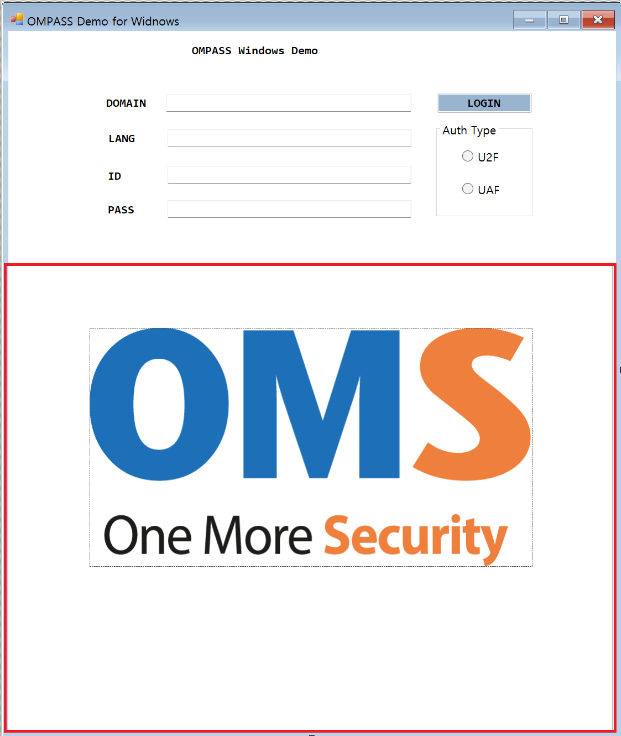
- The UI Control size of the webview is required to be at least <910x500>
% The width size is responsive and it responds responsively according to the following size. (910 or 768 or 540 or 360 or 280)
     // #2 : Register a webview completion handler of initialization
     webView.CoreWebView2InitializationCompleted += WebView_CoreWebView2Ready;
     // #3 : Await the webview initialization
     await webView.EnsureCoreWebView2Async(null);
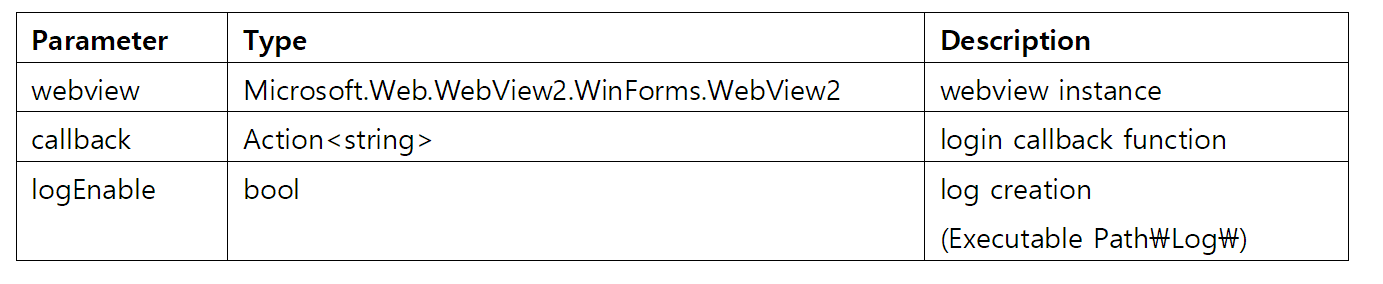
public OmpassAgent(WebView2 webView, Action<string> callback, bool logEnable = true)
    // #4 : Complete the webview initialization
    private void WebView_CoreWebView2Ready(object sender, EventArgs e)
    {
        // #5 : Send webview to OmpassLib
        agent = new OmpassLib.OmpassAgent(webView, CallbackLogin);
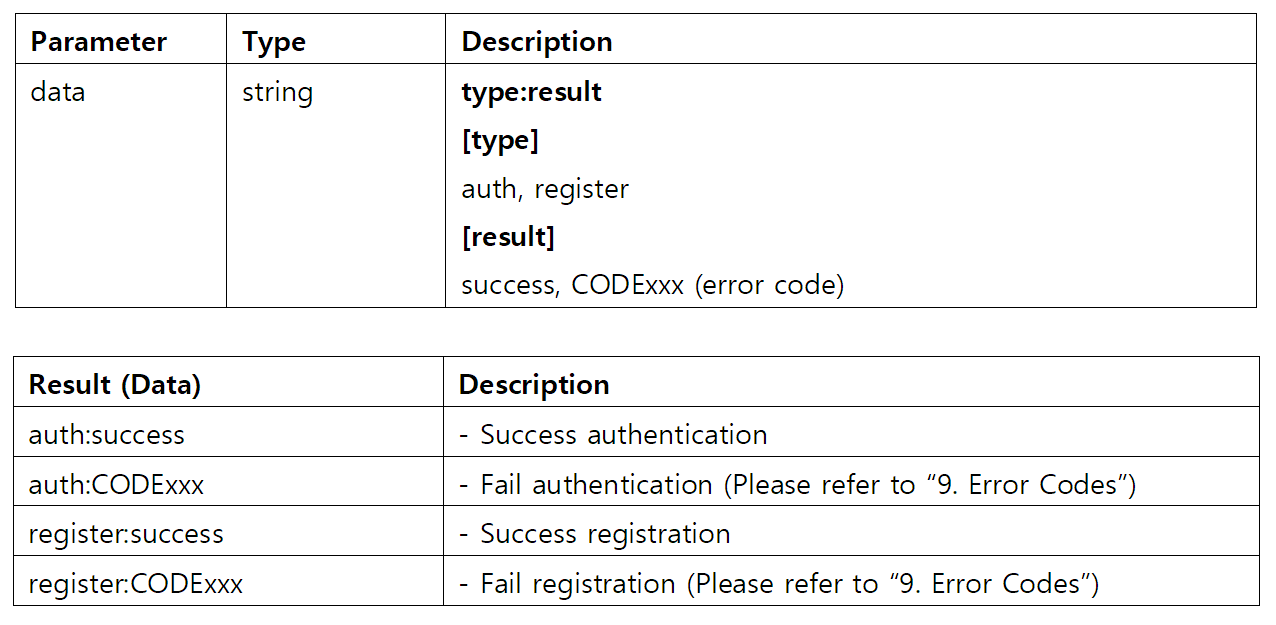
    // #6 : Declare a callback function
    public void CallbackLogin(string data)
    {
        Console.WriteLine("{0}", data);
    }
-
Request a two factor authentication API to login server
public string Login(string url, string id, string pass, string lang, bool ssl = true)
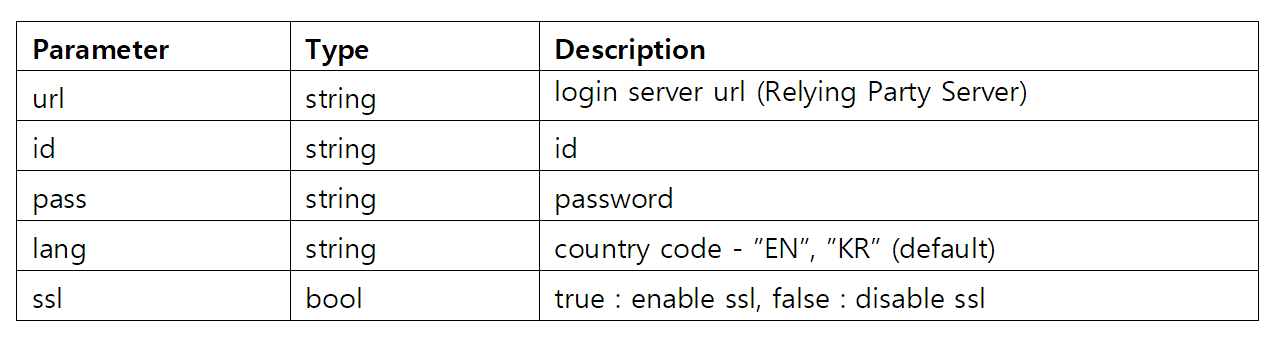
        //tb_url.Text = "https://192.168.182.77:9500";
        tb_url.Text = "login server url (Relying Party Server)";

        tb_id.Text = "id";
        tb_pass.Text = "password";
        tb_id.Show();
        tb_pass.Show();
        label_id.Show();
        label_pass.Show();

        // #7 : ompass Login API
        string ret = agent.Login(
            url_string,
            tb_id.Text,
            tb_pass.Text,
            tb_lang.Text);