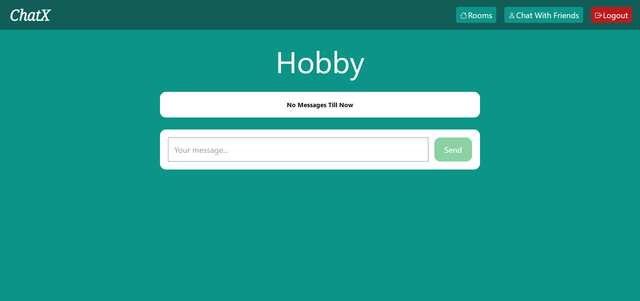
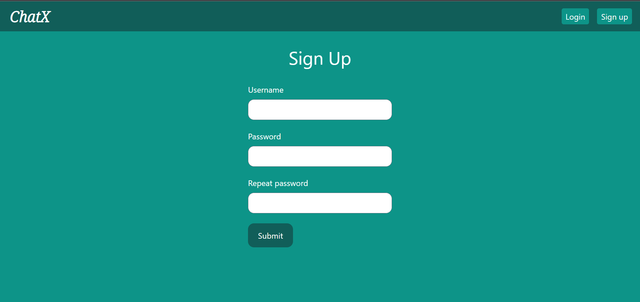
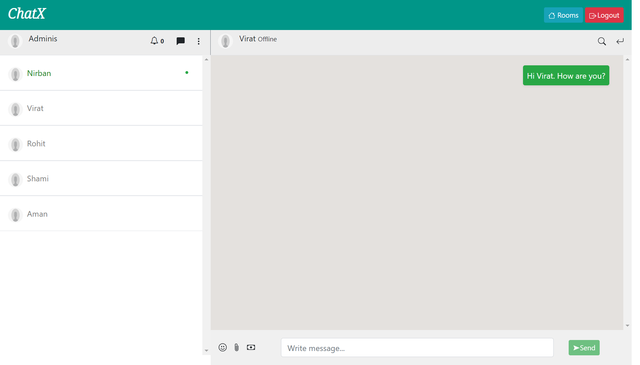
ChatX is an interactive, real-time, responsive web-based chat application built on the popular web-development Python framework Django.
➤ Features :
The key features of this chat application include:-
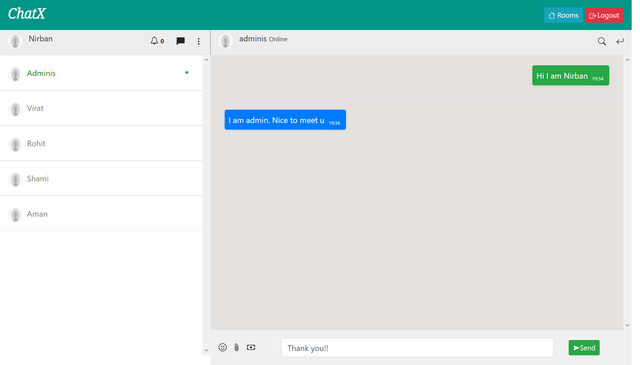
1. Enabling real-time conversations between users. Users can interact with eachother.
2. Easy identification of users' application usage status by indicating whether they are online or offline fostering a sense of real-time connectivity
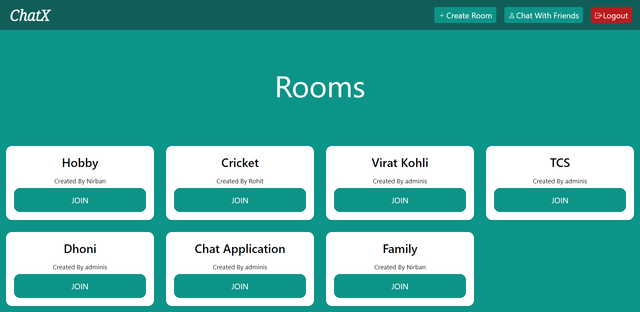
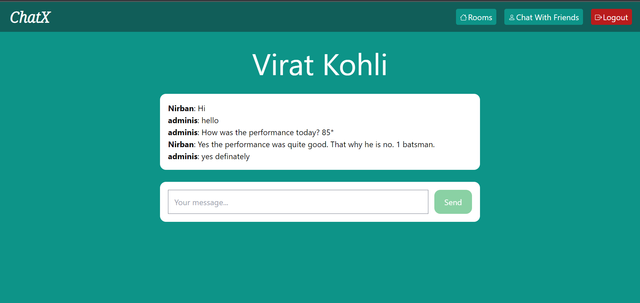
3. Ability to create and join different chat rooms allowing worldwide users' to connect among themselves over shared interest of topics
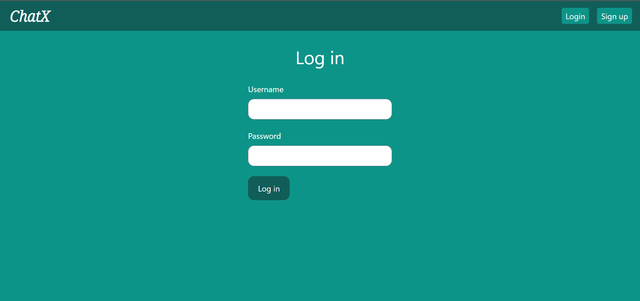
4. new users can register themselves and then login to the application by providing valid credentials
5. message-content validation prevents users from sending blank messages or just plain white spaces
6. User will get notifications on receiving a message. After reading that message the notification from that message will be vanished.
➤ Tech used :
HTML , CSS, TAILWIND CSS, BOOTSTRAP, JAVASCRIPT, WEB SOCKETS, DJANGO, DJANGO CHANNELS, DJANGO SIGNALS, REDIS(MEMURAI FOR WINDOWS), PYTHON, MYSQL, WHITENOISE(FOR SERVING STATIC FILES WHEN NGINX IS NOT USED), UVICORN(AS ASGI SERVER)
➤ Setup this project :
-
Clone this git repo->
git clone https://github.com/NirbanPal/ChatX.git -
Go to the directory->
cd ChatX -
Create a .env file and create a database and give the credentials of that databse in that .env file. Put your django secret key in SECRET_KEY section and do DUBUG=FALSE for production.
SECRET_KEY='putyoursecretkey' DEBUG=False ENGINE='django.db.backends.mysql' HOST='putyouhost' NAME='putyourdbname' USER='putyourdbusername' PASSWORD='putdbpassword' PORT='portnumber' -
Download and install memurai for windows or install redis for linux. Run memurai or redis using command prompt.
-
Install virtual environment(if not preinstalled):
pip install virtualenv -
Create virtual environment->
python -m venv <your_virtual_environment_name>
-
To activate your virtual environment(windows)->
<your_virtual_environment_name>\Scripts\activate
-
Install dependencies(requirements.py file)->
pip install -r requirements.txt -
Migrate your database->
python manage.py makemigrations
python manage.py migrate
-
Collection os static files->
python manage.py collectstatic
-
To run this application in your local machine->
uvicorn ChatX.asgi:applicationor
#Here n is number of workers. example->uvicorn ChatX.asgi:application --workers=4
uvicorn ChatX.asgi:application --workers=n
➤ Contributions :
Any contributions from the community is welcomed. If you find any bugs or have suggestions for new features, please submit an issue or create a pull request. Some features will be added in future also.
➤ Click this for the demo of this website/project (Youtube link) : Click Here
➤ Glimpses of ChatX :