An animated glow that hugs the edges of a box - the whole screen, a widget you point it at, or any shape you can express as an SVG path. A sweep gradient rotates so the hue travels around the frame, with a wide blurred bloom under a thinner bright core.
The painter repaints straight off a ticker, so no widget rebuilds per frame,
and the whole thing sits inside a RepaintBoundary so the app behind it is
never dragged into the repaint.
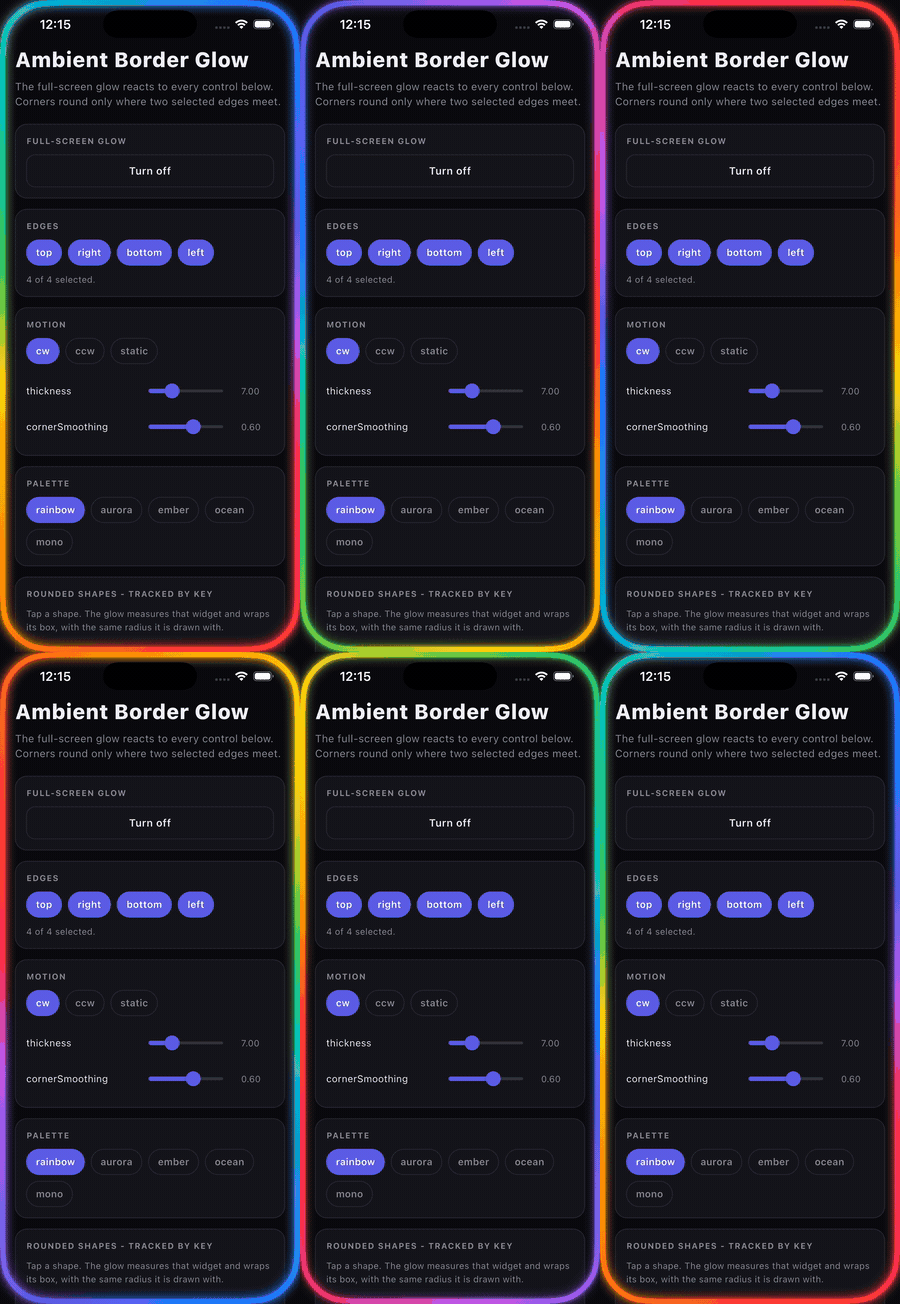
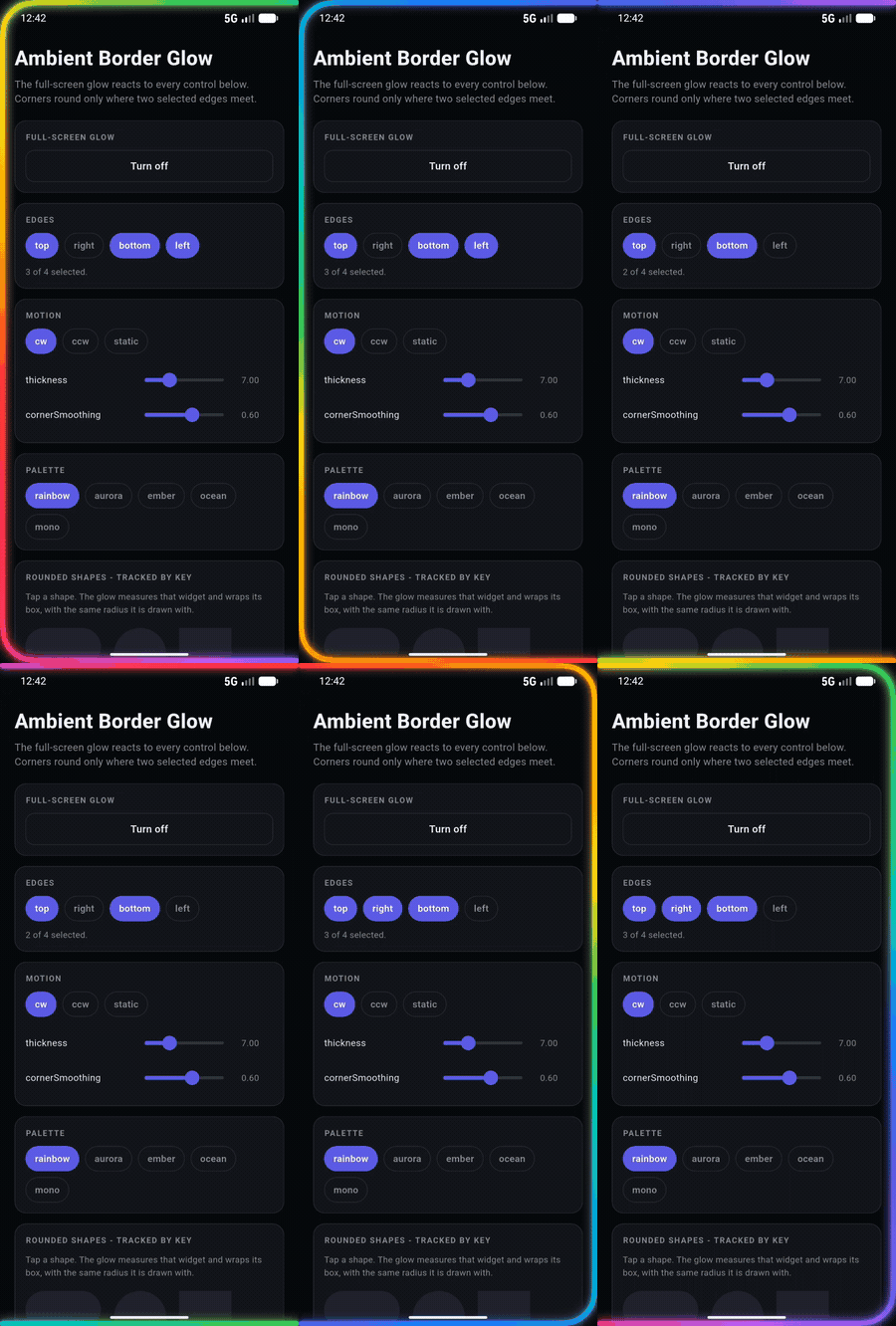
Full-screen glow, edges being toggled. iPhone 17 Pro and Pixel 8.
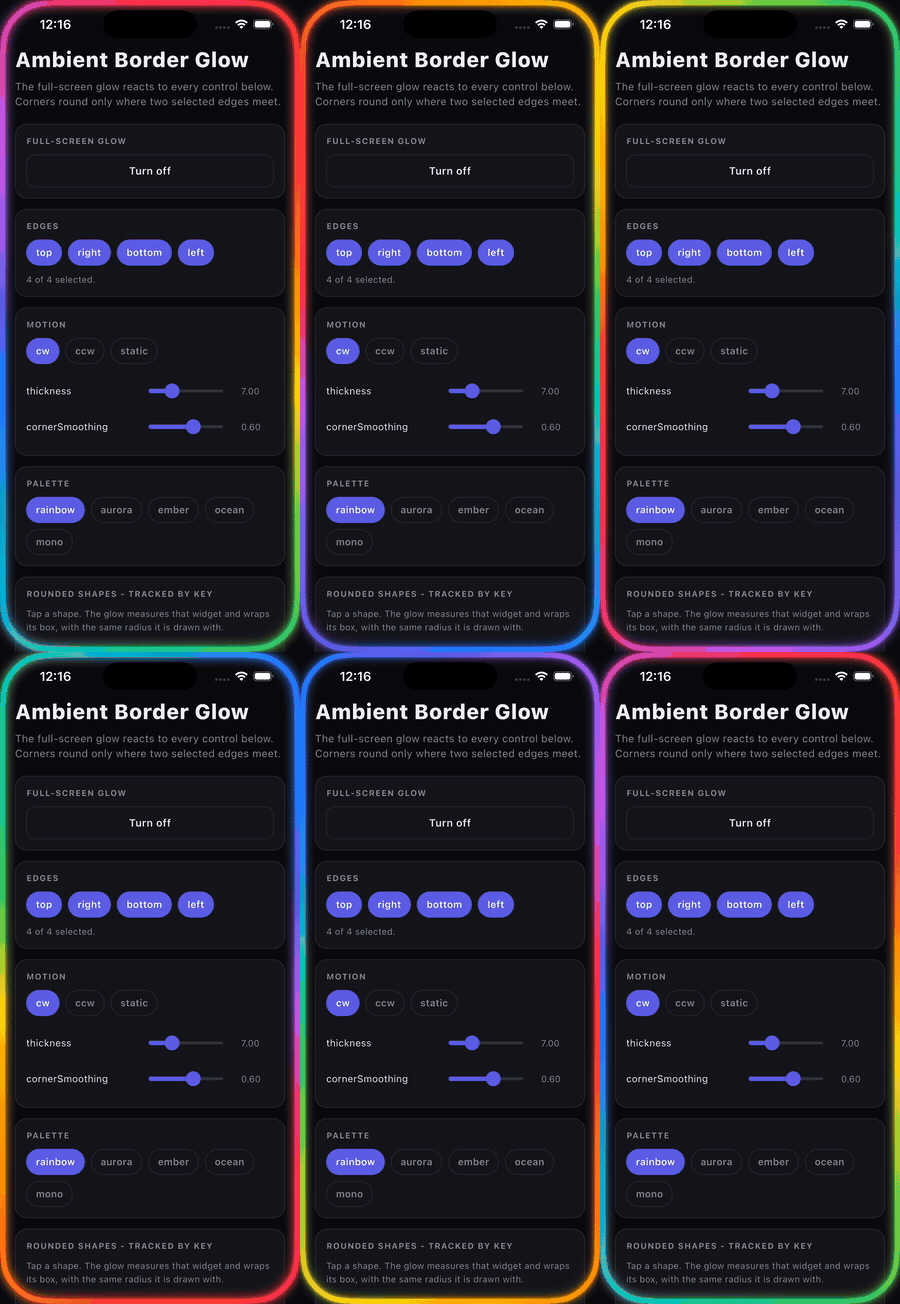
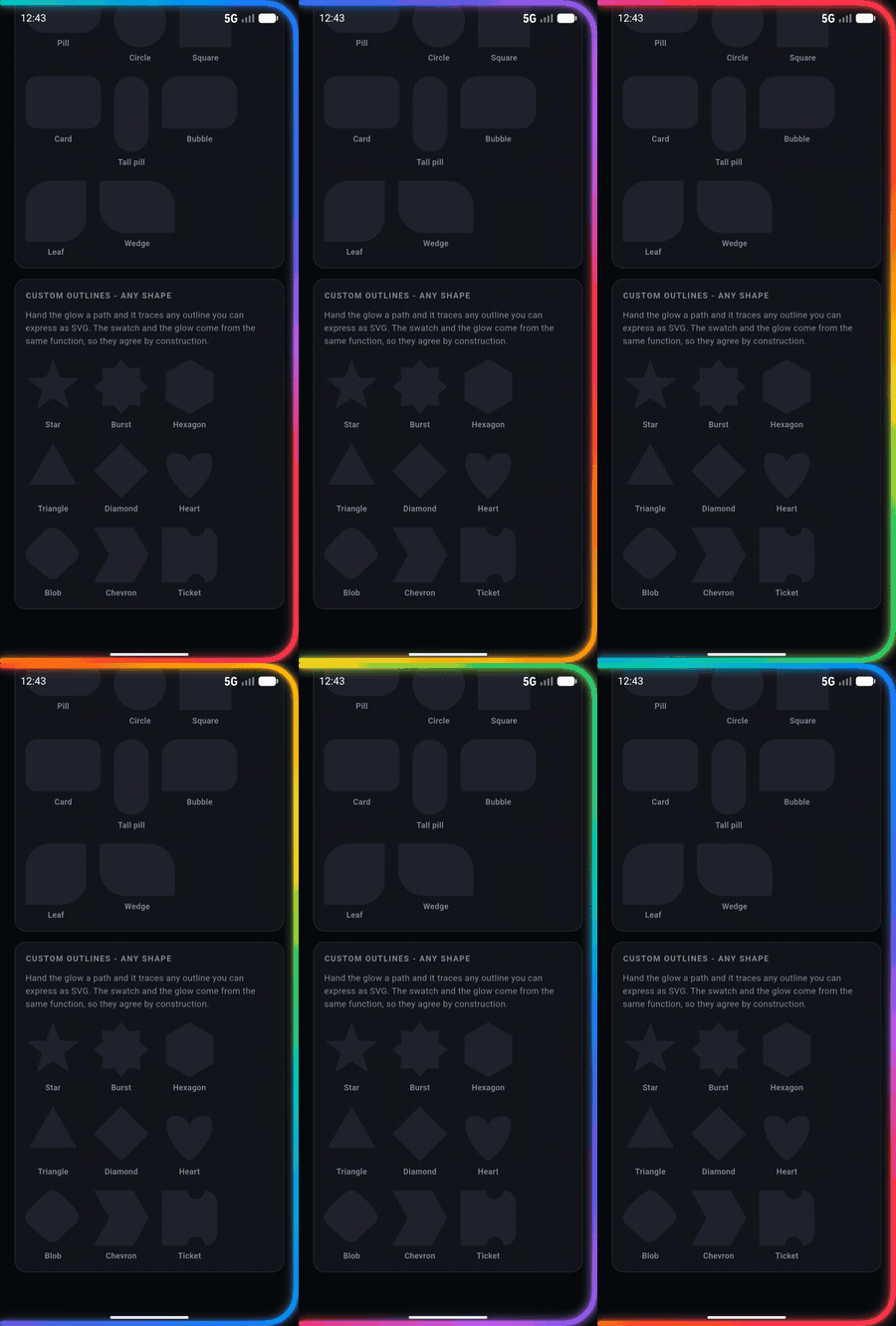
Hand it a path and it traces any outline you can express as SVG path data -
stars, polygons, curves, shapes with cutouts. The swatch and the glow below are
drawn from the same function, so they agree by construction.
dependencies:
  ambient_border_glow: ^0.1.0
No dependencies beyond Flutter itself.
Stack(
  children: [
    YourApp(),
    AmbientBorderGlow(
      visible: busy,
      radius: const GlowRadius.display(),
      cornerSmoothing: 0.6,
    ),
  ],
)
GlowRadius.display() looks the radius up from the screen size, so the glow
sits on the bezel instead of guessing. And iPhone display corners are
squircles, not circular arcs - a circular corner changes curvature abruptly
where it meets the straight edge, so it reads as squarish at any radius.
cornerSmoothing eases into a shortened arc using Figma's model; 0.6 is about
where Apple sits.
final cardKey = GlobalKey();
final hostKey = GlobalKey();

Stack(
  key: hostKey,
  children: [
    Card(key: cardKey),
    AmbientBorderGlow(
      visible: busy,
      targetKey: cardKey,
      relativeTo: hostKey,
      radius: const GlowRadius.all(16),
      bleed: 16,
    ),
  ],
)
relativeTo is how the glow sticks to something that scrolls: the position is
fixed within that content rather than the window, so the glow and its target
move together with nothing to re-measure. bleed gives the bloom room to
spill outside a small target instead of being cut off at its edge.
Flutter gives you a widget's box but never its shape, so radius has to come
from you - set it to whatever the target is drawn with.
AmbientBorderGlow(visible: true, edges: const {GlowEdge.top, GlowEdge.right})A corner is rounded only where two selected edges meet, so {top, right}
is one continuous L and {top, bottom} is two separate strokes. An edge with
no corner beside it runs the whole length of its side - except on a side with
no straight run at all, like a circle's, where it draws nothing rather than a
flat tangent.
String star(GlowPathBox box) { /* ... return SVG path data ... */ }

AmbientBorderGlow(visible: true, path: star, bleed: 20);
Full SVG path grammar: M L H V C S Q T A Z, absolute and relative. edges and
radius describe the built-in rounded rectangle, so they do not apply here.
visible is the only required one. Everything else has the default the effect
shipped with.
| Default | ||
|---|---|---|
edges |
all four | Any subset |
edgeExtent |
full |
Whether a lone edge runs the full side |
radius |
GlowRadius.all(44) |
One radius, four, or .display() |
cornerSmoothing |
0 |
0 circular, 1 continuous; 0.6 matches an iPhone |
thickness |
7 |
Core line width |
inset / bleed |
0 |
Push-in, and slack for the bloom |
bloomWidthScale |
1.6 |
Bloom stroke as a multiple of thickness |
bloomBlurScale |
1.1 |
Bloom blur |
coreBlurScale |
0.45 |
Core blur |
colors |
GlowPalettes.rainbow |
Also aurora, ember, ocean, mono |
direction |
cw |
ccw, or static to freeze with no frame clock |
spinSpeed |
0.45 |
Revolutions per second |
staticRotation |
0 |
Degrees |
bloomOpacity |
0.6 |
|
pulseDepth / pulseRate |
0.18 / 2.2 |
Bloom breathing |
fadeInDuration / fadeOutDuration |
220ms / 420ms | |
renderMode |
auto |
banded paints only the border strips |
respectReduceMotion |
true |
The ring is thin but its bounding box is the whole screen, so the naive
approach composites a full-screen layer every frame and shades mostly
transparent pixels. renderMode bands the surface into four strips covering
just the border - identical picture, 57-64% fewer pixels shaded on a
phone-sized screen.
The fade is applied to the gradient stops rather than an Opacity widget,
which would force a saveLayer and an offscreen buffer every frame. The parsed
Path is cached across frames, since only the gradient rotates.
direction: GlowDirection.static and reduce-motion both stop the ticker
entirely - a still image never schedules a frame.
cd example && flutter runEvery prop on a live control, plus the rounded-shape and custom-outline galleries.
MIT