Paradox Language Features for Visual Studio Code
This is a fork of cwtools/cwtools-vscode. The original extension wrapped an F# language server from cwtools/cwtools; this fork has moved to a Rust-based server binary (cwtools-rs) and ships that.
This extension is still in preview, it may not work, it may stop working at any time. Make backups of your mod files.
- Stellaris
- Hearts of Iron IV
- Europa Universalis IV
- Europa Universalis V - in progress, help needed
- Imperator: Rome - outdated, help needed
- Crusader Kings II - partial
- Crusader Kings III - in progress, help needed
- Victoria 2 - in progress, help needed
- Victoria 3 - in progress, help needed
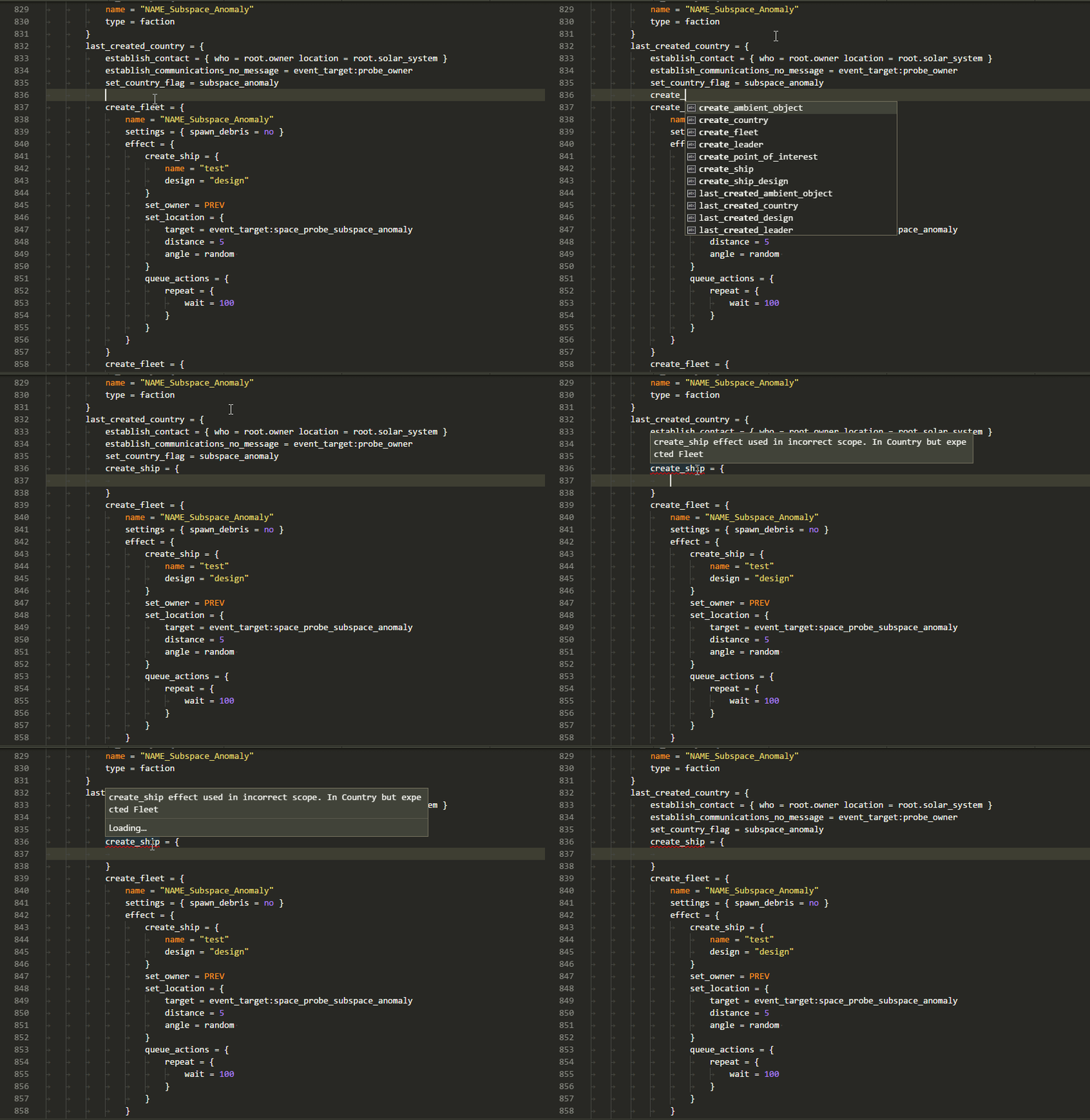
- Immediate highlighting of syntax errors
- Autocomplete while you type, providing descriptions when available
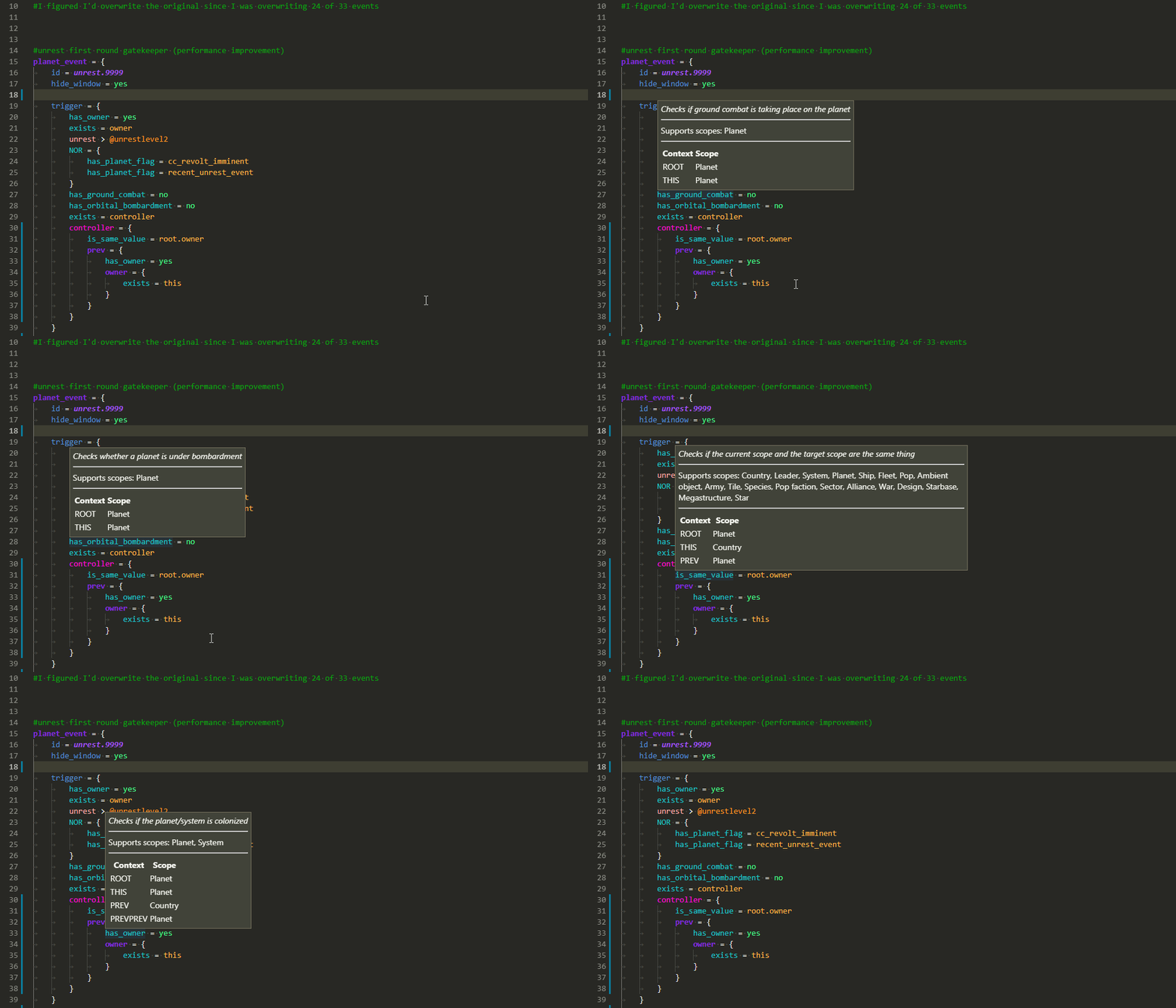
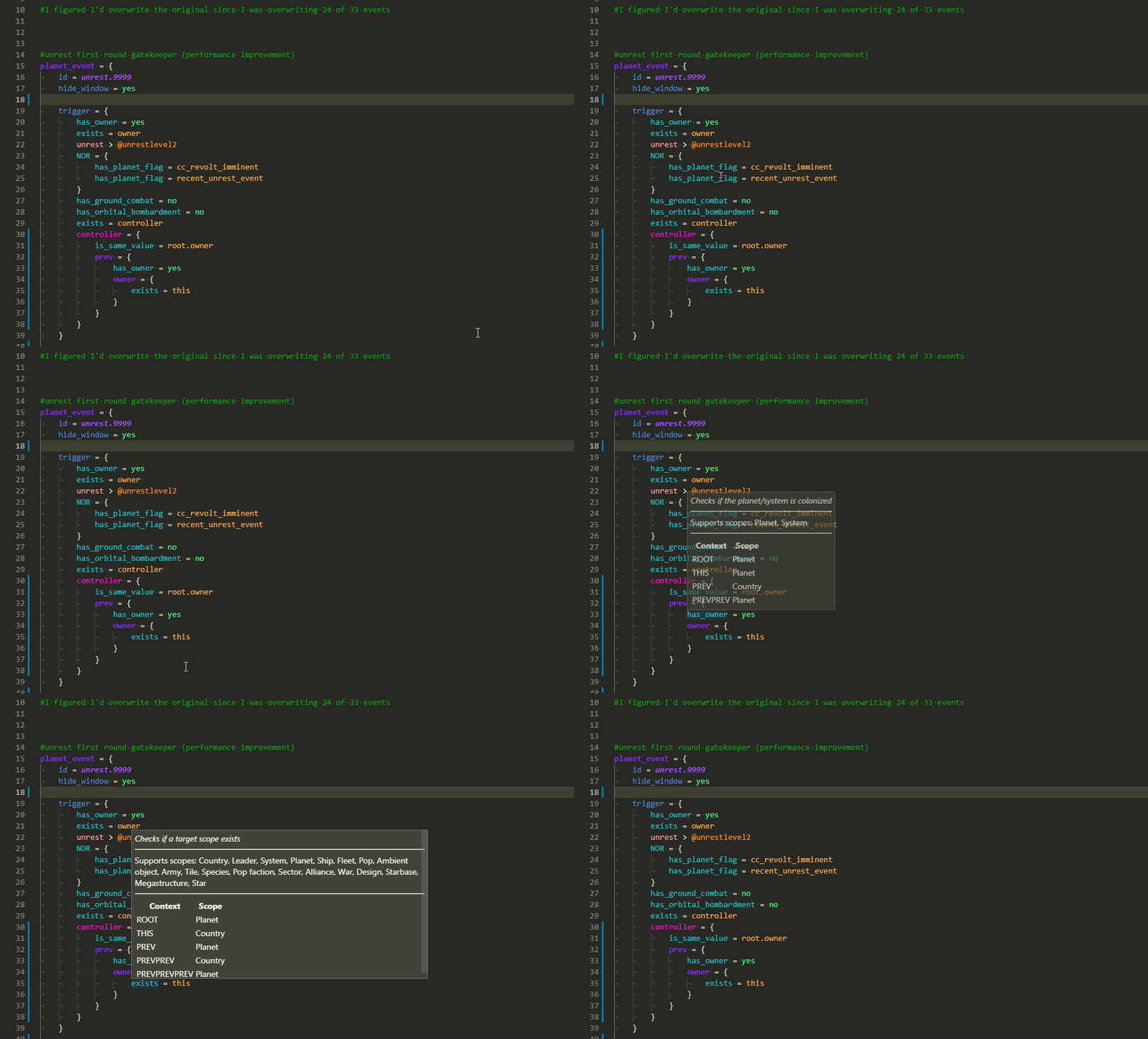
- Tooltips on hover showing:
- Related localisation
- Documentation for that element
- Scope context at that position
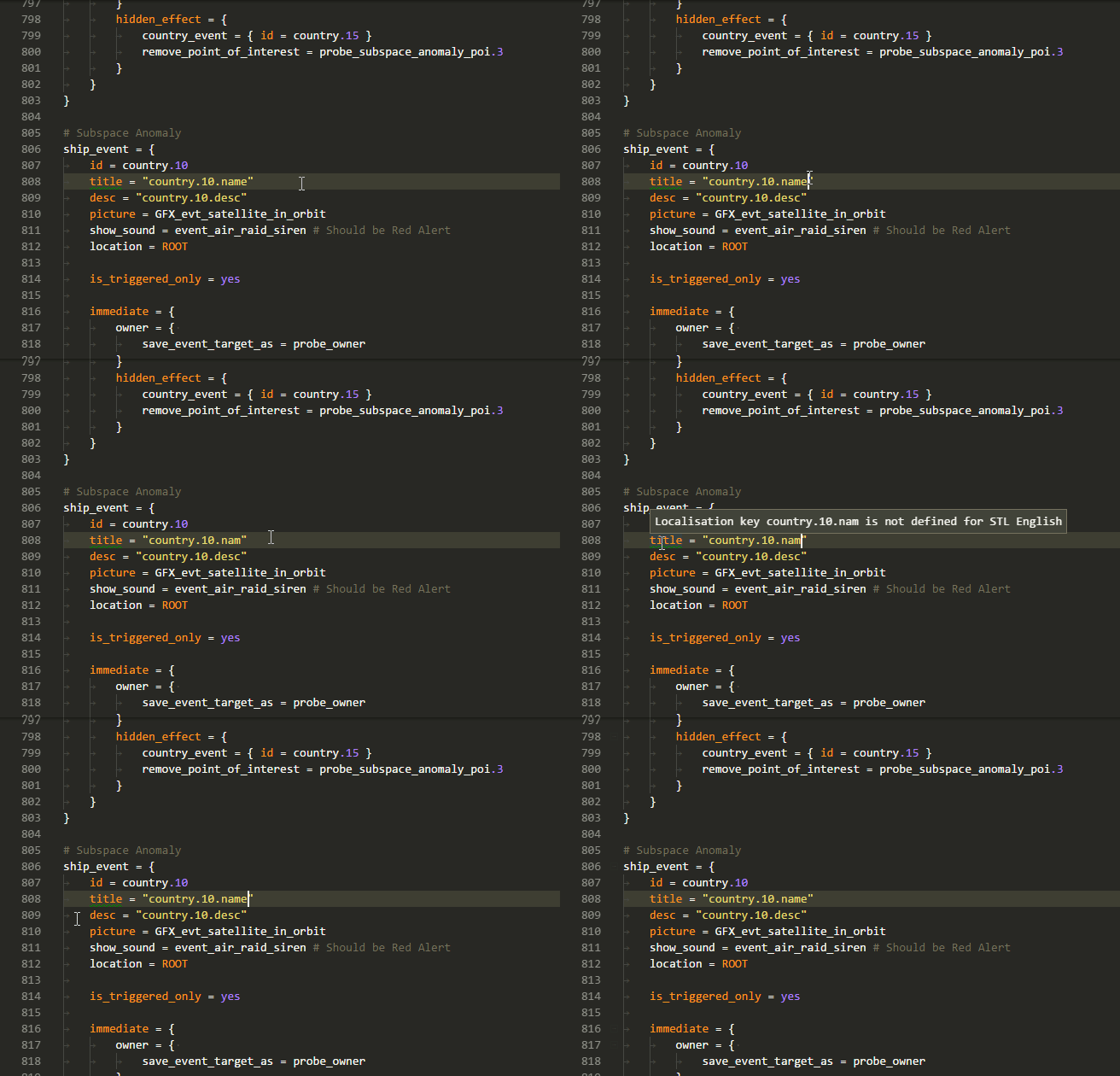
- A wide range of validators for common, interface, and events, checking
- That required localisation keys are defined
- Existence of effects/triggers/modifiers
- Scope context for used effects/triggers/modifiers
- Usage of scripted effects/triggers
- Correct entries for weights/AI_chance/etc
- That event_targets are saved before they're used
- That referenced sprites and graphics files exist
- and a number of other specific validators
- Install this extension
- Open your mod folder directly, which should be within a folder containing the game name:
C:\Users\name\Documents\Paradox Interactive\Stellaris\mod\your_mod
- Set the
cwtools.cache.<game>setting (e.g.cwtools.cache.hoi4) to the game's install folder - Edit files and watch syntax errors show up when you make mistakes
- Wait up to a minute for the extension to scan your mod and find errors
If you have multiple mods that need to be loaded at once, use VS Code's multi-root workspace feature.
- Open your first mod
- Use "File", "Add folder to workspace" to add your next mod
- cwtools should reload including both mods and vanilla in context using correct mod load order
If you want to browse vanilla files, you can use the "CWTOOLS LOADED FILES" section in the Explorer tab.
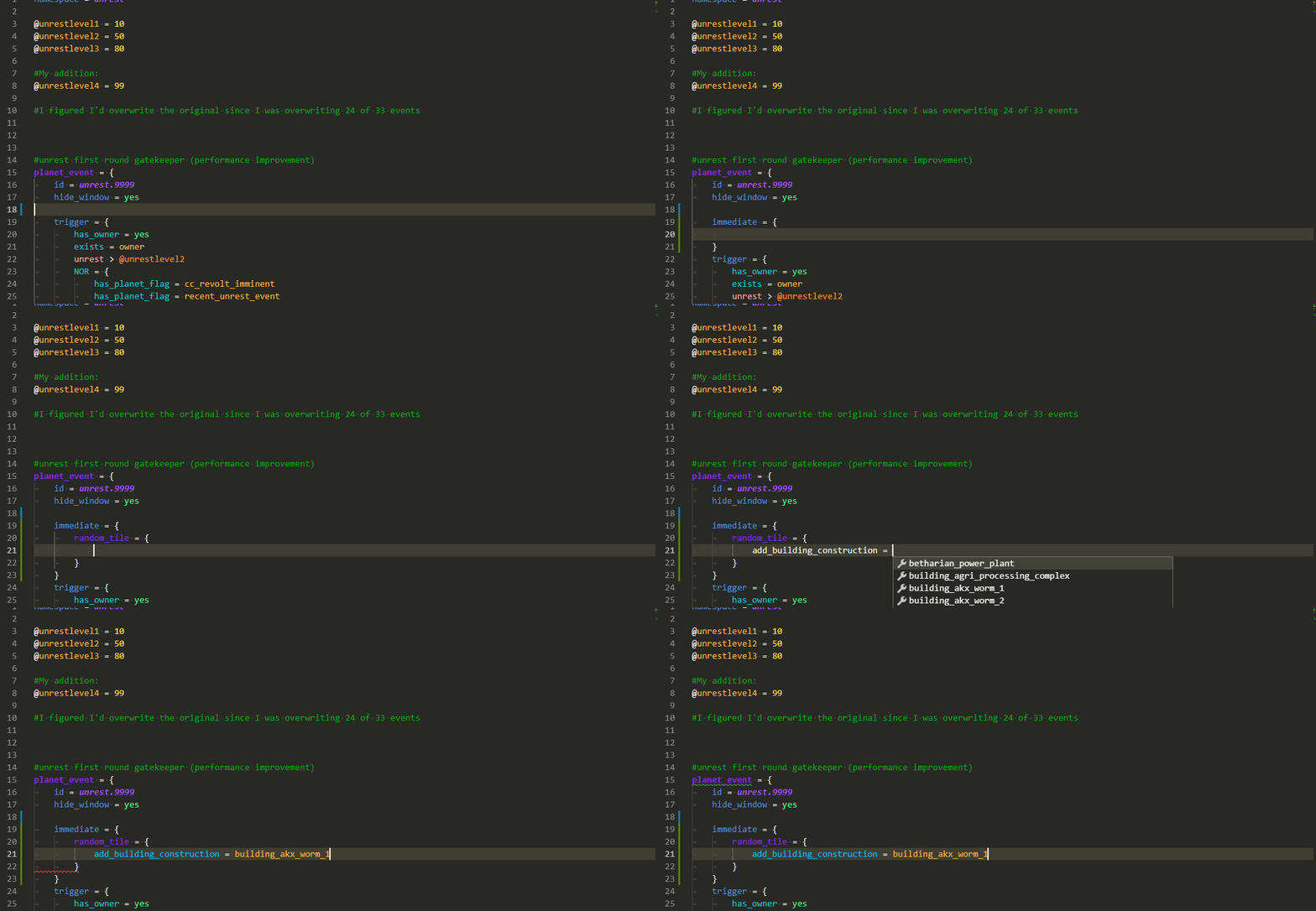
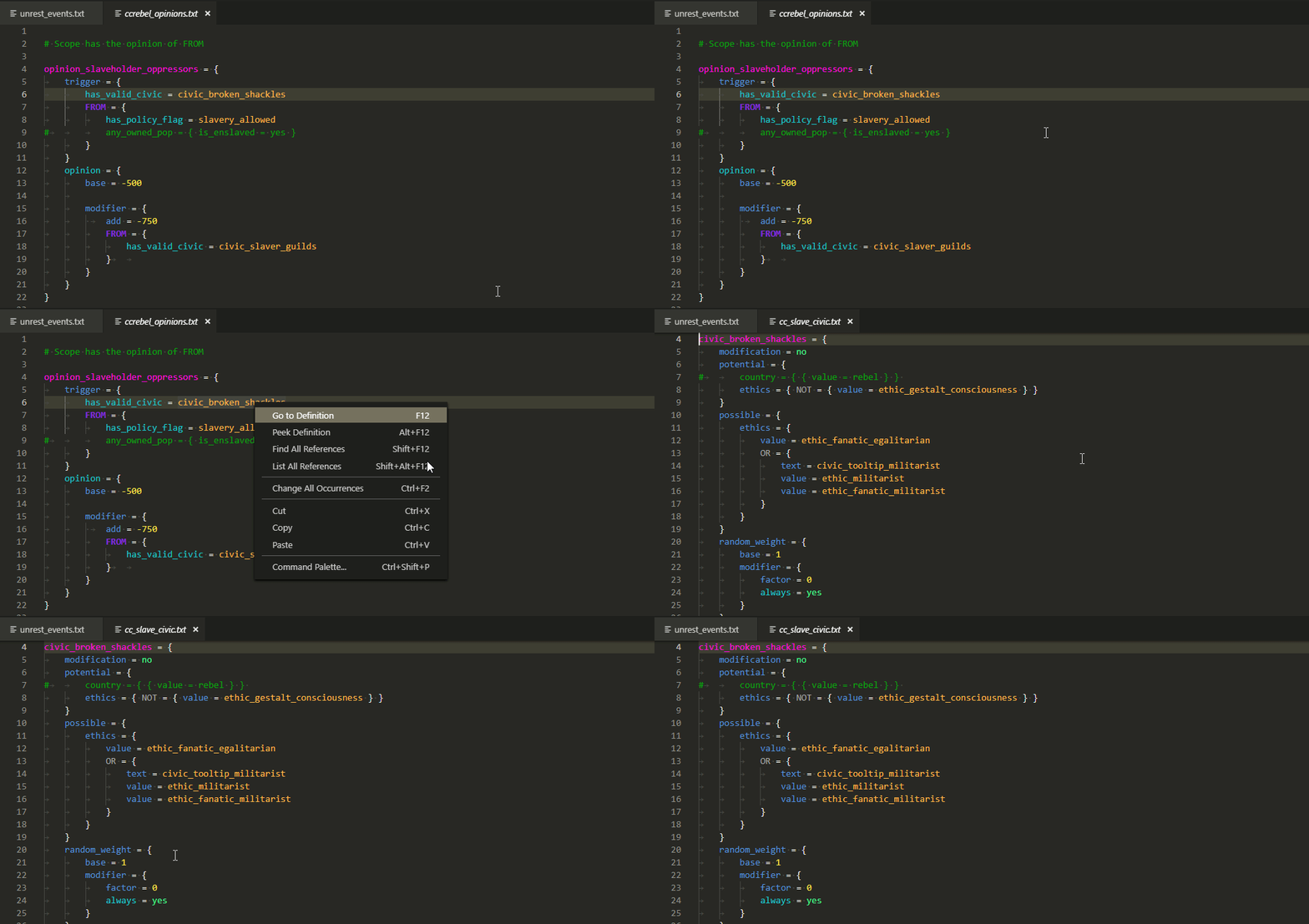
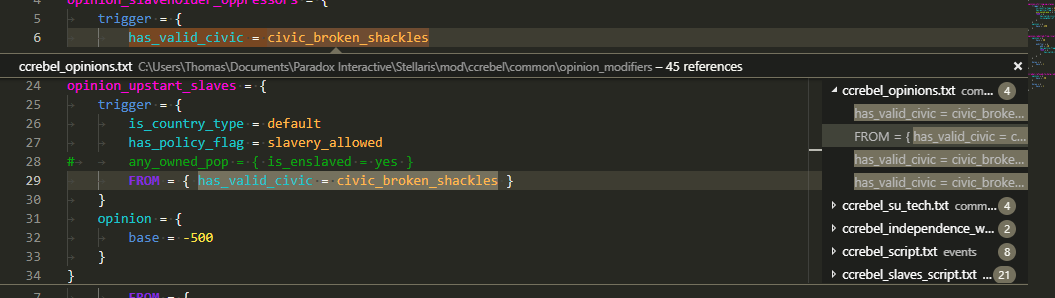
The extension periodically re-scans the whole workspace in the background, so files changed outside the editor and definitions moved between files don't go stale until you reload the window. The rescan is idle-gated: it waits until you stop typing before running. To force one immediately, run cwtools: Re-index workspace from the command palette. cwtools.backgroundReindex.intervalMinutes controls the interval (default 30; 0 disables the automatic pass) and cwtools.backgroundReindex.idleSeconds how long you have to be idle before a pass may start (default 15).
The graph view draws entity references as a node graph you can pan, zoom and click through to the source. It needs the server to supply the graph data, which the Rust server doesn't do yet (it was never ported from the old F# server), so cwtools: Show graph and Set graph depth stay hidden from the command palette for now. cwtools: Recreate graph from json still works, so a graph exported earlier can be reopened, and the export buttons (image, json) work on whatever is on screen. The commands come back on their own once a server advertises the capability.
If the editor feels slow, turn on cwtools.profiling, reload the window, reproduce the slowdown, then run cwtools: Export profiling log and attach the file to an issue. It records per-phase timing and memory for the language server. Leave it off the rest of the time.
The extension ships its own TextMate grammar for the supported games, so syntax highlighting works out of the box. No second extension to install.
The grammars are vendored from cwtools/paradox-syntax (see tools/sync-paradox-syntax.sh to refresh them); the .cwt rules grammar is owned here. Themes live under release/themes/. Every theme paints the full scope set from both grammars (game scripts and .cwt rule files) plus a generic baseline, so coloring is consistent whatever file you're in. Pick one with the Color Theme picker:
- Paradox - Classic. Dark scheme modeled on VS Code's default Dark+ token colours, applied to the full scope set (paradox, cwt, loc). Pairs the editor colours you already know with the per-scope slots the rest of the themes use.
- Paradox - Syntax. Dark scheme modeled on VS Code's Dark+.
- Paradox - Kate and Paradox - Kate Light. Inspired by KDE's Kate / Breeze palette.
- Paradox - Nord. Nord palette.
- Paradox - High Contrast and Paradox - High Contrast Light. Accessibility variants, saturated tokens on black/white.
- Paradox - Dimmed and Paradox - Quiet Light. Re-homed from the upstream tboby.paradox-syntax extension.
Highlighting runs off a single merged paradox grammar, with each game's keywords folded into it, so there are no separate per-game grammar files to keep in sync.
The TextMate grammars under release/syntaxes/ are vendored from the cwtools/paradox-syntax extension (Copyright (c) 2018 Thomas Boby, MIT). Original authors and contributors:
- Thomas Boby (publisher
tboby) and Dayshine, with contributions from Gratak and others. See the upstream contributors list and commit history.
The bundled themes draw on the following:
- Paradox - Dimmed is by Gratak (Adam Przybylski), re-homed from the upstream Paradox-Dimmed source.
- Paradox - Quiet Light is by UristMcDorf, re-homed from the upstream Paradox-QuietLight source.
- Paradox - Kate and Paradox - Kate Light take their palette from KDE's Kate / Breeze syntax highlighting (Kate Editor, KDE community).
- Paradox - Nord uses the Nord palette (Arctic Ice Studio, MIT). See the Nord repo.
- Paradox - High Contrast and Paradox - High Contrast Light follow VS Code's built-in Default High Contrast theme (Microsoft).
cwtools-md-edition itself is a fork of
cwtools/cwtools-vscode maintained
by the Millennium Dawn mod team, and
drives a Rust language server from
MillenniumDawn/cwtools.