Skip to content

MarioSkill/eidas_ca

Folders and files

NameName
Last commit message
Last commit date

Latest commit


History

8 Commits


Repository files navigation

eidas_ca

1) How to build Docker

docker build -t eidas_ca pathToDockerfile

2) How to launch the docker

docker run -it -p 8080:8080 eidas_ca_2 /bin/bash Next, we need to do: .\changeIP.sh PUBLIC_IP and then .\start

3) How to test it

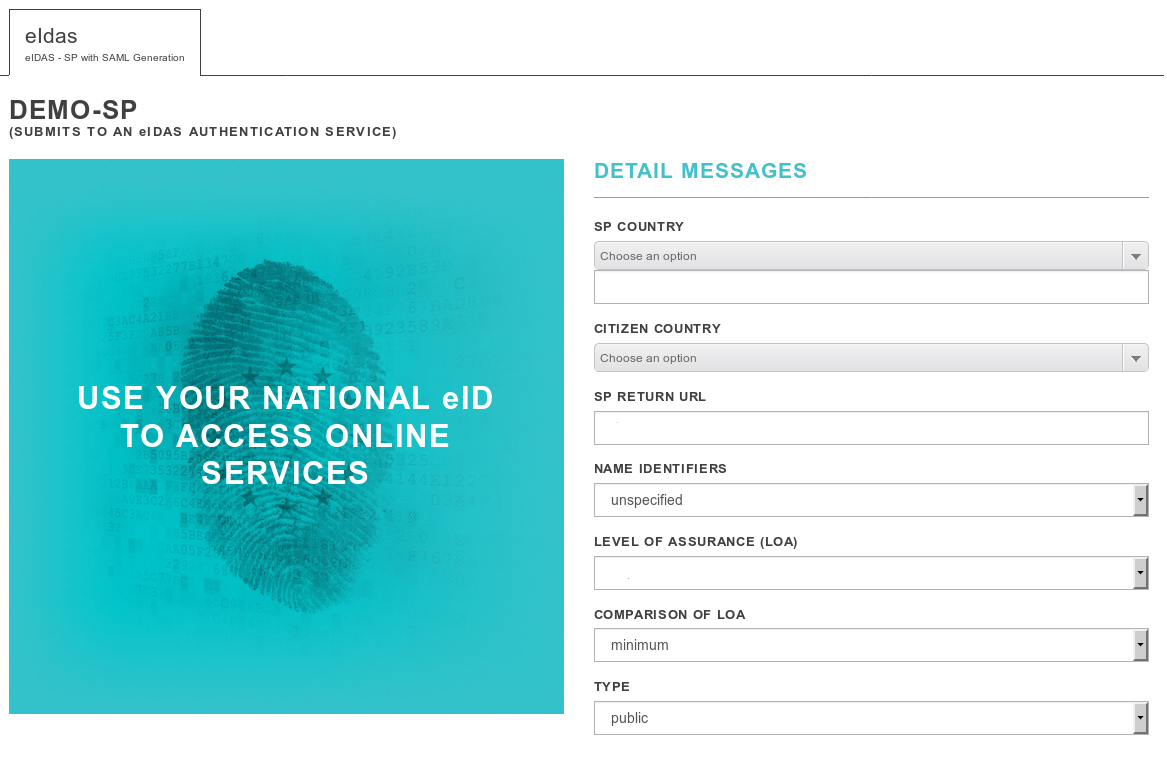
Open web browser, go to PUBLIC_IP:8080/SP. If you have successfully completed these steps, you should see a screen like this eIDAS SP Home Page
About

dockerfile eidas

Resources

Stars

Watchers

Forks

Releases

Packages

Contributors