
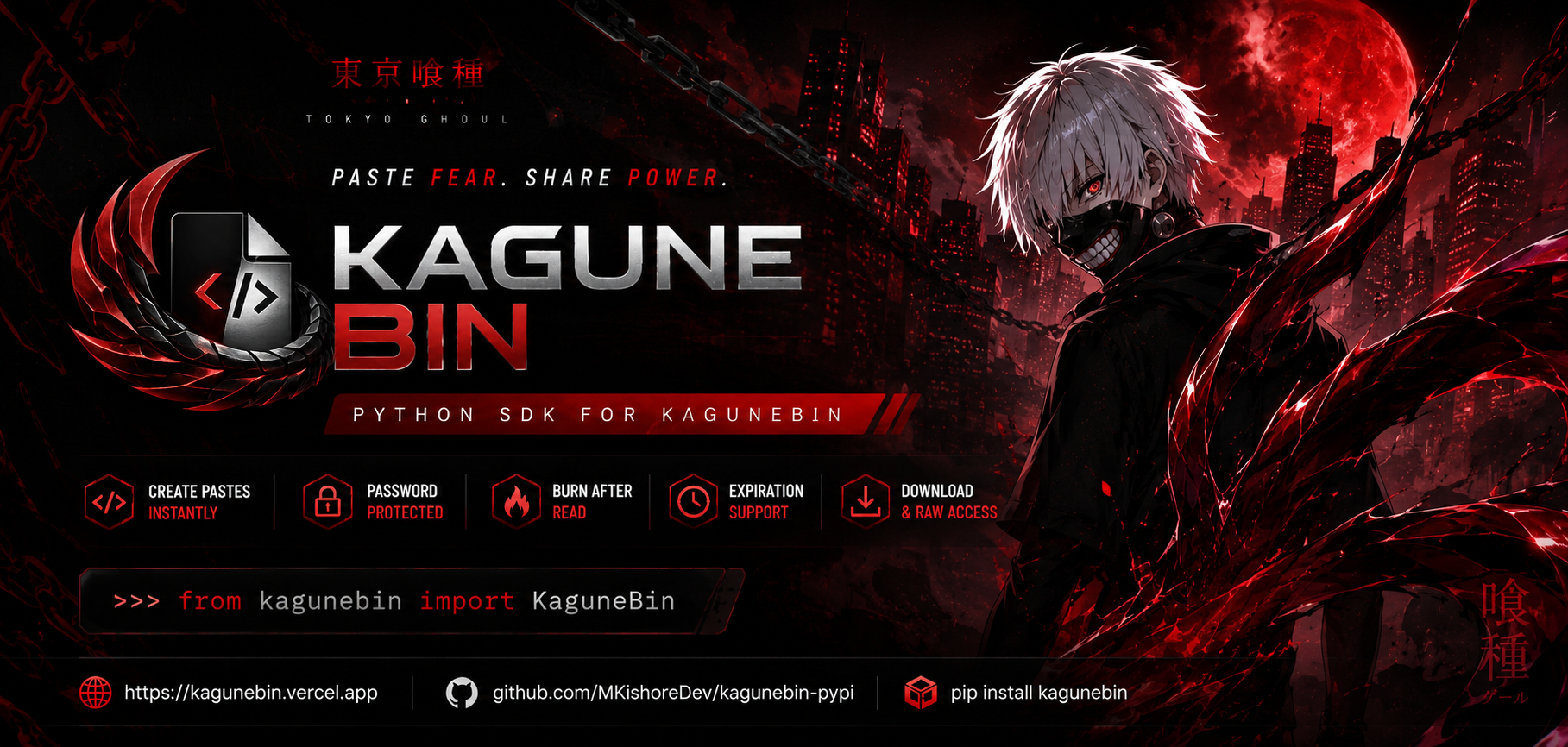
Official Python SDK for KaguneBin
Create, retrieve, download, and manage pastes directly from Python.
KaguneBin is a modern paste sharing platform inspired by the dark aesthetic of Tokyo Ghoul.
Built for developers who want a fast, minimal, and privacy-focused way to share code snippets, logs, notes, and text online.
I wanted a paste service that felt:
- ⚡ Fast
- 🎯 Minimal
- 🔒 Secure
- 🩸 Beautiful
- 🧩 Developer Friendly
So KaguneBin was created.
The platform is live at:
🔗 https://kagunebin.vercel.app
After building the platform, I created this official Python SDK so developers can interact with KaguneBin directly from scripts, applications, automation workflows, and bots.
- 📝 Create pastes instantly
- 🔒 Password protected pastes
- 🔥 Burn-after-read support
- ⏳ Expiring pastes
- 📥 Download pastes
- 📄 Raw content access
- 📊 View tracking
- 🎨 Syntax highlighting support
- 🐍 Lightweight Python SDK
pip install kagunebinfrom kagunebin import KaguneBin
kb = KaguneBin()
paste = kb.create(
title="Hello World",
content="print('Hello KaguneBin!')",
syntax="python"
)
print(paste["url"])from kagunebin import KaguneBin
kb = KaguneBin()
paste = kb.create(
title="Example",
content="console.log('Hello World');",
syntax="javascript"
)
print(paste)paste = kb.create(
title="Secret Notes",
content="Top Secret",
syntax="text",
password="mypassword"
)paste = kb.create(
title="One Time Paste",
content="This will self-destruct after viewing.",
burn_after_read=True
)paste = kb.get("kgn_12345678")
print(paste["content"])Protected paste:
paste = kb.get(
    "kgn_12345678",
    password="mypassword"
)content = kb.raw("kgn_12345678")
print(content)data = kb.download("kgn_12345678")
with open("paste.txt", "wb") as f:
f.write(data)from kagunebin import KaguneBin
kb = KaguneBin()
print(kb.syntaxes())kb.is_valid_syntax("python")
# True
kb.is_valid_syntax("py")
# False{
"id": "kgn_a1b2c3d4",
"title": "Hello World",
"content": "print('Hello')",
"syntax": "python",
"url": "/p/kgn_a1b2c3d4",
"is_protected": False,
"is_burn_after_read": False,
"views": 0,
"downloads": 0,
"created_at": "2026-05-30T12:00:00+00:00",
"expires_at": None
}KaguneBin focuses on simplicity.
No accounts. No clutter. No unnecessary friction.
Just create a paste and share it.
Fast.
Simple.
Developer-first.
Contributions are welcome.
You can help by:
- Fixing bugs
- Improving documentation
- Suggesting features
- Improving SDK usability
- Creating integrations
Pull requests and issues are always welcome.
| Platform | Link |
|---|---|
| 🌐 Website | https://kagunebin.vercel.app |
| 📦 PyPI | https://pypi.org/project/kagunebin/ |
| 💻 Docs | https://kagunebin.vercel.app/docs |
| 🩸 KaguneBin Source | https://github.com/MKishoreDev/KaguneBin |
MIT License © Kishore

🩸 Made with passion by Kishore