English | 简体中文
适用于日常开发与远程会话的 tmux 配置,提供 Catppuccin Frappe 主题、Ctrl+a 前缀键、TPM 插件管理和剪贴板增强。
配套文档:本仓库对应的安装说明、快捷键速查与入门指南见 https://longwaybai.github.io/docs/tmux/。
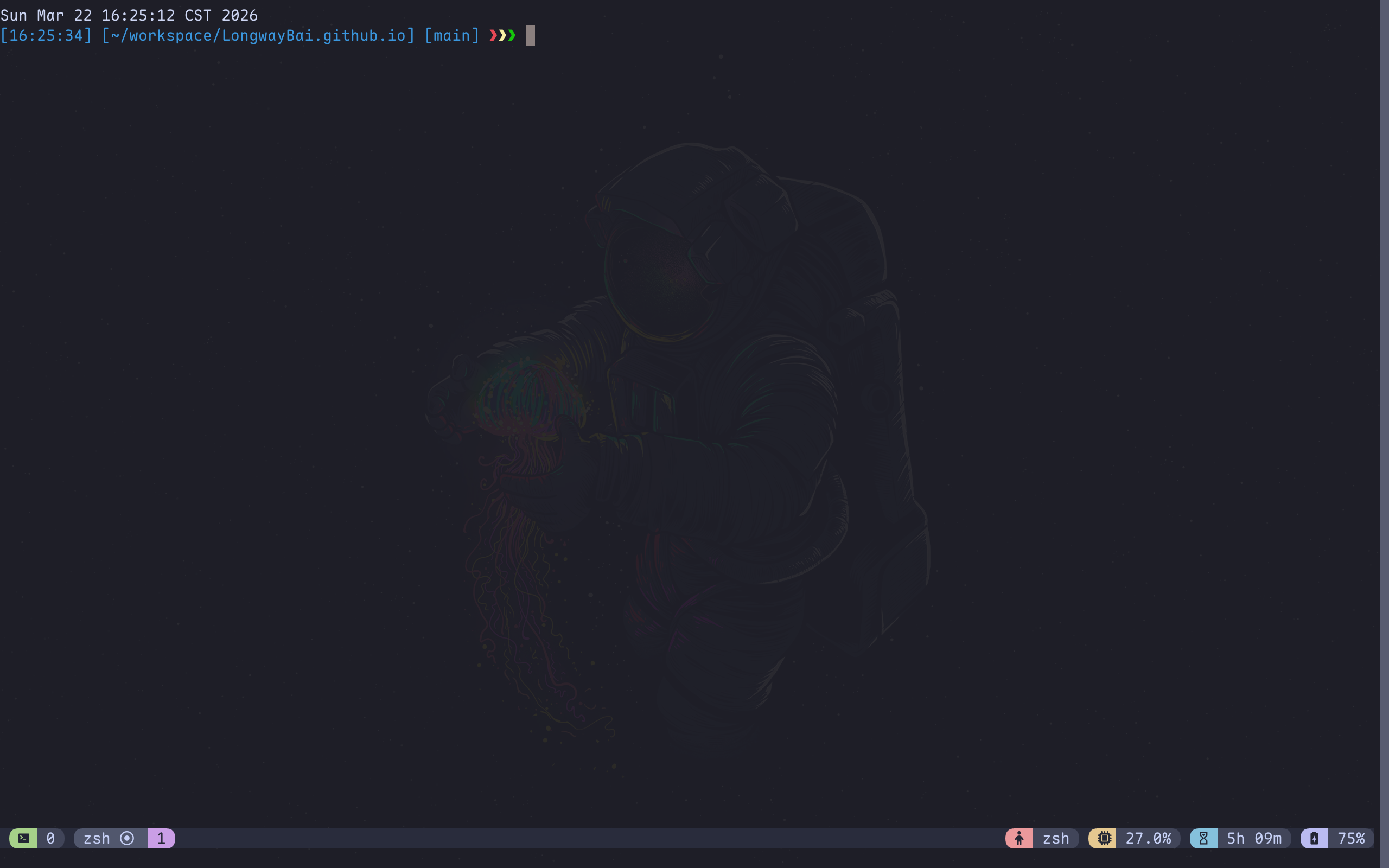
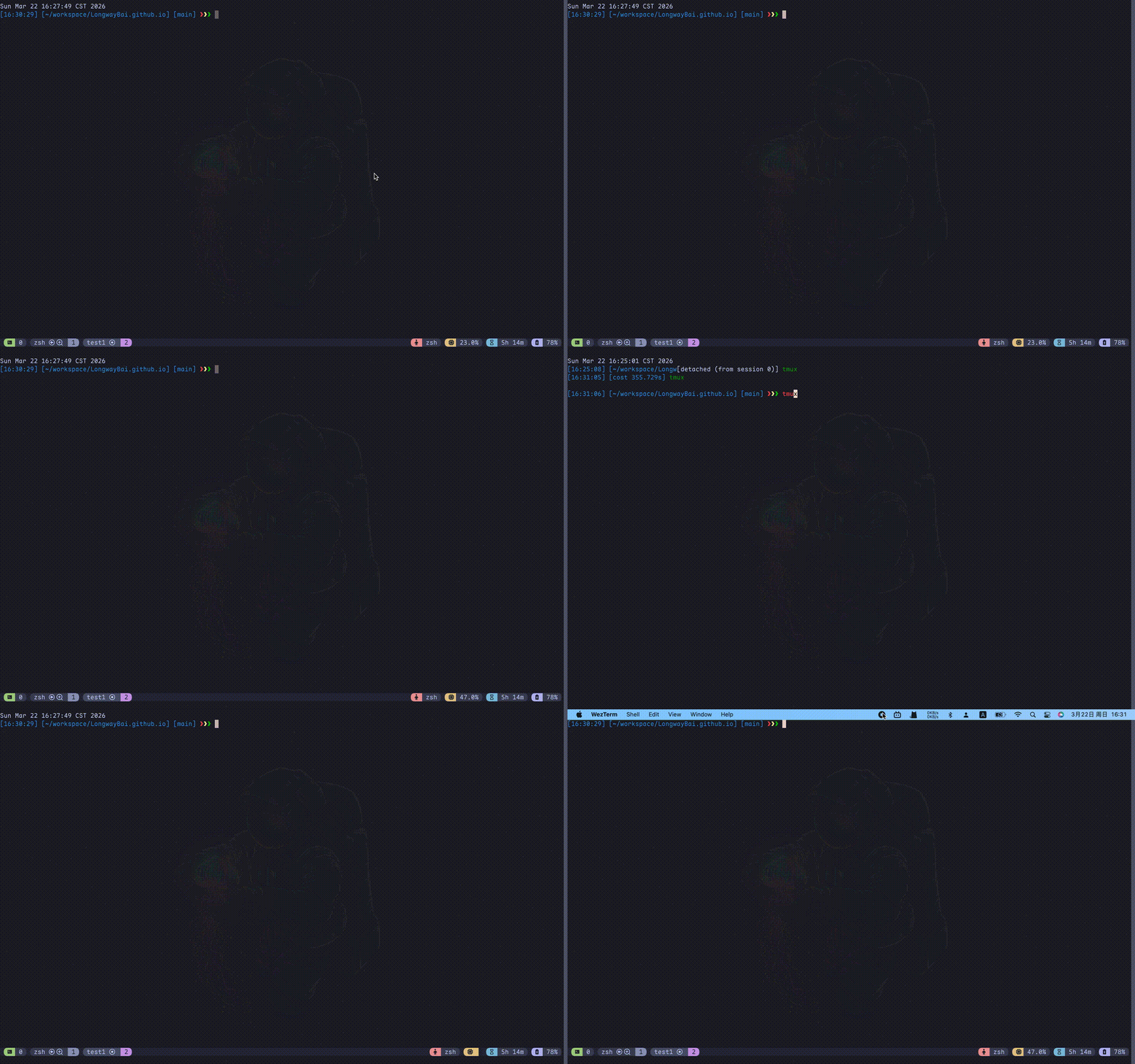
- Catppuccin Frappe 主题与增强状态栏
- 将默认前缀键从
Ctrl+b调整为Ctrl+a - 启用鼠标支持、Vi 风格复制模式与 OSC52 剪贴板集成
- 通过 TPM 管理
tmux-cpu、tmux-battery、tmux-floax、catppuccin/tmux - 提供远程会话配置与辅助脚本,便于本地/远程环境共用
本仓库是 tmux 文档的配置来源,文档站点则提供更完整的使用说明:
README 侧重仓库使用与配置说明;概念介绍、上手路径和示例说明请参考上面的配套文档。
- tmux:3.2 或更高,推荐 3.3+
- Git:用于克隆仓库与安装 TPM
- Shell:Bash、Zsh 或兼容 shell
- 可选:
reattach-to-user-namespace(改善 macOS 剪贴板行为)
tmux -Vgit clone https://github.com/LongwayBai/tmux-config.git
cd tmux-config
./install.shinstall.sh 会执行以下操作:
- 检查
tmux是否已安装。 - 在默认位置缺失时安装 TPM。
- 备份现有
~/.tmux.conf到~/.tmux.conf.bak。 - 将仓库中的
tmux/目录复制到~/.tmux/。 - 创建
~/.tmux.conf -> ~/.tmux/tmux.conf符号链接。 - 启动一个临时
__noop会话以执行 TPM 插件安装,然后自动清理该会话。
git clone https://github.com/LongwayBai/tmux-config.git
cd tmux-config

cp ~/.tmux.conf ~/.tmux.conf.bak 2>/dev/null || true
cp -a ./tmux/. ~/.tmux/
ln -sf ~/.tmux/tmux.conf ~/.tmux.conf
git clone https://github.com/tmux-plugins/tpm ~/.tmux/plugins/tpm
进入 tmux 后执行 Ctrl+a Shift+I 安装插件。
如果是第一次使用 tmux,建议先掌握下面几个动作:
tmux new -s demo
tmux ls
tmux attach -t demo
tmux kill-session -t demo- 分离当前会话:
Ctrl+a d - 重新加载配置:
Ctrl+a Ctrl+r - 插件未生效时优先尝试:
Ctrl+a Shift+I
前缀键统一为 Ctrl+a。
| 快捷键 | 说明 |
|---|---|
Ctrl+a c |
创建新窗口 |
Ctrl+a d |
分离当前会话 |
Ctrl+a r |
重命名当前窗口 |
Ctrl+a R |
重命名当前会话 |
Ctrl+a Ctrl+r |
重新加载配置 |
Ctrl+a Ctrl+[ |
上一个窗口 |
Ctrl+a Ctrl+] |
下一个窗口 |
| 快捷键 | 说明 |
|---|---|
Ctrl+a | |
左右分栏 |
Ctrl+a _ |
上下分栏 |
Ctrl+a [ |
切换到上一个 pane |
Ctrl+a ] |
切换到下一个 pane |
Ctrl+a + |
最大化 / 还原当前 pane |
Ctrl+a x |
关闭当前 pane |
| 快捷键 | 说明 |
|---|---|
Alt+Up |
进入复制模式 |
Ctrl+a p |
粘贴缓冲区 |
Ctrl+a Ctrl+p |
选择缓冲区后粘贴 |
Ctrl+a Shift+I |
安装插件 |
Ctrl+a Shift+U |
更新插件 |
Ctrl+a Alt+u |
卸载不再需要的插件 |
复制模式中支持 v、y、Y、D 等 Vi 风格按键;这些按键只在复制模式中生效。
此配置通过 TPM 管理插件:
默认主题为 Catppuccin Frappe。如需调整主题风格:
set -g @catppuccin_flavor "frappe" # mocha | macchiato | frappe | latte另有以下插件相关配置已在仓库中启用:
@floax-text-color 'white'@floax-change-path 'false'
tmux-config/
├── tmux/
│   ├── tmux.conf
│   ├── tmux.remote.conf
│   ├── yank.sh
│   └── renew_env.sh
├── install.sh
├── README.md
├── README_EN.md
└── LICENSE
tmux/tmux.conf:主配置文件,包含主题、按键、状态栏与插件定义。tmux/tmux.remote.conf:远程会话配置,可用于 SSH 场景下的状态栏和剪贴板协作。tmux/yank.sh:剪贴板脚本,支持pbcopy、xsel与 OSC52 回退。tmux/renew_env.sh:用于刷新 pane 环境变量的辅助脚本。
echo $TERM建议值为 xterm-256color、screen-256color 或 tmux-256color。
brew install reattach-to-user-namespace~/.tmux/plugins/tpm/bin/install_pluginstmux source ~/.tmux.conf也可以在 tmux 内执行 Ctrl+a Ctrl+r。
欢迎提交 issue 或 pull request。若需要补充使用说明,请优先同步更新配套文档站点与仓库 README 的相关链接。
详见 LICENSE。