Watch the step-by-step showcase and code breakdown directly on YouTube:
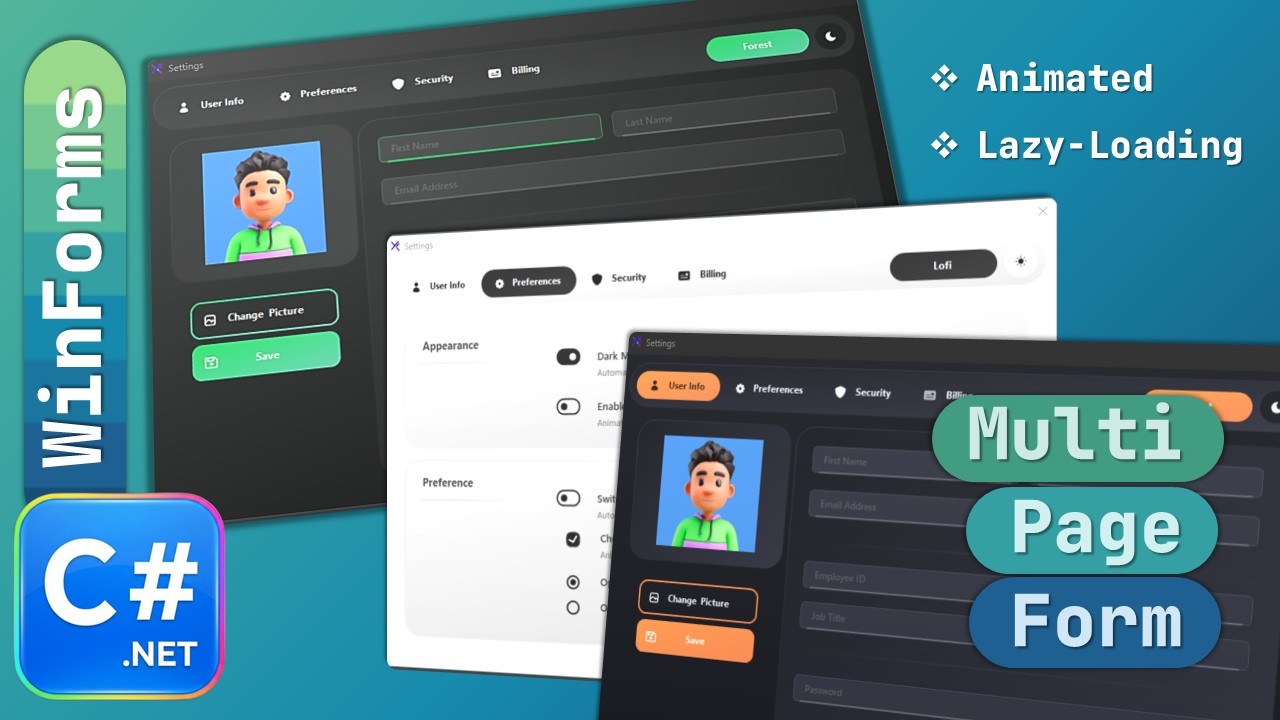
| Light Mode | Dark Mode |
|---|---|
 |
 |
Every KimTools control is theme-aware. Toggling between Light and Dark Mode updates the entire application instantly, with no custom theme-switching code required.
- Kt-Pages as a single-container navigation system, replacing multi-form WinForms architecture
- Designer Pages - pages built visually inside the Kt-Pages designer, ideal for lightweight, frequently visited screens
- Kt-Page classes - standalone
UserControl-based pages with their own designer, code-behind, and lifecycle, ideal for larger or data-heavy modules - Lazy loading - Kt-Page classes are created only on first navigation, then cached in memory for subsequent visits
- Built-in page transitions via the
Transitionproperty, with no animation library required - Automatic navigation history for Back/Forward style navigation
- Extender Provider integration - controls like
KtRadioButtongain aPageproperty automatically, turning any compatible control into a navigation trigger - Light/Dark Mode theming applied consistently across every control and page with a single toggle
| Kt-Pages | Kt-Page | |
|---|---|---|
| Type | Container control (similar to TabControl at design time) |
UserControl subclass |
| Creation | Built visually in the designer | Created dynamically at runtime |
| Best for | Lightweight, frequently visited screens | Larger modules: dashboards, reports, analytics |
| Loading | Available at startup | Lazy-loaded on first visit, then cached |
Both page types:
- Appear in the same
Pagedropdown on navigation controls - Work with the
Navigatemethod - Participate in transition animations
- Participate in navigation history
This means there is a single, consistent navigation workflow regardless of how a page is created.
- Create a new Windows Forms project targeting a supported .NET version.
- Install KimTools.WinForms via NuGet:
Install-Package KimTools.WinForms - Rebuild the solution. Visual Studio will automatically populate the Toolbox with all KimTools controls.
- Drag a Kt-Pages control onto your form and dock it to fill the content area.
- Add your designer pages inside the Pages collection for lightweight sections (e.g. Profile, Settings, About).
- Create dedicated Kt-Page classes for heavier modules (e.g. Billing) that should only load on demand.
- Add navigation controls (e.g.
KtRadioButton) to a top navigation panel, then set each control'sPageproperty to its destination. - Run the application. Designer pages load instantly; Kt-Page classes are created the first time they're navigated to, then reused on every subsequent visit.
- 🎥 Tutorial video: YouTube
- 🌐 KimTools website: kimtoo.net
- 💎 KimTools Plus: check the site for the current monthly offer
See LICENSE for details.