Welcome to my portfolio website repository! This website showcases my skills, experience, and contact information in the field of cybersecurity. It's built using HTML, CSS, and JavaScript.

- Description
- Demo
- Features
- Technologies Used
- Installation
- Usage
- Dependencies
- Special Instructions
- Contributing
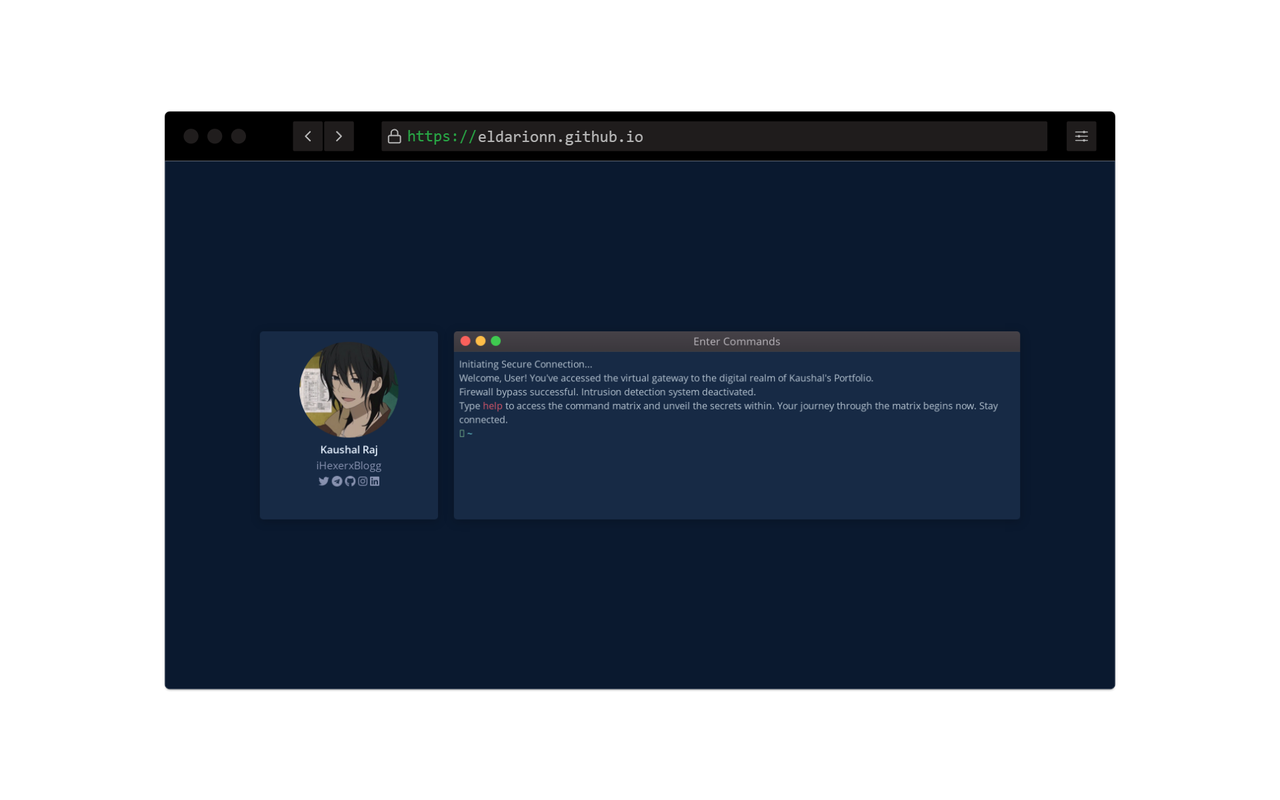
This portfolio website serves as a digital resume and interactive platform to learn more about my skills, experience, and contact information in the field of cybersecurity. It includes an interactive terminal that allows users to explore various commands to access information about me.
You can check out the live version of my portfolio website here.
-
Responsive Design: The website is fully responsive and works on various screen sizes.
-
Interactive Terminal: There is an interactive terminal that simulates a hacker's command line interface.
-
Command Matrix: You can use the terminal to execute commands like
help,about,experience,education,skills,acknowledges,contact, andresumeto learn more about me.
- HTML5
- CSS3 (Bulma CSS framework)
- JavaScript (Vanilla JS)
- Font Awesome Icons
To view the portfolio website locally or deploy it on a web server, follow these steps:
-
Clone the repository:
git clone https://github.com/Eldarionn/eldarionn.github.io.git
-
Navigate to the project directory:
cd eldarionn.github.io
To run the website locally, you can simply use any web server of your choice. Here's an example using Python's built-in HTTP server:
-
Open a terminal and navigate to the project directory if you're not already there.
-
Run the following command:
python -m http.server
-
This will start a local web server, and you can access the website by opening your web browser and going to
http://localhost:8000. -
Explore the website and the interactive terminal by typing commands like
help,about,experience, etc., in the terminal input field.
There are no external dependencies required to run this website. It's built using standard web technologies (HTML, CSS, and JavaScript).
- The interactive terminal is for demonstration purposes and does not perform actual actions. It's a simulated interface.
- For the best experience, it is recommended to view the website on a desktop or tablet for the full interactive terminal experience.
If you find any issues or have suggestions for improvements, please feel free to open an issue or create a pull request. Contributions are welcome!
Thank you for visiting my portfolio repository! If you have any questions or feedback, please don't hesitate to contact me through the provided channels in the website's contact section.