Repository navigation
Window Material
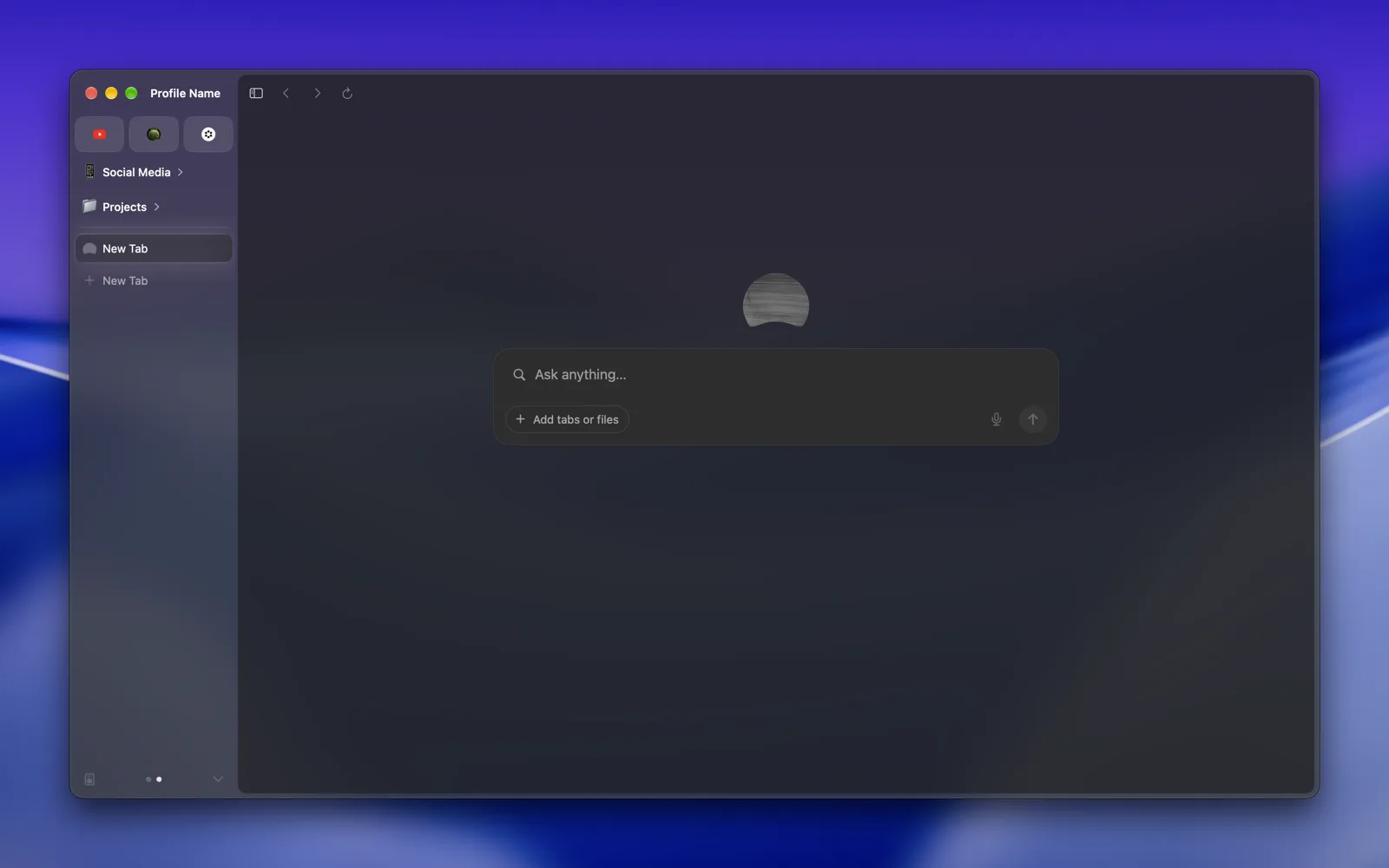
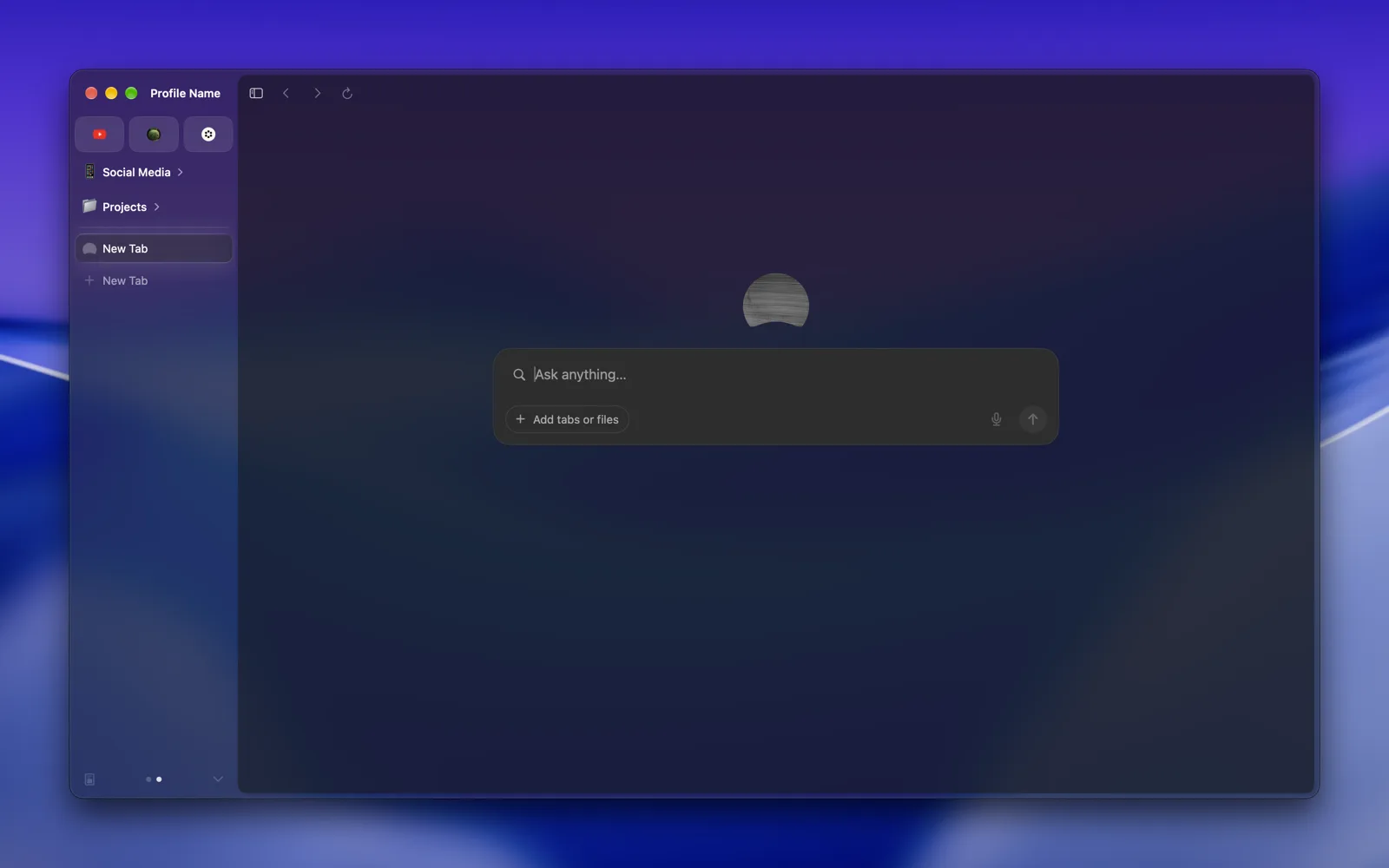
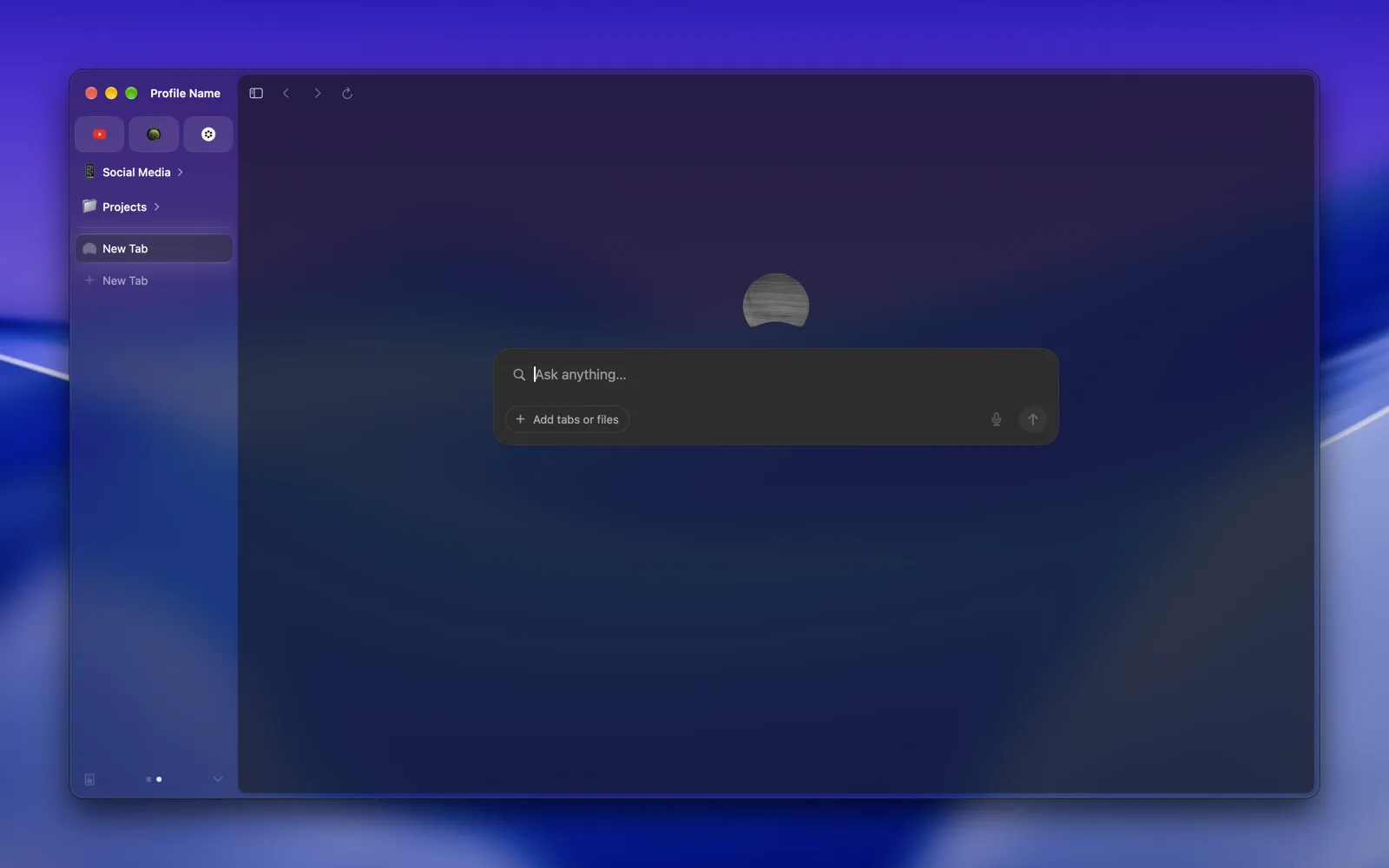
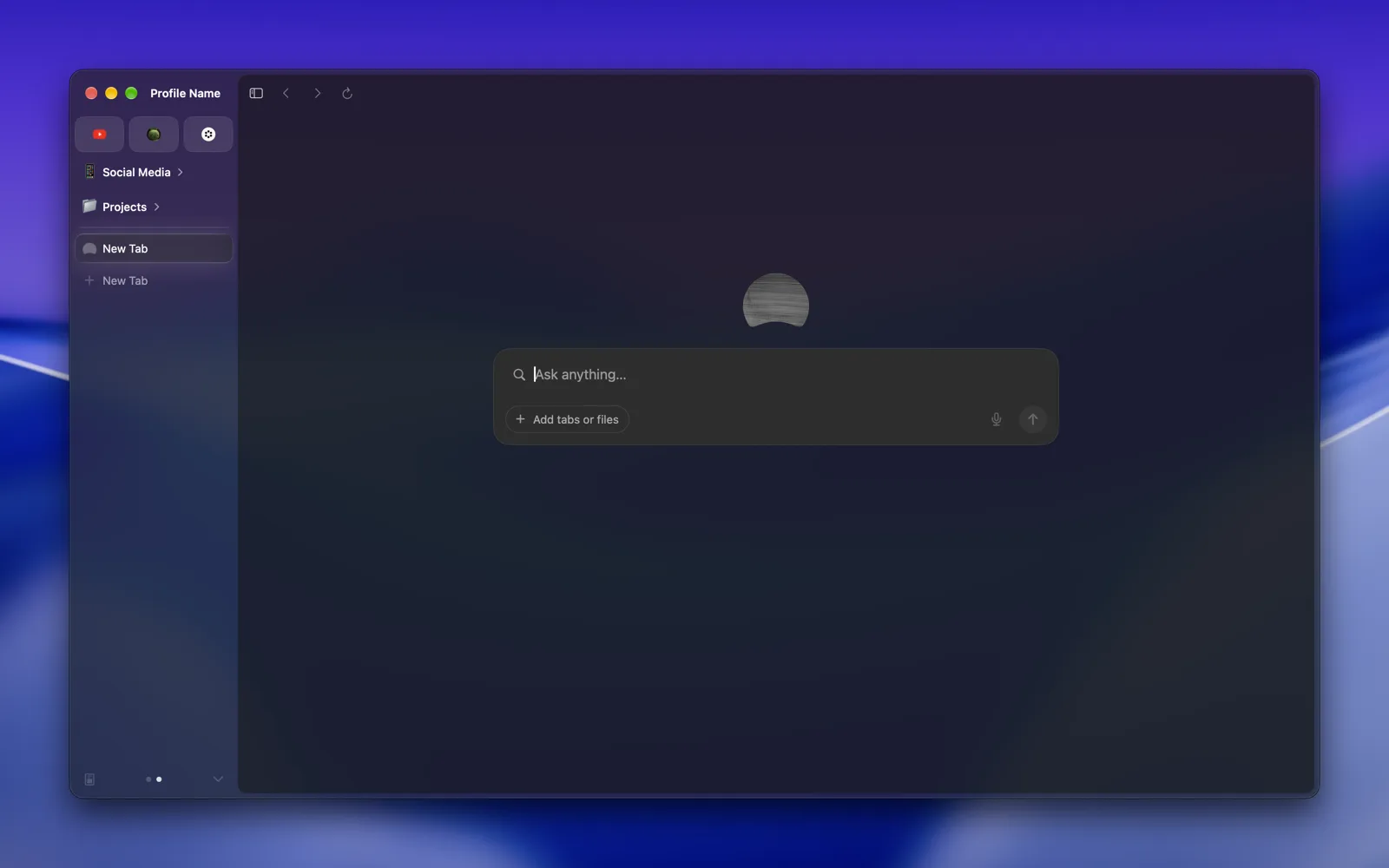
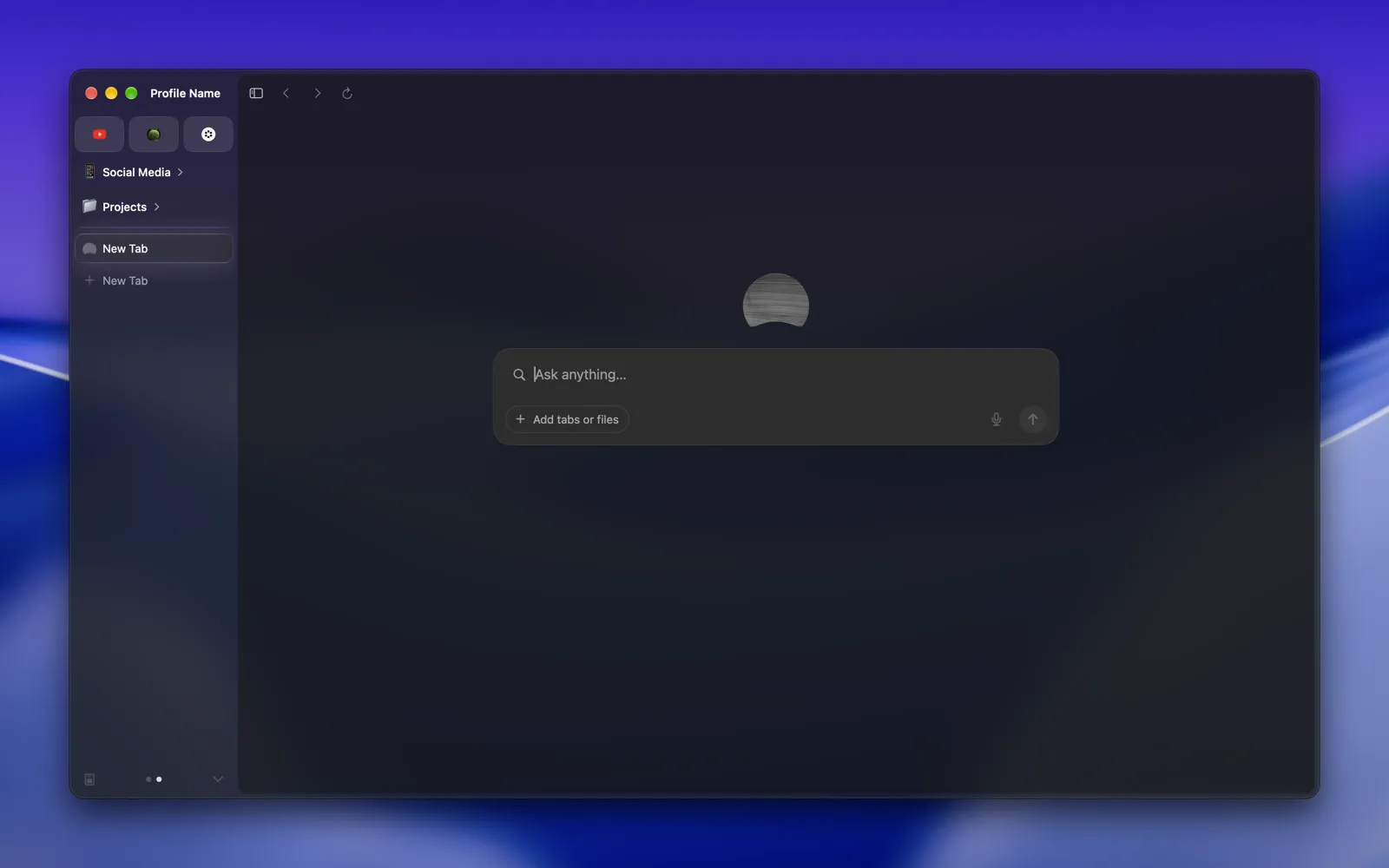
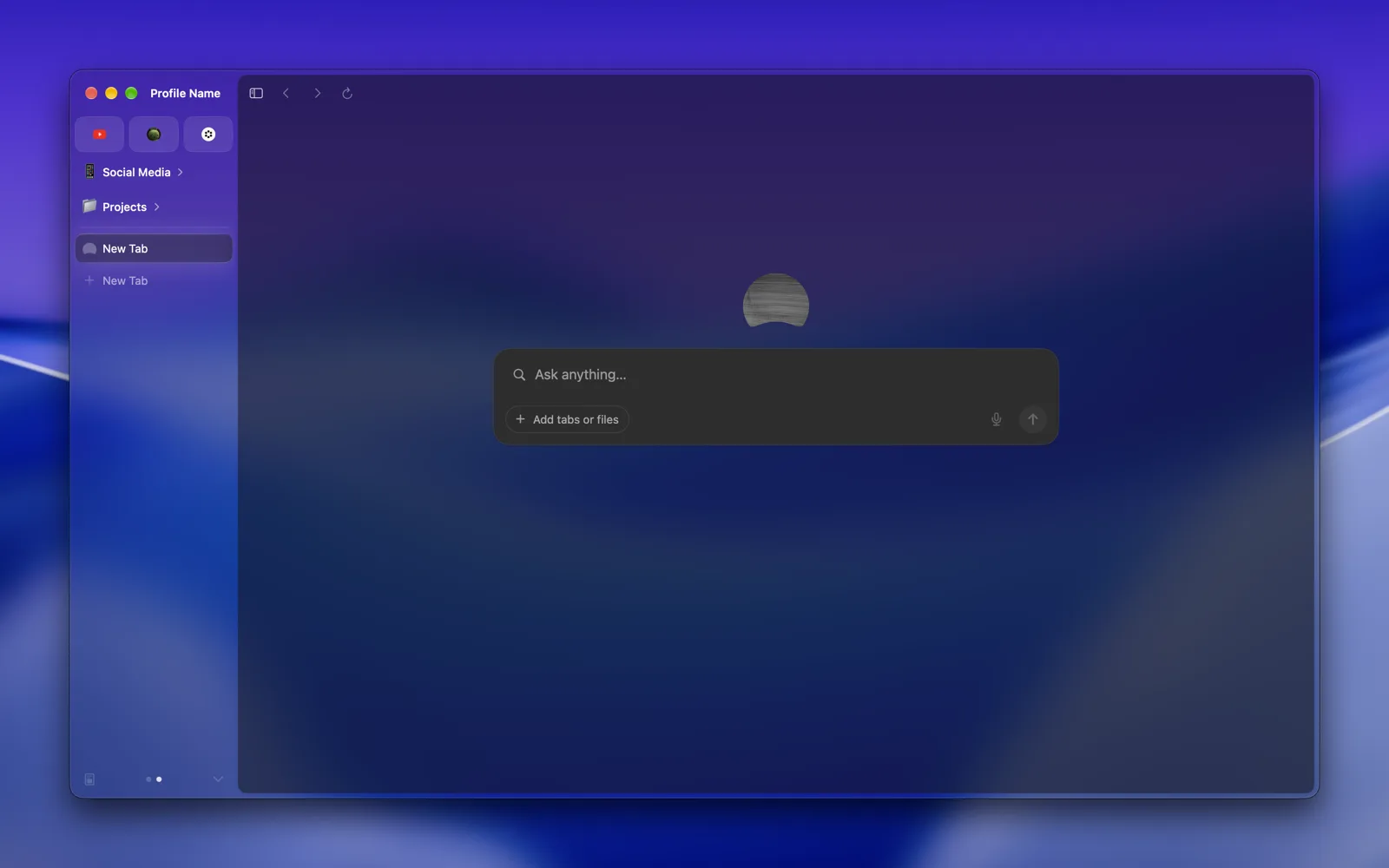
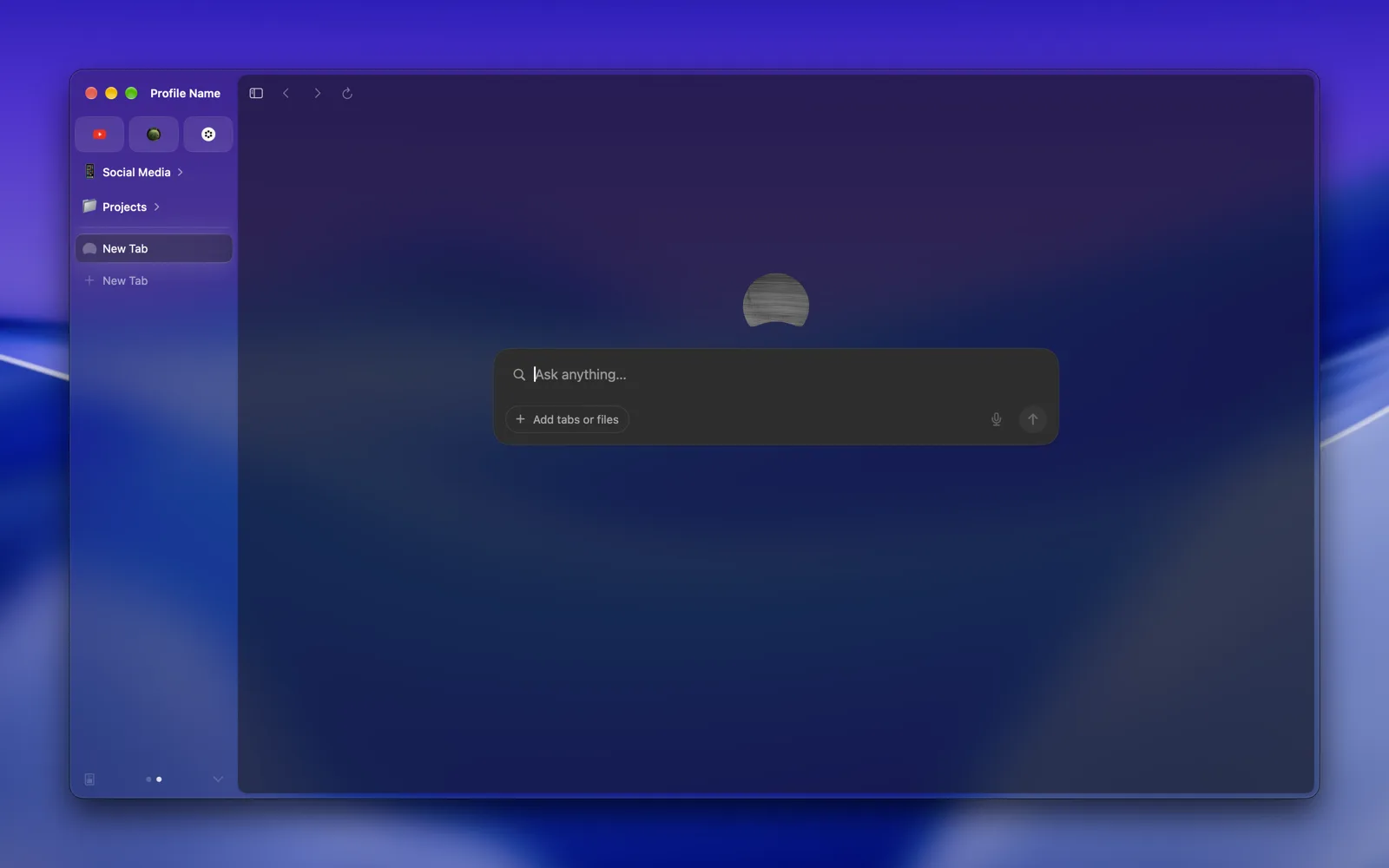
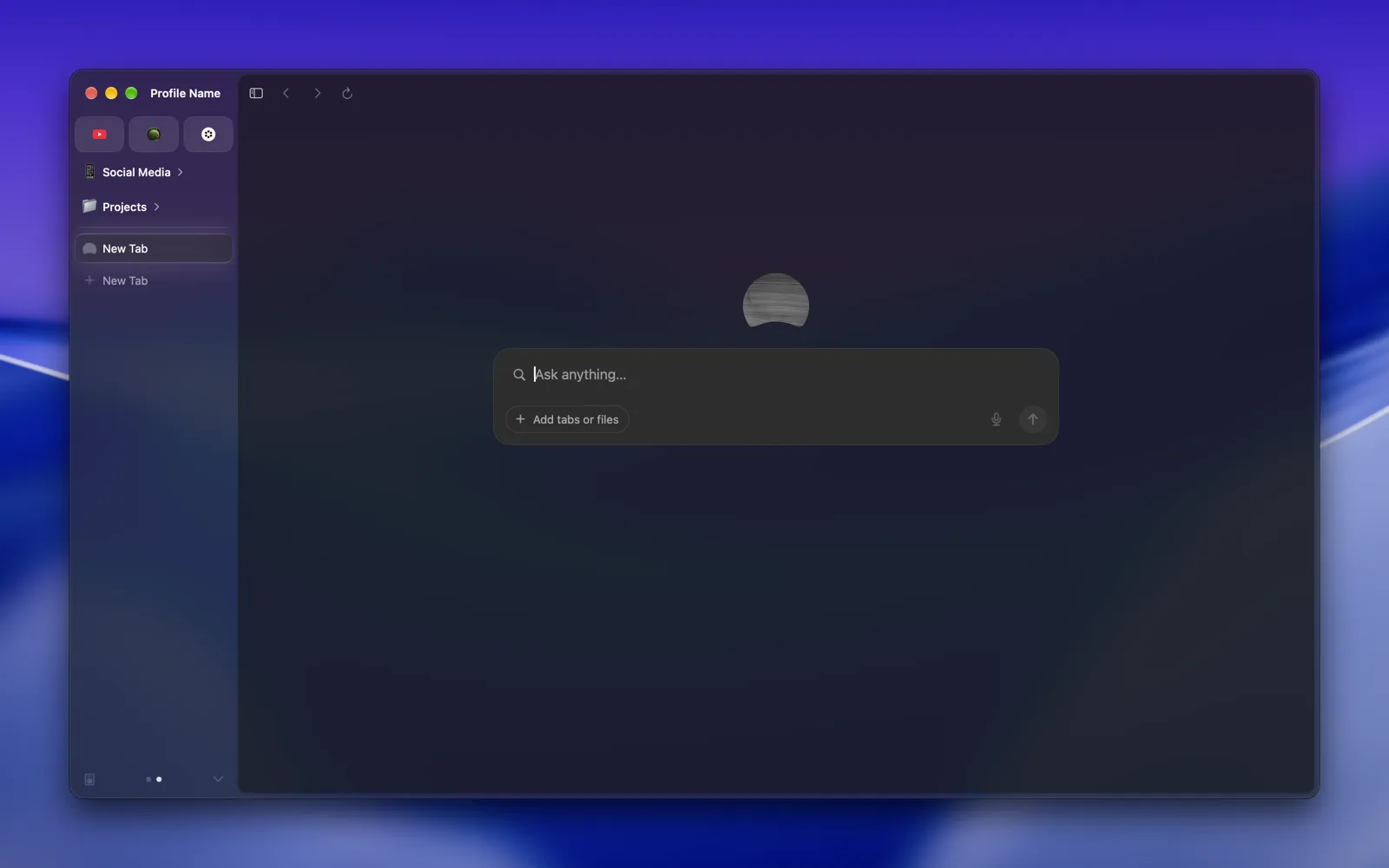
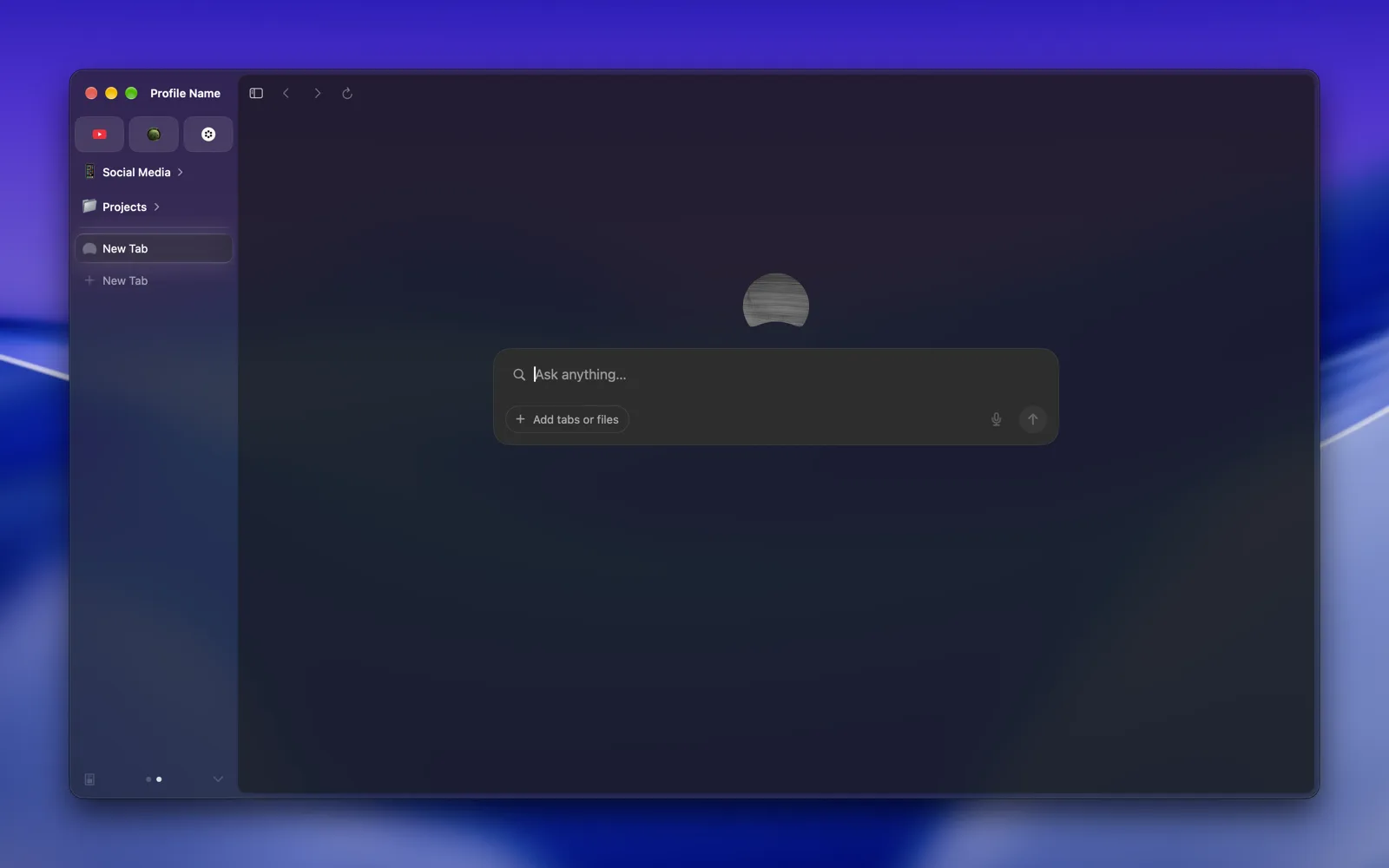
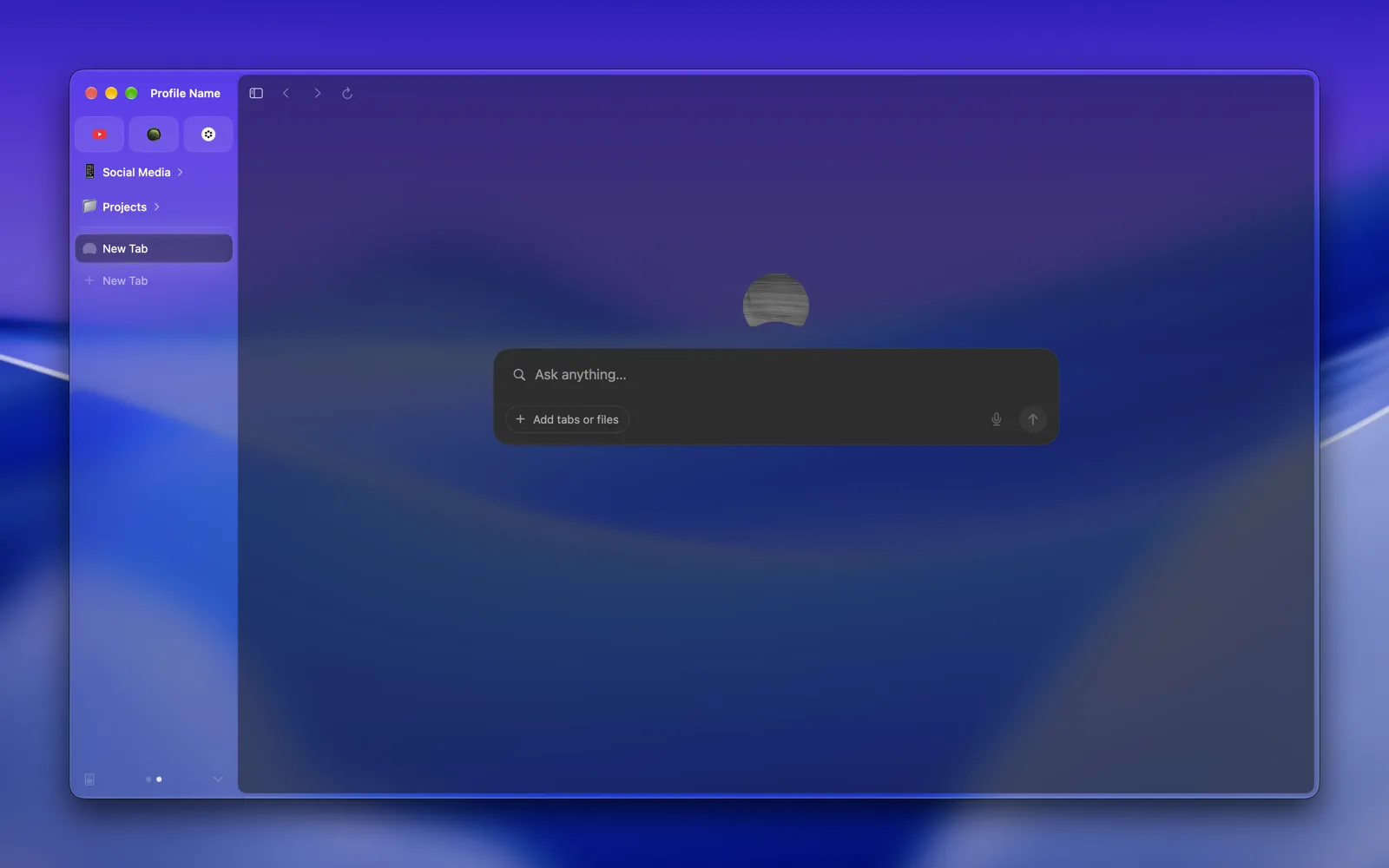
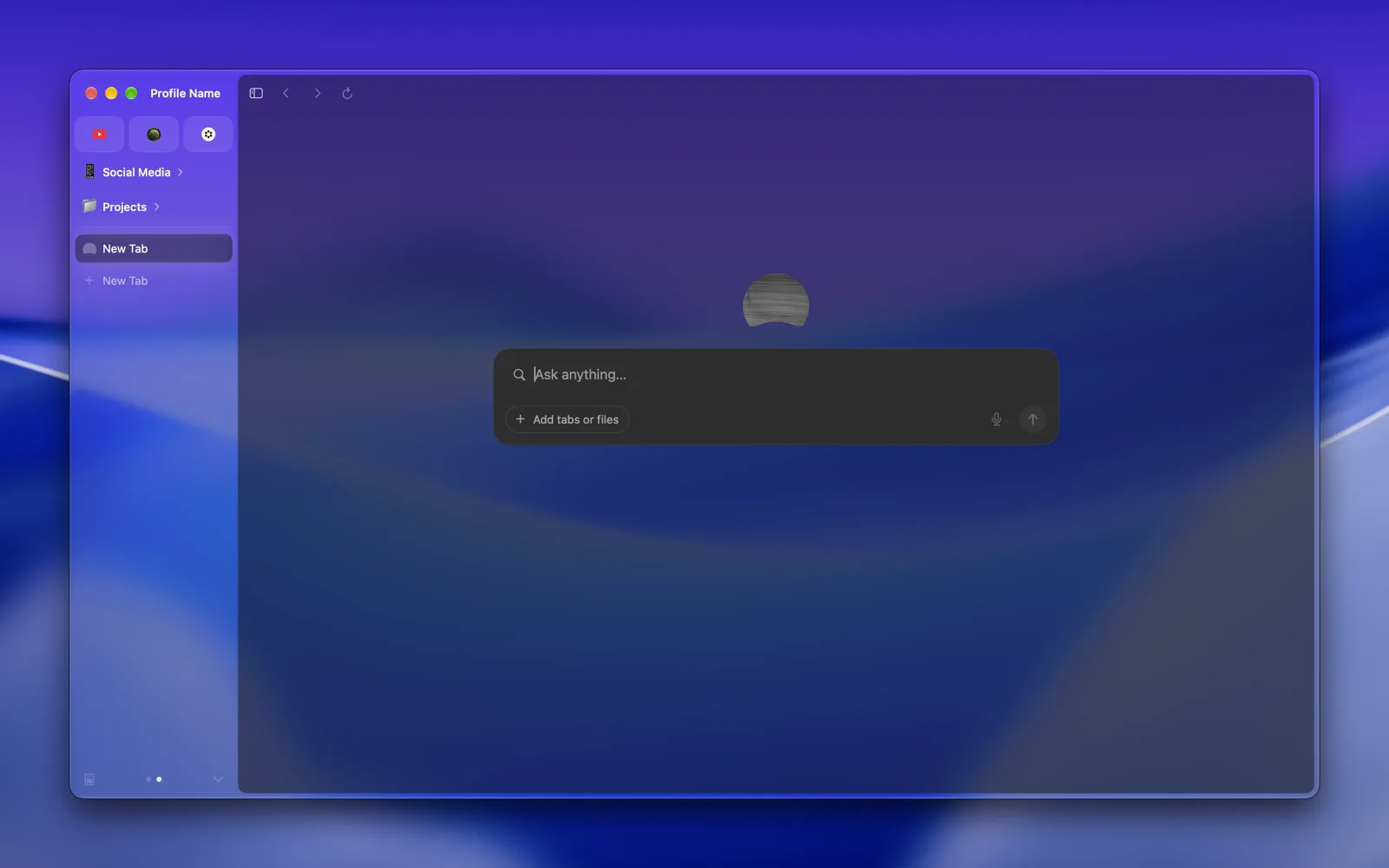
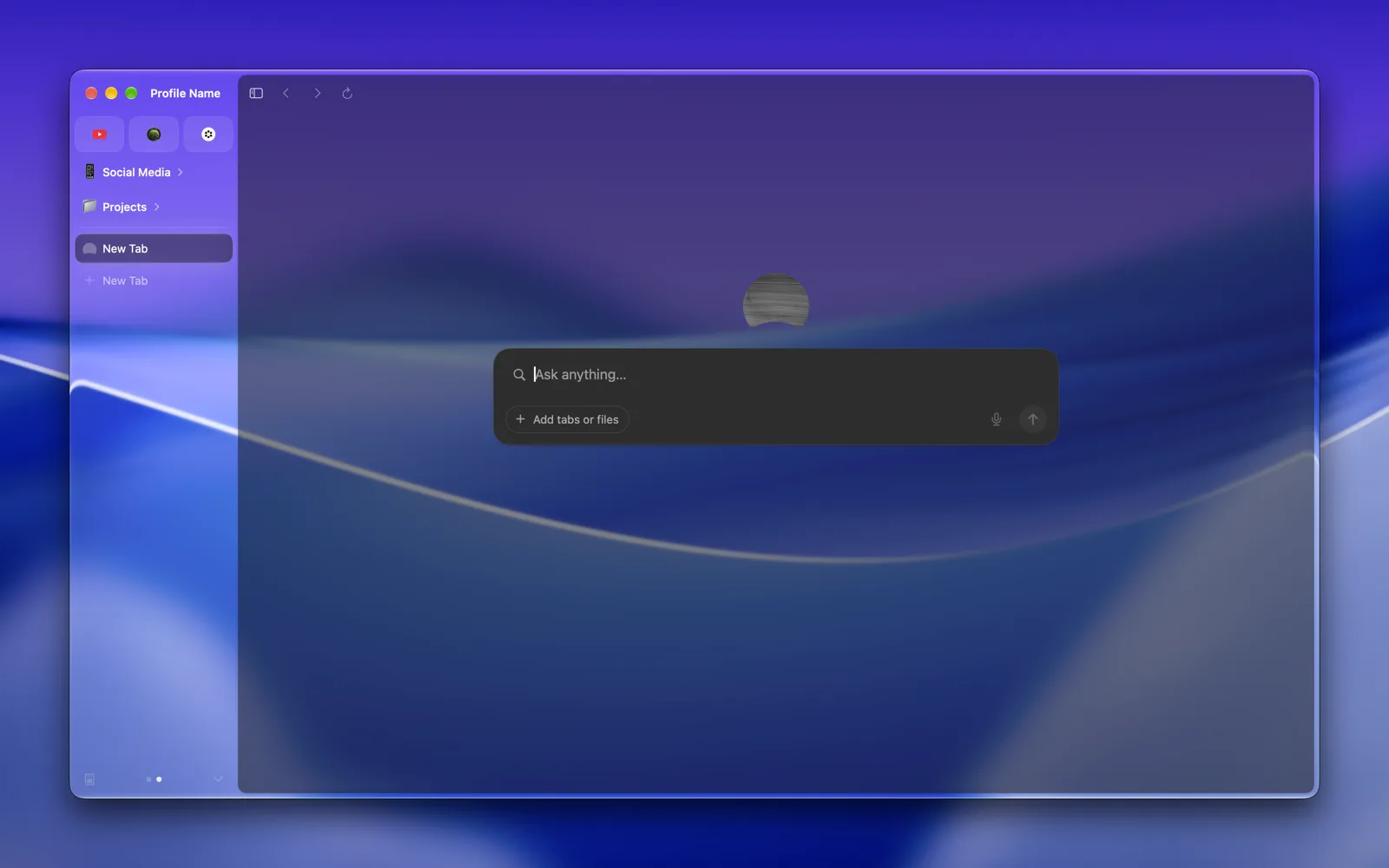
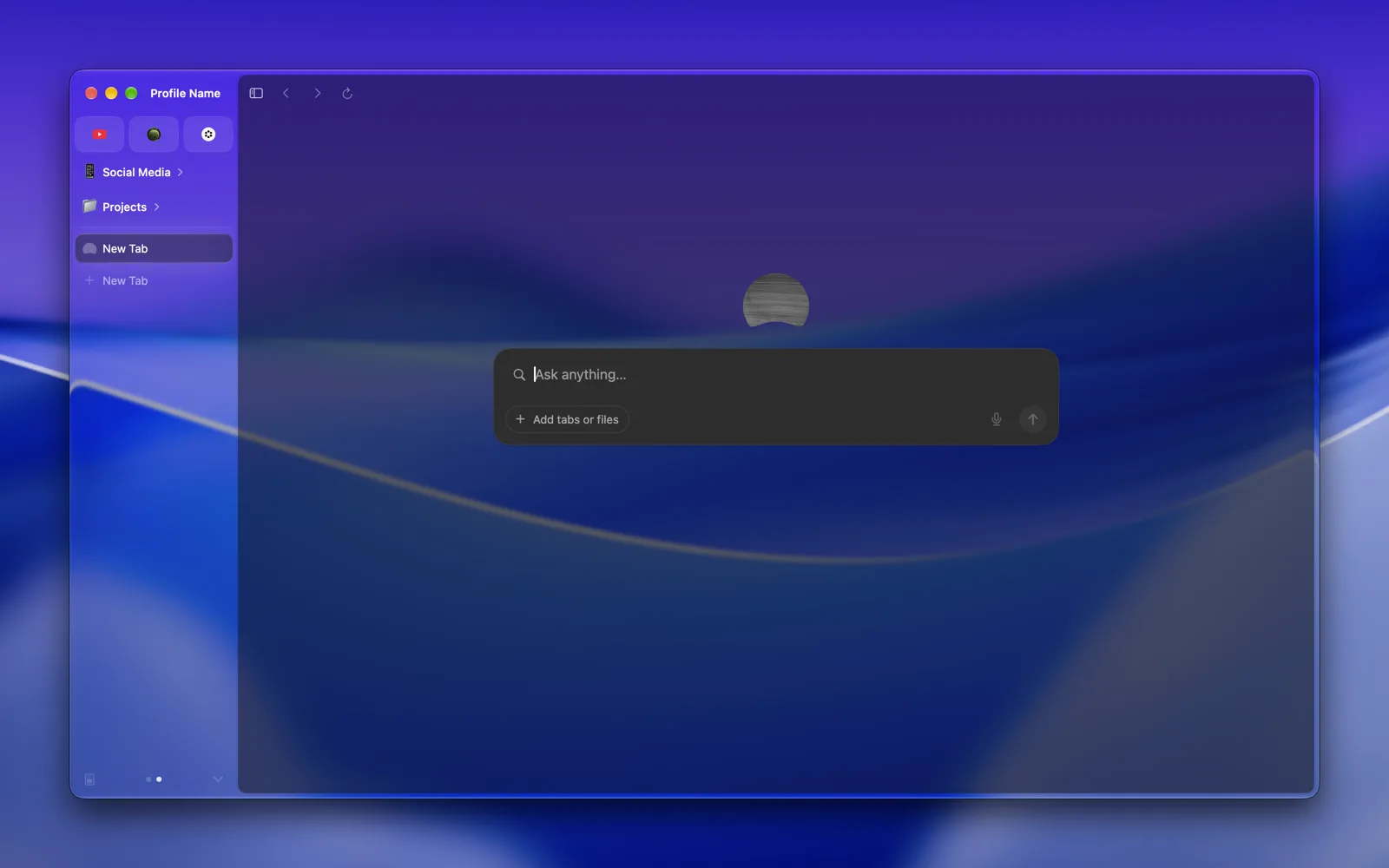
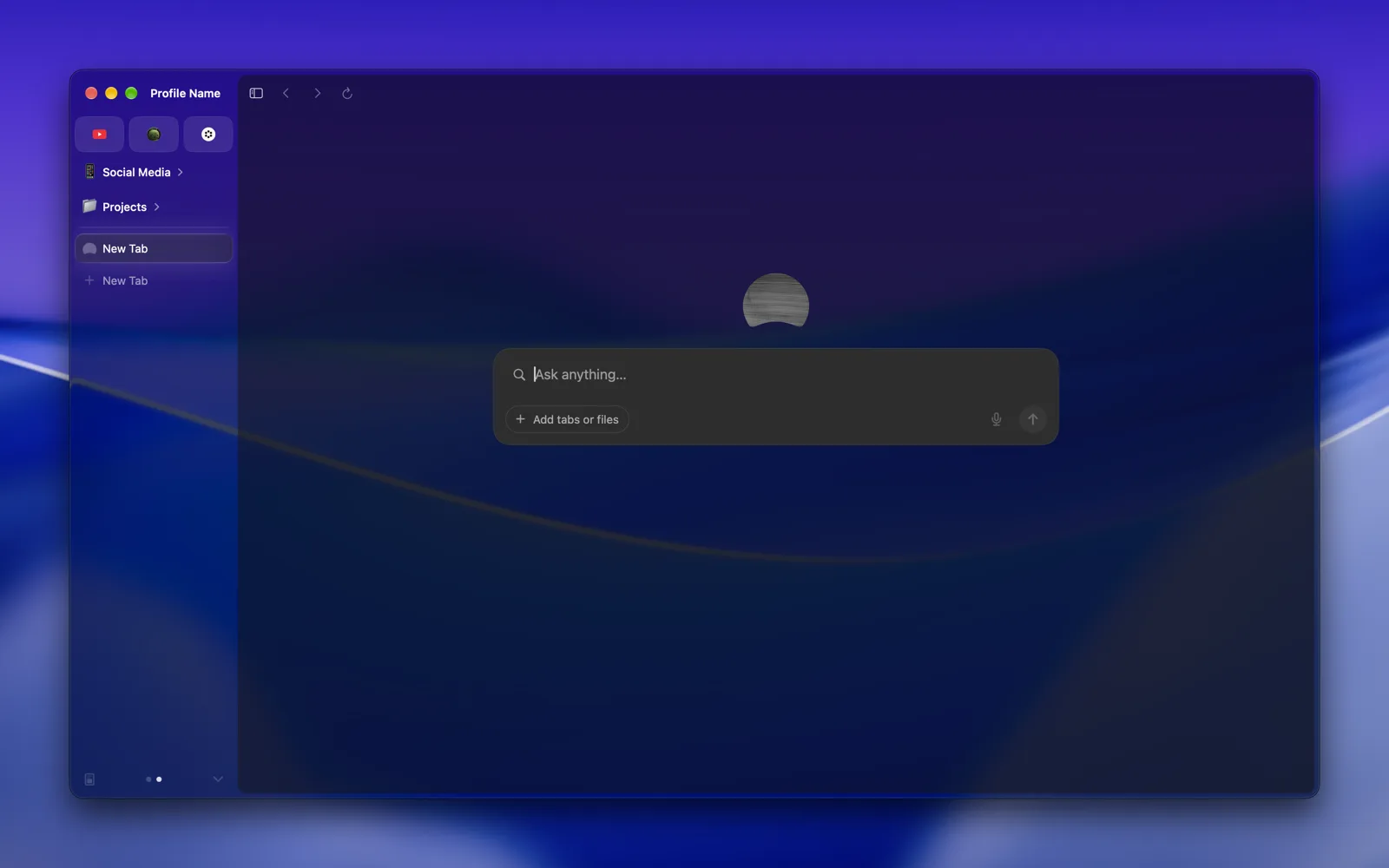
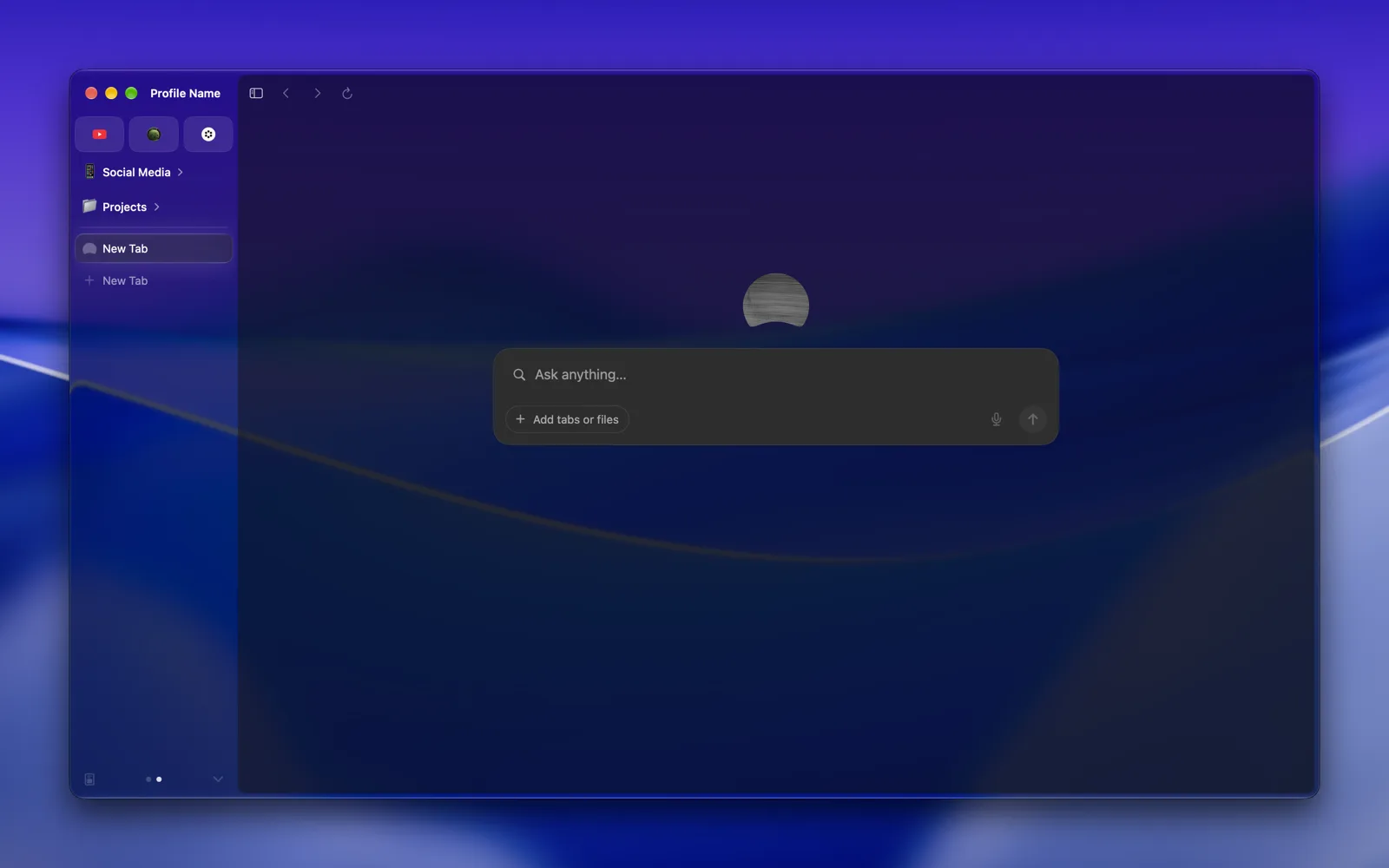
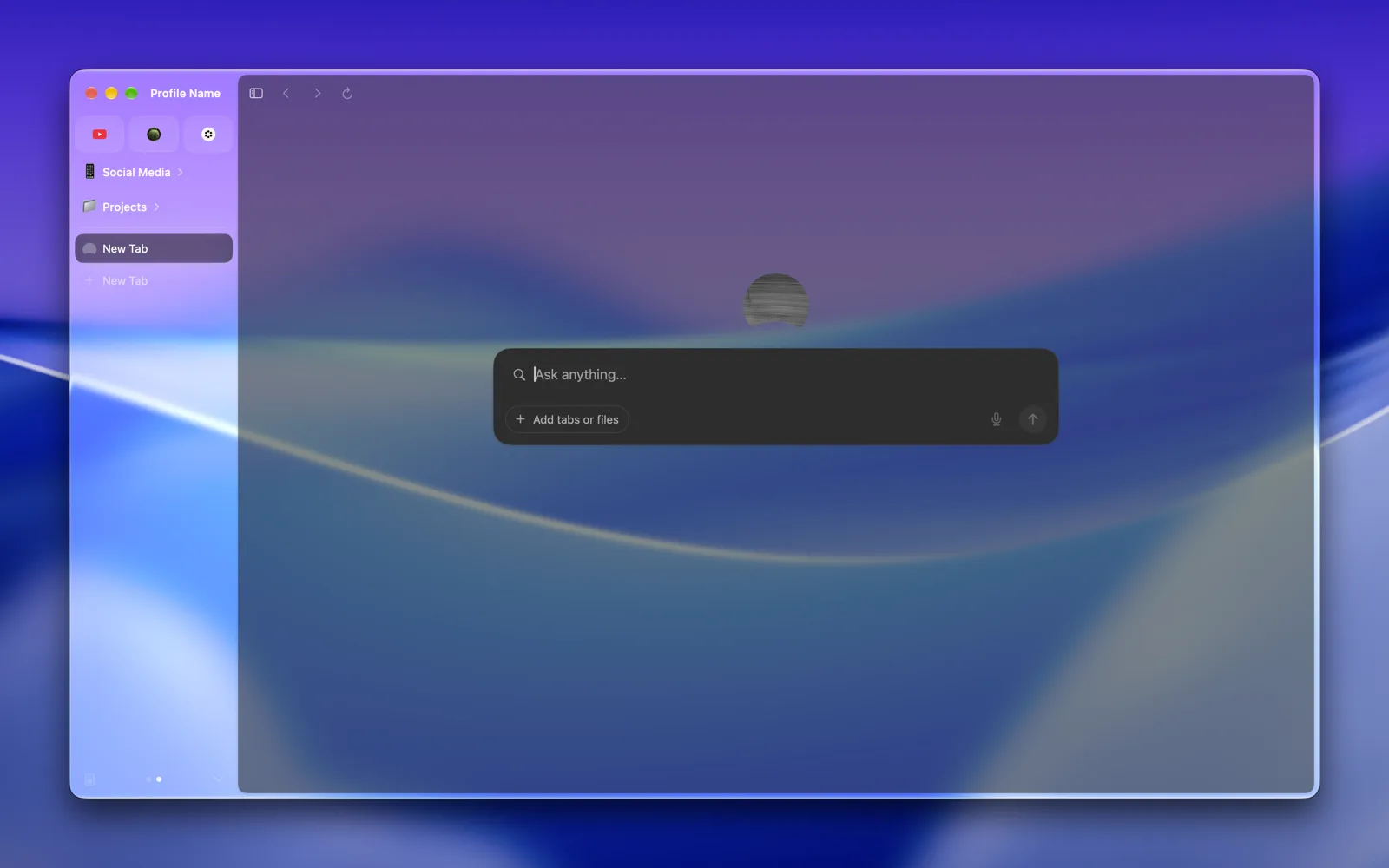
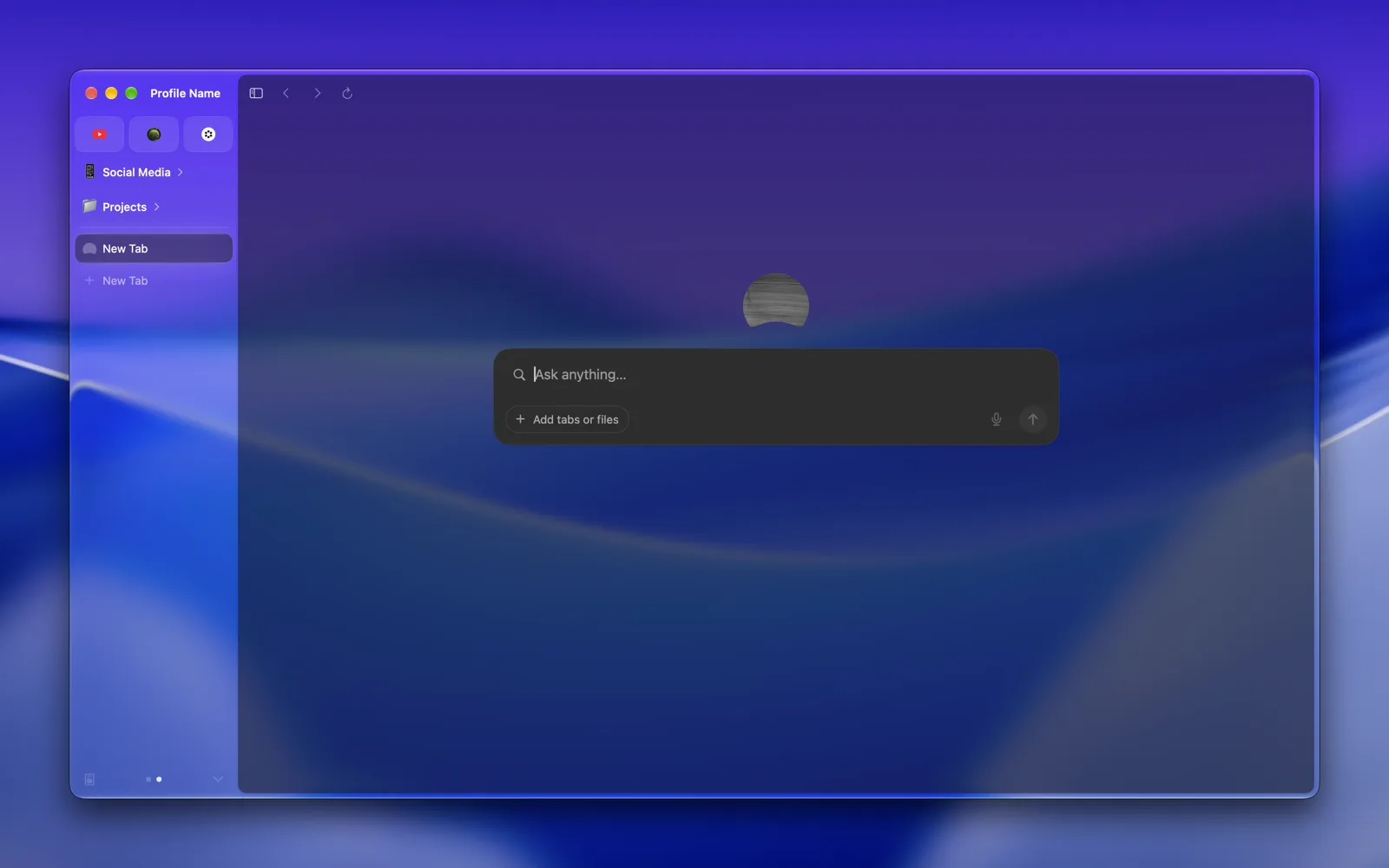
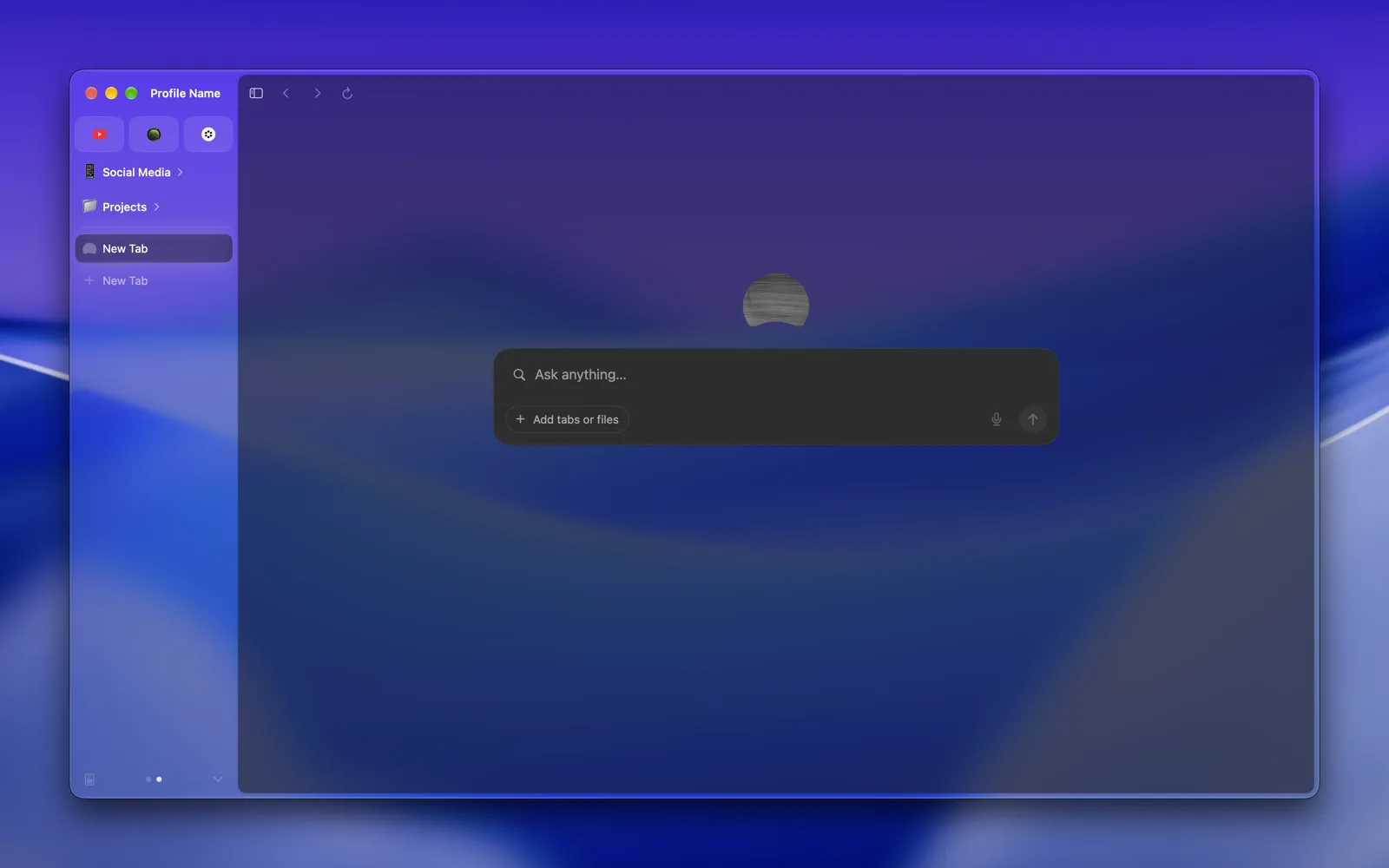
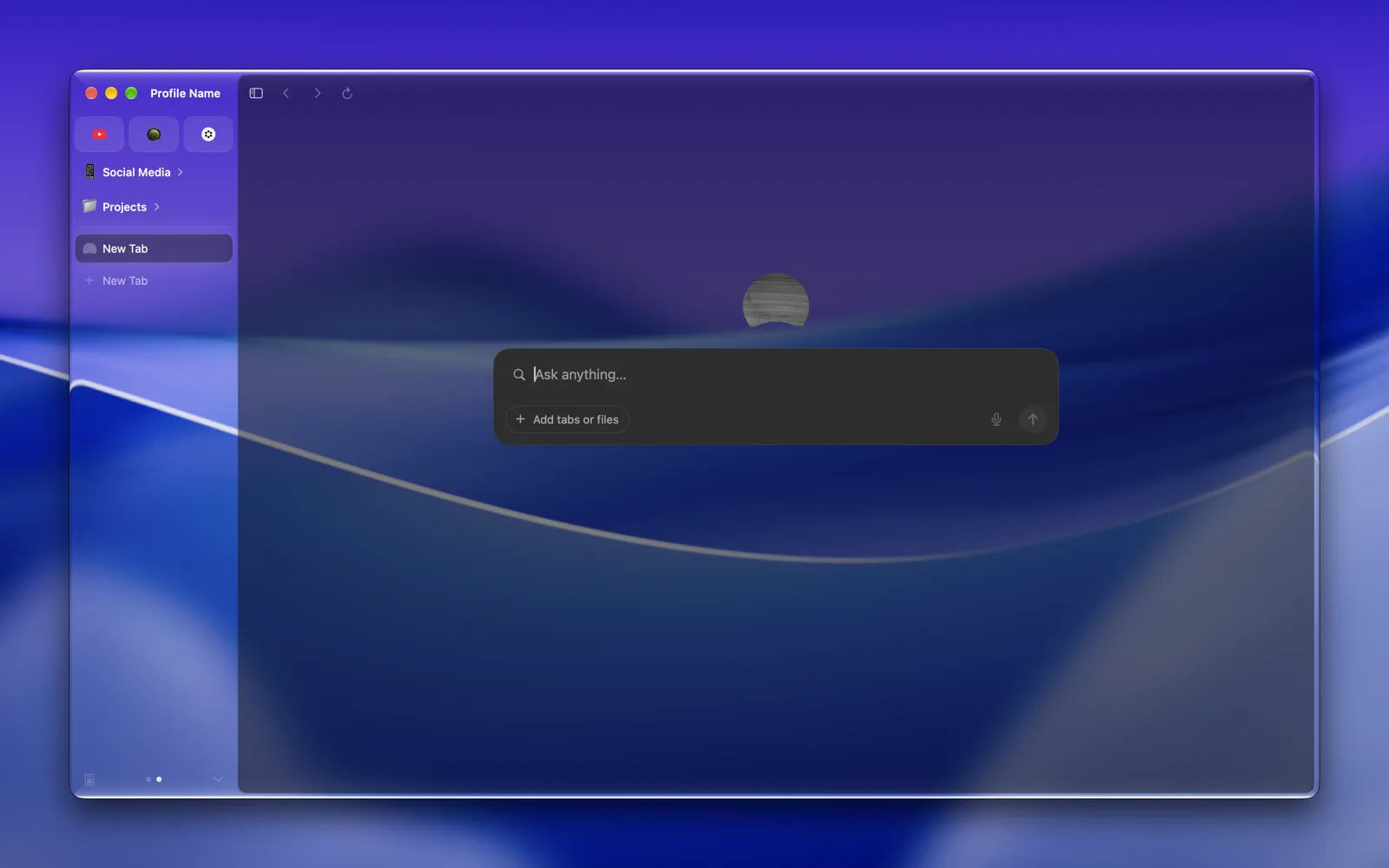
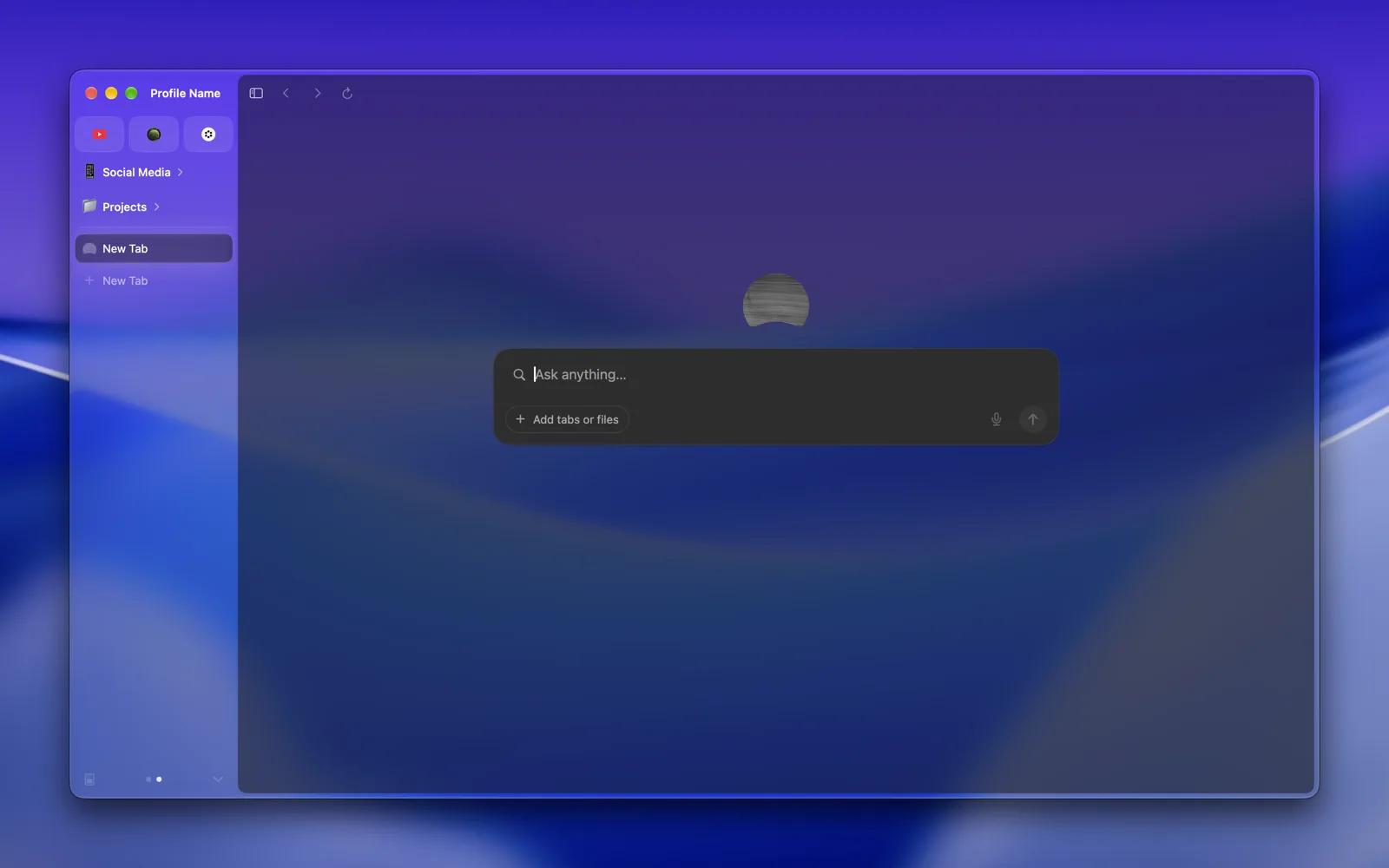
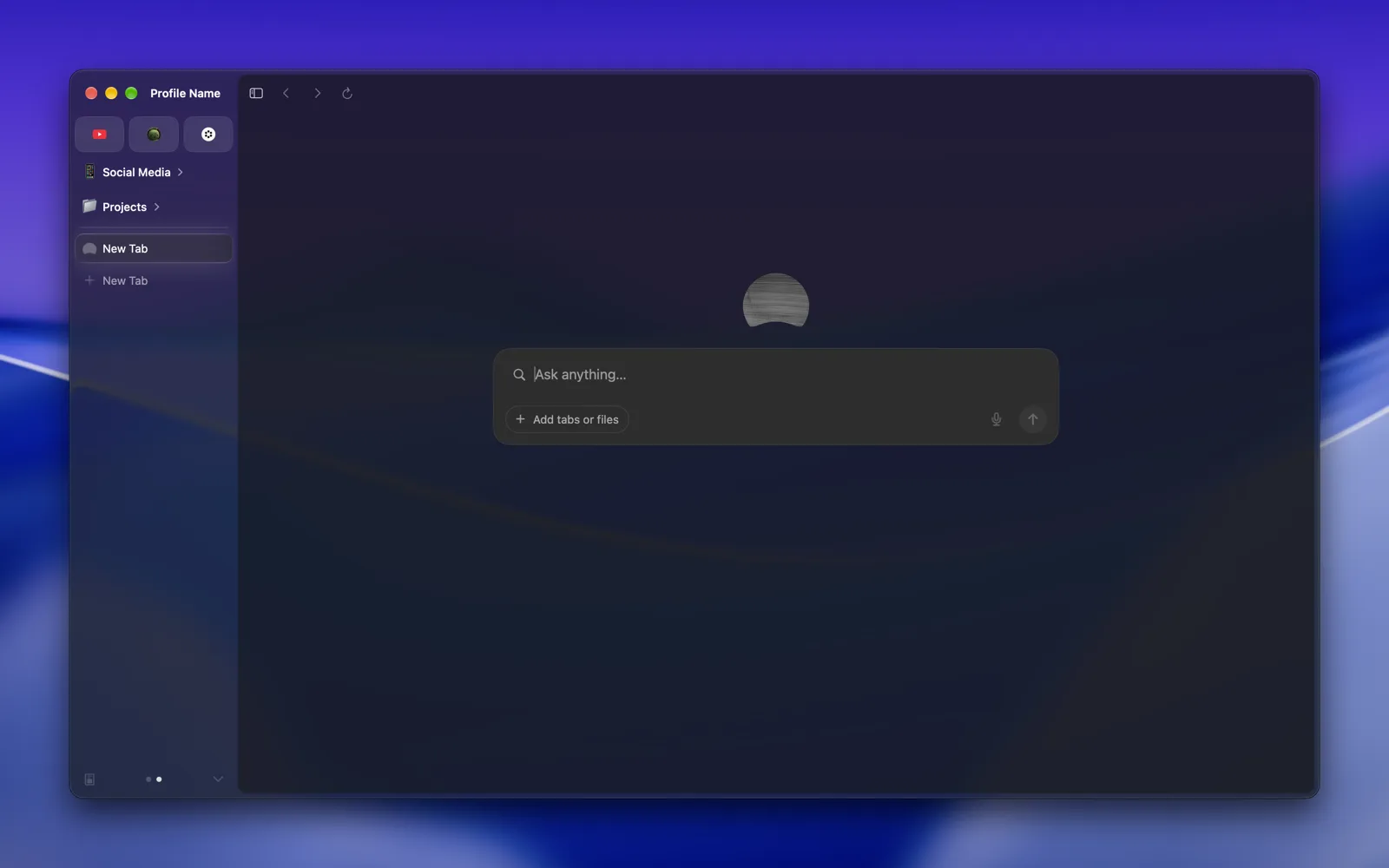
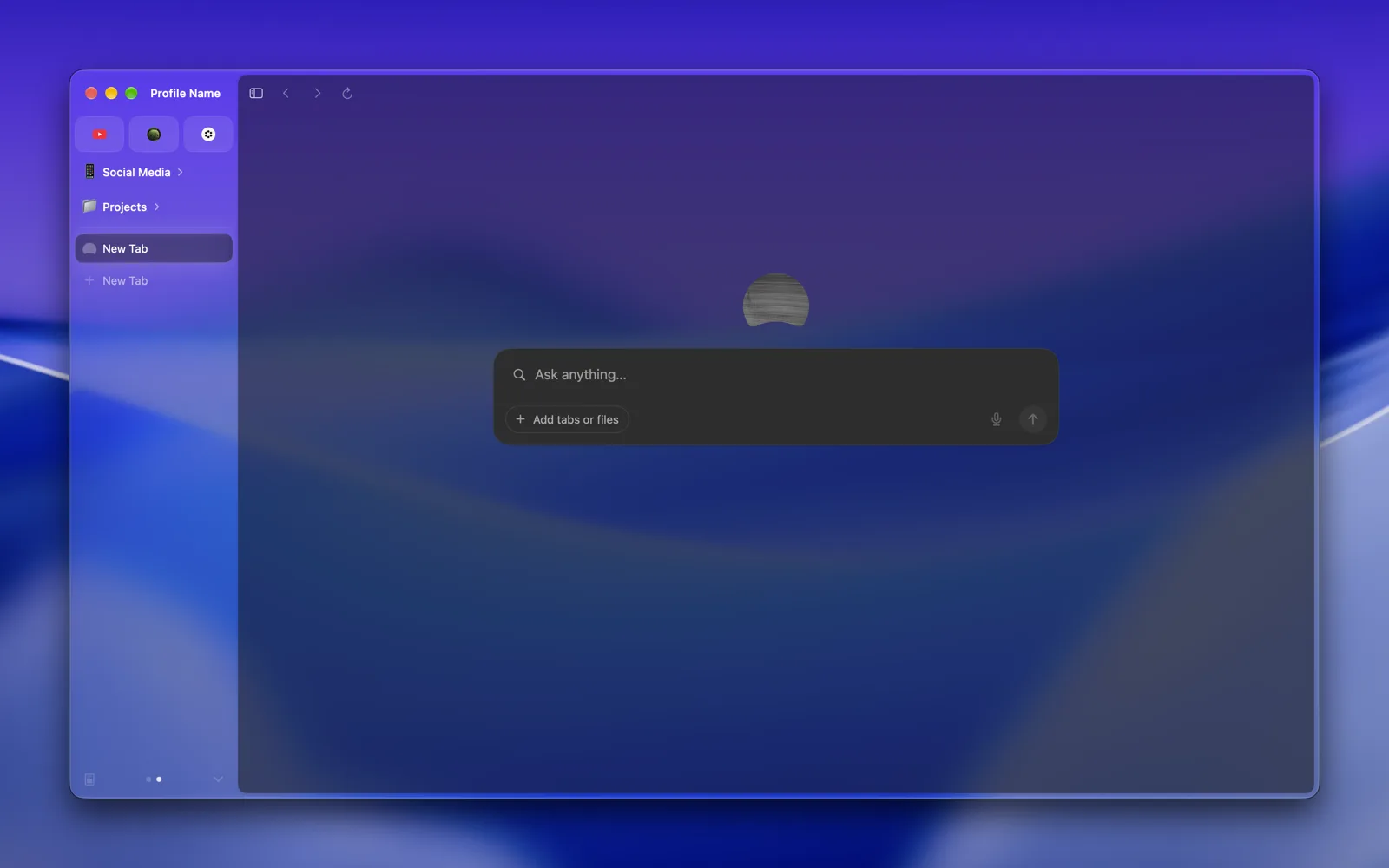
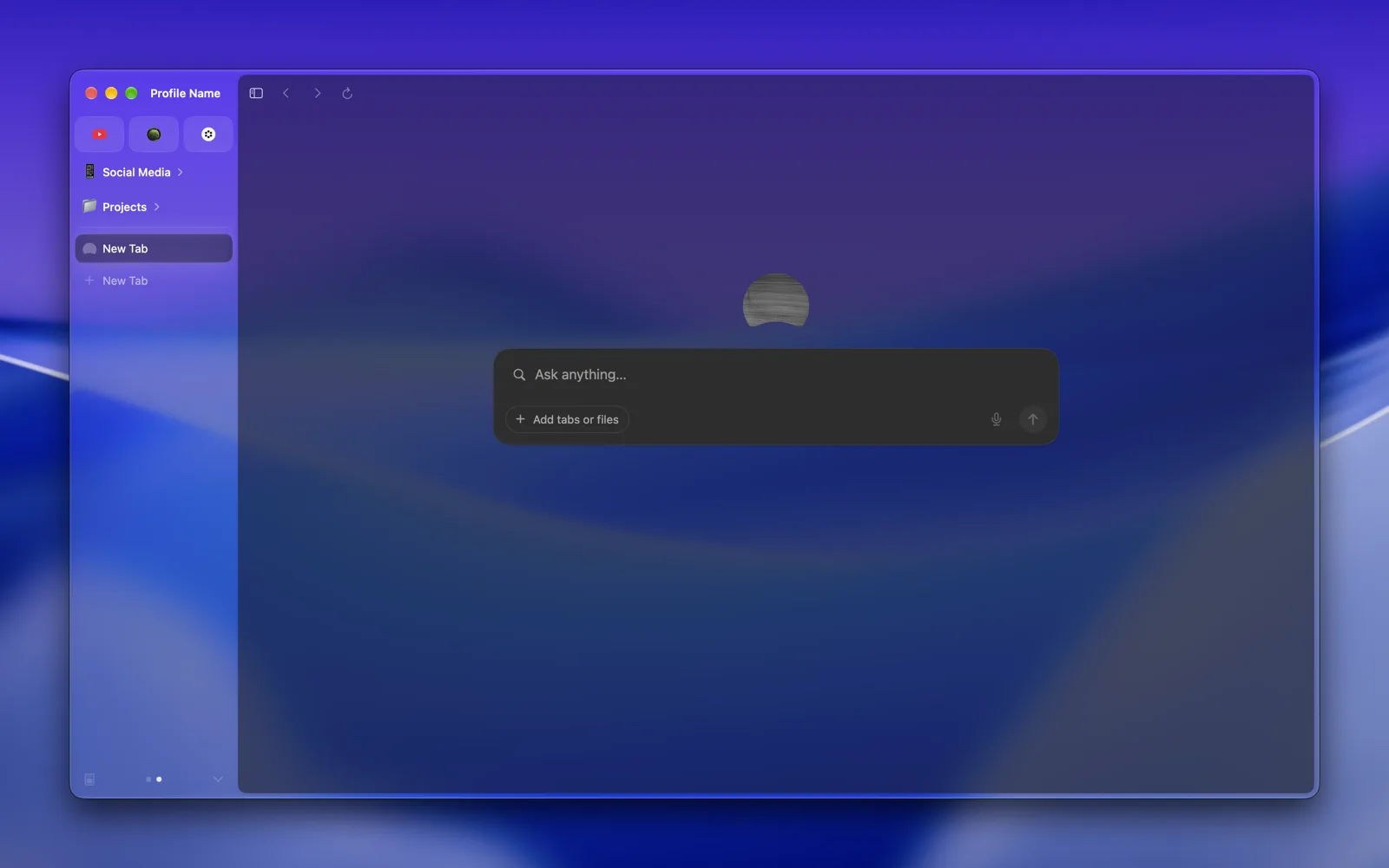
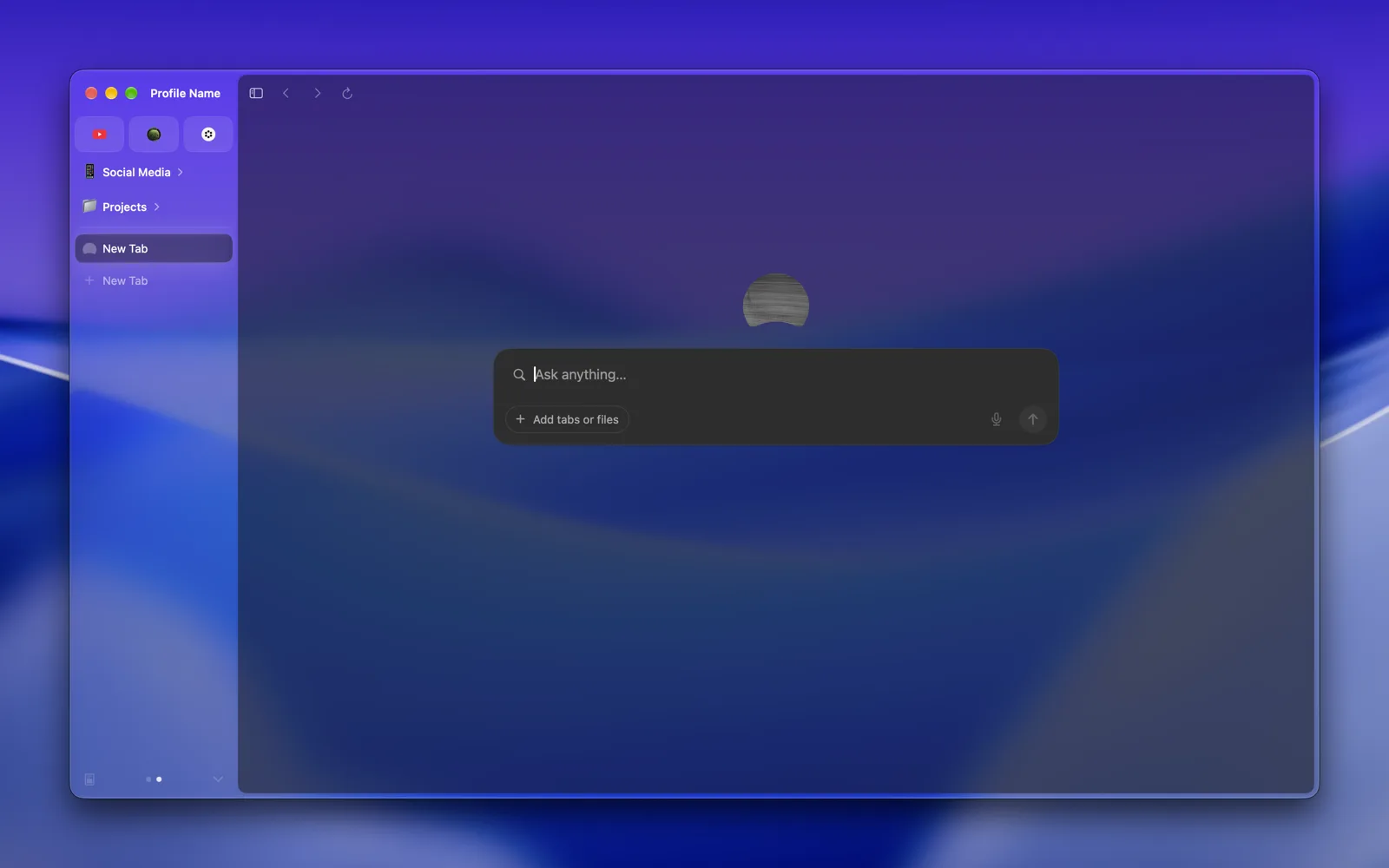
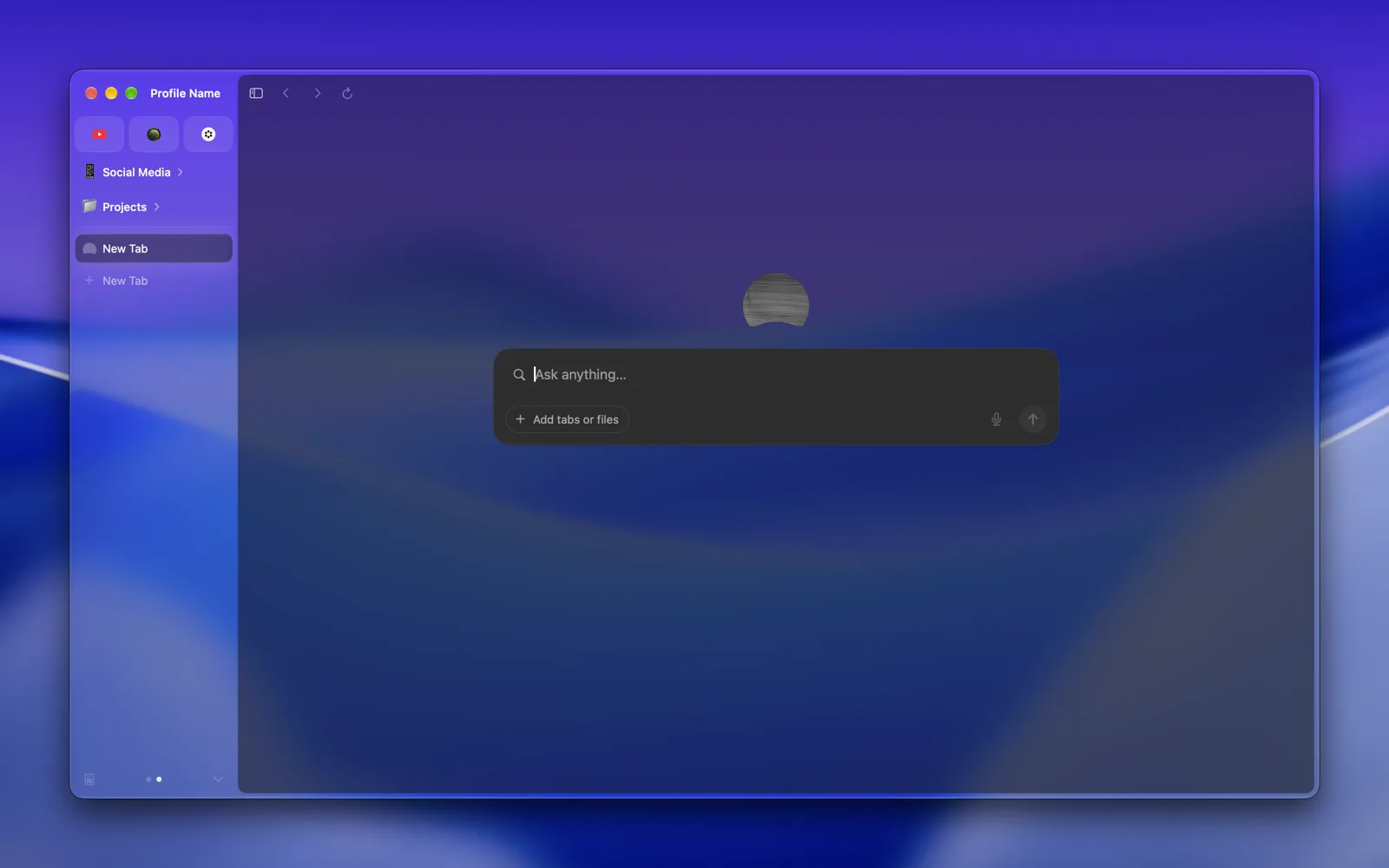
Puts a macOS material or Liquid Glass behind the tabs and sidebar, still tinted with your profile's color, so they pick up what is behind the window.
Dia's window is a flat color. If you like the translucent look other Mac apps have, this gives Dia the same, and you can pick from every material and Liquid Glass style macOS has.
Handy when you want Dia to match macOS 26 or a wallpaper you like. Skip it if you want text on the sidebar to stay as high contrast as possible, since translucent materials let busy backgrounds show through.
Open Dia → Settings → Patches and switch on Window Material. Or run:
diatweaks enable windowMaterialPick the material on the same page, under Options → Material. It's Abutted Sidebar glass to begin with.
Each one in light and dark mode, with no other tweaks on.
| Light | Dark | |
|---|---|---|
| Dia's own, with the tweak off | 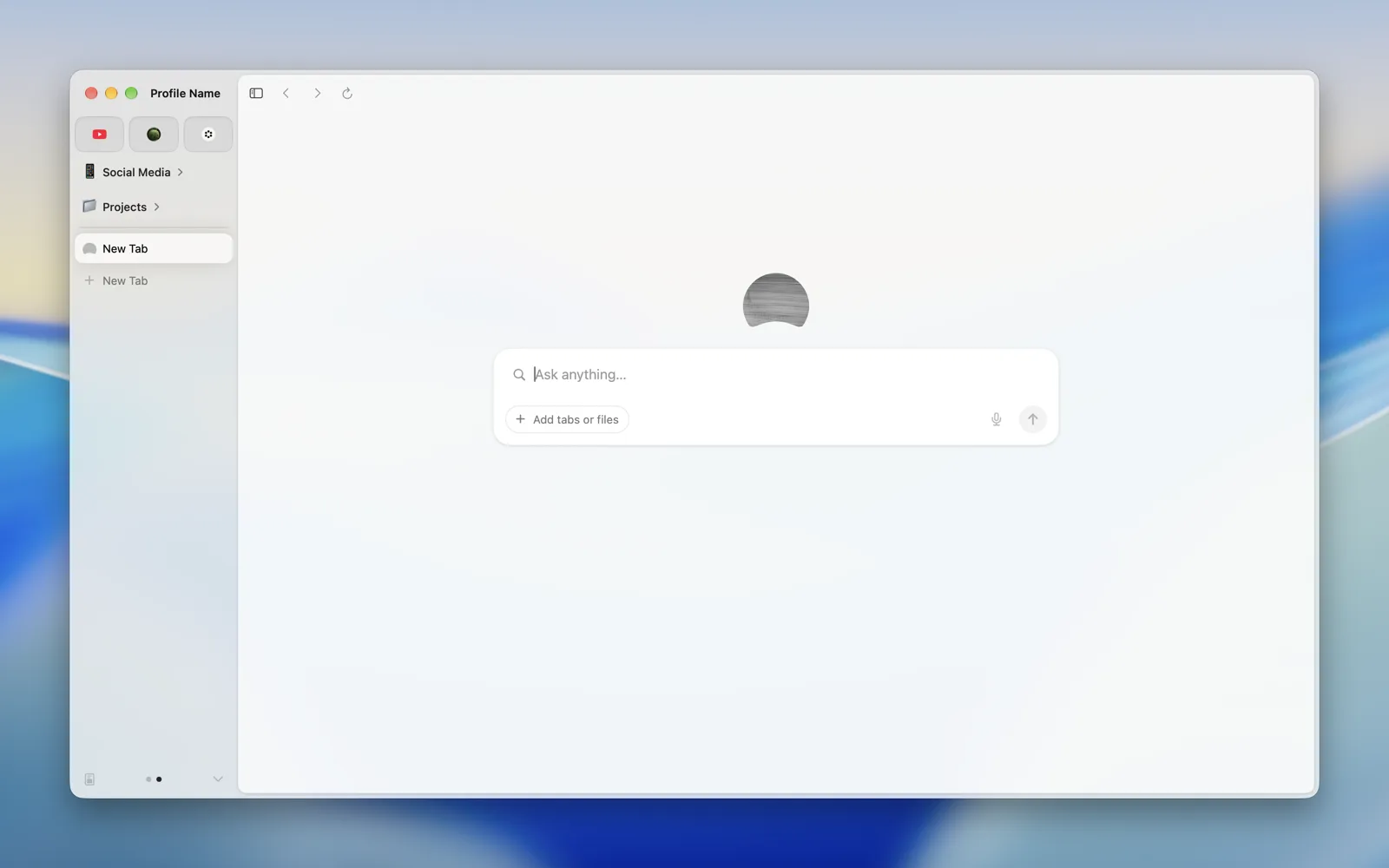 |
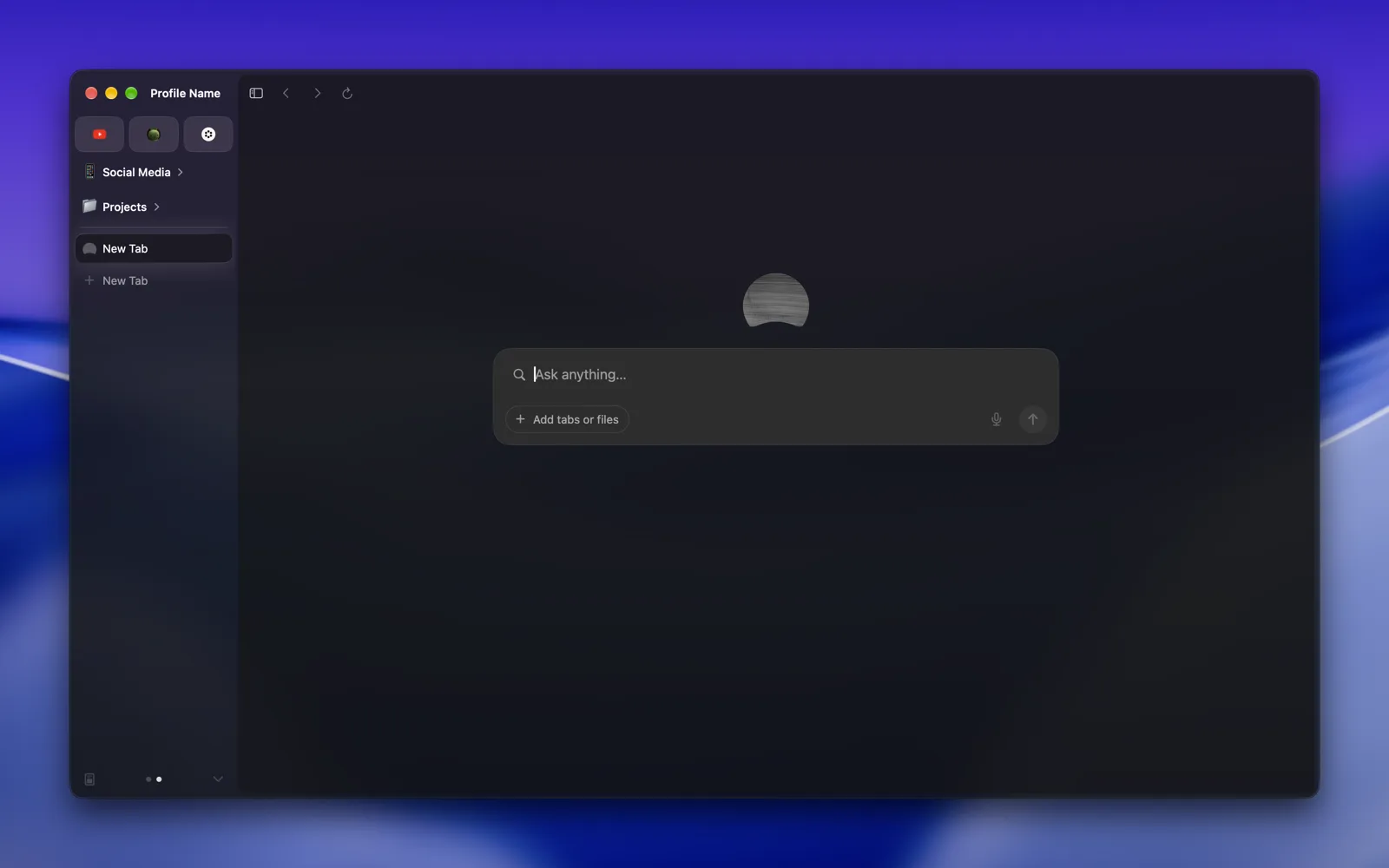 |
| Titlebar | 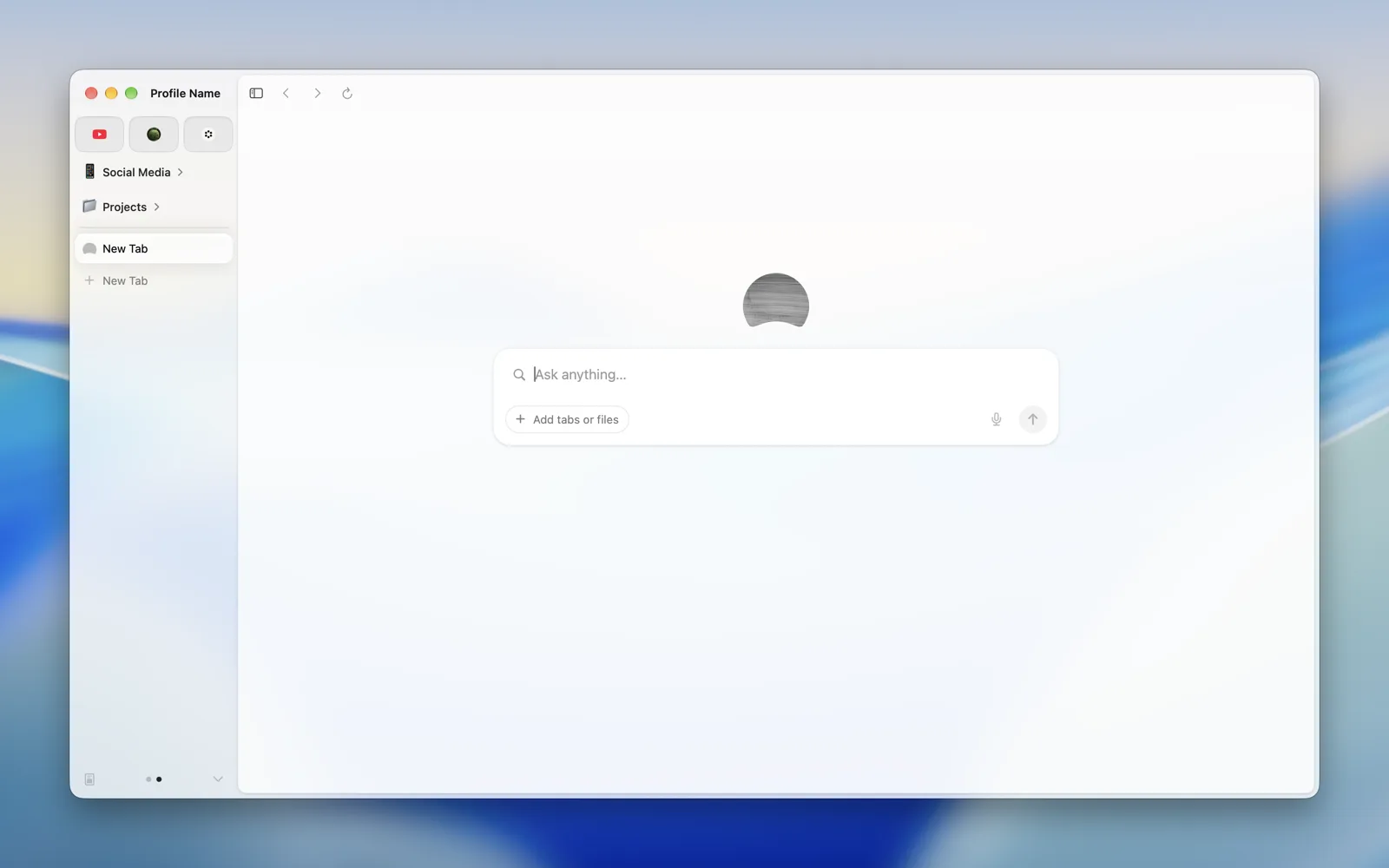 |
 |
| Menu | 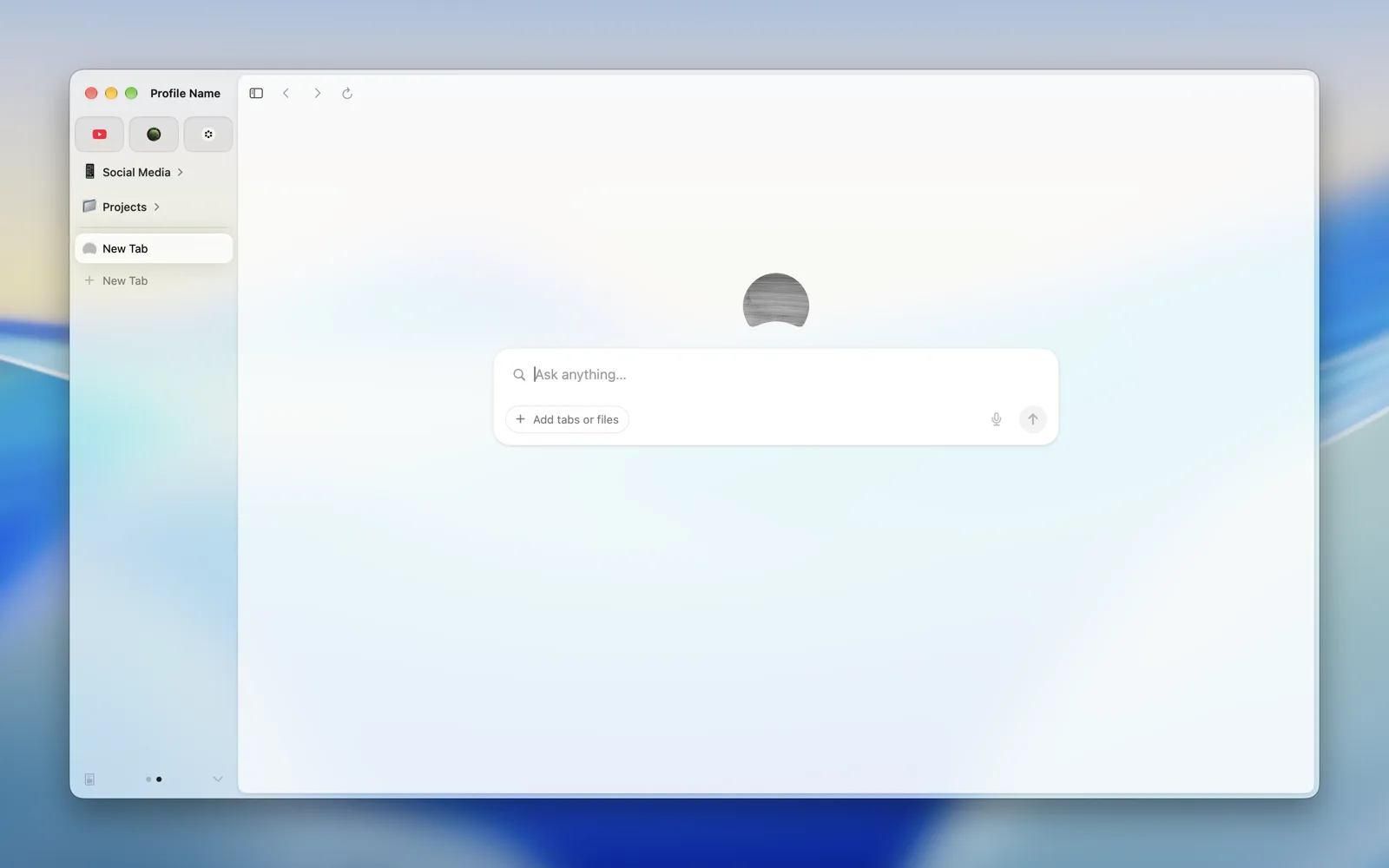 |
 |
| Popover | 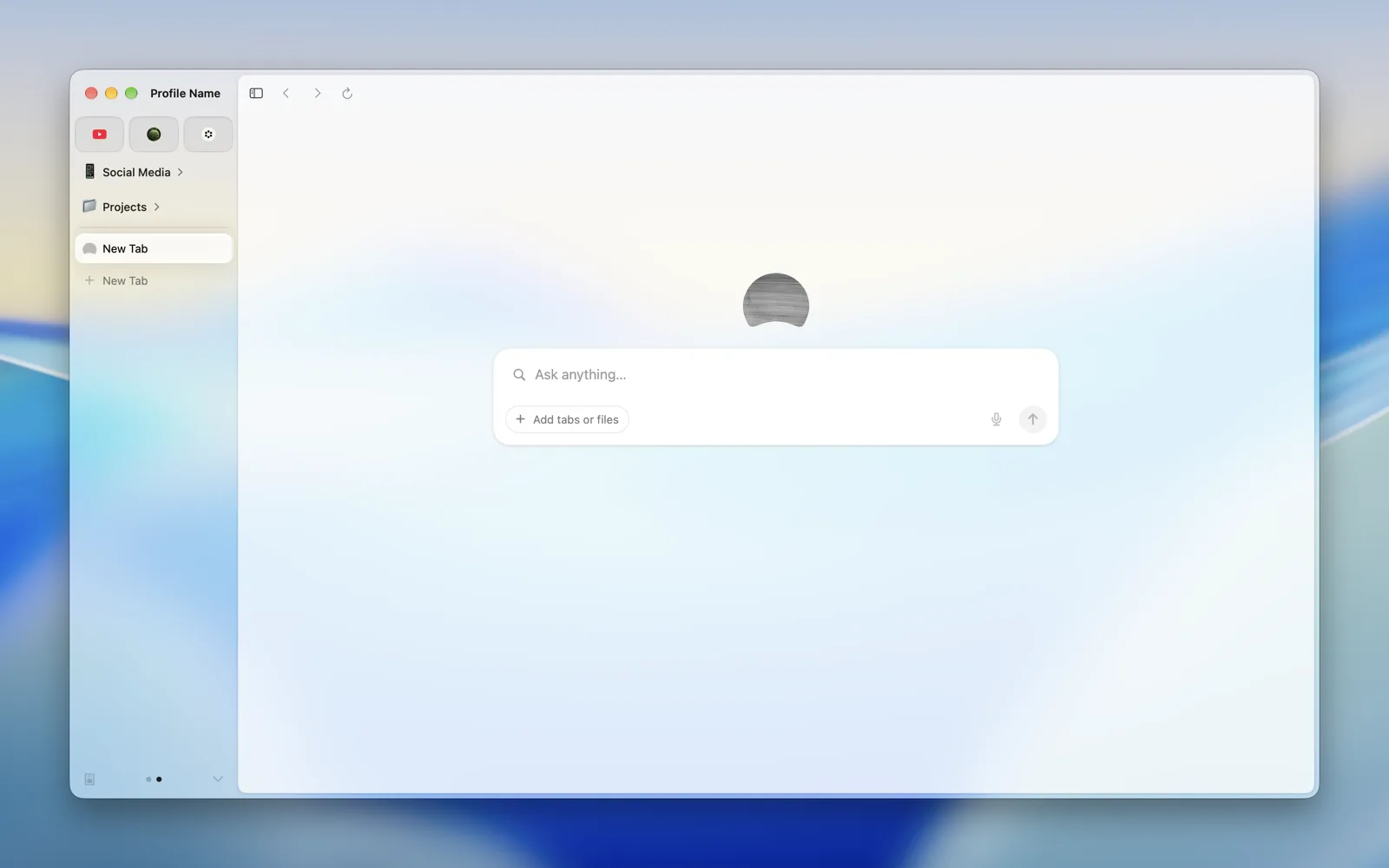 |
 |
| Sidebar | 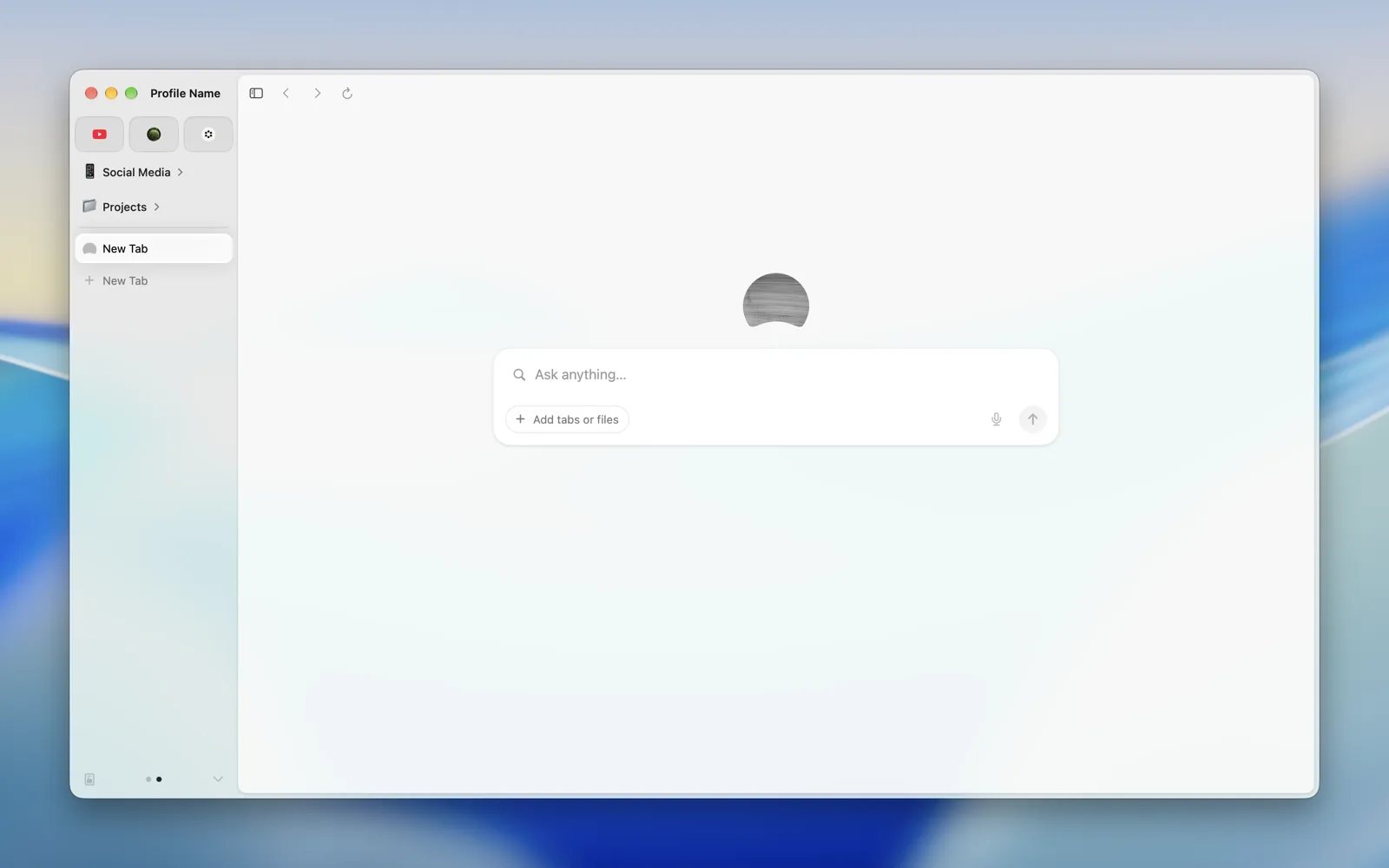 |
 |
| Header | 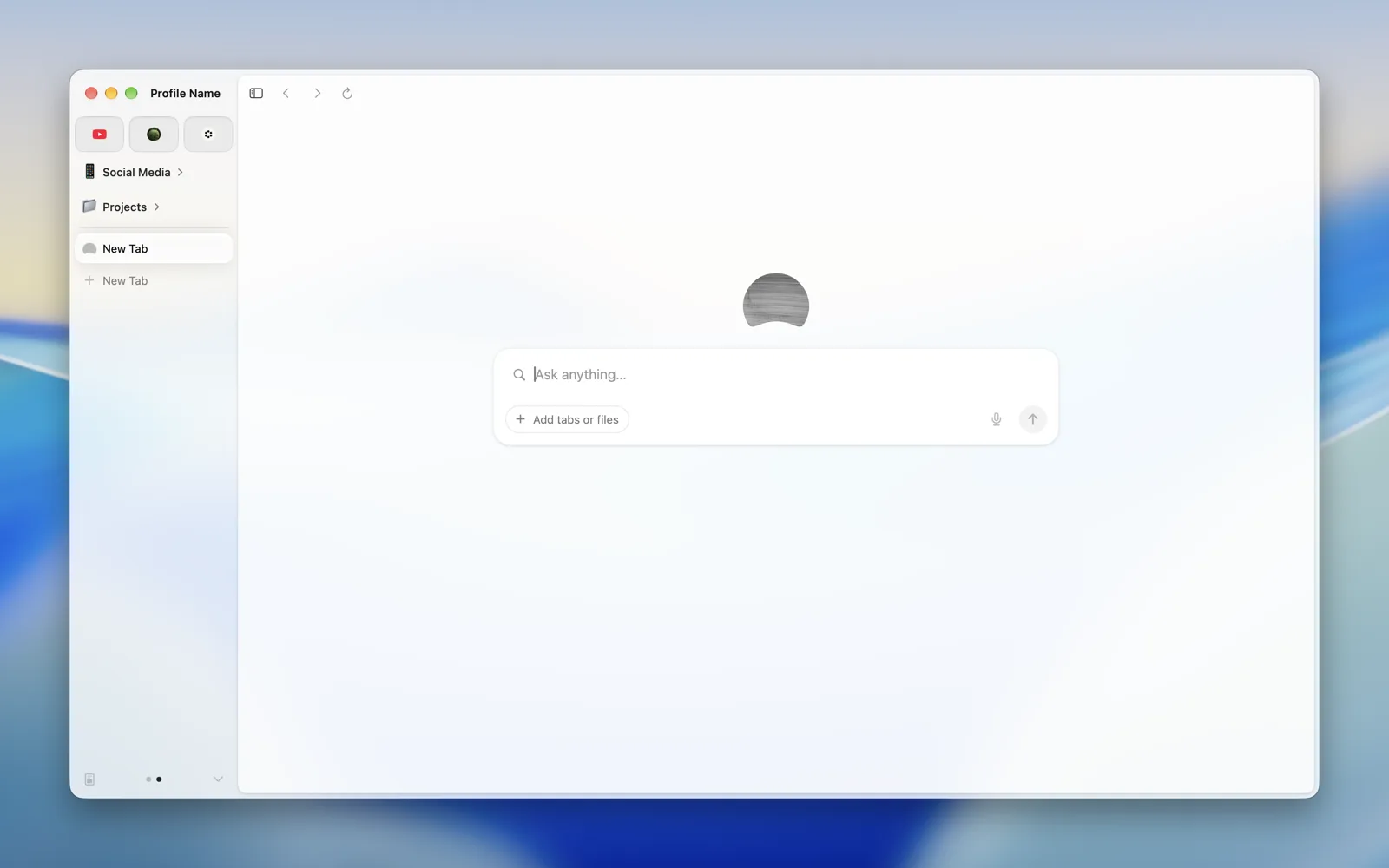 |
 |
| HUD Window | 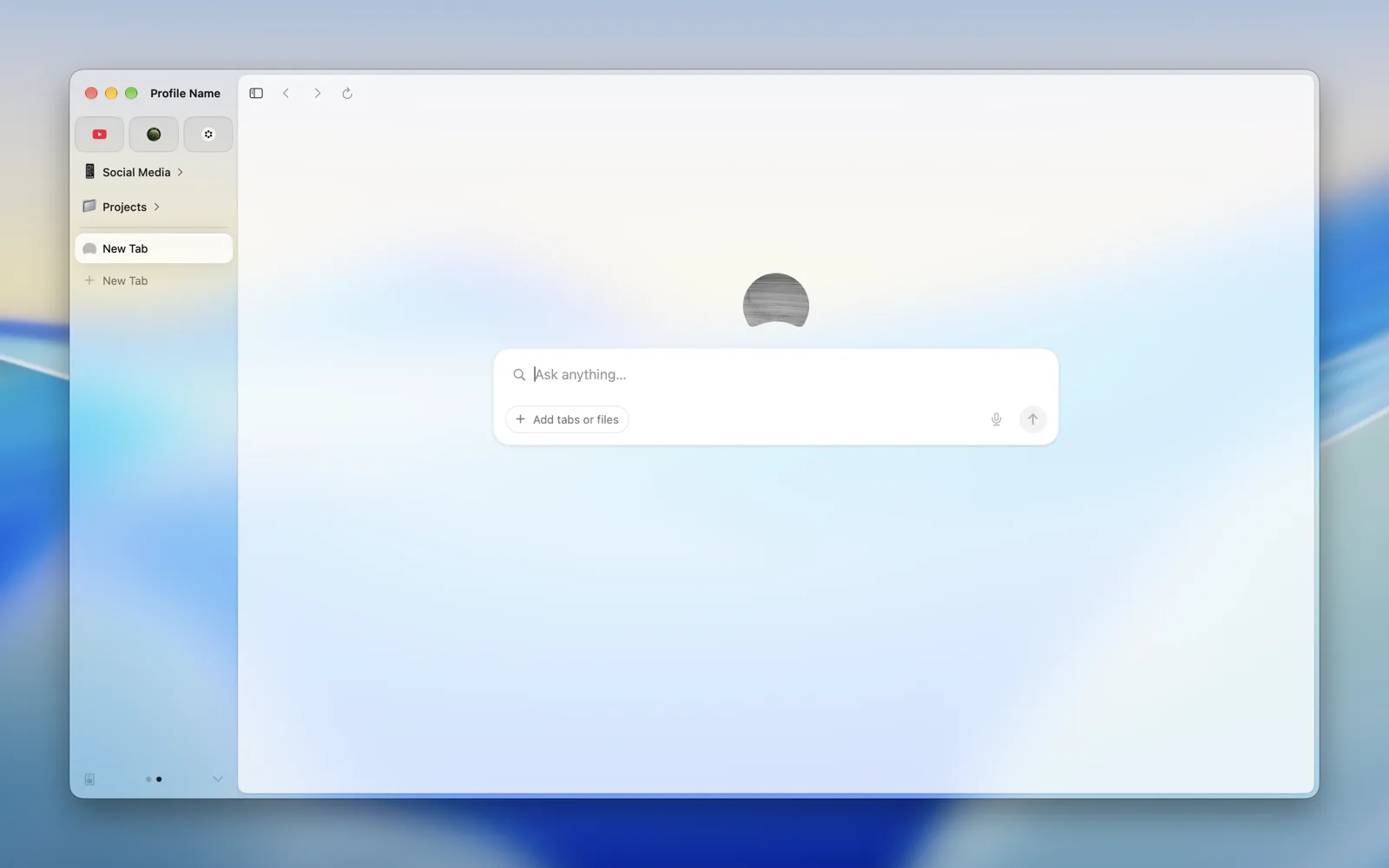 |
 |
| Full Screen UI | 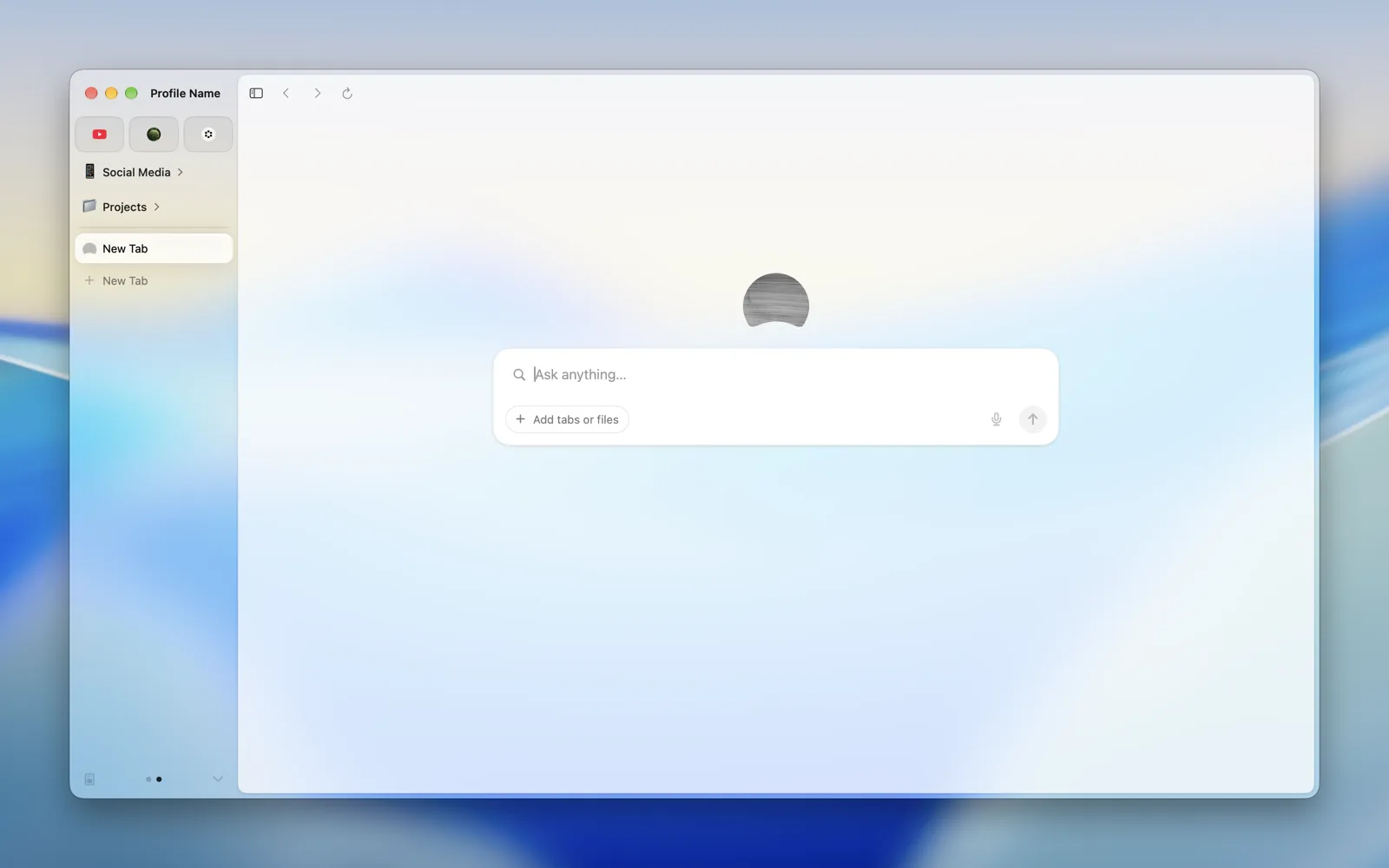 |
 |
| Tooltip | 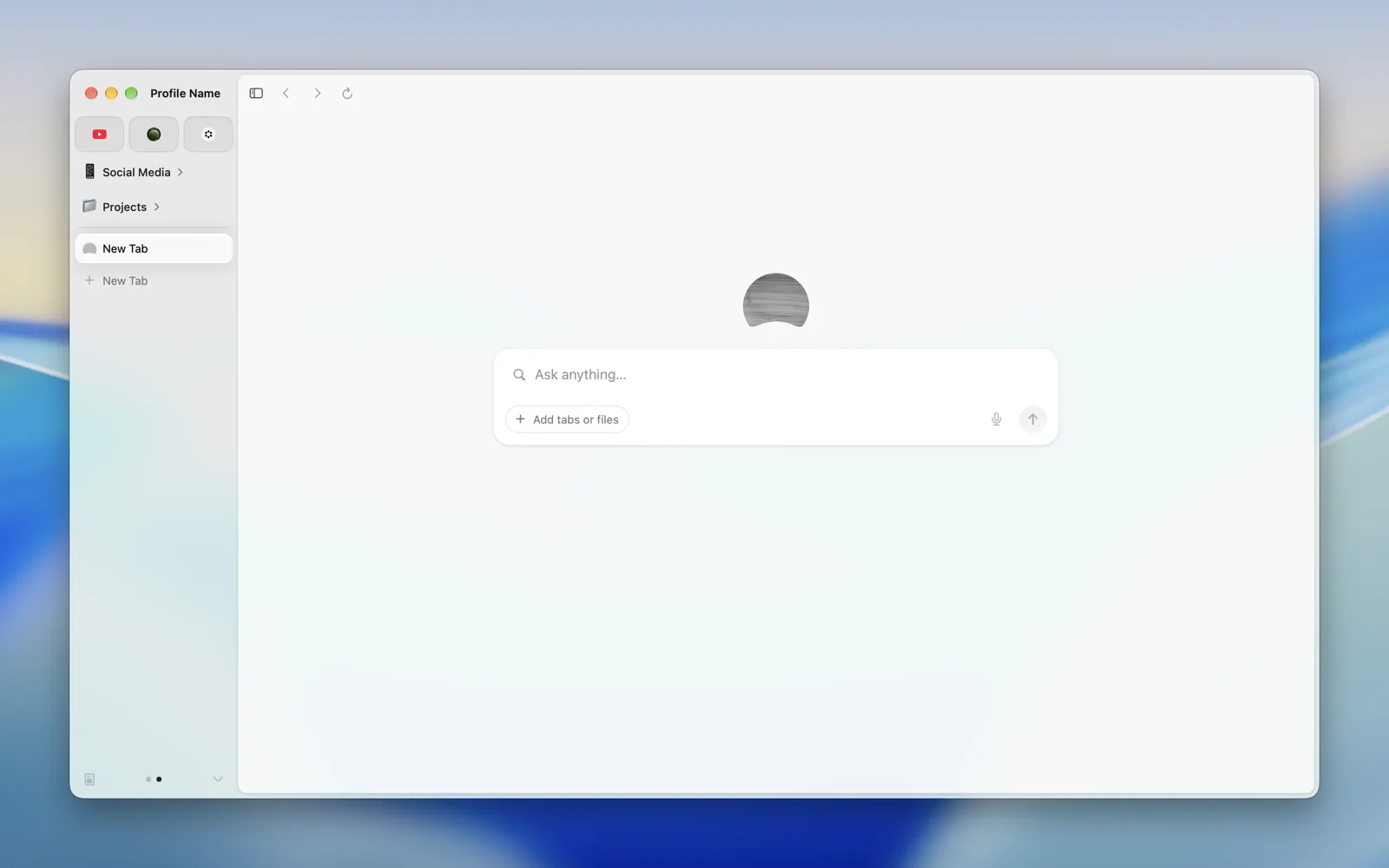 |
 |
| Under Window Background | 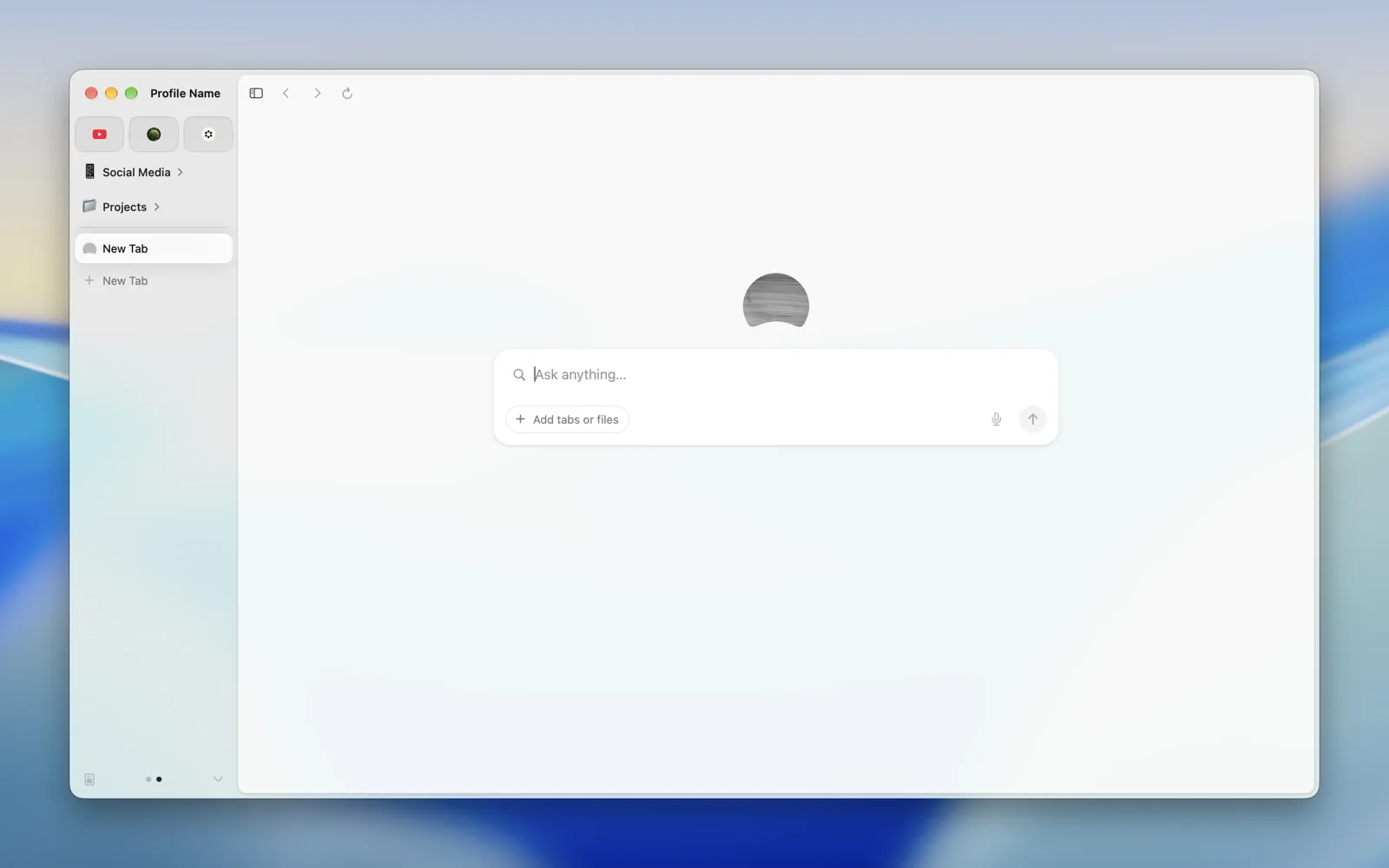 |
 |
Liquid Glass needs macOS 26.
| Light | Dark | |
|---|---|---|
| Regular | 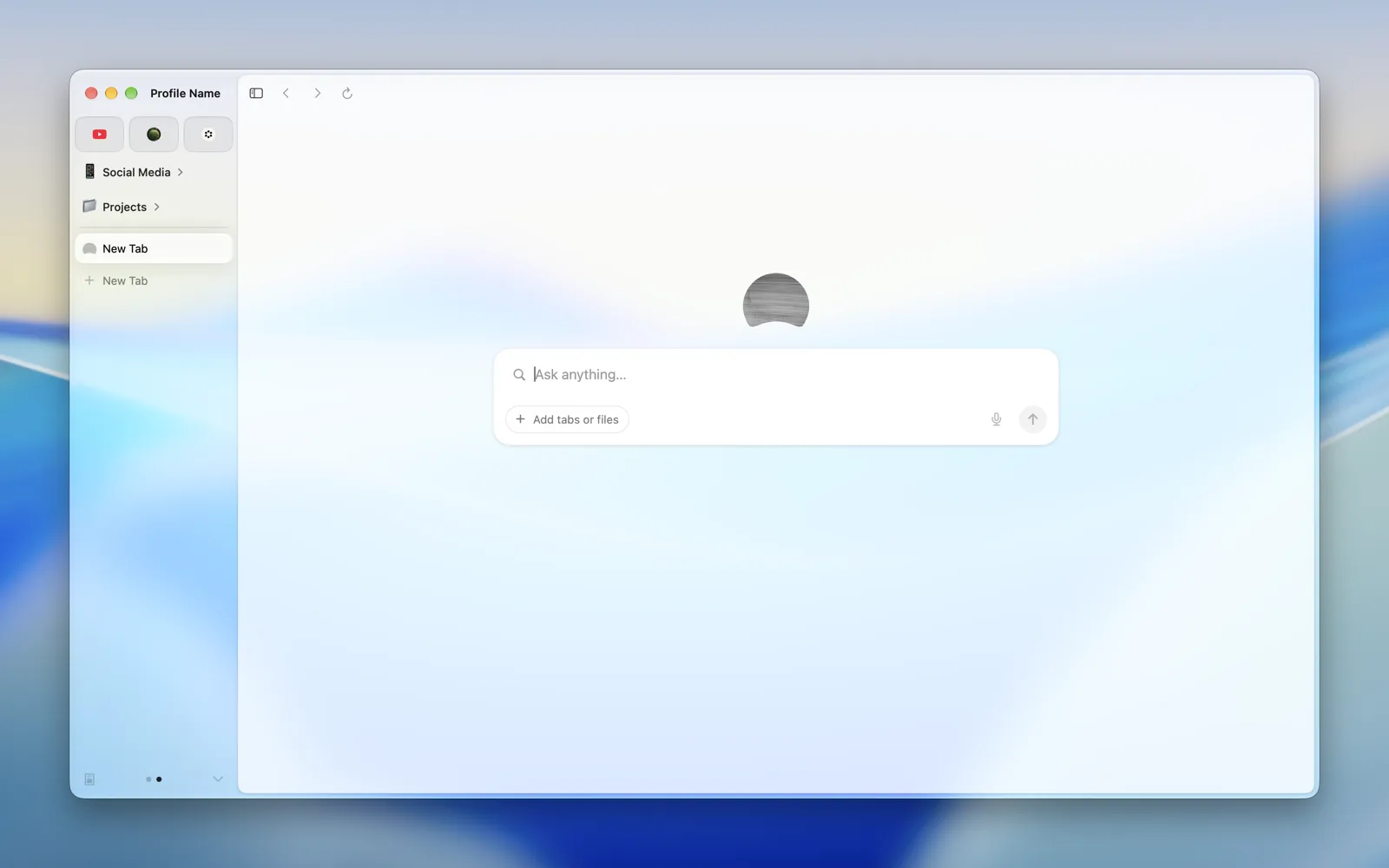 |
 |
| Clear | 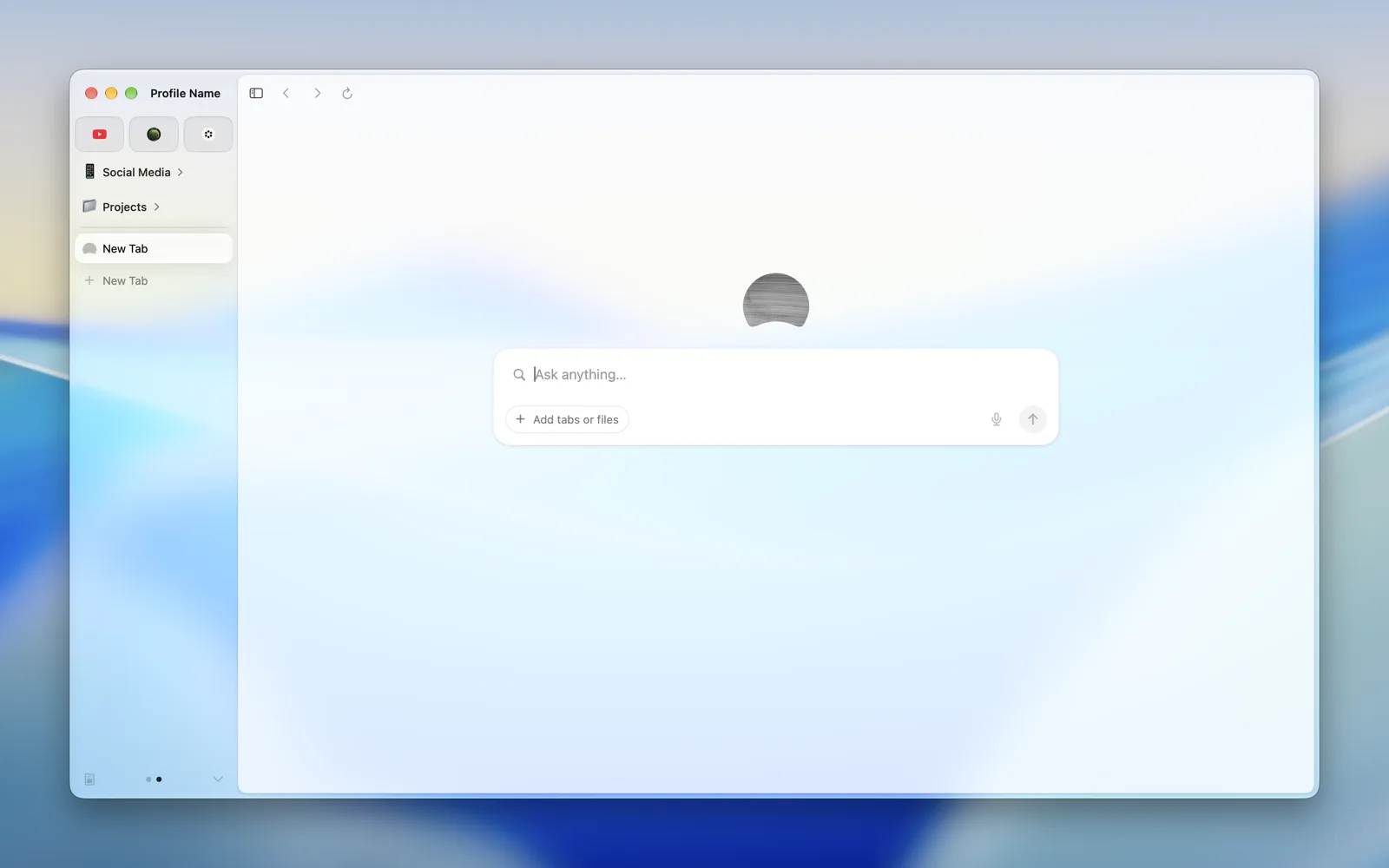 |
 |
| Dock | 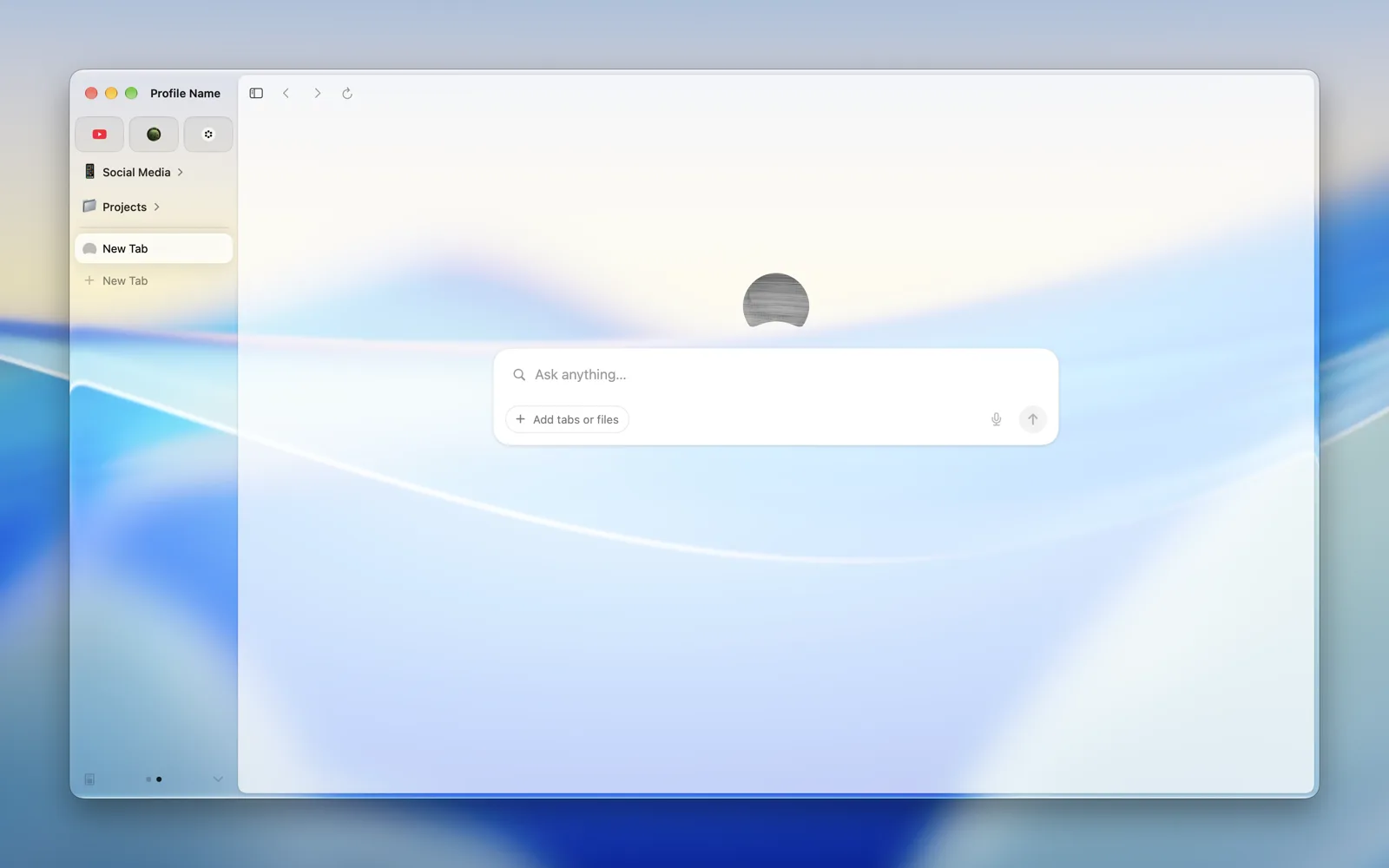 |
 |
| App Icons | 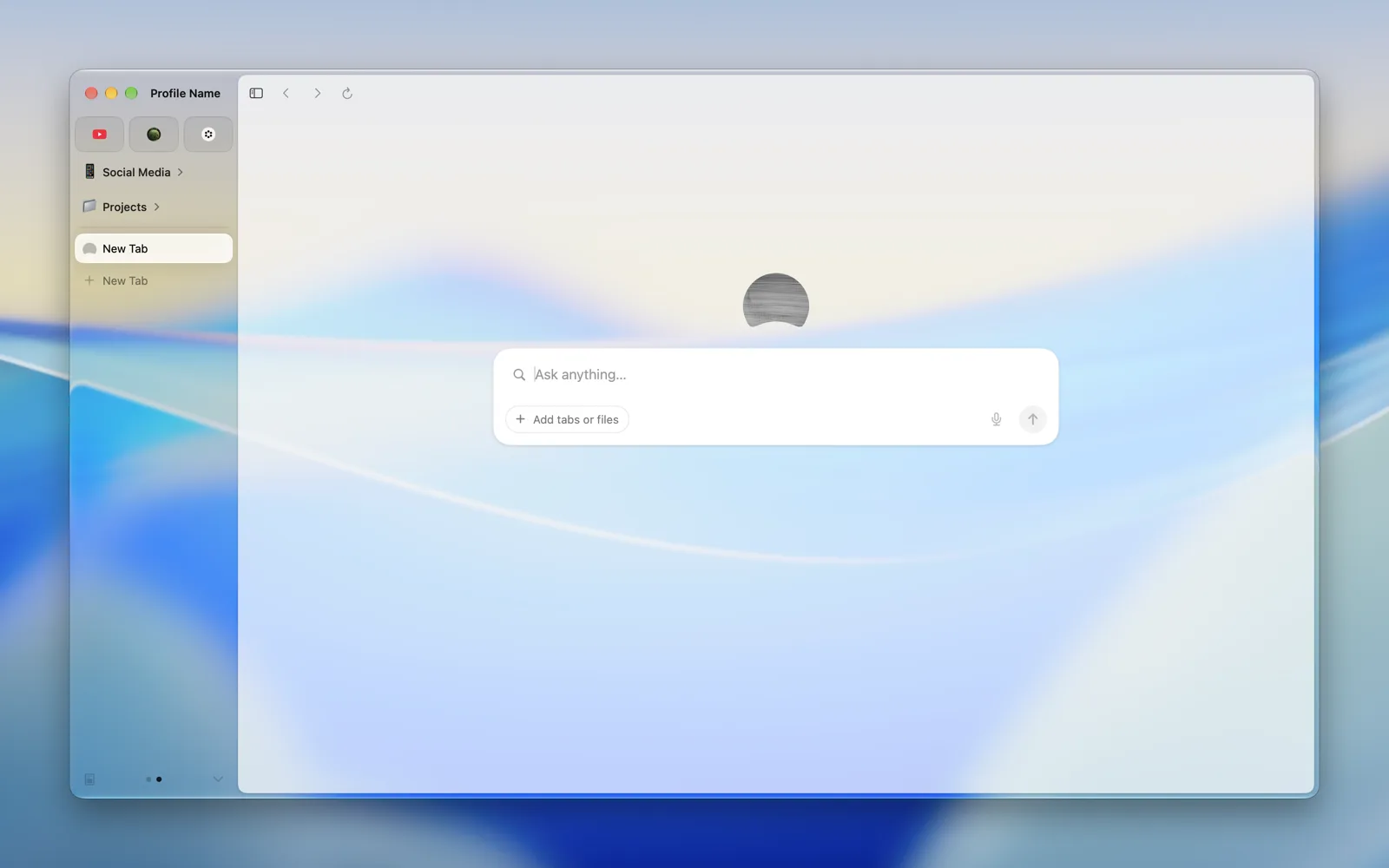 |
 |
| Widgets | 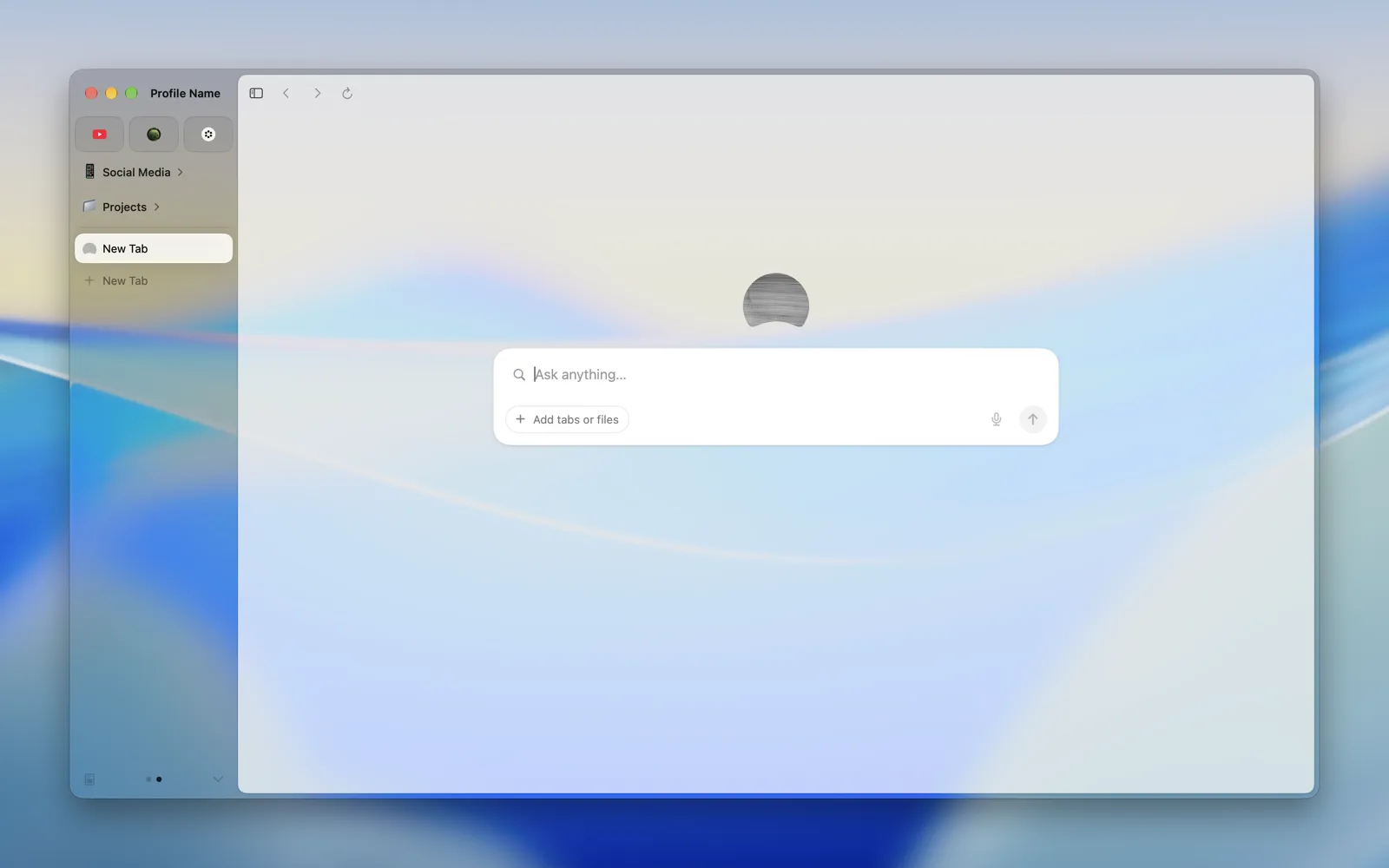 |
 |
| Text | 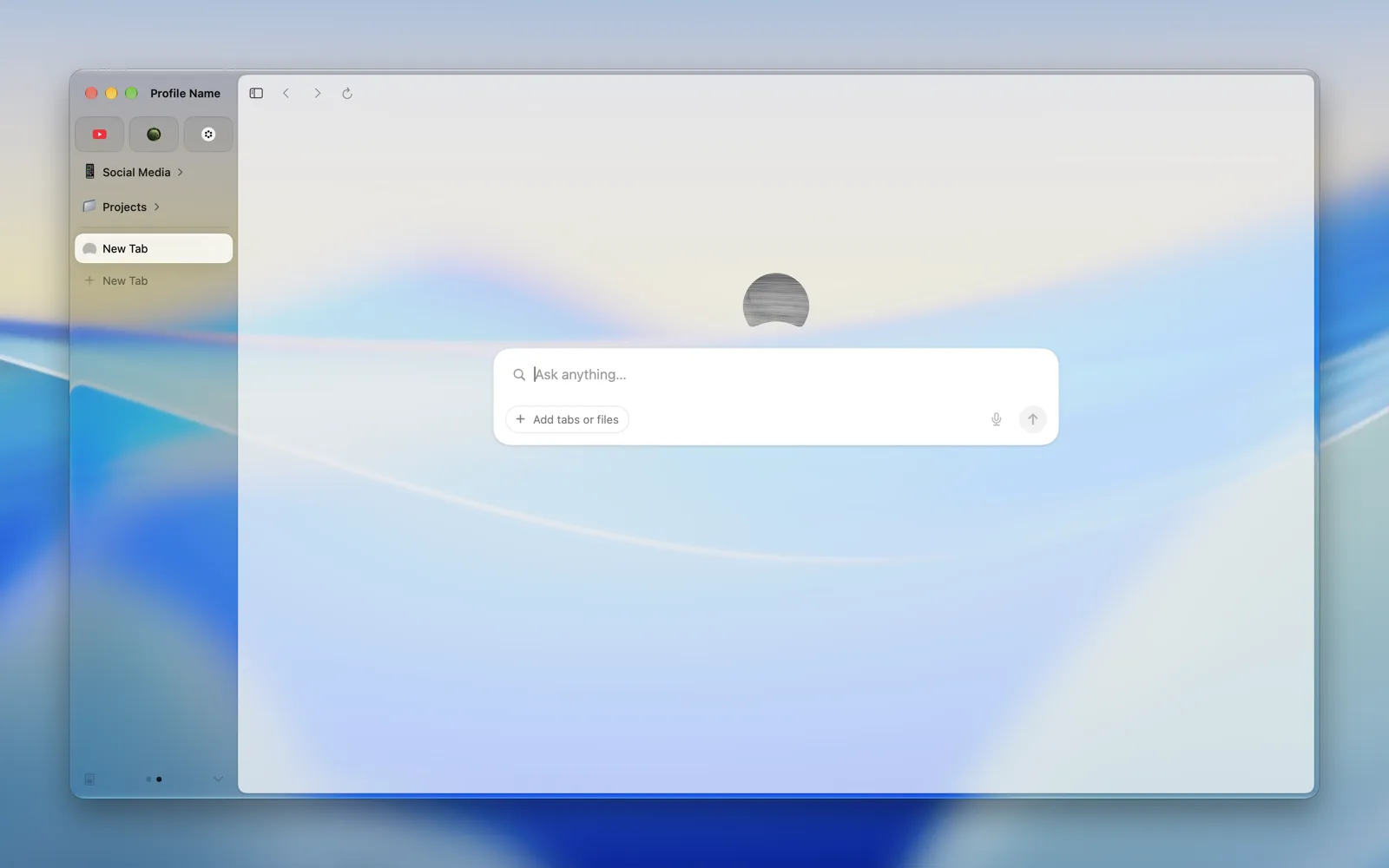 |
 |
| AV Player | 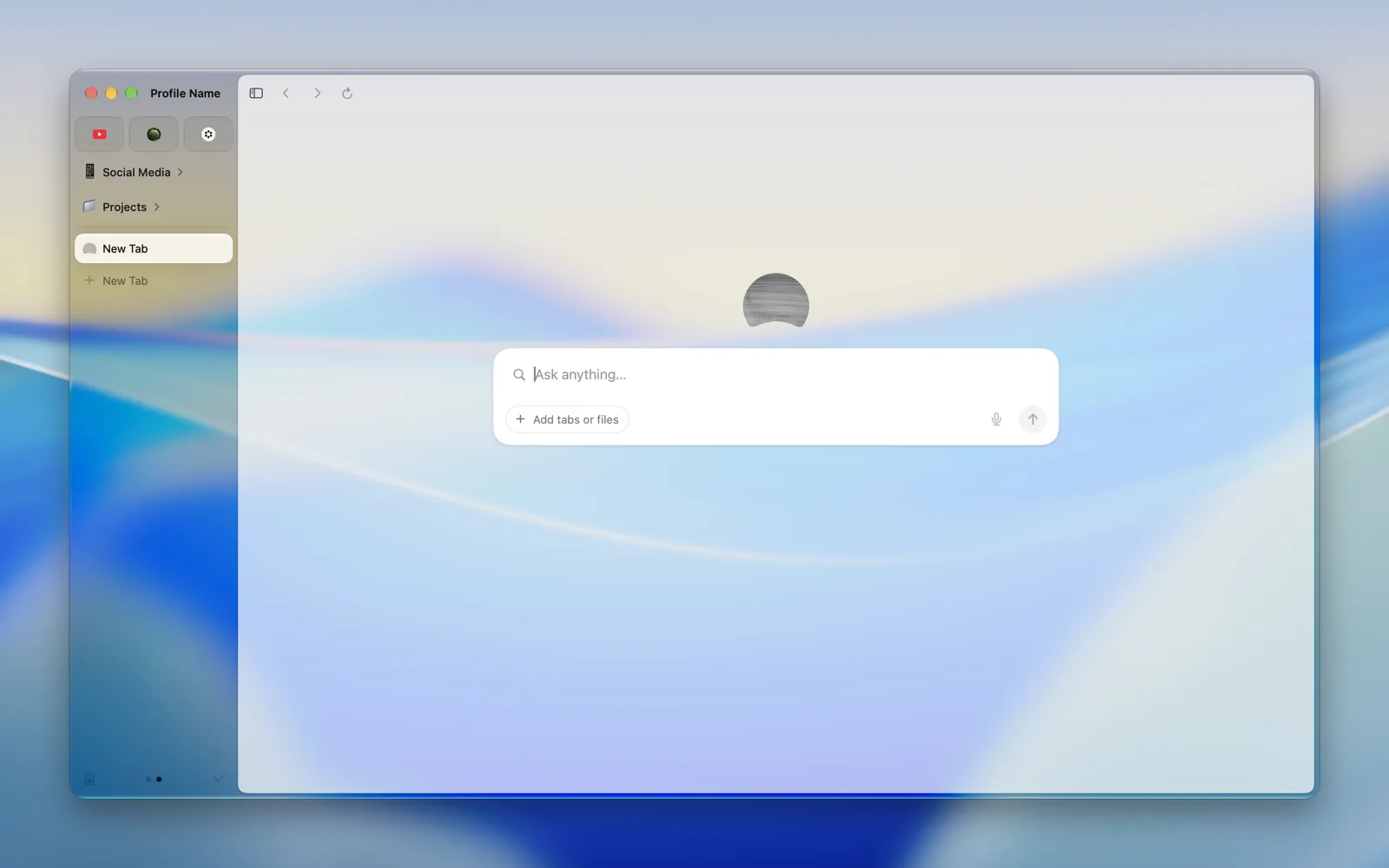 |
 |
| FaceTime | 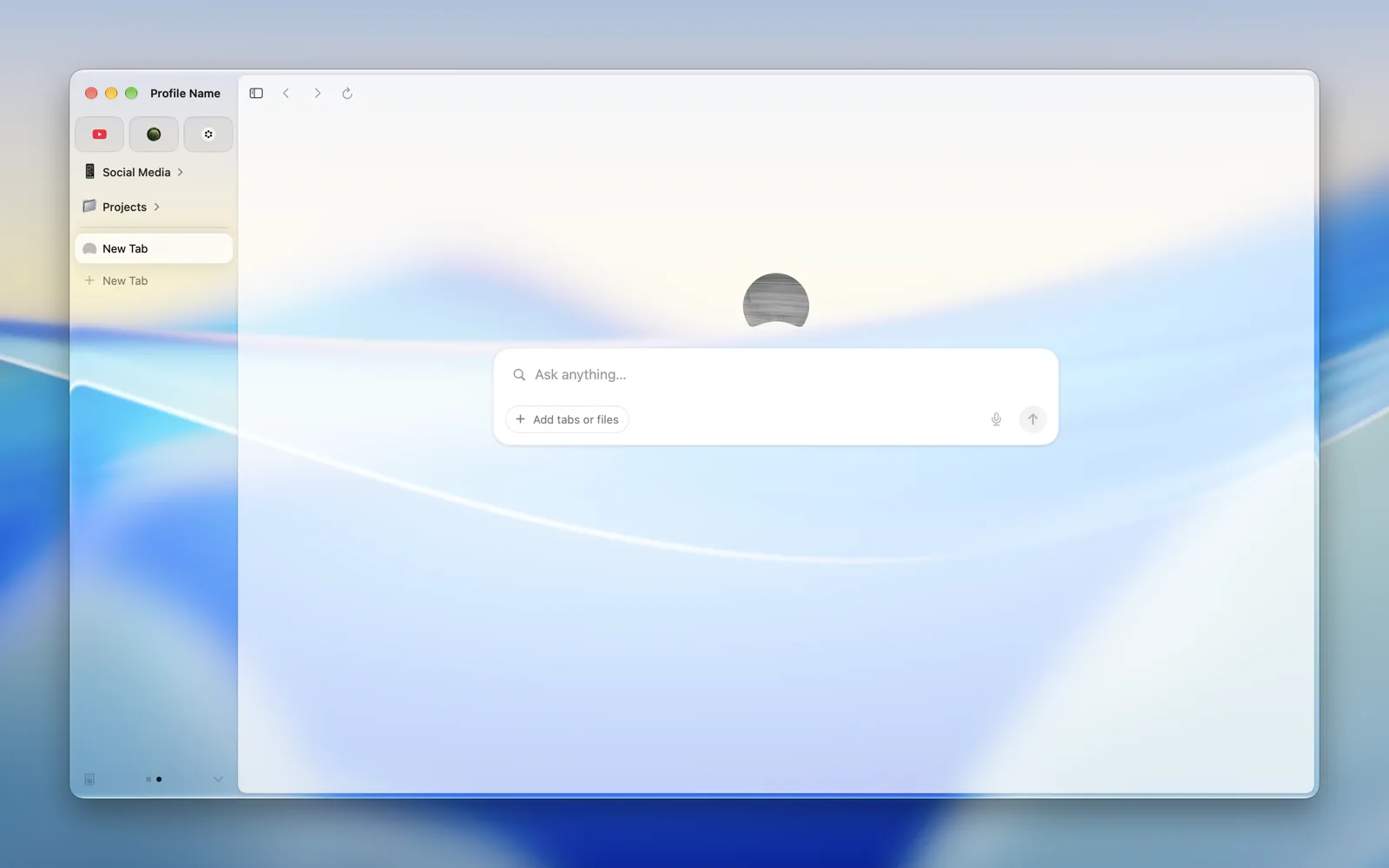 |
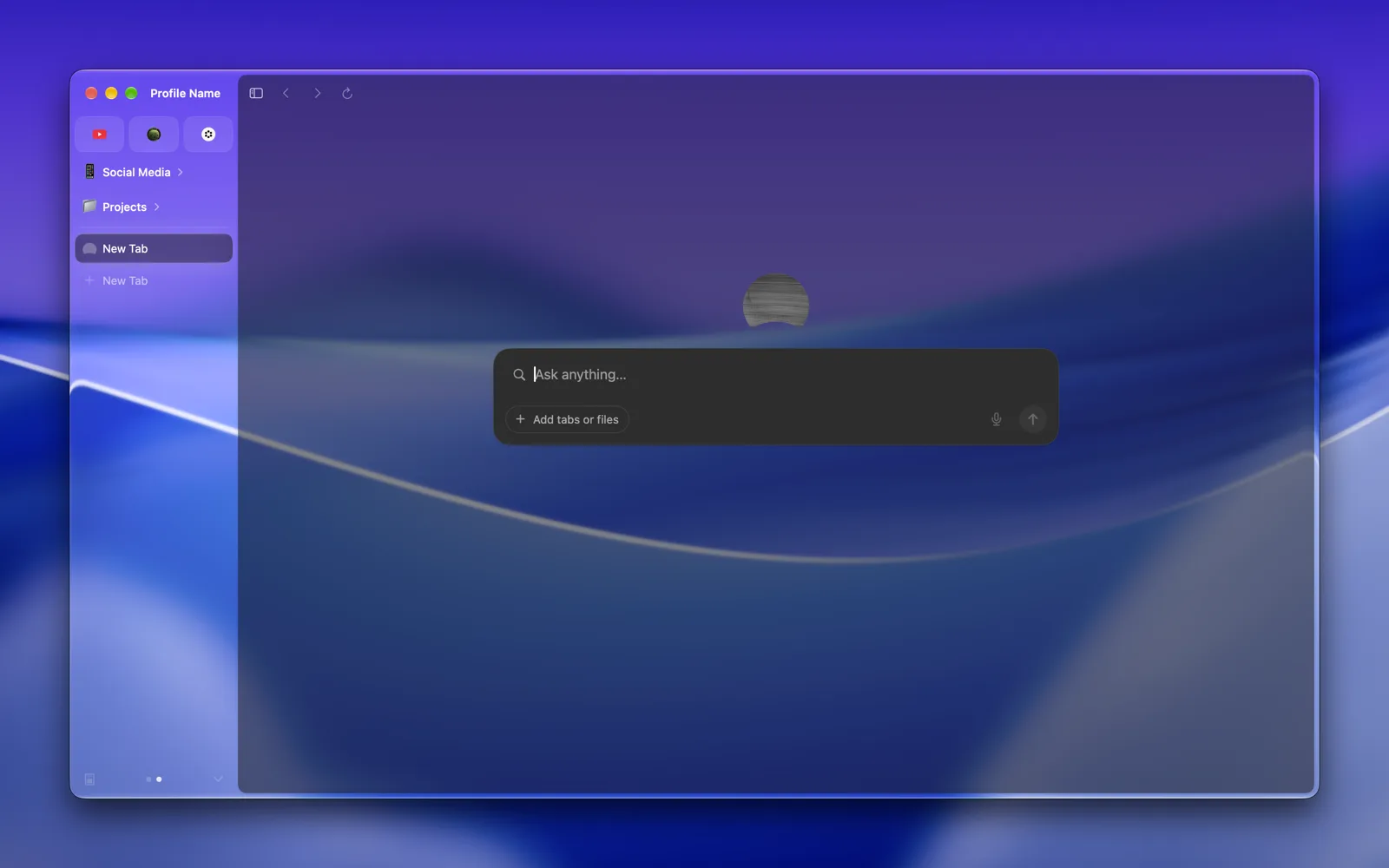 |
| Control Center | 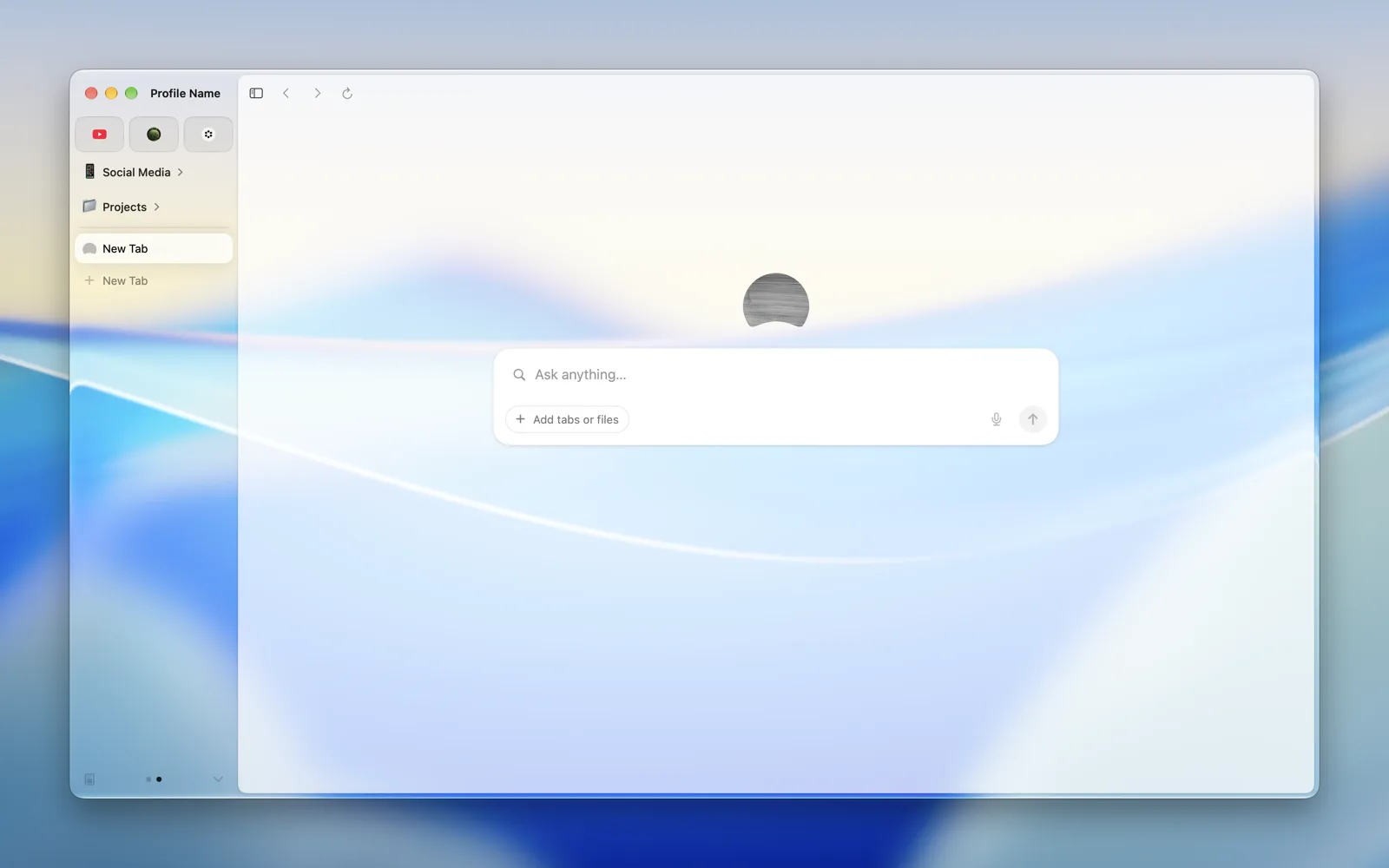 |
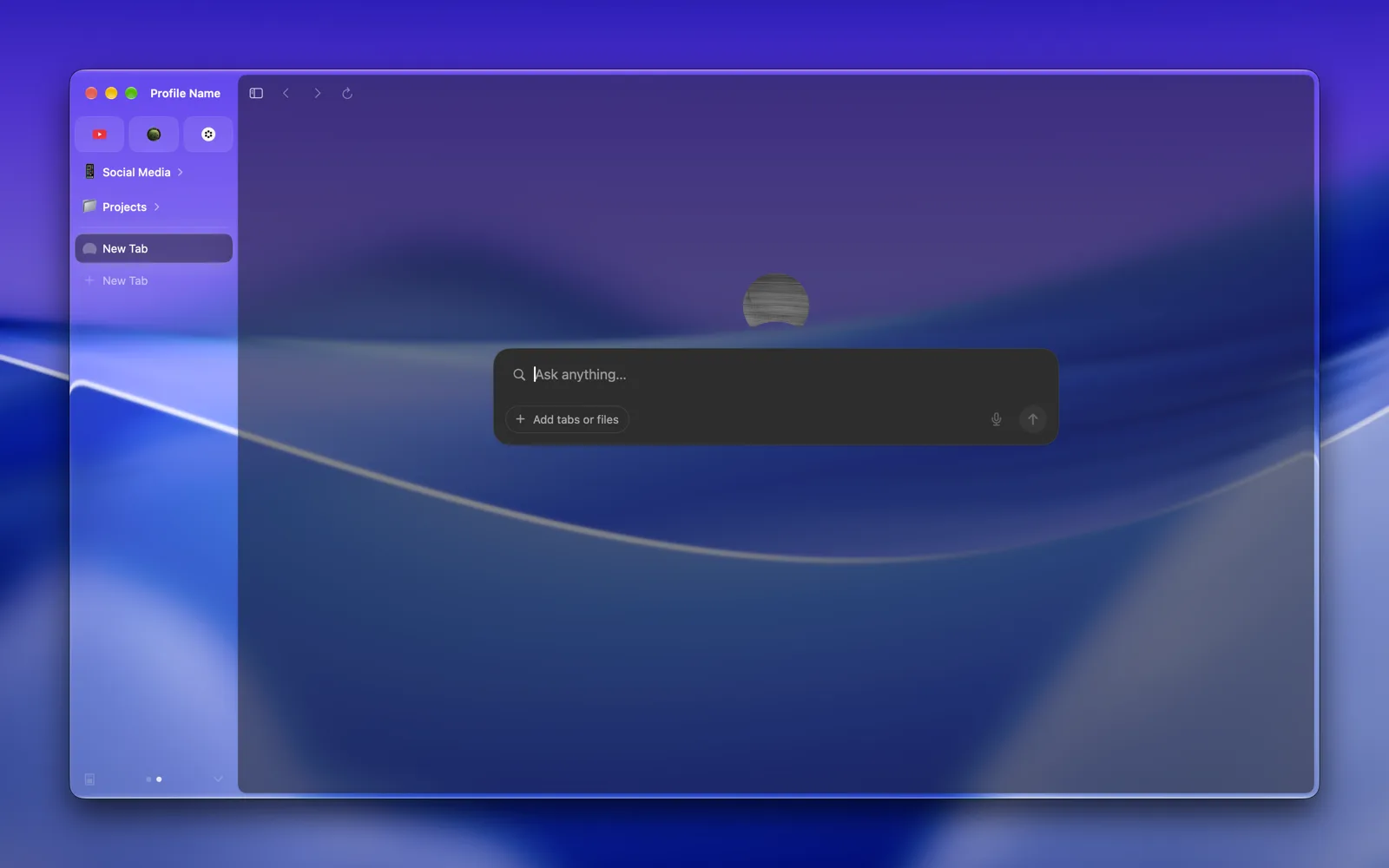 |
| Notification Center | 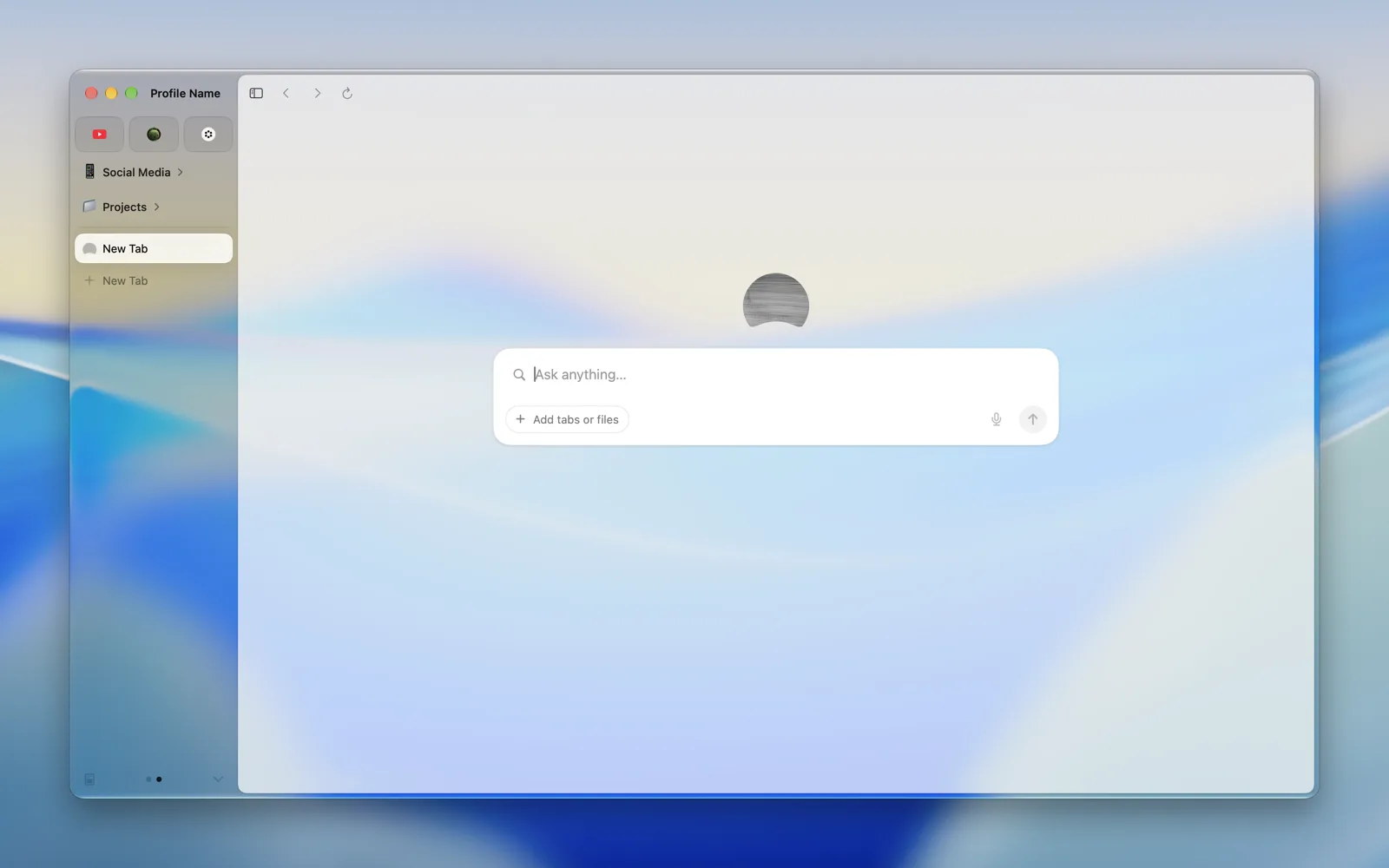 |
 |
| Monogram | 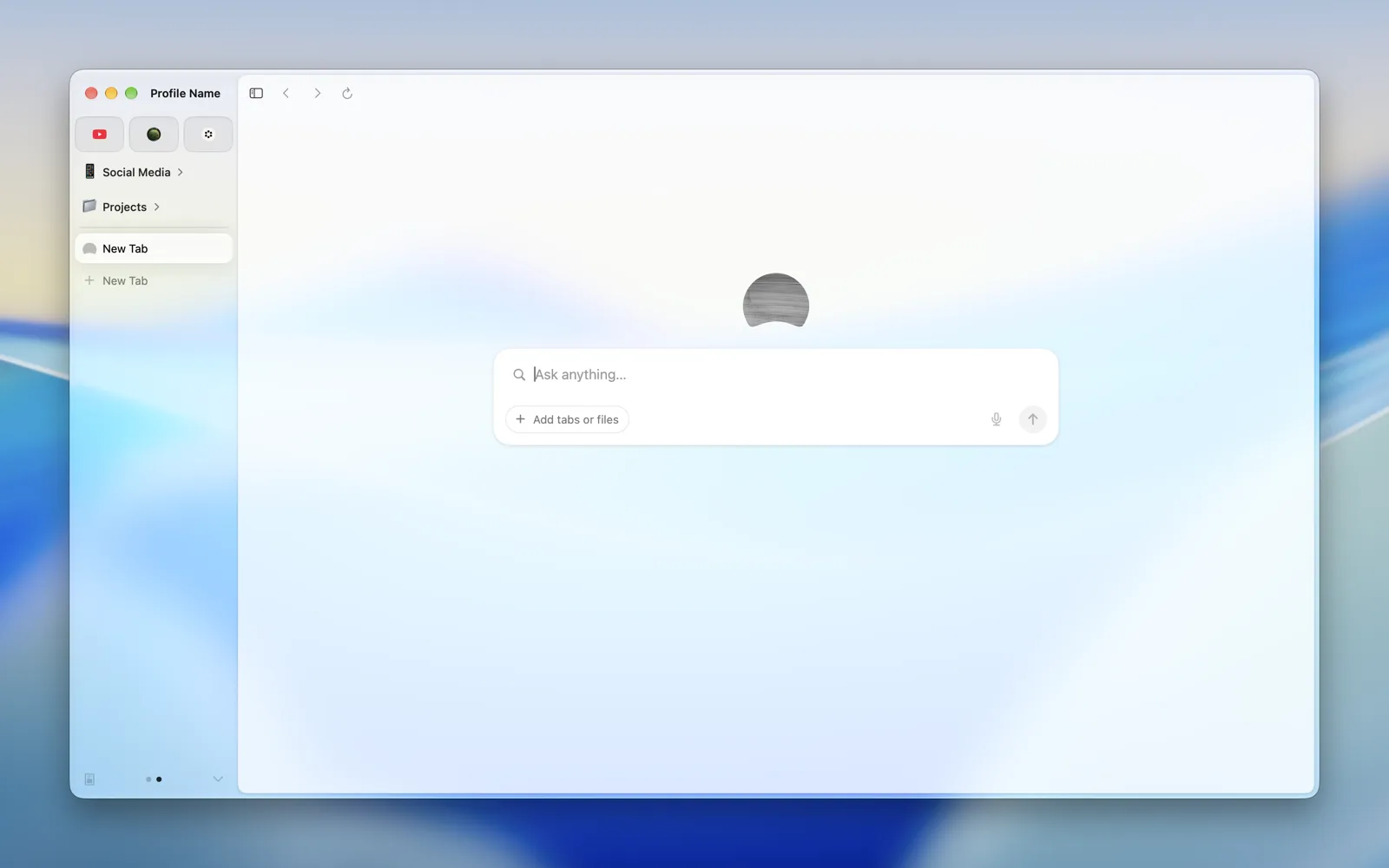 |
 |
| Bubbles | 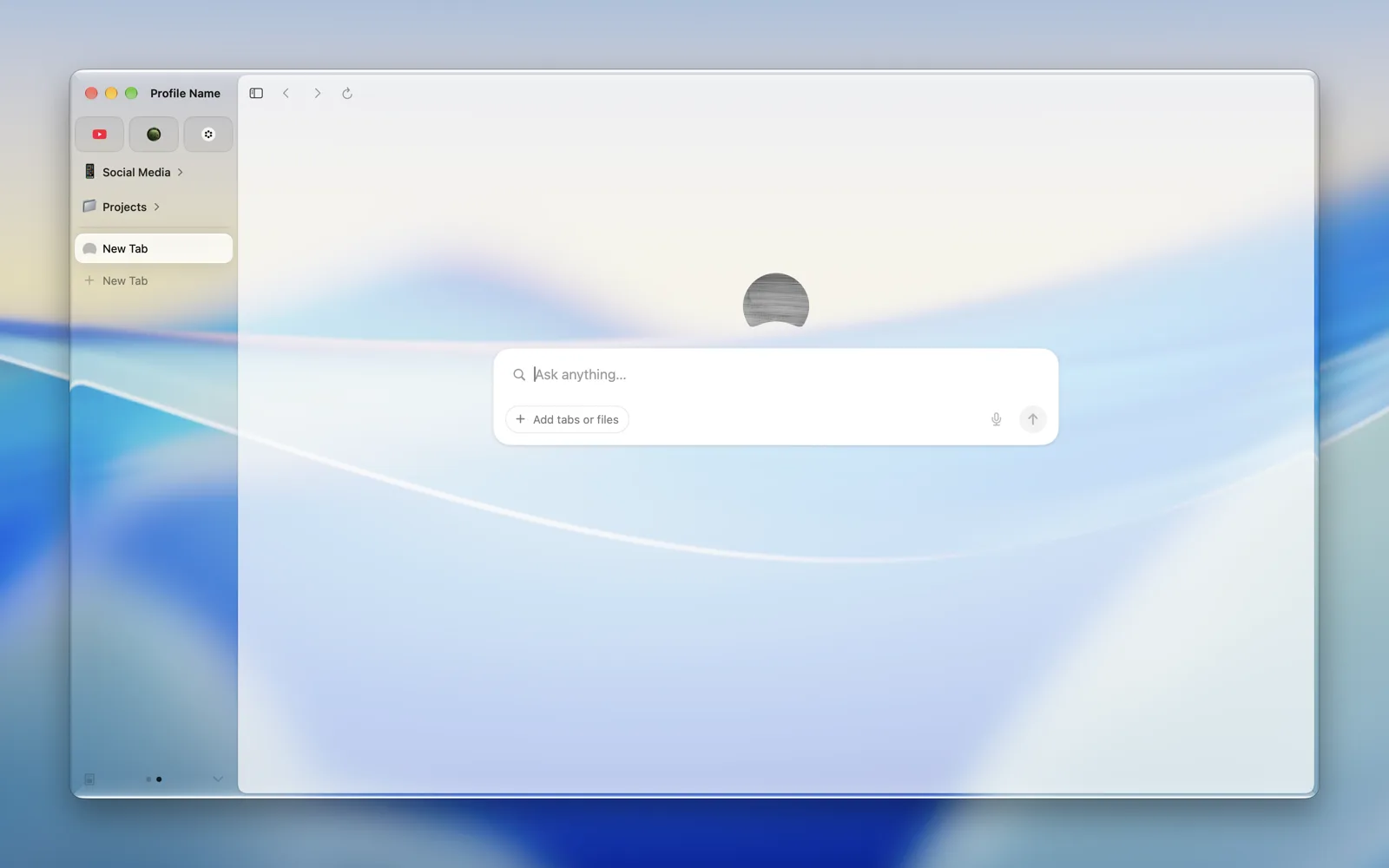 |
 |
| Identity | 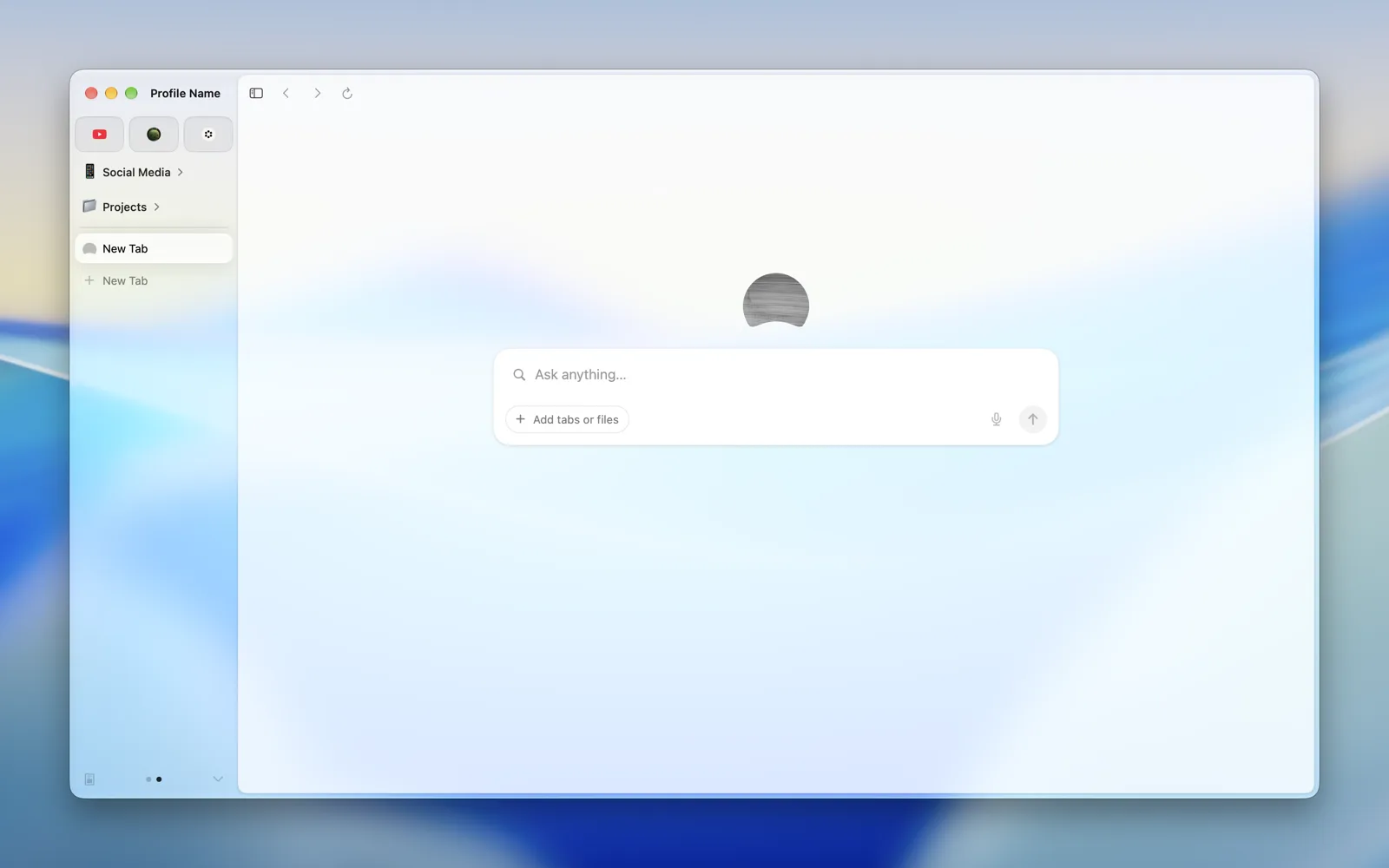 |
 |
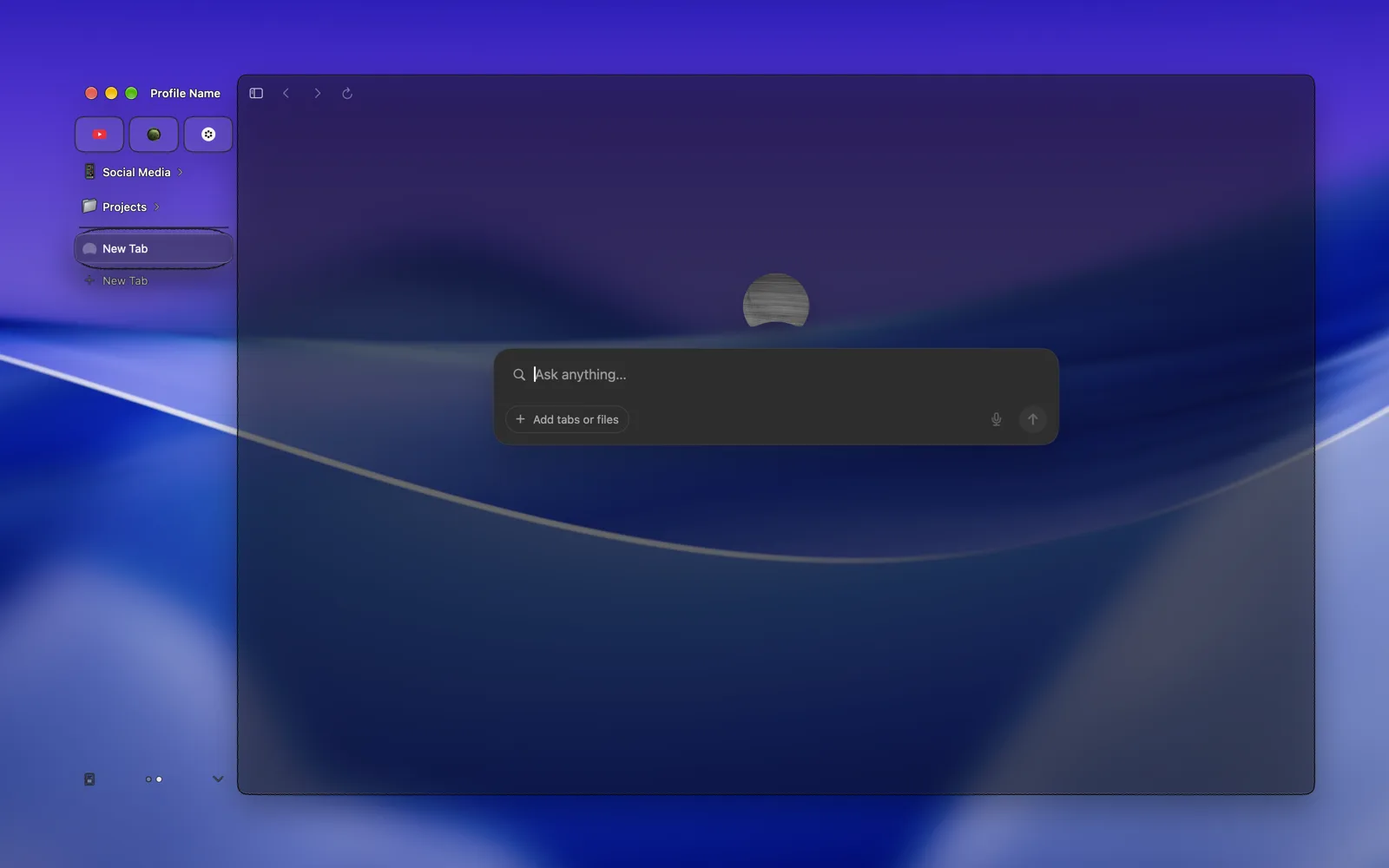
| Focus Border | 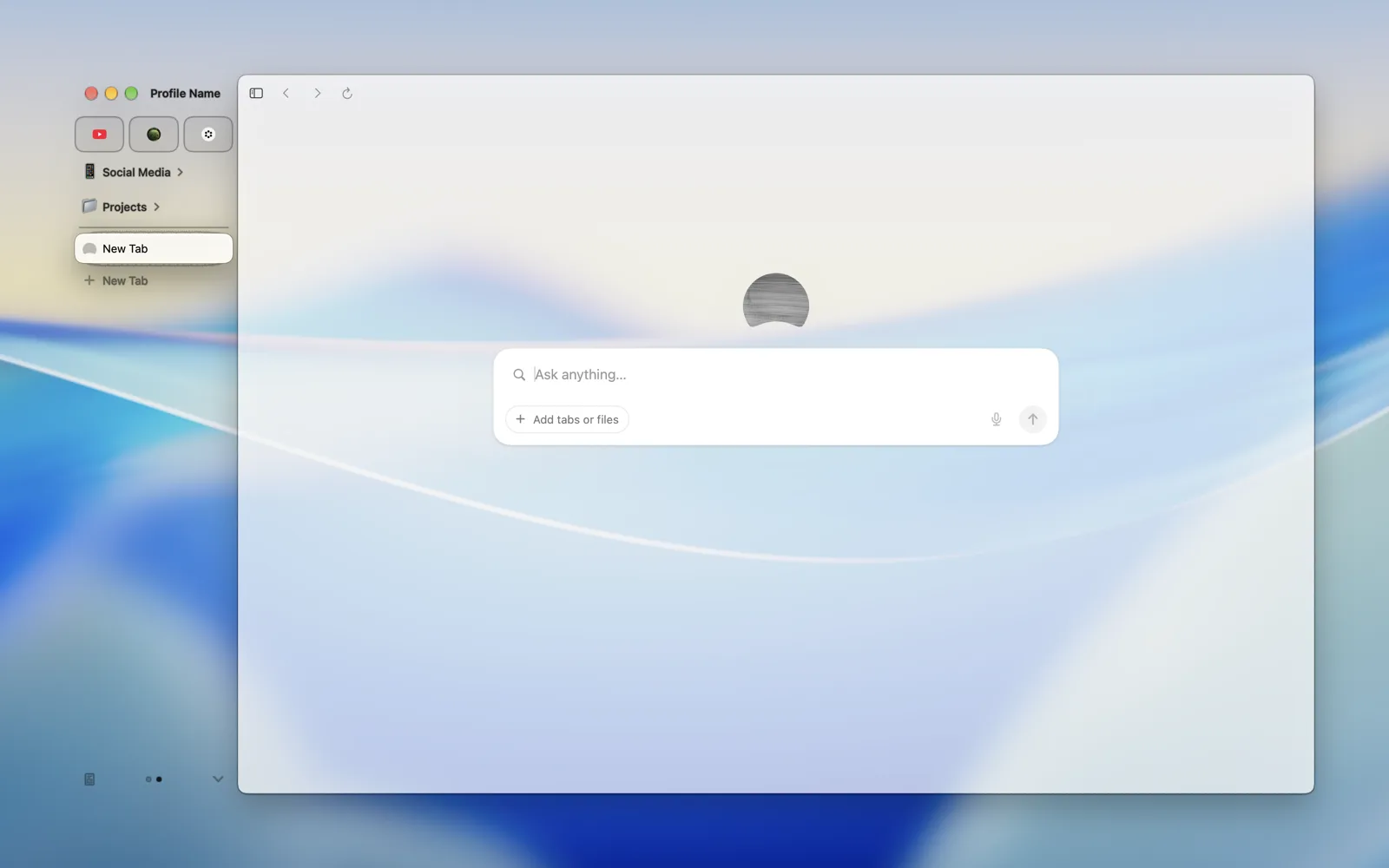 |
 |
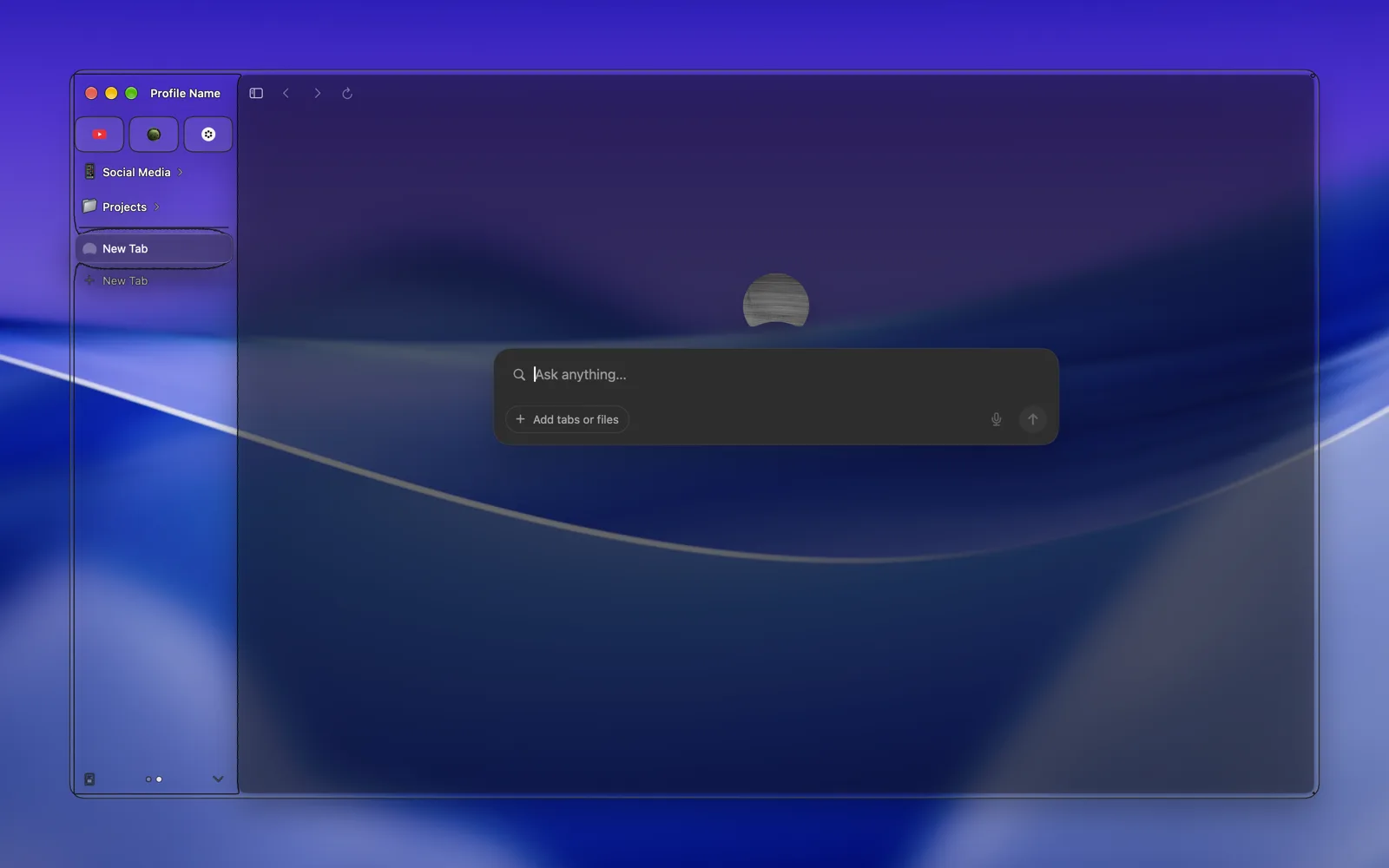
| Focus Platter | 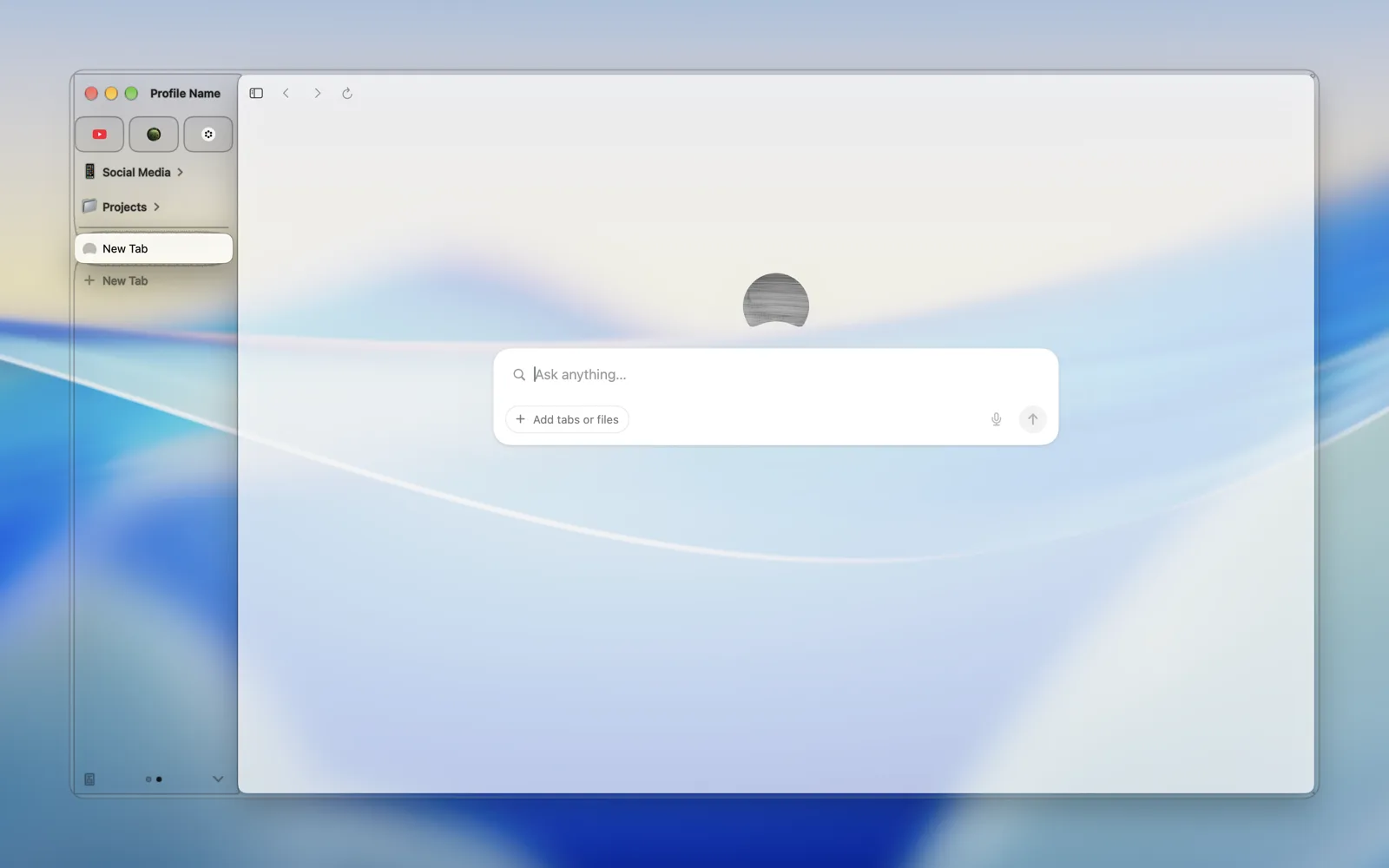 |
 |
| Keyboard | 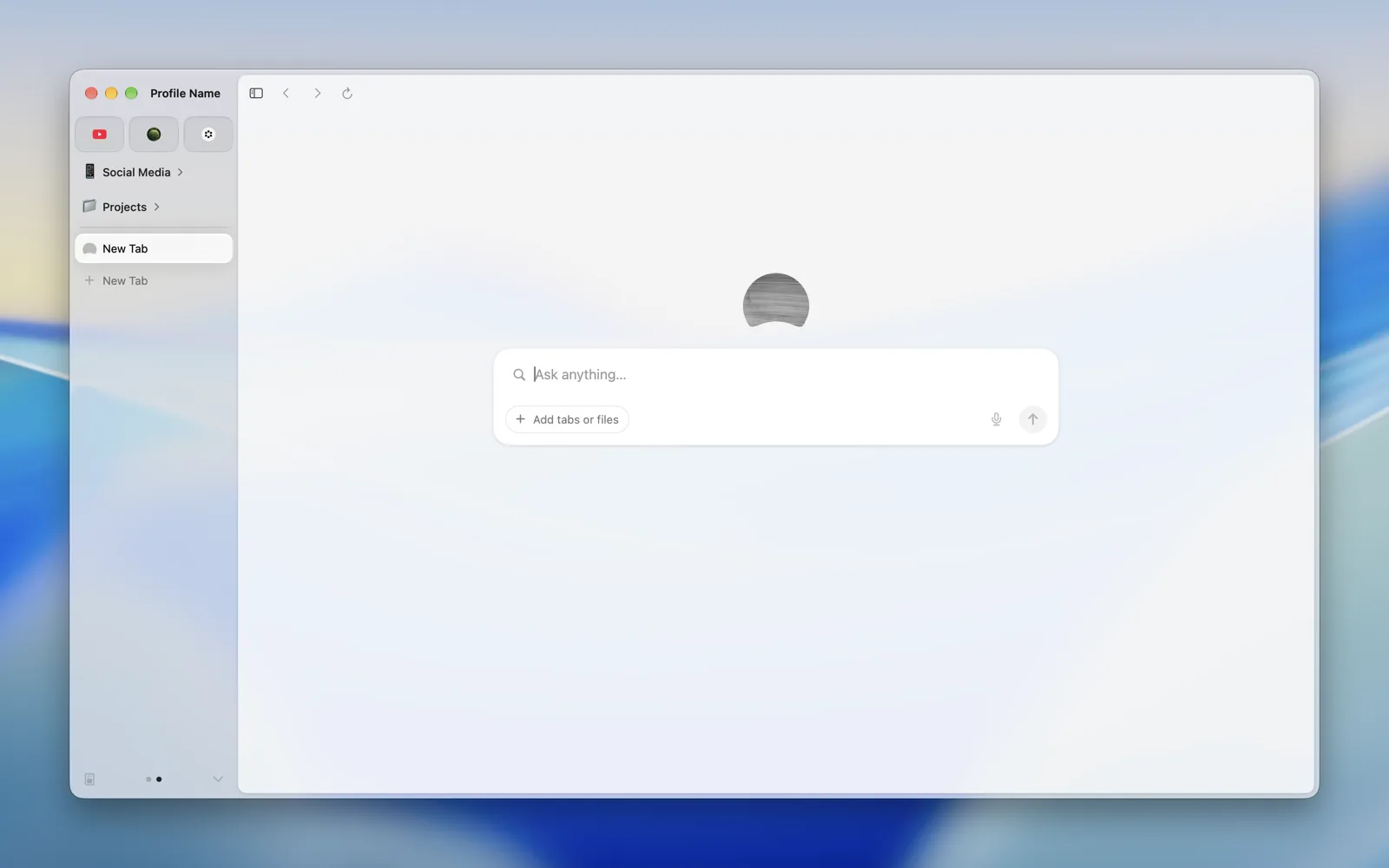 |
 |
| Sidebar | 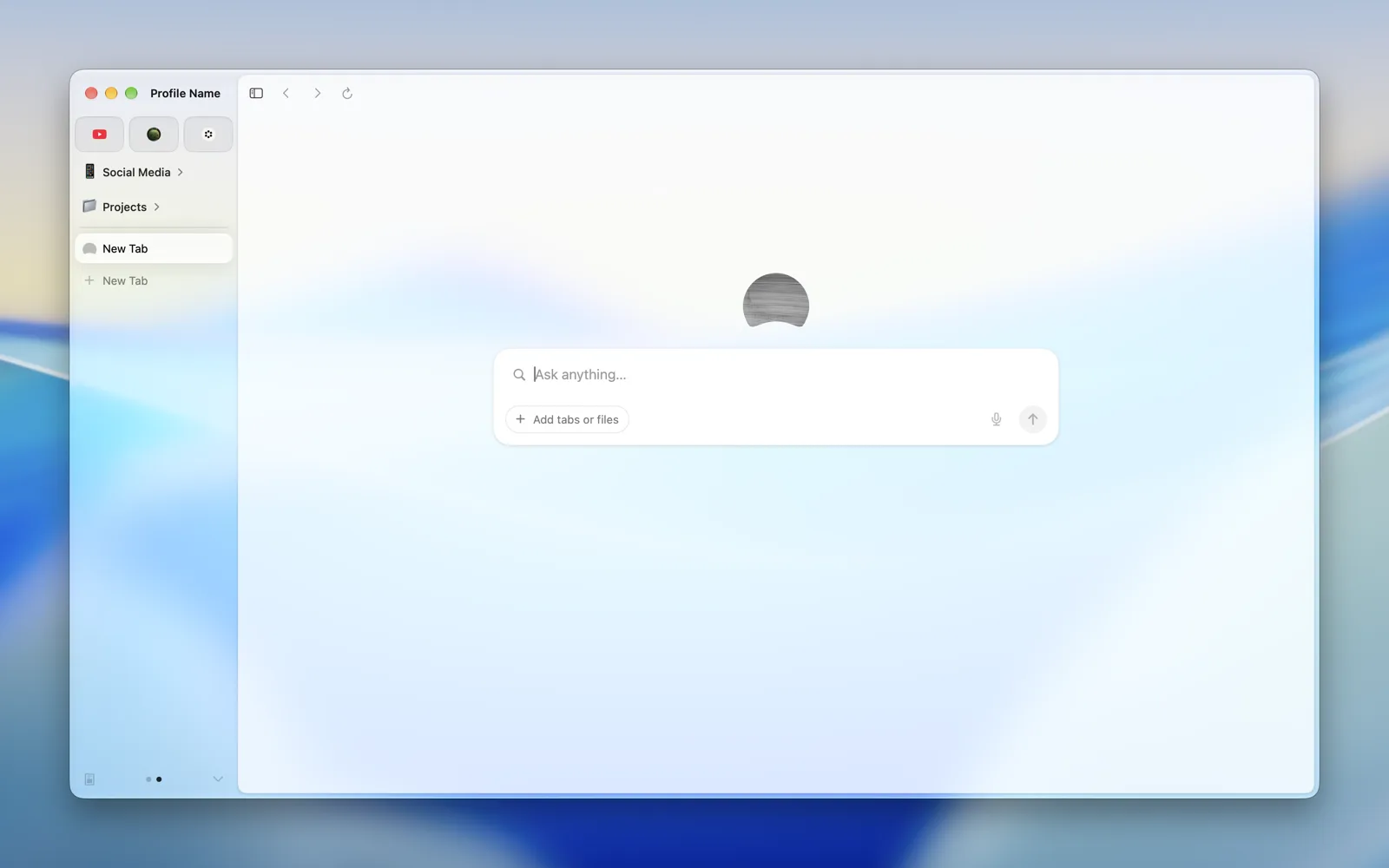 |
 |
| Abutted Sidebar | 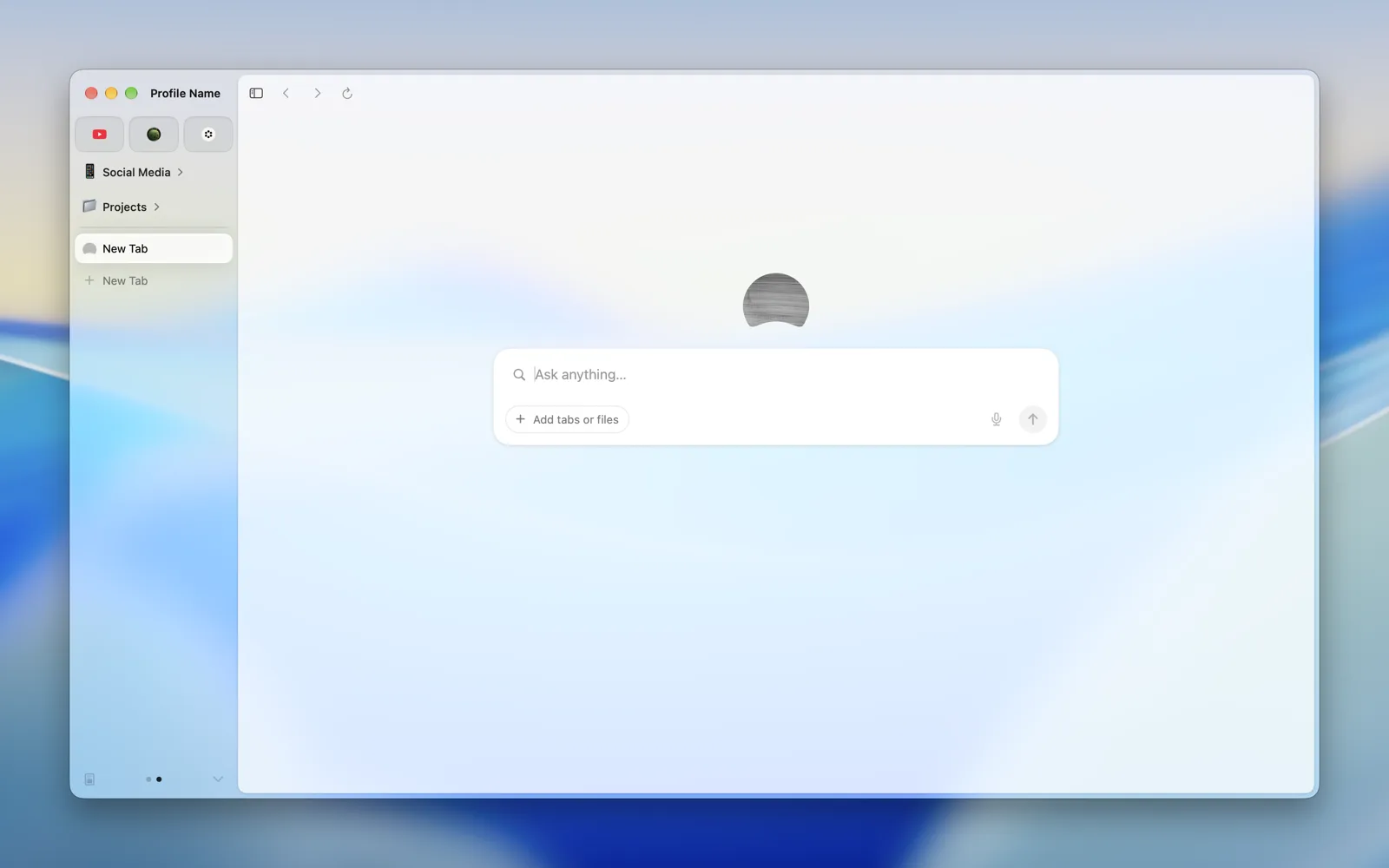 |
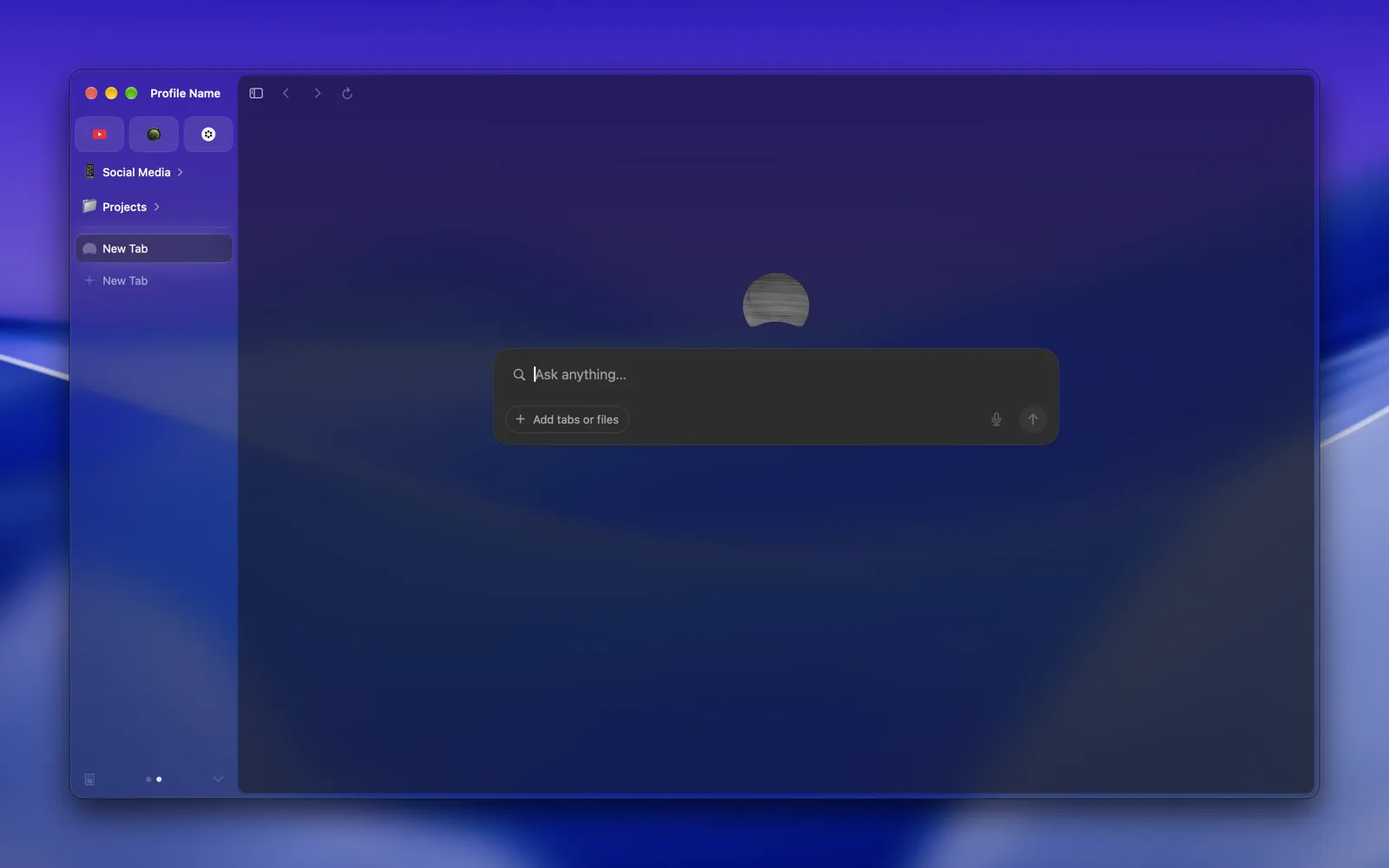 |
| Inspector | 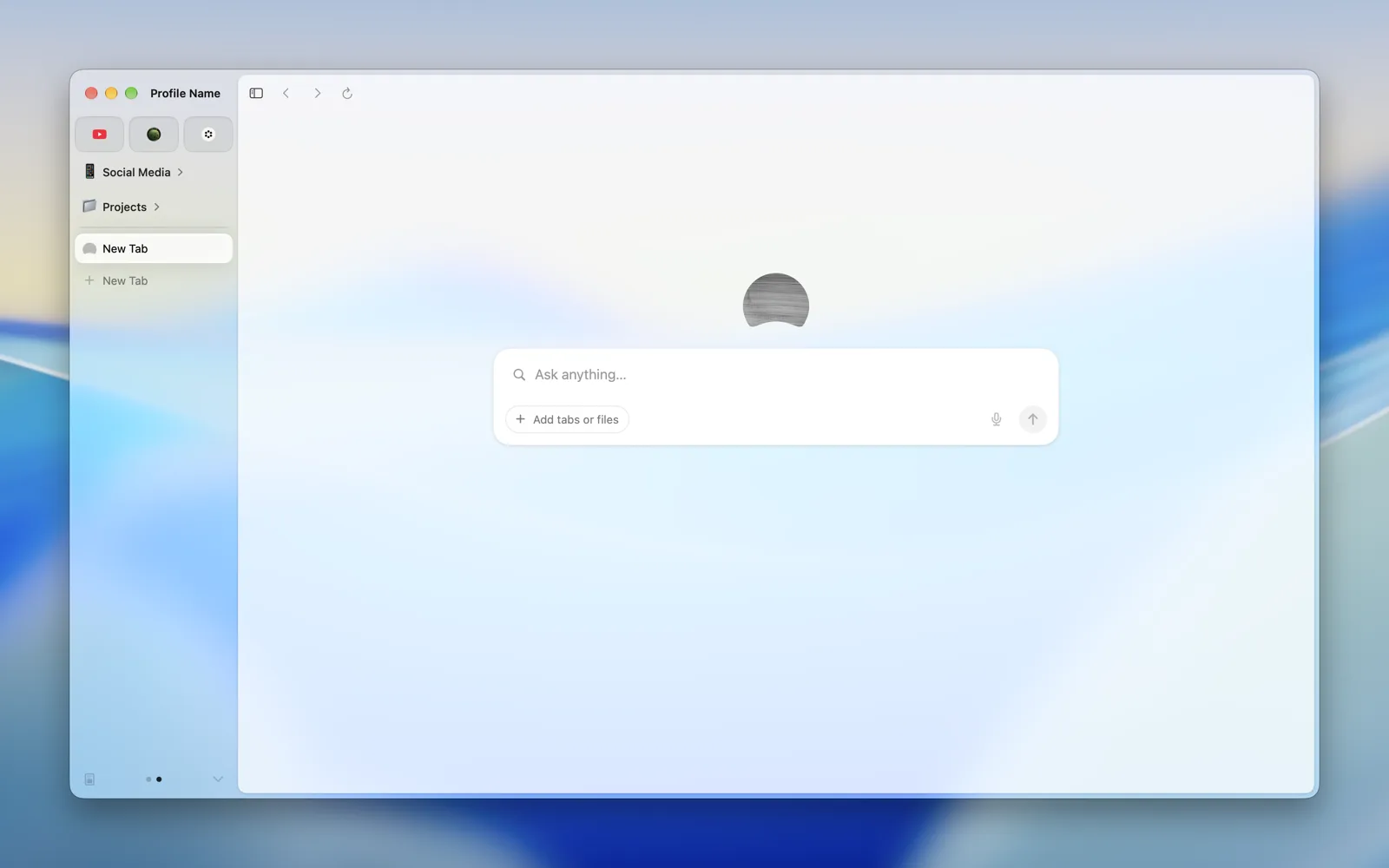 |
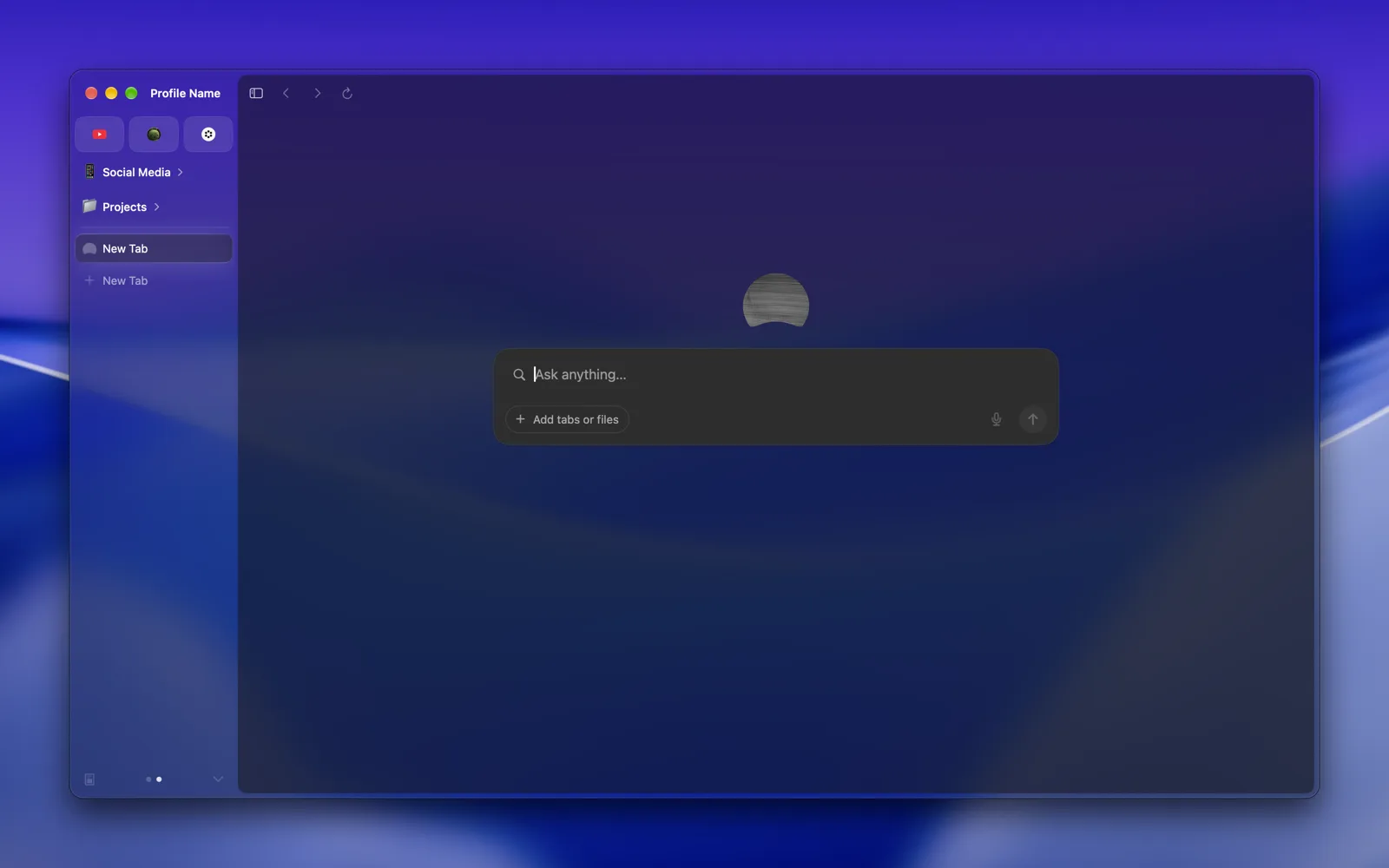 |
| Control | 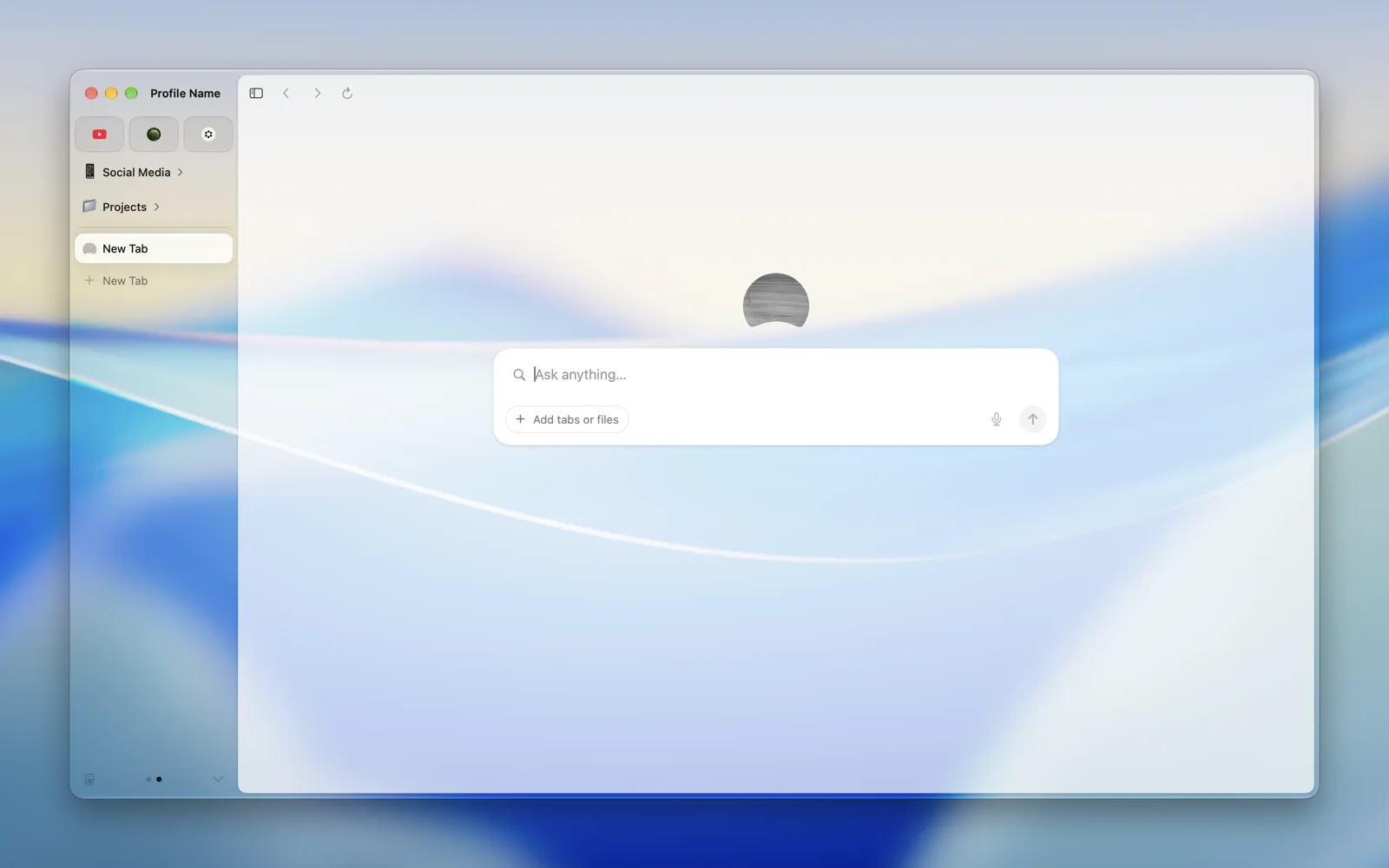 |
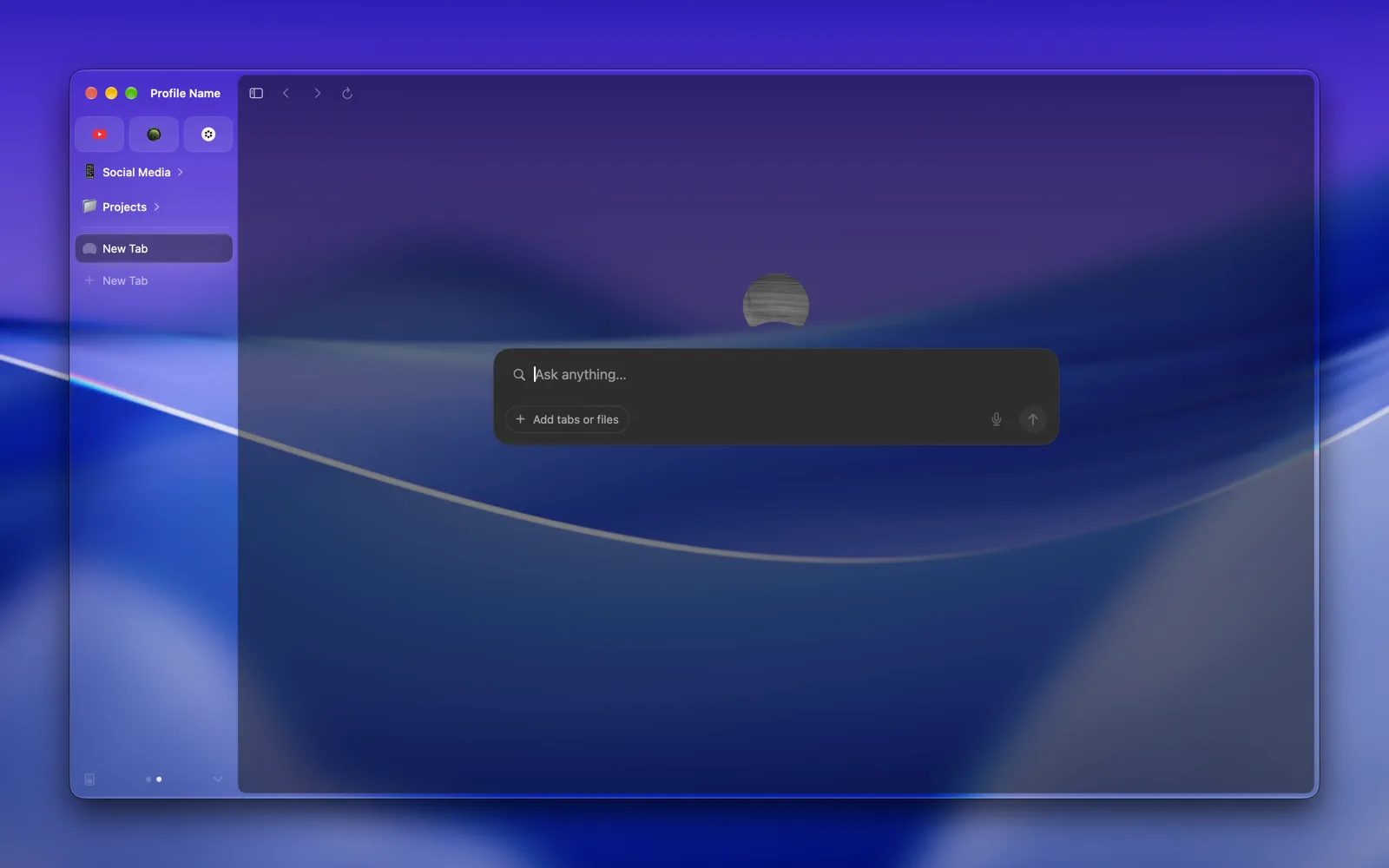 |
| Loupe | 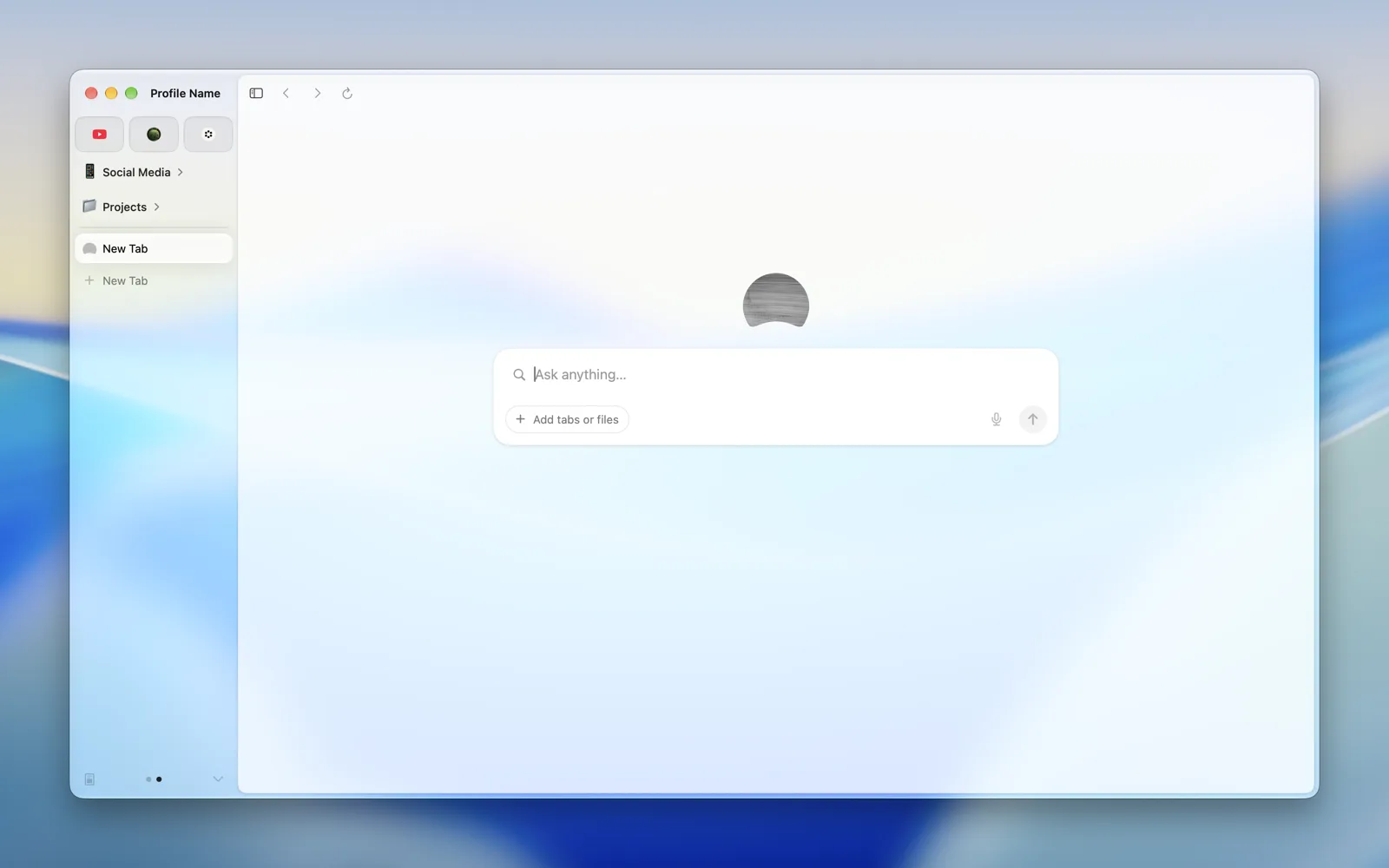 |
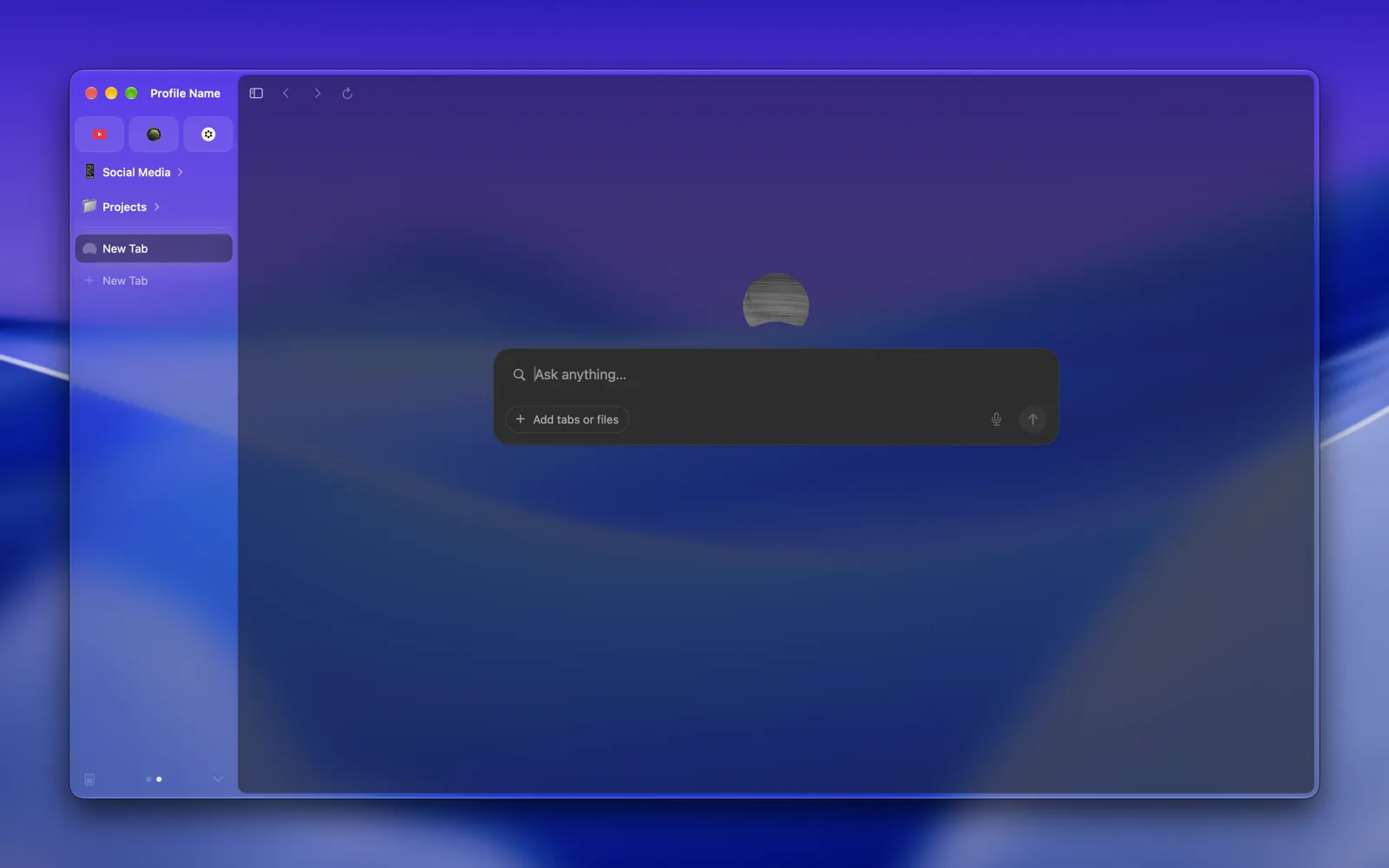 |
| Slider | 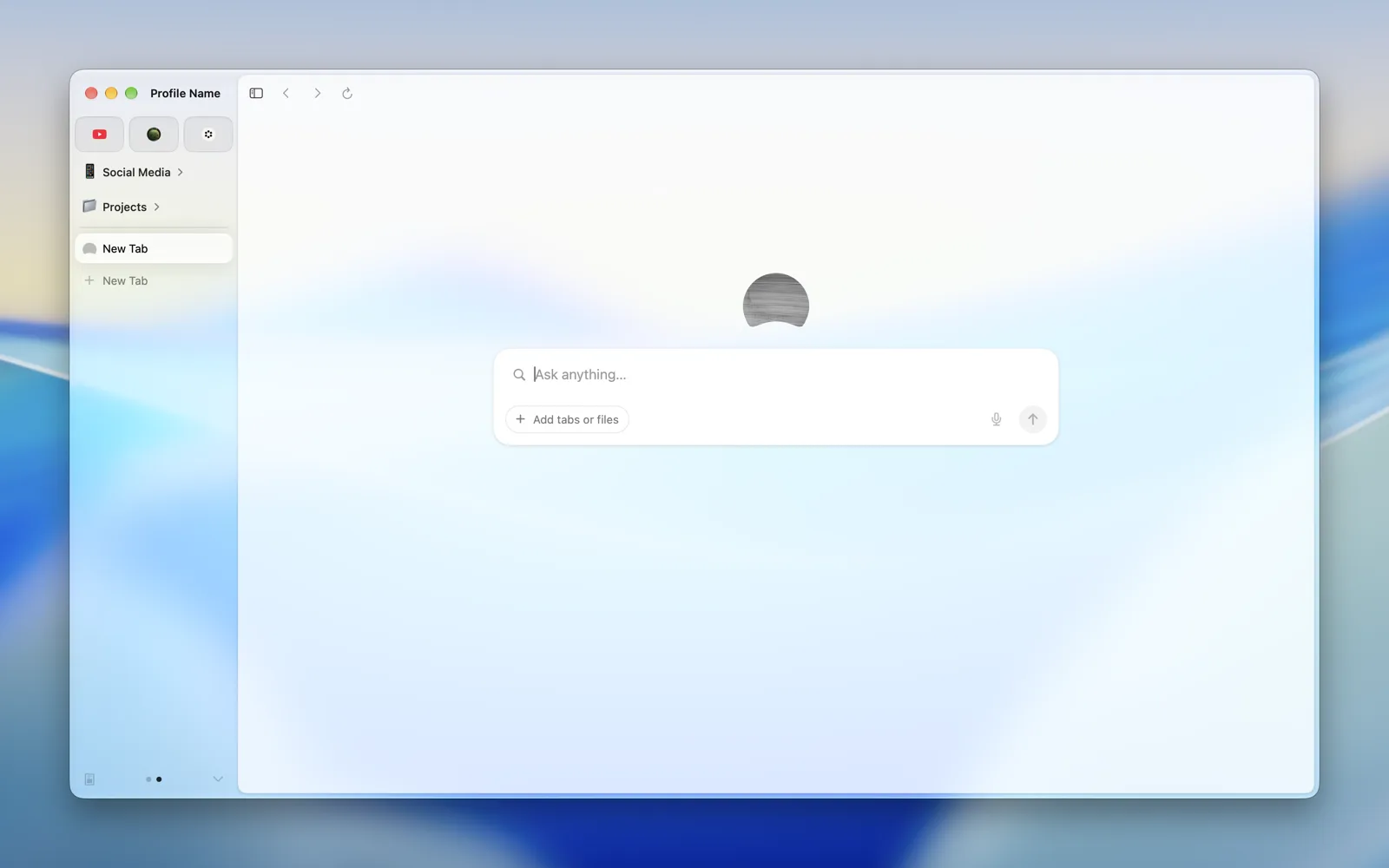 |
 |
| Camera | 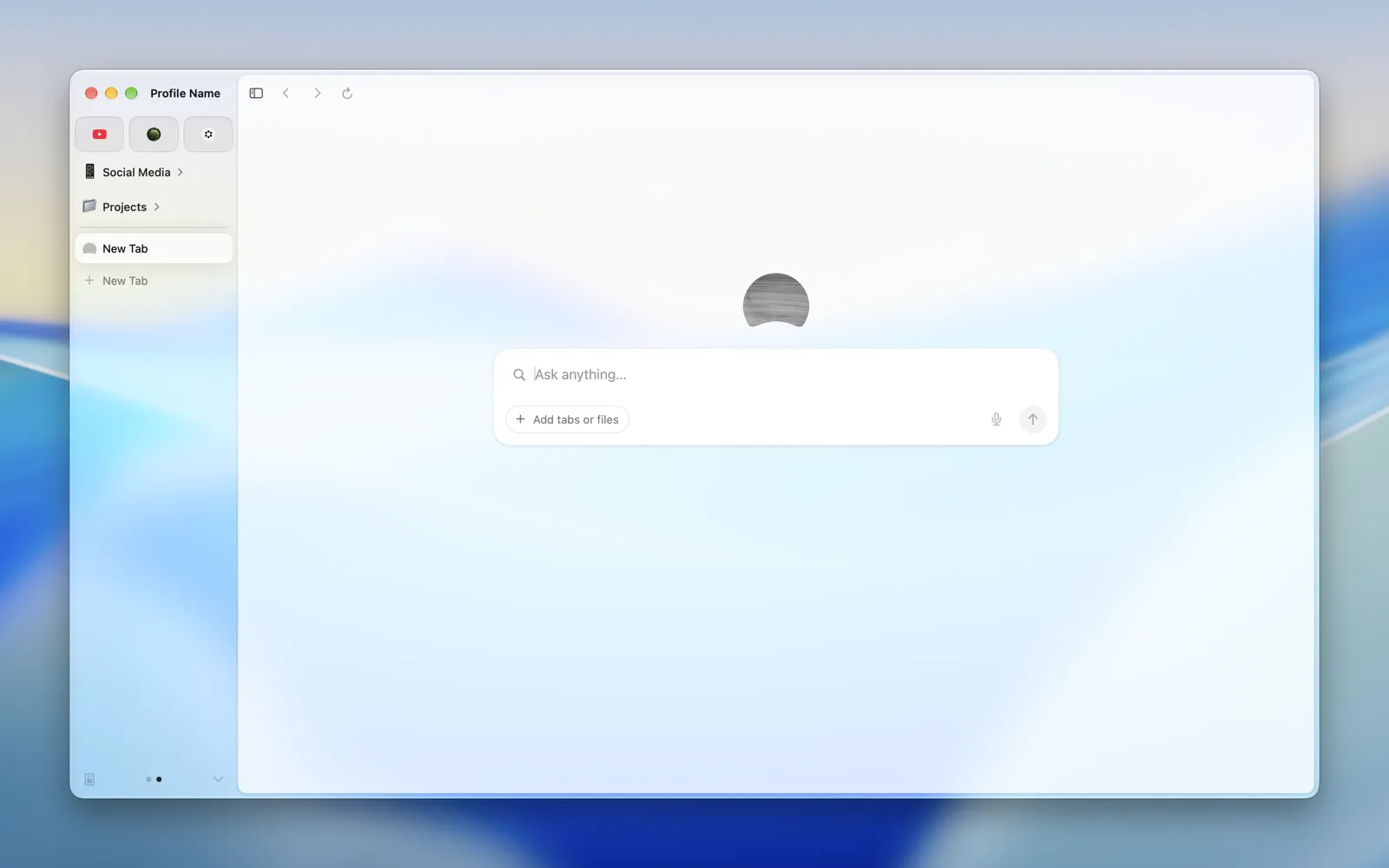 |
 |
| Cartouche Popover | 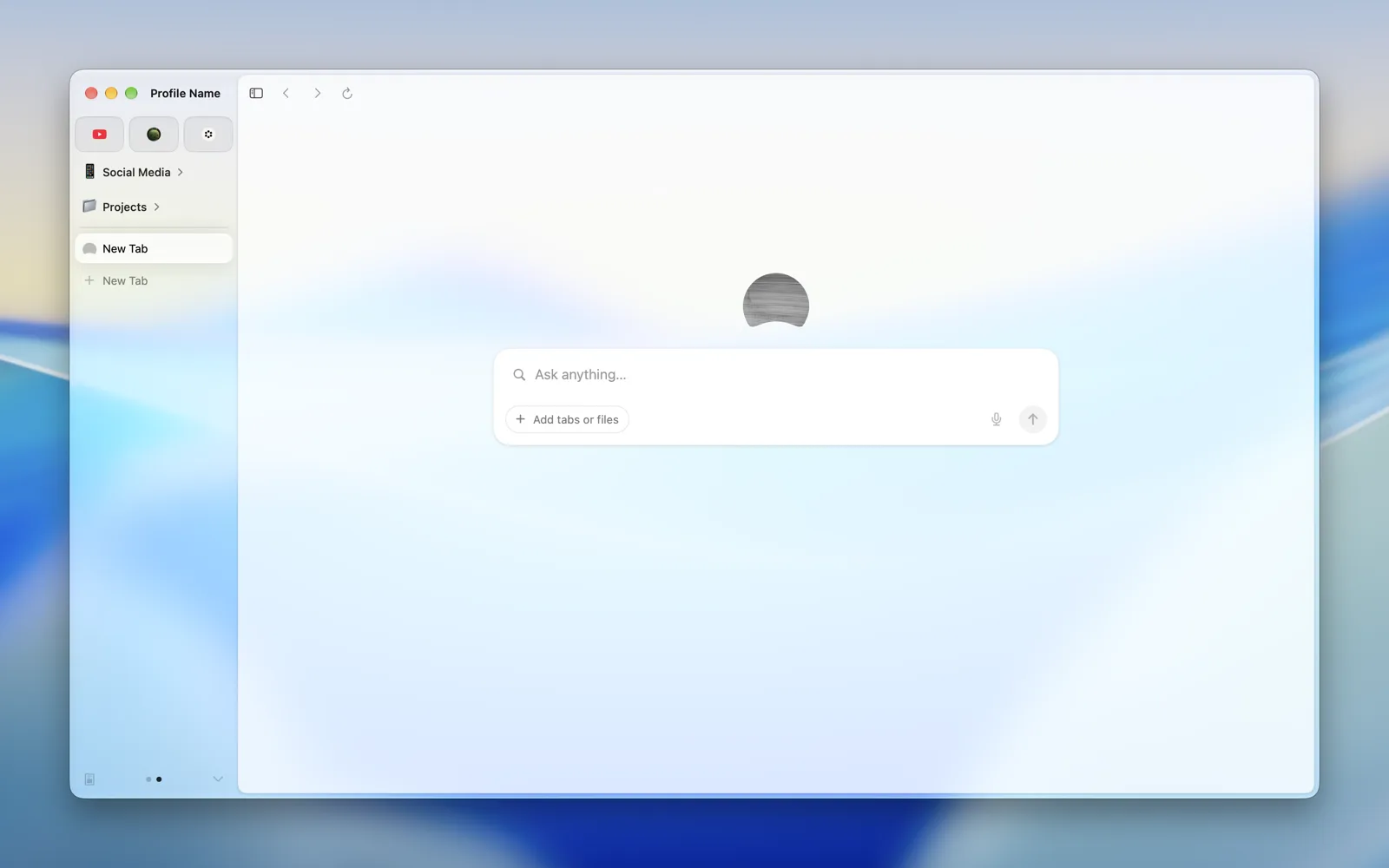 |
 |
What can I pick?
Every material macOS offers apps, such as Sidebar, Popover and HUD Window, and on macOS 26 every kind of Liquid Glass macOS has, including ones it keeps for itself, like Dock, Control Center and Abutted Sidebar. A few, like Sidebar, are nearly solid in light mode. Every one is pictured above.
Why does the new tab page look like glass too?
It has no background of its own, so it shows the window's. Web pages draw their own.
Can I pick the material from Terminal?
Not yet. diatweaks turns it on and off, and Settings picks the material.