Fork of unpub by Innim.

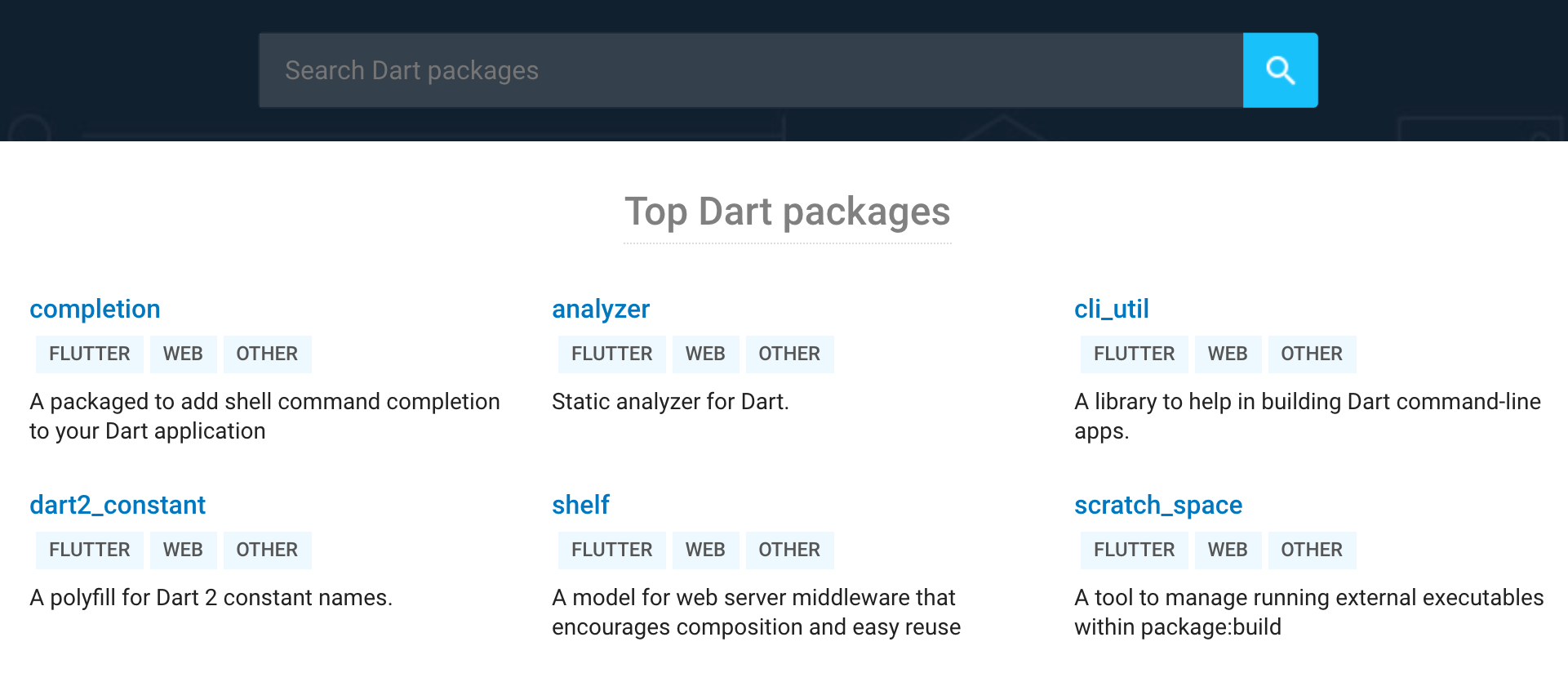
in_pub is a self-hosted private Dart Pub server for Enterprise, with a simple web interface to search and view packages information.
pub global activate in_pub
in_pub --database mongodb://localhost:27017/dart_pub # Replace this with production database uri
in_pub use mongodb as meta information store and file system as package(tarball) store by default.
Dart API is also available for further customization.
import 'package:mongo_dart/mongo_dart.dart';
import 'package:in_pub/in_pub.dart' as in_pub;

main(List<String> args) async {
  final db = Db('mongodb://localhost:27017/dart_pub');
  await db.open(); // make sure the MongoDB connection opened

  final app = in_pub.App(
    metaStore: in_pub.MongoStore(db),
    packageStore: in_pub.FileStore('./unpub-packages'),
  );

  final server = await app.serve('0.0.0.0', 4000);
  print('Serving at http://${server.address.host}:${server.port}');
}| Option | Description | Default |
|---|---|---|
metaStore (Required) |
Meta information store | - |
packageStore (Required) |
Package(tarball) store | - |
docStore |
On-demand dartdoc API docs store (see API documentation) | - (disabled) |
upstream |
Upstream url | https://pub.dev |
googleapisProxy |
Http(s) proxy to call googleapis (to get uploader email) | - |
uploadValidator |
See Package validator | - |
in_pub can generate dartdoc API documentation
for hosted packages on demand and serve it at /documentation/<name>/<version>/
(this is the "API reference" link on each package page). The first request for a
version extracts its tarball, runs dart pub get + dart doc, caches the result
under the store directory, and serves it; later requests come straight from the
cache. While docs are being built for the first time a progress page is shown
that opens the documentation automatically once it is ready.
Enable it by passing a docStore:
final app = in_pub.App(
  metaStore: in_pub.MongoStore(db),
  packageStore: in_pub.FileStore('./unpub-packages'),
  docStore: in_pub.DocStore('./unpub-docs'),
);
Notes:
- A Dart SDK must be available on the server host (to run
dart pub getanddart doc). The executable defaults todartonPATH; override it within_pub.DocStore('./unpub-docs', dartExecutable: '/path/to/dart'). - To document packages that depend on the Flutter SDK (
sdk: flutter), the configured Dart must be the one bundled with Flutter (<flutter>/bin/cache/dart-sdk/bin/dart), not a standalone Dart SDK. A standalonedartcannot locate the Flutter SDK, sodart pub getfails with "Flutter users should useflutter pubinstead ofdart pub" anddart doccannot resolvedart:ui. Flutter's bundled Dart handles both Flutter and plain Dart packages, so pointingdartExecutableat it (or running the server on a host/image that has Flutter onPATH) is the simplest setup. - Generation resolves the package's dependencies, so the host needs network access and reachability of any private dependencies hosted on this server.
- If
docStoreis not configured the/documentation/...route is disabled and the "API reference" link is hidden in the web UI.
From the command line docs are enabled by default; use --no-docs to disable
them and --dart-executable to point at a specific Dart SDK.
Using in_pub behind reverse proxy(nginx or another), ensure you have necessary headers
proxy_set_header X-Forwarded-Host $host;
proxy_set_header X-Forwarded-Server $host;
proxy_set_header X-Forwarded-For $proxy_add_x_forwarded_for;
proxy_set_header X-Forwarded-Proto $scheme;

# Workaround for:
# Asynchronous error HttpException:
# Trying to set 'Transfer-Encoding: Chunked' on HTTP 1.0 headers
proxy_http_version 1.1;Naming conflicts is a common issue for private registry. A reasonable solution is to add prefix to reduce conflict probability.
With uploadValidator you could check if uploaded package is valid.
var app = in_pub.App(
  // ...
  uploadValidator: (Map<String, dynamic> pubspec, String uploaderEmail) {
    // Only allow packages with some specified prefixes to be uploaded
    var prefix = 'my_awesome_prefix_';
    var name = pubspec['name'] as String;
    if (!name.startsWith(prefix)) {
      throw 'Package name should starts with $prefix';
    }

    // Also, you can check if uploader email is valid
    if (!uploaderEmail.endsWith('@your-company.com')) {
      throw 'Uploader email invalid';
    }
  }
);in_pub is designed to be extensible. It is quite easy to customize your own meta store and package store.
import 'package:in_pub/in_pub.dart' as in_pub;

class MyAwesomeMetaStore extends in_pub.MetaStore {
  // Implement methods of MetaStore abstract class
  // ...
}

class MyAwesomePackageStore extends in_pub.PackageStore {
  // Implement methods of PackageStore abstract class
  // ...
}

// Then use it
var app = in_pub.App(
  metaStore: MyAwesomeMetaStore(),
  packageStore: MyAwesomePackageStore(),
);| URL | Badge |
|---|---|
/badge/v/{package_name} |
  |
/badge/d/{package_name} |
 |
- pub-dev: Source code of pub.dev, which should be deployed at Google Cloud Platform.
- pub_server: An alpha version of pub server provided by Dart team.
- pub-dev: Web page styles are mostly imported from https://pub.dev directly.
- shields: Badges generation.
MIT