
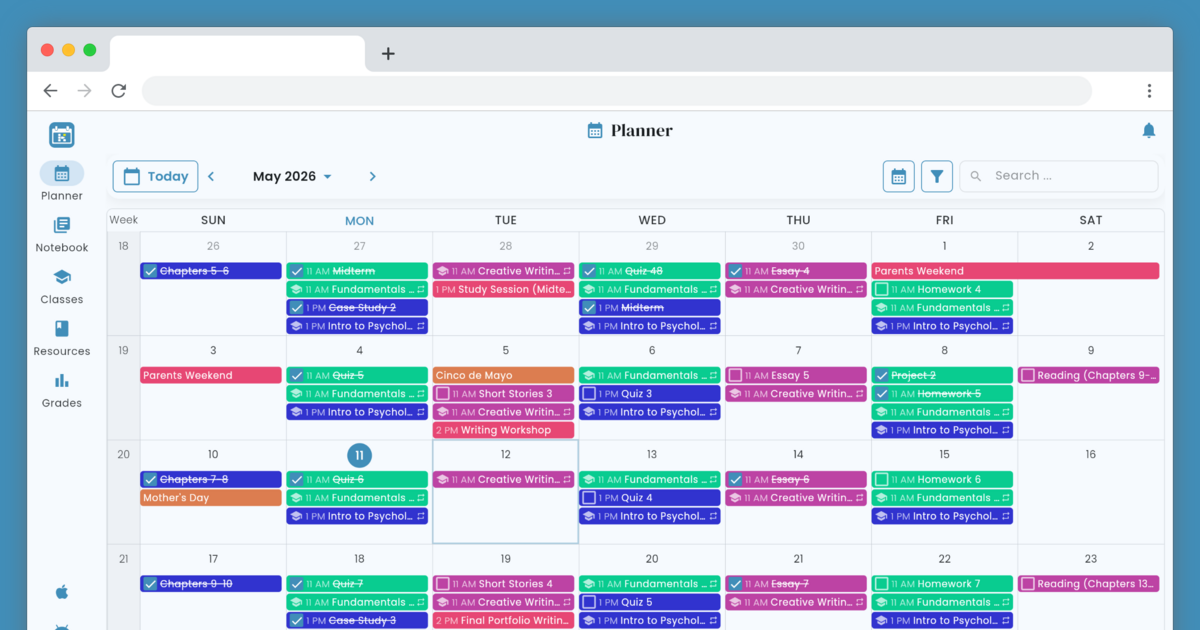
Helium is a free, color-coded online student planner for classes, homework, grades, and notes.





The deployment infrastructure for Helium - Student Planner, including Terraform, Docker orchestration for local development, and the build pipeline that publishes container images to Helium's AWS ECR.
- Docker
- Python (>= 3.12)
- Terraform (>= 1.9)
This repository contains everything that is necessary for deployment and local development, including setting up a local machine to use Docker, and the Terraform necessary to provision environments.
For more information on setting up a minimal (but fully functional) dev-local environment, see
the dev-local Terraform Workspace.
This is not necessary to develop locally with Docker, but certain features (like emails and text messages)
will not be available without this.
Here is a minimal set of commands that will get a Docker environment setup locally.
git clone https://github.com/HeliumEdu/infra.git helium
cd helium
make
Done! The frontend and platform
are now setup for you.
If dev-local was not provisioned, you'll want to set PROJECT_DISABLE_EMAILS=True in platforms's .env file.
Helium is now accessible at http://localhost:8080, and you should be able to register for an account. Or have a look at
the platform's README
for steps to create a superuser with access to the admin site.
In the future, this local Docker environment can quickly be brought up again simply by running:
make start
By default, deployable Docker images will be built for linux/arm64. To build native images on an x86 architecture
instead, set PLATFORM=amd64.
For more information on deploying a hosted, fully functional prod-like environment, see
the prod Terraform Workspace.
