
Lego Identification Through Home Online Systems
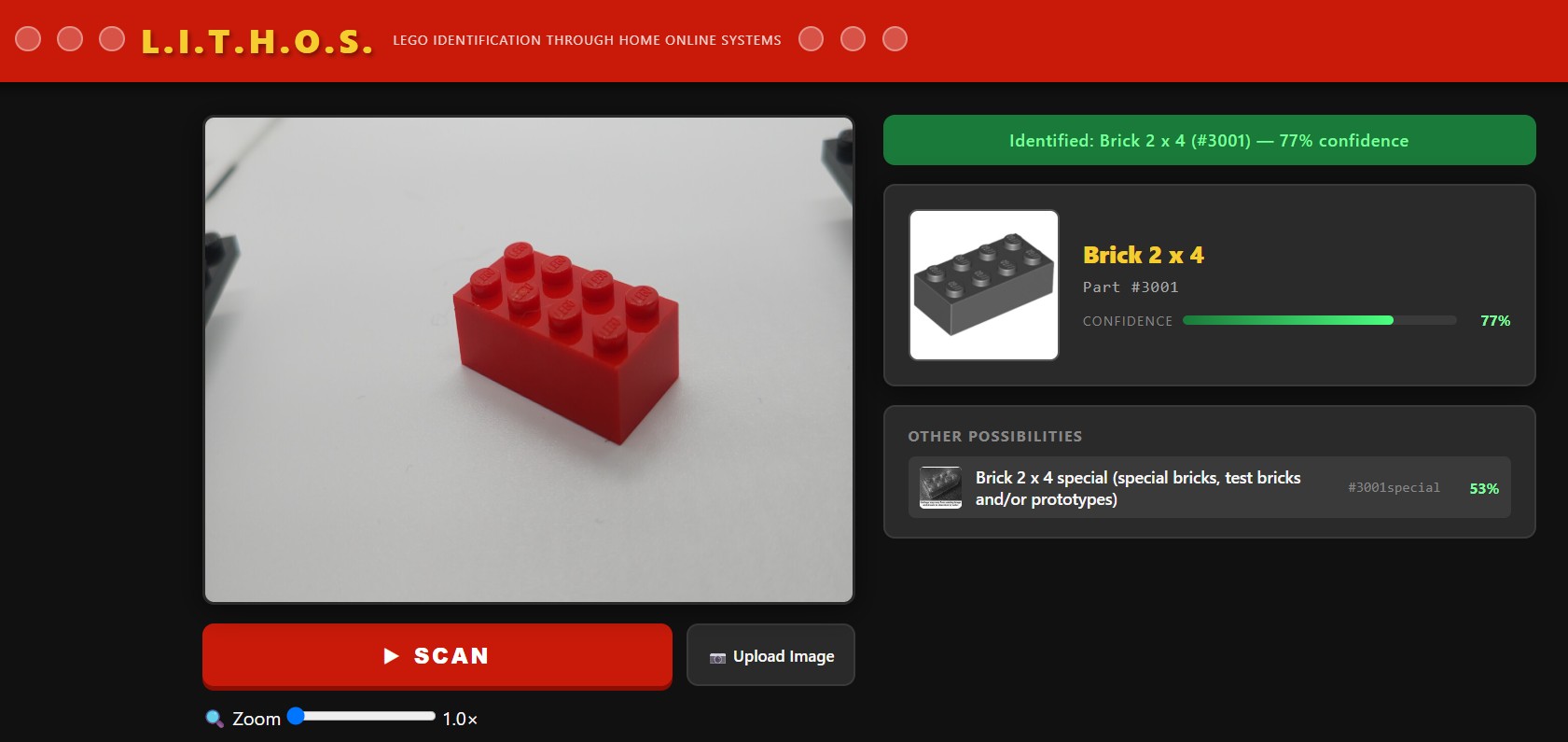
Point a camera at a LEGO piece → get the part number, name, and image instantly.
| Item | Notes |
|---|---|
| Raspberry Pi 5 | Main unit |
| Pi Camera Module 3 | Connects to CSI port |
| Photo lightbox tent (30cm cube) | Collapsible cube with built-in LEDs and white backdrop — provides even, shadow-free lighting. Search "product photography lightbox" on Amazon (~$20-35) |
| Small screen (optional) | Official 7" touchscreen or any HDMI display |
| MicroSD card | 16GB+ with Raspberry Pi OS (64-bit) |
| HDMI cable | Mini to micro; the raspberrypi has a micro and the small screens usually need the mini |
Use Raspberry Pi Imager to flash Raspberry Pi OS (64-bit) to your SD card.
Enable SSH and set your username/password in the imager settings.
sudo raspi-config
# Interface Options → Camera → Enable
sudo rebootgit clone https://github.com/DreamThief/lithos.git /home/$USER/lithos
cd /home/$USER/lithos
python3 -m venv venv --system-site-packages
source venv/bin/activate
pip install -r requirements.txtNote:
picamera2is a system-level package on Pi OS. The--system-site-packagesflag is required so the venv can see it. Do notpip install picamera2.
source /home/$USER/lithos/venv/bin/activate
cd /home/$USER/lithos/backend
uvicorn main:app --host 0.0.0.0 --port 8000
Then open http://localhost:8000 in Chromium on the Pi, or visit http://<pi-ip>:8000 from any device on your network.
Create a systemd service so L.I.T.H.O.S. starts automatically on boot:
sudo nano /etc/systemd/system/lithos.servicePaste:
[Unit]
Description=L.I.T.H.O.S. LEGO Scanner
After=network.target

[Service]
User=YOUR_USERNAME
WorkingDirectory=/home/YOUR_USERNAME/lithos/backend
ExecStart=/home/YOUR_USERNAME/lithos/venv/bin/uvicorn main:app --host 0.0.0.0 --port 8000
Restart=always

[Install]
WantedBy=multi-user.target
sudo systemctl enable lithos
sudo systemctl start lithosThe camera module gracefully falls back to a placeholder image when picamera2 is not available, so you can develop and test the UI and identification logic on your laptop.
cd backend
uvicorn main:app --reload
Use the Upload Image button to test identification without a physical camera.
lithos/
├── backend/
│   ├── main.py         # FastAPI app — routes for stream, scan, upload
│   ├── camera.py       # Camera abstraction (Pi + dev fallback)
│   └── identify.py     # Brickognize API integration
├── frontend/
│   ├── index.html      # Single-page UI
│   ├── style.css       # LEGO-themed dark UI
│   └── app.js          # Fetch calls, result rendering
├── requirements.txt
└── README.md
camera.pycaptures a JPEG frame from the Pi Camera viapicamera2identify.pyPOSTs the image to the Brickognize API- Brickognize returns a ranked list of LEGO parts with names, IDs, and reference images
- The web UI renders the top match with a confidence bar, plus alternative candidates
Press Spacebar to trigger a scan (same as clicking the SCAN button).