This repository was archived by the owner on Oct 13, 2025. It is now read-only.
How to Translate DynamicLSPDFR
- Create your crowdin account. (Omitted Here)
- Open the translation page of crowdin.
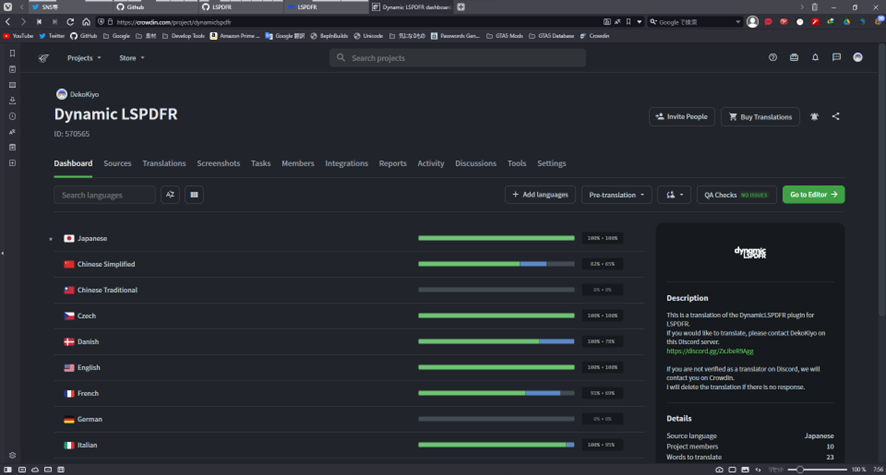
- Choose your Language.
- Open any file.
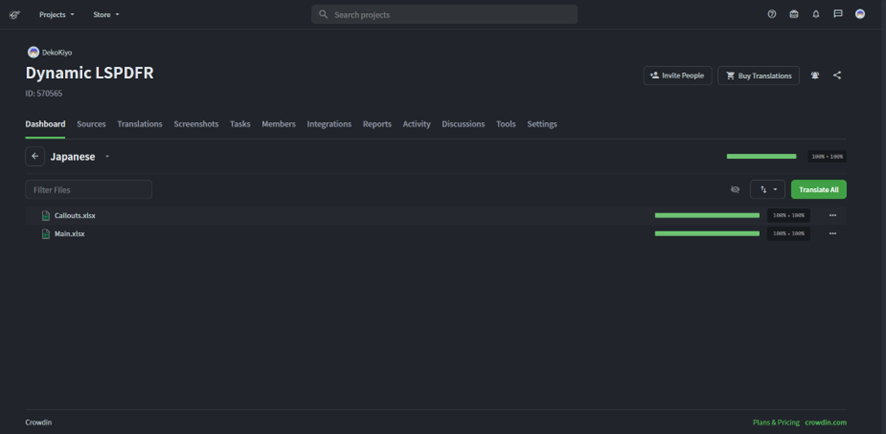
Warning
There are multiple files but don't forget to translate them all.
This is the translation page.
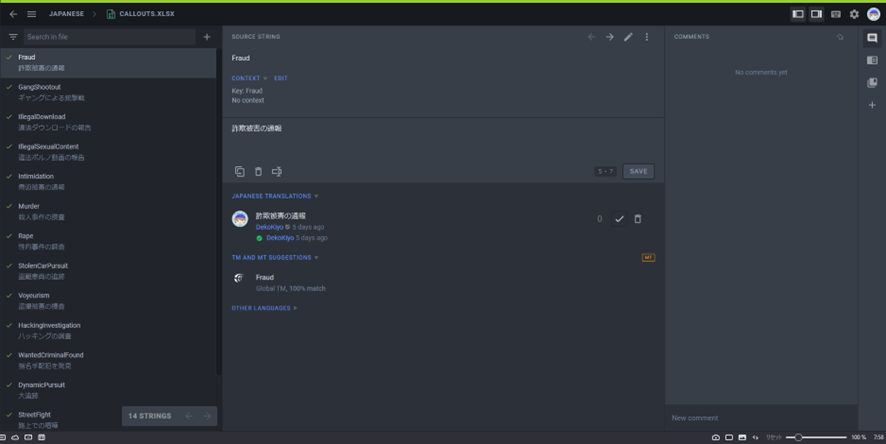
- First, check English Translate.
Click to open “OTHER LANGUAGES” tab.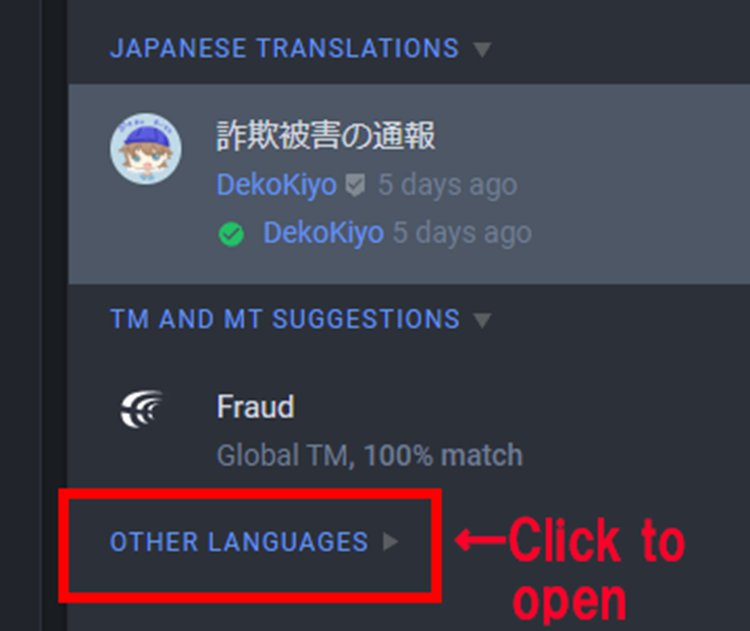
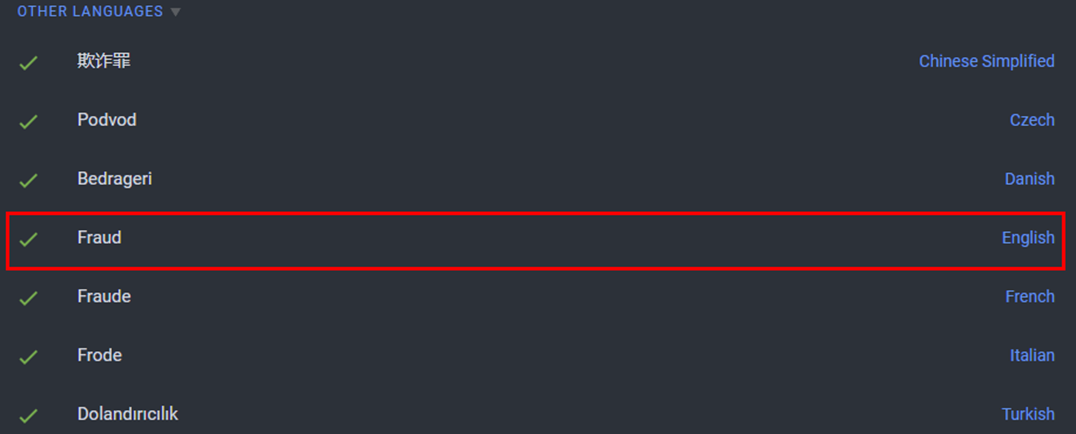
- Translate from English Translation.
Warning
Don’t forget to save!
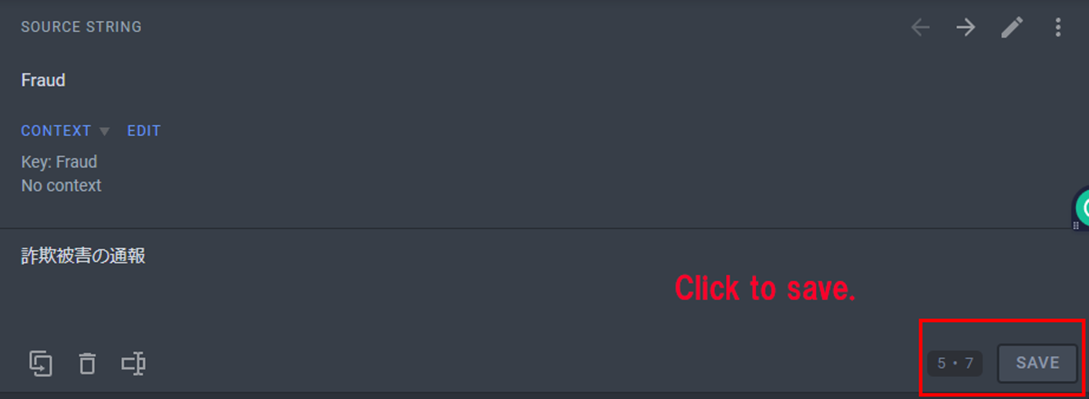
- You must check English Translation and Translate from English Translation.
The keys are used to programmatically manage.
Therefore, please refer to the English translation that is used in the game as a reference for the translation.
- You can freely decide the placement of Rockstar's string tags.
Ex:
s,oetc.
- Don't translate languages you don't understand.
- {0} and {1} etc. are inserted with different values by the program.
If they are included, please do not delete them.
If it's gone, I don't approve of it.