


Home Assistant custom integration for Siyakhokha bills, payment/debit history, batch payments, and PDF access.


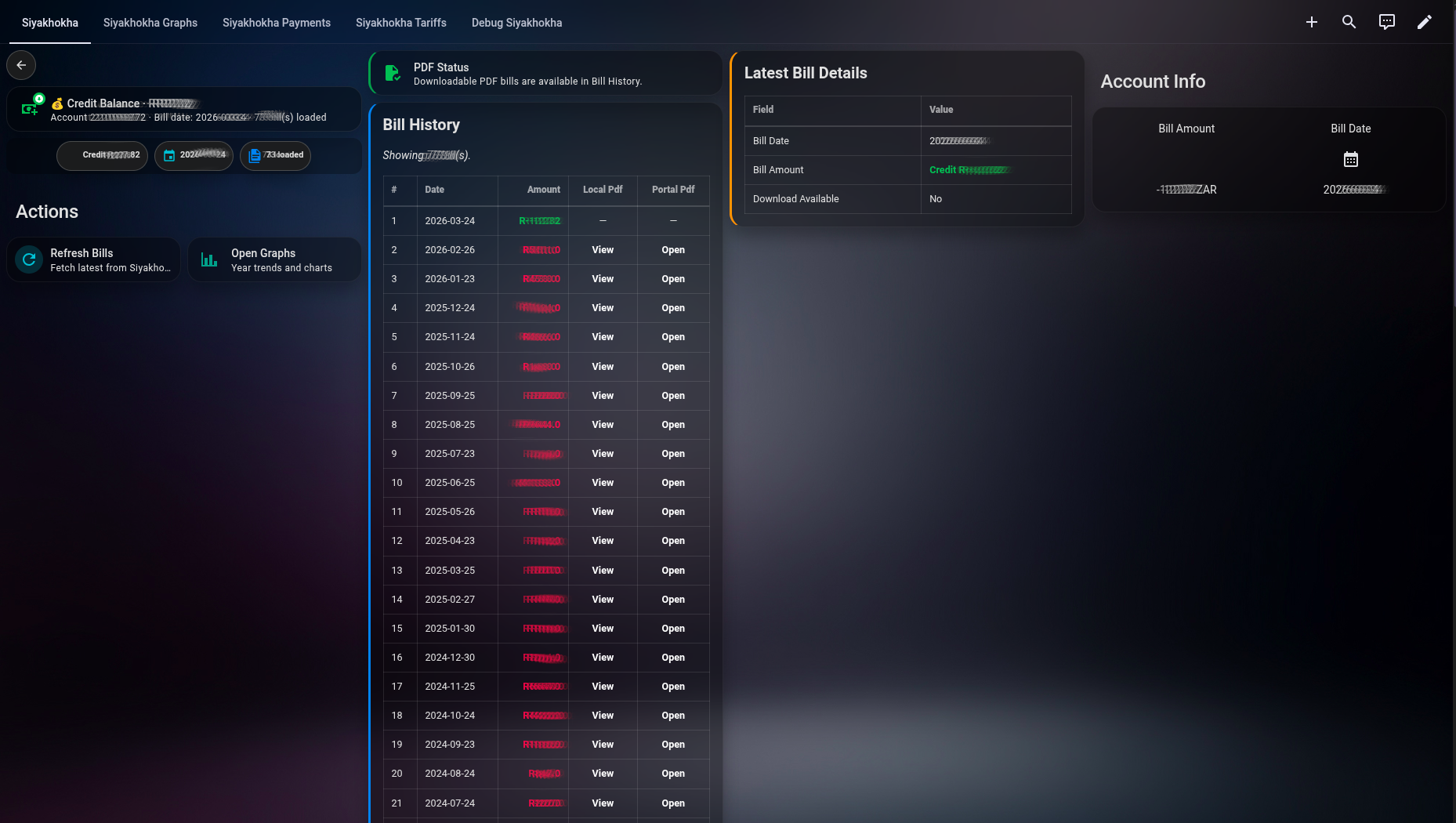
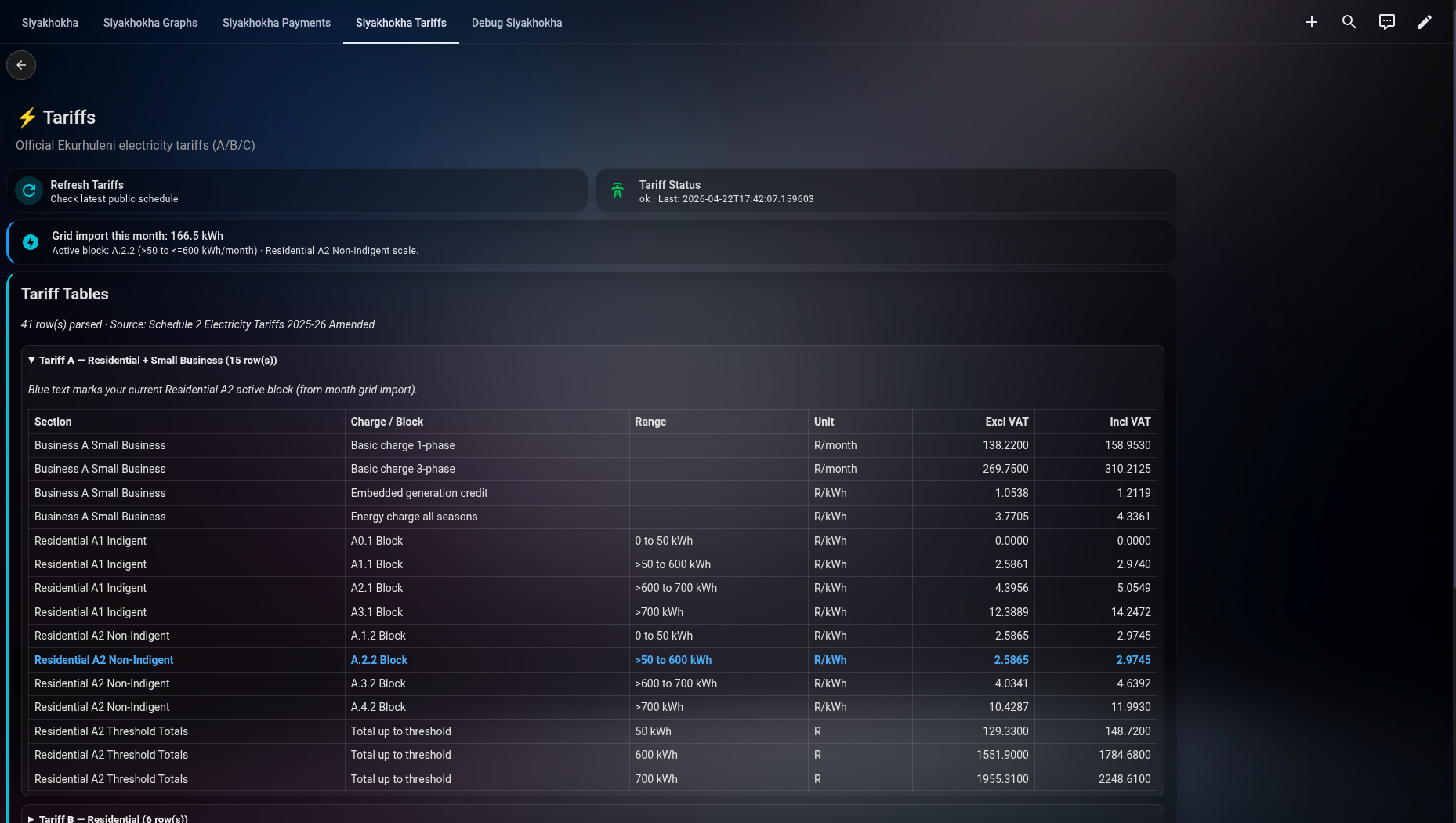
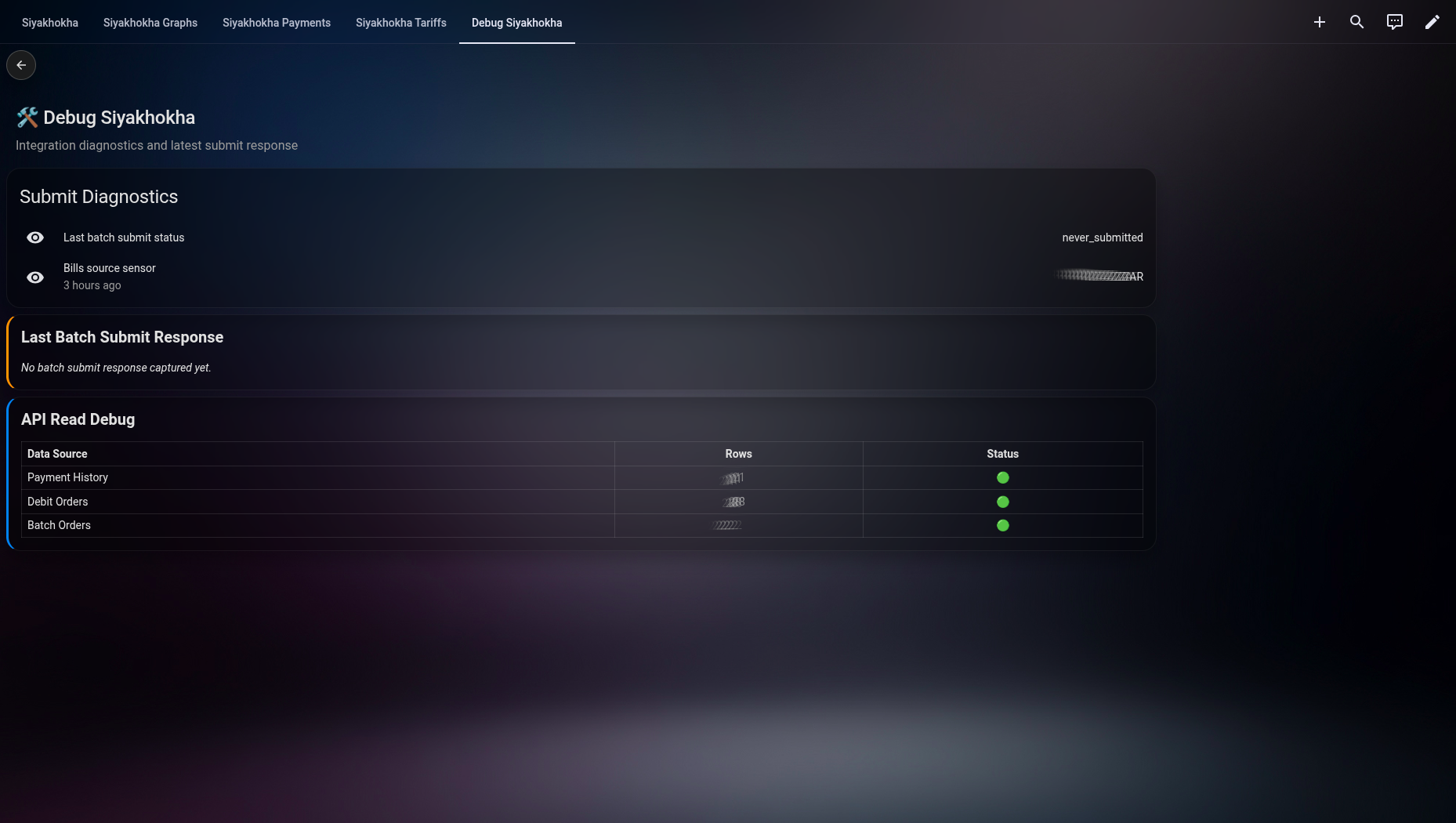
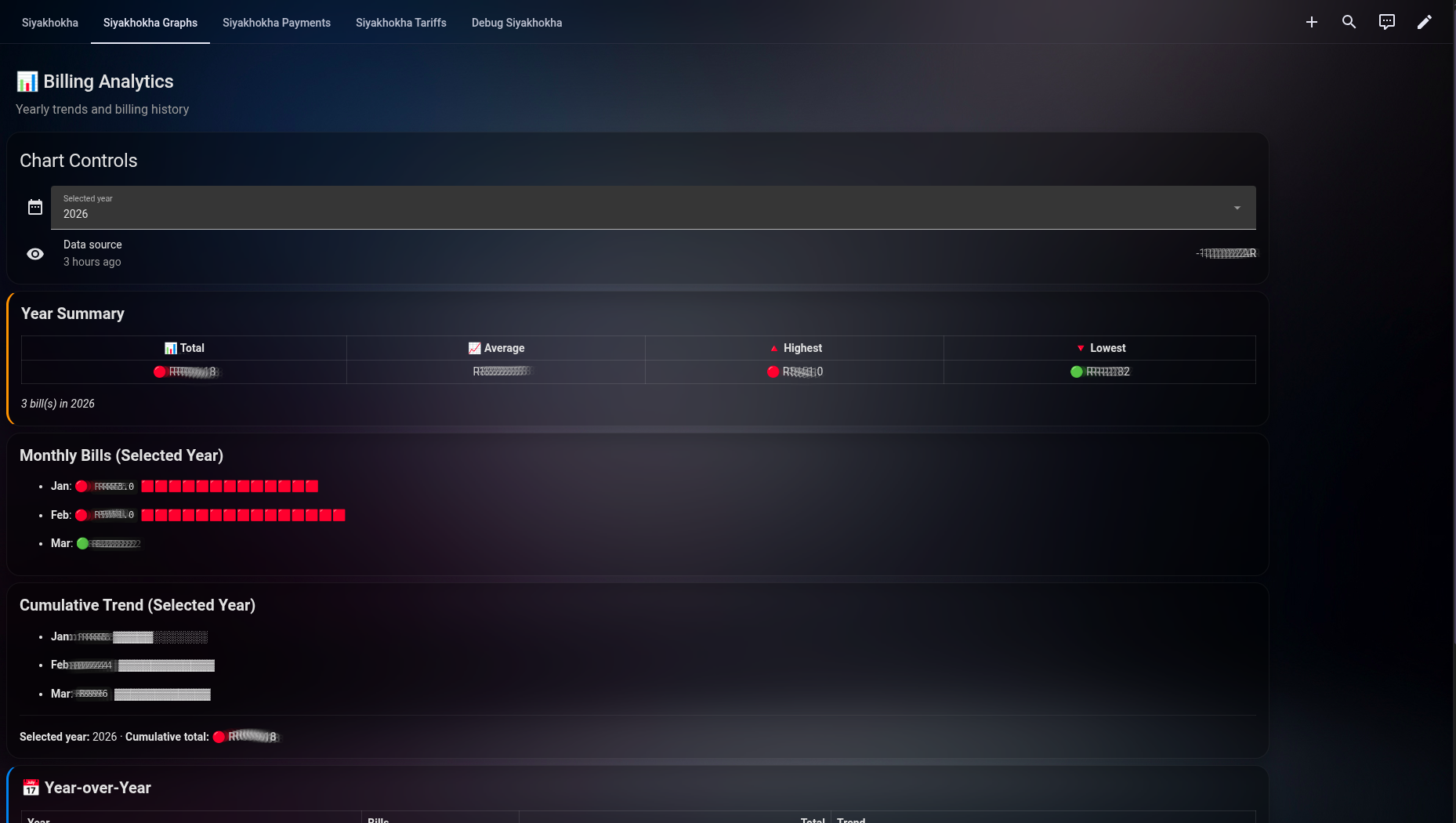
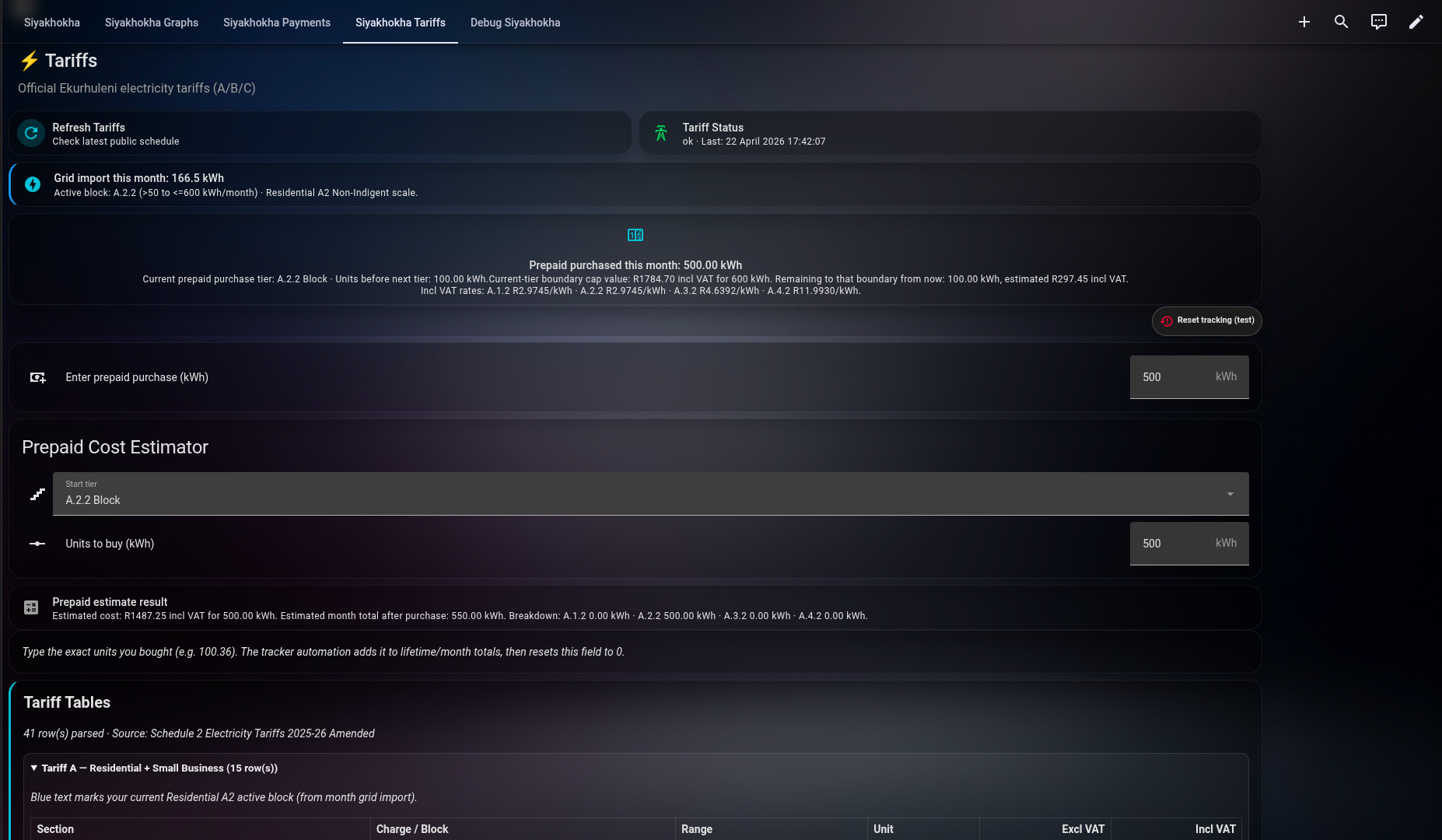
Visual preview from the included dashboard setup:
 |
 |
 |
 |
 |
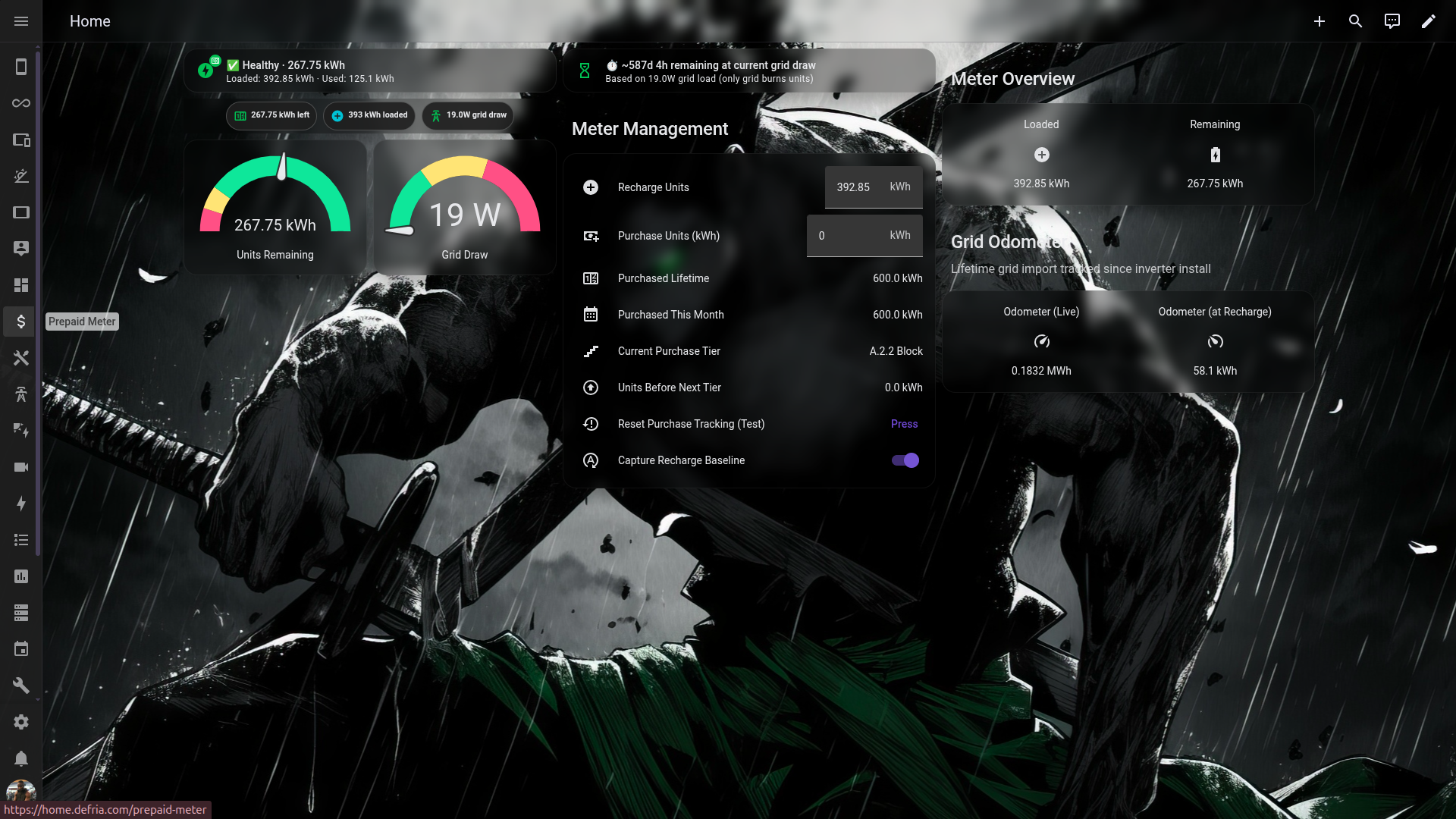 |
For the full screenshot set and replication guide, see examples/README.md.
- Fetches Siyakhokha municipal bills and historical bill rows.
- Fetches live account balance (current portal balance, due date, next debit-run date).
- Fetches customer profile (holder, name, email, phone, physical address) as diagnostic sensors.
- Auto-discovers linked municipal accounts at setup — single account picked automatically, multi-account setups get a dropdown.
- Fetches payment history, debit orders, and batch orders.
- Exposes local-first and portal PDF URLs for downloadable bills.
- Supports once-off batch payment submission and single debit-order submission via Home Assistant services.
- Exposes A.1.2 Block residential tariff (Excl/Incl VAT) sourced from the Ekurhuleni Schedule 2 PDF (manual refresh).
- Exposes debug attributes for submit response and API row counts.
- Supports configurable polling intervals from 30 minutes up to 31 days.
- Open HACS.
- Go to
Custom repositories. - Add
https://github.com/Defria/siyakhokha-bridgeas typeIntegration. - Install
Siyakhokha Bridge. - Restart Home Assistant.
- Go to
Settings -> Devices & Services -> Add Integration. - Search for
Siyakhokha Bridgeand complete setup.
- Copy
custom_components/siyakhokha_bridgeto/config/custom_components/siyakhokha_bridge. - Restart Home Assistant.
- Add from
Settings -> Devices & Services -> Add Integration.
- Configure in integration setup, or later via
Settings -> Devices & Services -> Siyakhokha Bridge -> Configure. - Range:
30to44640minutes. - Recommended values:
- Hourly:
60 - Every 6 hours:
360 - Daily:
1440 - Weekly:
10080 - Monthly:
43200(30 days) or44640(31 days)
- Hourly:
After you enter your Siyakhokha username and password, the integration calls /Profile/LoadAccounts
and auto-discovers all municipal accounts linked to your login.
- One account linked: it's selected automatically. No extra prompt.
- Multiple accounts linked: you'll see a dropdown listing each account with its description and holder name.
You can change which account is bound to a config entry later via the Configure button (Options flow), which also lets you update credentials, base URL, polling interval, and tariff refresh settings without removing and re-adding the integration.
sensor.latest_bill_amount— most recent statement amount (negative = credit)sensor.latest_bill_datesensor.latest_bill_pdf_urlsensor.last_batch_submit_status
sensor.current_balance— live portal balance (negative = credit)sensor.balance_due_datesensor.next_debit_run_date
sensor.account_descriptionsensor.account_holdersensor.customer_namesensor.customer_emailsensor.customer_phonesensor.customer_address
sensor.tariff_statussensor.tariff_last_refreshsensor.tariff_source_documentsensor.tariff_a2_block_0_50_exclsensor.tariff_a2_block_0_50_incl
button.refresh_billsbutton.open_latest_downloadable_bill
sensor.latest_bill_amount attributes include bills, payment_history, debit_orders, batch_orders,
accounts, account_info, current_balance, balance_due_date, balance_next_run_date, and latest PDF URLs.
Sign convention: balance/bill amounts preserve the upstream sign — negative means in credit, positive means owing, zero means settled. Dashboards colour-code accordingly (green / cyan / red).
PDF availability. The Siyakhokha portal now generates printable statement PDFs for credit accounts as well — the integration picks these up automatically. On rare occasions a row may still return
DownloadLink: "UNPAYABLE", in which case the dashboard shows—in the PDF columns; the row data (date, amount, identifier) remains available insensor.latest_bill_amountattributes.
siyakhokha_bridge.refreshsiyakhokha_bridge.submit_batch_payment
submit_batch_payment requires entry_id, account_numbers, amounts, and confirm: true.
Ready-to-import sample:
examples/siyakhokha-dashboard.yaml- Full replication guide and assets:
examples/README.md
It includes:
- bill summary + bill history table
- payment history and debit orders row popups
- batch-payment controls + submit card
- latest batch orders table for submit verification
- debug view for submit/API diagnostics
Install with HACS Frontend and refresh browser cache.
custom_components/siyakhokha_bridge/README.mdexamples/README.md
Special thanks to Heinz Meulke (tomatensaus):
The prepaid meter/tracker approach in this project was inspired by the above work.
This is a hobby project built for personal use, learning, and Home Assistant experimentation.
For official account actions and authoritative data, use the official City of Ekurhuleni portal:
Use this repository and all example dashboards/automations at your own discretion and risk. Always validate values before running payment-related actions.