
Try it: https://davidstor.github.io/grok-bot-editor/
Put animated bots on a photo and export a short video, for example a LinkedIn post about the tools you use. Everything runs in the browser: the photo never leaves your computer.
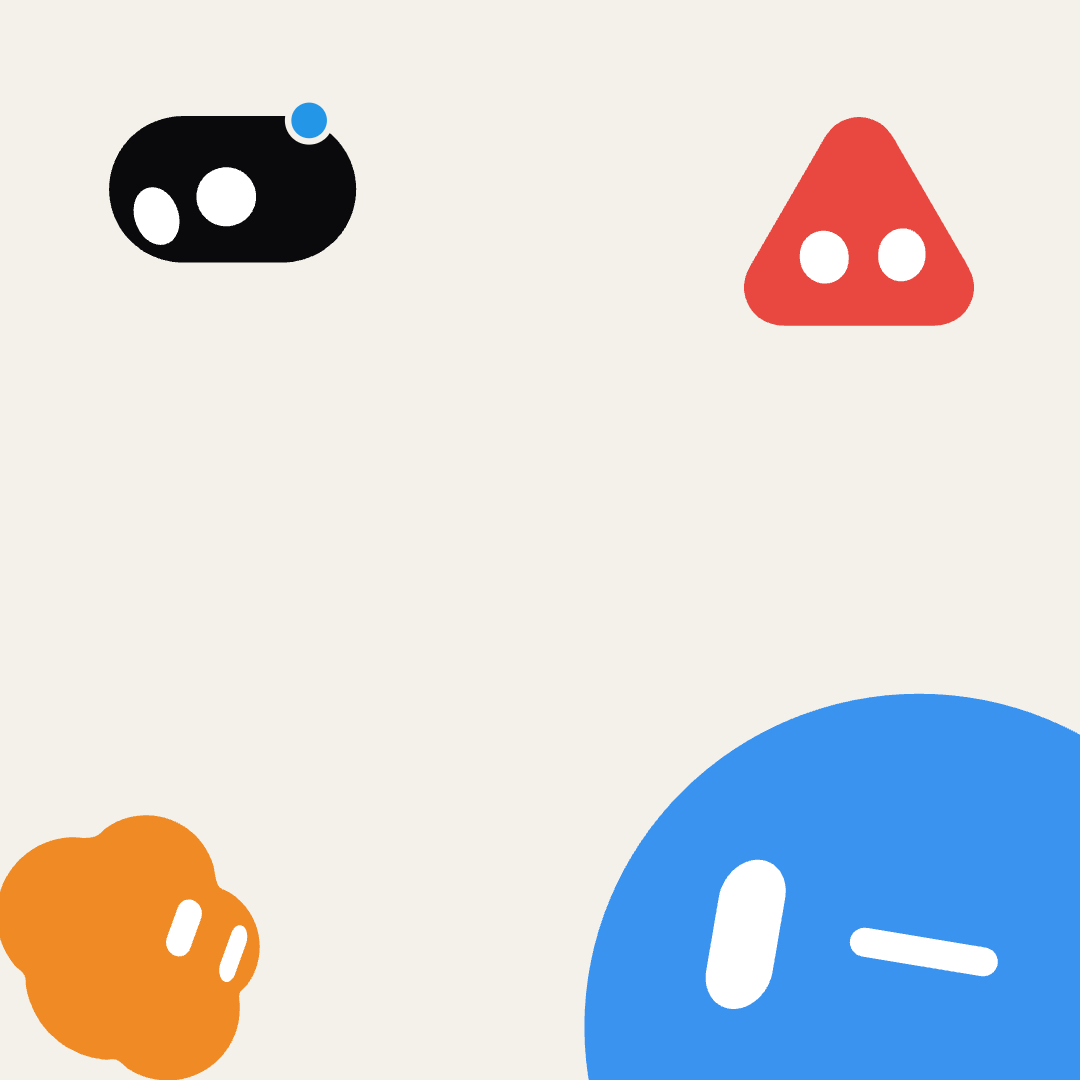
- Choose a photo. The canvas takes the photo's shape by default; pick a preset (square, 4:5, 9:16 …) if you need one.
- Add bots. Click a shape. Drag the bot into place on the canvas, or use the sliders. Pick a colour, a size, a rotation.
- Animate. Each bot has a timeline of animations that play one after the other. Click an animation in the picker to append it, hover to preview it. Idle blocks wear the bot's face; choose one from the face picker.
- Export. "Export video" renders every frame and saves an MP4 (Chrome). "Save project" keeps everything, photo included, in a file you can load again later.
The bot's gaze normally follows the animation. If you want it to look at the person in the photo, click "Look at the middle of the photo" (or set the head-turn sliders and raise "hold gaze").
| File | What it is |
|---|---|
index.html |
The page. |
editor.css |
Its styles. |
editor.js |
The editor: photo, canvas, bot list, controls, timeline, MP4 export, project save/load. |
bloub-engine.js |
The bot engine: a plain-JavaScript port of bloub, plus a canvas renderer and a timeline sampler. |
No build step, no dependencies. Open index.html in Chrome, or serve the folder with python3 -m http.server.
Video export loads one library at run time, mp4-muxer, from jsDelivr.
The shapes, the eyes, the 14 animations, the 16 faces and all their timings are bloub's: Jérémy Perret cut
x.ai's bot video into frames and measured everything (silhouettes by ray casting, eyes by capsule fitting).
bloub-engine.js translates src/bot/*.ts from that project to browser JavaScript, with two additions of its
own: a Canvas 2D renderer and Bloub.sampleTimeline(blocks, t, options), which plays a list of
[state, seconds, face?] blocks and returns the frame at time t. bloub's per-shape eye-offset table was not
ported, so eyes on the triangle and droplet sit slightly differently than in bloub itself.
Using the engine on its own:
const frame = Bloub.sampleTimeline([['idle', 2], ['wink', 2]], 3.0, { shape: 'cloud', expression: 'happy' });
ctx.translate(x, y); ctx.scale(pixelRadius / Bloub.RAYON, pixelRadius / Bloub.RAYON);
Bloub.drawFrame(ctx, frame, { bodyColor: '#f08a24', eyeColor: '#fff', paper: '#fff' });MIT, see LICENSE. bloub-engine.js carries bloub's MIT notice. This is an unofficial fan tool: it is
not affiliated with, endorsed by or connected to x.ai, and "Grok" and "x.ai" belong to their owners.