This is a template for creating a Tauri desktop application using modern web technologies.
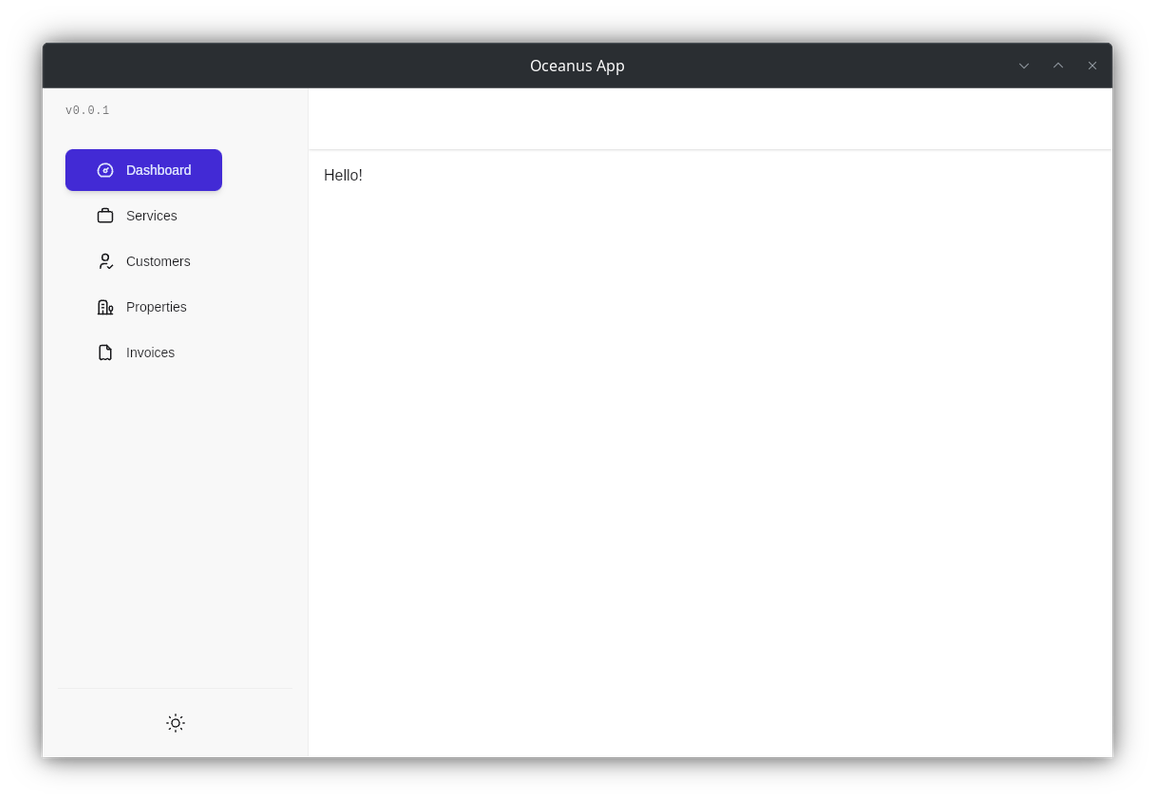
- Tauri v2: The latest version of Tauri, providing improved performance and new features.
- TailwindCSS & DaisyUI: Modern CSS frameworks for styling your application, replacing the previous BulmaCSS setup.
- No Specta Type Generation: For now, Typescript type generation is not included. I may look for an alternative in the future.
- SQLx Database Integration: The backend utilizes SQLx for database interactions with a SQLite database.
To get started with this template, follow these steps:
-
Clone the repository:
git clone https://github.com/yourusername/tauri-template.git cd tauri-template -
Install dependencies:
pnpm install
-
Start the development server:
pnpm tauri dev
The project structure is organized as follows:
src-tauri/: Contains Tauri-specific code, including database setup and logic.src/: Contains the frontend code.public/: Contains static assets.
The Tauri configuration file is located at src-tauri/tauri.conf.json. You can customize this file to fit your needs.
This application uses SQLite as its database, managed through the SQLx Rust crate. Here's how it works:
- Database Location: The database file (
data.db) is stored within a dedicated directory created in the user’s configuration folder (~/.config/oceanus-tauri-app). - Initialization: The
init_db()function (located insrc-tauri/src/utils/db.rs) handles database initialization:- It creates the necessary directory if it doesn't exist.
- It establishes a connection to the SQLite database using SQLx.
- It runs any pending database migrations defined in the
./src/utils/migrationsdirectory.
- Accessing the Database: The
get_db()function provides access to the sharedSqlitePoolinstance, allowing you to execute queries from your Rust backend code.
To build the application for production, run:
pnpm tauri buildThis will create a distributable version of your Tauri desktop application.
For more information about Tauri, visit the official Tauri documentation.
For more information about TailwindCSS, visit the official TailwindCSS documentation.
For more information about DaisyUI, visit the official DaisyUI documentation.
For more information about SQLx, visit the official SQLx documentation.