4. Interface Settings
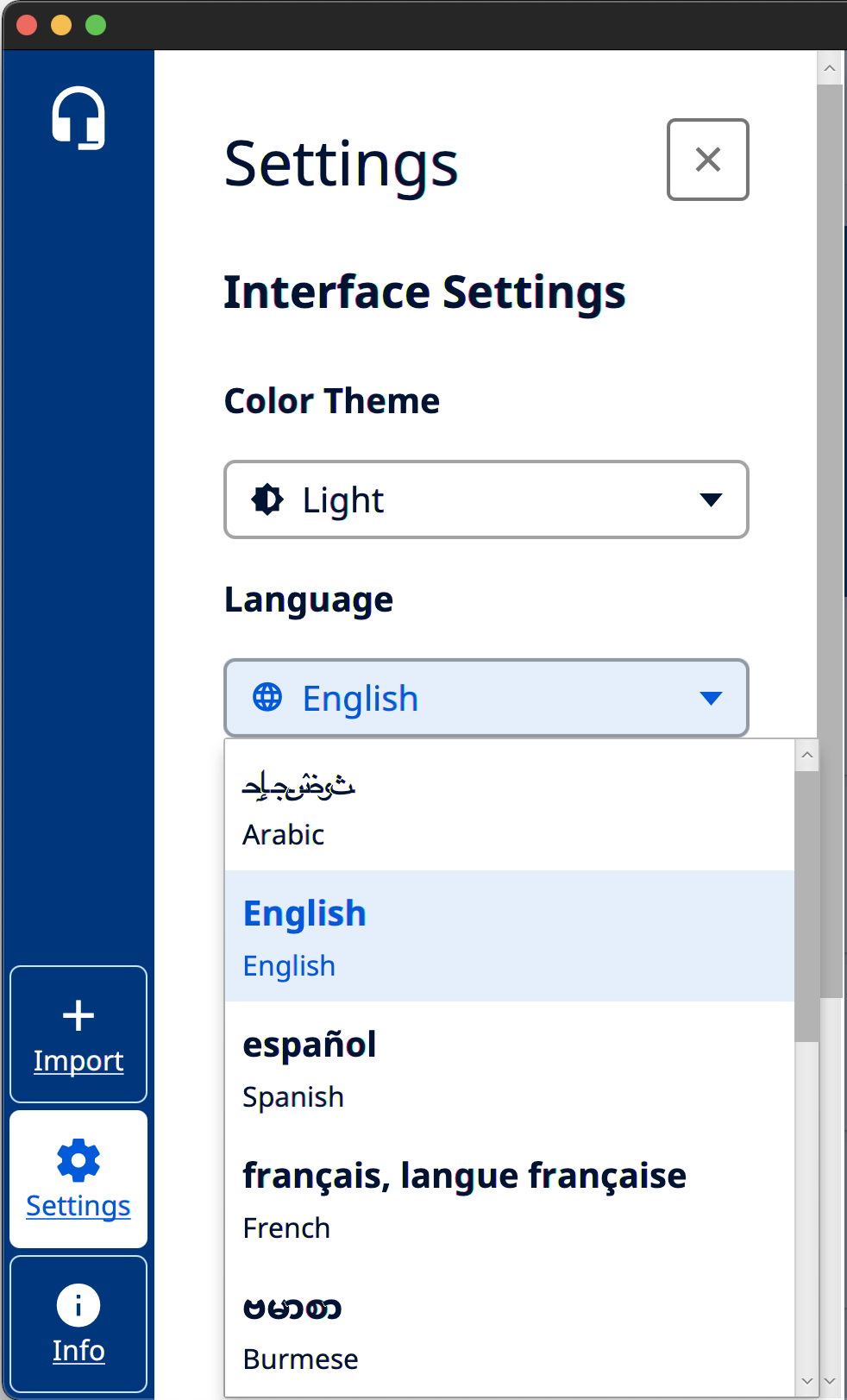
Orature includes a Light and Dark theme, which can be changed by opening the Settings drawer on the application bar. Orature attempt to use the system theme by default.

Orature includes localization into several languages. By default, Orature will attempt to use the system language, but this can be changed by opening the Settings drawer on the Application Bar. Changing a language will require restarting Orature in order to take effect.
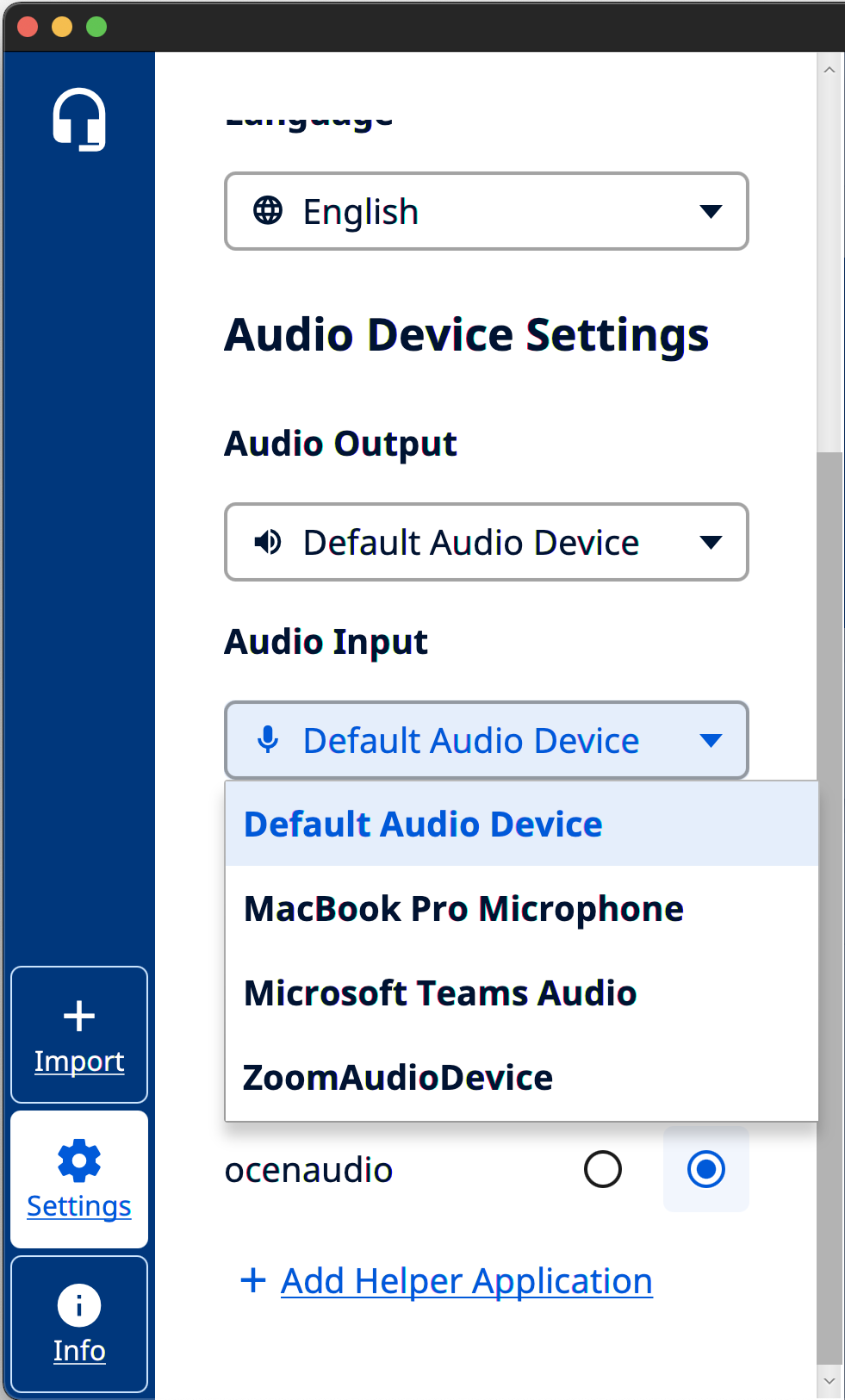
Orature can use various audio devices for audio recording and playback. By default, Orature will use the system defaults. To change a device, open the Settings drawer on the Application Bar.
Note that often video conferencing applications such as Microsoft Teams and Zoom can show up as available devices. Orature can be used over these applications and members of the meeting can record into Orature if using a screen share with sharing audio.