ComfyUI custom nodes for the Wan 3.0 API, delivered through Muapi.
The pack follows the focused Muapi workflow pattern: add one API Key node, connect it to a Wan 3.0 generation node, then preview the returned IMAGE output or save the returned media URL into ComfyUI/output.
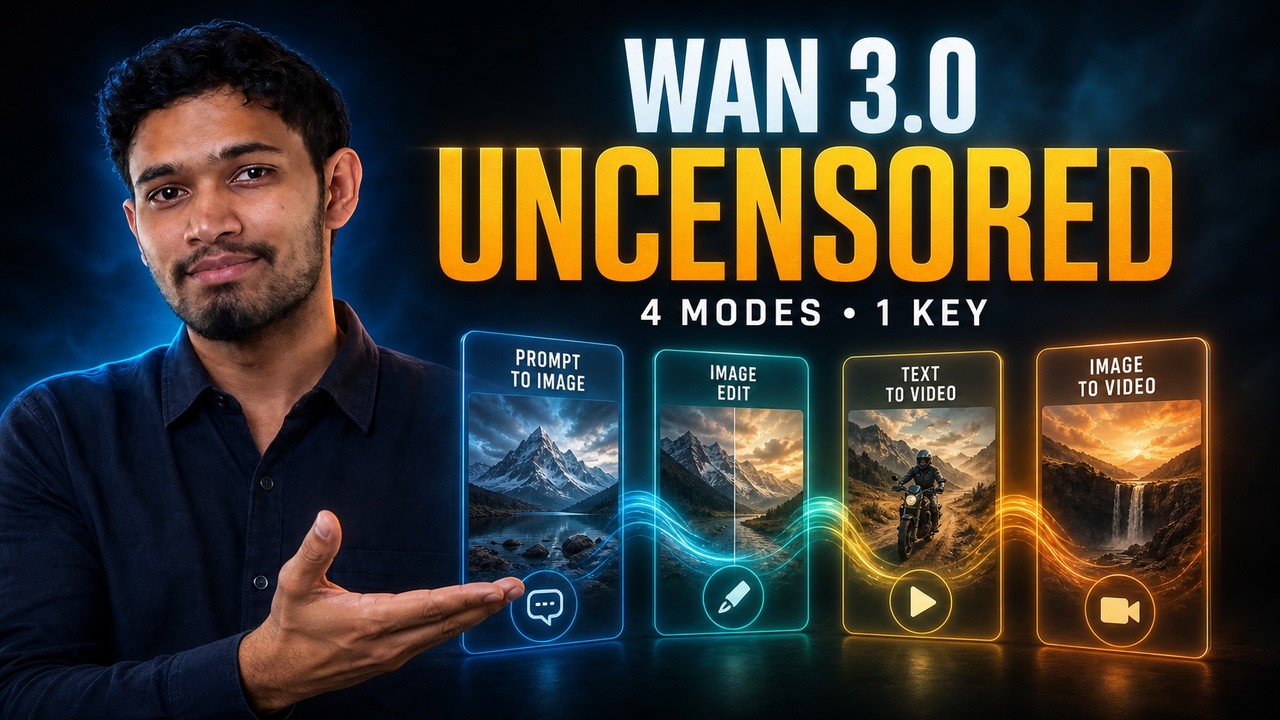
▶ Watch: How to Access Wan 3.0 API - Best Uncensored Alternative to Seedance 2
- Wan-3.0-API — Python SDK and MCP server for Wan 3.0-compatible video workflows.
- Wan-3.0-Prime-API — Python SDK and MCP server for the higher-fidelity Wan 3.0 Prime tier.
- Open-Generative-AI — Open-source media studio that uses MuAPI for image and video workflows.
- muapi-comfyui — General MuAPI ComfyUI node pack.
- seedance2-comfyui — Seedance 2 custom nodes and workflows for ComfyUI.
- seedance2.5-comfyui — Native Seedance 2.5 custom nodes and workflows for ComfyUI.
- veo3.1-comfyui — Veo 3.1 custom nodes and workflows for ComfyUI.
- FLUX 3 ComfyUI — focused Muapi nodes for FLUX 3 image and video workflows.
- MiniMax H3 ComfyUI — focused Muapi nodes for MiniMax H3 video workflows.
- Muapi API reference — shared authentication, polling, and upload behavior.
| Node | What it does |
|---|---|
| Wan 3.0 API Key | Stores one Muapi API key for the workflow. |
| Wan 3.0 Text-to-Video | Generates a video with synchronized audio from a text prompt (resolution, aspect ratio, duration, thinking mode, seed). |
| Wan 3.0 Image-to-Video | Animates one source image with a motion prompt, with optional end-frame guidance and the same audio/thinking-mode/duration controls. |
| Wan 3.0 Reference-to-Video | Generates a video guided by up to 10 reference images, 5 reference videos, and 5 reference audios. |
| Wan 3.0 Text-to-Image | Generates an image from a text prompt. Coming soon — registered but not yet live on Muapi. |
| Wan 3.0 Image Edit | Applies an instruction prompt to a source image. Coming soon — registered but not yet live on Muapi. |
| Wan 3.0 Save Image | Downloads an image URL to ComfyUI/output and returns an IMAGE. |
| Wan 3.0 Save Video | Downloads a video URL to ComfyUI/output and returns decoded frames. |
Copy this directory into ComfyUI/custom_nodes/wan-3.0-comfyui, then install the dependencies in the same Python environment ComfyUI uses:
pip install -r ComfyUI/custom_nodes/wan-3.0-comfyui/requirements.txtRestart ComfyUI. The example workflows can be loaded with File → Load.
Included examples:
Wan30_T2I_Example.jsonWan30_I2I_Example.jsonWan30_T2V_Example.jsonWan30_I2V_Example.json
Use the 🔑 Wan 3.0 API Key node and connect its output to a generation node. Alternatively, leave the node field empty and configure one of these:
export MUAPI_API_KEY="your_muapi_key"or:
muapi auth configure --api-key YOUR_KEYThe nodes also read ~/.muapi/config.json when it contains an api_key field. Keys are only used for requests and are not written into generated workflow files unless you explicitly save them in a node field.
- Add 🔑 Wan 3.0 API Key.
- Add 🎬 Wan 3.0 Text-to-Video. Set
resolution,aspect_ratio,duration(2-30s),thinking_mode,enable_audio, andseedas needed. - Connect
video_urlto 🎬 Wan 3.0 Save Video andfirst_frameto Preview Image.
Connect Load Image → IMAGE to 🎬 Wan 3.0 Image-to-Video, or provide a hosted URL/local path in image_url. The node uploads a connected ComfyUI image before submitting the generation request. Use last_image_url to steer the generated video toward a specific end frame.
Add 🎬 Wan 3.0 Reference-to-Video and list one or more reference URLs (newline- or comma-separated) in reference_images (up to 10), reference_videos (up to 5), and/or reference_audios (up to 5). Reference media are identified by their order within each field, so the prompt can refer to "the first reference image" or similar.
🖼️ Wan 3.0 Text-to-Image and 🖌️ Wan 3.0 Image Edit are included for when Muapi ships these endpoints, but calls to them currently fail — the underlying Wan 3.0 image models are not yet live.
| Workflow | Endpoint | Request body |
|---|---|---|
| Text-to-video | POST /api/v1/wan3.0-text-to-video |
prompt, resolution, aspect_ratio, duration, thinking_mode, enable_audio, seed |
| Image-to-video | POST /api/v1/wan3.0-image-to-video |
prompt, image_url, last_image (optional), plus the same video params |
| Reference-to-video | POST /api/v1/wan3.0-reference-to-video |
prompt, images_list (≤10), videos_list (≤5), audios_list (≤5), plus the same video params |
| Text-to-image (coming soon) | POST /api/v1/wan3.0-text-to-image |
prompt |
| Image edit (coming soon) | POST /api/v1/wan3.0-image-edit |
prompt, image_url |
| Poll task | GET /api/v1/predictions/{request_id}/result |
— |
| Upload local image | POST /api/v1/upload_file |
multipart file |
All requests use the x-api-key header. Generation is asynchronous: the nodes submit a task, poll until it completes, and return the final URL plus an IMAGE tensor (the generated image or the video's first frame).
For local testing against a compatible Muapi deployment, set WAN_3_API_BASE_URL. Polling can be tuned with WAN_3_POLL_INTERVAL and WAN_3_MAX_WAIT.
Python 3.8+, requests, Pillow, numpy, and opencv-python. ComfyUI supplies the installed PyTorch runtime used by IMAGE tensors. For in-ComfyUI video playback, install ComfyUI-VideoHelperSuite.
MIT